
From the field · Models, games and collectibles
Bringing the warehouse in-house.
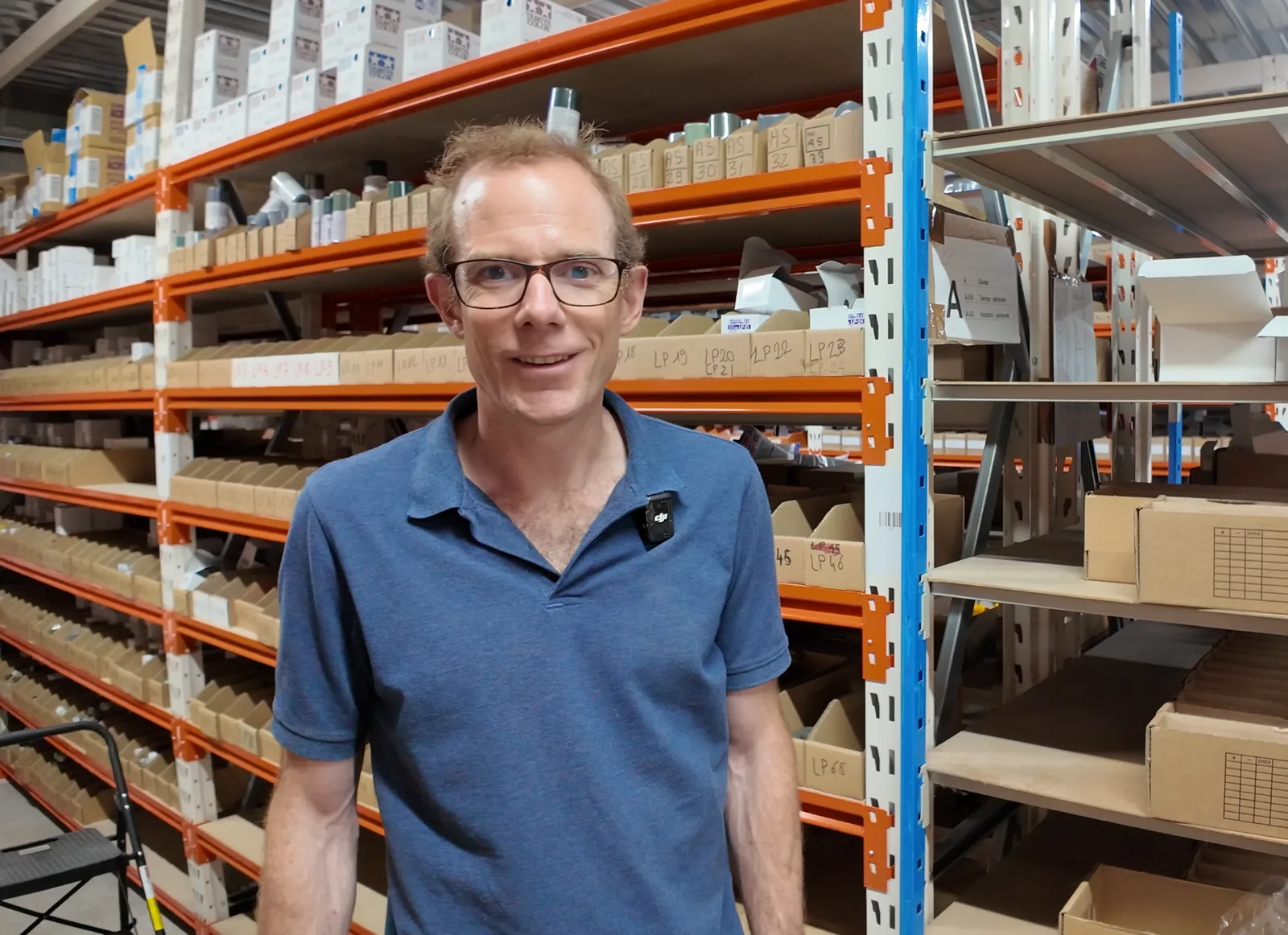
Nicolas VauvillierFounder and CEO, 1001 Hobbies
1001 Hobbies brought fulfillment in-house to get a better grip on costs and stay close to its products. Nicolas Vauvillier walks us through how his team works with myFulfillment, and what matters to him in working with Boostmyshop.
An operator opens a supplier carton at 1001 Hobbies and scans the products inside. myFulfillment flags whether a customer order is already waiting for each product; if none is, the product goes onto a shelf. All of this plays out across a catalog of more than 200,000 SKUs: model kits, board games and collectibles. Nicolas Vauvillier started the company with the model kits he grew up on, and brought fulfillment in-house to control costs and stay close to the products. At the time of the interview, he estimated an order took roughly 40% less time to prepare than when the in-house operation started.
Choosing BMS · Before signing
Adapting the tool to the warehouse.
Nicolas was looking for a tool he could configure, and a team that would listen to what his operation actually needed.
“I felt right away that we could adapt the tool, or have it adapted, to our needs.”
Before settling on myFulfillment, the team ruled out three routes: building its own WMS, installing an on-premises WMS that was costly to set up and license, or using another online tool that, in Nicolas’s view, lacked key features. Even before signing, what stood out for him was the relationship with the sales team and management.
Choosing a tool the team can adapt
The product journey
From receiving to packing.
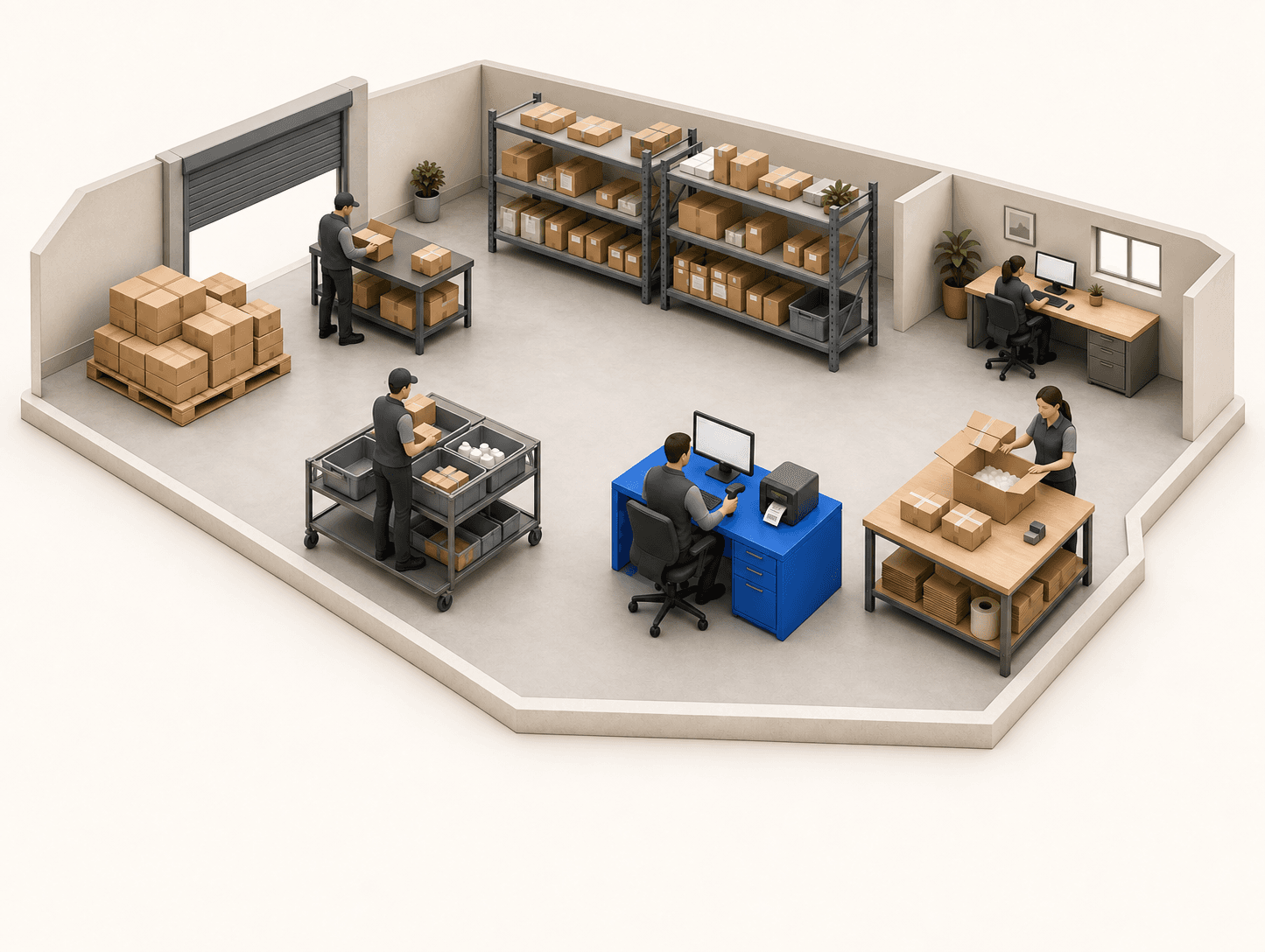
At the time of the interview, more than 80% of the catalog was not held in the warehouse, and more than 25% of orders were cross-docked. Sorting starts at receiving: products needed for pending orders go straight to order preparation, and everything else is put away, then picked in waves. Every order then passes through checking and packing.
01 / Receiving
Opening the supplier carton
Before a delivery arrives, the team logs what the supplier is due to send, then checks it off product by product as the carton is unpacked; myFulfillment flags any product a customer order is already waiting for.
Supplier carton open
Products handled one at a time
Scan the product
myFulfillment flags whether an order is waiting
Cross-docked to the order
Stock, then picking
Check and paperwork
- 01
Packing
“It arrives at receiving and goes back out to shipping an hour or two later, without ever passing through stock.”
Watch Nicolas open and scan the carton
02 / Stock
On the racks
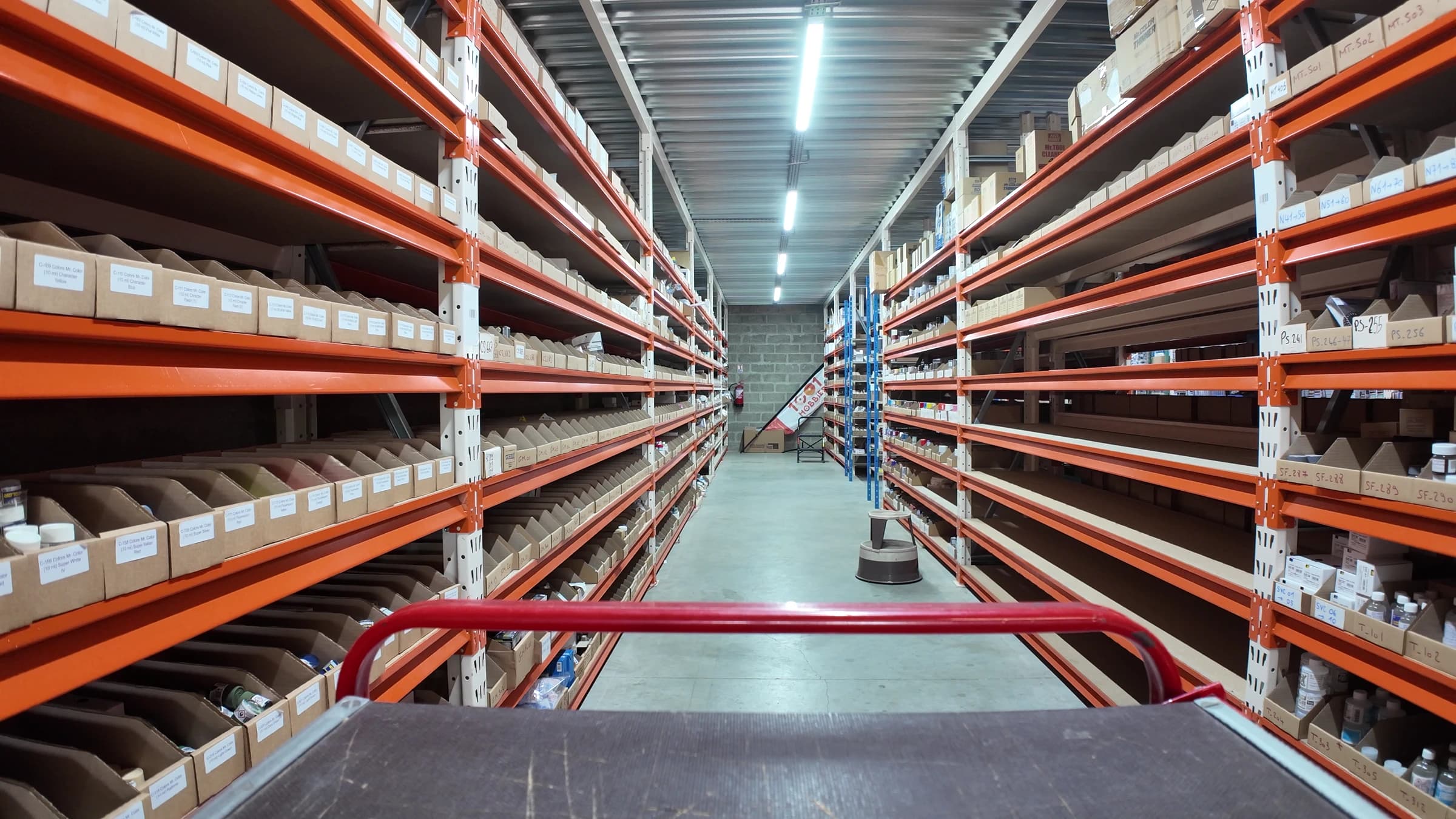
“It means the warehouse is always pretty full, with very little empty space, so we can store more products per square meter.”
The warehouse runs on chaotic storage: on arrival, the team puts products away wherever there is room. The operator scans the product, then the location, and myFulfillment records where it is for the next pick.
One SKU can sit in several locations, and one location can hold several SKUs.
03 / Order preparation
Loading the cart
Single-product wave
Everything loose on the cart.
Multi-product wave
One bin per order.
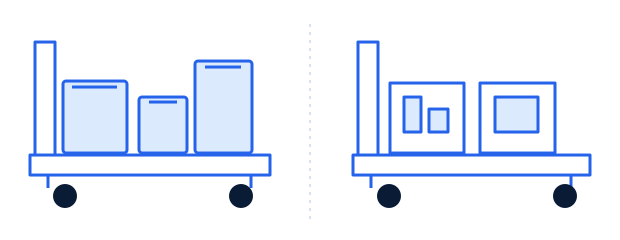
Each order contains a single item, so the operator puts the products loose on the cart without sorting them.
The operator uses a cart with small bins and pre-sorts items by order.
Waves are picked on a handheld, with the myFulfillment mobile app. The team can also build themed waves: only paints, for example, or only products from one area of the warehouse. For Nicolas, it is the app’s ease of use, themed waves included, that cuts the time spent on each picking run.
See both carts in use
04 / Checking and paperwork
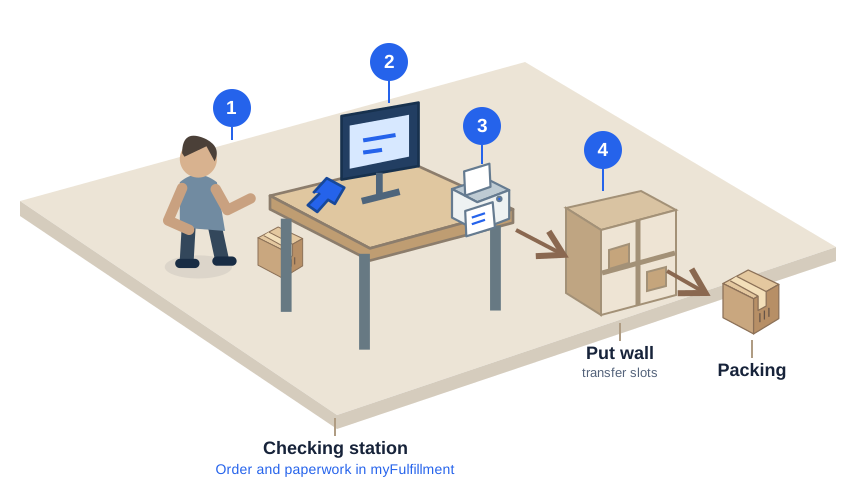
At the checking station
01 Scan
The operator scans one product from the order. myFulfillment opens the matching order record.
02 Check product by product
The operator then scans every product to ship. myFulfillment won’t let the shipment close until every item has been scanned.
03 Confirm and print
The operator confirms the carrier and the weight, then presses one button to print the shipping label and the packing slip together. For exports, myFulfillment also prints the paperwork needed, such as a CN23 declaration.
After picking, every order goes through this station before packing, without the operator having to look it up.
05 / Packing
After the check
At the packing station, there is nothing left to check or print: the order comes off the put wall with its paperwork, and all that remains is to box it.
See the pass through the put wall
With BMS · Day to day
Reporting a problem, suggesting an improvement
“We particularly appreciate how responsive the Boostmyshop teams are, both in fixing any day-to-day problems and in listening to our suggestions for improvement.”
The result, as Nicolas sees it: a tool that is "far more efficient and easier to use" than when they started.
Fix first, then evolve
“It’s a pretty robust solution, and one we’re entirely comfortable growing with for several more years.”
Before / After · The team’s work
What changed in the warehouse
A logistics provider a long way away, running its own processes, at a higher cost per order.
A team that runs its own warehouse and decides for itself how products are routed, stored and prepared.
Moving in-house gives 1001 Hobbies control over how the work is organized, at a cost Nicolas considers reasonable.
Order prep time when the in-house operation started.
At the time of the interview, Nicolas estimated it to be roughly 40% lower, with more improvements planned for the coming months.
The savings are in the time it takes to prepare an order.
A new tool to configure, in a warehouse that had just been brought in-house.
The team got up to speed on the tool in a few weeks, without difficulty.
For more advanced configuration, Nicolas says it can be worth calling on Boostmyshop or its partners.
What this example shows
Nicolas attributes the gain to three choices: sending products straight back out at receiving when an order is waiting, storing wherever there is room and running picks on the mobile app.

Your turn
Where are you losing time today?
Take your last supplier delivery. How many products already had a customer order waiting, and how many went to a shelf before shipping out?
That one case gives the Boostmyshop team a better place to start than a feature list.
Thanks to Nicolas Vauvillier and the 1001 Hobbies team for opening their warehouse to us and walking us through a working day.