
Will your warehouse hold up this peak season?
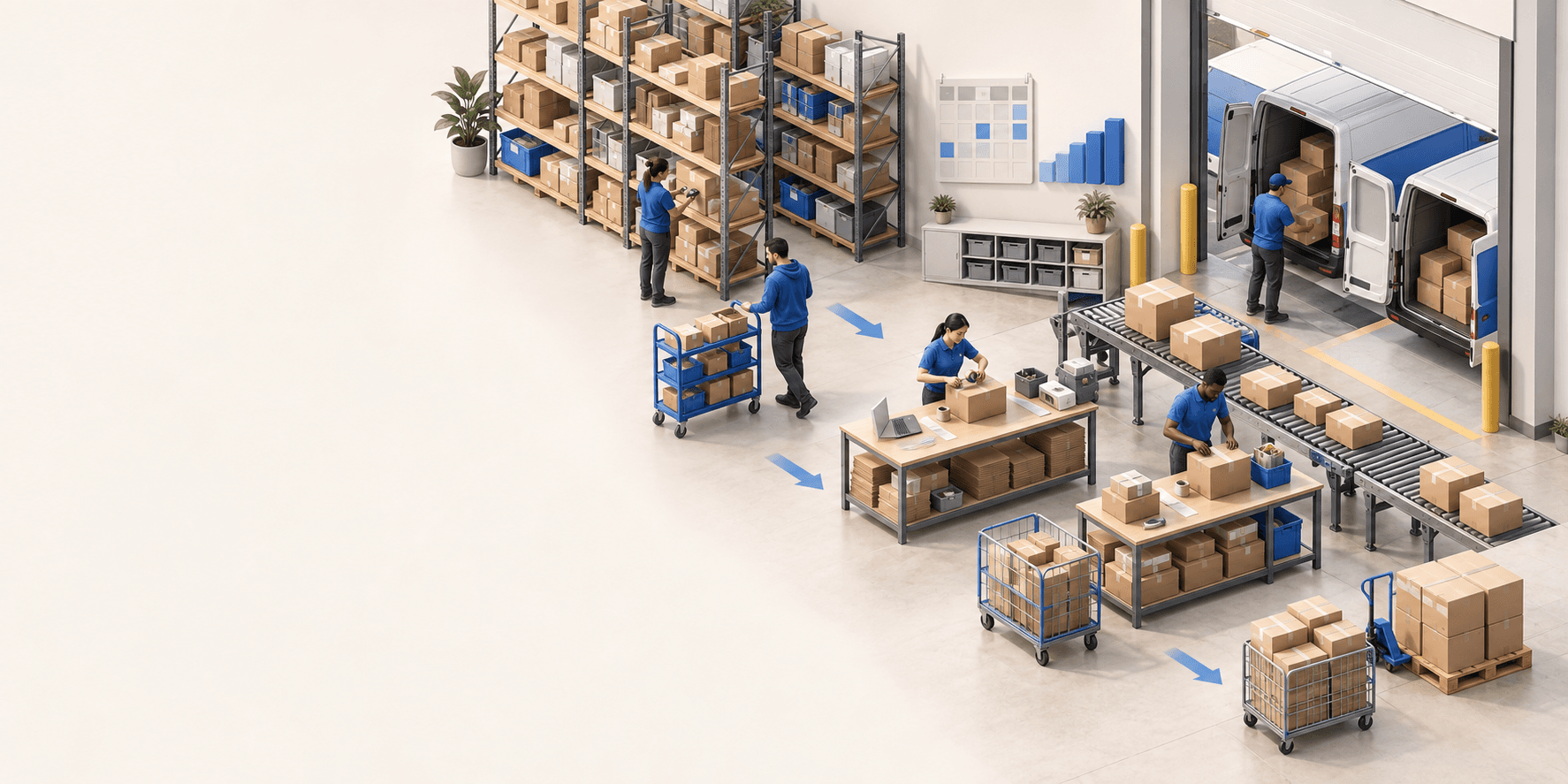
To hold up under peak volume, split the order queue into waves based on real operating constraints, then decide where barcode checks belong. At the packing bench, the operator verifies the parcel. Carrier rules select the service and print the label, so the next order can start without another decision.

The essentials
- Speeding up one step alone can move the bottleneck downstream. Picking gets faster, then the packing bench waits on labels; packing gets smoother, and urgent orders stay buried in the queue.
- What can justify a separate wave: a carrier pickup time, a marketplace promise, a single-item order, a warehouse zone, customs paperwork. Its size comes from the cart’s capacity and a route that can be picked in one pass.
- Scanning at picking checks the item as it leaves the shelf, and its location in chaotic storage; at packing it is the last barrier. Put it where it catches the error, without duplicating the check.
- The replay’s two workflows are not a template: a tote cart for multi-item orders, bulk picking for single-item ones. And hardware earns its place only by removing a step repeated on every parcel.
Slides and checklist
The session slides and a one-page checklist to review your own workflow.
Before a volume spike, improving one step can move the bottleneck downstream without anyone noticing. Picking speeds up, then the packing bench waits for labels. Packing gets smoother, but urgent orders remain buried in the queue. The replay shows how to look at the full chain. The FAQ covers the attendees’ questions about hardware, the mobile app, and V2.
Start with the constraints that shape the day
An order queue is not uniform. A carrier collection time, a marketplace promise, a single-item order, a warehouse zone, or customs paperwork may justify separate waves. Build each wave around the day’s constraints, the capacity of the trolley, and a route that can be picked in one pass. To compare bulk, tote, rack, and single-order picking, read our French guide to order preparation.
Decide where the barcode check matters
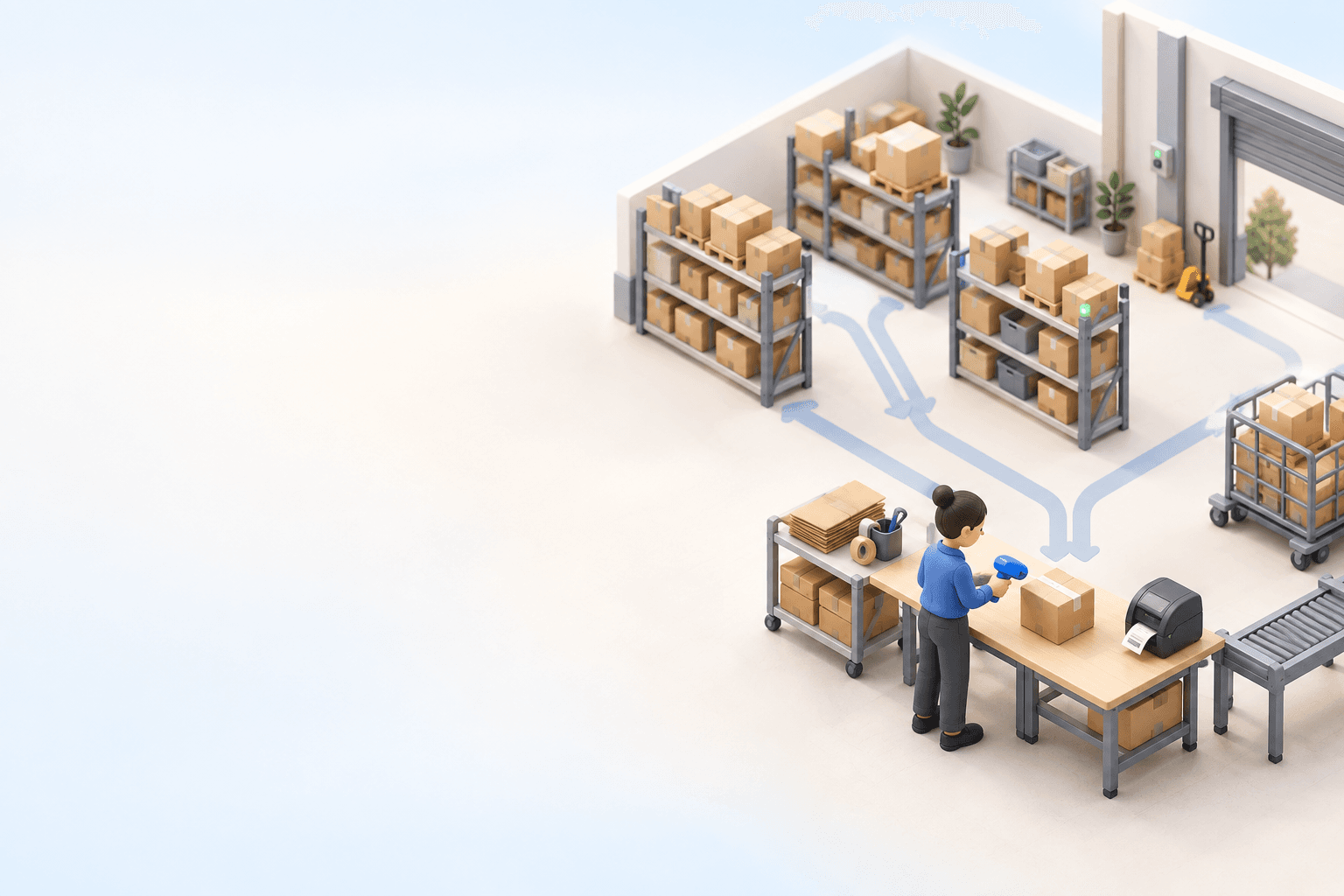
Scanning during picking checks the item as it leaves the shelf. In chaotic storage, the operator also scans the location. Other teams keep the check for packing, the last barrier before the box closes. Put the scan where it catches the error without making the operator repeat the same check.
Either way, the bench should stay simple. Select the order, verify the items, record packaging materials when needed, then validate. myFulfillment warehouse management keeps those steps in one flow, from guided picking to packing.
Remove decisions from the packing bench
Packing slows down when the operator must use a keyboard, choose a carrier, or hunt through a pile of labels. Choose the carrier upstream with rules that match the order. When packing is validated, generate the label at the right station. If the carrier rejects an address, correct it and retry without abandoning the order.
Weight follows the same principle. Use a fixed value, calculate it from the items and packaging, or pull it from a compatible connected scale. Add hardware only when it removes a repeated step from every parcel.
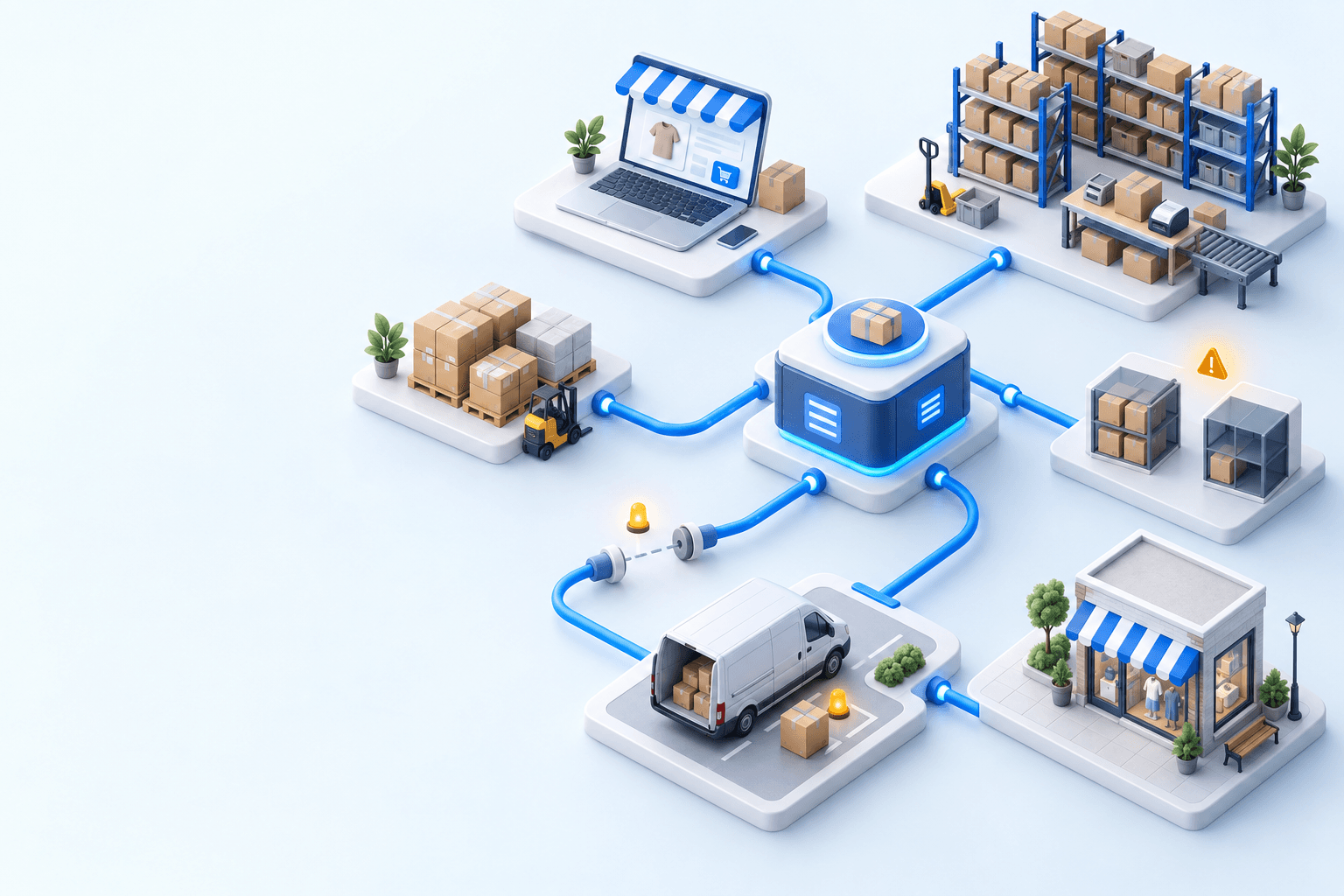
Check that the whole chain can handle the spike
The replay closes with two different workflows: a tote cart for multi-item orders, then bulk picking for single-item orders. Neither is universal. Choose the workflow that keeps parcels moving without sending mistakes downstream.
Before peak season, track handling time, packing accuracy, and returns. Our French guide to service rate and order preparation KPIs gives the formulas and reference thresholds to test the flow before volume climbs.
Frequently asked questions
For orders with many lines or special handling, single-order picking is usually the clearest option. When orders share the same characteristics, group them into waves. Use a tote cart to keep multi-item orders separate and bulk picking for single-item orders. The right method depends on line count, volume, and the risk of mixing orders.
Group orders by constraints that materially change the workflow: urgency, carrier collection time, marketplace promise, picking zone, customs documents, or single-item status. Then size each wave around trolley capacity and a route that can be completed in one pass.
Put the barcode check where it catches the error without duplicating work. Scanning during picking validates the item and, in chaotic storage, its location. Scanning during packing provides the final check before the box is closed. The right choice depends on the warehouse workflow and its main error risk.
Create a wave containing only single-item orders, complete the picking, then scan any item at the packing station. The system finds the matching order so the operator can pack it without sorting the trolley first. Depending on the setup, support may need to enable an option.
Keep the screen, printer, scale, and packaging materials within easy reach. The station should let the operator select the order, verify items, record weight, and print the correct label without searching or re-entering data. Define a clear exception flow, especially for rejected addresses, so one parcel does not block the queue.
Yes. In myFulfillment, picking, packing, and shipping can be completed on a PDA. Teams create waves on a computer or through automated rules, then use the mobile app to open them and guide the operator. The terminal executes the workflow, while the rules remain managed on a computer.
First confirm that the scale is compatible with your order-preparation software. In myFulfillment, a supported model connects to the computer over USB and passes the weight into the relevant field on the packing screen. Weight can also be entered manually or calculated from the items and packaging materials.
Continue exploring


Stock availability, picking accuracy, and shipping times affect marketplace sales. Jonathan Coloma, COO of Repiauto, explains how his team went from 300 to 1,000 orders a day in two years. He describes the limits of paper-based work, ERPs built for different needs, a go-live estimate of fifteen days, and changes to his daily routine.

Industrializing your purchasing means ordering on rules, not guesswork: at the right time (the reorder point), in the right quantity (your coverage period), from the right supplier, with a purchase order validated in one click. Available on replay.







See it in your own operations
Book a 20-minute call. We'll map your workflow and point out where it breaks. No slides.
Free 20-min call · No commitment