
Industrialize Your E-commerce Procurement
Industrializing your purchasing means ordering on rules, not guesswork: at the right time (the reorder point), in the right quantity (your coverage period), from the right supplier, with a purchase order validated in one click. Available on replay.

The essentials
- One buyer printed every order on a green, red or orange sheet, and reprinted it on every delivery until it turned green. Excel and instinct cost the same: the customer waits, overstock sits, the sale is lost.
- The reorder point is the supplier's lead time plus a safety stock. The coverage period, say a month of stock, turns the forecast into a quantity to buy.
- Forecasts are statistics on your actual sales, every channel and seasonality included, not AI. Cross-docking and dropship automate end to end, because those purchases are mandatory.
- The same screen flags dead stock: coverage that runs abnormally long is cash sitting idle.
Slides and checklist
The session slides and a one-page checklist to review your own workflow.
The replay above runs through the method on a real catalog, and the attendees' questions are answered at the bottom. Start with what it's built to avoid.
What manual replenishment costs
In the field, one buyer printed every order on a green sheet (all in stock), red (none), or orange (partial), and reprinted it at each delivery until it turned green. Others run everything on Excel, or on instinct, by email. Three methods, one shared cost on three fronts: the customer who waits, the overstock that sits, and the sale missed for want of stock at the right moment.
When to order, and how much
Replenishment answers several needs (restock, pre-season, backorders, cross-dock) that don't follow the same rules; the detail and the cross-dock vs dropship distinction live in our cross-docking guide. The rest comes down to two questions. When? The reorder point combines the supplier lead time and a safety stock to trigger the order before a stockout. How much? The coverage period (say, a month of stock) sets the ideal quantity from the forecast.
The full formula and the safety-stock methods live in the replenishment guide. In practice, the moment stock drops below the threshold, the product surfaces on its own in the buying recommendations.
Automate what's mandatory
Two cases lend themselves to full automation, because they're mandatory purchases: cross-dock, sent as a batch to the primary supplier (say every evening), and dropship, handled continuously on each order. Rules (by supplier, minimum order, free-shipping threshold, send time) decide whether the order goes straight to the supplier or waits for your validation. The prioritization logic and the setup are shown on the myFulfillment Procurement page.
Order on real sales, not a hunch
It all rests on reliable data. A supplier is configured once (lead time, minimum, free-shipping, purchase price); a product can have several, with a primary supplier chosen on stock, price, or lead time, and data kept current through integrations. The forecasts are statistics on your real sales, every channel and seasonality included, not AI. And the same screen flags dead stock: a coverage that runs abnormally long is cash sitting idle.
Frequently asked questions
With no history, the practice is to lean on similar products, driven by a clean product category rather than a site category like "home" or "best sellers". In practice you often pull the new product out of the automatic calculation, order a small batch (5 to 10 units) to test the market, then let the system take over once history builds.
Yes. Every channel counts: your site or sites, your marketplaces, even your physical store. All of it feeds the velocity calculation and therefore the forecast.
Two things. For a backorder or cross-dock, on what you actually sold. For a restock, on the sales forecast, either velocity smoothed over recent weeks or prior-year history for a seasonal product, set against the coverage period you chose.
Yes. Almost everything in myFulfillment is API-accessible, which lets you reprocess it with a program or an AI if you want to.
The "awaiting reception" status handles it. The need stays visible but flagged as covered by an incoming order, so the product is not bought again. If a new sale pushes demand past the expected quantity, the product reactivates and the system recommends only the difference.
Through the stock assistant, and above all its "run-out" column: the days before a stockout. If you set a 30-day coverage and a product shows 97, there is an anomaly to look at.
You define the buying unit. The system computes the need, say 14, then converts it to packs on the purchase order: 14 becomes 3 packs of 6.
Continue exploring
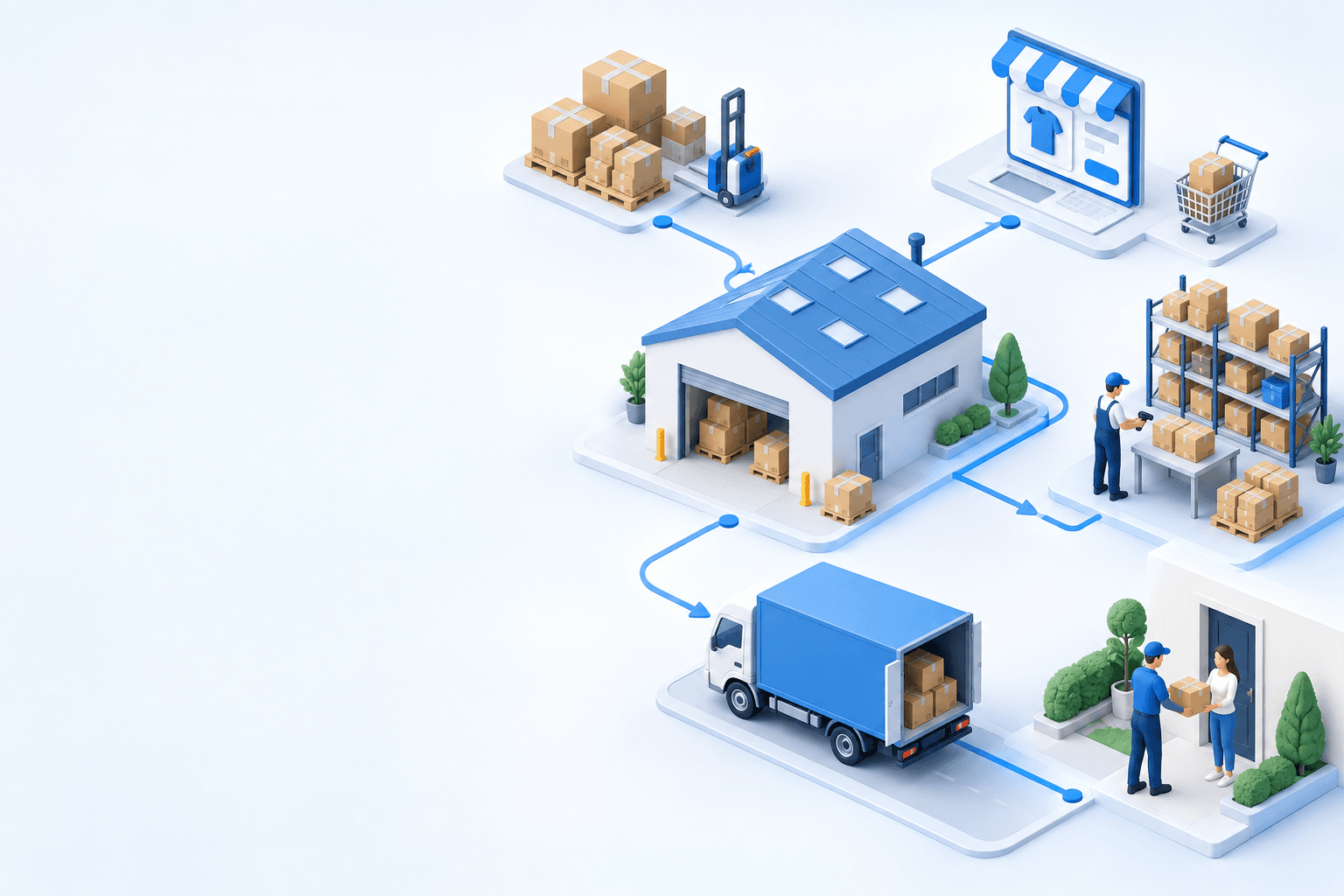


Stock availability, picking accuracy, and shipping times affect marketplace sales. Jonathan Coloma, COO of Repiauto, explains how his team went from 300 to 1,000 orders a day in two years. He describes the limits of paper-based work, ERPs built for different needs, a go-live estimate of fifteen days, and changes to his daily routine.

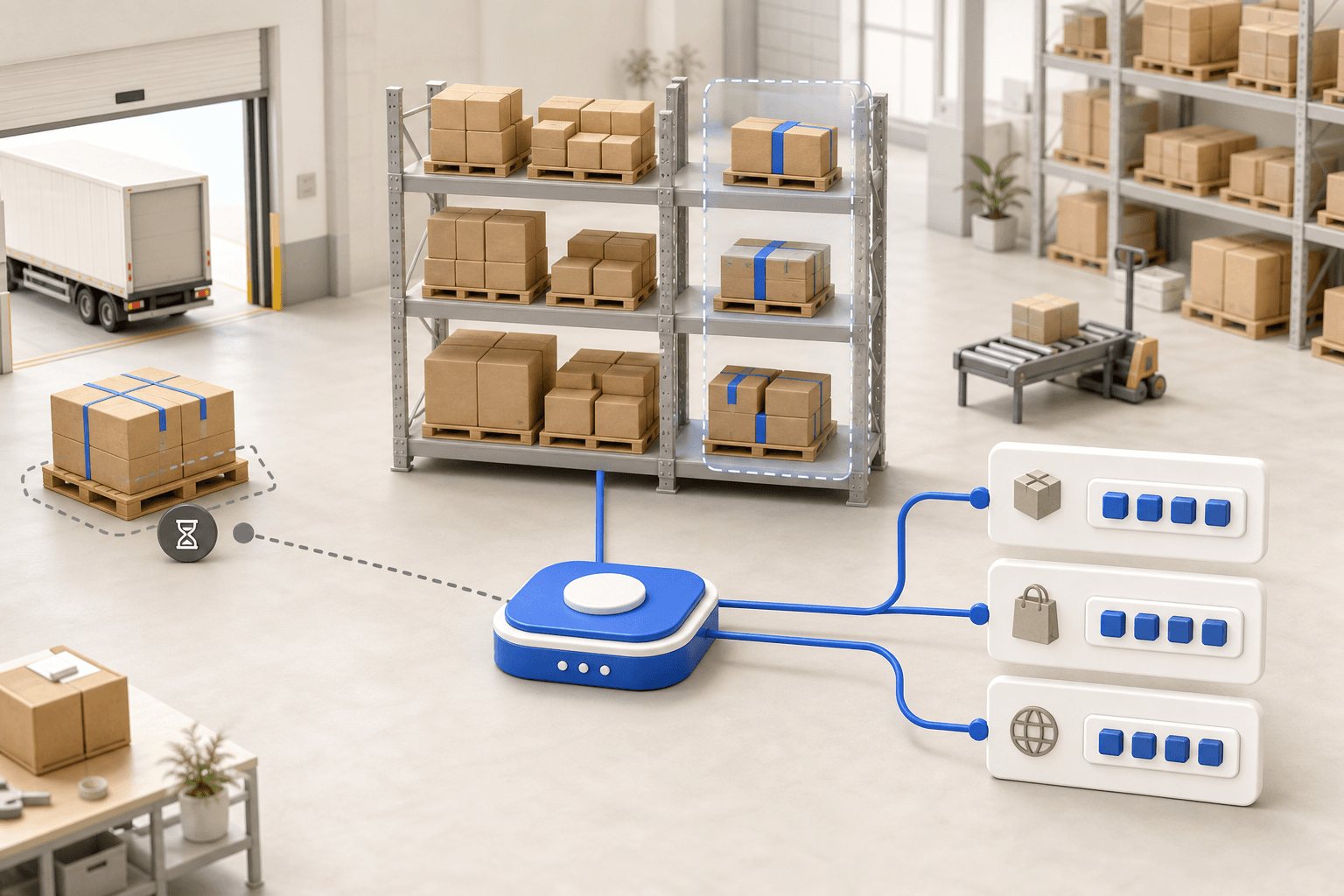
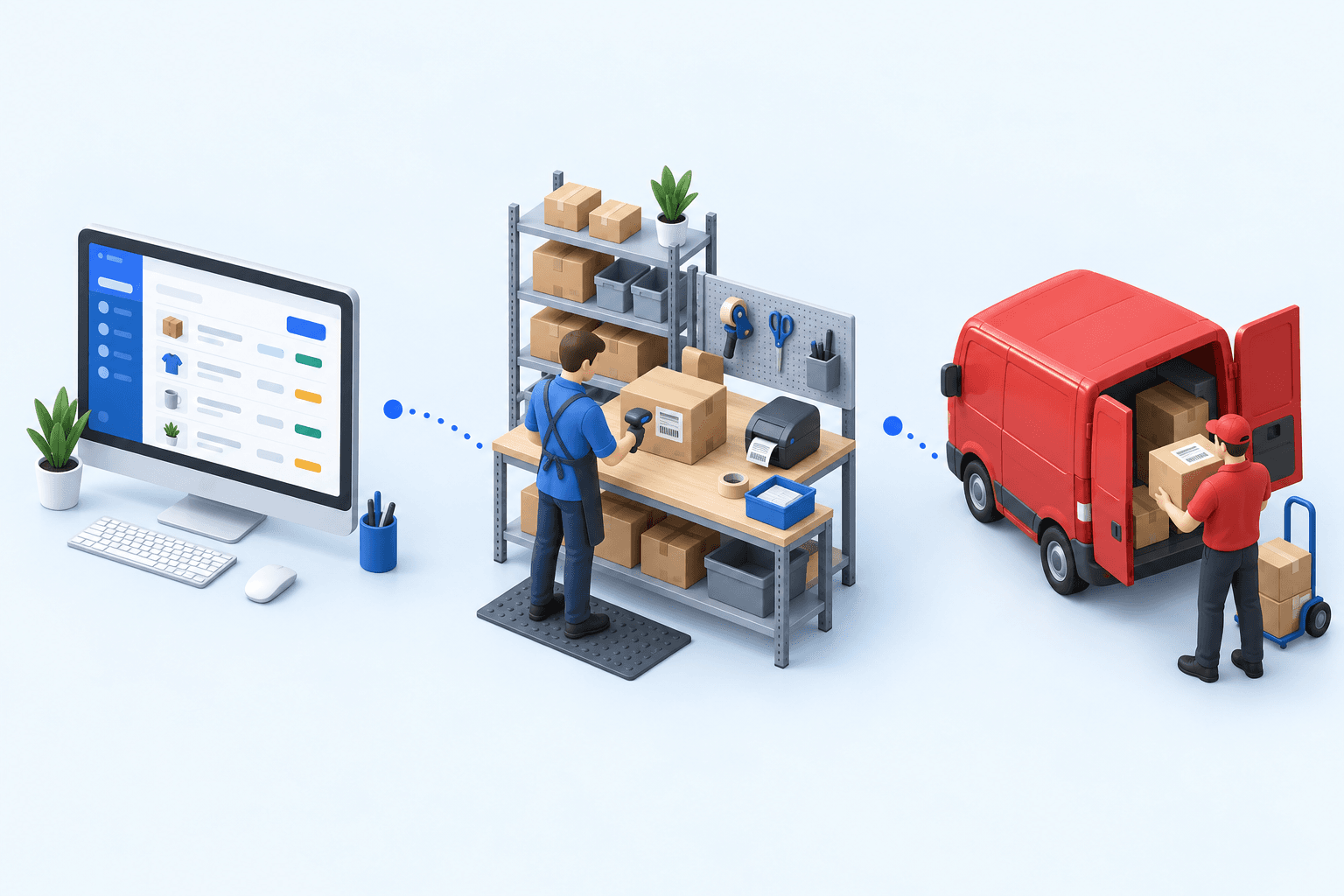
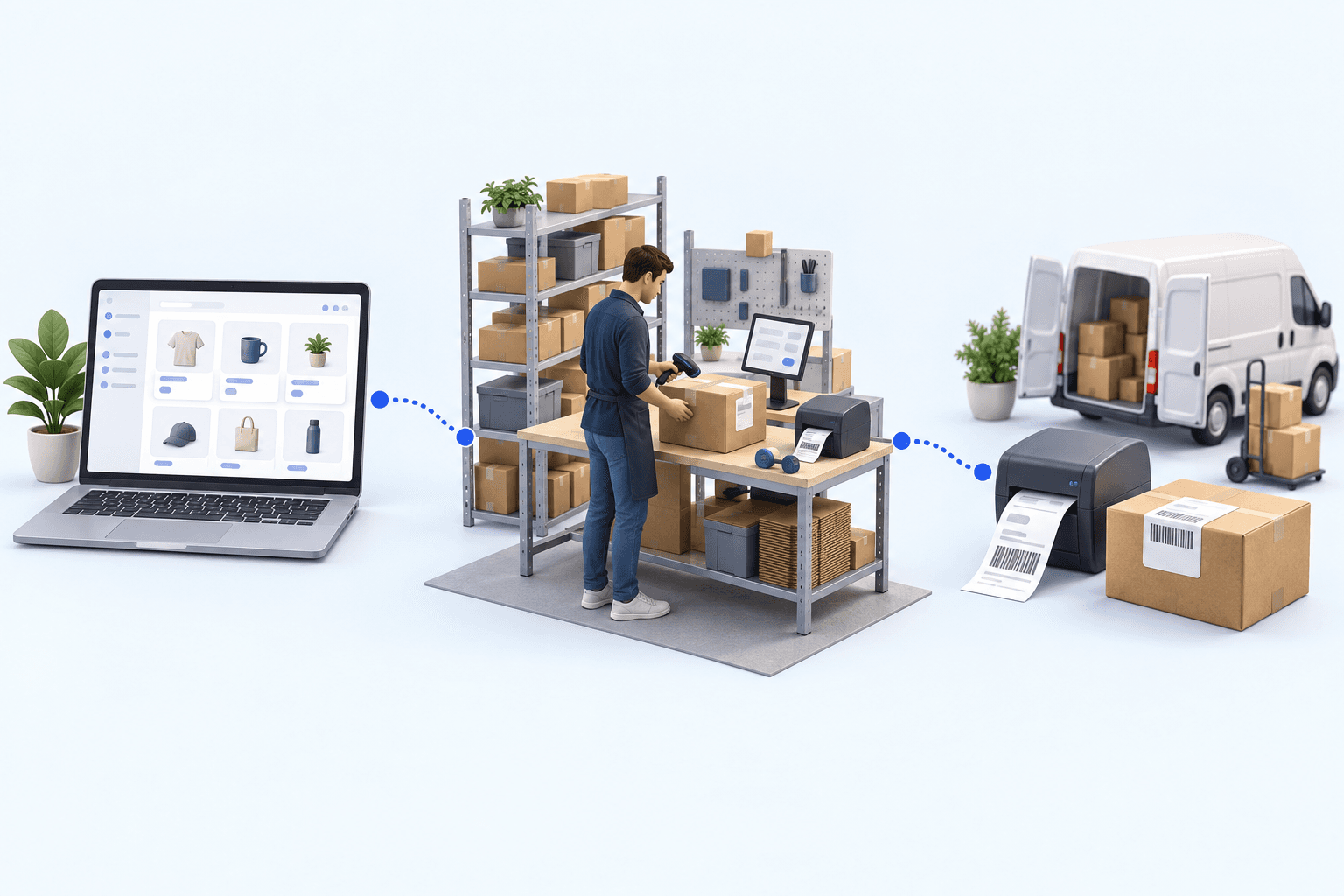
To hold up under peak volume, split the order queue into waves based on real operating constraints, then decide where barcode checks belong. At the packing bench, the operator verifies the parcel. Carrier rules select the service and print the label, so the next order can start without another decision.










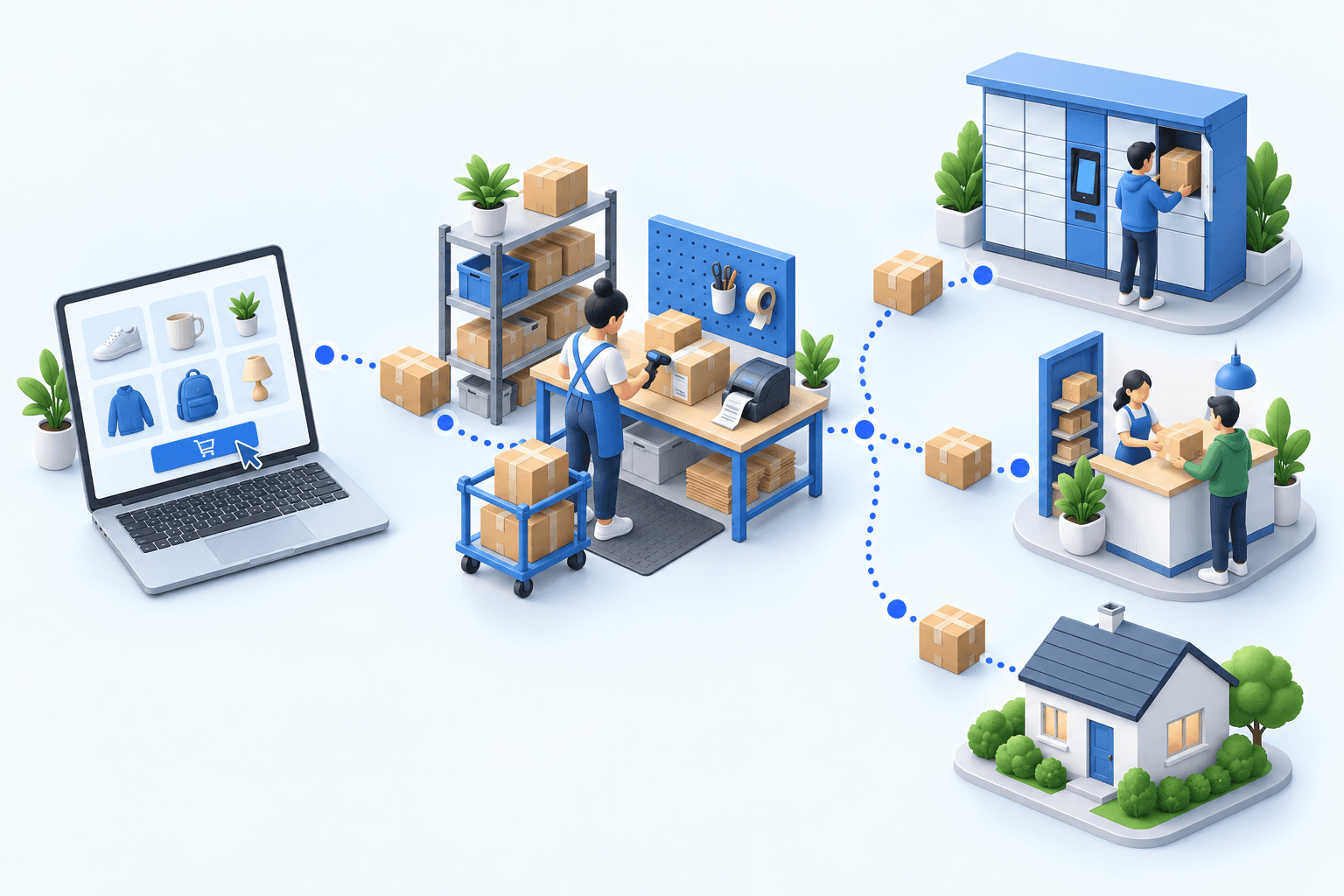
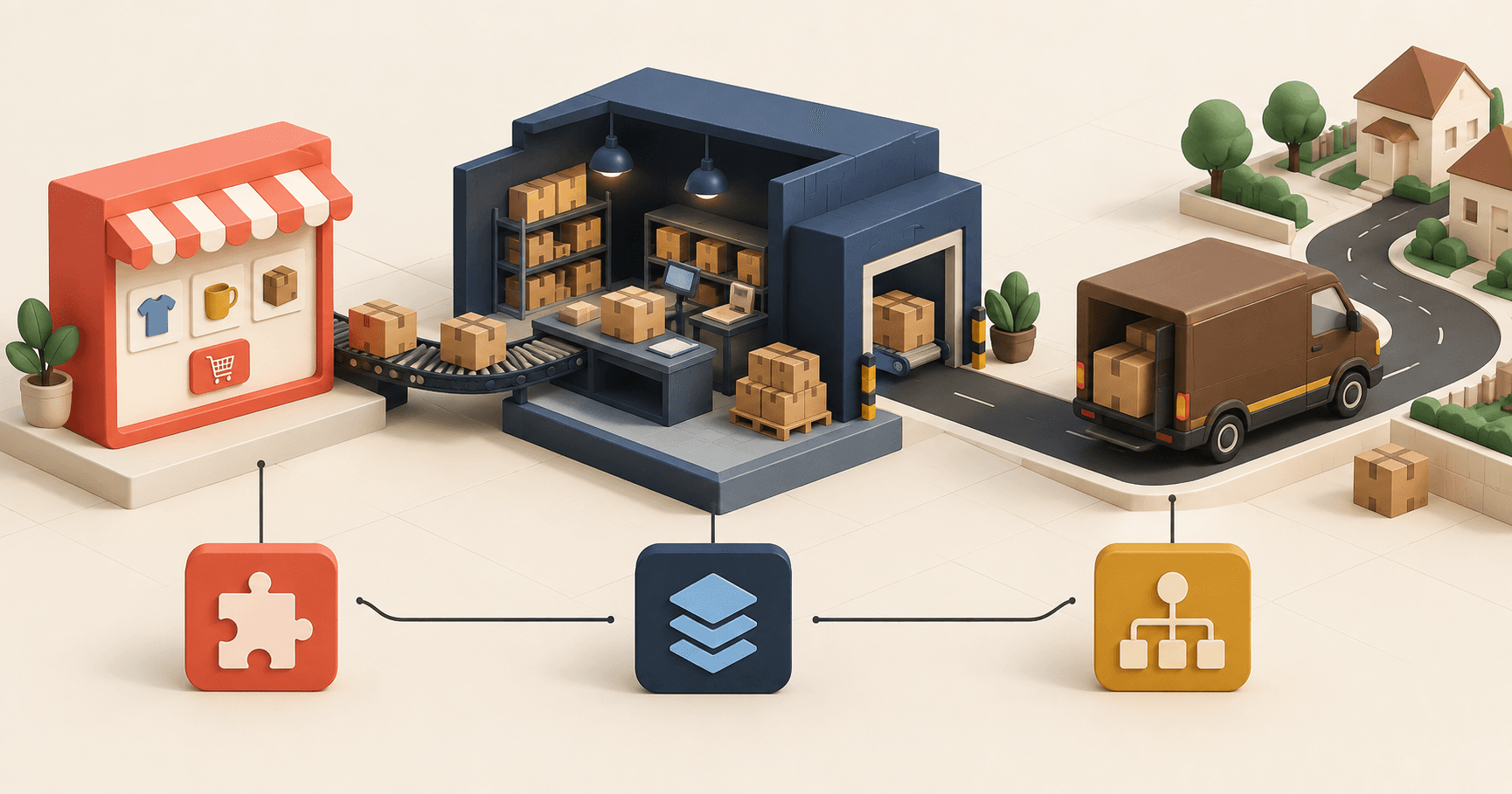
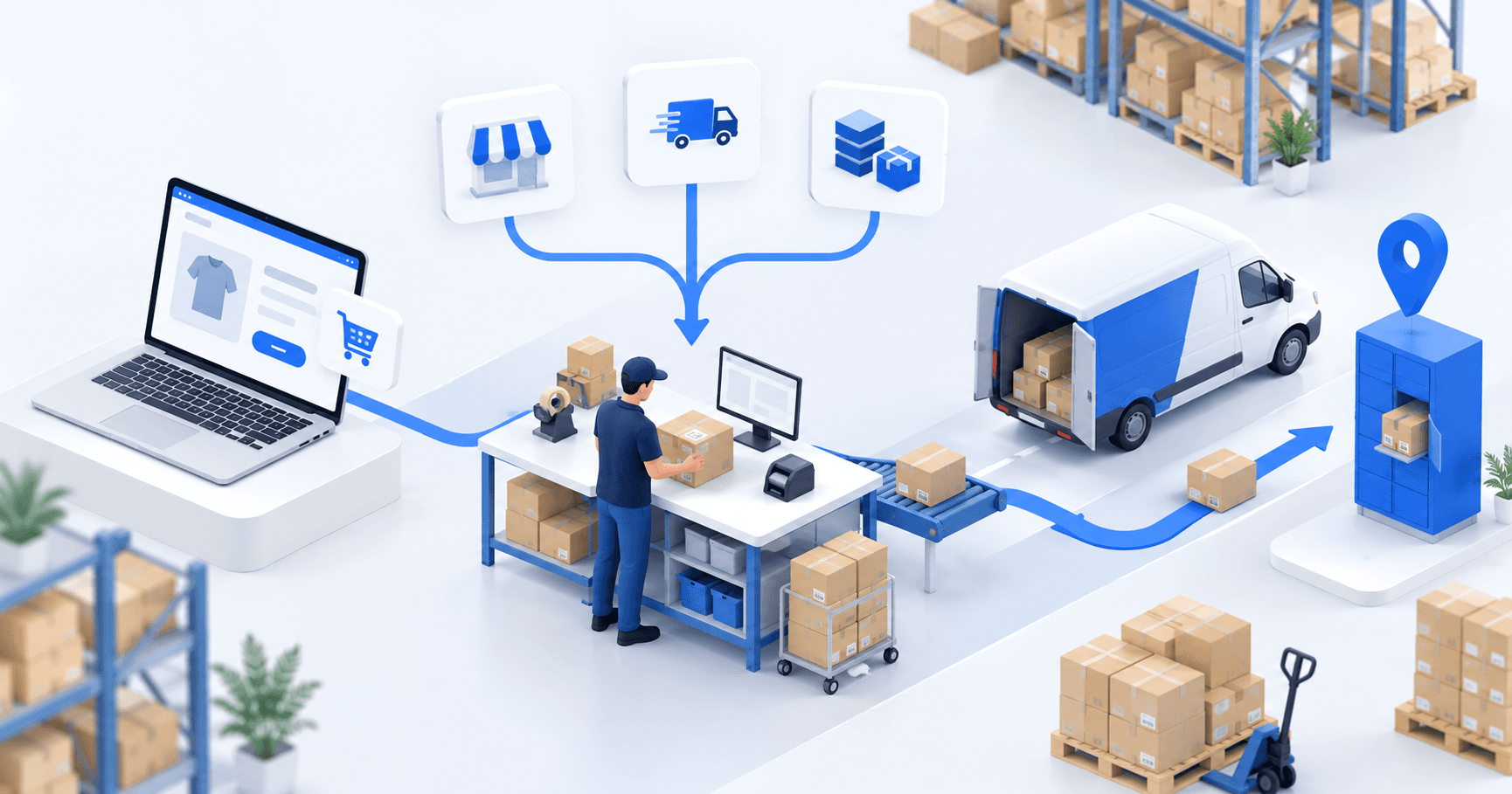
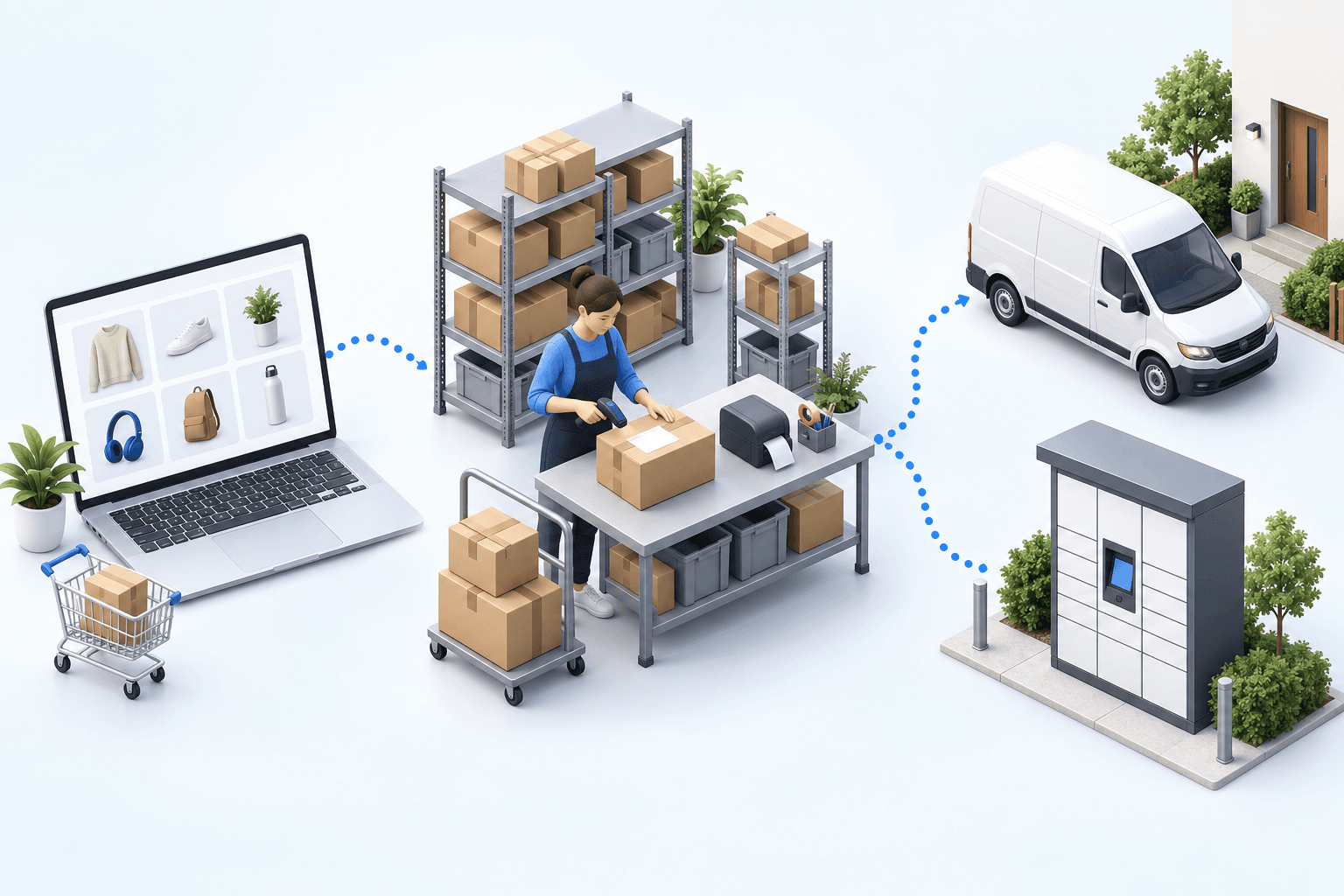
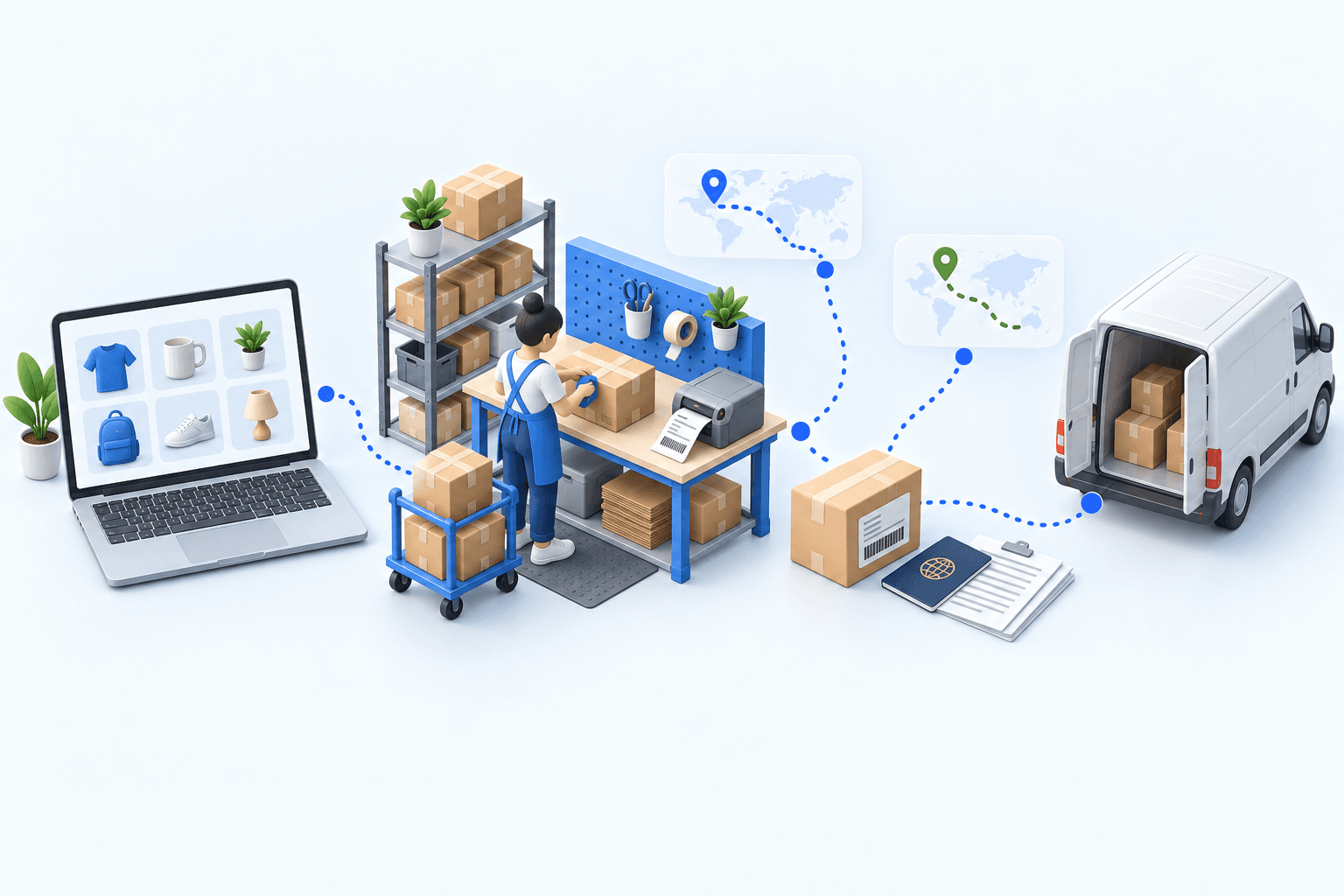
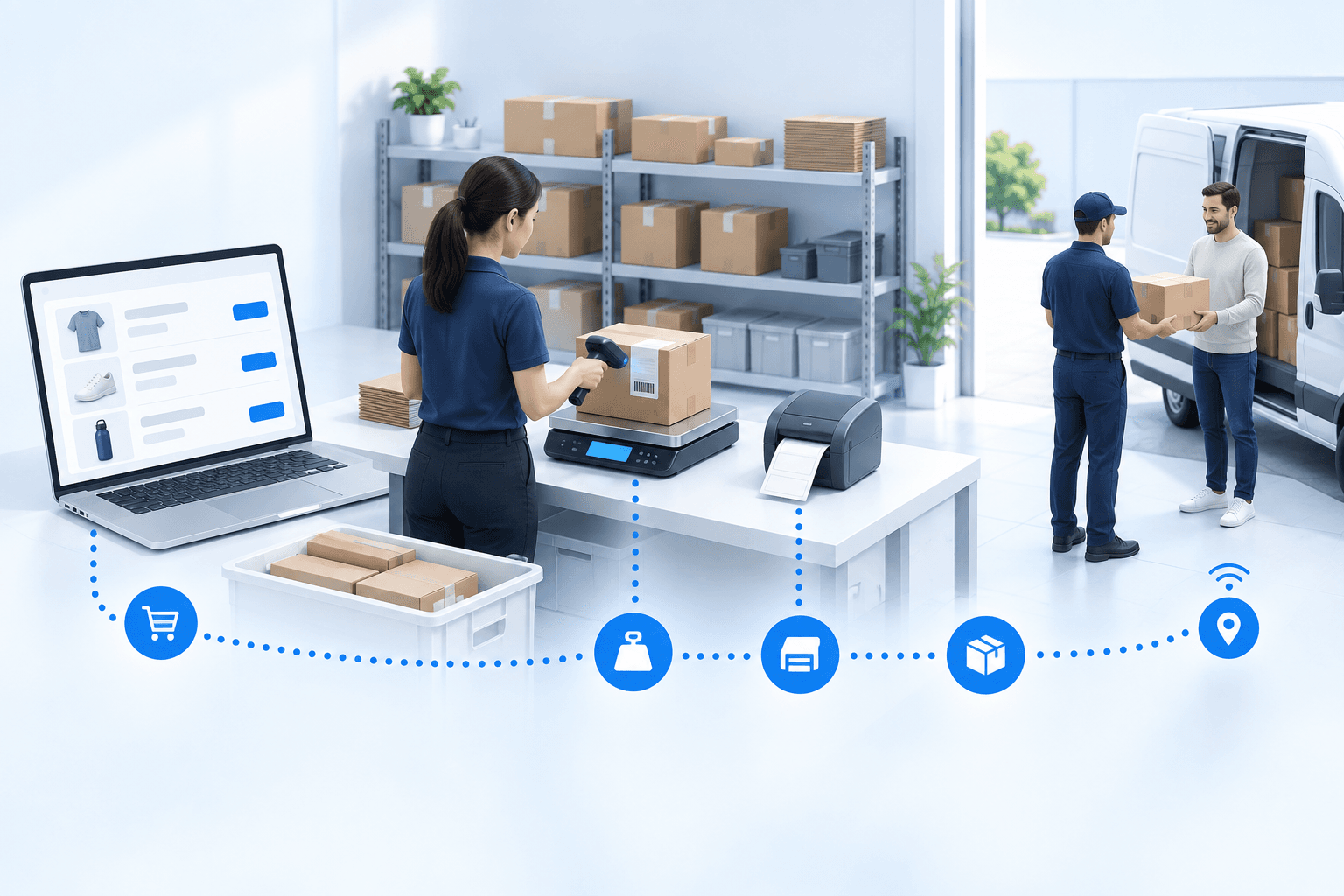
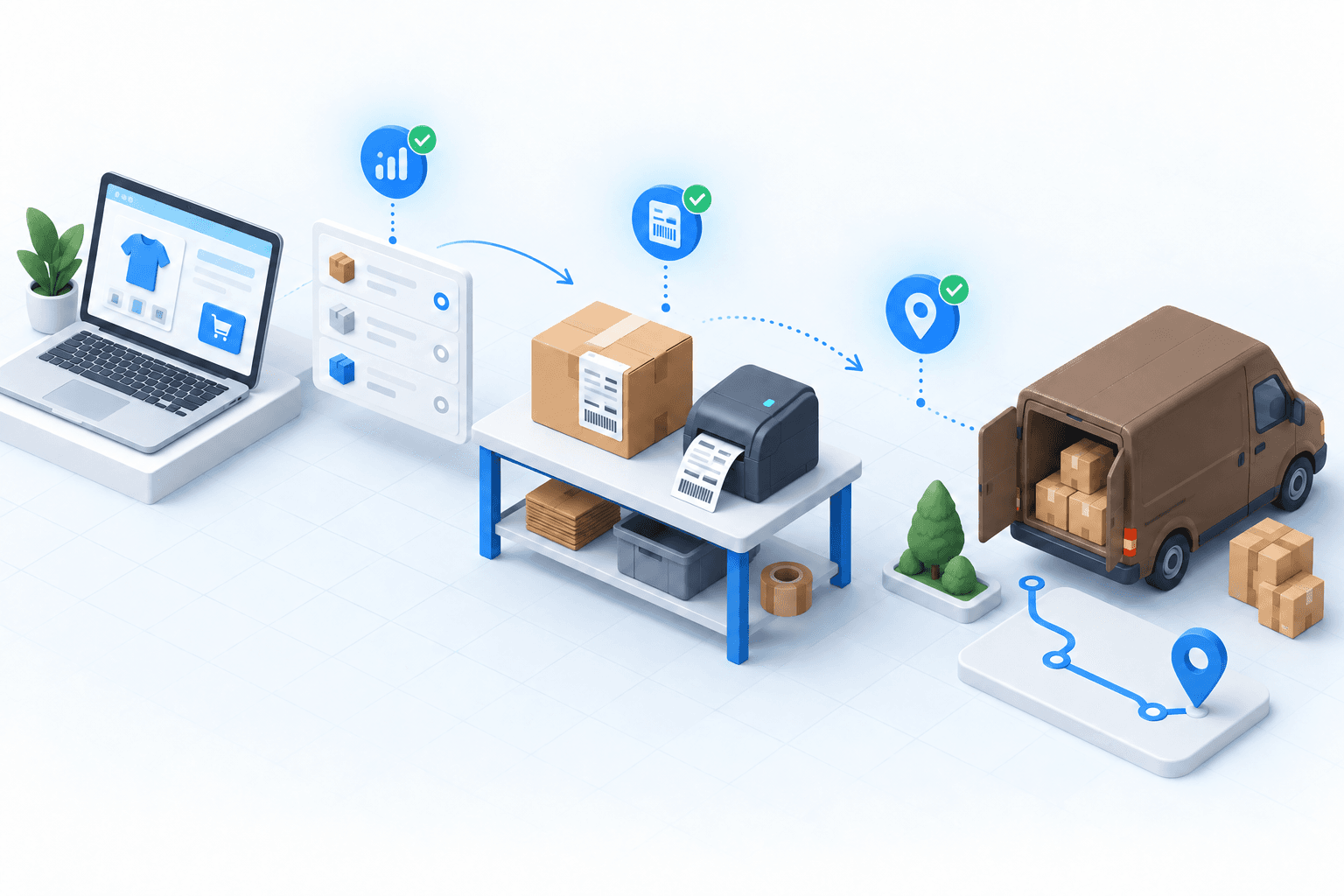
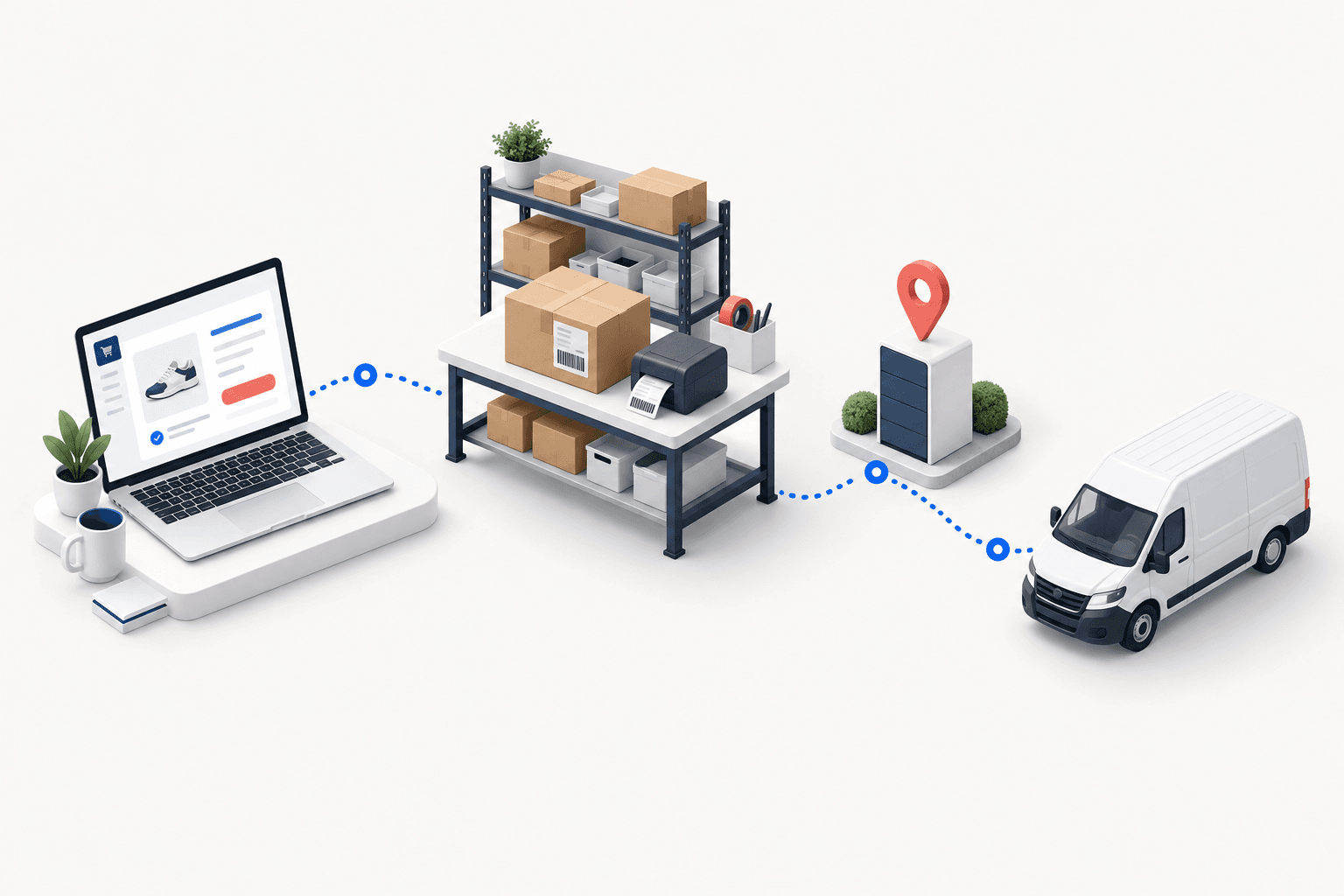
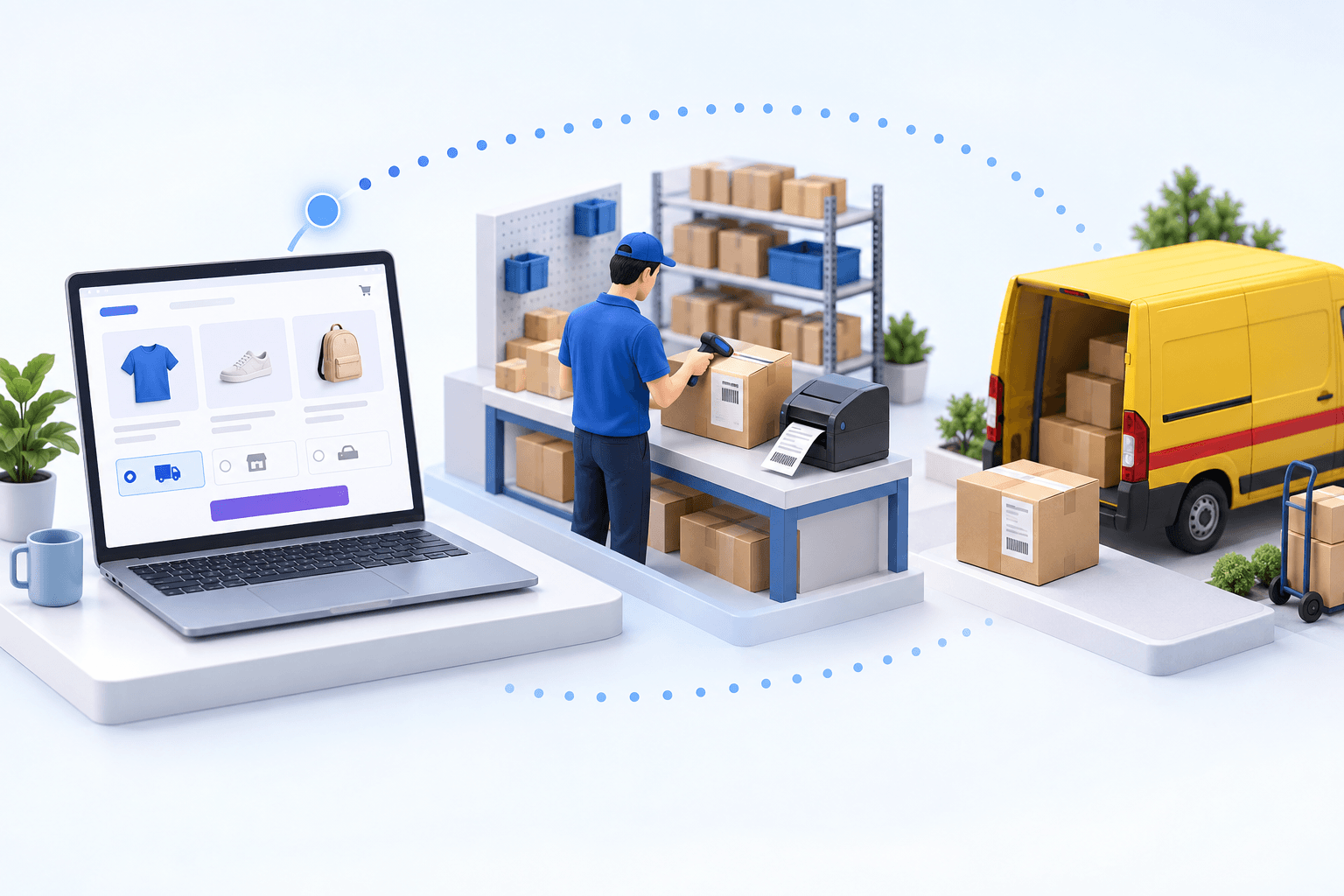
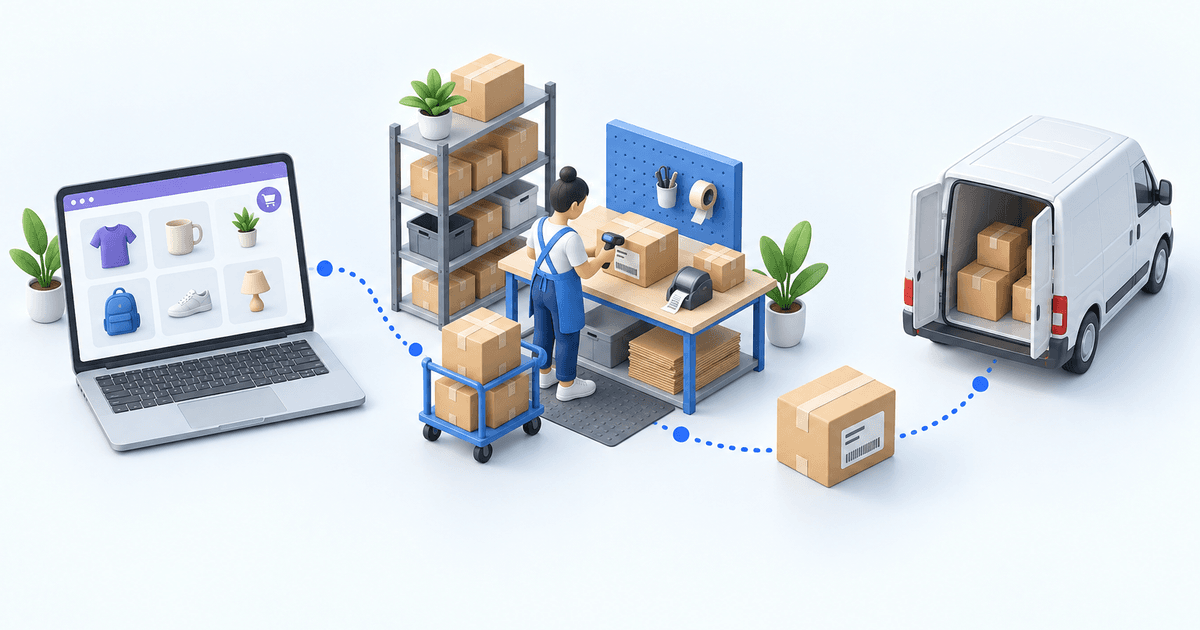
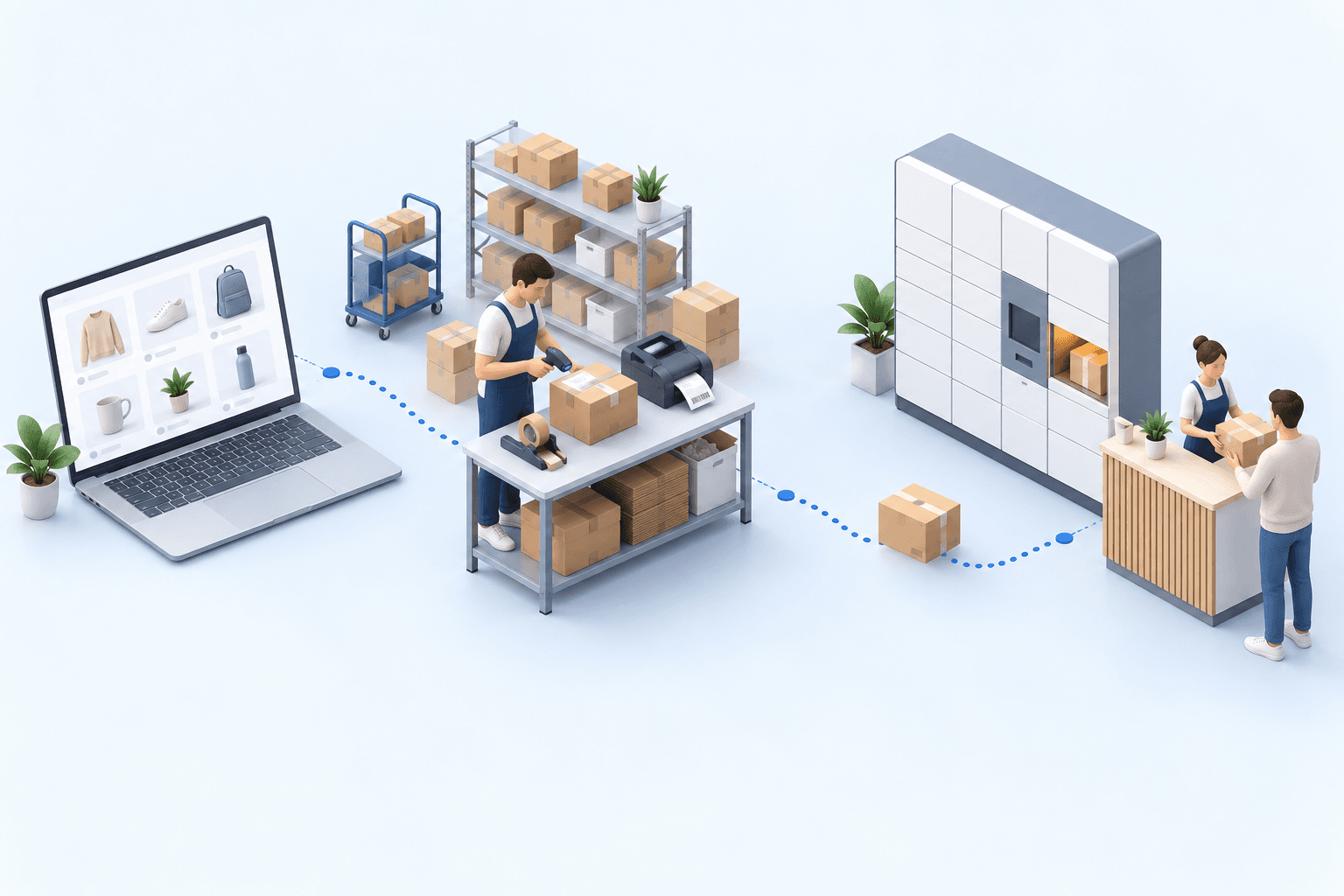
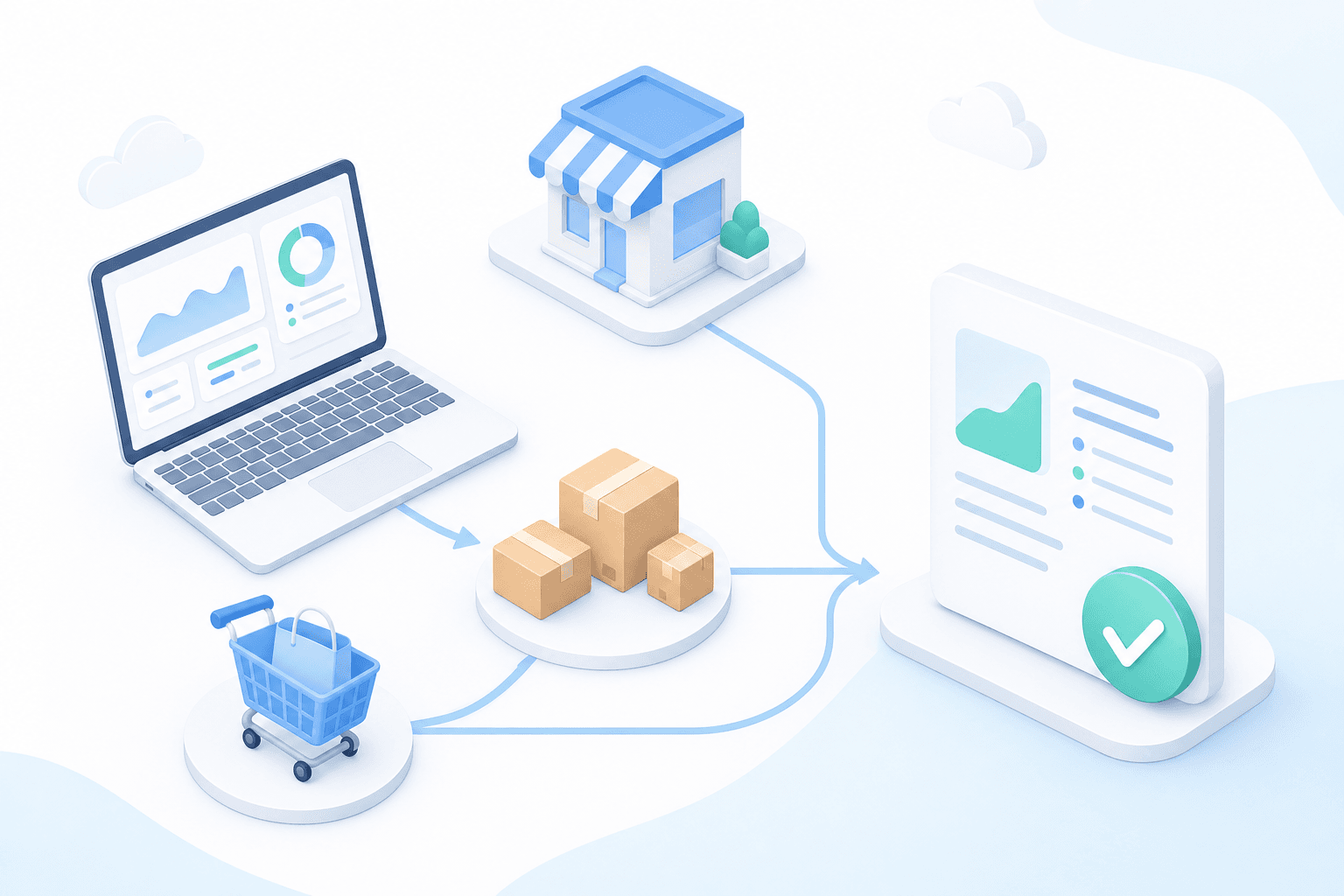
A higher conversion rate becomes profitable growth only when your logistics operation can handle the additional order volume. In 45 minutes, identify the pressure points that put inventory accuracy, order picking, shipping, customer support and margin at risk as sales rise. The webinar is presented in French.
Let’s review your order workflow
In 20 minutes, we’ll identify bottlenecks and ways to save time. No slides.
Free 20-min call · No commitment