Case studies · Warehouse · Pharmacy & parapharmacy
How a Pharmacy Brings Three Storage Areas Into One Picking Flow
Large community pharmacy selling online25,000+ SKUs · ~200 orders/day
Three storage areas, one picking and shipping flow
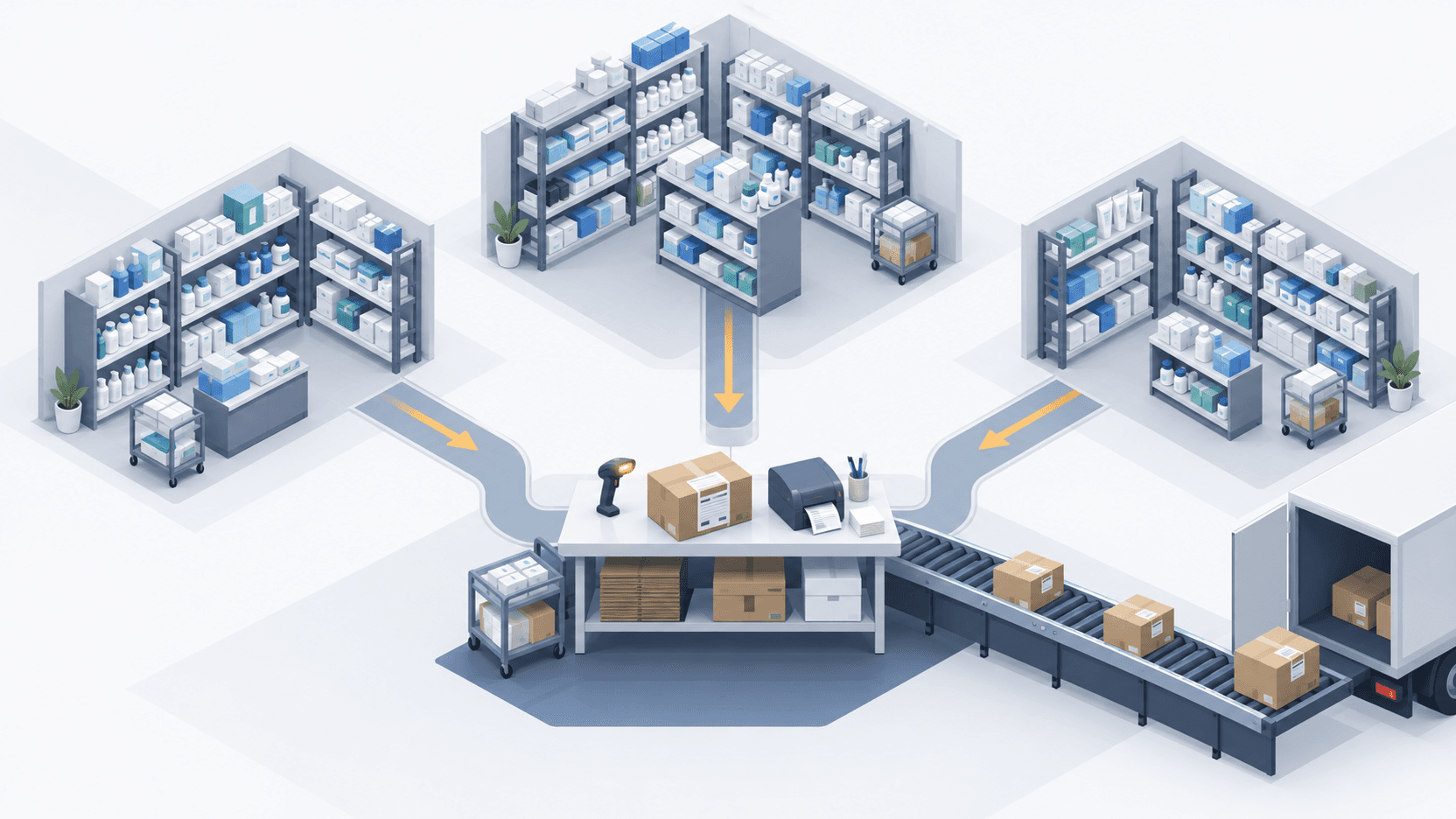
This large community pharmacy sells non-prescription medicines and parapharmacy products through its own website. Its catalog contains more than 25,000 SKUs, and the team prepares about 200 orders a day with plans to handle twice that volume. Medicines remain in the pharmacy or its nearby storage premises, which explains the separate medicine stock room. Part of the range stays on the shop floor, while most online stock is held in the parapharmacy warehouse where the web team ships orders. The store runs on Magento 2. WinPharma remains the pharmacy management system (LGO) of record for stock, prices, and new products. Patients choose home delivery or collection at the pharmacy, so both flows run side by side. Picking runs from early morning to early afternoon, before the Colissimo pickup.
- Problem
- Product codes sent by email, repeated shuttles, and visual checks before each Colissimo pickup
- Setup
- Transfers run before picking waves, then every product's full code is scanned.
- Result
- 1 scan= 1 shipping label
01 / Before
Where they started
Picking started from a website list with no shared operational view across the three storage areas. For every shortage, the picker copied product codes into an email to the pharmacy. Three or four shuttles returned in the morning. Checking only the final three digits made similar product references from the same laboratory hard to distinguish before the second check. Colissimo labels required an export and import. At the same time, close to half of orders contained one SKU, sometimes in several units. About one quarter were click-and-collect orders prepared separately at the pharmacy.
What kept going wrong
- 1
Bring three storage areas together before orders leave from one dock
- 2
Replace emailed product-code lists and repeated morning shuttles
- 3
Distinguish similar references without relying on the final three code digits
02 / Configuration + custom work
What we set up
myFulfillment coordinates reservations, transfers, waves, scans, and shipments around one dock. Its three warehouses match the three physical storage areas. Orders are split by availability into in-stock, partial, and out-of-stock queues. Transfer recommendations from the medicine room and shop floor are handled before picking. Once products arrive at the e-commerce dock, the affected orders become ready to pick without another manual update.
At 6 a.m., myFulfillment creates four picking paths: bulk picking for single-SKU, single-unit orders; single-SKU orders with several units; multi-SKU orders on a cart with numbered bins; and a final mixed wave. In the bulk flow, the operator scans any picked item, the system finds its order, and the label prints. For multi-SKU baskets, the terminal tells the picker which bin to use. Transfers are printed or handled in the mobile app, then received at the e-commerce dock. At packing, the operator scans the delivery note and each product's full code in continuous mode: CIP13 for medicines and EAN13 for parapharmacy products. A wrong item raises an alert. Carrier rules route heavier B2B parcels through another carrier and prepare Colissimo Europe parcels with CN23. Tracking data is sent back to Magento 2. For click and collect, the delivery note goes on the bag, which travels to the pharmacy on the shuttle; the website then emails the patient. The workflow runs on Zebra terminals or the mobile app.
Custom development
Boostmyshop built the WinPharma gateway connection for this deployment. Physical stock, locations, prices, and new products enter myFulfillment whenever the gateway refreshes. myFulfillment calculates the available quantity sent to Magento 2. Transfers and shipments are then reported to the LGO. This connection is custom-built for each project.
03 / Before · After
What changed
01Missing products
BeforeProduct-code list sent by email
AfterTransfer recommendations
02Product check
BeforeFinal three digits checked by eye
AfterFull CIP13 or EAN13 scanned
03Colissimo label
BeforeExport/import followed by a name search
AfterLabel printed on scan
04Single-SKU order
BeforePrepared one order at a time
AfterDedicated wave, scan, then label
The morning starts with the transfers needed for open orders, then the team picks only what is available. Missing references no longer travel by email. Each order type has its own wave, so a one-item parcel does not follow the same route as a multi-line basket. At the packing bench, a full CIP13 or EAN13 scan replaces the partial visual check and triggers the label. Shipped orders and click-and-collect bags remain in one tracking flow until they leave with the carrier or the pharmacy shuttle.
What this case shows
Every web order ships from the e-commerce dock, even when physical stock sits in the medicine room or on the pharmacy floor. A transfer recommendation first covers the orders due to ship. As soon as the transfer is received, a partial order automatically moves into the in-stock queue.
Picking
When several stock locations feed one shipping dock
The same setup works with other LGO gateways, including LGPI and Smart Rx. Each connection is custom-built for each project.
- A pharmacy using LGPI with a separate stock room
- A pharmacy using Smart Rx with in-store collection
- Centralized web fulfillment drawing from several stock locations

Your turn
Got the same problem?
Walk us through how your team works. We’ll tell you what configuration covers and what needs custom work.
« We built this one. Let’s talk about yours. »

More cases at the same step
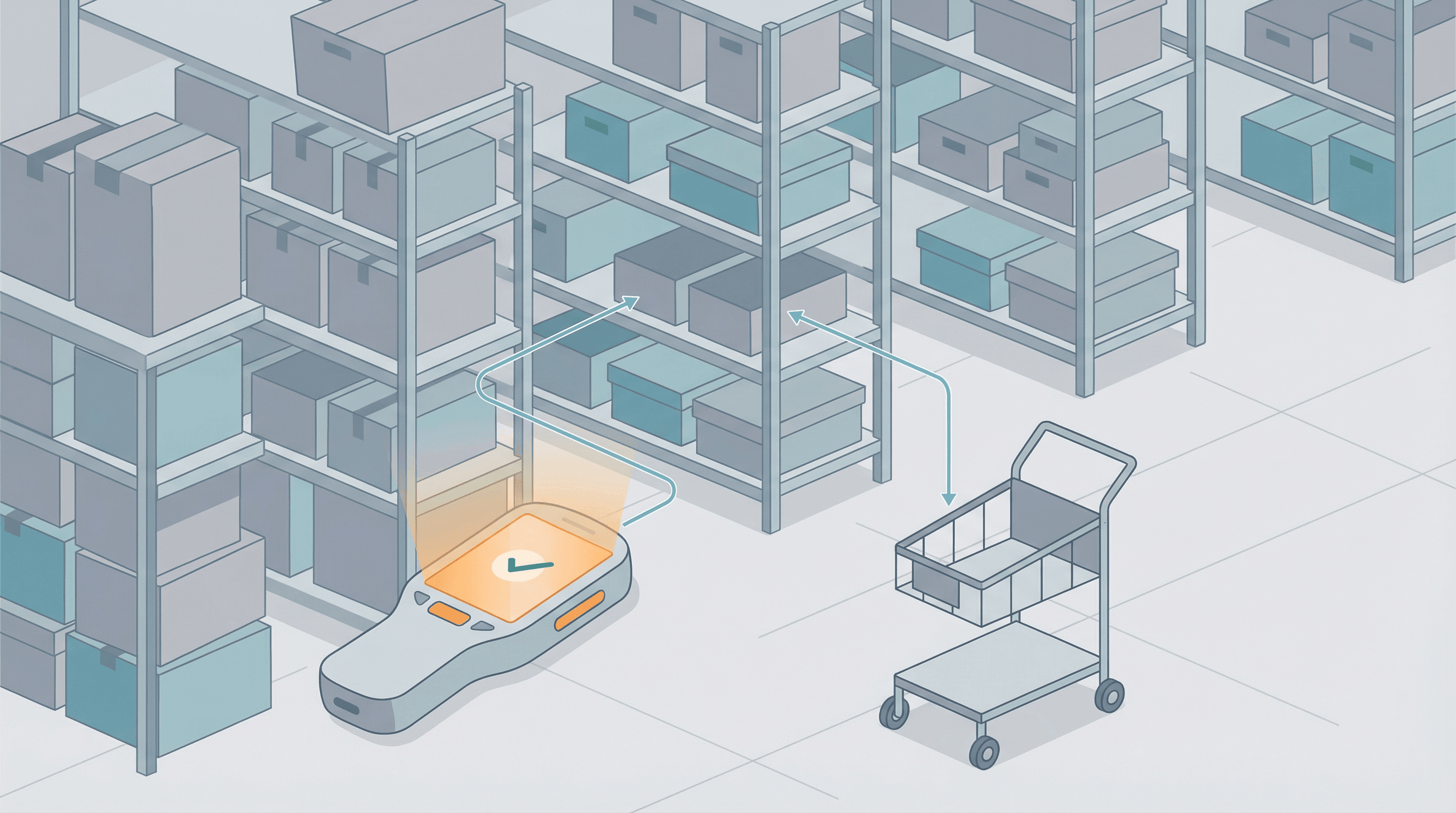
0 picking errors
Third-party logistics (3PL)How a 3PL eliminated picking errors with guided scanning
0 cutting errors
Electrical equipment (B2C + pros)Zero cable cutting errors with automated tracking
1 cash-up screen
Pharmacy & parapharmacyLocal deliveries and payments managed together in myFulfillment
Related articles