

Order picking: build a faster, more accurate process
Order picking is the warehouse process of locating, collecting and verifying items for customer orders before packing. A sound setup matches the picking method to the order profile, shortens travel, guides each scan and keeps orders separated through packing. The goal is dependable throughput without adding complexity your team cannot sustain.

The essentials
- Choose a picking method based on the order profile, then test its travel time, accuracy and cutoff attainment before increasing the wave size.
- The live picking workflow should show the location, product, quantity and tote, and block any scan mismatch.
- Batching can reduce repeated trips when SKUs repeat; numbered totes keep orders separated through packing.
- Verify at two points: scan the location and product at the shelf, then every item before releasing the shipping label.
- Track picking accuracy, travel time, first-pass pack rate and cutoff attainment separately; first-pass pack rate shows how often orders close without correction.
The afternoon batch is open, but one SKU has moved since the pick list was printed. A picker walks back across the warehouse, another drops the right item into the wrong tote, and the packing team finds the mix-up after the carrier cutoff. That is an order picking problem, even when each person worked quickly.
Check stock locations, pick-path sequencing, scan controls and tote assignment before asking pickers to move faster. The U.S. Census Bureau reported seasonally adjusted retail e-commerce sales of $340.2 billion for the second quarter of 2026, equal to 17.1% of total retail sales.
What should your order picking process control?
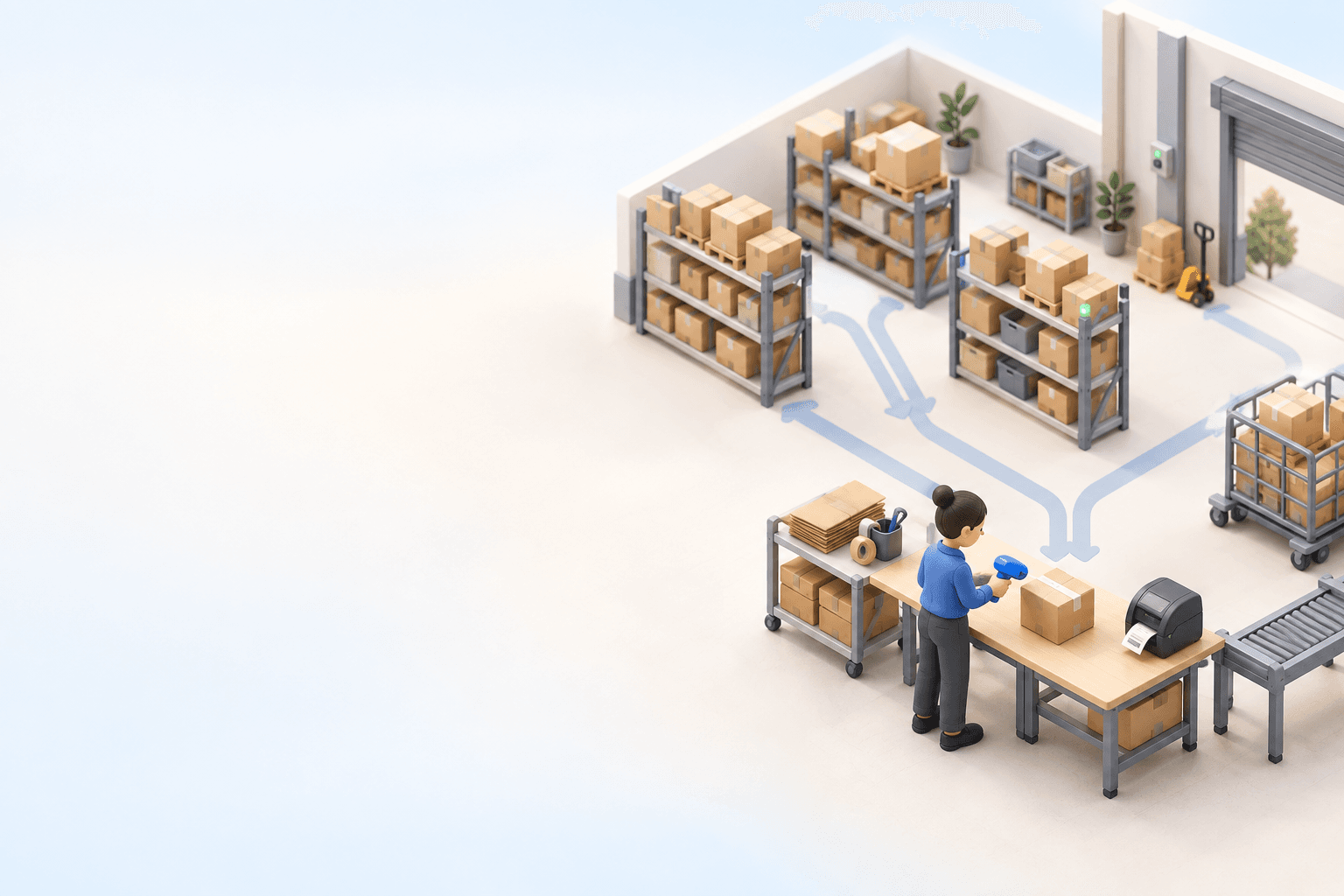
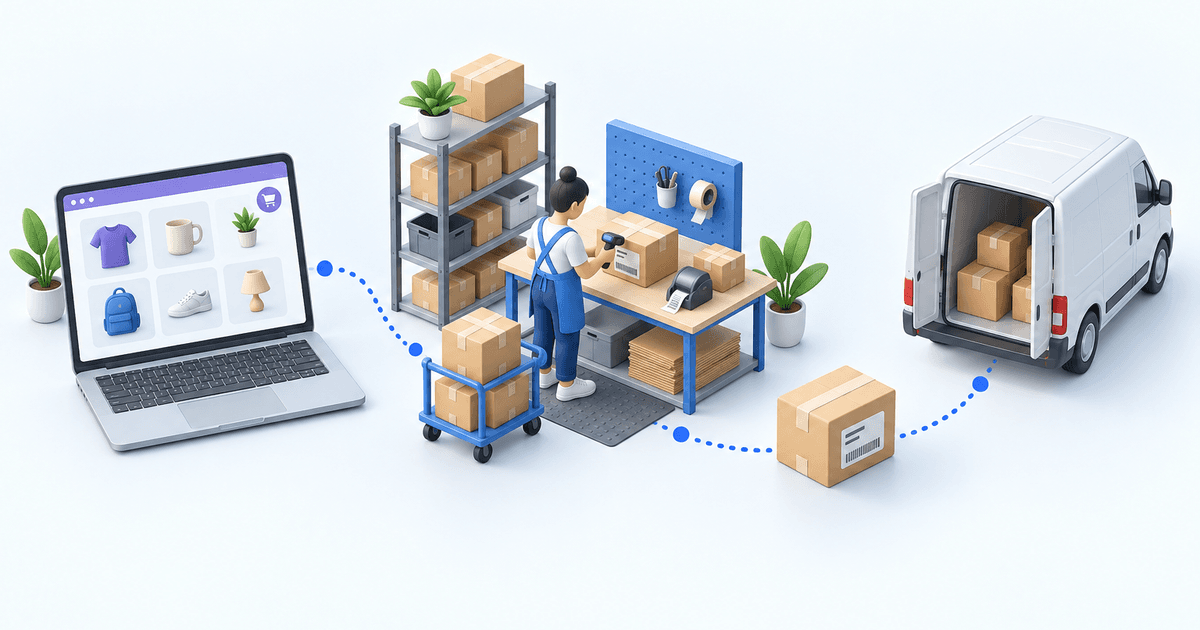
Order picking starts when a released customer order is assigned to a picker. The pick list must identify the storage location, SKU, quantity and destination tote. The picker confirms each move, then hands the separated order to packing. Packing verifies the contents, closes the carton and releases the shipping label.
Picking and packing fail in different ways. A picker can still place a correctly picked item in the wrong box. Accurate packing cannot prevent a backorder caused by an incorrect available-stock balance at release. Update put-away records, replenishment tasks and order allocations so the pick list sends the picker to a location with enough stock. Then use the fill rate to show whether demand was served from available stock, while picking accuracy shows whether the warehouse collected the correct units. One measure cannot stand in for the other.
Which picking method fits your orders?
Choose the picking method based on the order profile: lines per order and repeated SKUs across the released queue. Warehouse size is a poor proxy. Pull yesterday’s released orders and group them by lines per order, repeated SKUs, carton type and carrier cutoff. Use that sample to test travel time, accuracy and cutoff attainment before increasing the wave size. Choose a method that lets the team finish picking and packing accurately during the busiest hour. A high pick rate is no help if orders pile up at packing.
| Method | Pick pattern | Use when | Main control |
|---|---|---|---|
| Single-order | One order per trip | Bulky or fragile orders | Dedicated tote |
| Batch | Repeated SKUs together | Many similar one-line orders | Sort at packing |
| Cluster | Orders in separate totes | Mixed multi-line queue | Scan destination tote |
| Wave | Orders released by cutoff or priority | Carrier deadlines | Release time |
| Zone | Picker stays in area | Distinct product zones | Controlled handoff |
Use cluster picking when one cart carries several orders: assign each order its own tote and confirm the destination tote on every pick.
Cluster picking keeps each order in a separate cart tote. The pick route determines the order in which the picker visits locations.
For the first test, use 20 orders as the wave cap. Raise it only after every order passes the packing check without correction. If the same SKU appears across the wave, batch those units once and allocate them to totes. If an item needs processing before picking, keep it off the standard pick route. An electrical equipment retailer built cable cutting into its picking flow: each cut receives its own barcode, and the order releases only when that piece reaches the picking area. The electrical retailer reduced cutting errors from frequent to near-zero.
How do you shorten travel without warehouse automation?
In their 2007 literature review, De Koster, Le-Duc and Roodbergen estimate that order picking can account for up to 55% of warehouse operating expense. Layout, storage assignment, routing, batching and zoning determine how far the picker travels. The U.S. Bureau of Labor Statistics counted 2,779,530 stockers and order fillers in May 2024, with a median hourly wage of $17.83. Walking and searching consume paid time before a unit reaches the carton. Plan replenishment as part of the pick route. If a forward pick face empties during a wave, the picker either waits or diverts into reserve storage. Schedule replenishment before release, or let the system raise a task when available quantity approaches wave demand. Require the picker to scan and record any location change before continuing the order.
Start with the route. Sequence the pick list by location, keep fast movers near the packing path and trigger replenishment before the forward pick face empties. Chaotic storage can also work: put-away assigns any open location, while the WMS remembers where the unit went. That removes dependence on a picker’s memory, provided every movement is scanned.
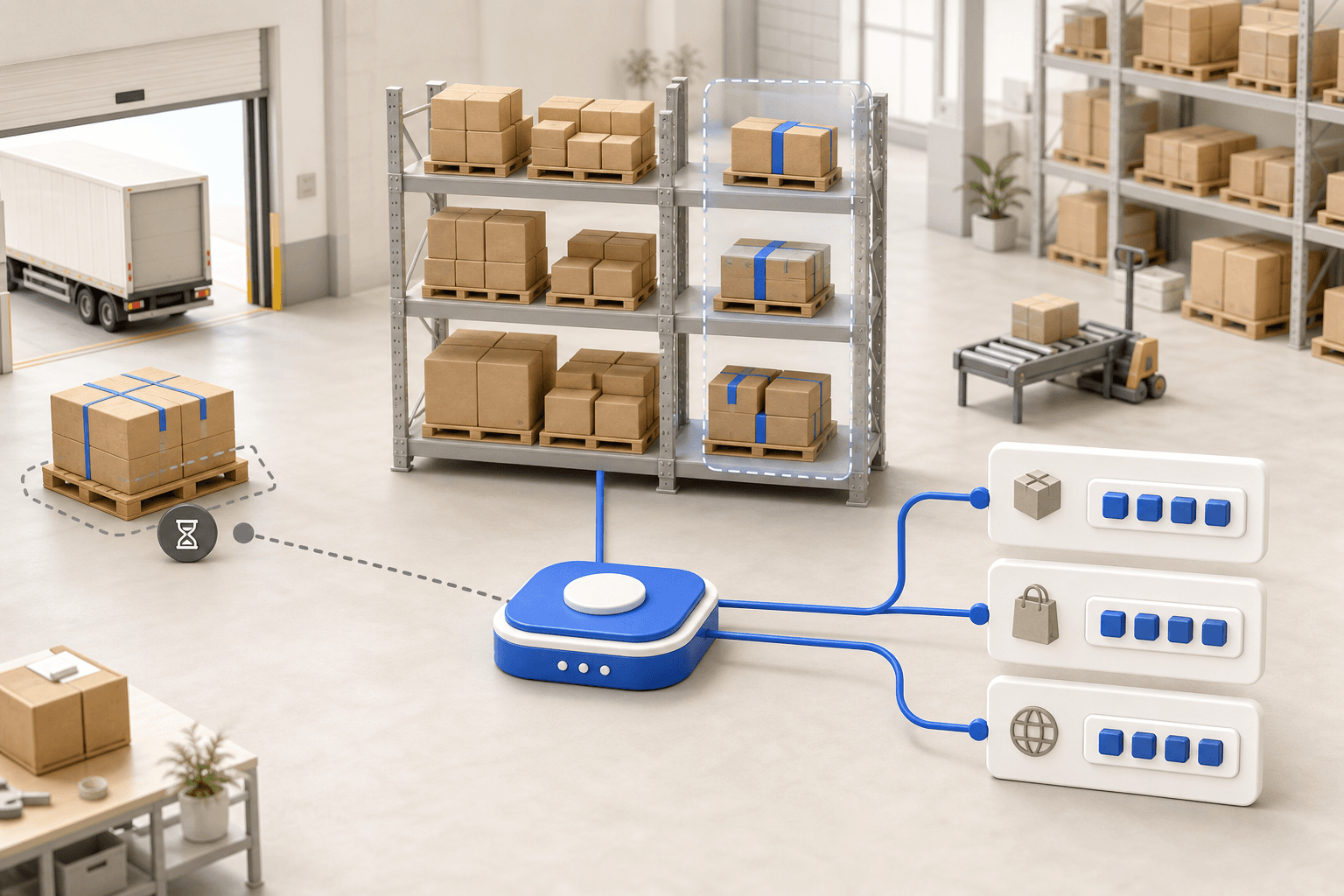
The system displays the source location. The picker scans the SKU. A mismatch triggers audio and visual alerts, then blocks the line before shipping.
In the Lyon-based 3PL case, the handheld workflow provides guidance on the source location, product and destination location with audio and visual alerts. The Lyon-based 3PL reports zero picking errors with guided handheld scanning. A wrong scan blocks the order line before it reaches packing. Temporary staff can follow the same picking instructions as experienced pickers because the WMS displays the route.
Where should checks sit in the pick and pack process?
Use verification at two points. At the shelf, scan the location and product before confirming quantity. At the packing bench, scan each item into the open order before releasing the shipping label. The first check catches a mispick. The second catches a tote swap or an item placed in the wrong carton.
Generate the carrier label only after the order passes the packing check. Then apply the weight, service and address rules to the verified carton before generating its label. A failed check should keep the order open rather than create a label that someone must void. Define how staff should handle each mismatch: return the item to stock, move the order to a review lane or create a backorder when the unit is unavailable. Do not let a picker solve the discrepancy by changing sellable stock or swapping a SKU without a recorded scan.
The electronics distributor reduced label errors from 5-8% of shipments to under 1%. The distributor says its team prints 50 shipping labels in 30 seconds instead of 2 hours. After bringing fulfillment in-house, the DTC fashion brand reports a mispick rate below 0.5% with barcode-verified picking.
myFulfillment records the pick list, scan checks, packing check and shipping label against the same order. If unavailable stock causes missed lines, check replenishment rules, the available-stock balance and backorders. The peak-season order preparation and shipping webinar shows those controls in a live warehouse workflow.
How should you assign orders across an in-house team and a 3PL?
An in-house team owns put-away, replenishment, picking and carrier handoff. A 3PL must isolate inventory, permissions and exceptions by client. In a hybrid model, assign each order before release to the warehouse holding the available stock, then send that warehouse the pick list.
Use the same statuses for the in-house operation and the 3PL: allocated, picked, packed, labeled and handed to the carrier. Keep backorders visible beside available inventory so the in-house team and 3PL can resolve shortages before the next order release.
The DTC fashion brand brought fulfillment in-house at more than 2,000 orders a month. It went live in 3 days and shipped its first customer order on day 4. Map locations, import barcodes, connect carriers and run a complete test order before releasing the live queue.
Which order picking metrics should trigger a change?
Do not collapse the operation into lines picked per hour. Read four measures together. Use picking accuracy to identify SKU or quantity errors, and travel minutes per wave to identify routing waste. First-pass pack rate shows how often an order closes without correction. Cutoff attainment shows whether accurate work still reaches the carrier on time. Add fill rate when stock availability or backorders are causing missed lines.
When should the order picking method change?
Define an action for each measure. If travel rises while accuracy holds, re-slot fast movers or adjust the batch size. If the first-pass pack rate falls, inspect tote separation and the second scan. If cutoff attainment slips, inspect the carrier handoff.
A multi-channel home and garden retailer moved from shipping 1-2 days late to same-day shipping, cut new-hire onboarding from 3 months to 2 weeks and recovered more than 4 hours each day after moving orders and priorities into one queue. Find the bottleneck, change one control and check that measure again.
Accuracy also matters after the carton leaves. The National Retail Federation’s 2024 study projected $890 billion in U.S. retail returns and an annual return rate of 16.9%. Track wrong-item returns with a separate reason code so staff can trace each error back to picking or packing.
Sources
- U.S. Census Bureau, Quarterly Retail E-Commerce Sales, Second Quarter 2026.
- De Koster, Le-Duc and Roodbergen, Design and control of warehouse order picking, 2007.
- U.S. Bureau of Labor Statistics, Occupational Employment and Wages, May 2024.
- National Retail Federation and Happy Returns, 2024 Consumer Returns in the Retail Industry.
Frequently asked questions
Order picking is the process of locating, collecting and verifying the SKUs and quantities required for customer orders. It starts with a released pick list and ends when the picked order reaches packing for a final item check.
Release orders in waves to meet carrier cutoffs; use separate cart totes to pick several orders on one trip. Add batch picking when many orders share a SKU, or single-order picking for bulky and fragile products.
Scan the location and product during the pick, assign each order a numbered tote and scan every item again at packing. A mismatch should keep the line open and block the shipping label until corrected.
Picking collects the right SKU and quantity from storage. Packing verifies that the collected items belong to the open order, protects them for transit, closes the carton and releases the correct carrier shipping label.
Barcode scanning can prevent a mismatch when the workflow validates location, SKU, quantity and destination tote. The control only works if a wrong scan blocks progress and the pack station runs a second verification.
Keep each order in a separate tote and measure corrections and travel. For the first test, cap the wave at 20 orders. Raise it only after every order passes the packing check without correction.
Continue exploring




Stock availability, picking accuracy, and shipping times affect marketplace sales. Jonathan Coloma, COO of Repiauto, explains how his team went from 300 to 1,000 orders a day in two years. He describes the limits of paper-based work, ERPs built for different needs, a go-live estimate of fifteen days, and changes to his daily routine.

To hold up under peak volume, split the order queue into waves based on real operating constraints, then decide where barcode checks belong. At the packing bench, the operator verifies the parcel. Carrier rules select the service and print the label, so the next order can start without another decision.

Industrializing your purchasing means ordering on rules, not guesswork: at the right time (the reorder point), in the right quantity (your coverage period), from the right supplier, with a purchase order validated in one click. Available on replay.









See it in your own operations
Book a 20-minute call. We'll map your workflow and point out where it breaks. No slides.
Free 20-min call · No commitment