
From the field · Ventilation equipment
Flying solo, with no ERP.
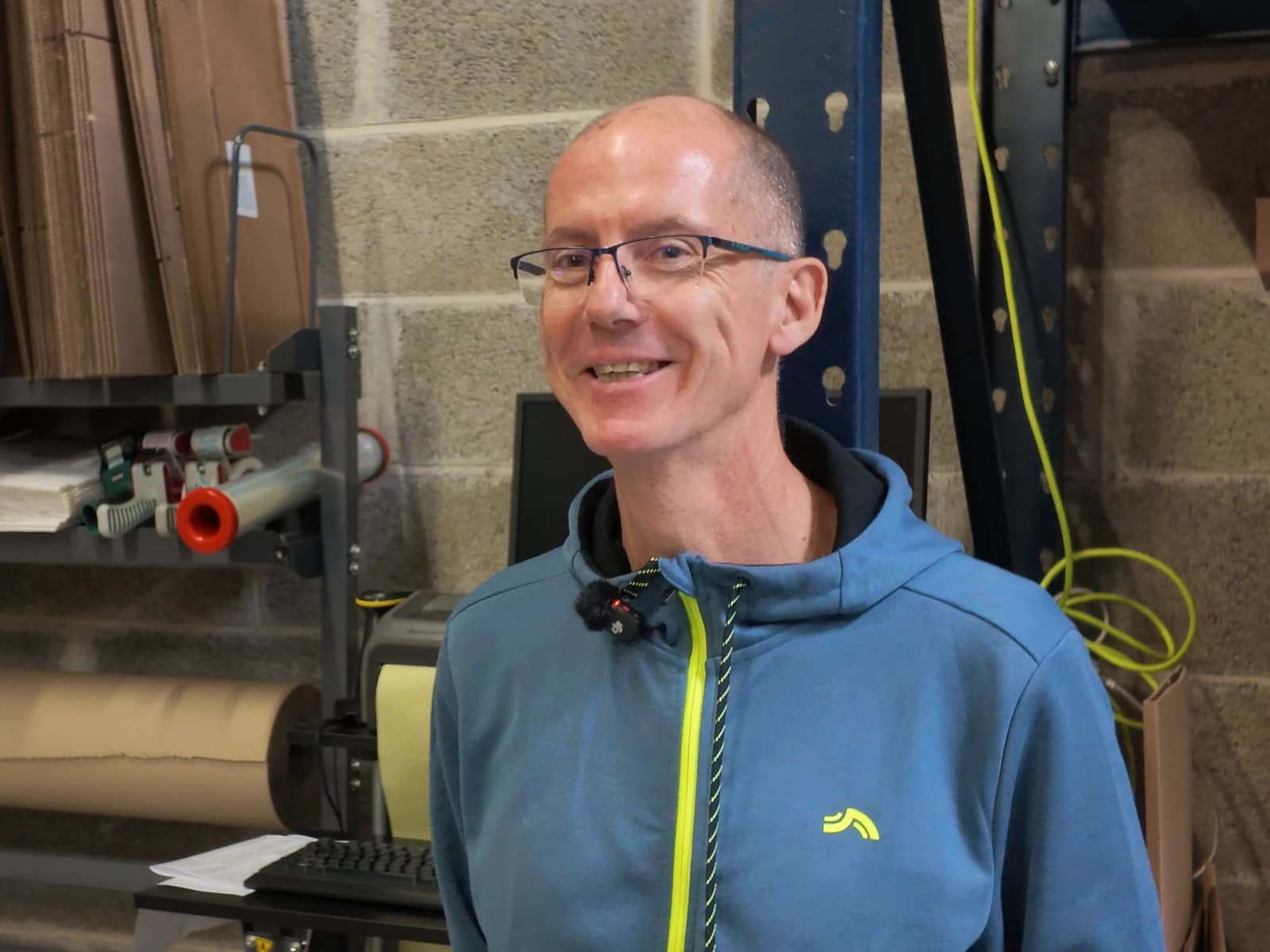
Arnaud GendronFounder and CEO, Ventildirect
Arnaud Gendron sells ventilation equipment on ventildirect.fr and packs every order himself, in a 150 m² (about 1,600 sq ft) warehouse in western France. With myFulfillment, he estimates he has gone from 10 orders an hour to 15 or 20, with far fewer mistakes.
Arnaud Gendron launched Ventildirect in late 2024. On ventildirect.fr and on home improvement marketplaces, he sells mechanical ventilation systems and other building ventilation equipment: exhaust fans, ventilation units, ducting, vents, air inlets and installation accessories. He works alone, out of 150 m² in a shared building in La Gravelle, in France’s Mayenne department. In September 2026, Ventildirect reached a pace of 1,000 orders a month, just over 30 a day. Since December 2025, myFulfillment has handled purchasing, inventory, order prep, labels and dropshipping, with no ERP.
- Orders a month
- 1,000 the pace reached in September 2026
- Warehouse
- 150 m²
- SKUs in stock
- ≈ 600 plus about 50 dropshipped
- Orders on Mondays
- Up to 100
Choosing BMS · Before signing
The mini ERP he was looking for.
Arnaud had worked at companies that all ran an ERP, and as he saw it, you couldn’t run a business without one. When he set up Ventildirect, he asked his web agency how to handle stock and order prep, which to him meant an ERP. What he wanted, in his words, was a mini ERP.
“For me, at my scale and for my business, Boostmyshop does the job. I manage my stock, I prepare my orders and, above all, I also manage all my purchasing. Everything runs through Boostmyshop.”
That’s when his agency told him about Boostmyshop, and he saw a demo before launch. He started out selling with just PrestaShop. A year in, as volumes climbed to 15 to 20 orders a day, he came back to Boostmyshop: without an ERP, he needed a tool that would also handle his purchasing. Setup took a month and a half at most, with two or three remote sessions and a dry run.
Why Ventildirect chose Boostmyshop
The product journey
From rack to package, single-handed.
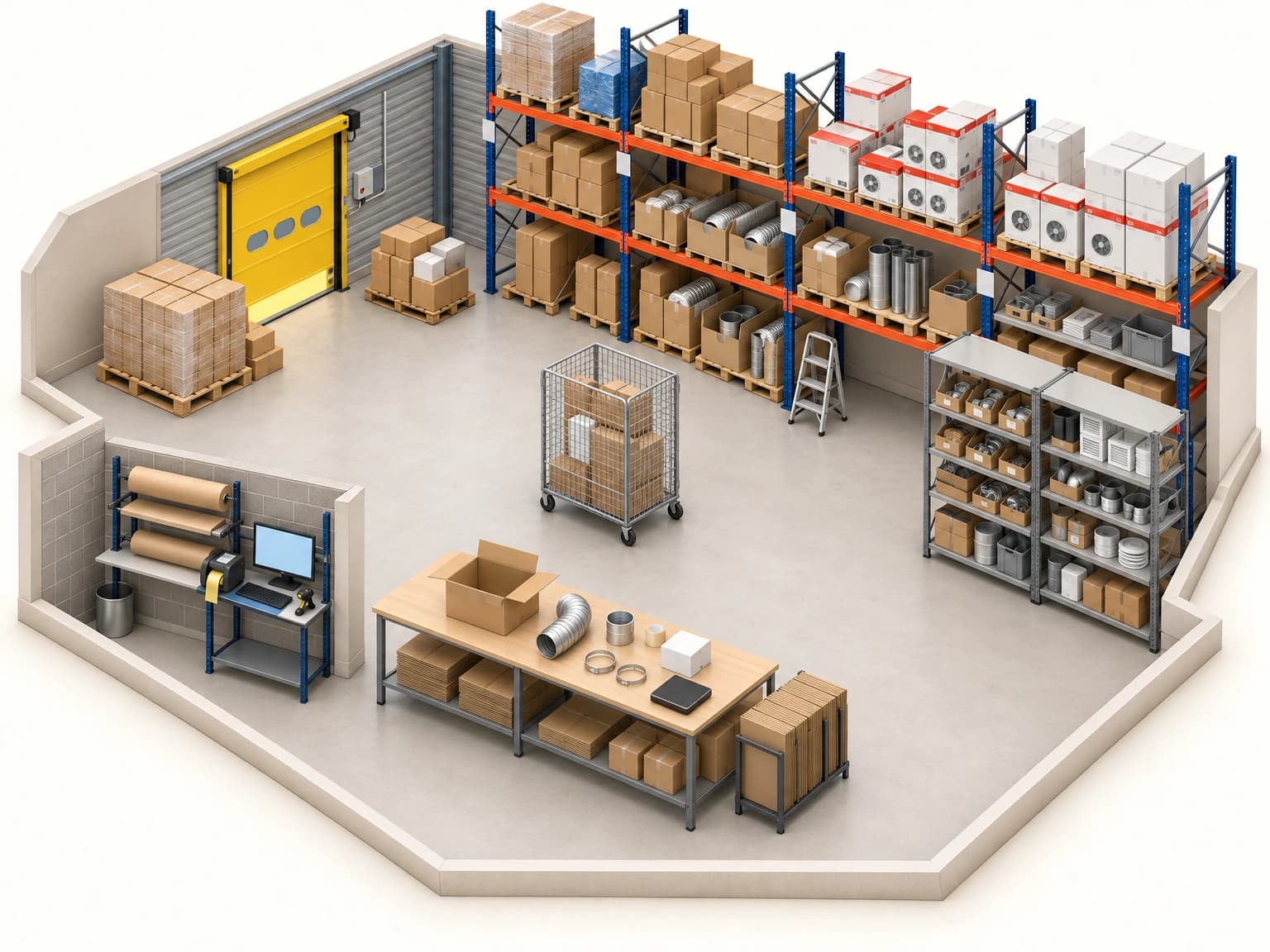
Ventildirect occupies 150 m² in a shared building, with about 100 pallet locations and products of every size, from duct clamps to ventilation units. Arnaud does everything there, from receiving to labeling. His method comes down to a few simple rules, applied in myFulfillment.
01 / Picking path
One path, in waves
Arnaud has given every rack and every level a zone, in alphabetical order. It’s still fairly broad, he says, but it gives him a picking path.

Orders are released in waves of 20 to 30, never more than the packing table can hold, so each wave can be finished before the carrier comes by. Next step: exact bin locations, each with a barcode.
Walk the picking path with Arnaud
02 / Receiving
Receiving on screen
“And to be thorough, I enter the packing slip number for the backorder.”
Arnaud creates his supplier orders in myFulfillment, with help from the replenishment tool. When a delivery arrives, he receives it against the order: he enters the quantities received, any missing item stays on backorder, and inventory updates on its own.
- 1
Open the order
The expected supplier order opens on screen, in the receiving view.
- 2
Enter quantities
He enters the quantities received. A missing item stays on backorder.
- 3
Log the packing slip
He logs the packing slip number, then the one for the backordered items when they arrive.
- 4
Put away
The items go to their zone. Inventory is already up to date.
 1234
123403 / Checks
Two steps, then the scale
First, the wave is picked onto the cart. Then Arnaud packs each order, one by one: an item left on the table gives away a picking mistake.

“If you made a mistake when picking, you should catch it when you pack the order. Those two steps keep the risk of error down.”
Website orders are scanned. Every package is weighed, and the actual weight shows next to the expected weight, calculated from the product data: any difference flags a mistake.
Weight as proof
04 / Shipping
Everything ships, even on Mondays
On Mondays, with the weekend backlog, Arnaud spends six hours on order prep, but everything ships.
“Same with printing the shipping labels on the thermal printer: it’s really smooth.”
Most packages ship with GLS, which picks up early, and a few with Chronopost.
- 1
Seal
The package is sealed with Ventildirect packing tape.
- 2
Label
The carrier label comes out of the thermal printer at the workstation.
- 3
Ship
The package waits for pickup with the rest of its wave.
 123
12305 / Order flow
PrestaShop and dropshipping, connected
Orders from ventildirect.fr sync from PrestaShop into myFulfillment, and statuses sync back almost instantly.

“Dropshipping is only a small part of my business, but I find it really well thought out. With this virtual dropshipping warehouse, products that are eligible for dropshipping are routed automatically.”
About 50 SKUs are sold through dropshipping. A virtual warehouse routes eligible orders automatically, and in a few clicks the order goes to the supplier with the end customer’s address and a packing slip to put in the box. Arnaud then confirms the shipment, and the order status changes to shipped.
With BMS · Day to day
Follow the method, don’t bend the tool.
Arnaud used the tool as it was, without trying to bend it, and since he was just starting out, that was easy. He got organized by setting up locations in his warehouse, and he follows the method he was shown.
“It’s not just software. It’s a way of working, too.”
Reliability, when you work alone
What he relies on day to day
- Replenishment
The replenishment tool helps him prepare his supplier orders.
- Orders on hold
One small product family comes in too many colors to stock, so it is ordered on demand. Those orders stay on a separate list until the supplier delivers.
- Product weights
Weights are entered in PrestaShop and sync to myFulfillment, which uses them to calculate the expected weight of each package.
“If you don’t have an ERP, if you don’t want to get stuck with an overengineered system or be sold an ERP with all the integration headaches, and you want a complete, robust solution that handles inventory and purchasing on top of order prep, Boostmyshop is a very good product.”
Before / after
What changed for Arnaud
About 10 orders an hour.
More like 15 to 20 orders an hour.
Not quite double, he says, but close.
He lacked a bit of method, he says, since he doesn’t have a logistics background.
Two steps, then the scale: a mistake shows up on the table or on the scale.
Far fewer order prep mistakes and very few stock errors. When you work alone, every support case you avoid counts.
Supplier orders on paper, or in an Excel file.
Supplier orders, receiving, backorders and inventory in myFulfillment, and dropshipping in a few clicks.
He saves a lot of time, and dropshipping spares him from juggling different documents.
What this example shows
Arnaud credits the method as much as the software: zones, waves sized to the table and order prep in two steps.

Your turn
What if everything shipped on Mondays, with far fewer mistakes?
Think back to your last busy Monday: where did the mistakes slip in, during picking, packing or labeling?
Tell the Boostmyshop team about it: that specific case is a better place to start than a generic demo.
Thank you to Arnaud Gendron for welcoming us to La Gravelle and showing us how he works.