

Ecommerce ERP: choose the right system for operations
An ecommerce ERP works when every record has one clear owner. The OMS allocates orders, the WMS guides warehouse staff, and the TMS handles carrier services. This guide shows which system should decide, what your team should test, and how to plan the rollout in six steps, with Day 30 and Day 60 reviews.

The essentials
- Keep a reliable financial ERP. Add only the operational layer your warehouse is missing.
- One client fully automated cross-docking. Another saved 4 hours a day. Measure your baseline before cutover.
- One system needs to own each record.
- Test real exceptions, duplicate files, partial receipts, outages, and failed label printing before expanding the rollout.
- myFulfillment fits the operations-suite model; it does not provide general ledger accounting or payroll.
A marketplace order reaches the warehouse. The online store had already reserved the last unit, but the warehouse screen still shows it on the shelf. The packer scans the box. The order stays pending, and no shipping label appears.
Someone must choose which screen to trust. This problem returns whenever two systems can change the same record. Clear ownership matters more than the number of applications.
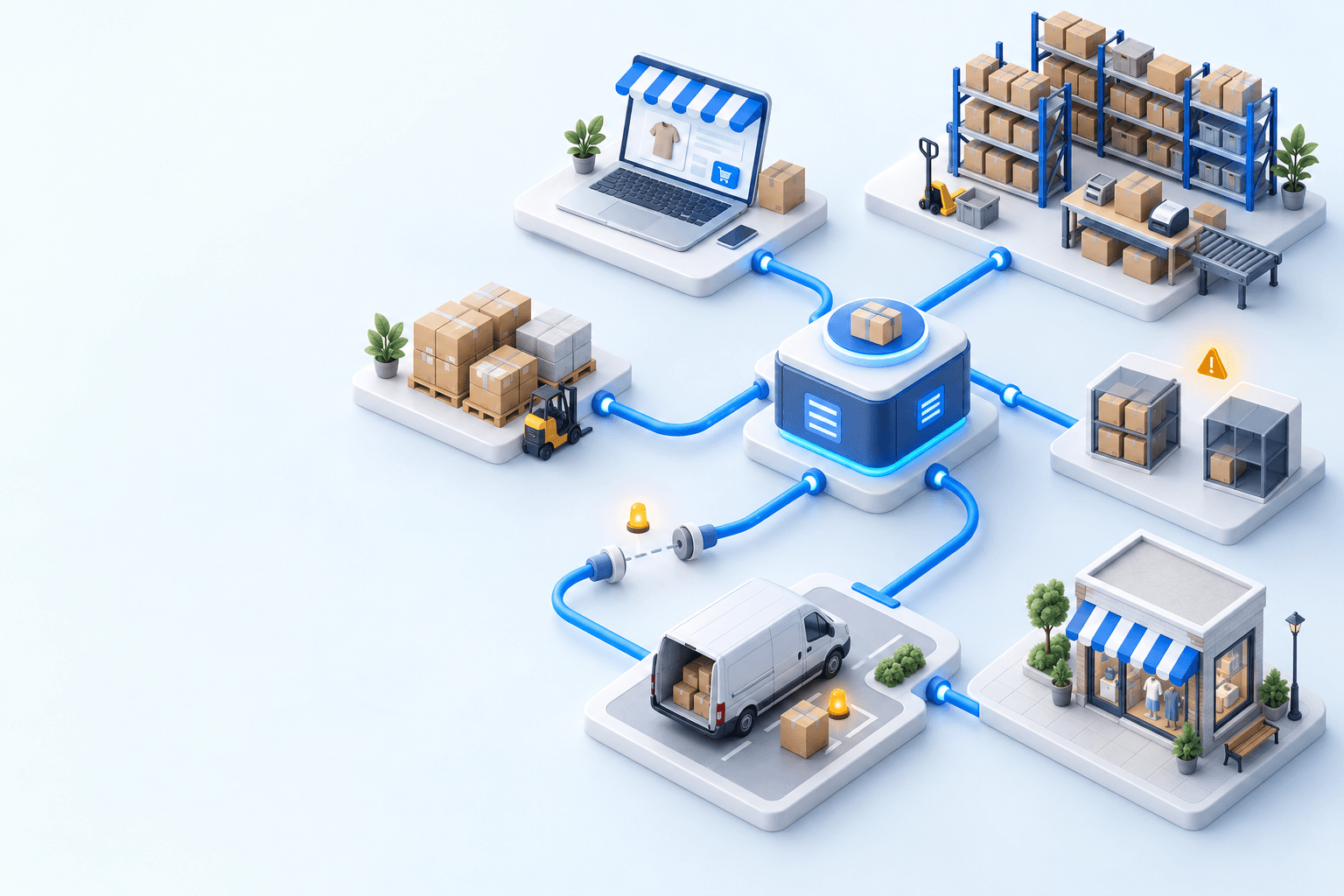
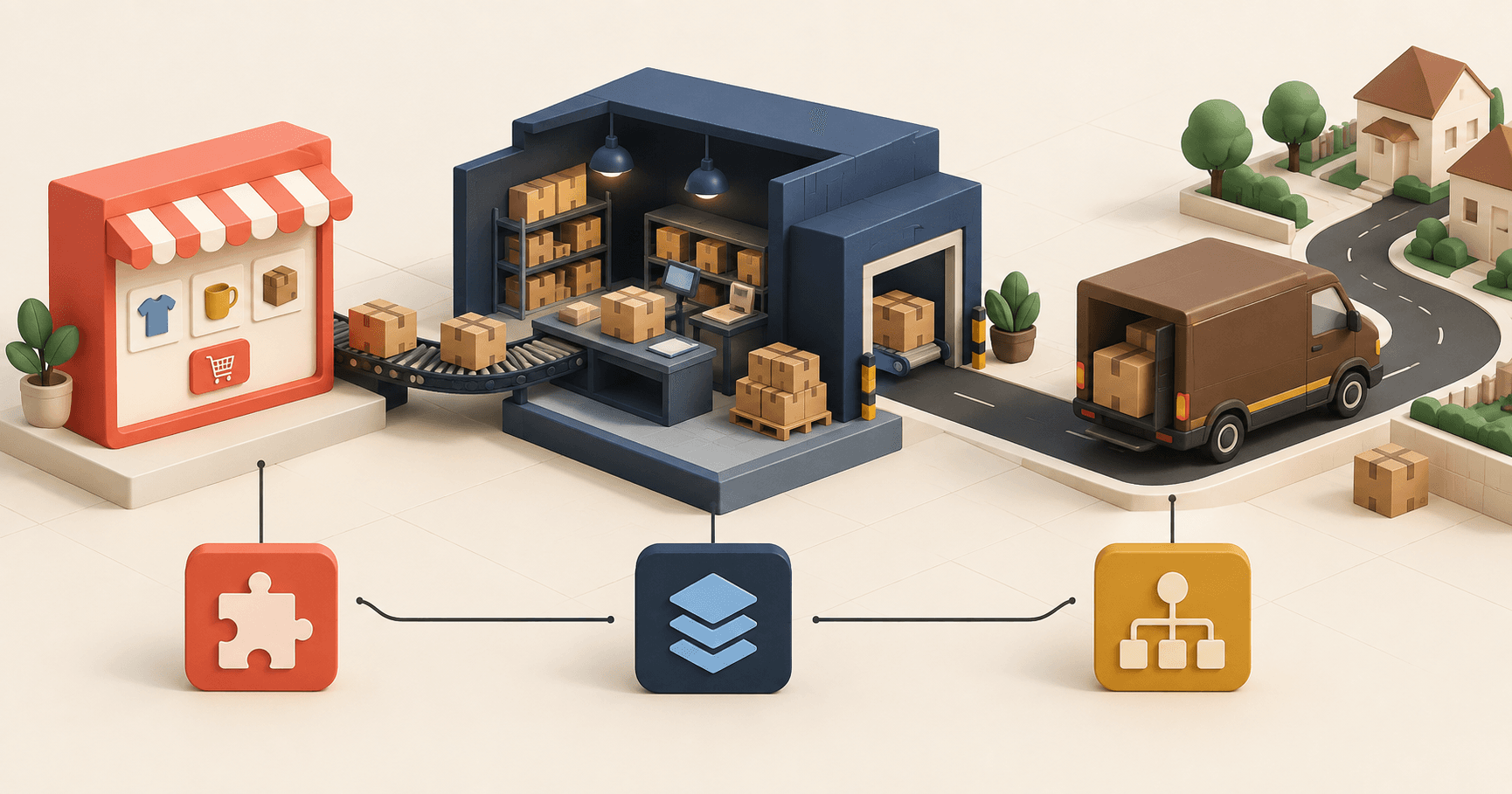
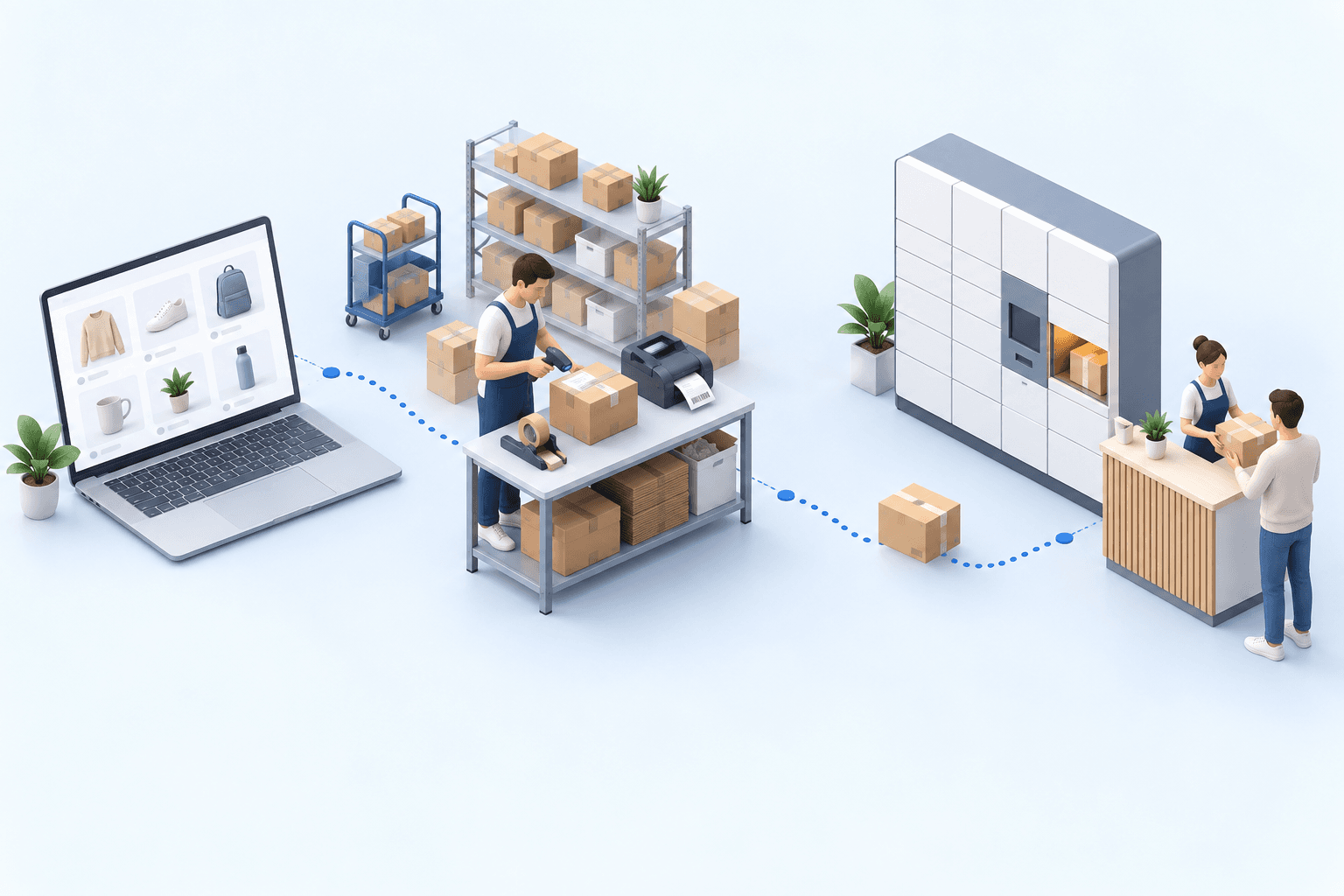
An ecommerce ERP connects purchasing, inventory, orders, warehouse work, and shipping. One system needs to own each record.
The U.S. Census Bureau reports that retail ecommerce sales are growing at nearly twice the rate of total retail sales. Warehouses absorb that extra order volume.
- U.S. retail ecommerce, Q2 2026 vs Q2 2025
- +12.2%
- U.S. total retail, same period
- +6.7%
Retail ecommerce sales grew at nearly twice the rate of total retail. Ecommerce represented 17.1% of quarterly retail sales: $340.2 billion out of $1,986.5 billion.
Settle three decisions before you shortlist software. Which system calculates sellable inventory? Which one sends an order to a fulfillment site? Which one confirms that a parcel can leave?
Ecommerce ERP vs OMS vs WMS: assign each decision
Finance and purchasing teams use the ERP for shared records such as products, suppliers, and purchase orders. An order management system, or OMS, assigns each order to inventory and a fulfillment site. A warehouse management system, or WMS, tells warehouse staff what to receive, pick, and pack. A transportation management system, or TMS, selects the carrier service, prints the label, and receives tracking updates.
Vendors draw these boundaries differently. An ERP may include warehouse functions. An OMS may calculate sellable inventory. For each record, write down which system owns it, which system acts on it, and which systems only read it.
| Record | ERP | OMS | WMS | TMS |
|---|---|---|---|---|
| Product and SKU | Master | Reads | Reads | |
| Purchase order | Master | Reads | Event | |
| Sellable stock | Reads | Master | Event | |
| Customer order | Reads | Master | Reads | |
| Shipment and tracking | Reads | Reads | Event | Master |
Read one row at a time. If two systems own it, teams will correct the same record in two places.
Keep a financial ERP that already works. Difficult picking does not make the general ledger obsolete. Add an OMS for multi-channel orders and a WMS for warehouse execution. The ecommerce order management system guide covers OMS-specific tests for allocation, multi-channel inventory, and recovery.
A merchant with limited accounting needs may prefer one suite for orders, warehouse work, transportation, and purchasing. myFulfillment fits the operations-suite model; it does not provide general ledger accounting or payroll.
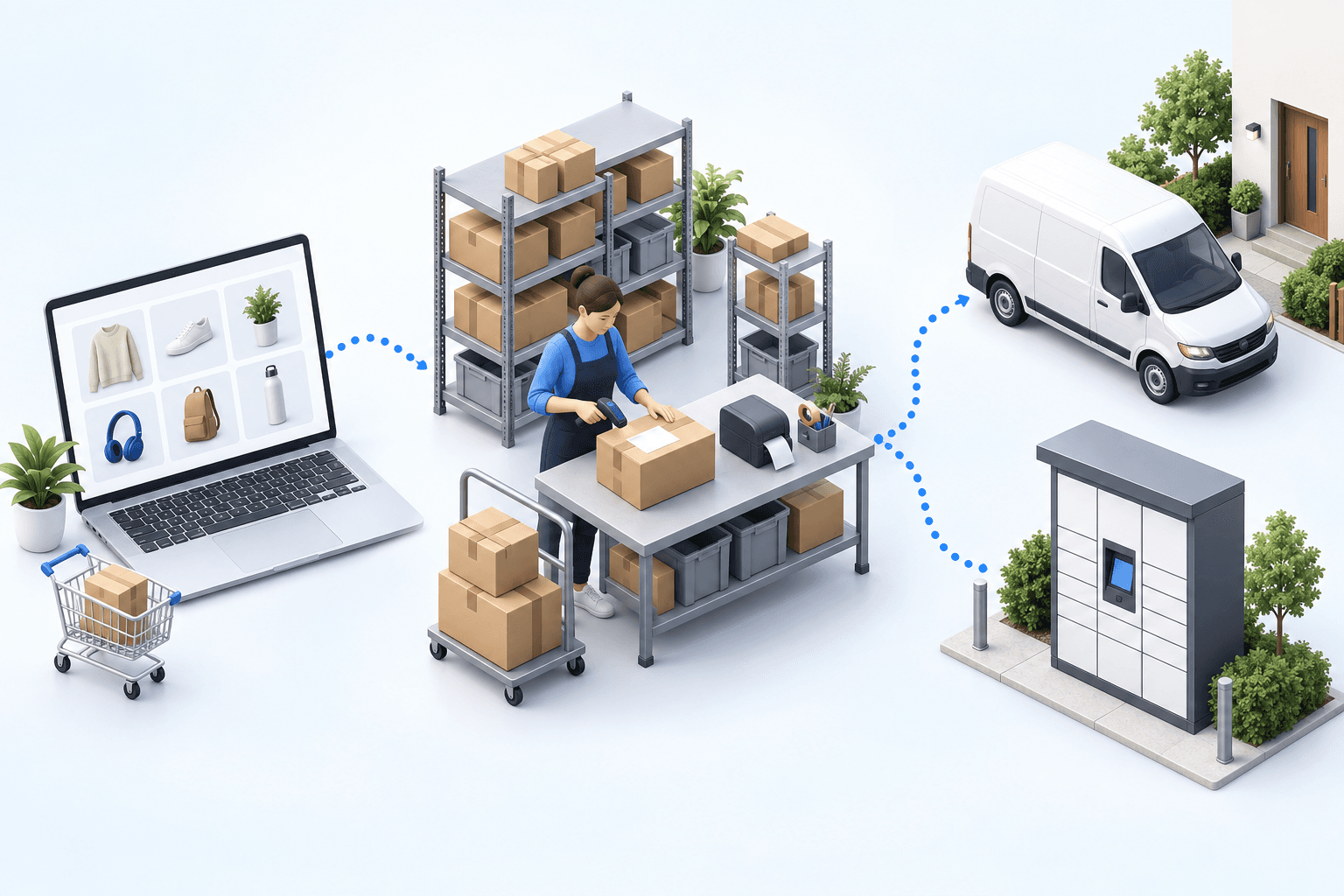
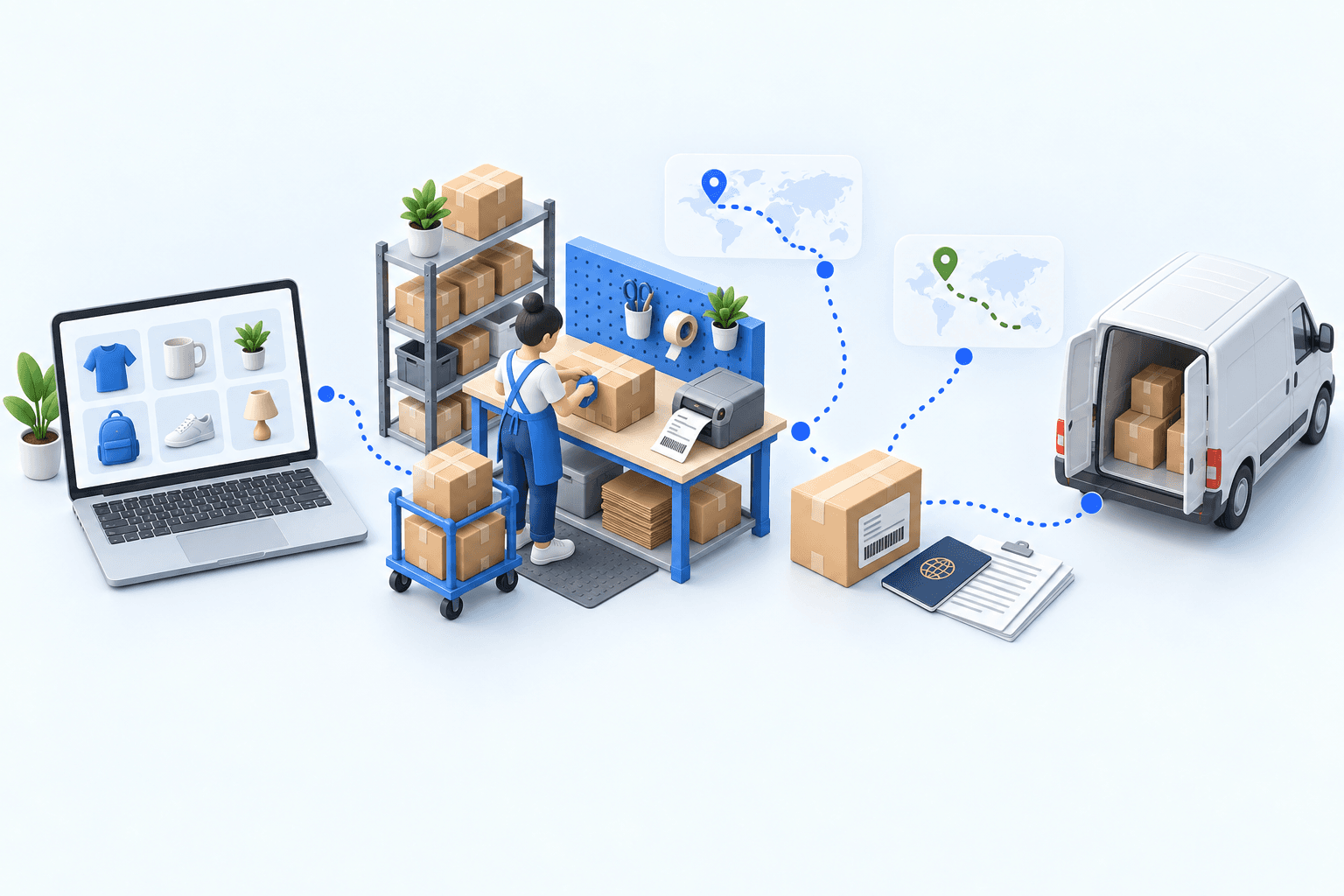
From replenishment need to carrier tracking
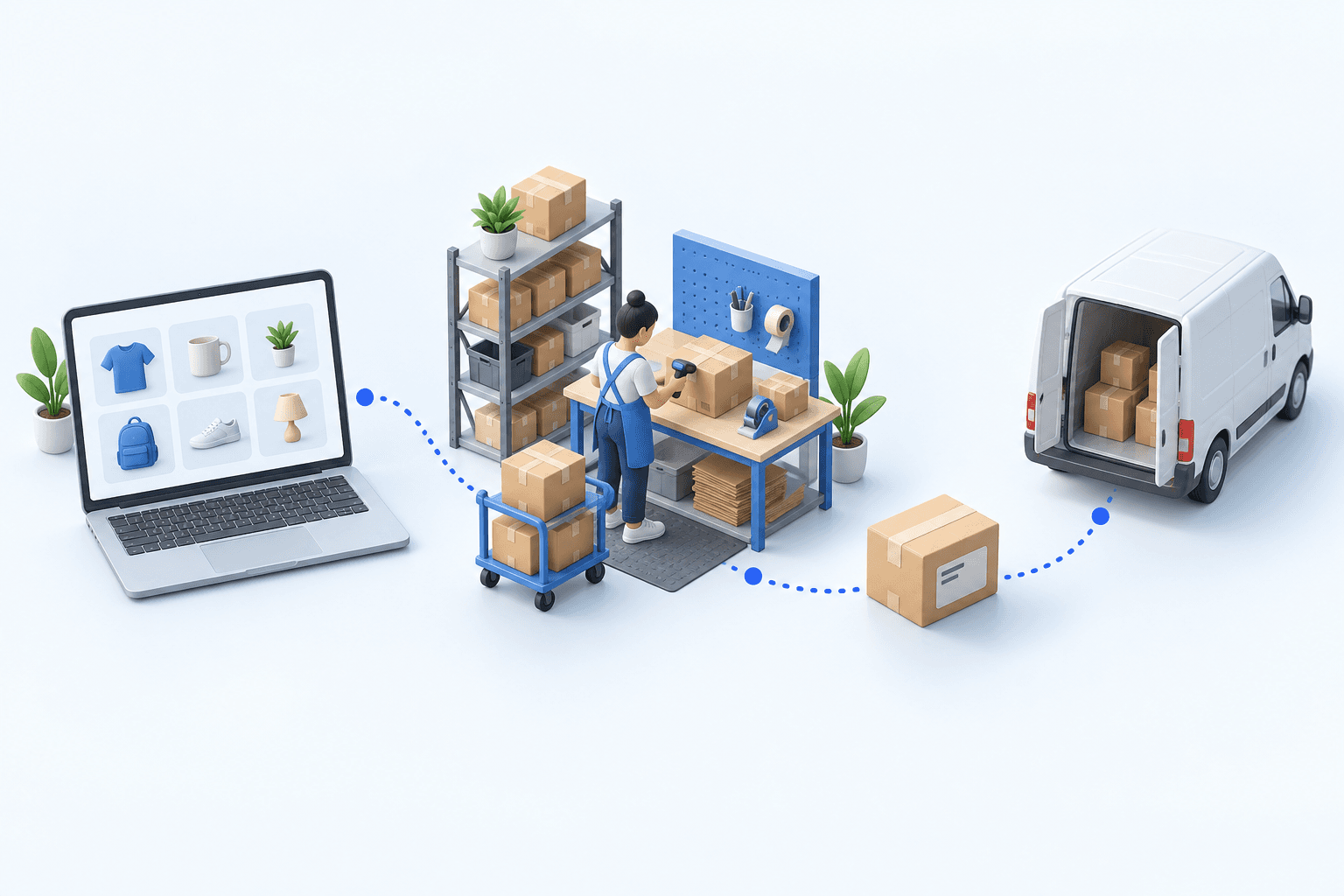
A buyer raises a purchase order before inventory runs out. At receiving, a worker stores the item or assigns it straight to a customer order. That second route is cross-docking: the item bypasses storage.
An order line is one product and the quantity requested.
- Calculate the need. The buyer reviews low stock, backorders, and quantities already on order. A backorder is the quantity ordered but not yet received. The system proposes a quantity; it does not forecast future demand.
- Draft the purchase order. The buyer chooses which needs to cover. The system creates a draft purchase order or adds the selected items to an existing draft. The buyer approves it.
- Receive the goods. The receiver checks the delivered products and quantities against the purchase order. A partial delivery leaves the remaining quantity open.
- Put away or cross-dock. The receiver scans the item. The system can assign it to a waiting order. Without that allocation, the item is put away and then picked again, even for a single-line order.
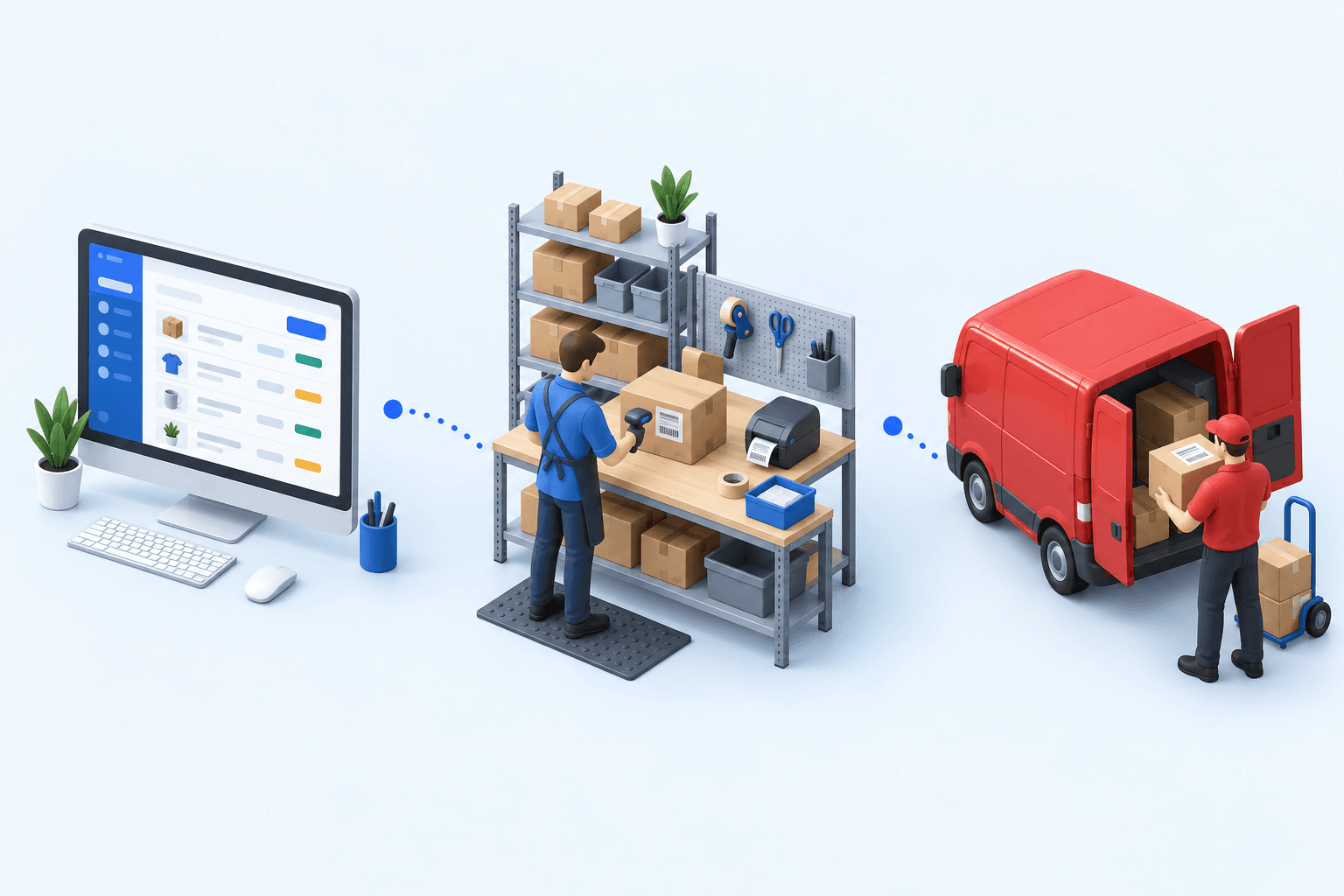
- Build the pick list. The list shows the SKU, quantity, location, order, and bin. The picker confirms each item with a scan.
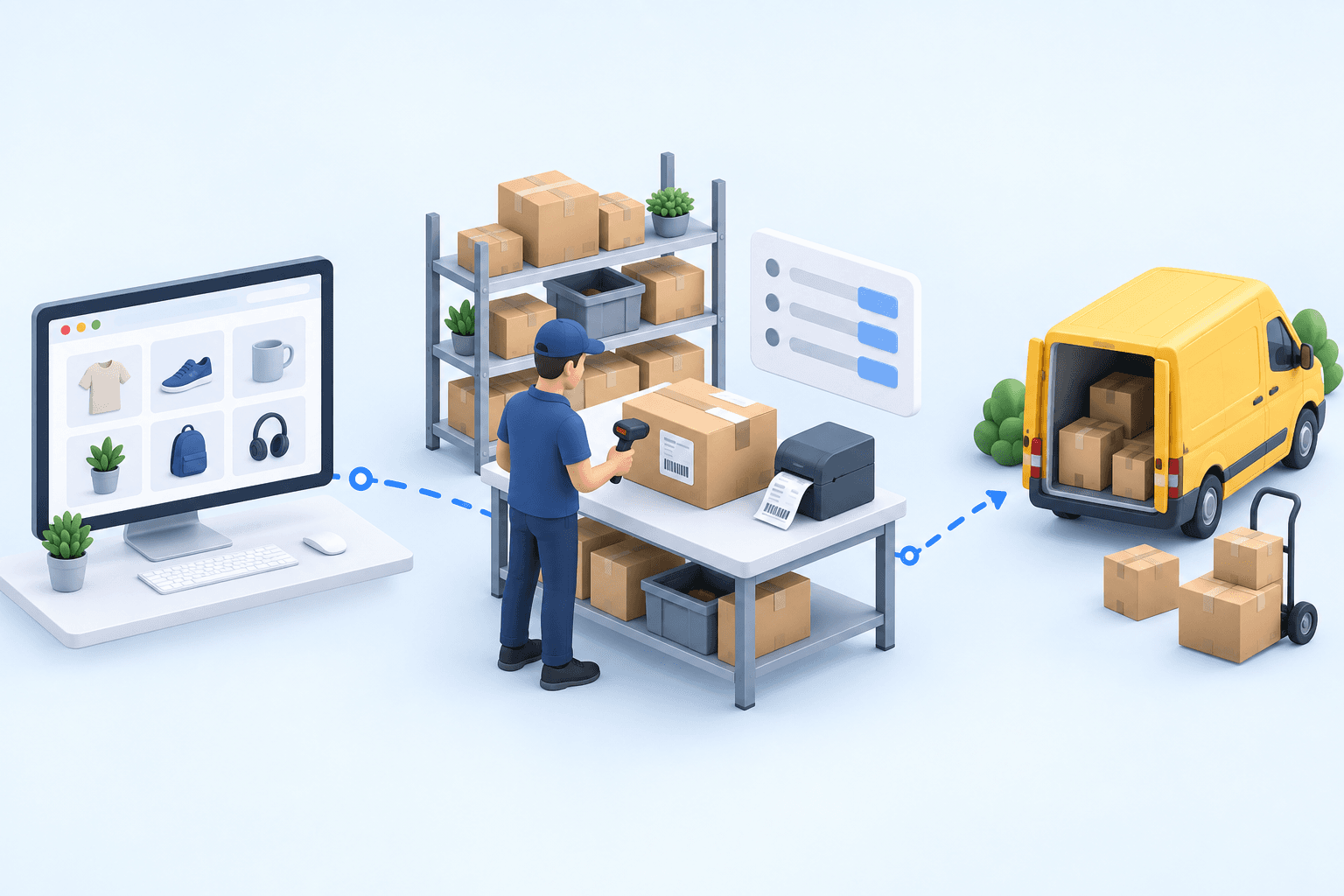
- Pack and ship. The packer checks the products, closes the box, and prints the label for the chosen service.
- Send tracking back. The carrier sends status updates and exceptions. A scheduled job can pass them to the storefront and marketplaces.
The connector may use an API, which lets two applications exchange data. It may also transfer files or run a scheduled job.
Time each handoff between systems. The purchase order management page explains purchasing and receiving. The replenishment guide covers threshold and quantity methods.
Assign an owner to each record, then test what happens when an exchange fails
A stock keeping unit, or SKU, is an item’s unique reference. Create a test SKU, follow it through every application, and force one error. You will spot any hidden manual entry.
| Record | Test | What it checks |
|---|---|---|
| Product and SKU | Create, edit, and disable a test SKU | Direction of catalog updates |
| Supplier | Change one lead time | System that recalculates replenishment |
| Purchase order | Approve, then receive partially | Whether the backorder stays open |
| Sellable stock | Reserve the last unit | Overselling risk by channel |
| Customer order | Import the same order twice | Duplicate prevention |
| Shipment | Force a label printing failure | Recovery process |
| Carrier tracking | Add a delay event | Update reaches every channel |
GS1 describes EPCIS 2.0, published in June 2022, as a common language for events. Each event answers five questions: what, when, where, why, and how. You do not need to implement EPCIS. Require every update to carry a timestamp, an identifier, and a source instead of overwriting a number without context.
For your CMS, test webhooks, statuses, and field mappings. A webhook triggers an exchange after a store event. For integration details, see the CMS integration pages.
Seven breakdowns that show which system is missing
When two screens disagree, watch who has to resolve it.
- An order disappears between five interfaces. Check import, duplicate handling, and status. An OMS can bring every order into one list.
- Two channels sell the last unit. Check reservations, update frequency, and the sellable-inventory calculation.
- A picker takes the wrong product. A WMS directs the pick and stops the error before shipping.
- A partial receipt closes the open quantity. Keep the ordered, received, and outstanding quantities separate.
- Someone chooses every carrier by hand. A TMS applies the rules and flags exceptions.
- A WMS or connector outage stops order processing. Write the fallback process, then time a run-through.
- Finance and operations edit the same record. Name one owner and remove other edit access.
Once you know the failure, review the matching order, warehouse, or transport module.
Ten tests for comparing vendors with your own data
Use your files and difficult cases. A polished demo says little about a busy Monday.
- Responsibilities. Name one owner per function.
- API. Check documentation, authentication, quotas, and errors.
- Frequency. Set the order, inventory, and tracking intervals.
- Duplicates. Replay the file and read the rejection log.
- Exceptions. Test backorders, partial receipts, split orders, cross-docking, and carrier failures.
- Audit trail. Record who changed what and when.
- Mobile work. Check product, location, and quantity on the handheld.
- Multiple sites. Track inventory across warehouses, stores, and third-party logistics providers (3PLs).
- Carriers. Test labels and tracking for each service.
- Data export. Export products, inventory, orders, purchasing, and logs.
The next two checks are quick. Replay a file and read its rejection log. Then receive a box from three purchase orders and count how many screens you have to open.
Roll out without stopping the warehouse
Rollouts often drift. A team adds a site, accepts an incomplete test, and later forgets what passed. Close every stage with dated evidence and a named owner.
- 01Map
Lead time, re-keying and fixes quantified
- 02Assign
One master system and one owner per record
- 03Clean
SKUs, EANs and statuses reconciled
- 04Pilot
One channel, one site, under control
- 05Sign off
Exceptions and fallback signed off
- 06Extend
Next rollout scope approved
Compare with baseline; assign actions
Decide to extend, fix or wait
Every stage needs a verifiable result and a named owner.
The project needs more than software. In a 2022 International Journal of Technology and Human Interaction study, Idilbi and Abu-Shanab analyzed 321 responses from 40 organizations. Respondents ranked top-management support first, followed by user training and project management.
Name the owners, sign off on user acceptance testing, and book training time. Limit the first test to one channel and one site. Compare the result with the baseline.
Include security requirements in your acceptance tests. The NIST Cybersecurity Framework 2.0 has six functions: Govern, Identify, Protect, Detect, Respond, and Recover.
Its small-business quick-start guide names five outcomes for this project. Restrict access (PR.AA-05), encrypt stored data (PR.DS-01), test backups (PR.DS-11), monitor abnormal behavior (DE.CM-09), and check backup integrity before a restore (RC.RP-03). Ask for dated evidence on all five.
Results from two real ecommerce operations
The first client distributes auto body parts from Barcelona. Its 200,000 to 500,000 SKUs are too many to stock. Each order creates a supplier purchase order, and then the receiving team assigns the item straight to that order.
After configuration and custom development, the team fully automated the work that had been manual. The processing time for a single-line order fell from hours to minutes. The multi-supplier cross-docking case documents the workflow.
The second client sells home and garden products through PrestaShop, Amazon, Cdiscount, ManoMano, and a B2B portal. The team used five interfaces and a spreadsheet. Centralization saved 4 hours a day.
Orders now ship the same day instead of 1 to 2 days late. New staff become self-sufficient in 2 weeks rather than 3 months. The multi-channel centralization case provides the context.
The OMS-WMS integration and two-country fulfillment automation cases show the underlying mechanics.
The complete file
Download the 42-point ecommerce ERP checklist (PDF)
Reading the page is free. Enter your work email to get the file.
Review the tests and cases on this page with operations, warehouse, IT, and finance. Assign each record to a system, name an owner, and define the evidence required before sign-off.
Keep an ERP that already manages finance and master data well. Add only the layer missing from warehouse execution. myFulfillment covers orders, purchasing, warehouse work, and transportation. Test the architecture with one SKU, one partial receipt, and one label printing failure.
Sources
- U.S. Census Bureau, Quarterly Retail E-Commerce Sales, 2nd Quarter 2026, release CB26-133, August 18, 2026.
- GS1, EPCIS & CBV, EPCIS 2.0 published June 2022.
- Idilbi, M. and Abu-Shanab, E., Critical Success Factors for ERP Implementation, International Journal of Technology and Human Interaction, vol. 18, no. 1, 2022.
- NIST, The NIST Cybersecurity Framework (CSF) 2.0, NIST CSWP 29, February 26, 2024, and CSF 2.0 Small Business Quick-Start Guide, NIST SP 1300, February 2024.
- Boostmyshop case registry: the auto body parts distributor and the multi-channel home and garden retailer.
Frequently asked questions
The ERP holds shared business records such as products, suppliers, and purchases. The OMS allocates orders. The WMS directs receiving, picking, and packing. Because system boundaries overlap, assign each record to one master system.
Not always. The OMS can manage orders, while the WMS directs warehouse work. Your team still needs a reliable home for purchasing, master data, accounting, and statutory reporting. Keep or add an ERP only for the work left uncovered.
Choose the system that sees physical stock, reservations, holds, and safety stock. It may be the OMS, WMS, or ERP. Let that system calculate one timestamped balance, then send it to every channel.
Sync products and SKUs, suppliers, purchase orders, inventory, customer orders, warehouse tasks, parcels, shipments, and tracking. For each record, document the owner, identifier, trigger, update frequency, and recovery process.
Keep the ordered, received, and remaining quantities separate. A partial receipt updates the received quantity without closing the purchase order. Test an overage, a replacement item, and a cross-docking allocation too.
Start with one channel and one site. Clean shared identifiers and move open orders. Then test exceptions, an outage, the manual fallback, and rollback. Expand only after the Day 30 and Day 60 reviews.
Test a backorder, partial receipt, split order, cross-docked item, inventory discrepancy, label printing failure, cancellation during picking, and a sync outage. Give every case an expected result, an owner, and a recovery process.
Continue exploring
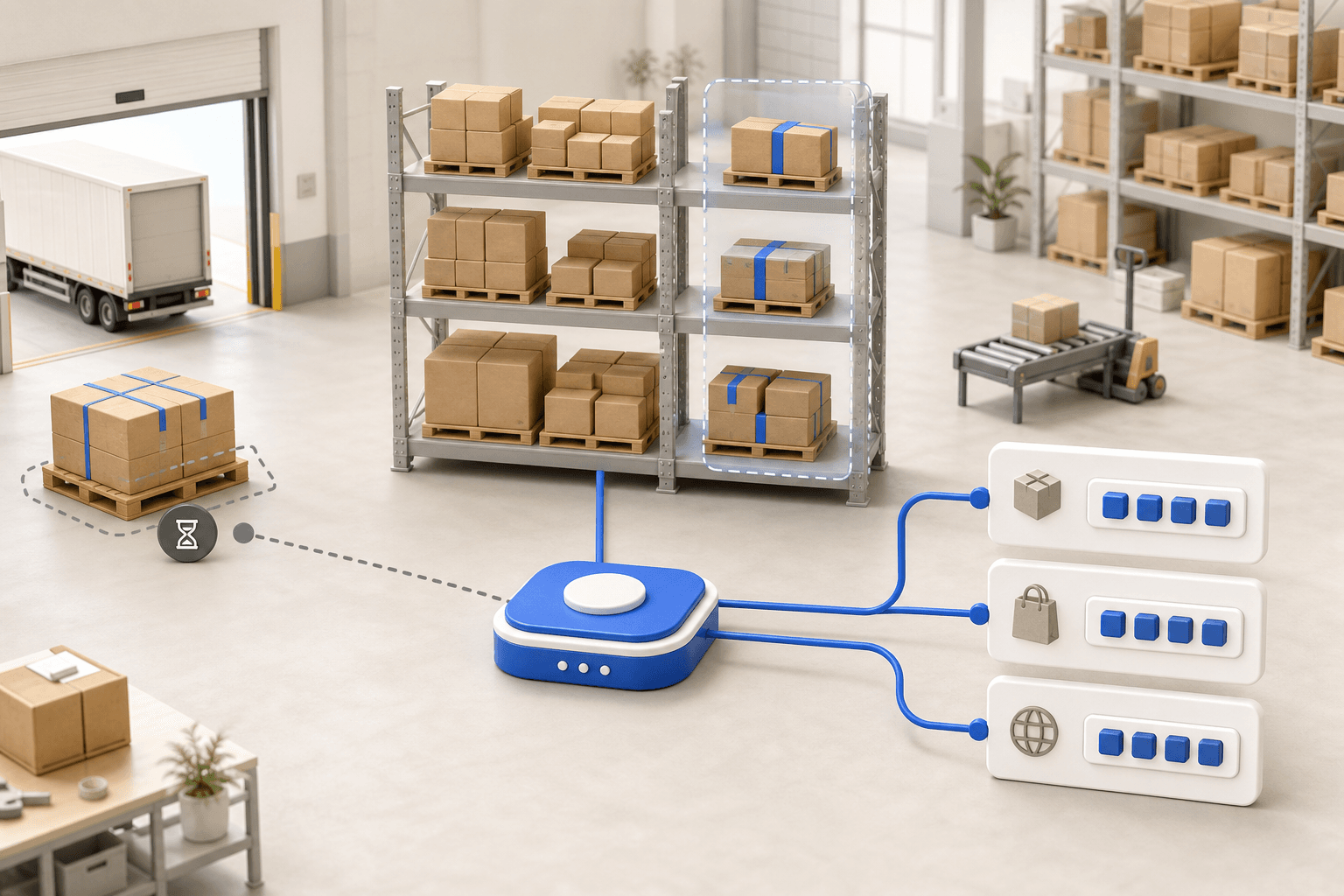
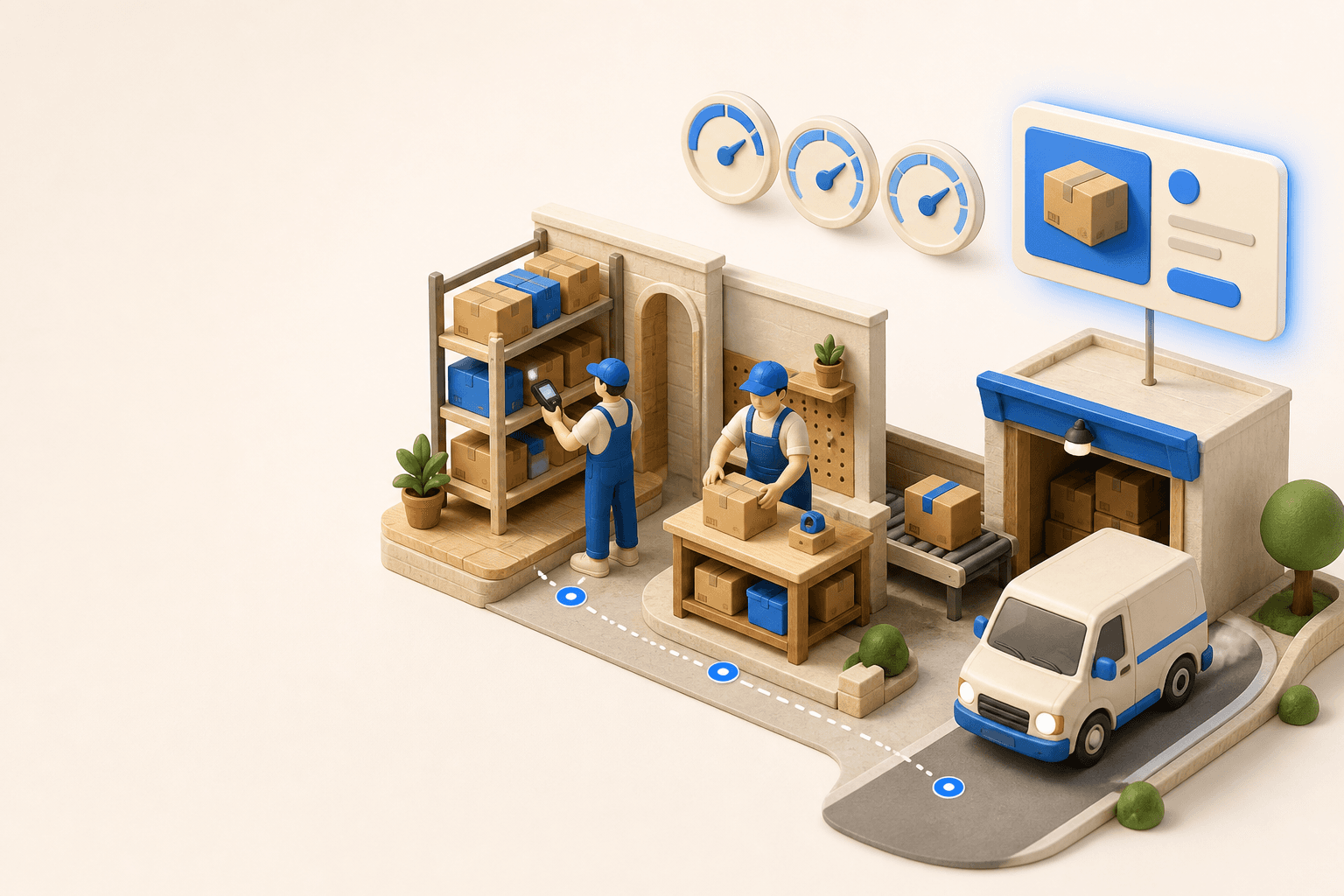

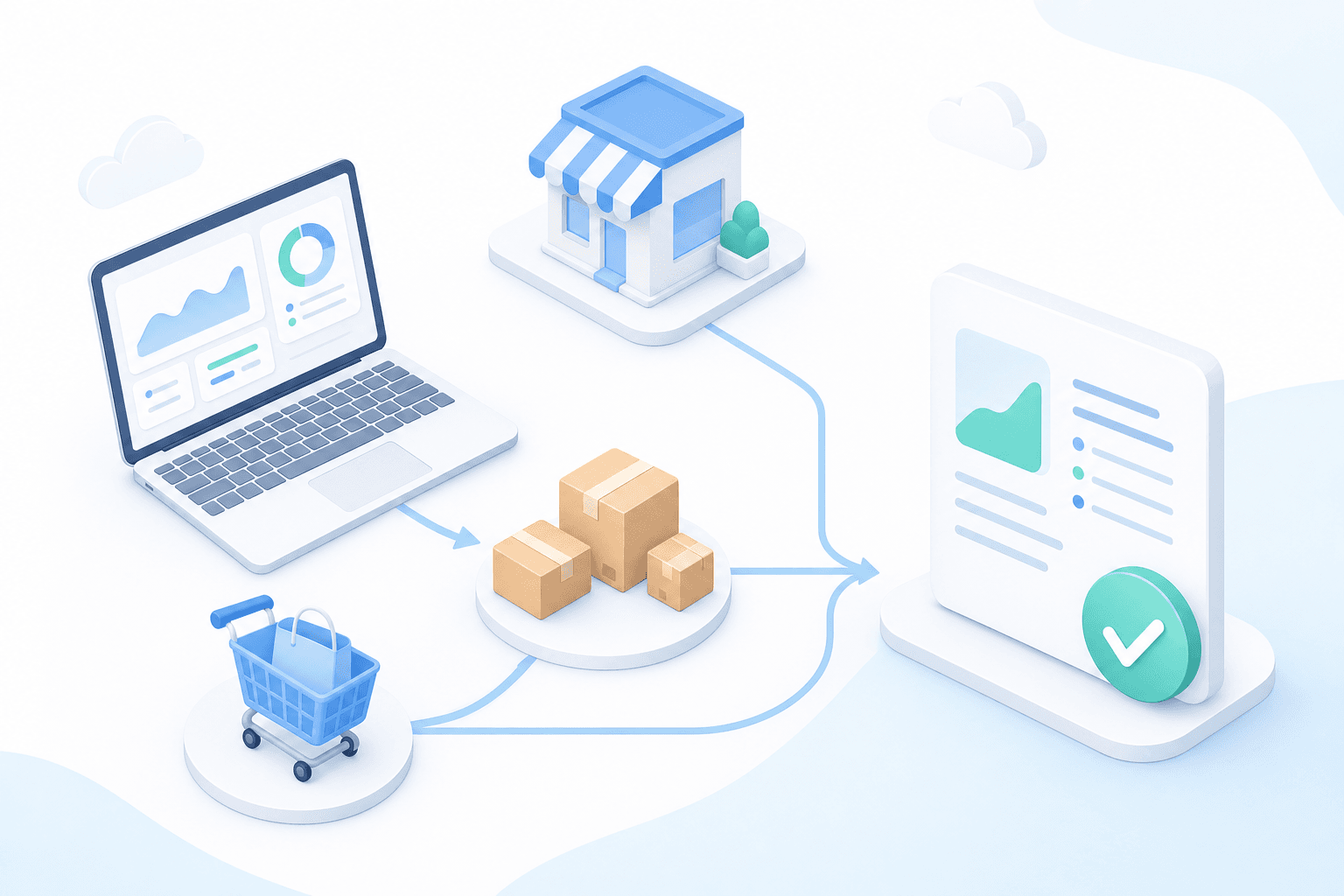
Stock availability, picking accuracy, and shipping times affect marketplace sales. Jonathan Coloma, COO of Repiauto, explains how his team went from 300 to 1,000 orders a day in two years. He describes the limits of paper-based work, ERPs built for different needs, a go-live estimate of fifteen days, and changes to his daily routine.

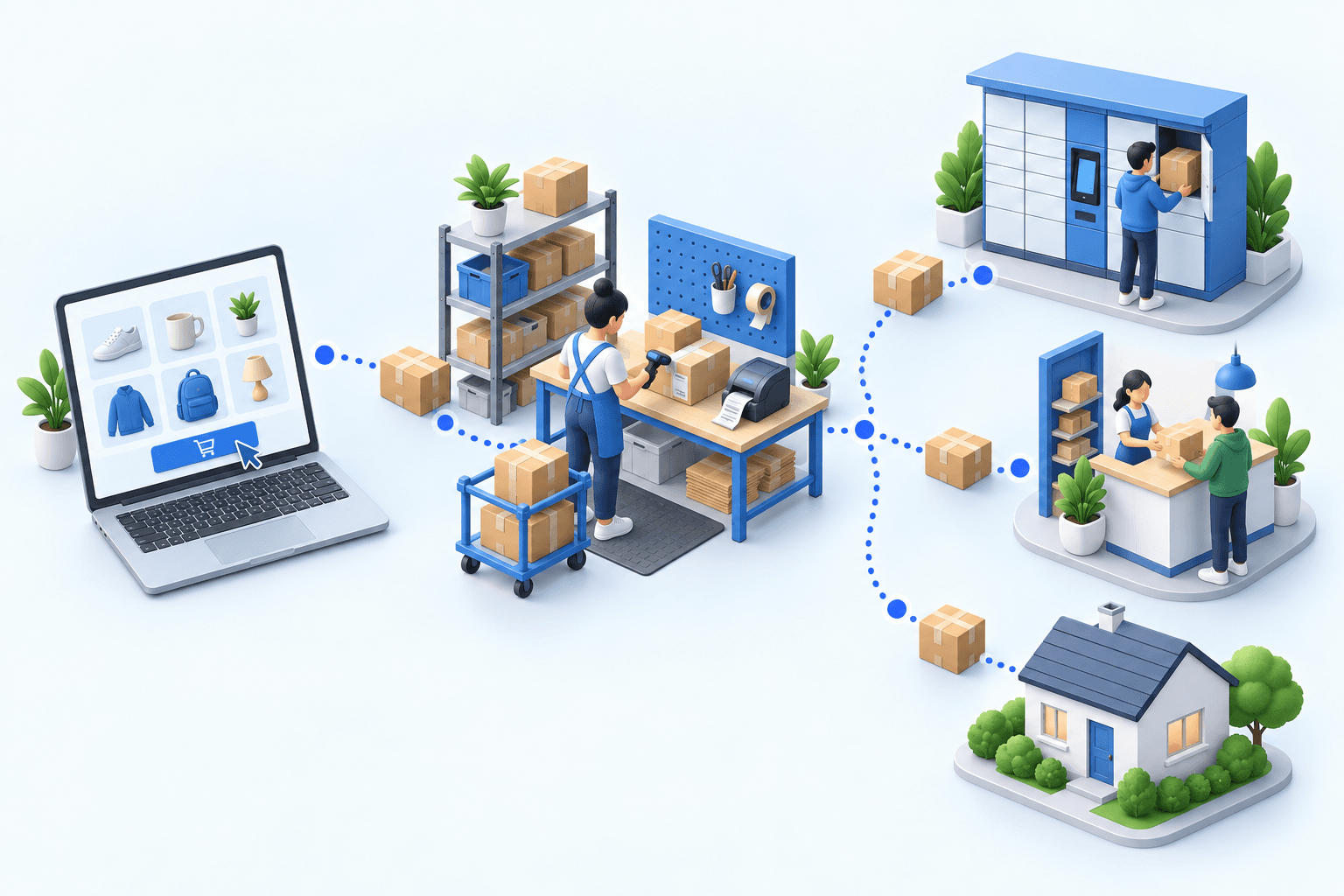
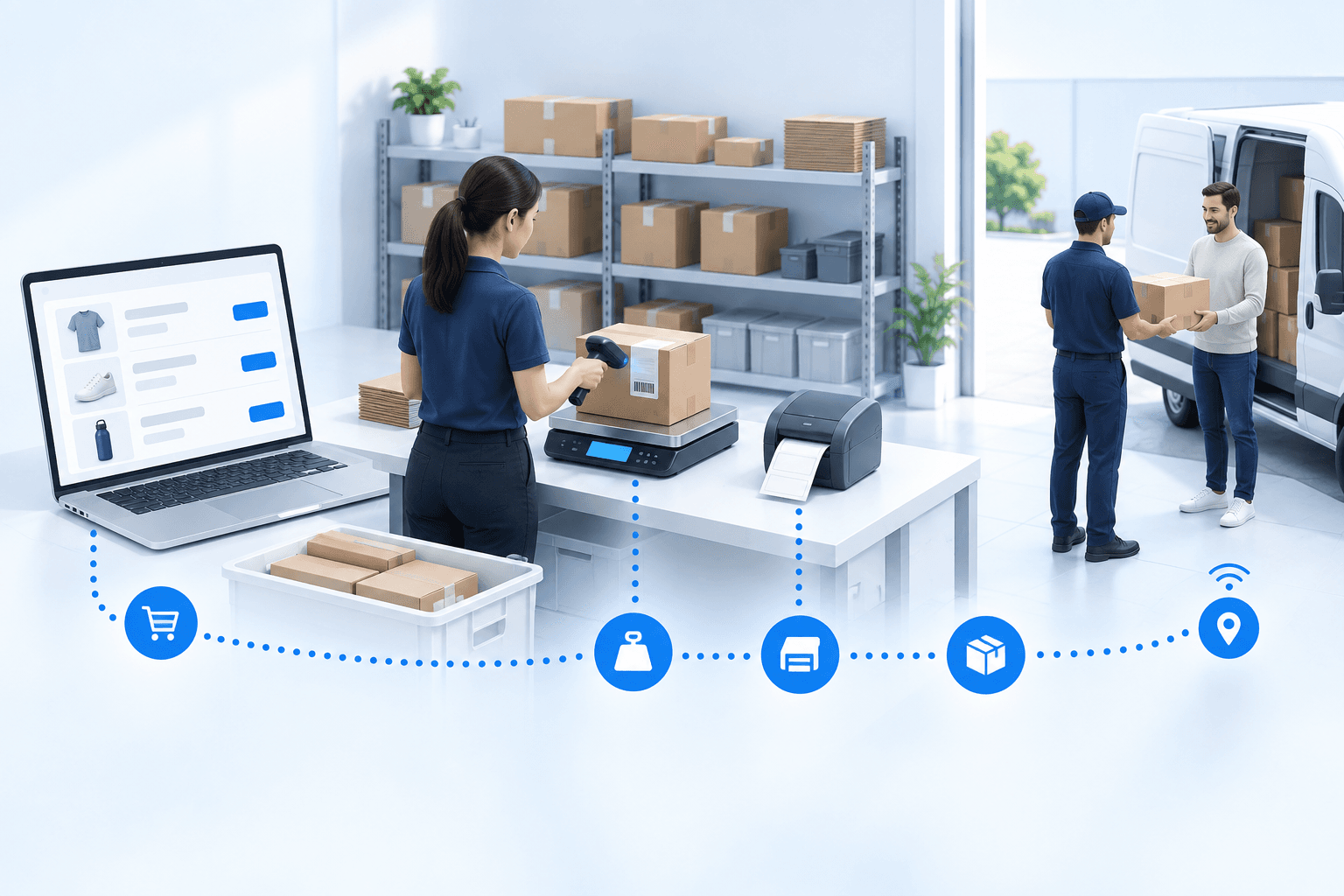
To hold up under peak volume, split the order queue into waves based on real operating constraints, then decide where barcode checks belong. At the packing bench, the operator verifies the parcel. Carrier rules select the service and print the label, so the next order can start without another decision.

Industrializing your purchasing means ordering on rules, not guesswork: at the right time (the reorder point), in the right quantity (your coverage period), from the right supplier, with a purchase order validated in one click. Available on replay.
















A well-interpreted search reveals what customers want, even without a sale. This Boostmyshop × Venture.ia replay shows how Findy turns that signal into conversions, then how Boostmyshop reserves stock and opens its data to Héhocom so picking and delivery can keep up with order growth.
Let’s review your order workflow
In 20 minutes, we’ll identify bottlenecks and ways to save time. No slides.
Free 20-min call · No commitment