

Flea Market POS System for Online Sellers
A flea market POS system fits an online seller who wants to sell the web catalog from a temporary stall. Staff use a tablet or computer to check warehouse stock and send orders into the usual workflow. The setup also needs a tested connection and a separate card terminal.

The essentials
- A warehouse-connected POS, an offline-first POS, a mobile-payment tool, and market-organizer software do different jobs.
- Federal Reserve data shows cash was 14% of US consumer payments in 2024, and 70% of cash payments were below $25.
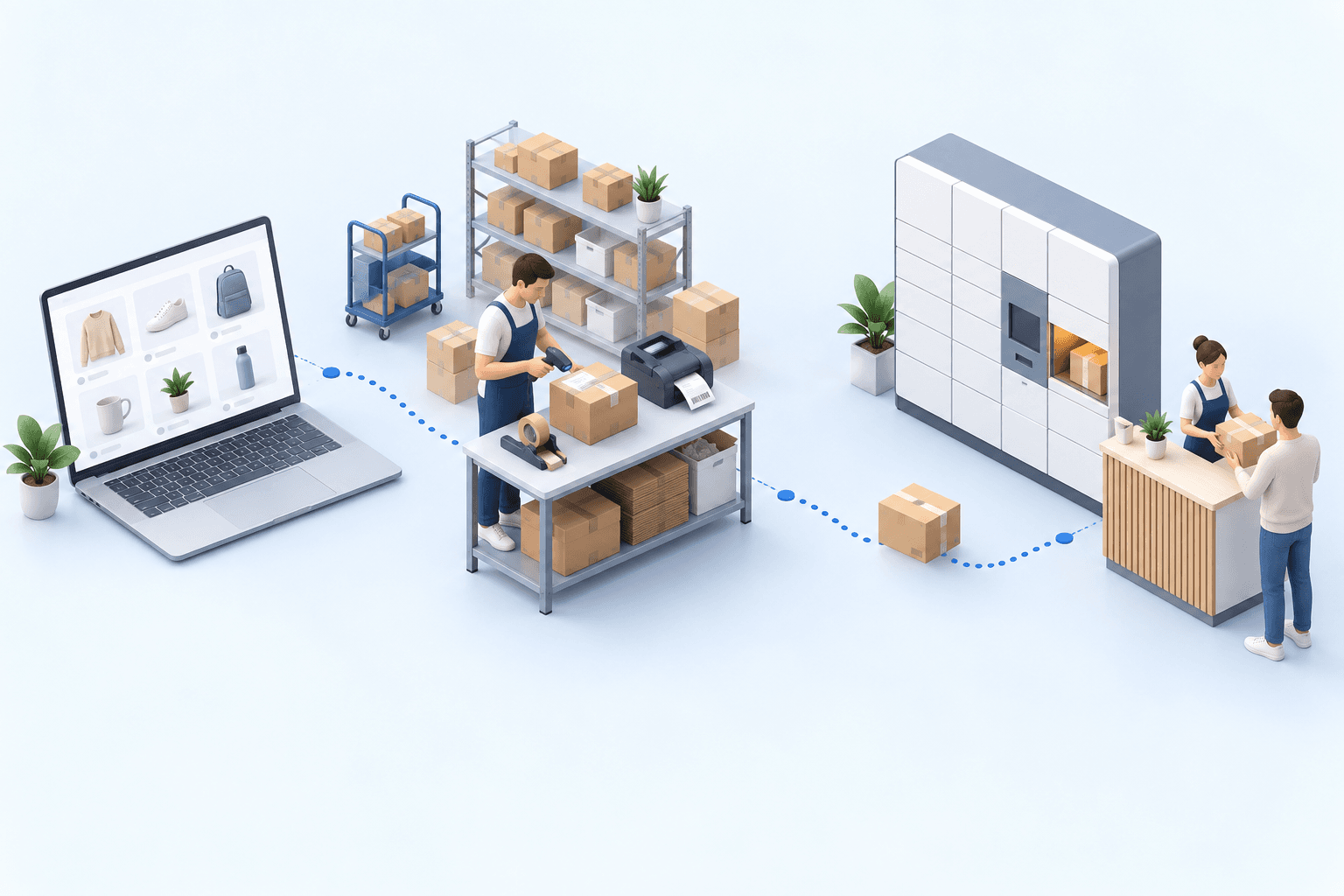
- The POS reserves the same stock as the website, then puts the stall order in the warehouse team's normal queue.
- A stall is ready when the team has run through a sale a week beforehand and the warehouse has received a test order.
- myFulfillment fits online sellers with a tablet or computer, a separate card terminal, and a dependable server connection.
It is 11 a.m. on Saturday. A shopper finds a jacket at your stall and asks for another size. That size is still in the warehouse, under the same barcode used online. Your staff member needs to check it and place the order now, without handing Monday's team a paper form to re-enter.
Which flea market POS system fits your stall?
This guide is for an online seller adding a temporary stall to an existing business. The U.S. Census Bureau reported that e-commerce made up 17.1% of US retail sales in the second quarter of 2026 (CB26-133, August 18, 2026).
More than eight of every ten retail dollars were still spent in person.
Picture the moment after a sale. Should the point-of-sale (POS) screen update the same product, stock, customer, and order records as your website? If so, look for a POS connected to the warehouse. If you only need to take a card payment, a different category will be a better fit.
| Category | Best for | Shared stock | Hardware | Offline selling |
|---|---|---|---|---|
| Payment-only mobile POS | Taking card payments | Rarely | Bundled reader | Ask for a tested offline mode |
| Market-organizer software | Managing booths and vendors | No | Varies | Depends on the venue |
| Event-rental POS | A venue or event team | Depends on the integration | Rented and supported | Check the contract |
| Warehouse-connected POS | Online seller with a catalog | Required | Your devices | Not supported |
Choose the category before comparing products. A market organizer collecting booth rent needs vendor statements. A seller working where the signal drops needs a tested offline mode. Neither feature gives an online seller access to products left in the warehouse.
Plan cash, cards, and the end-of-day close
The Federal Reserve's 2025 Findings from the Diary of Consumer Payment Choice found that cash accounted for 14% of US consumer payments in 2024. It also found that 70% of cash payments were below $25. For purchases below $25, consumers used cash, credit, and debit with equal frequency. A stall selling $8-to-$20 items should expect all three.
The practical point: 82.9% of retail sales happen outside online channels. Below $25, cash, credit, and debit are equally likely. The staff member records all three payment methods, then reconciles the orders, the recorded payments, and the terminal statement during the end-of-day close.
In its 2025 study of 7,275 French transactions, the Banque de France observed more cash payments at street or market vendors than at supermarkets.
The retail POS features in myFulfillment record how the customer paid. A separate card terminal handles the card transaction. Give each payment method the same name in both systems before the event. At the end-of-day close, the staff member compares the POS orders, their payment methods, and the terminal's settlement total.
Run that check before the team packs the devices. If someone finds a mismatch on Tuesday after a Saturday market, they must reconstruct the day from memory. Closing the day keeps the register receipts, the cash count, and the terminal statement together.
Keep one stock record from warehouse to stall
The stall order joins the warehouse team's normal queue. Nothing is re-keyed on Monday.
Before loading the van, connect the stall's point of sale to the warehouse that holds the stock. Add the staff members who may use the POS and the payment methods they may accept. Each signed-in staff member opens a separate cart. A second or third terminal therefore needs another user account and another device with a browser, not another stock database.
At the stall, a staff member can search by product name, SKU, or barcode. The screen then shows the available quantity in the connected warehouse. Available quantity means the units still available for sale after stock has been reserved for other orders.
That number is trustworthy only when regular web orders reserve stock correctly. Inventory optimization explains how to check the records behind it.
Accept a warehouse-only order only when your team has configured pickup or fulfillment. The customer should know how they will receive the item before paying.
The stall order then joins the queue the warehouse team already uses, with its usual statuses and owners. Nobody re-enters the weekend's sales on Monday. The webinar on order preparation under peak volume shows how a team controls that queue.
If the event exposes a real shortage, do not patch the stock count. Use the e-commerce replenishment method to decide when to buy and how much.
Test the setup a week before the event
Each row below is one test. Give it an owner and write down the fallback that person will use on the day itself if it fails. A test without an owner or fallback is not finished.
| Test | When | Pass condition | Fallback |
|---|---|---|---|
| Shop, warehouse, staff mapping | 7 days before | Names match the event plan | Sell counted stall stock only |
| One device and login per staff member | 7 days before | Each opens a separate cart | Named shifts, signed cash log |
| Catalog sample | 6 days before | Includes one warehouse-only item | Export a restricted event list |
| Main and backup connection | 2 days before | Test order works at the booth | Physical stock and manual procedure |
| Payment-method mapping | 1 day before | Same payment method names in the terminal and POS | Signed exception sheet |
| Pickup or fulfillment handoff | 1 day before | Named team accepts a test order | Do not offer that route |
Record the person responsible and the result (pass / fail) for each test in your event plan.
Rehearse with the people who will staff the stall. Ask them to scan an item, find another size, and hand one order to the warehouse. They also need a clear response when a barcode fails, the connection drops, or the closing totals disagree.
How many POS terminals can you run at one stall?
A French hunting-equipment retailer ran one POS terminal at events, and sometimes none. No POS terminal was connected to warehouse stock. At one event, its team used two to five browser-based POS terminals. Each extra POS terminal was ready in under two minutes, with the staff member signing in through the browser. Staff could offer the full warehouse catalog instead of only the products in the van.
Customer results are not market benchmarks.
The retailer uses the same approach in two permanent stores. There, staff members can open the warehouse catalog from the sales floor. The trade-show deployment case documents the temporary setup.
Know when to choose another POS
Write down the one requirement you cannot compromise on. If it appears in the left column, start with the category opposite it. This keeps products built for different jobs out of the same shortlist.
| Non-negotiable requirement | Better category |
|---|---|
| Selling through a complete outage | Offline-first POS you have tested |
| A phone as the only checkout device | Phone-first payment product |
| Booth rent, commission splits, vendor statements | Market-organizer software |
| Hardware supplied for one event | Event-rental provider with on-site support |
| Card terminal integrated with the POS | POS with integrated payments |
| Selling for a whole venue with one settlement | Cashless event infrastructure |
If none applies, the retail POS features in myFulfillment can keep stall sales in the warehouse team's existing order flow. They run in a browser on a tablet or computer. They need a dependable connection to the server and do not work on phones or offline. The warehouse-connected omnichannel POS, shared catalog, and checkout workflow pages explain the product setup once you have confirmed the category.
Sources
- U.S. Census Bureau, Quarterly Retail E-Commerce Sales, Second Quarter 2026 (CB26-133), August 18, 2026.
- Federal Reserve Financial Services, 2025 Findings from the Diary of Consumer Payment Choice, 2025 (October 2024 data).
- Banque de France, Les Français continuent d’apprécier les espèces, Bulletin no. 256/1, 2025.
- Boostmyshop customer case studies: Trade Show Multi-POS Deployment (2026) and Endless Aisle POS for Hunting Equipment Specialist.
Frequently asked questions
An online seller needs a POS connected to the product catalog and warehouse stock. Check separate carts per staff member, the network, payment records, and the warehouse handoff. Organizers, sellers who only need to take payments, and offline teams need different categories.
Yes, when the POS shows the stock still available and your team has configured a real pickup or fulfillment route. Test one warehouse-only item before the event. Name the person who will handle that order.
Only when the product has a tested offline mode. The retail POS features in myFulfillment need a server connection, so test both the main network and a separate backup. Choose an offline-first POS if sales must continue through a complete outage.
Yes, for this browser-based setup. The POS records the payment method, while the external terminal handles the card. Use matching payment names so the staff member can compare POS orders with the terminal settlement.
Capacity depends on users, devices, and connectivity. At a hunting-equipment retailer, a team ran two to five browser-based POS terminals. Each extra terminal was ready in under two minutes after the staff member signed in through the browser.
Continue exploring


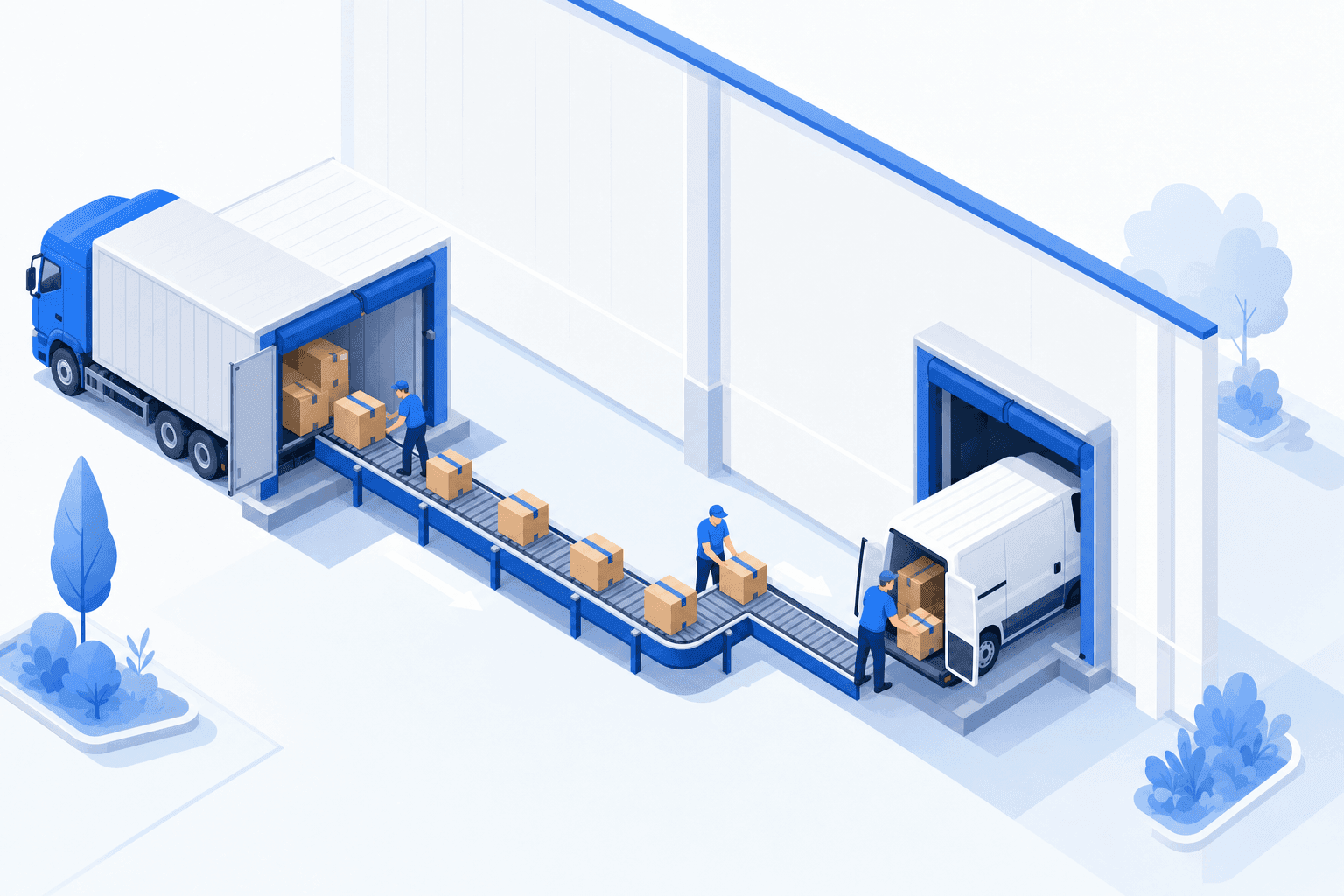
Stock availability, picking accuracy, and shipping times affect marketplace sales. Jonathan Coloma, COO of Repiauto, explains how his team went from 300 to 1,000 orders a day in two years. He describes the limits of paper-based work, ERPs built for different needs, a go-live estimate of fifteen days, and changes to his daily routine.

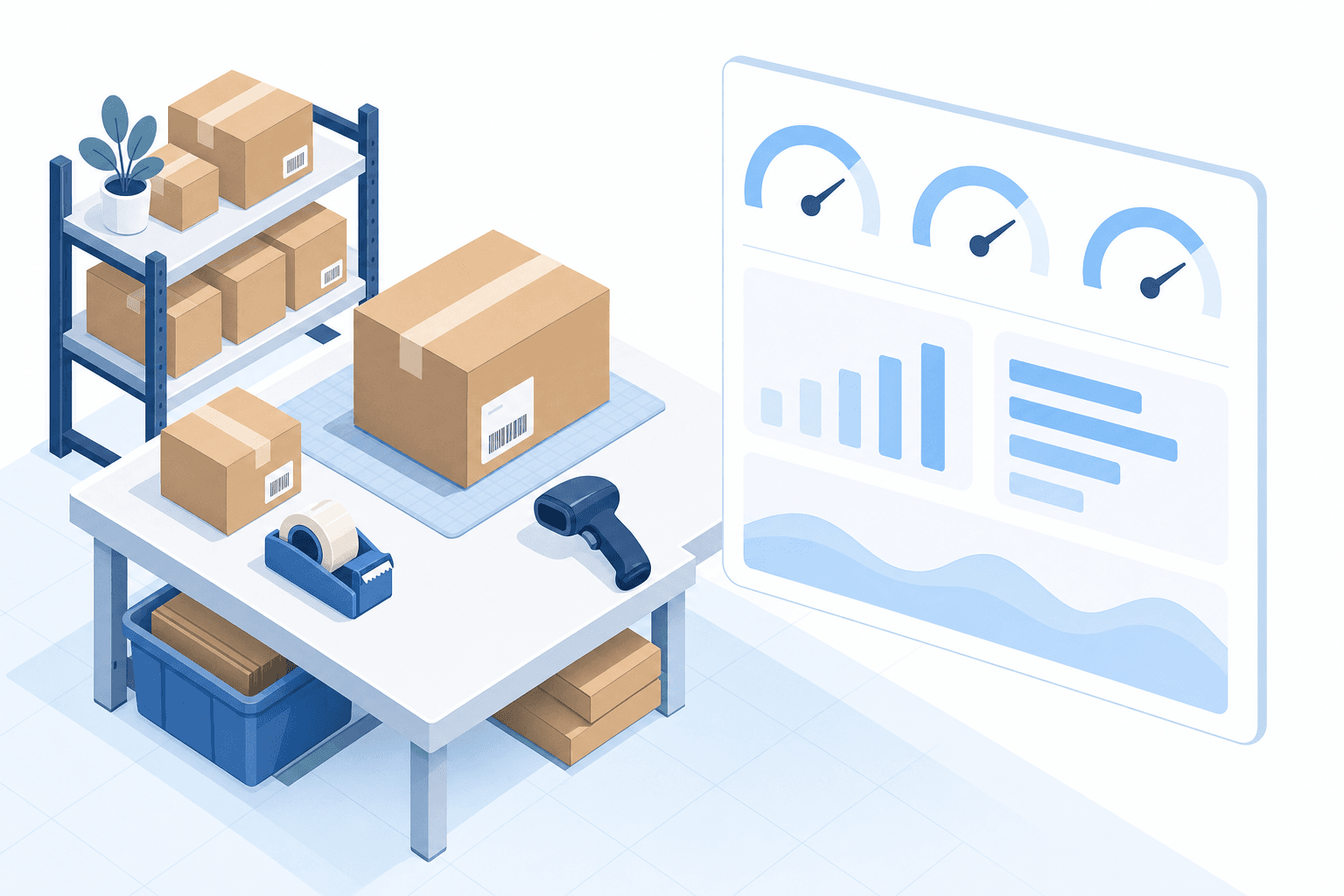
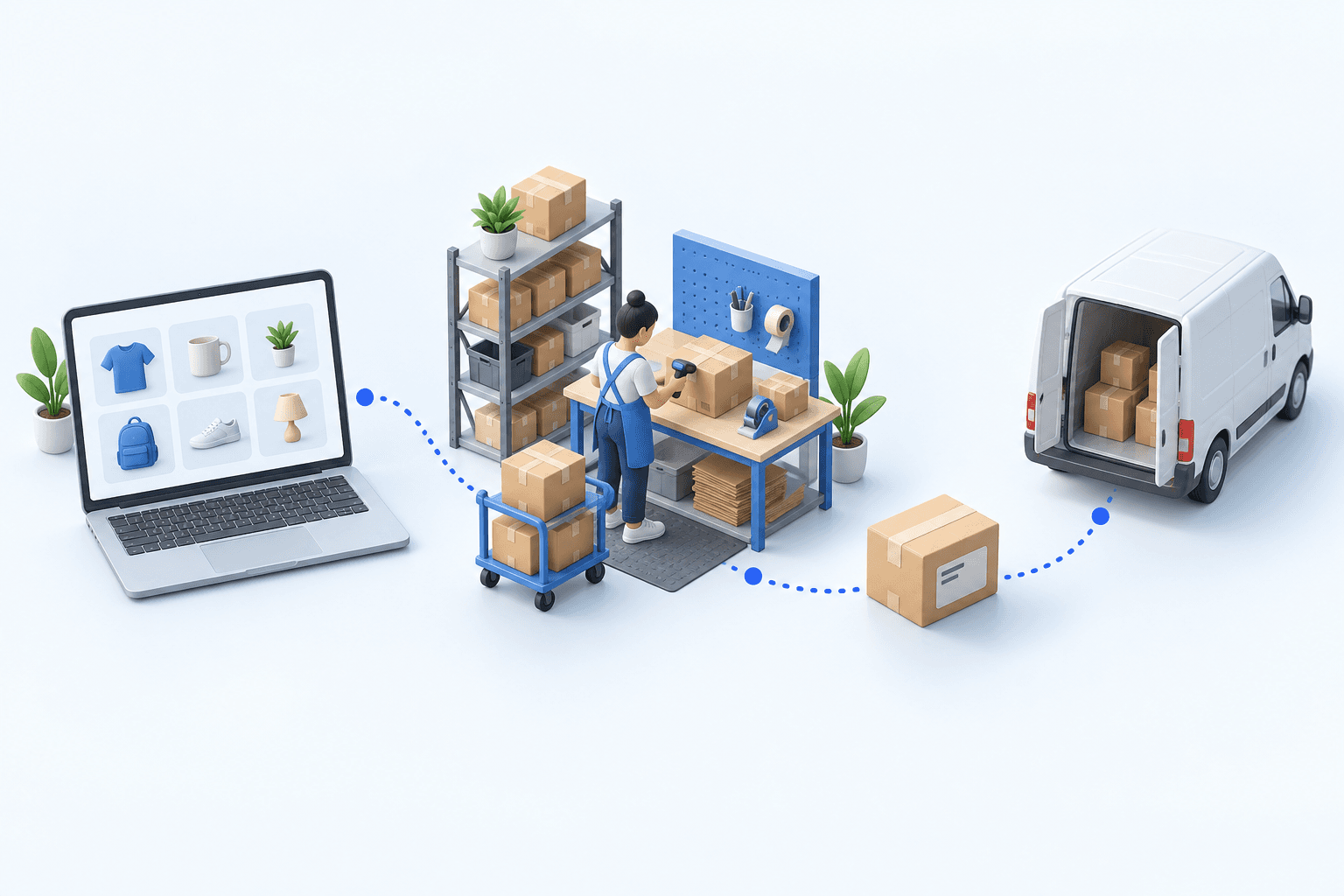
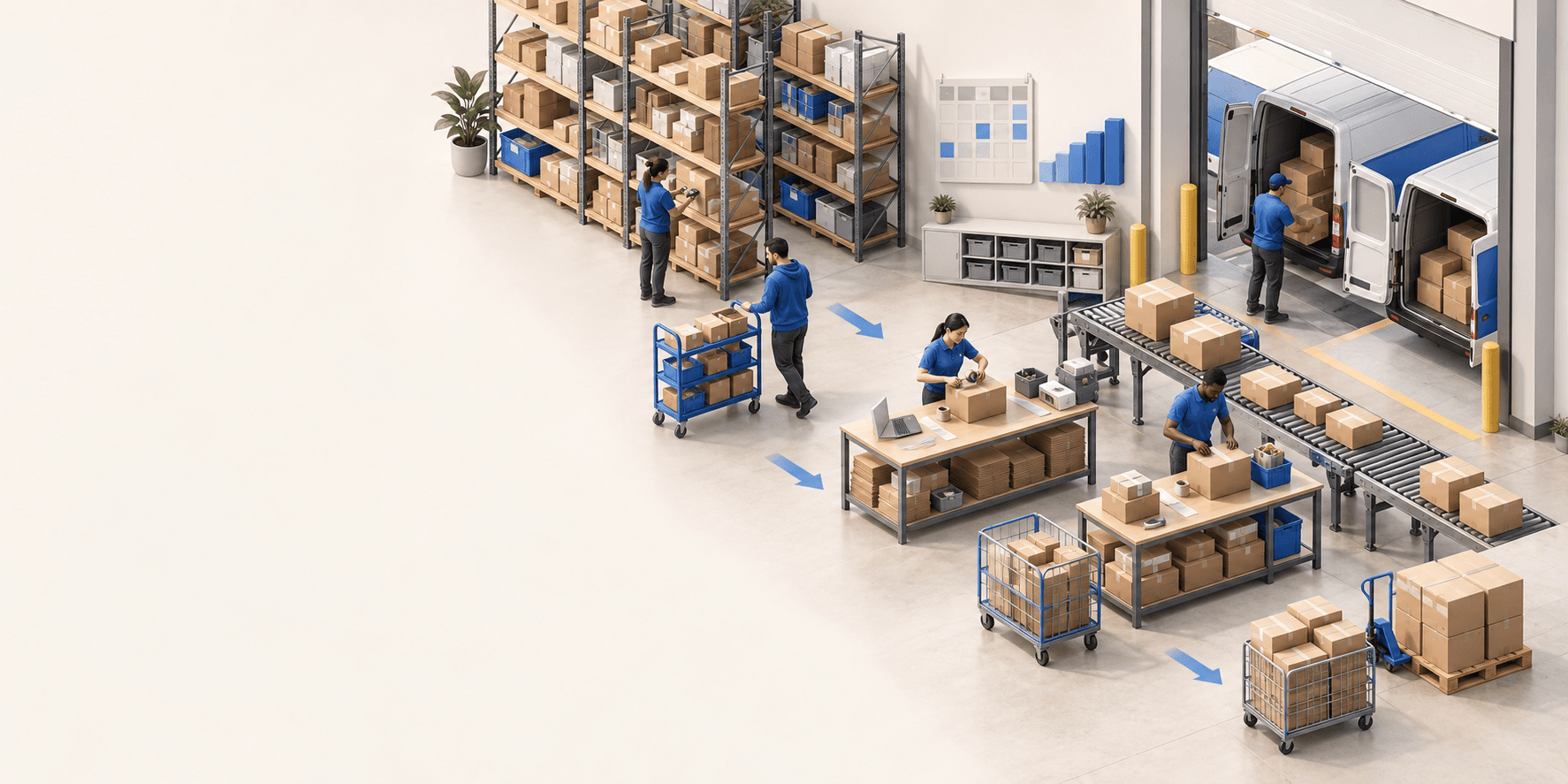
To hold up under peak volume, split the order queue into waves based on real operating constraints, then decide where barcode checks belong. At the packing bench, the operator verifies the parcel. Carrier rules select the service and print the label, so the next order can start without another decision.

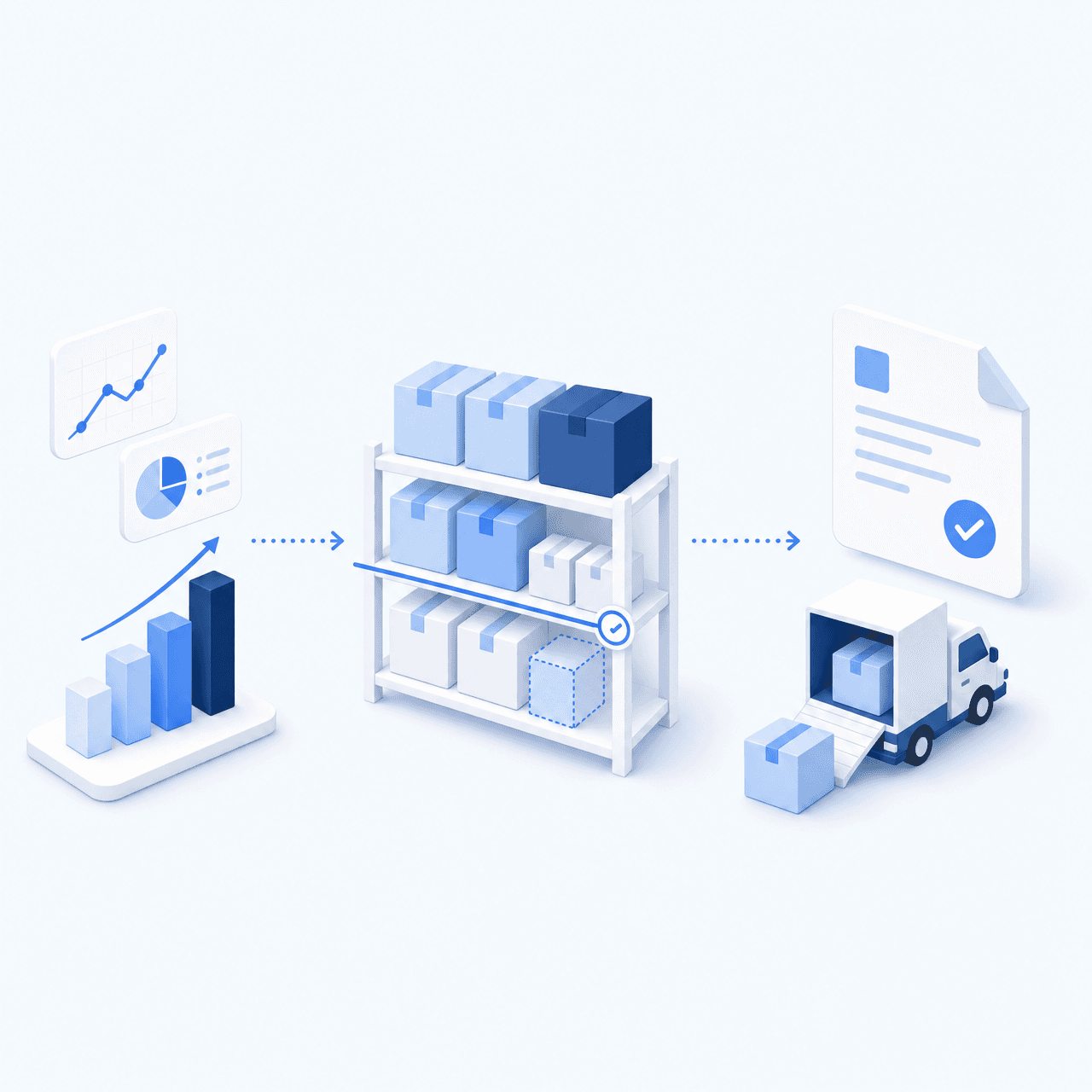
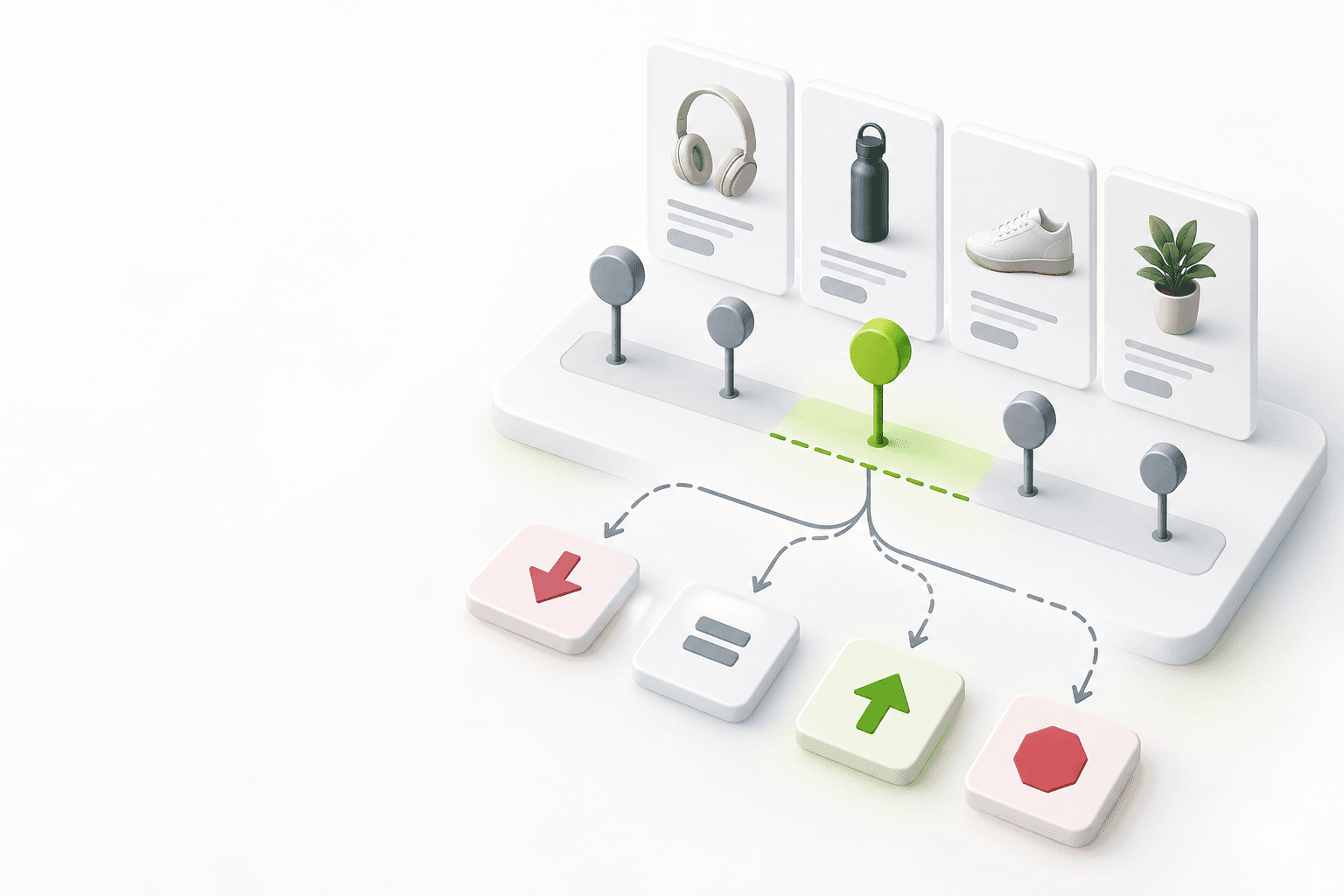
Industrializing your purchasing means ordering on rules, not guesswork: at the right time (the reorder point), in the right quantity (your coverage period), from the right supplier, with a purchase order validated in one click. Available on replay.
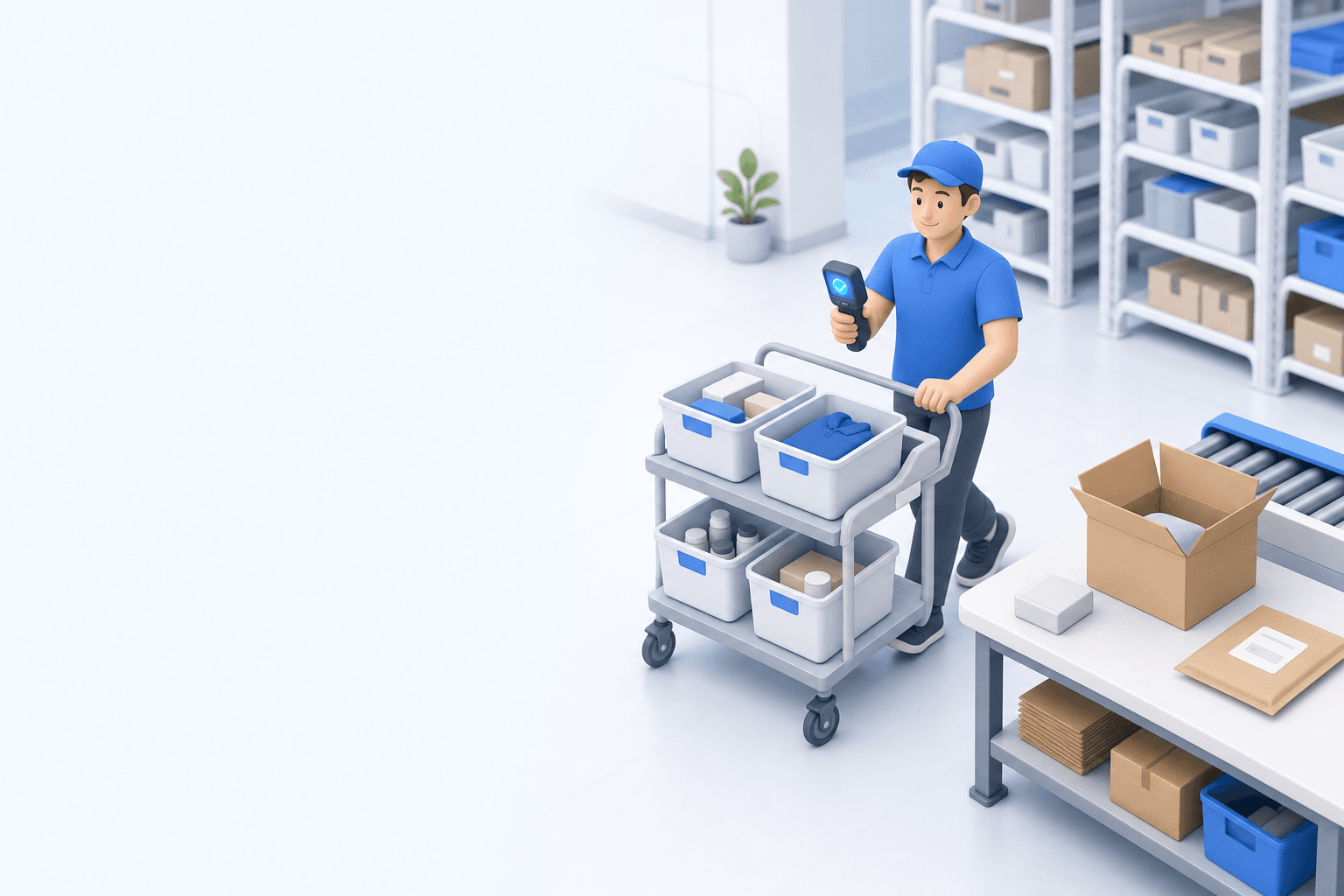

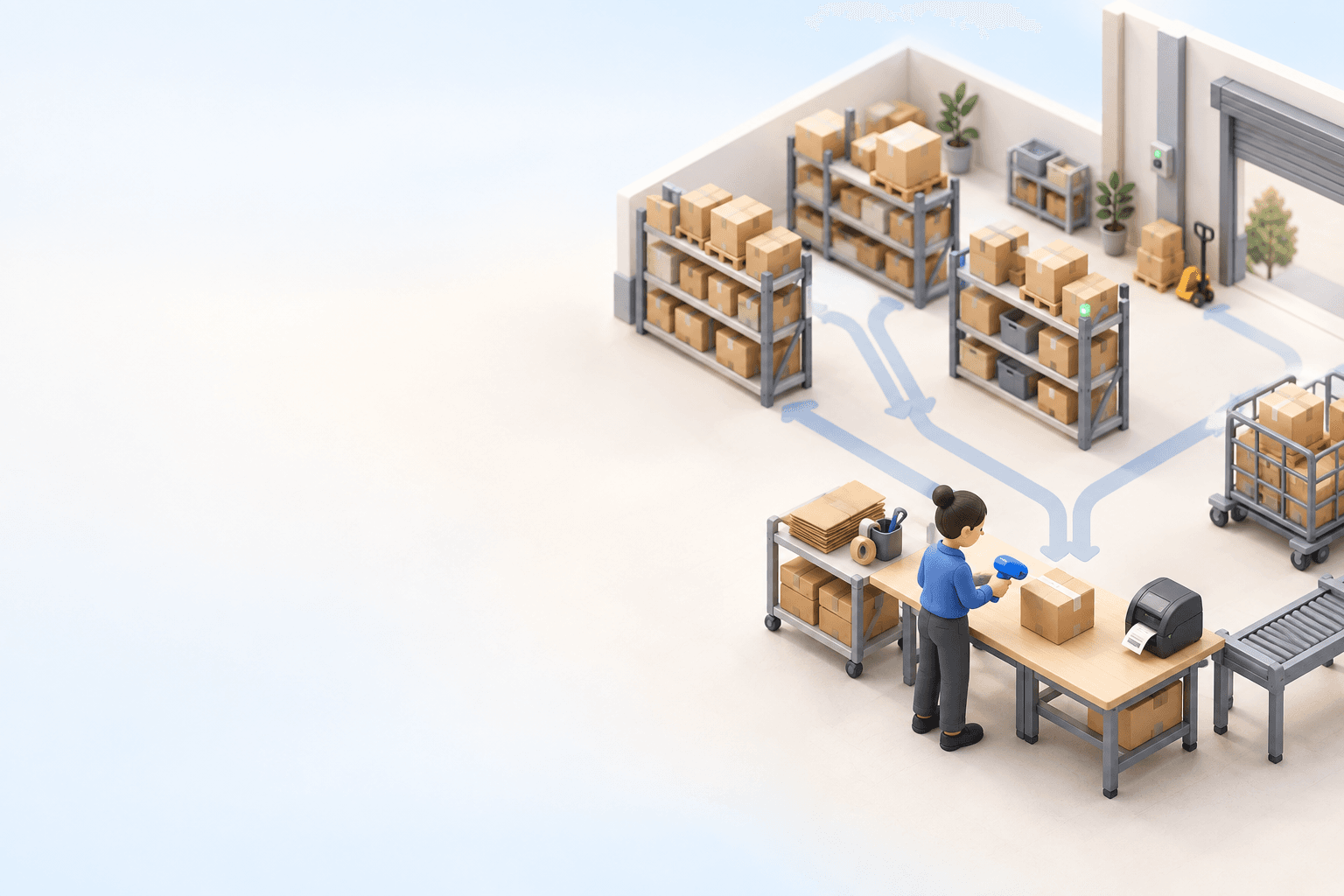


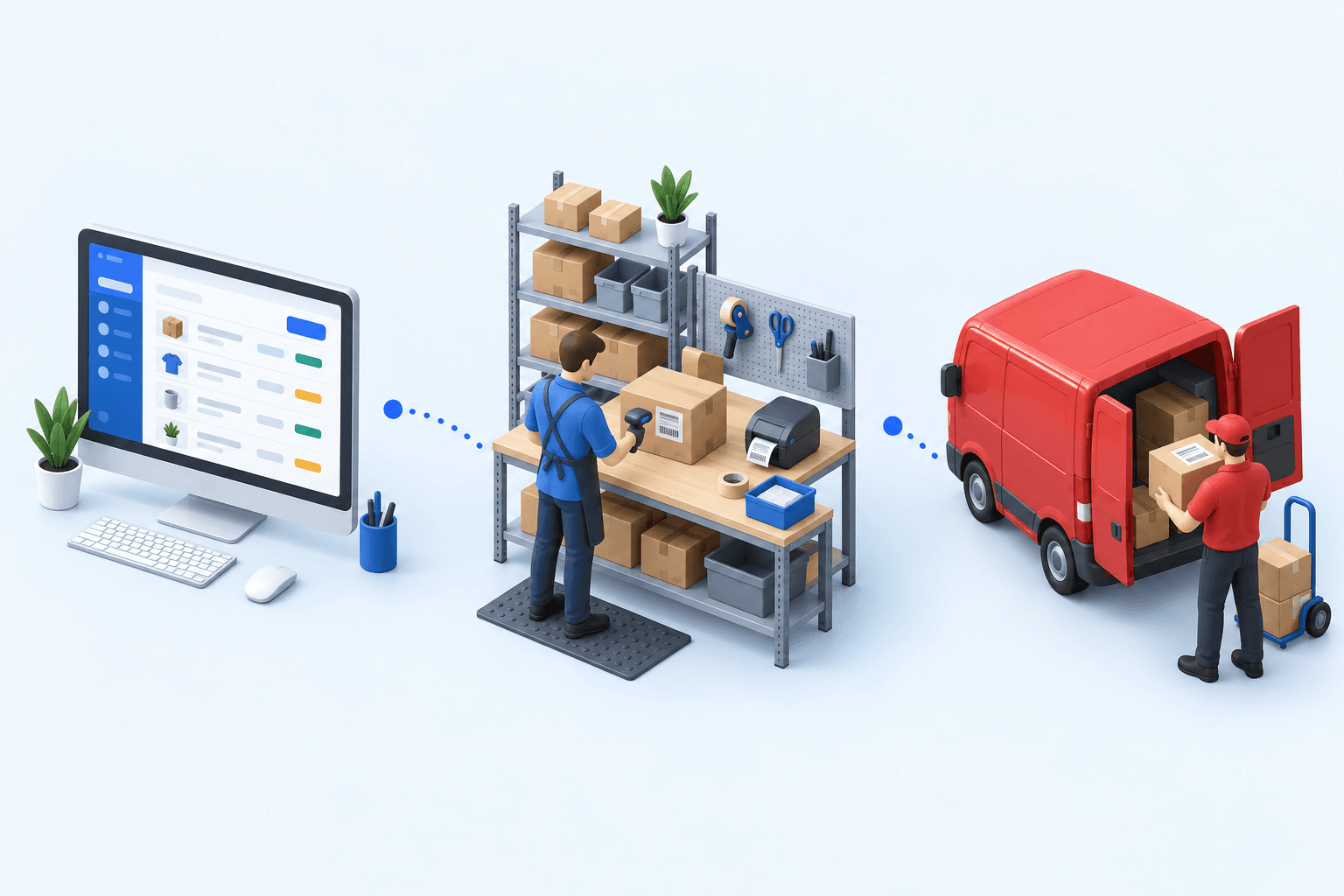
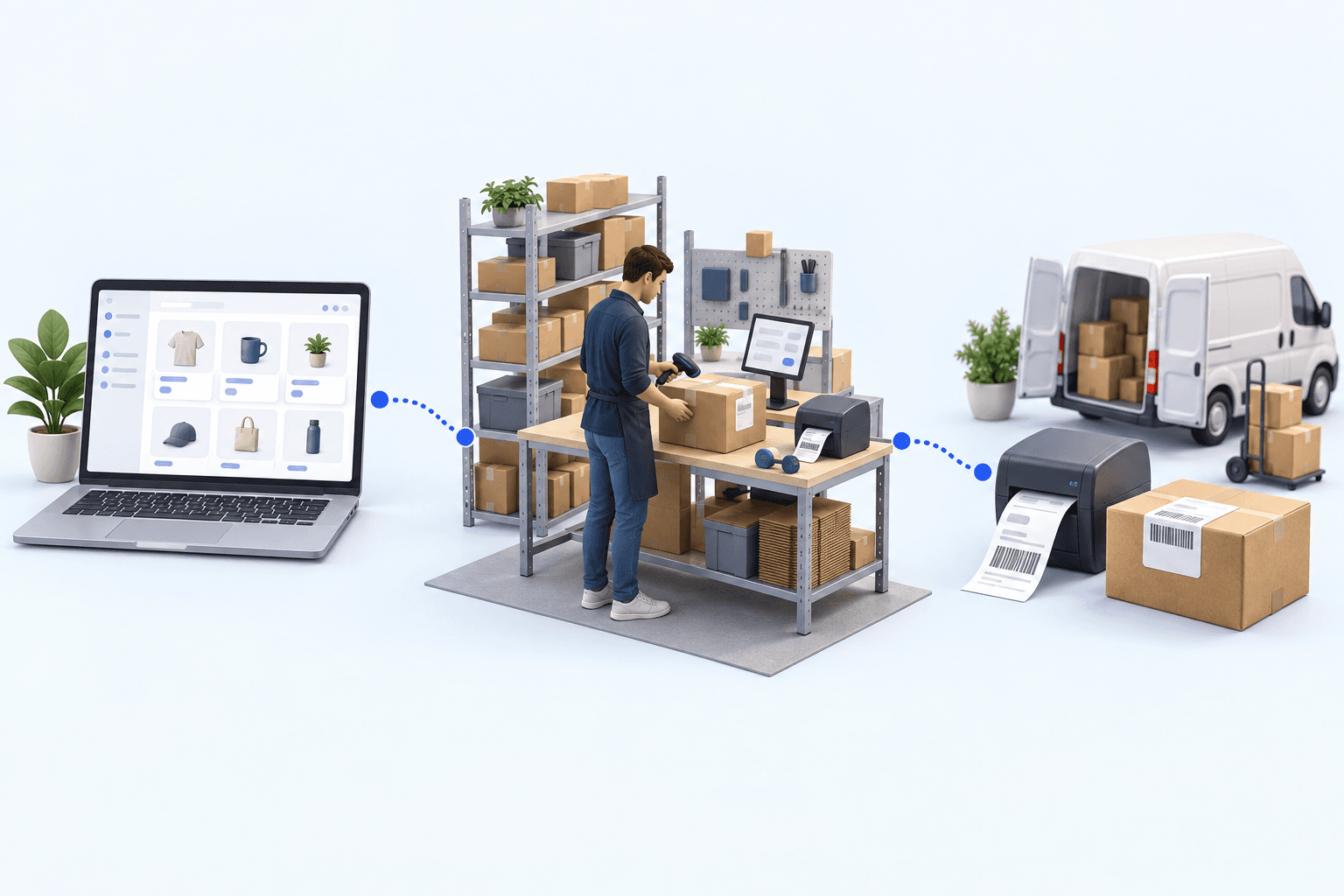
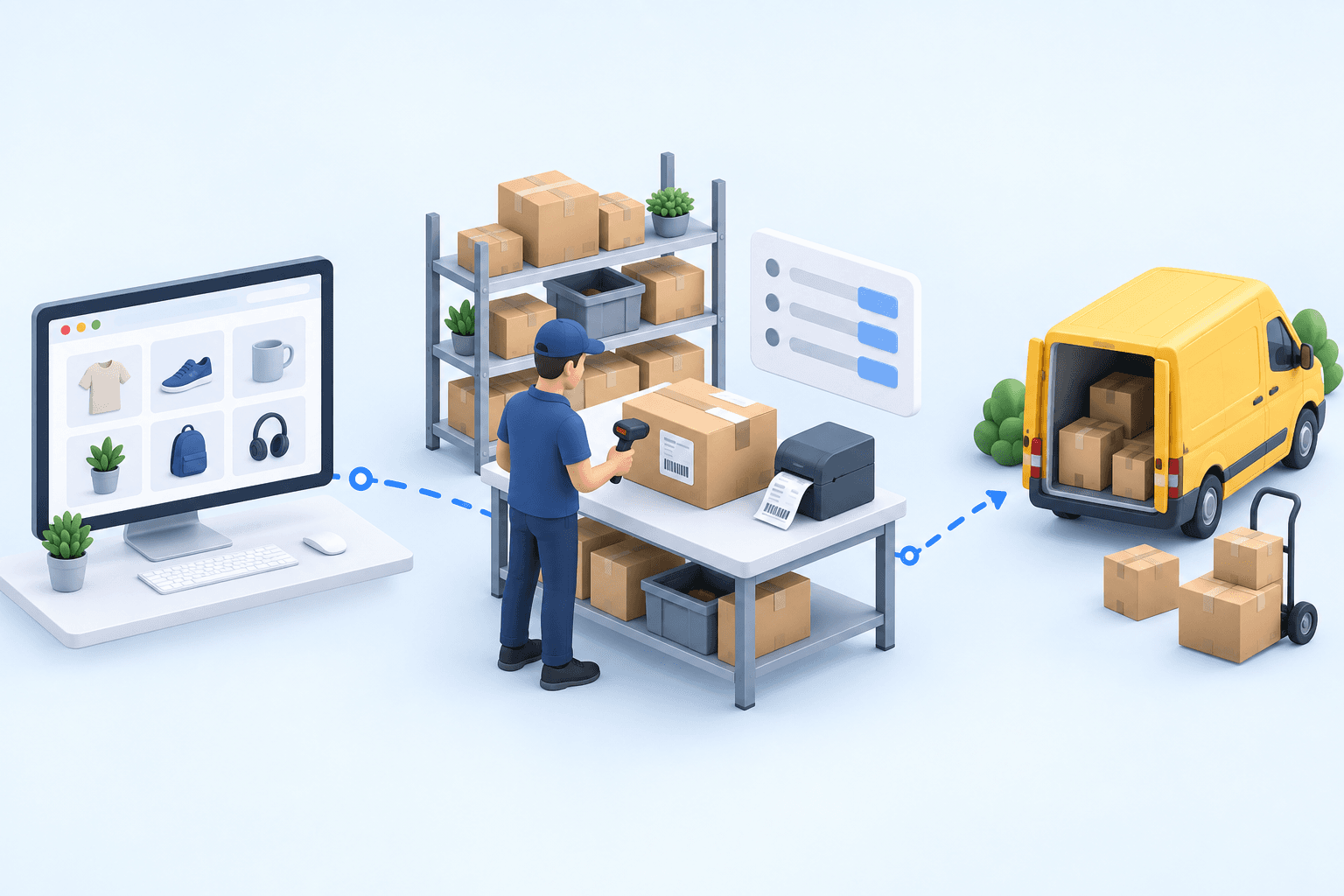
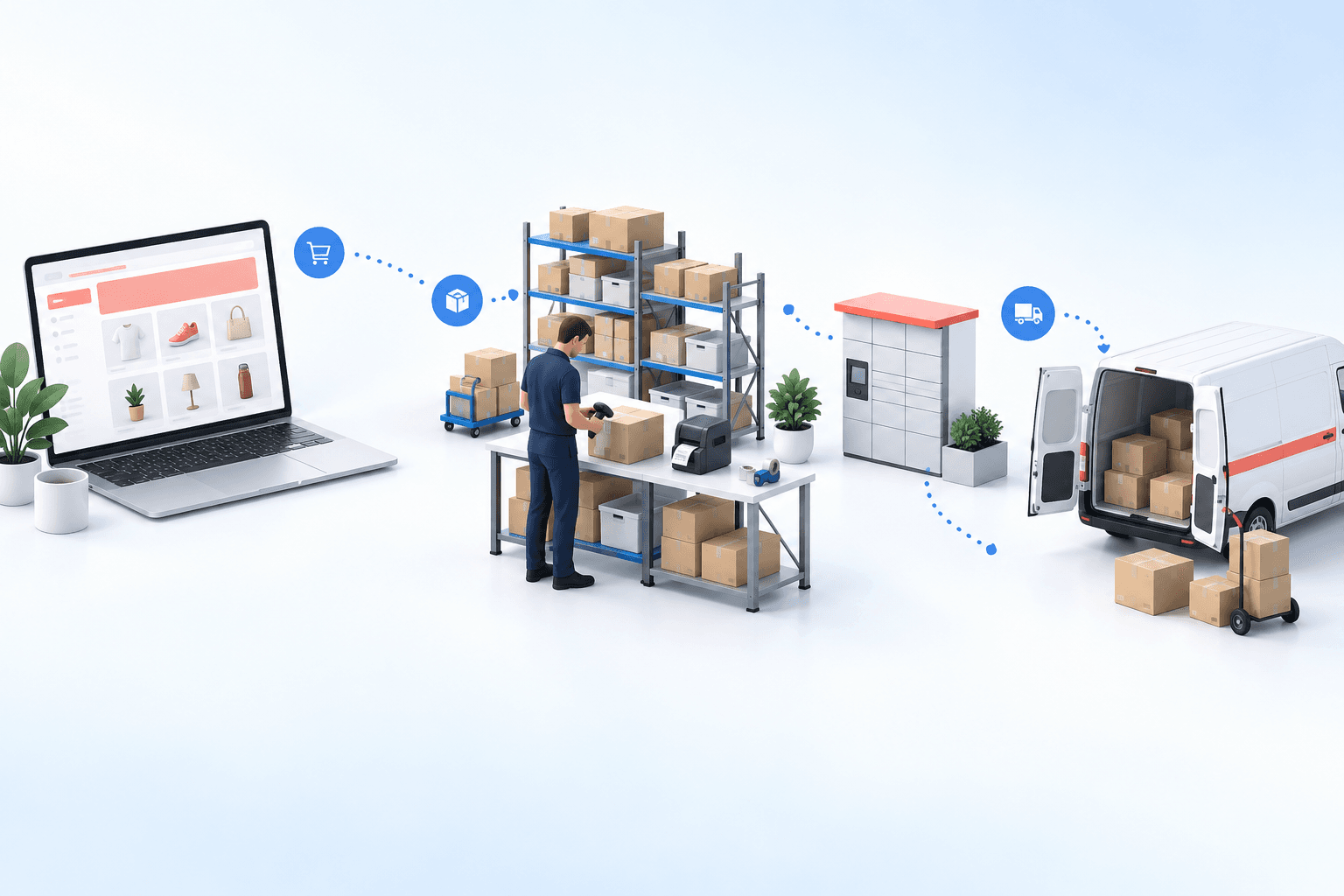
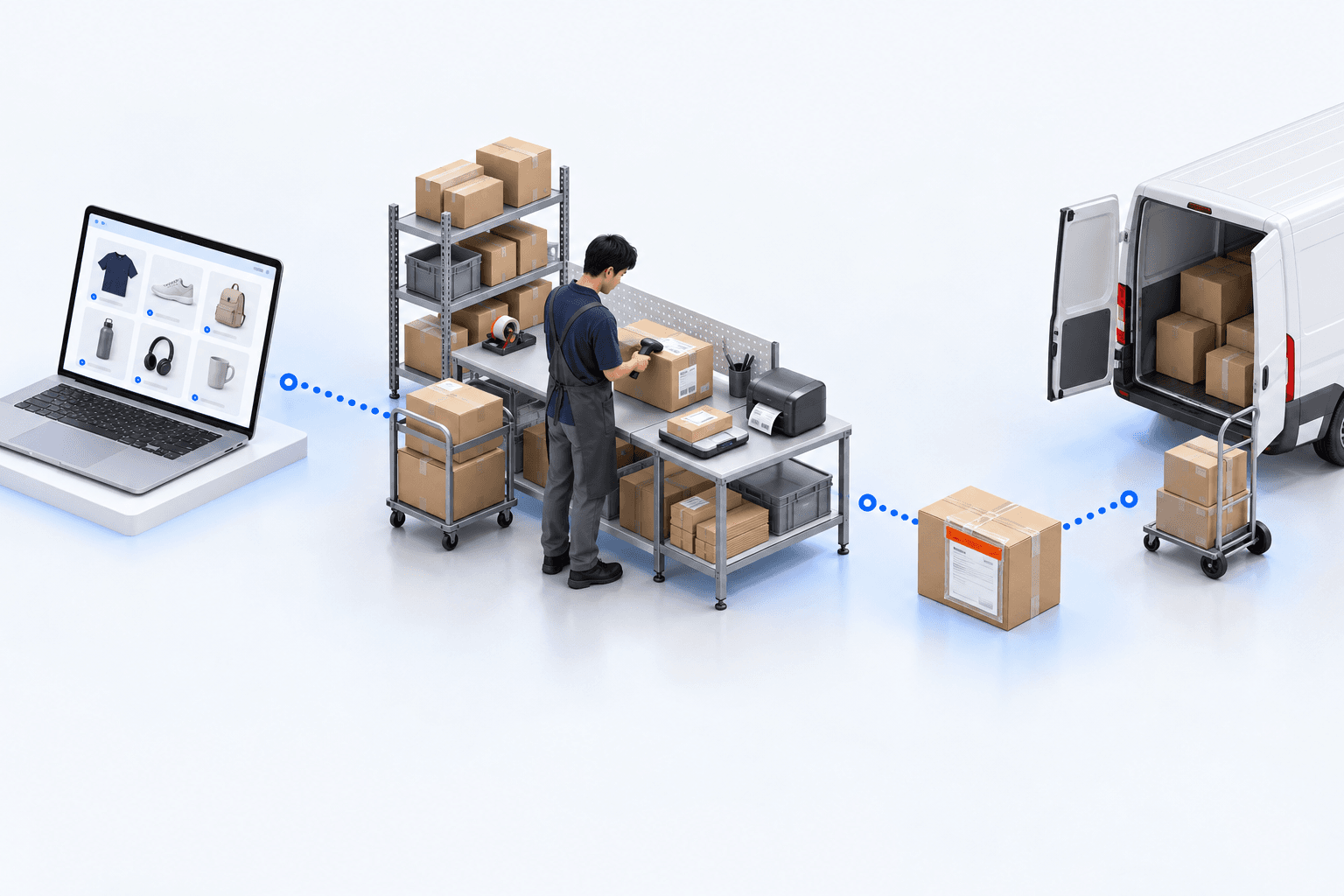
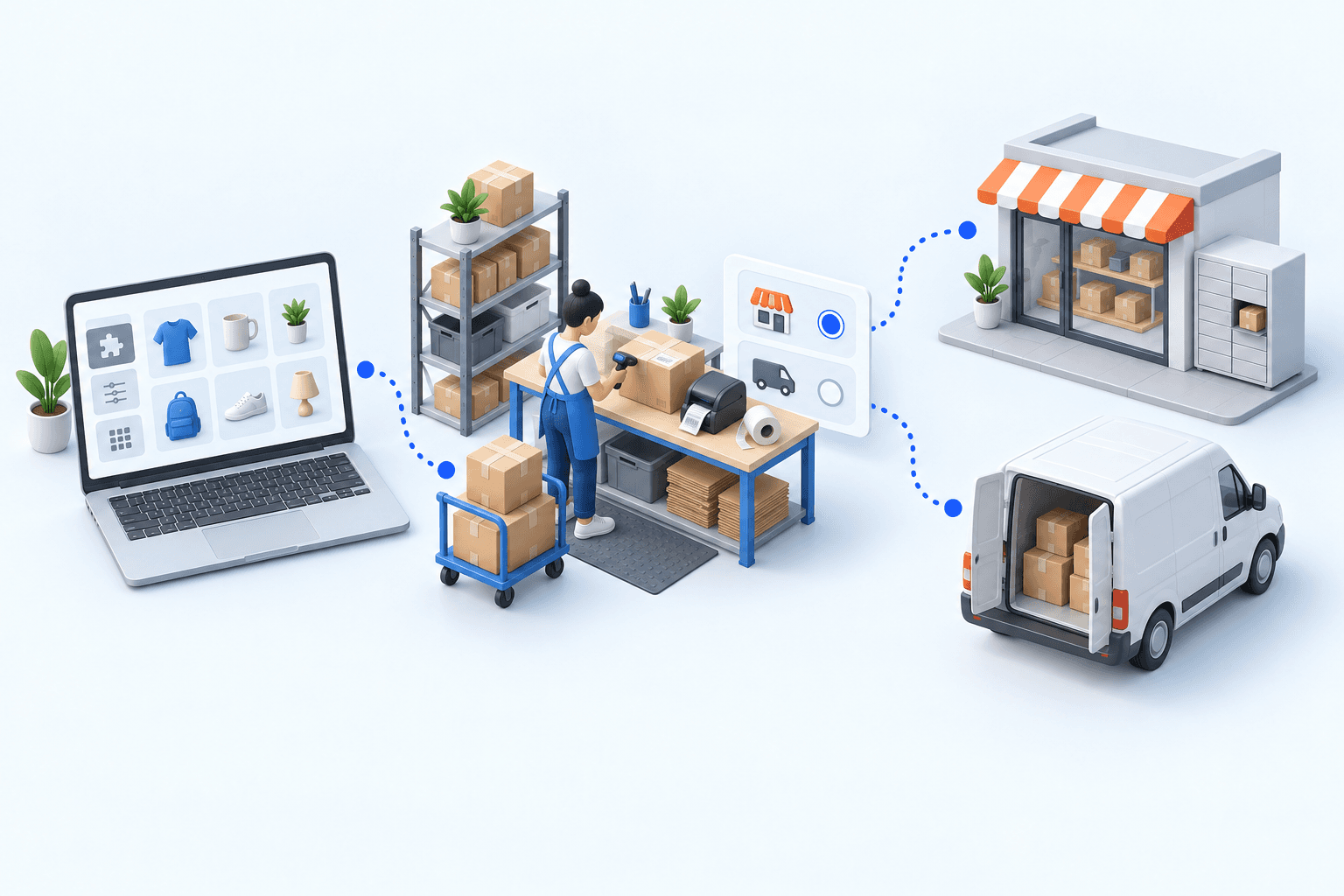
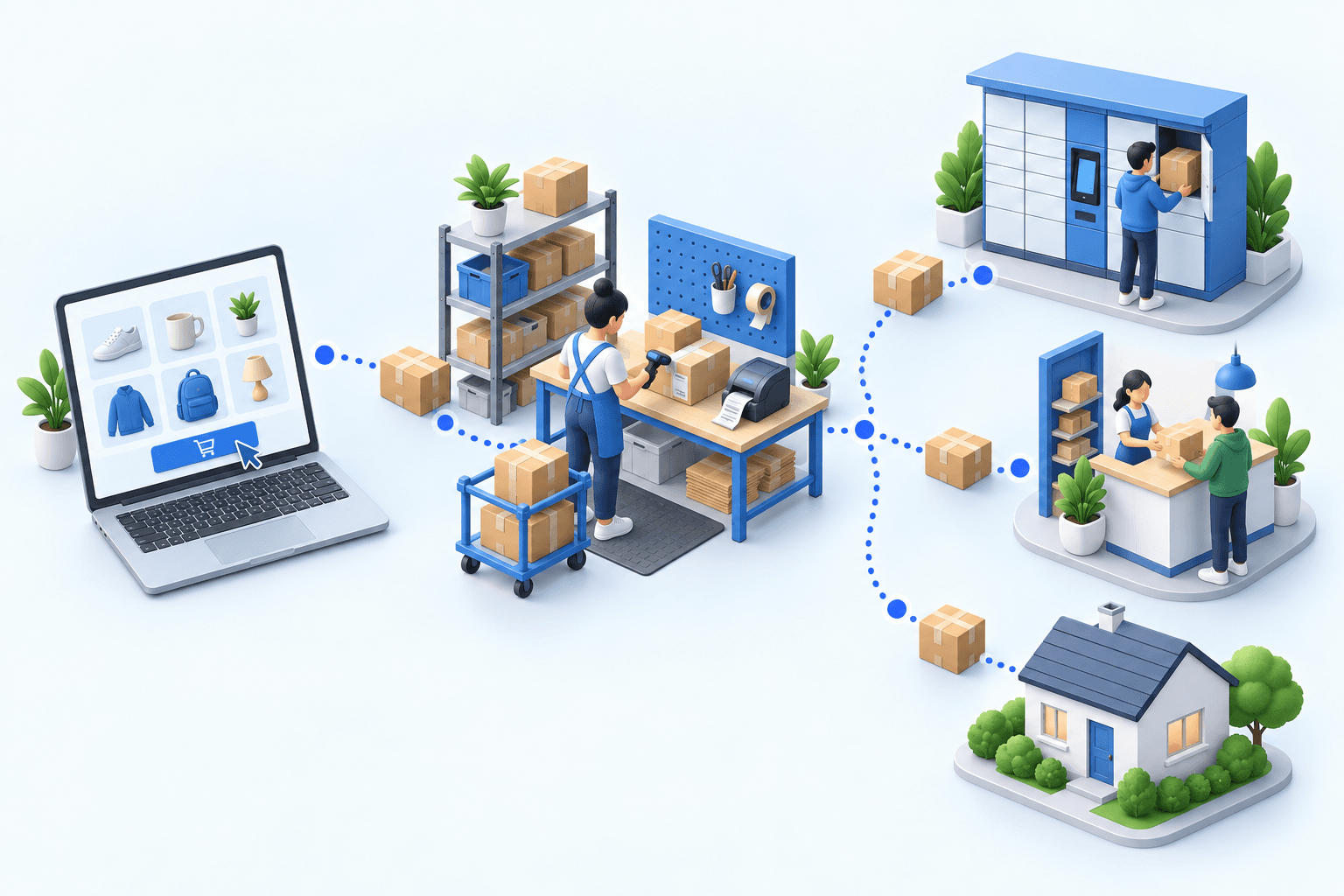
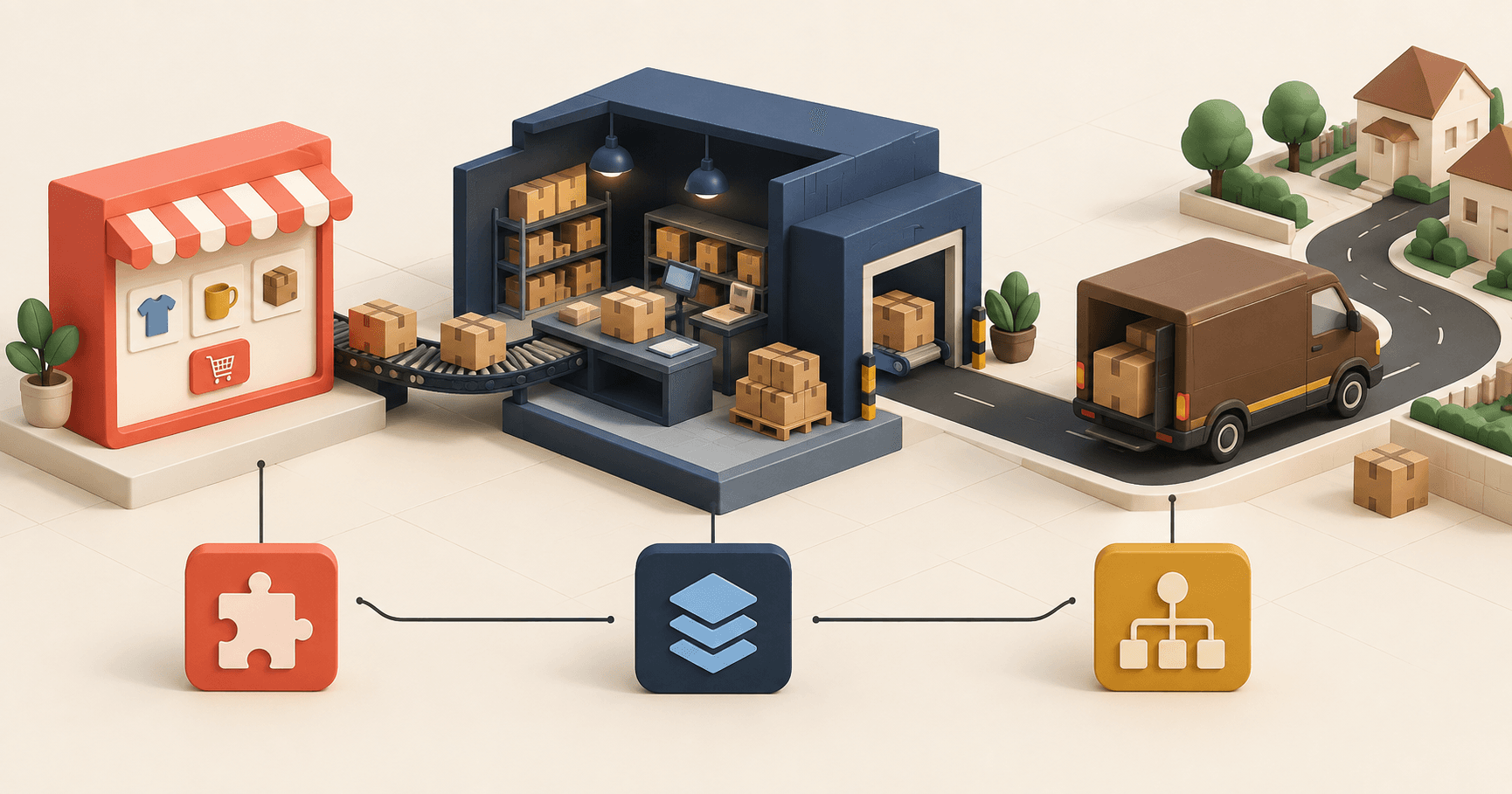
A well-interpreted search reveals what customers want, even without a sale. This Boostmyshop × Venture.ia replay shows how Findy turns that signal into conversions, then how Boostmyshop reserves stock and opens its data to Héhocom so picking and delivery can keep up with order growth.
Let’s review your order workflow
In 20 minutes, we’ll identify bottlenecks and ways to save time. No slides.
Free 20-min call · No commitment