

Ecommerce order management system: how to choose one
An e-commerce order management system brings orders from every sales channel into one record. It reserves inventory and applies your rules to choose a fulfillment location. This guide separates its role from the ERP, the WMS, and the TMS. It then helps you test vendors and prepare a reversible launch.

The essentials
- An ecommerce order management system (OMS) centralizes orders from connected sales channels in one operational record.
- It connects channel orders, sellable inventory, warehouse preparation, and delivery updates without replacing the ERP, WMS, or TMS.
- It serves merchants whose teams make daily tradeoffs across several channels, inventory pools, fulfillment locations, or delivery methods.
- An OMS may pass on a bad inventory count. Reconcile inventory and cycle-count rules before implementation.
One unit is left. Two customers just bought it through different channels. Your website and the marketplace both still say "in stock." Both orders carry the same SKU, the code that identifies the item. Someone must choose which customer receives it.
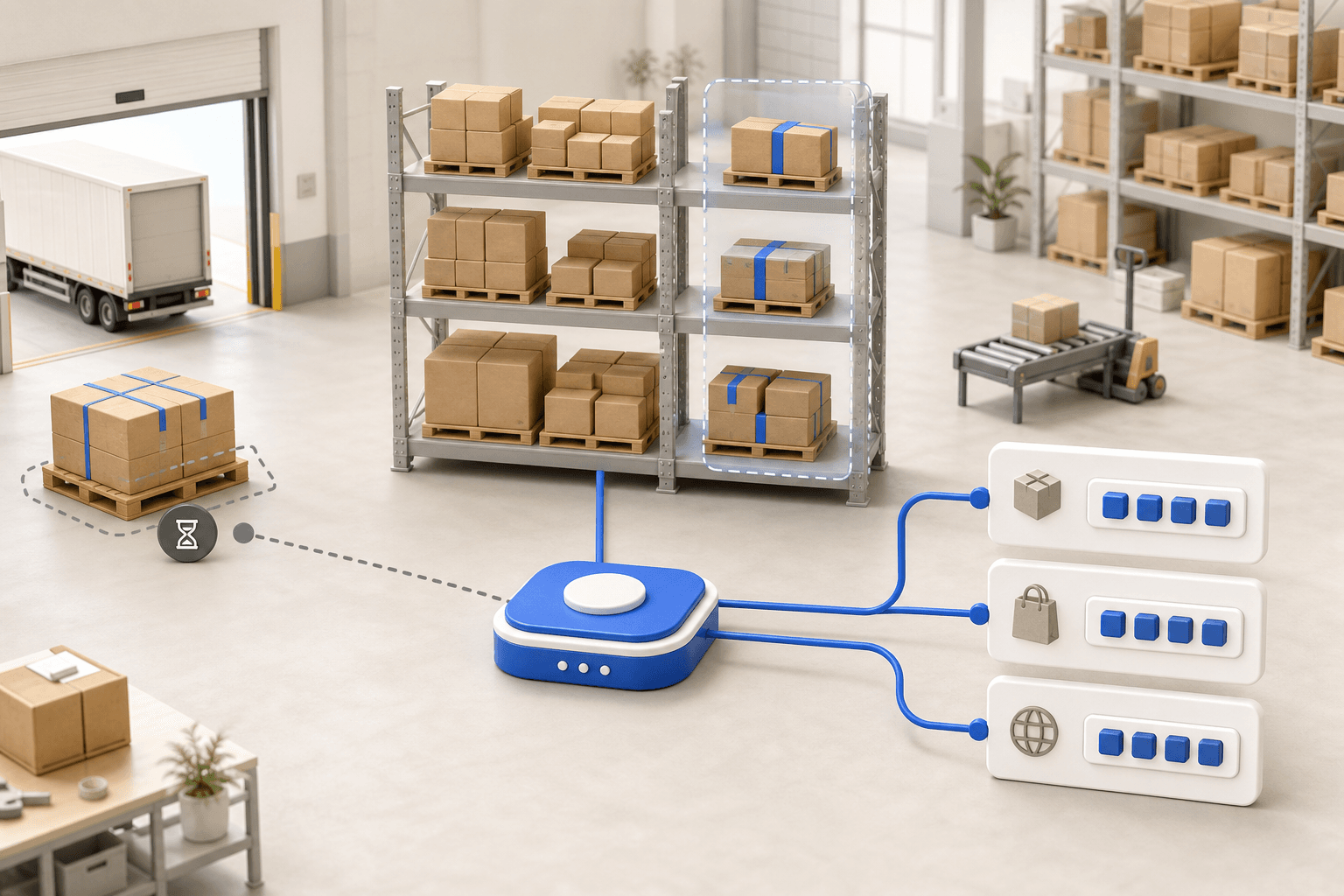
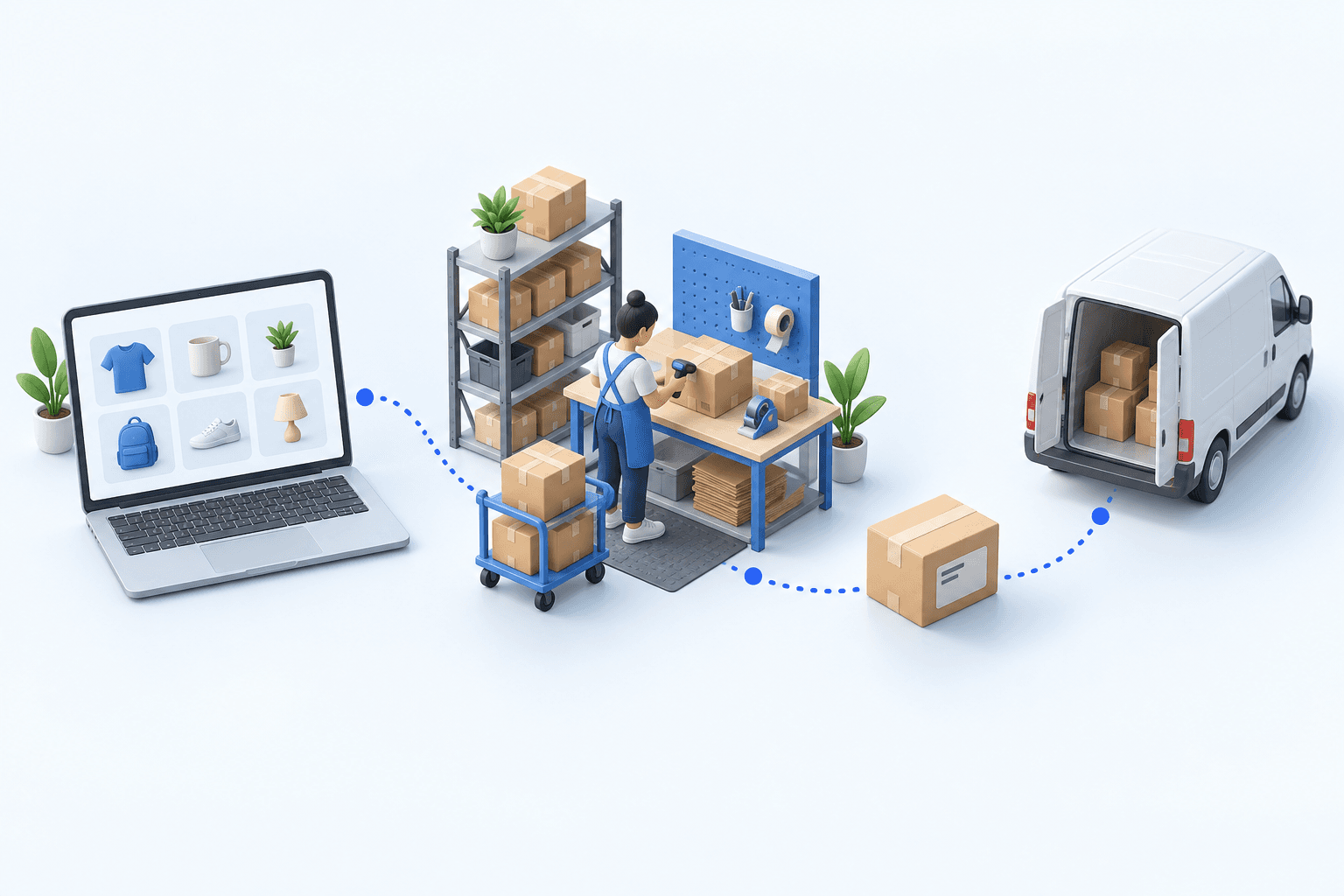
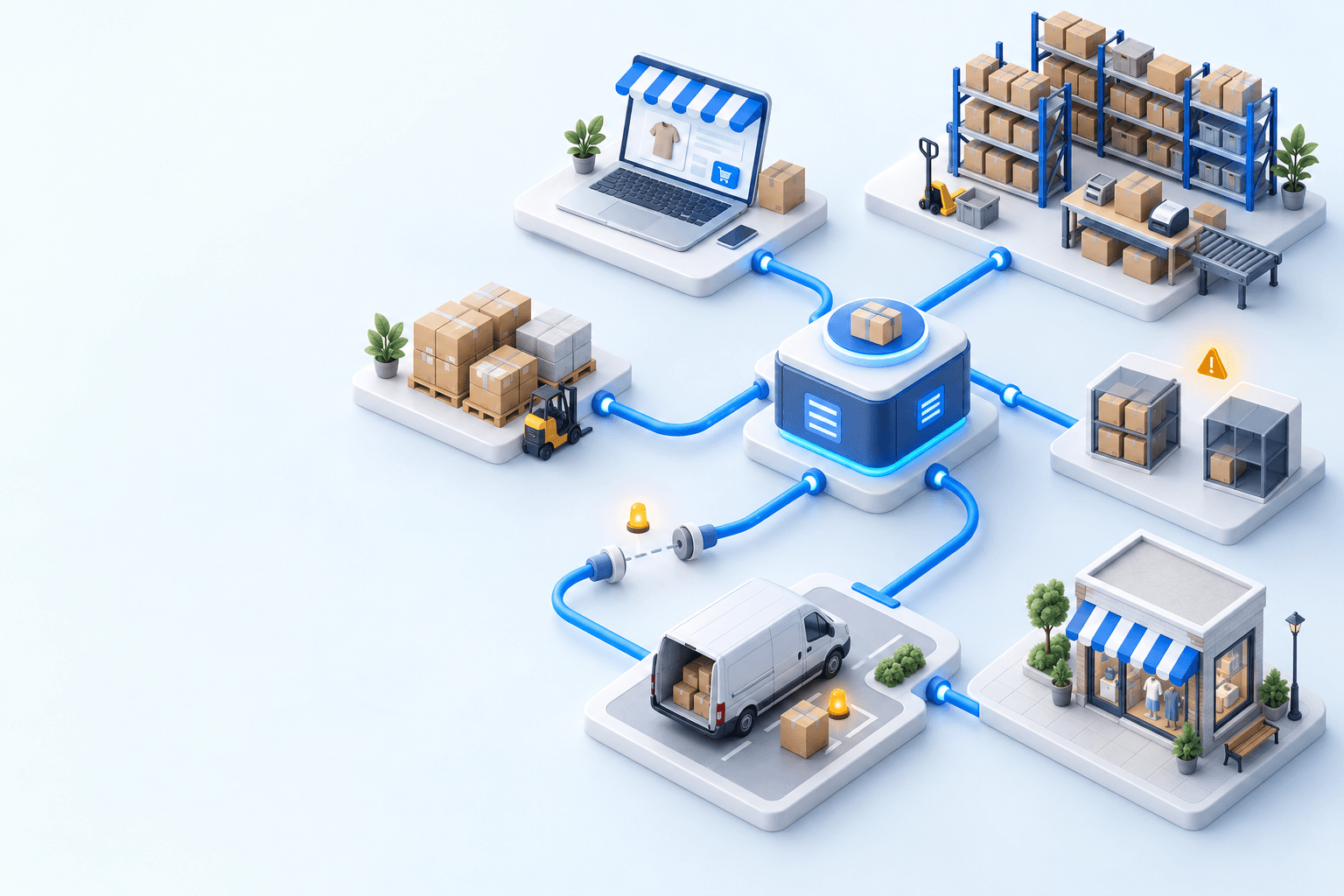
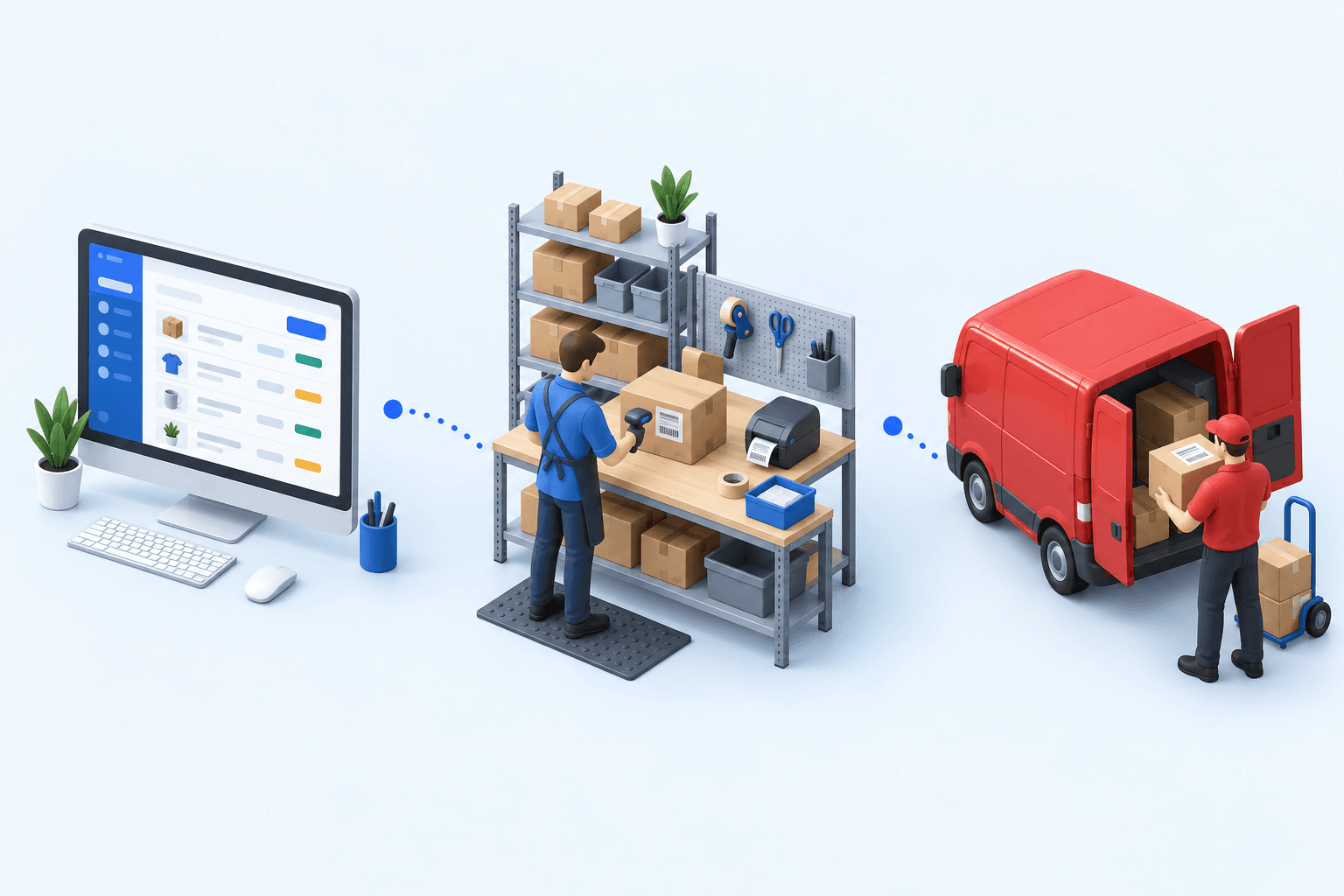
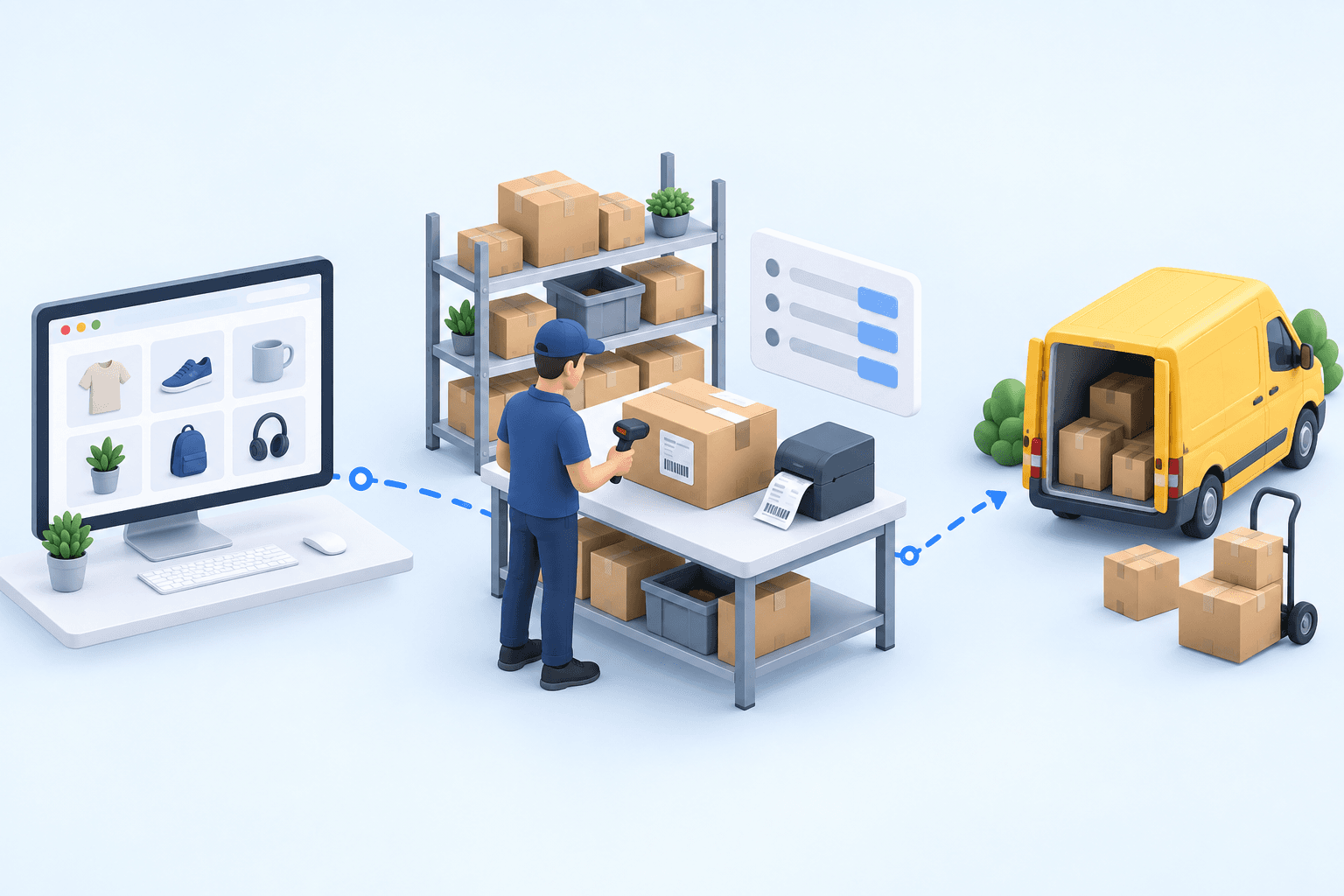
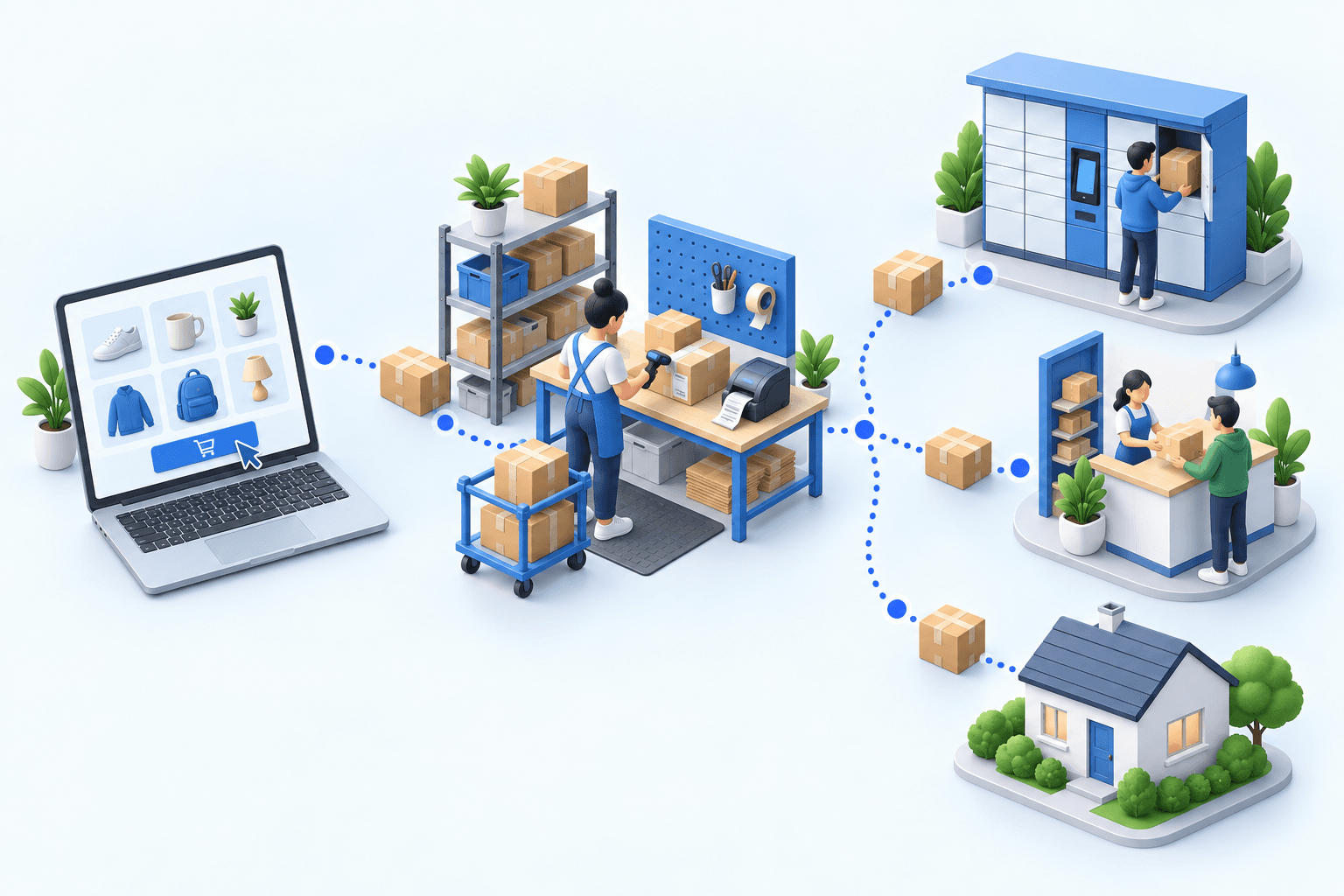
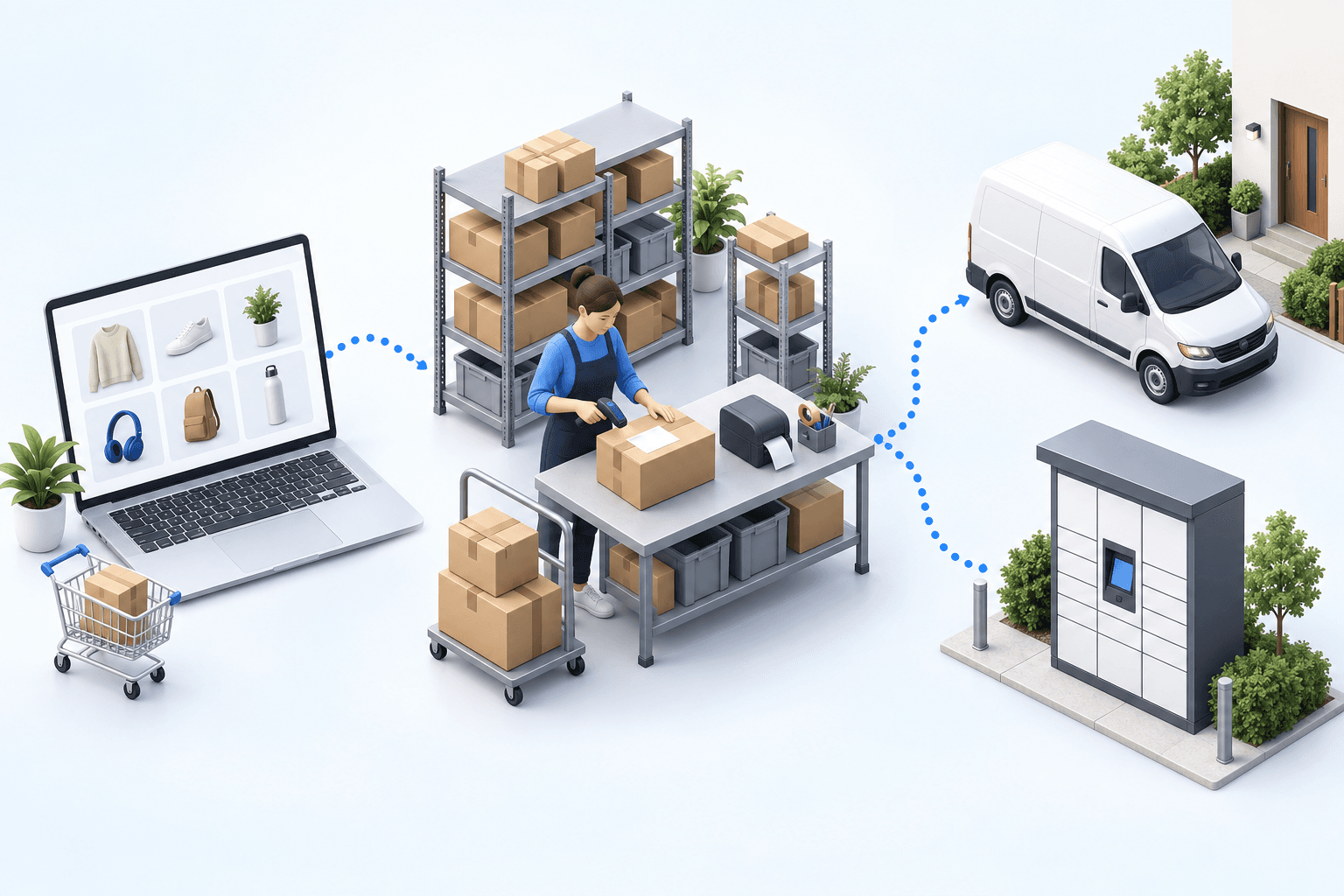
An ecommerce order management system, or OMS, makes that choice before warehouse work begins. It holds the order record, reserves available inventory, and follows the rules your team set. A warehouse management system (WMS) guides the picker. A transportation management system (TMS) sends shipment data to the carrier and collects tracking updates.
Order and triggering status
Import, reservation, and allocation
Quantity sent back to the channel
Picking and packing
Shipping and tracking updates
Record the order ID, SKU, time, and result at every handoff. When two screens disagree, that trail shows where the records first diverged.
First, identify the system of record for the order, the master SKU, and the inventory you can still promise. Then define the status that starts each handoff. One screen may say "shipped" when a label prints, while another waits until the carrier collects the package.
When do you need an ecommerce order management system?
US retail ecommerce sales reached $340.2 billion in the second quarter of 2026, 17.1% of retail sales (U.S. Census Bureau, Quarterly Retail E-Commerce Sales, 2nd Quarter 2026). That volume sets no threshold for an OMS.
Count your sales channels. Eurostat reports that 85.65 percent of EU enterprises with web sales use their own website or app, while 45 percent use an e-commerce marketplace (2024 data, extracted February 2026). The calculation puts the minimum overlap at 30.65 percent.
Eurostat publishes the first two shares. We calculate the minimum overlap: 85.65 + 45 − 100 = 30.65. At least 30.65% of enterprises therefore belong to both groups.
- 5channelsHome and garden, five channelsThe team recovered 4 hours a day, moved to same-day shipping, and cut new-hire training from 3 months to 2 weeks.
- 2023acquisitionMulti-brand groupThe external WMS runs warehouse tasks. The team keeps multi-warehouse splitting and the custom B2B portal in the OMS.
- 25+channelsBedroom products, France and SpainThe team uses rules for each country, warehouse zone, and product type. The system sends tracking when packing finishes.
Customer results are not market benchmarks.
Two channels show the last unit, so a person chooses which order to fill. Two locations hold the item, so a person chooses where it ships from. When this happens all day, the team keeps making the same choices by hand.
One European home-and-garden retailer kept five browser tabs open for five sales channels. Staff also updated a spreadsheet "when they had time."
After the orders moved into one system, a team member said: "We were in the Middle Ages compared to what we do now. Everything is automatic, and people see it more clearly."
Which system should make each decision?
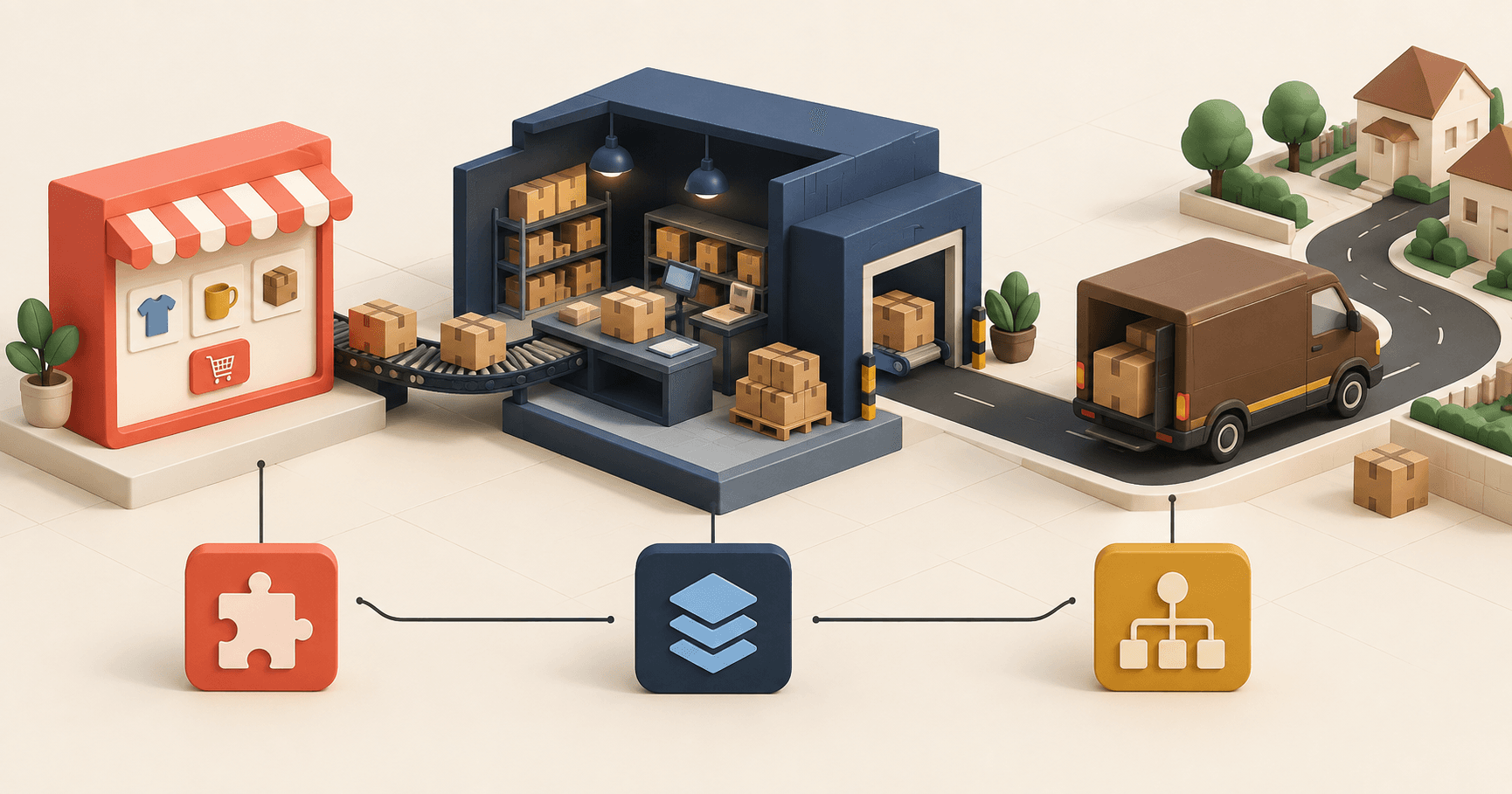
The OMS owns the customer order from channel import through inventory reservation, allocation, and status updates. The enterprise resource planning system (ERP) remains the system of record for company master data, purchasing, and finance. The WMS runs physical work inside the selected warehouse. The TMS selects the shipping service and returns tracking events.
These are responsibilities, not fixed product boundaries. Some ERPs include warehouse functions, and some OMS products calculate sellable inventory. Use the ecommerce ERP guide and the ecommerce WMS guide for system-specific selection criteria.
| System | Decision it holds | Work it performs | Data it owns |
|---|---|---|---|
| OMS | Fulfillment location and route | No physical work | Statuses, reservations, rules |
| ERP | Company planning | Accounting entries | Master data, purchasing, finance |
| WMS | Warehouse path | Picking, checking, packing | Locations, physical inventory |
| TMS | Shipping method | Label and tracking | Packages, carrier, delivery |
Name the application that owns each field now and after launch. If two screens can change it, choose which update wins and who restarts a failed handoff.
How do you split one order across locations?
An order line is one item and its quantity inside an order. Your team uses the OMS to assign each line to a fulfillment location. That location's WMS receives the warehouse task. Many WMS products cannot divide one customer order among several locations.
3 lines, 1 customer, 1 promise
Available stock, location, lead time
2 lines allocated
1 line allocated
Ships when every line is ready
The team uses OMS rules to assign the lines and keep the order open. Each WMS receives only its location’s tasks. If nobody monitors the complete order, a line without a location may never move.
After an acquisition, a European multi-brand e-commerce group gave warehouse execution to its 3PL subsidiary. A 3PL is an outside logistics provider that stores, picks, and ships goods for a merchant. The subsidiary's WMS could not split orders across warehouses. The group therefore kept multi-warehouse splitting in myFulfillment, which continued to provide the OMS layer.
At a bedroom-products retailer operating in France and Spain, one order may contain a bed frame and three cushions. Staff pick the frame parts in France. Two zones in Spain may supply the cushions. The team once cut the printed order with scissors; rules now assign each line by country, warehouse zone, and product type.
The retailer could not rely on item scans because products from China and Turkey arrived with inconsistent barcodes. A handheld warehouse terminal, often called a PDA, would have rejected valid items. Staff now print one A4 sheet with the delivery note, packing instructions, peel-off carrier label, and package barcode. Several times a day, one person scans the completed sheets, and the system sends tracking to more than 25 channels before carrier pickup.
The complete customer order stays visible on the OMS screen, while each WMS shows only its warehouse tasks. Your interface contract should cover seven cases: trigger, reservation, split-line identification, cancellation, backorder, duplicate, and replay.
Can an OMS compensate for bad inventory data?
No, not with bad source data. The OMS republishes the quantity it receives. If a picker finds ten units but the inventory screen says eleven, a sales channel may still show the missing unit as available.
DeHoratius and Raman examined close to 370,000 inventory records in 37 stores owned by one retailer; 65 percent of the records were inaccurate (Management Science, 2008). Stores with more complex distribution had more errors.
Agree on available inventory and cycle-count rules before adding an OMS.
What should vendors prove in a demo?
Give every vendor the same test pack: one order, one SKU, two locations, and one broken handoff. Ask the vendor to run the eight scenarios below on screen.
| Capability | Scenario to run | Evidence to demand |
|---|---|---|
| Order import | One accepted, one ignored, one invalid order | Status, external ID, log, rejection reason |
| Reservation and availability | Two channels sell the last unit | Availability formula, reservation time |
| Allocation and splitting | No location can fill the whole order | Ordered rules, reason, unallocated line |
| Picking | An order wave with a shortage | Product, SKU, quantity, location, orders, bins |
| Exceptions and recovery | Stop a handoff, then restore it | Timestamped error, owner, recovery action |
| Transportation and tracking | Package in transit, then in exception | Status history, updated shipment record |
| Returns | One resalable item, one rejected item | Decision owner, republish time |
| Rights and audit trail | Change a rule, force a status | Roles, change log, event export |
In myFulfillment, the screen distinguishes an ignored order, a detailed error, and a catch-all state for other errors; the inventory export also records a successful synchronization. The pick list shows the product, SKU, quantity, location, orders, and bins.
How should you compare OMS vendors?
Document your operation before the demo, then adapt the criteria and weight your scores.
The complete file
OMS scoping matrix (XLSX)
Reading the page is free. Enter your work email to get the file.
Use the workshop guide to prepare your questions.
The complete file
OMS scoping matrix (PDF)
Reading the page is free. Enter your work email to get the file.
The eight rows below give you the structure.
| Topic | Question to answer | Expected output |
|---|---|---|
| Channels and volumes | Where do orders start? | List of inbound flows |
| Inventory and locations | Who publishes availability? | Map of published inventory |
| Statuses and master data | Which system is authoritative? | Status mapping dictionary |
| Scenarios | Do the rules hold? | Business test set |
| Interfaces | Who sends data to whom? | Readable interface contract |
| Connectors and alerts | Who sees a failure? | Alert and recovery register |
| Scoring | Which evidence is comparable? | Weighted score, no ranking |
| Go-live | Can the team roll back? | Decision sheet |
Set each criterion's weight before the demo. Score each criterion from 0 to 5 only after the vendor shows the matching evidence. Leave the cell blank when no evidence appears. A deal-breaker still disqualifies the product, even if its average score is high.
How do you launch an OMS without losing orders?
Choose one test order that everyone on the project can recognize. Before switching over, make sure the team can return to the previous process.
- Assign each responsibility. For the order, SKU, quantity, and status, name the system of record and the team responsible for discrepancies.
- Describe every handoff. Record its trigger, required fields, acknowledgment, expected response time, and recovery method.
- Build the tests. Run normal processing, a shortage, a split, a cancellation, a duplicate, a return, and a connector outage.
- Clean the master data. Remove duplicate SKUs, align statuses, and check locations before the first import.
- Run the old and new processes together. Compare the OMS, WMS, ERP, and TMS screens for the same small set of orders.
- Write the rollback steps. Name who can stop the flow, then write down the temporary manual process and the data to reconcile.
- Let the users make the call. Go live after the team has tested the checks, alerts, and recovery steps themselves.
Before launch, give each of the seven incidents below an owner and a written recovery action. When one appears on screen, staff will know who acts next.
| Incident | What staff see | Recovery action | Owner |
|---|---|---|---|
| Missing order | Visible on channel, never imported | Fix and replay without a duplicate | Order operations |
| Stale quantity | Published before latest reservation | Republish, check acknowledgment | Inventory management |
| Conflicting statuses | One event has two meanings | Fix mapping, replay test order | Functional owner |
| Split order stuck | A line has no location or task | Reallocate and keep the reason | Order operations |
| Duplicate confirmation | Two events change one record | Reject duplicate, check quantities | Integration team |
| Returned item not back on sale | Item received without a decision | Classify, then republish | Returns and inventory |
| Tracking frozen | The number exists; the status has stopped updating | Re-poll the carrier, alert support | Transportation |
The order management module provides the OMS layer within the myFulfillment suite. The warehouse management and transport management modules run the physical operations included in the project. To check that scope against your process, request a demo based on a real order. Antoine, our operations specialist, will prepare the test with your channels, locations, and exceptions.
Sources
- U.S. Census Bureau, Quarterly Retail E-Commerce Sales, 2nd Quarter 2026: $340.2 billion in retail ecommerce sales, 17.1% of retail sales.
- Eurostat, E-commerce statistics (Statistics Explained), 2024 data extracted February 2026: own website, 85.65%; e-commerce marketplace, 45%.
- DeHoratius and Raman, Inventory Record Inaccuracy, Management Science, vol. 54, no. 4, 2008, pp. 627-641.
- Boostmyshop customer case studies: Multi-brand e-commerce group, Growing multi-channel retailer, and Bedroom products e-commerce.
Frequently asked questions
An ecommerce order management system keeps orders from every sales channel in one record. It reserves inventory, applies allocation rules, and sends tasks to warehouse and transportation software. Its modules, connectors, and configuration determine the exact scope.
The OMS follows customer orders through operational handoffs. The ERP handles broader business functions, such as planning, purchasing, finance, or accounting. When the systems exchange a field, only one should be the system of record.
Your team uses the OMS to assign an order to a fulfillment location. The WMS then guides picking, checking, packing, and inventory movements inside that warehouse. When staff finish the work, the WMS reports the result to the OMS.
Consider an OMS when staff reconcile inventory, statuses, or errors across several channels or locations every day. Revenue alone is a poor trigger. Count re-keyed data, rejected imports, manual allocations, and missed customer promises instead.
List your channels, locations, volumes, and the system that owns each status. Prepare one test order, one shortage, and one return. Every vendor should show the decision, a deliberate failure, and the recovery on those same records.
There is no standard duration. The schedule depends on channels, ERP, WMS, and TMS interfaces, master data, and test cases. Plan separate time for scoping, cleanup, integration, acceptance testing, a parallel run, and the launch decision.
Yes, when each connector supports the orders, SKUs, statuses, and quantities you need. Test channels one by one. A connector alone does not guarantee the inventory publishing schedule or the recovery process behind it.
Continue exploring

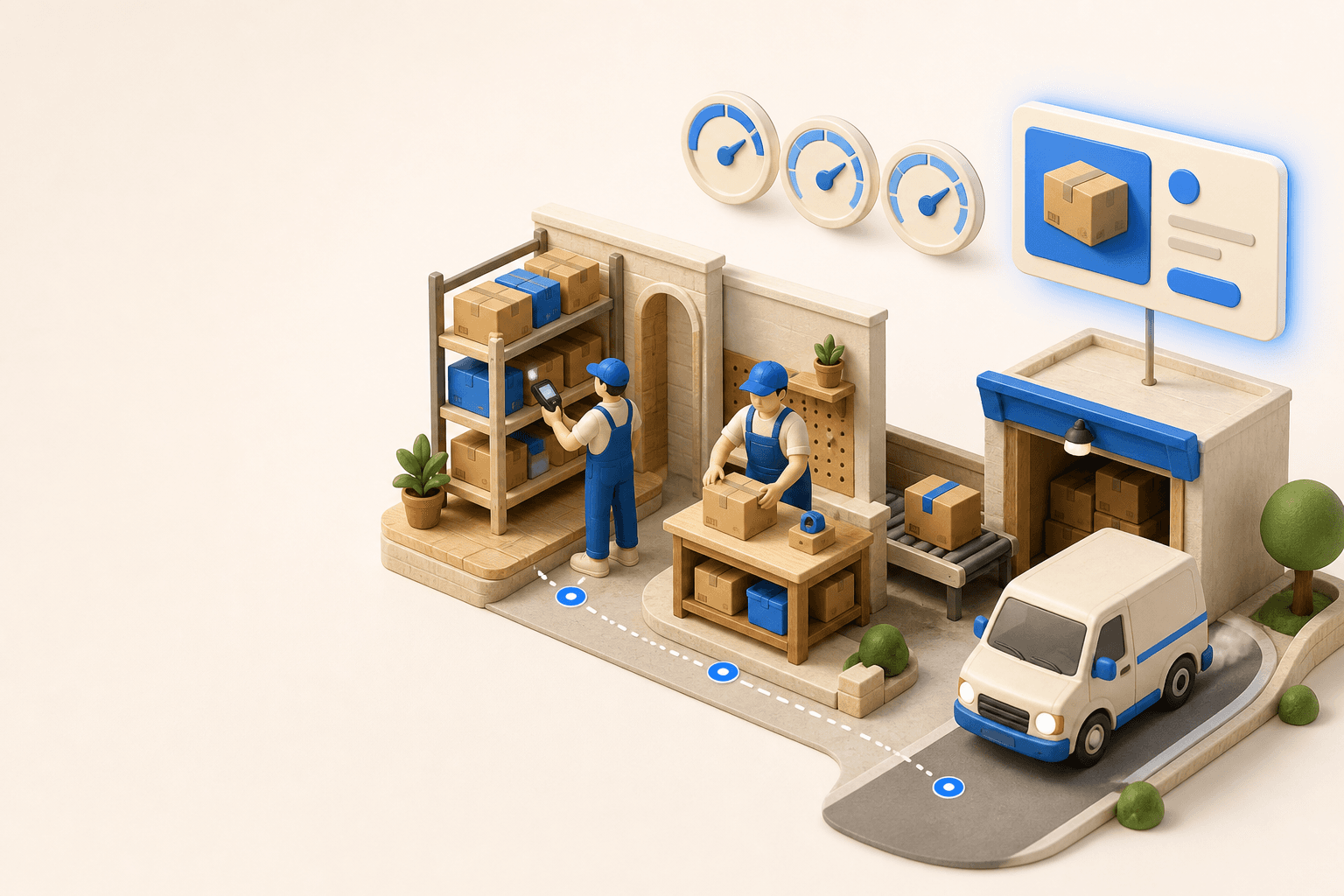



Stock availability, picking accuracy, and shipping times affect marketplace sales. Jonathan Coloma, COO of Repiauto, explains how his team went from 300 to 1,000 orders a day in two years. He describes the limits of paper-based work, ERPs built for different needs, a go-live estimate of fifteen days, and changes to his daily routine.

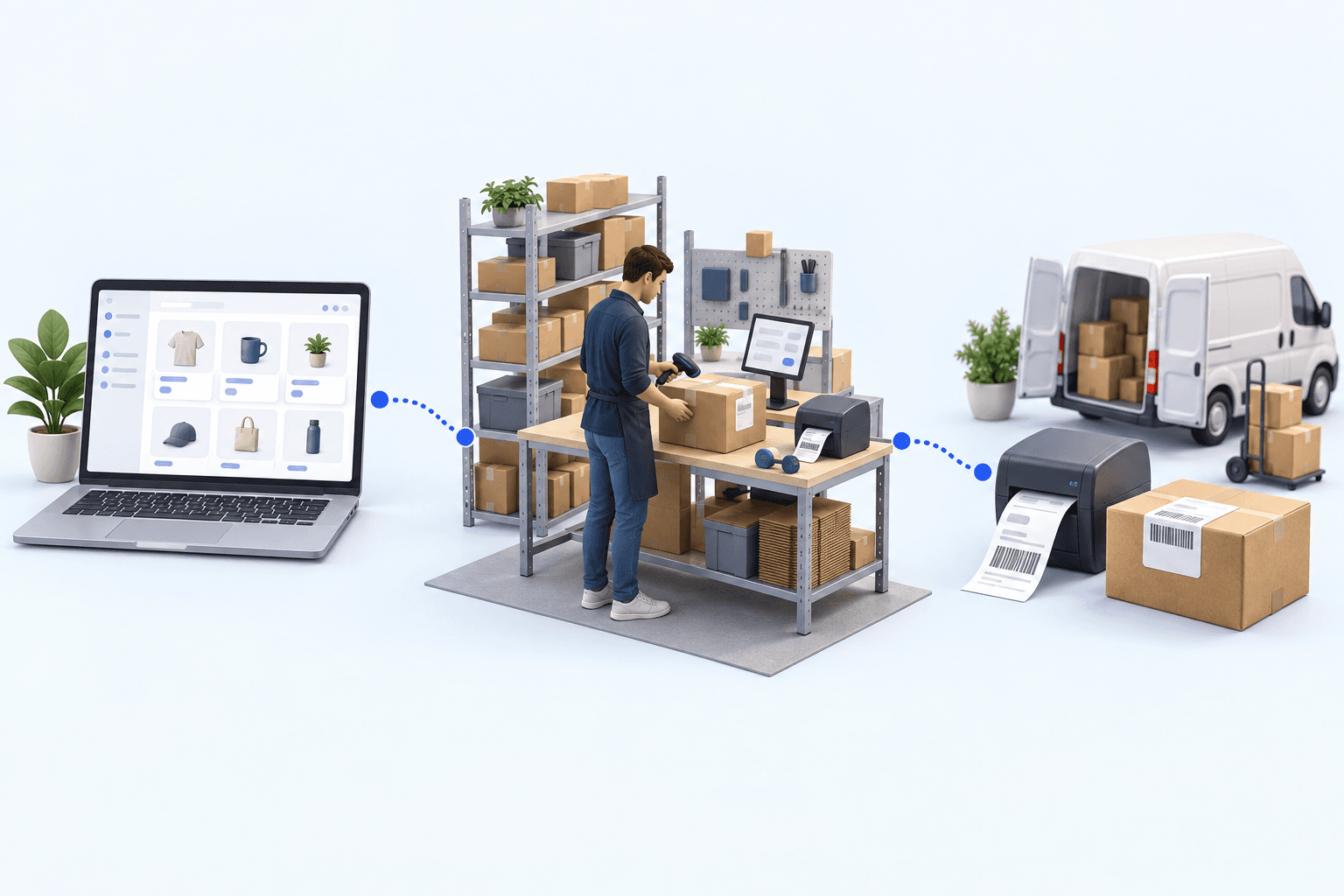
To hold up under peak volume, split the order queue into waves based on real operating constraints, then decide where barcode checks belong. At the packing bench, the operator verifies the parcel. Carrier rules select the service and print the label, so the next order can start without another decision.

Industrializing your purchasing means ordering on rules, not guesswork: at the right time (the reorder point), in the right quantity (your coverage period), from the right supplier, with a purchase order validated in one click. Available on replay.


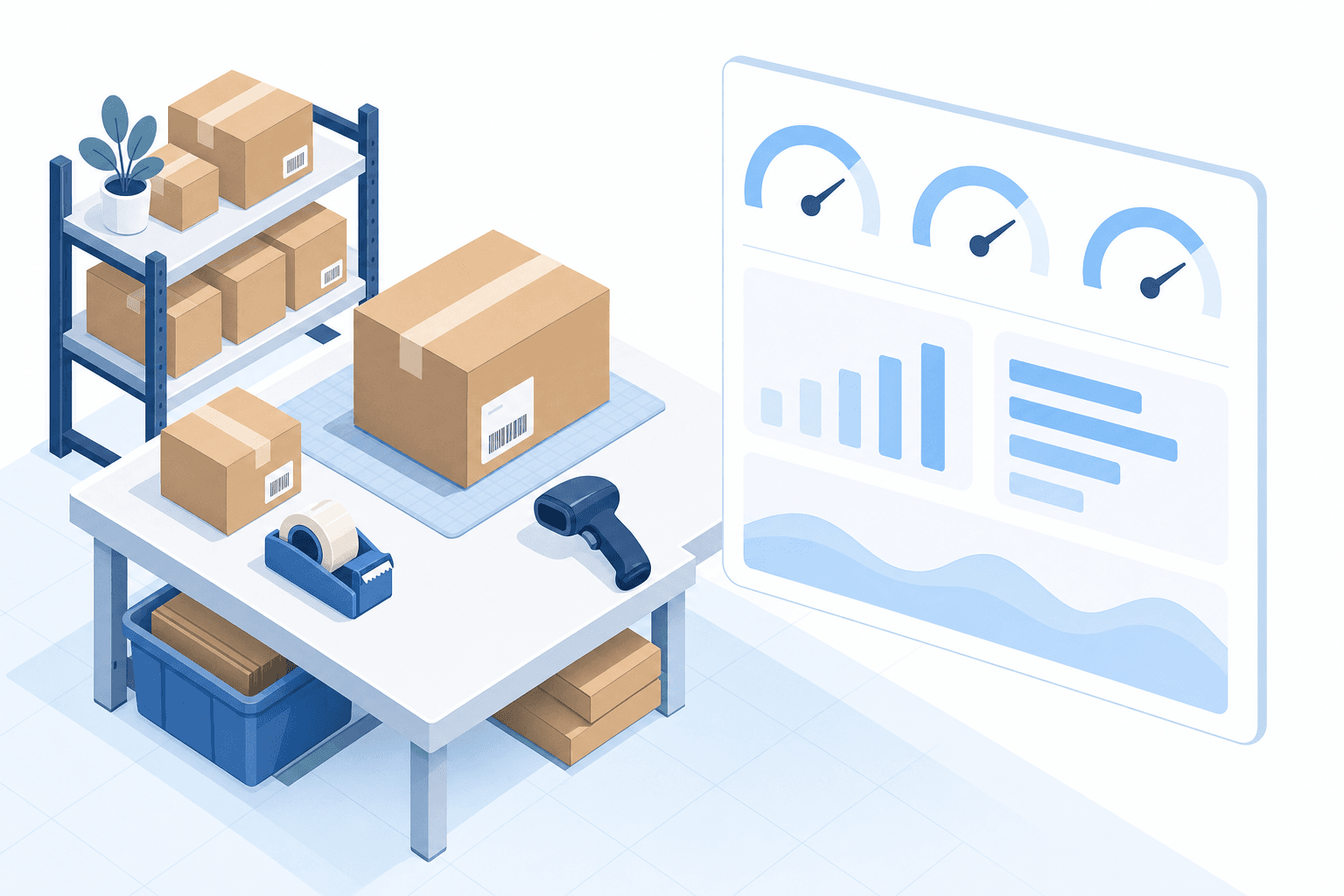
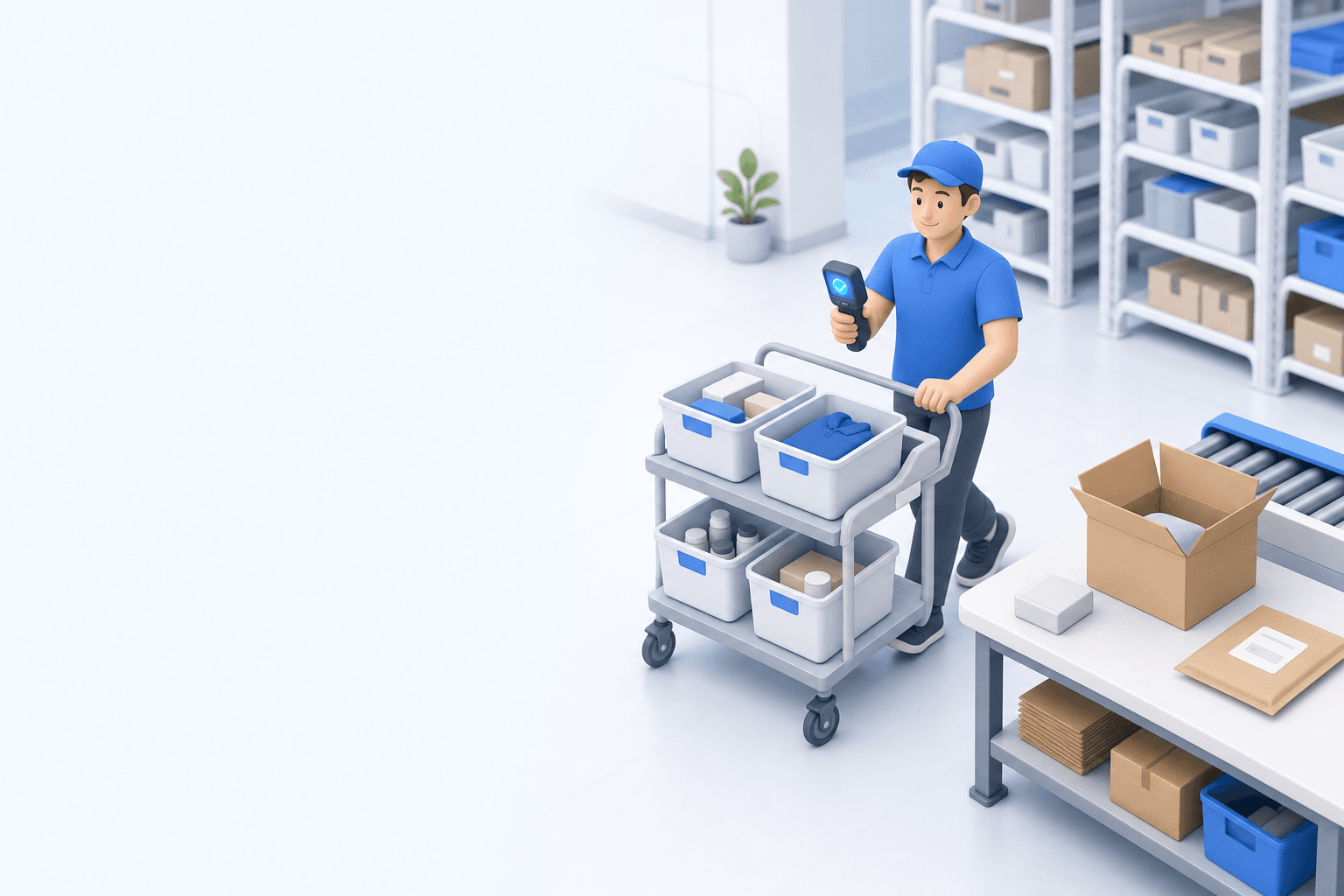













A well-interpreted search reveals what customers want, even without a sale. This Boostmyshop × Venture.ia replay shows how Findy turns that signal into conversions, then how Boostmyshop reserves stock and opens its data to Héhocom so picking and delivery can keep up with order growth.
Let’s review your order workflow
In 20 minutes, we’ll identify bottlenecks and ways to save time. No slides.
Free 20-min call · No commitment