

Dropship order management: control supplier orders and tracking
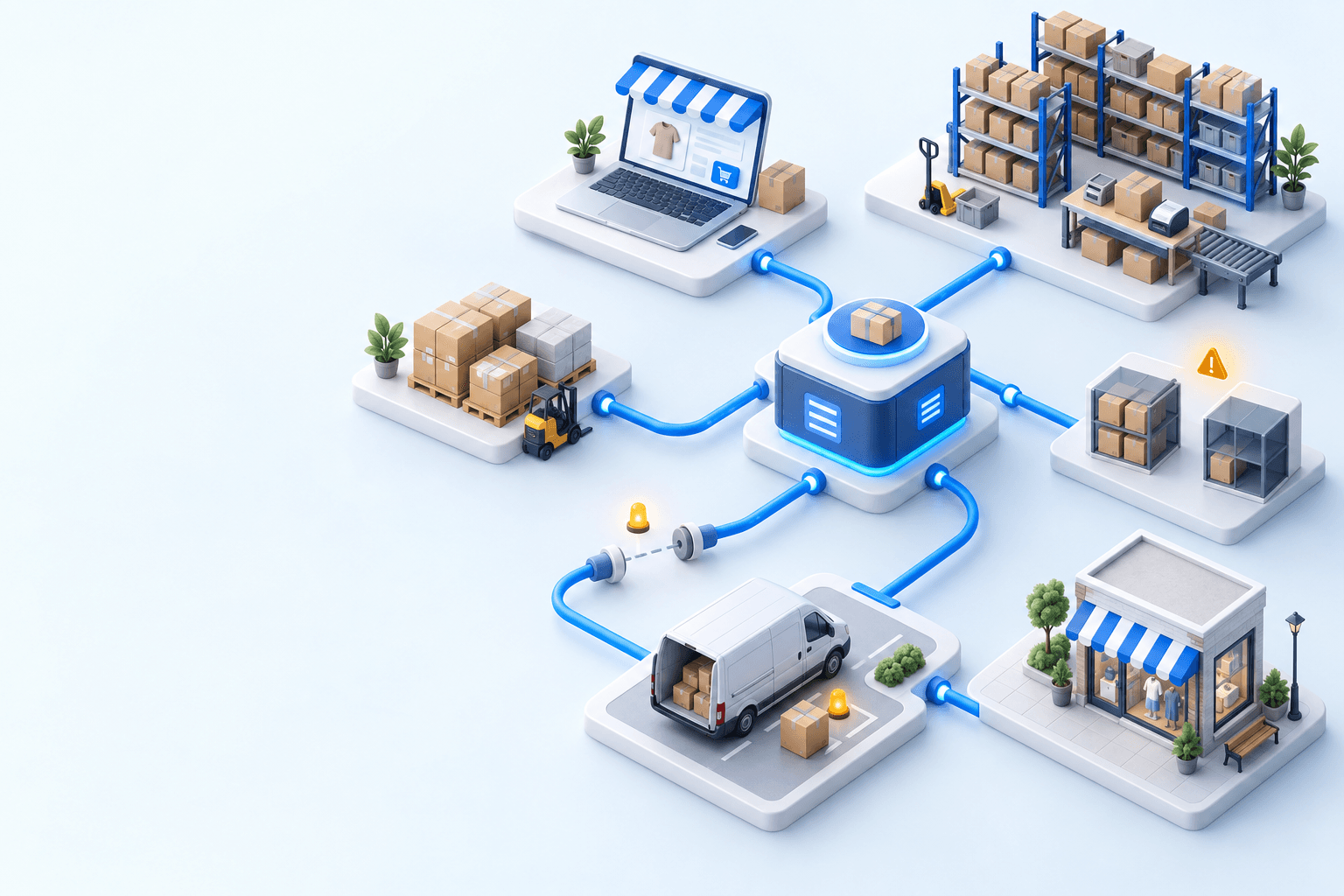
Dropship order management keeps a paid order visible from routing to supplier acceptance, shipment, tracking, and customer update. The operating record must connect the sales order to its supplier purchase order, expose every exception, and retain human validation where supplier stock, lead time, or margin requires a decision.

The essentials
- Link every supplier purchase order to the customer order, supplier, promised date, shipment, and tracking record.
- Treat virtual stock as a supplier promise with a freshness rule, not as warehouse stock.
- Keep internal and supplier validation visible so rejected or late orders have an owner.
- Measure acceptance delay, shipment delay, missing tracking, exception age, cancellations, and margin drift.
Dropship order management becomes fragile when a paid order contains a lamp held in your warehouse and a table that the supplier must ship to the customer. The first line can enter the picking queue. The second needs a supplier purchase order, a valid ship-to address, a supplier-confirmed lead time, and tracking. If both lines share only a generic ‘processing’ status, nobody knows who is accountable for the promised ship date.
Where does a dropship order disappear from view?
The blind spot opens when the sales order and supplier purchase order follow separate histories. The channel shows payment, purchasing waits for acceptance, the supplier ships, and customer service sees none of those transitions. Give every handoff one system of record, one owner, one expected response, and one recovery action.
This control matters at market scale in France. Fevad’s 2026 key figures record 3.2 billion online transactions in France in 2025. A 2026 French recipient study by Arcep and CREDOC found that 62% had encountered at least one delivery problem. Arcep’s French 2024 parcel observatory counted 1.7 billion parcels, up 3.7% in one year. A missing supplier acknowledgement or tracking event is therefore an operating exception, not a clerical detail.
Map the supplier-order lifecycle
Use statuses that describe evidence, not vague activity. ‘Purchase order created’ means the customer line and supplier document are linked. ‘Accepted’ means the supplier has confirmed the quantity and promise. ‘Shipped’ requires the shipped lines and tracking evidence; it must not be inferred from an email being sent.
| Status | Trigger | Responsible party | Customer-facing result | Audit evidence |
|---|---|---|---|---|
| Imported | Payment releases the order | The order-operations team verifies the import | The order is confirmed | Channel ID and import time are retained |
| Routed | A rule selects supplier fulfillment | The OMS records the reason | The delivery promise remains traceable | Rule, supplier, and margin are retained |
| PO created | Routed lines form a supplier order | Purchasing checks required fields | No new message is sent yet | Linked order, address, lines, and cost are retained |
| Internally approved | A reviewer releases the purchase | The appointed approver owns the decision | The promise can be maintained | Approver and release time are retained |
| Supplier accepted | The supplier confirms the request | The supplier owns the committed date | Support can confirm the lead time | Accepted lines and date are retained |
| Shipped | The supplier confirms dispatched lines | The supplier provides shipment evidence | The order can show partial or full shipment | Shipped quantity, carrier, and dispatch time are retained |
| Tracking received | A usable tracking reference arrives | The order-operations team verifies tracking updates reach the sales channel | The customer receives shipment tracking | Number, URL, and update time are retained |
| Exception | An expected proof is missing or rejected | A named operator starts recovery | The promise is revised when needed | Reason, age, owner, and next action are retained |
Every supplier purchase order stays linked to the customer order, the supplier, its promised date, the shipment, and the tracking record. The journal preserves that link even when one customer order creates several supplier orders or one line ships separately. That is what lets support explain a partial shipment without flattening the whole order into one misleading status.
Decide between own stock, supplier stock, and a mixed route
Warehouse stock is physically counted and reserved. Virtual stock is a supplier’s reported availability, qualified by the feed’s age, pack size, lead time, and the quantity you are willing to promise. Do not add the two blindly. Decide which source wins, what happens when the feed is late, and whether the expected margin still clears your rule after supplier and shipping costs.
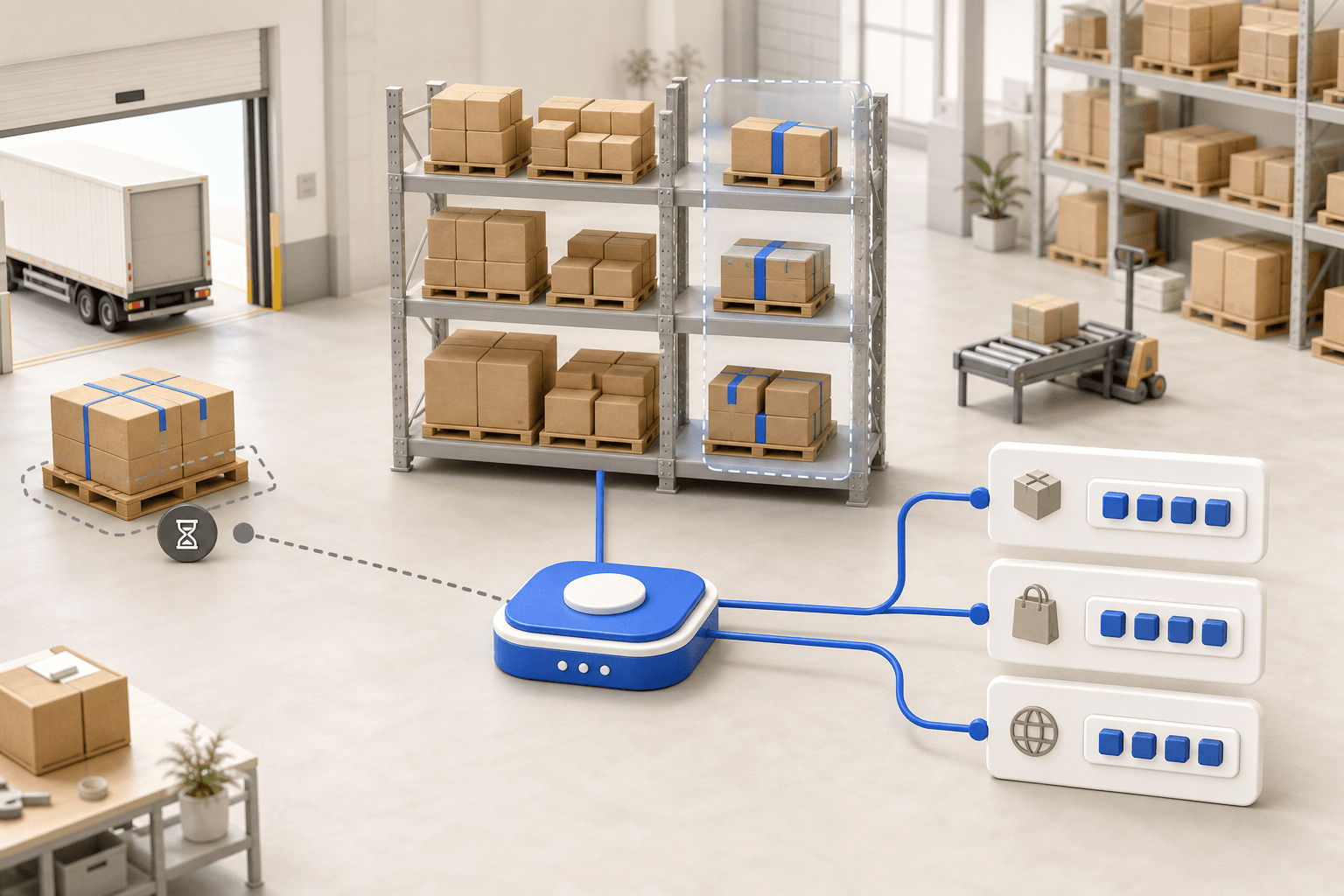
A mixed order keeps one customer record with separate fulfillment lines. Route the warehouse line to the WMS and the supplier line to procurement. If one route fails, customer service needs the affected line, not just a red flag on the order. The guides to available inventory and supplier replenishment cover the stock definitions behind those decisions. Cross-docking remains different: the supplier item passes through your warehouse first.
A completed supplier-stock import proves that the file was processed; an error must retain the cause and affected records. Stale availability should restrict the promise according to your rule rather than silently becoming warehouse truth.
Create the purchase order, then write tracking back to the customer order
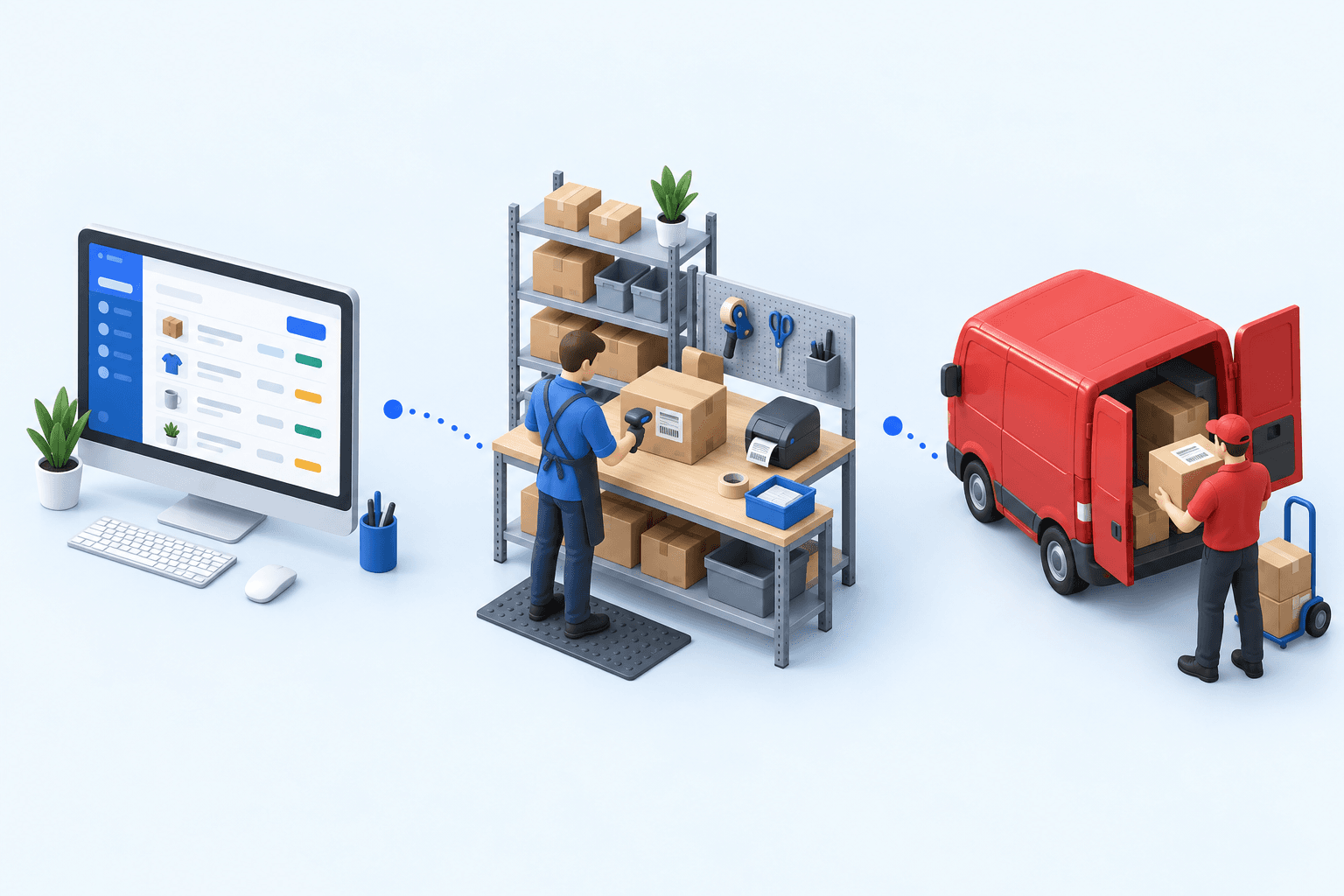
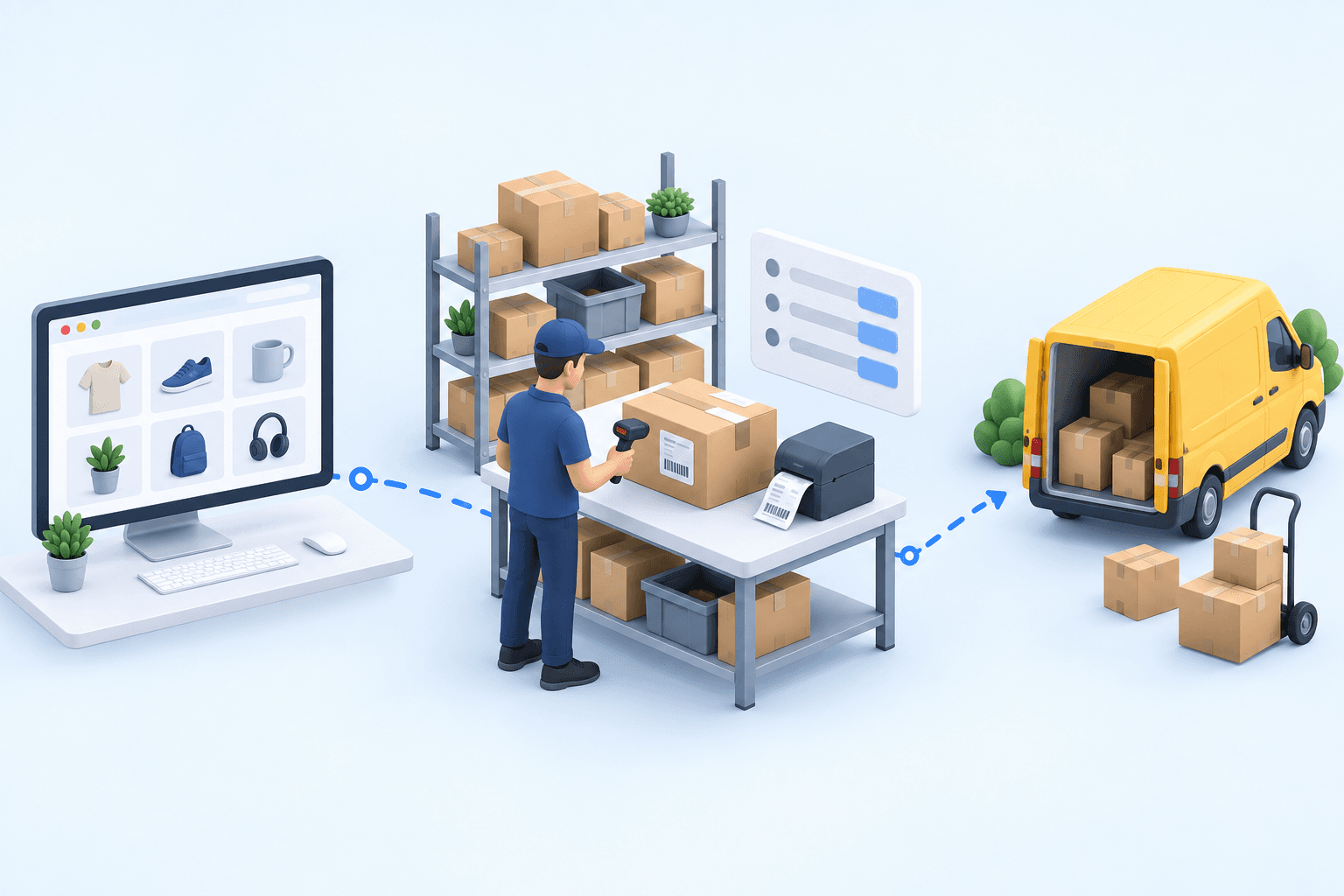
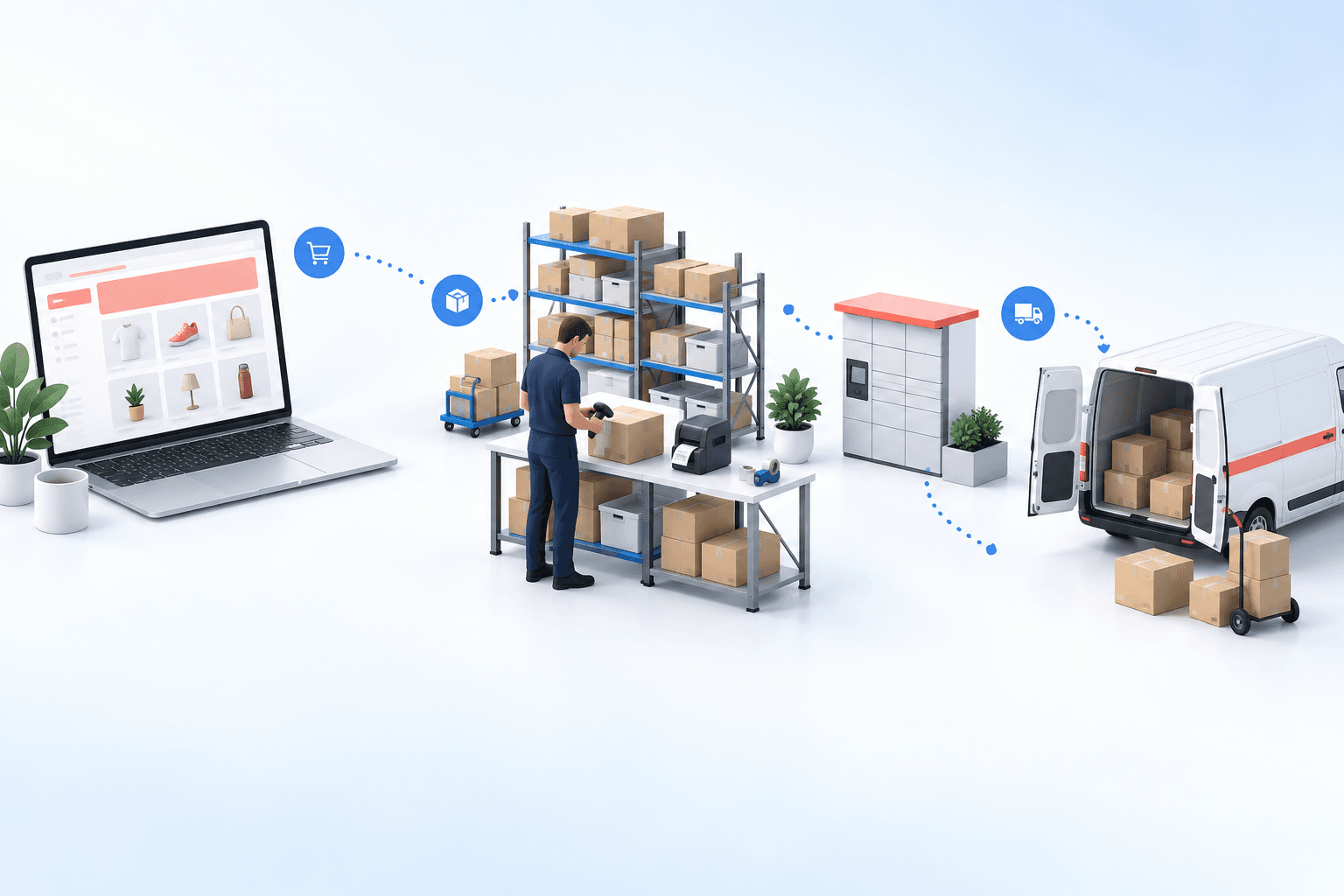
In myFulfillment, a dedicated dropship fulfillment method identifies eligible orders. The workflow can create a supplier purchase order from the sales order, group its lines, and place it in internal or supplier validation. The supplier document can carry the customer’s delivery address. Shipment confirmation then handles partially shipped lines, records receipt against the supplier purchase order, ships the sales order, adds tracking, and can notify the customer. These are observable states; they do not remove the operator’s responsibility for exceptions.
The Procurement module owns that supplier-order workflow. The Order Management module keeps the customer order and its mixed routes visible across channels.
A published case involving e-commerce sellers using supplier fulfillment records two bounded changes: purchase-order creation moved from manual per order to automated, while the sellable catalog moved from own stock only to own plus supplier stock. Those results describe that case; they are not a market benchmark.
Resolve exceptions before they age
An exception queue should answer four questions without opening a mailbox: what proof is missing, how long it has been missing, who acts next, and what the customer has been told. A supplier stockout returns the line to an allocation decision. A refused purchase order needs a reason and a revised promise. A partial shipment keeps open quantities visible. Missing tracking prevents the shipment update from reaching the customer even if the supplier says the parcel left.
Measure supplier acceptance delay from PO transmission to supplier confirmation. Measure shipment delay against the supplier’s accepted date, not the date first displayed to the shopper. Track the share of shipped lines without usable tracking, the age of open exceptions, cancellations caused by supplier failure, and margin drift between routing and invoice. Segment the results by supplier and fulfillment rule so the averages do not hide one failing path.
Choose evidence, not a software feature list
Ask a vendor to run one paid mixed order on screen. Require the routing reason, linked supplier PO, both validation paths, customer address, supplier rejection, partial shipment, tracking update, and customer update. Then interrupt the stock feed and ask the team to recover without creating a duplicate order. A workflow is not proven until its states, owner, audit trail, and recovery action are visible.
The complete file
Supplier dropship control sheet (CSV)
Reading the page is free. The file is available with your work email.
The complete file
Supplier dropship control sheet (PDF)
Reading the page is free. The file is available with your work email.
If the workflow matches your operation, request a myFulfillment demonstration with one real supplier order. Bring the supplier lead-time rule, stock feed, margin rule, and exception that currently consumes the most follow-up.
Frequently asked questions
It is the process that links a customer order to supplier routing, the purchase order, acceptance, shipment, tracking, exceptions, and the customer update. It keeps each handoff visible and owned.
Automate repeatable routing, PO creation, notifications, and tracking updates. Keep validation, shortage, delay, cancellation, margin, and missing-tracking exceptions visible to a named operator.
Treat it as virtual stock with a known feed age, pack size, lead time, and promise rule. Do not present it as warehouse stock or keep selling when the feed becomes stale.
Keep one customer order, but route and track each line separately. Preserve the shipment and exception state for each route so support can explain partial fulfillment accurately.
Continue exploring


Stock availability, picking accuracy, and shipping times affect marketplace sales. Jonathan Coloma, COO of Repiauto, explains how his team went from 300 to 1,000 orders a day in two years. He describes the limits of paper-based work, ERPs built for different needs, a go-live estimate of fifteen days, and changes to his daily routine.

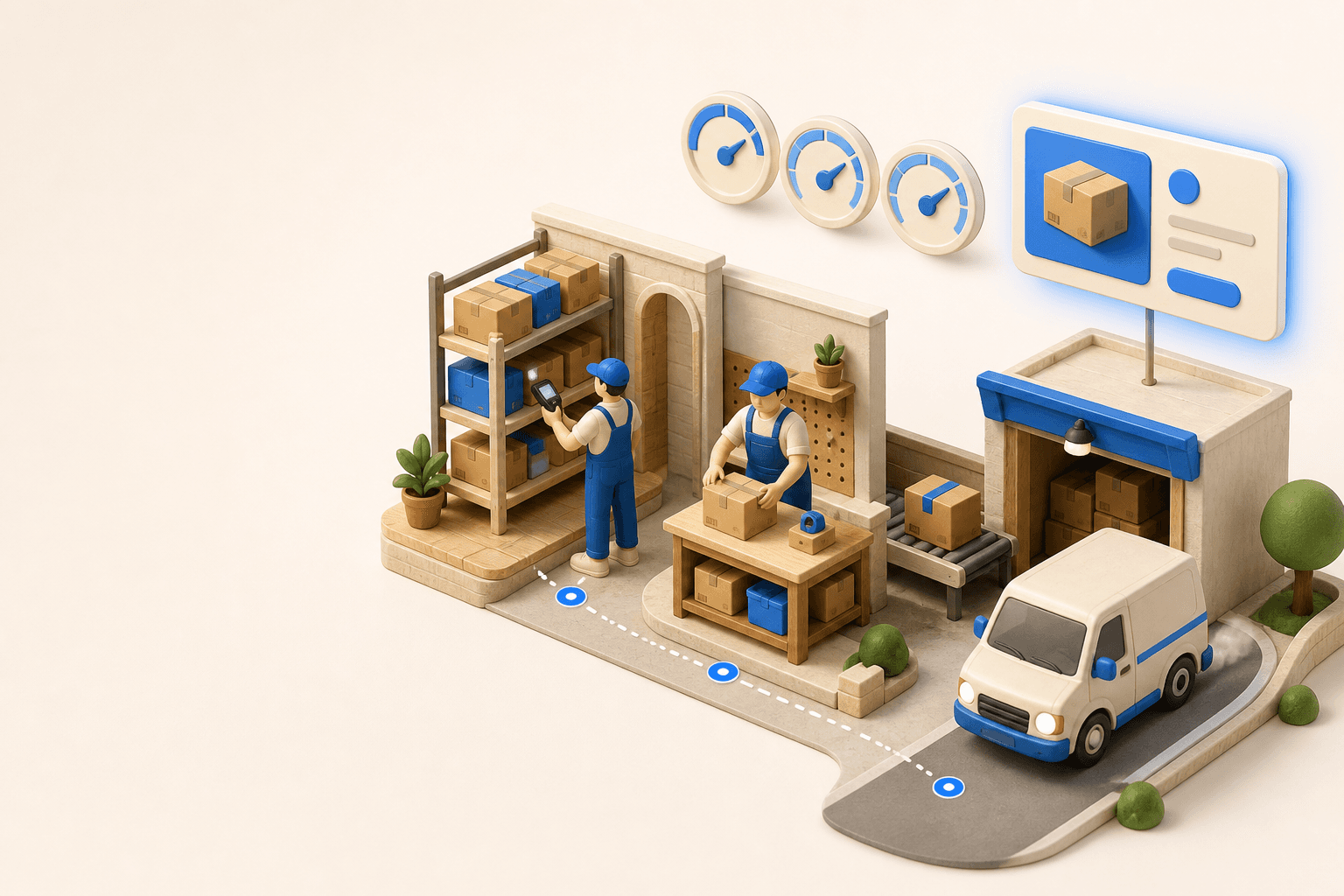
To hold up under peak volume, split the order queue into waves based on real operating constraints, then decide where barcode checks belong. At the packing bench, the operator verifies the parcel. Carrier rules select the service and print the label, so the next order can start without another decision.

Industrializing your purchasing means ordering on rules, not guesswork: at the right time (the reorder point), in the right quantity (your coverage period), from the right supplier, with a purchase order validated in one click. Available on replay.












See it in your own operations
Book a 20-minute call. We'll map your workflow and point out where it breaks. No slides.
Free 20-min call · No commitment