
Colissimo Shopify: which shipping setup should you choose?
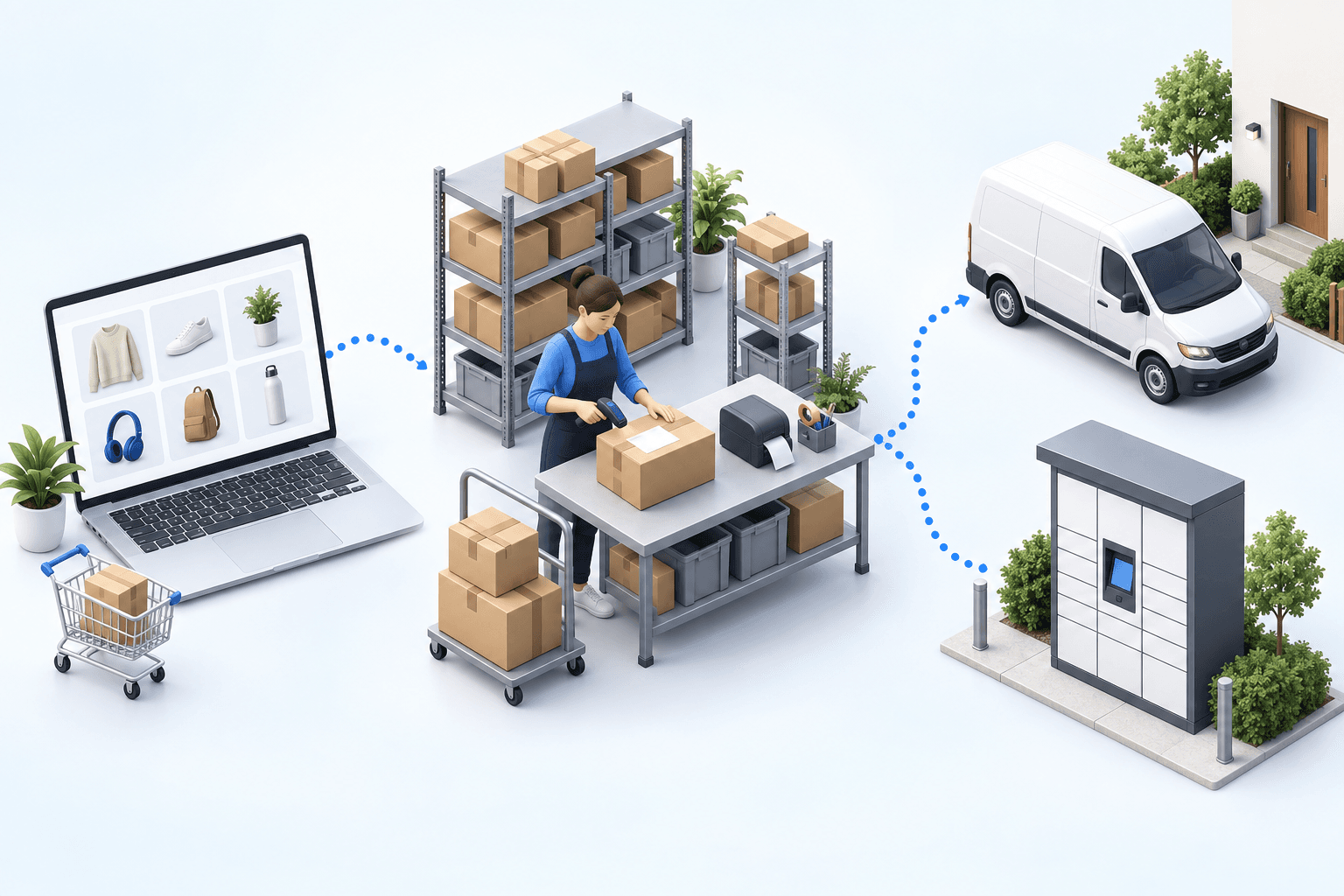
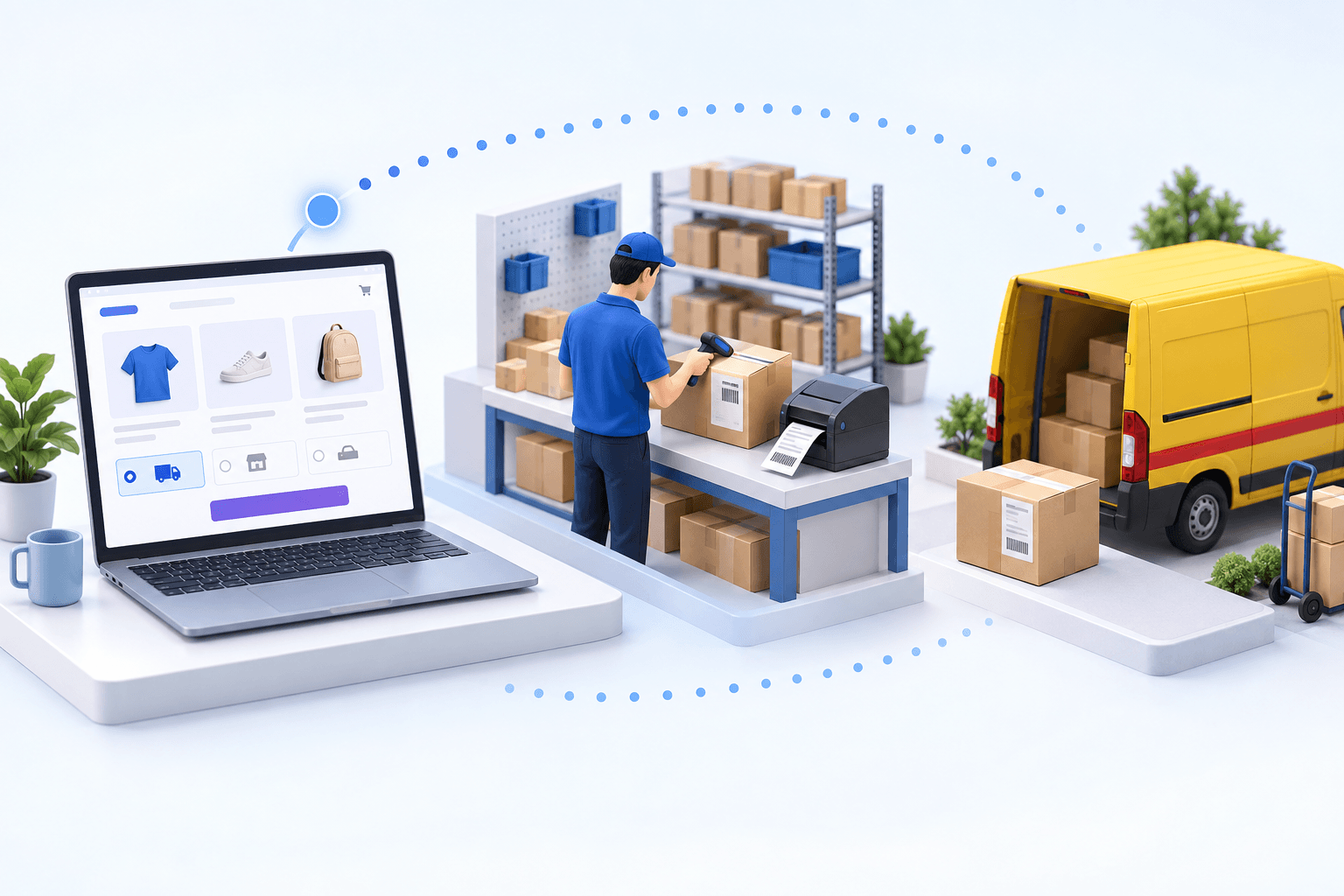
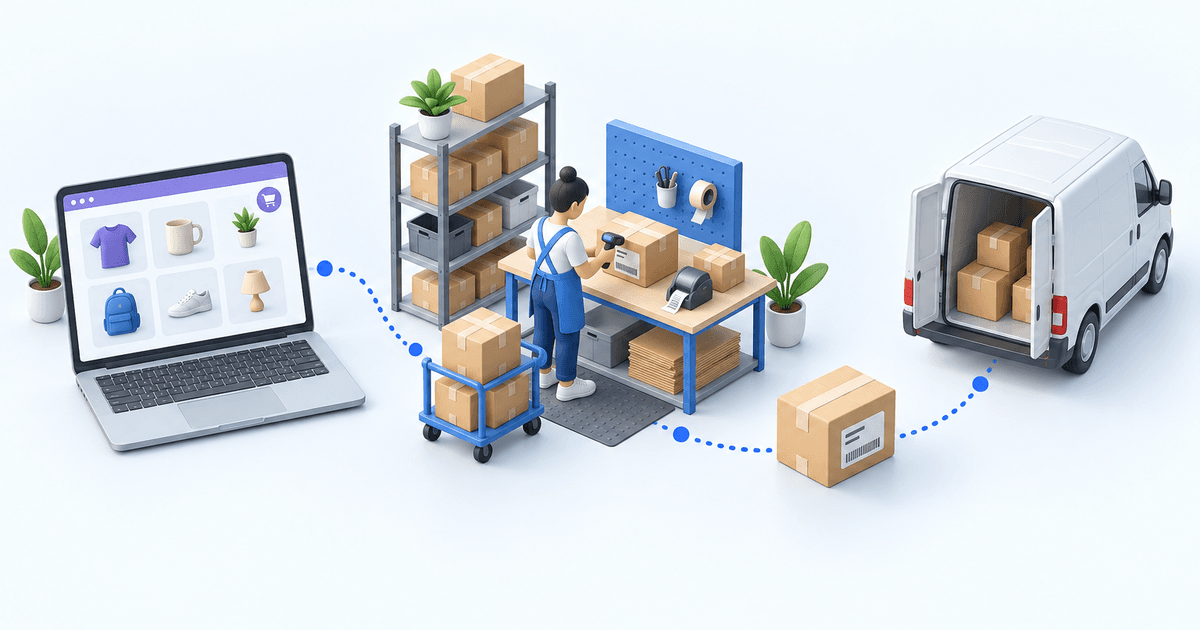
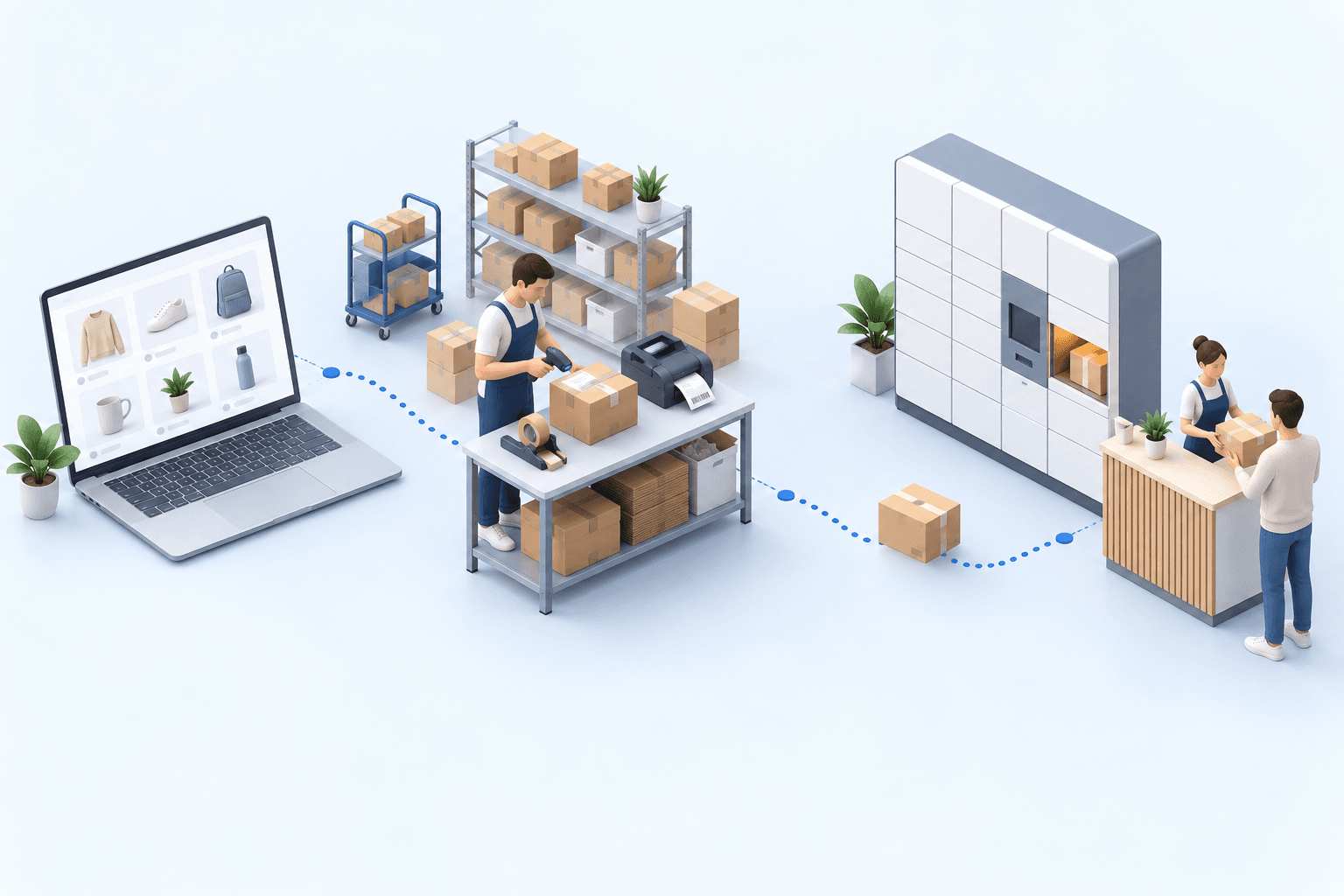
A Colissimo app can suit one Shopify store and warehouse. A shipping platform brings several carriers into one label workspace. An OMS/WMS is the stronger fit when channels, warehouses, or routing rules multiply. In every case, validate one home-delivery order, one pickup order, both labels, and tracking in Shopify.
 By Diogo Monteiro · E-commerce Integration Expert· Updated September 25, 2026· 4 min read
The essentials
- A Colissimo app can cover one store and warehouse; a shipping platform brings several carriers into one label workspace.
- An OMS/WMS becomes useful when channels, warehouses, or shared carrier-selection rules multiply.
- A pickup order only passes when its location ID reaches the data used to create the Colissimo label.
- The 20-minute test checks two orders, two labels, and matching tracking in Shopify.
At 4:45 p.m., the warehouse team finishes the final parcel and sets it aside for collection. Its Colissimo label scans correctly, but Shopify still shows no fulfillment or tracking number. The team only notices the gap when a customer asks for the tracking link. Label printing proves only one part of the chain. The account, delivery method, pickup location, shipment, and Shopify update each need their own observable result.
Colissimo Shopify: three shipping setups
A Colissimo app can be sufficient for one Shopify store shipping from one warehouse. The carrier's Shopify page requires a Colissimo contract with the rights needed for pickup display and label creation (Colissimo Entreprise, accessed in 2026). It is the lightest choice when the team can keep its shipping work at store level.
A shipping platform is a better middle ground when several carriers share one label workspace, while order allocation and inventory remain simple elsewhere. An OMS/WMS fits when orders arrive from several channels, stock is split across warehouses, or the same carrier-selection logic must apply everywhere.
| Setup | Good fit | Main check |
|---|---|---|
| Colissimo app | One store, one warehouse | Account rights and pickup data |
| Shipping platform | Several carriers, simple fulfillment | Method mapping and label workflow |
| OMS/WMS | Several channels or warehouses | Order routing, stock, and tracking |
Shopify's Colissimo help documents a separate Shopify Shipping route for a fulfillment location in France. It lists home delivery up to 30 kg and Pickup up to 20 kg (Shopify Help, accessed in 2026). Check which account owns the labels before choosing your architecture.
Where the Shopify-to-Colissimo handoff fails
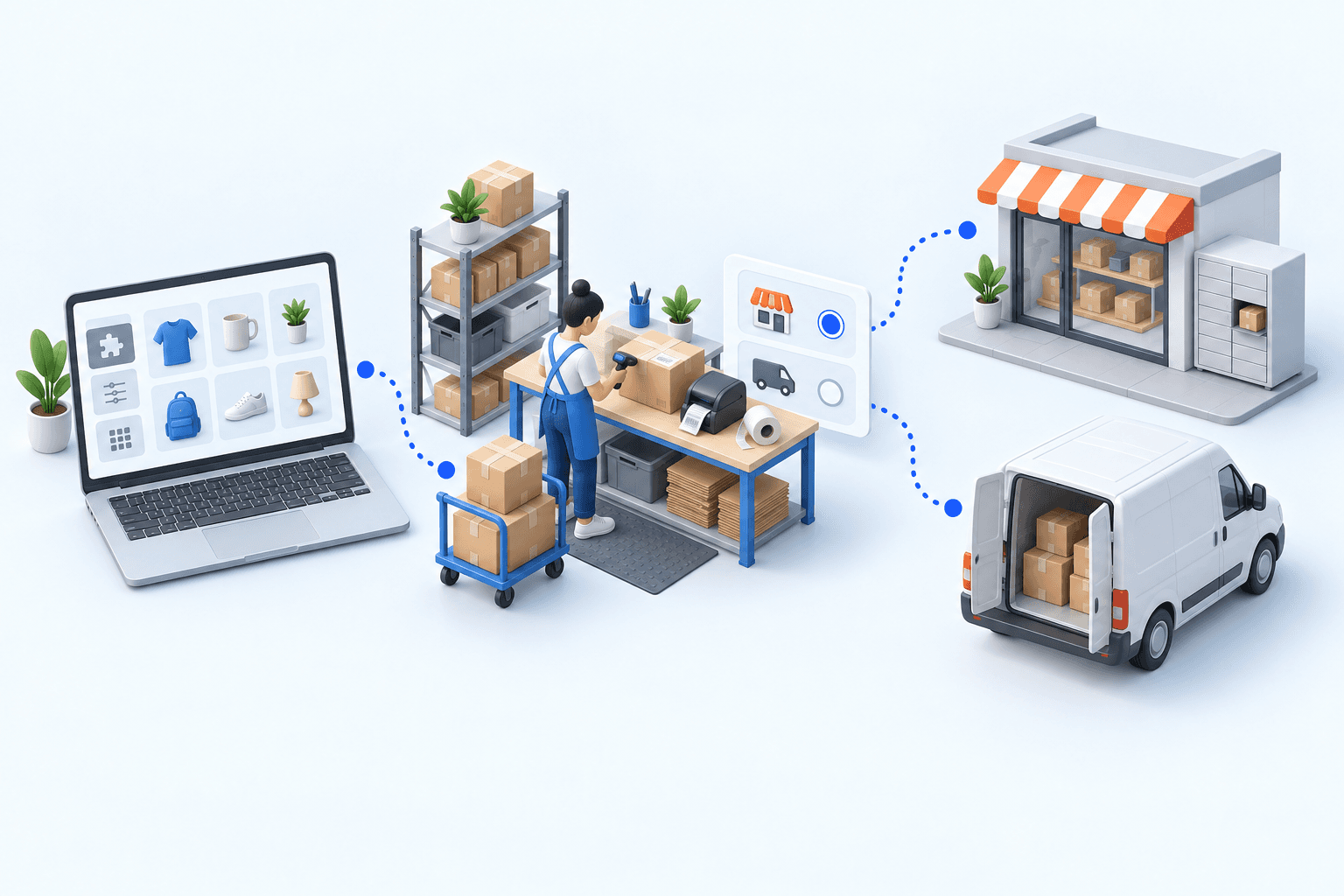
Start with the delivery method. A Shopify option such as home delivery or pickup must map to the intended Colissimo service. A label can be produced for the wrong service if this correspondence is wrong, so the visible PDF is not enough.
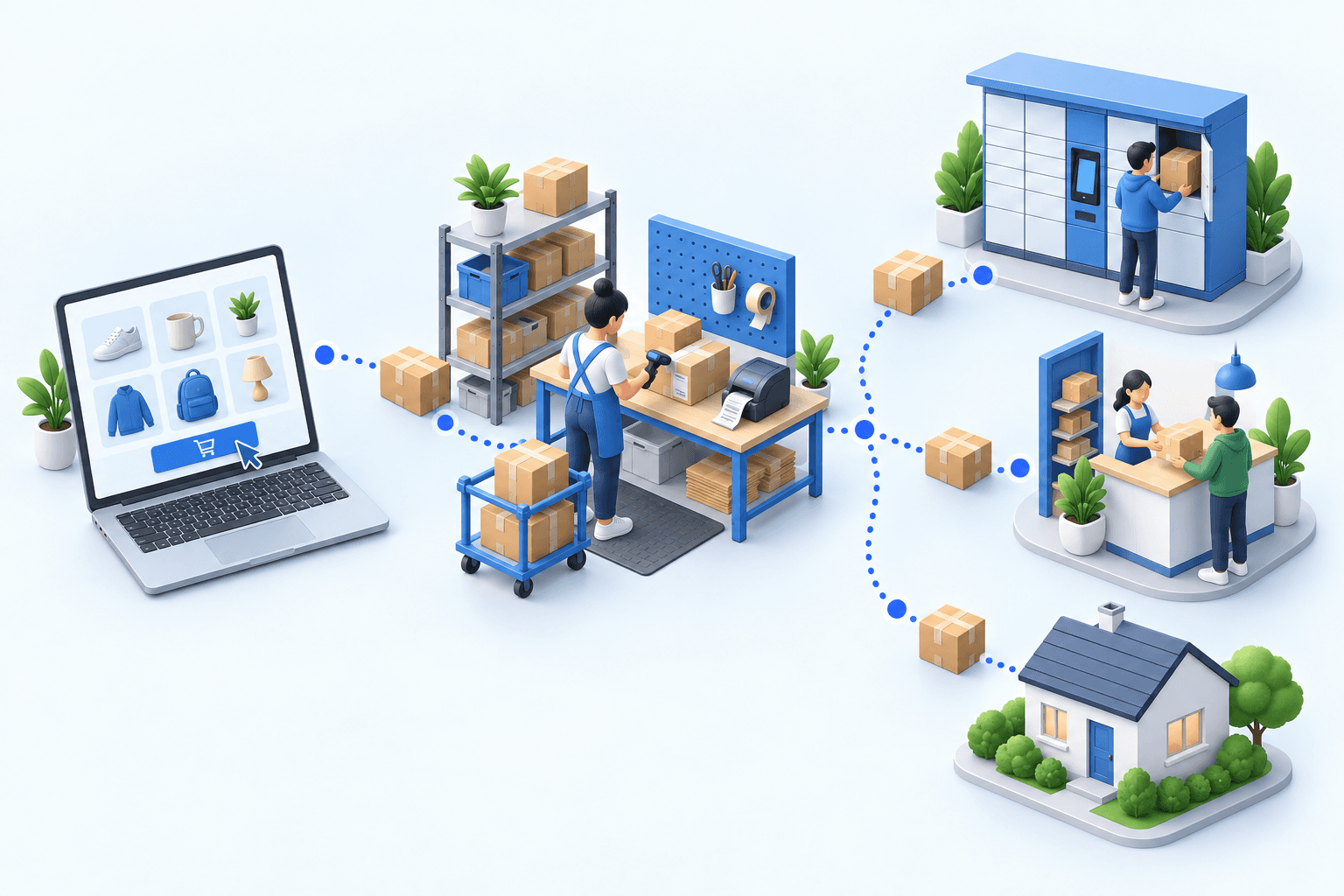
Next, inspect the pickup location ID. The identifier selected at checkout must be present in the data used to create the label. A shop name or town cannot replace it. Fevad reports that out-of-home delivery represented nearly one delivery in two in France in its 2026 e-commerce figures. Arcep and CREDOC found in 2026 that nearly four recipients in ten prefer pickup points.
Finally, separate carrier acceptance from the Shopify update. Colissimo returns the label and tracking data; the shipment confirmation must then mark the order fulfilled in Shopify with the matching number. The same Arcep/CREDOC study found that 62% of recipients had encountered at least one delivery problem in six months, including missing tracking information. Arcep recorded 1.7 billion parcels in 2024, 3.7% more than in 2023 (observatory published in 2025).
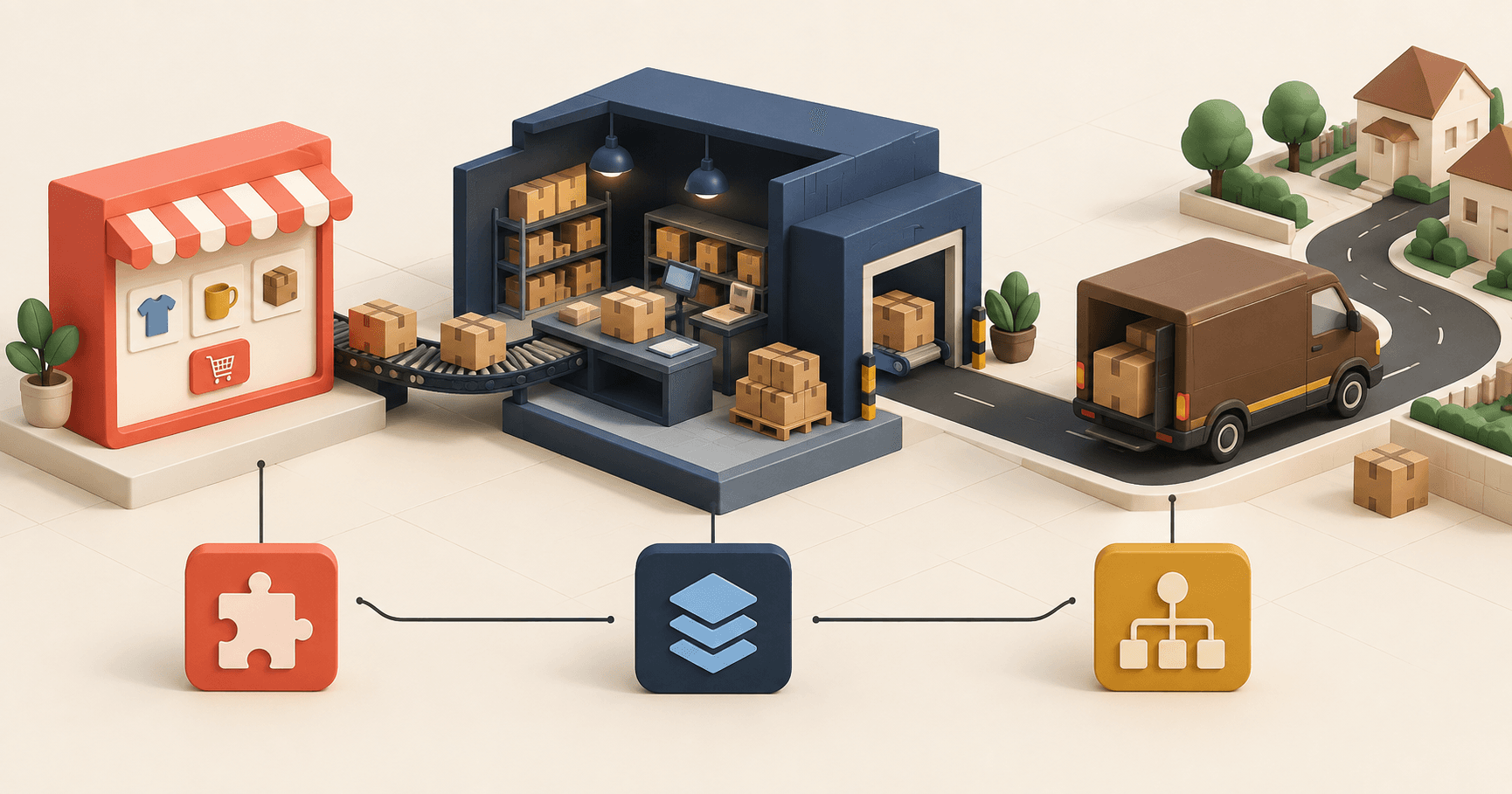
 ShopifyPaid order
 ColissimoLabel and tracking
The distinction is visible in one electronics distributor's operation. With more than 3,000 daily shipments and three carrier portals, including Colissimo, label work took more than two hours per day and errors affected 5 to 8% of shipments. After centralization, the task took under ten minutes and errors fell below 1%. These are this customer's 2026 results, not a market average.
Run a 20-minute acceptance test
Create one home-delivery order and one pickup order in Shopify. During the first five minutes, confirm that both eligible orders reach the shipping workspace with their items, address, selected delivery option, and, for pickup, the location ID.
Use the next five minutes to request the two Colissimo labels. Check the account used, service, recipient details, and pickup location. A readable label proves label creation; it does not yet prove the Shopify update.
In the final ten minutes, create both shipments and return to Shopify. Each order should be fulfilled with the same tracking number stored for the Colissimo shipment.
- 1Shopify orderOrder number and delivery method presentCheck in Shopify
- 2Parcel checkItems and quantities validatedCheck at the packing station
- 3Colissimo shipmentLabel and tracking number createdCheck in the Colissimo account
- 4Tracking sync back to ShopifyOrder marked as fulfilledCheck in Shopify
The first failed check identifies where to work. A missing order points to the Shopify import conditions. A wrong service points to method mapping. A missing location ID points to the order-to-label handoff. A correct label without Shopify tracking isolates the shipment-confirmation step. Fix that handoff, then repeat both orders.
Choose an OMS/WMS when shipping rules span stores and warehouses
A store app is reasonable while one team manages one Shopify store and warehouse. A shipping platform remains suitable when the main requirement is producing labels across carriers.
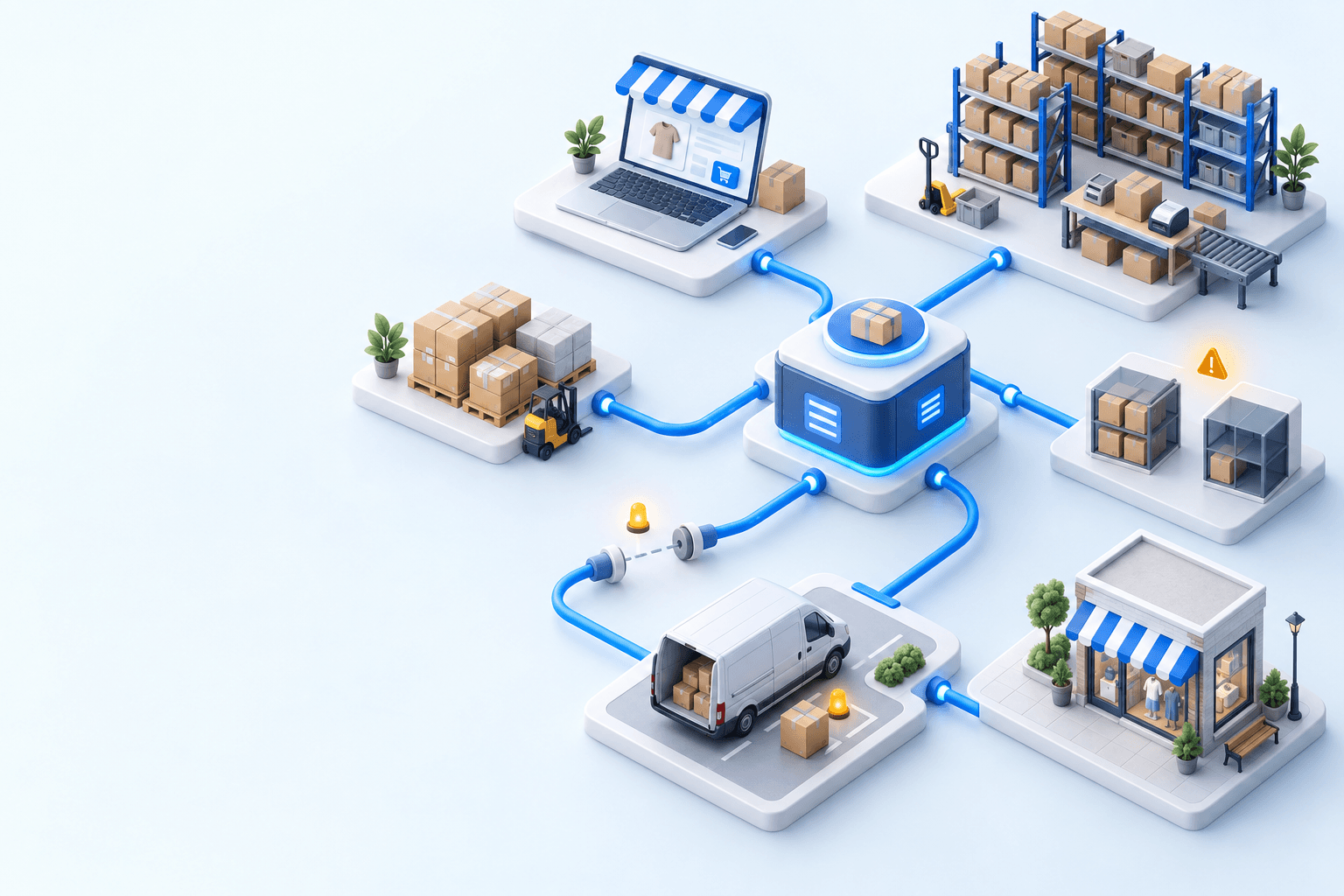
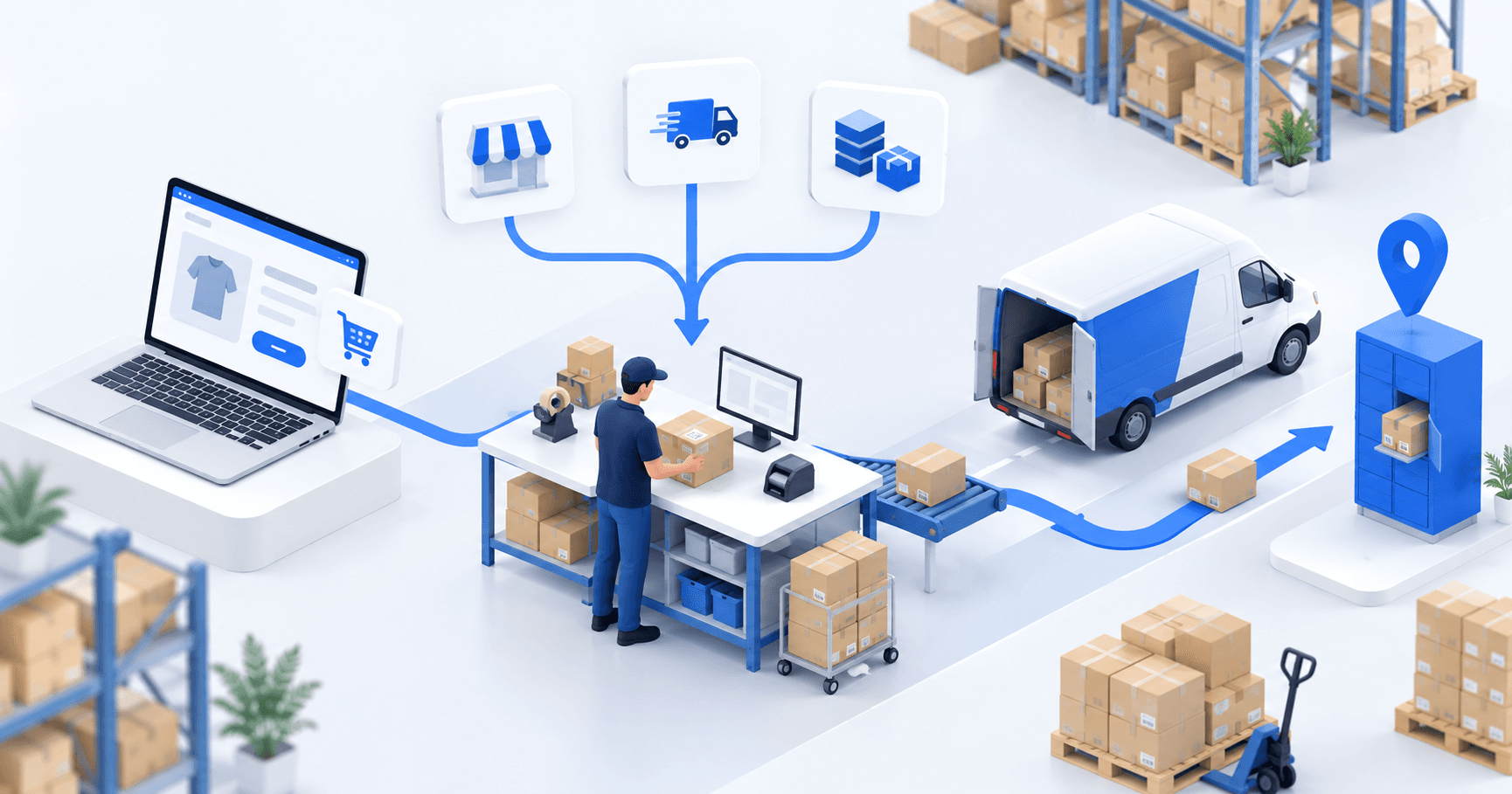
myFulfillment becomes relevant when several stores or marketplaces feed one order workspace, stock is allocated across warehouses, and carrier-selection rules need one owner. Its Shopify connector imports eligible orders and writes fulfillment and tracking data back after shipment creation; the Colissimo connector uses the selected method and pickup data to create the shipment.
Use the Shopify integration and Colissimo integration pages for the supported boundaries and setup evidence. If DPD is also in your carrier mix, the Shopify and DPD decision article applies the same acceptance logic to that pair.
Frequently asked questions
Choose an app for one store and warehouse with few exceptions. Choose an OMS/WMS when several channels, warehouses, or carrier-selection rules need one order and shipping workflow.
Yes, when the selected pickup location ID reaches the data used to create the Colissimo label. Test the ID on the order, in the shipping workspace, and on the label.
It can when shipment confirmation marks the order fulfilled and sends the Colissimo tracking number to Shopify. A successfully created label does not prove that this final update occurred.
Test one home order and one pickup order. Confirm order import, the intended Colissimo service, the pickup location ID, readable labels, and the same tracking numbers in Shopify.
Continue exploring
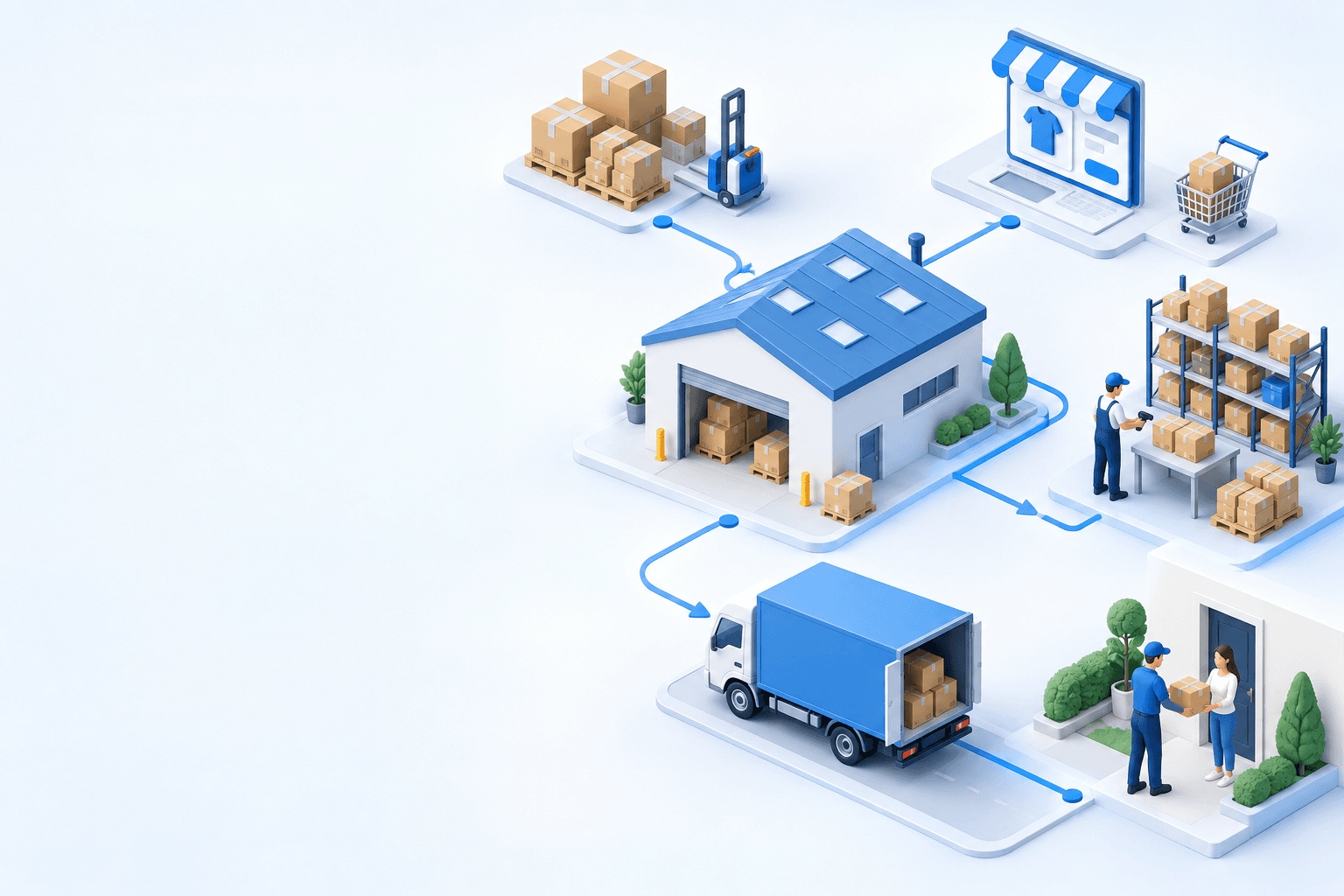
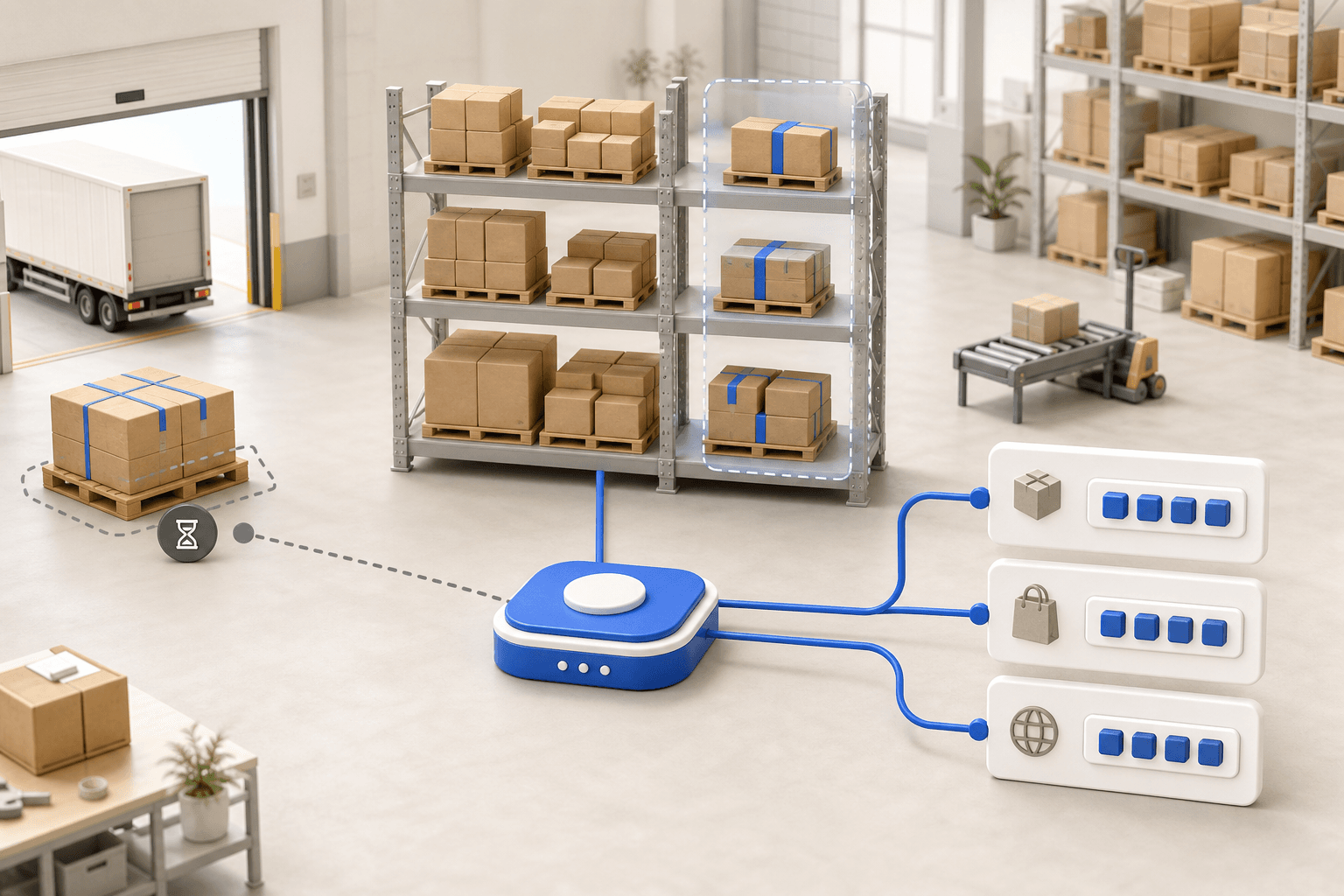
Stock availability, picking accuracy, and shipping times affect marketplace sales. Jonathan Coloma, COO of Repiauto, explains how his team went from 300 to 1,000 orders a day in two years. He describes the limits of paper-based work, ERPs built for different needs, a go-live estimate of fifteen days, and changes to his daily routine.

To hold up under peak volume, split the order queue into waves based on real operating constraints, then decide where barcode checks belong. At the packing bench, the operator verifies the parcel. Carrier rules select the service and print the label, so the next order can start without another decision.

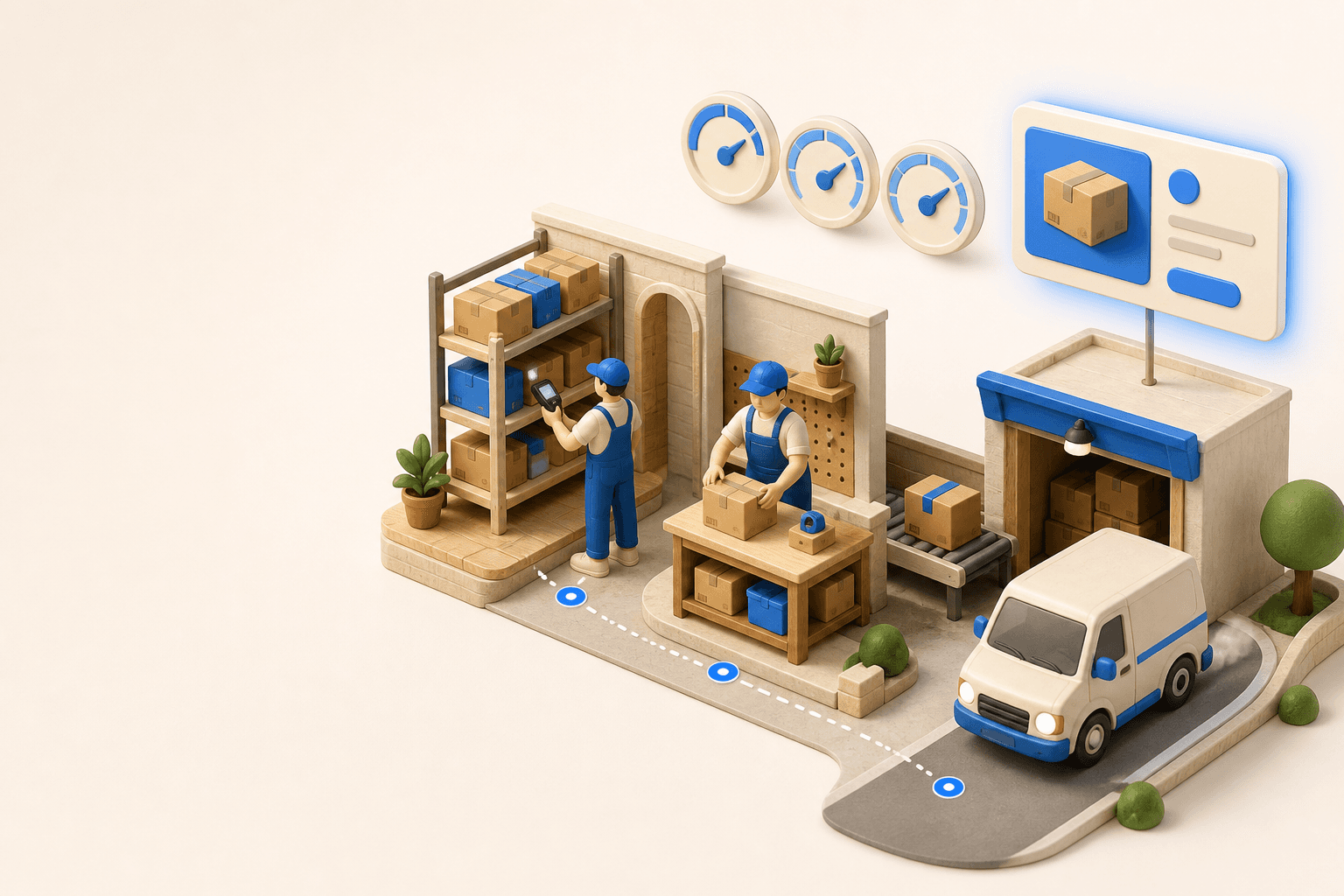
Industrializing your purchasing means ordering on rules, not guesswork: at the right time (the reorder point), in the right quantity (your coverage period), from the right supplier, with a purchase order validated in one click. Available on replay.


See it in your own operations
Book a 20-minute call. We'll map your workflow and point out where it breaks. No slides.
Free 20-min call · No commitment