
Mondial Relay WooCommerce: which setup fits?
For one WooCommerce store and one warehouse, a carrier module may be enough. A shipping platform groups labels across carriers. An OMS/WMS fits operations with several channels, warehouses, or routing rules. Before go-live, test one home-delivery order, one pickup order, both labels, completed status, and tracking back in WooCommerce.
 By Diogo Monteiro · E-commerce Integration Expert· Updated September 25, 2026· 4 min read
The essentials
- A carrier module may cover one WooCommerce store. A shipping platform is the middle ground when the main need is producing labels across carriers.
- The pickup-point ID must survive checkout, order import, method mapping, and label creation. A town or postal code cannot replace it.
- A valid label is not the finish line: WooCommerce must receive the completed status and the same tracking number shown in the shipment.
- An OMS/WMS becomes useful when several channels, warehouses, or carrier rules need one operating queue.
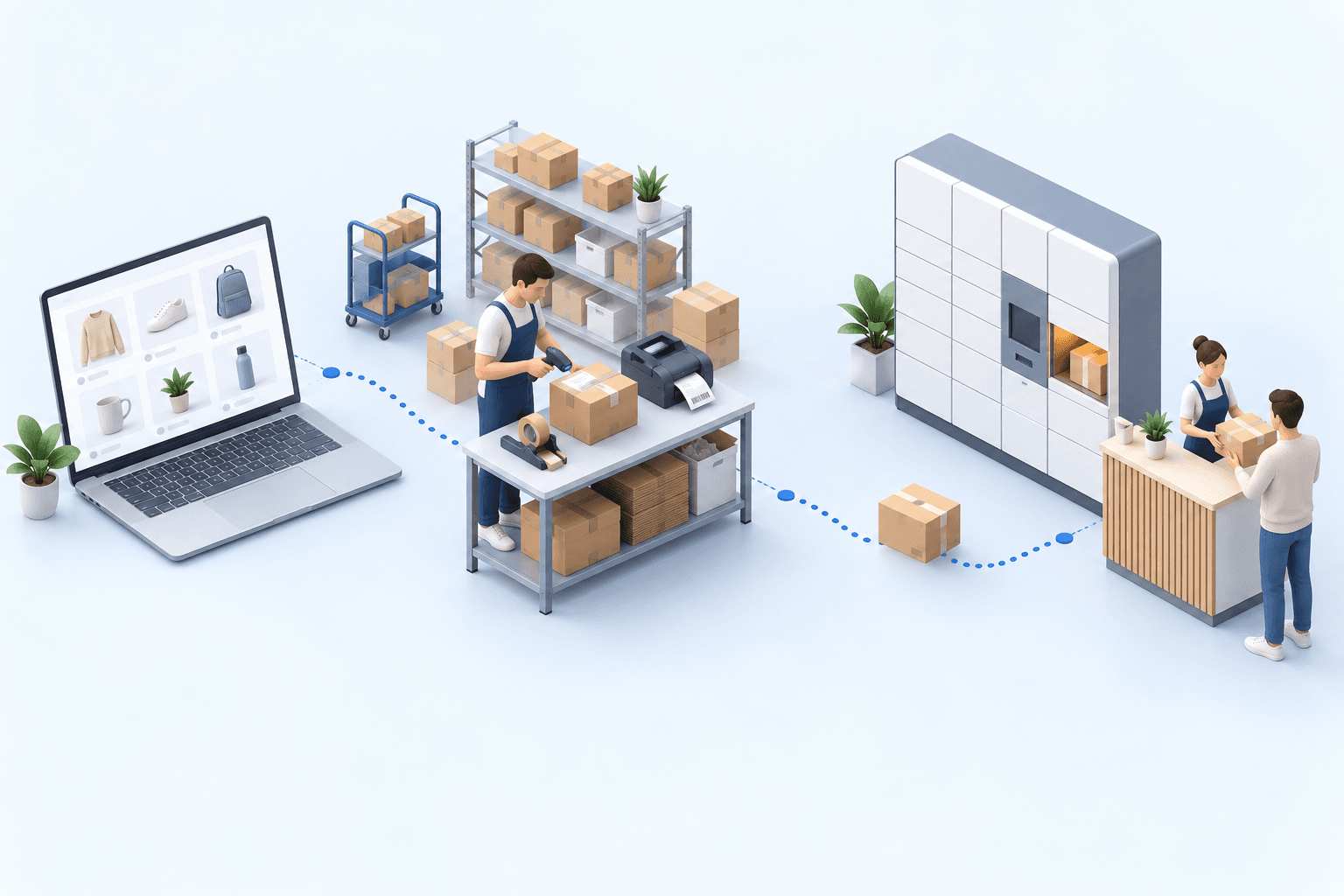
A pickup order reaches the packing bench with a printable label, but the label names the wrong Point Relais. On the next order, the parcel is correct while WooCommerce still shows processing and no tracking number. In a Mondial Relay WooCommerce flow, those are two separate failures. The shopper’s pickup choice must reach the carrier service, and the shipment result must return to the store.
Mondial Relay WooCommerce: choose among three shipping setups
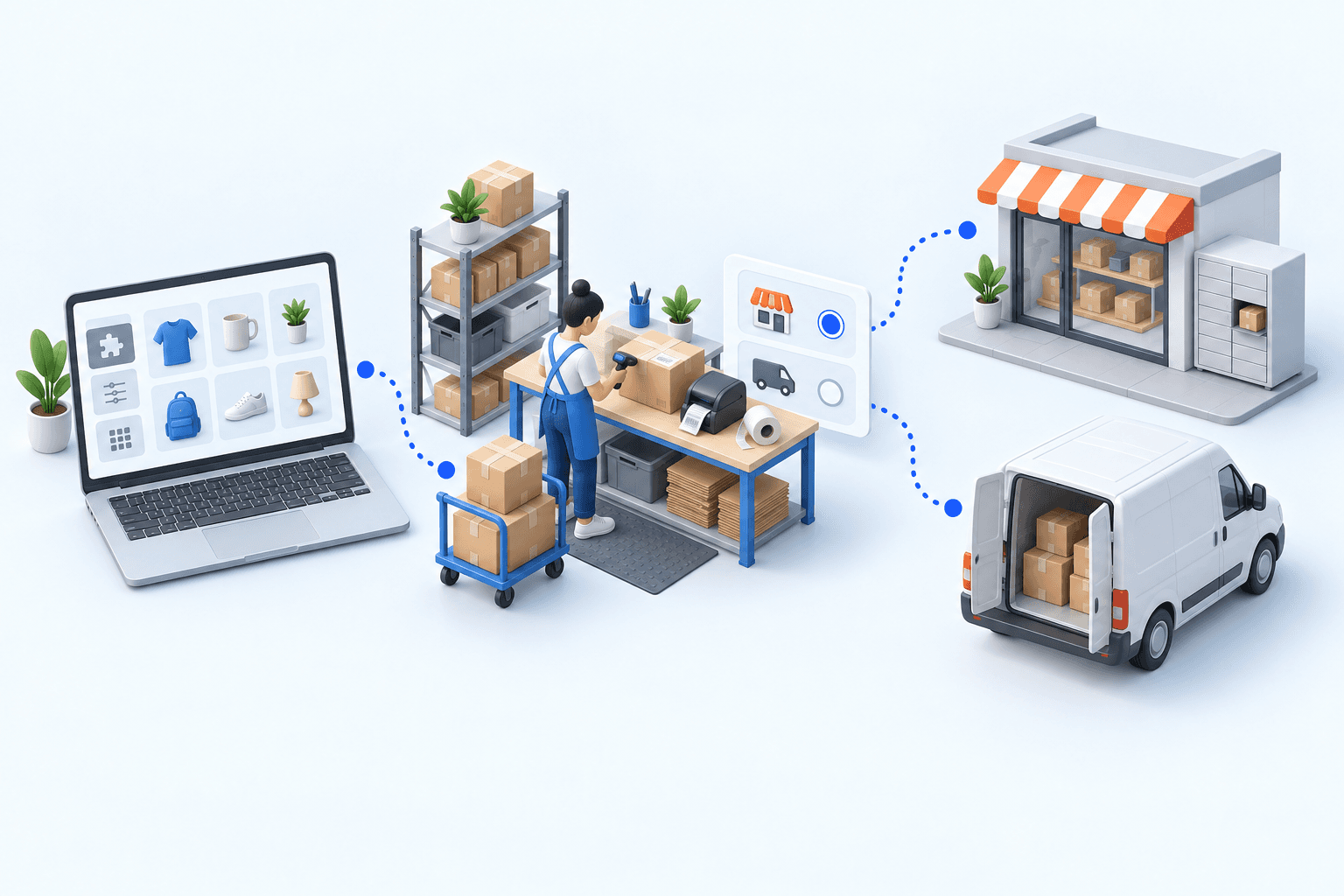
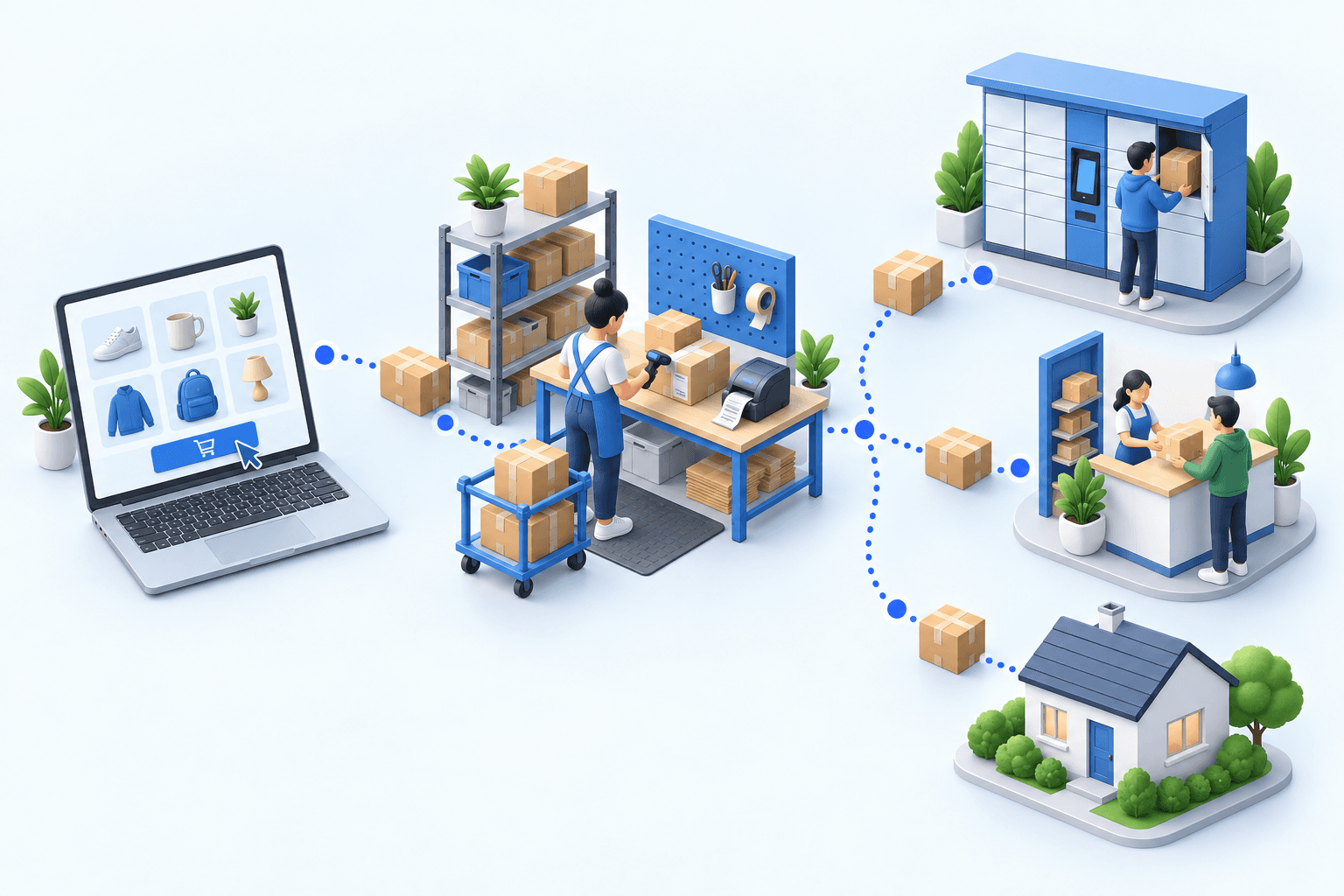
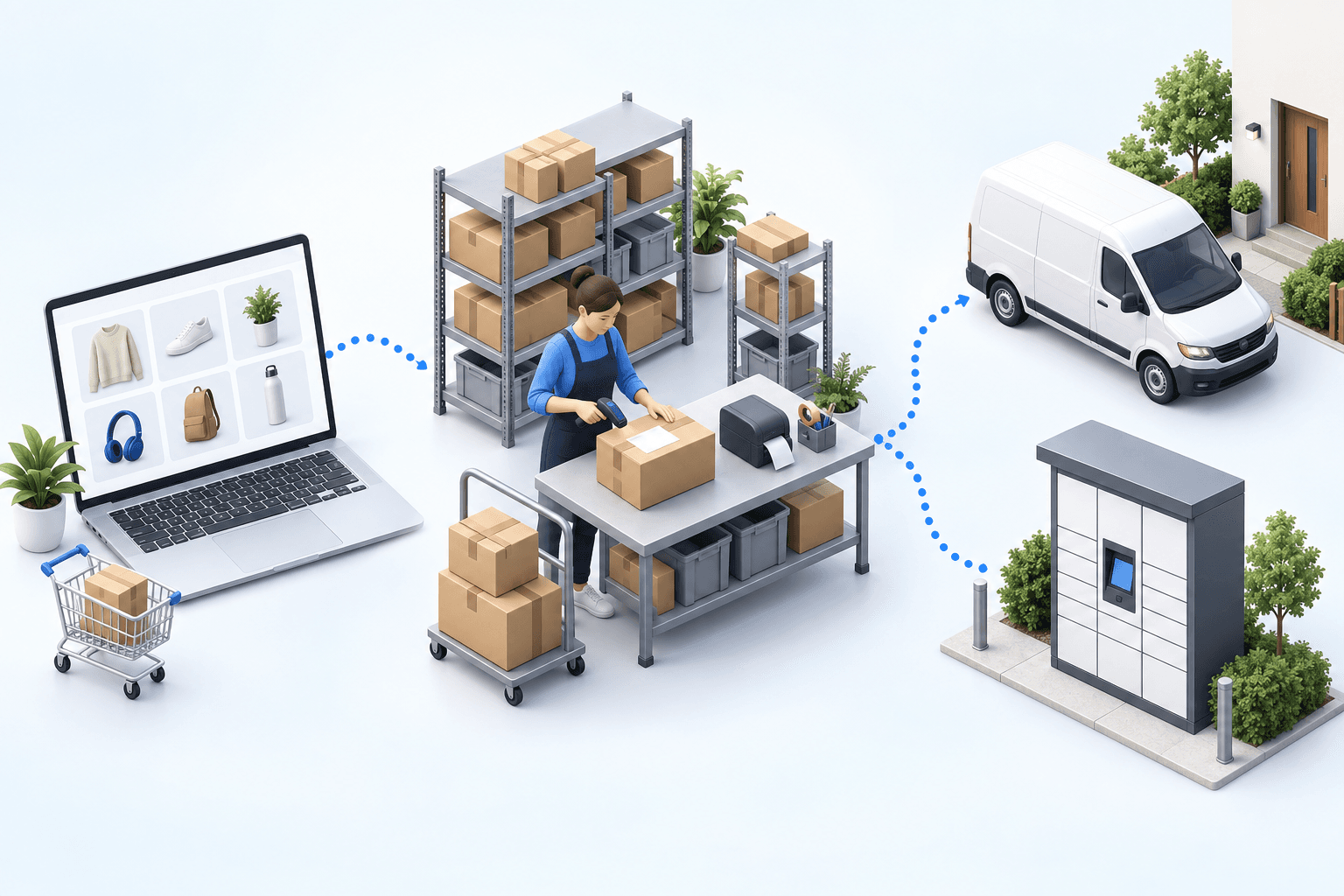
A carrier module is usually enough for one WooCommerce store and one warehouse. It owns the checkout pickup selector, labels, and shipment updates inside the store. Confirm that your professional carrier account is eligible and that the module receives its required credentials.
A shipping platform puts several carriers in one label queue. It suits a team whose stock, picking, and order routing remain simple.
An OMS/WMS earns its place when WooCommerce is one of several sales channels, stock sits in several warehouses, or rules choose a carrier service based on order data.
| Setup | Enough when | Main check |
|---|---|---|
| Carrier module | One store, one warehouse | Pickup selector reaches label |
| Shipping platform | Several carriers, simple stock | Tracking returns to store |
| OMS/WMS | Several channels or warehouses | One rule set governs flow |
The Mondial Relay professional FAQ lists three credential categories for module setup: code enseigne, code marque, and clé privée. Keep their values out of test notes. Before choosing this route, name the owner of each handoff: checkout choice, label request, and order update. If different extensions own those steps, the same release test must still cover the whole chain.
Three failures decide whether the flow is ready
First, map the WooCommerce delivery method to the right carrier service. Home delivery and pickup are different branches. A successful label request does not prove that the customer will receive the service they bought. Write the expected method-to-service pair for each test order before creating either label. A swapped mapping then remains visible even if both carrier requests succeed.
Second, the Point Relais or Locker ID must survive checkout, order import, method mapping, and label creation. The checkout module must capture it before the order enters the operating layer. Fevad’s 2026 key figures put French e-commerce at €196.4 billion and more than 3.2 billion transactions in 2025. Arcep and CREDOC found in their 2026 parcel study that nearly four recipients in ten prefer pickup points. The relay identifier is therefore normal order data, not an exception field.
Third, send the result back. WooCommerce’s 2026 status documentation defines Completed as fulfilled. The store also needs the carrier, tracking number, and tracking URL. Arcep’s 2024 parcel observatory, published in 2025 counted 1.7 billion parcels, up 3.7% in one year. At that scale, an invisible tracking handoff is an operating failure. For a partially shipped order, use the separate status agreed for that case; do not let a full-shipment result conceal an untested partial-shipment rule.
 WooCommercePaid order
 Mondial RelayLabel and tracking
A Lyon-based 3PL imports orders from client stores including WooCommerce. Its case record shows manual re-entry falling from every order to zero, while its top-line result reports zero picking errors. This result covers the operating layer, not a Mondial Relay-only deployment.
Run two orders in 20 minutes
Create two paid test orders: one home-delivery order and one pickup order. In the first five minutes, verify the order references, products, quantities, delivery methods, and the selected pickup-point ID in the shipping system.
Use the next five minutes for both labels. The carrier service must match what each shopper selected. The pickup label must carry the expected relay destination, not merely the right town.
Create both shipments during the final ten minutes. Return to WooCommerce and check that each order is Completed with the same tracking number shown in the shipping record.
- 1WooCommerce orderOrder number and delivery method presentCheck in WooCommerce
- 2Parcel checkItems and quantities validatedCheck at the packing station
- 3Mondial Relay shipmentLabel and tracking number createdCheck in the Mondial Relay account
- 4Tracking sync back to WooCommerceOrder marked as fulfilledCheck in WooCommerce
The first missing result identifies the responsible handoff. A wrong service means method mapping needs work. A missing relay ID points back to checkout or order import. A correct label without Completed status or tracking points to the WooCommerce write-back. Fix that handoff, then rerun both orders.
Add an OMS/WMS when one store is no longer the whole operation
The module is the sensible choice while one store, one warehouse, and a small rule set describe the operation. A shipping platform is enough when the team mainly wants one place to print several carriers’ labels.
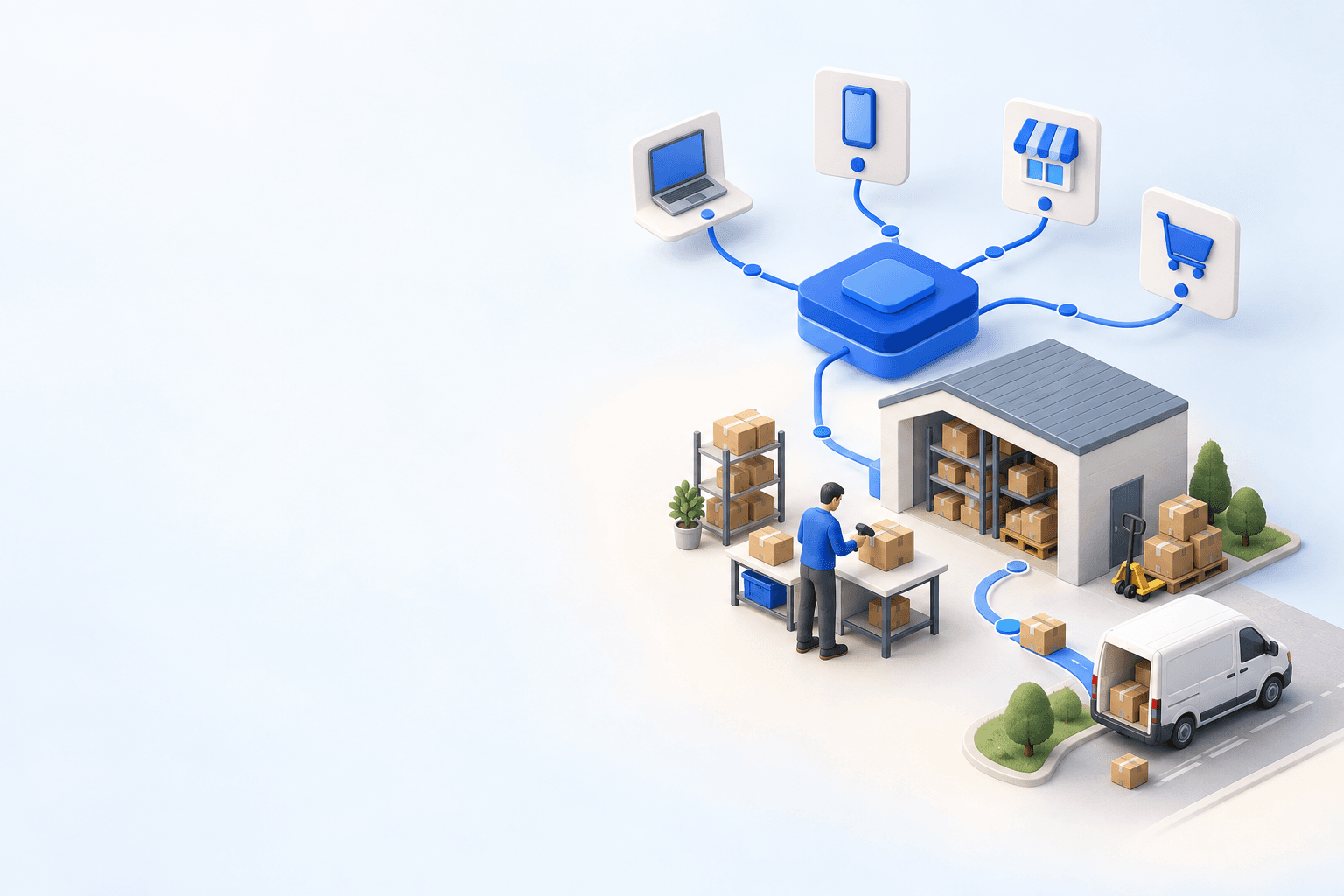
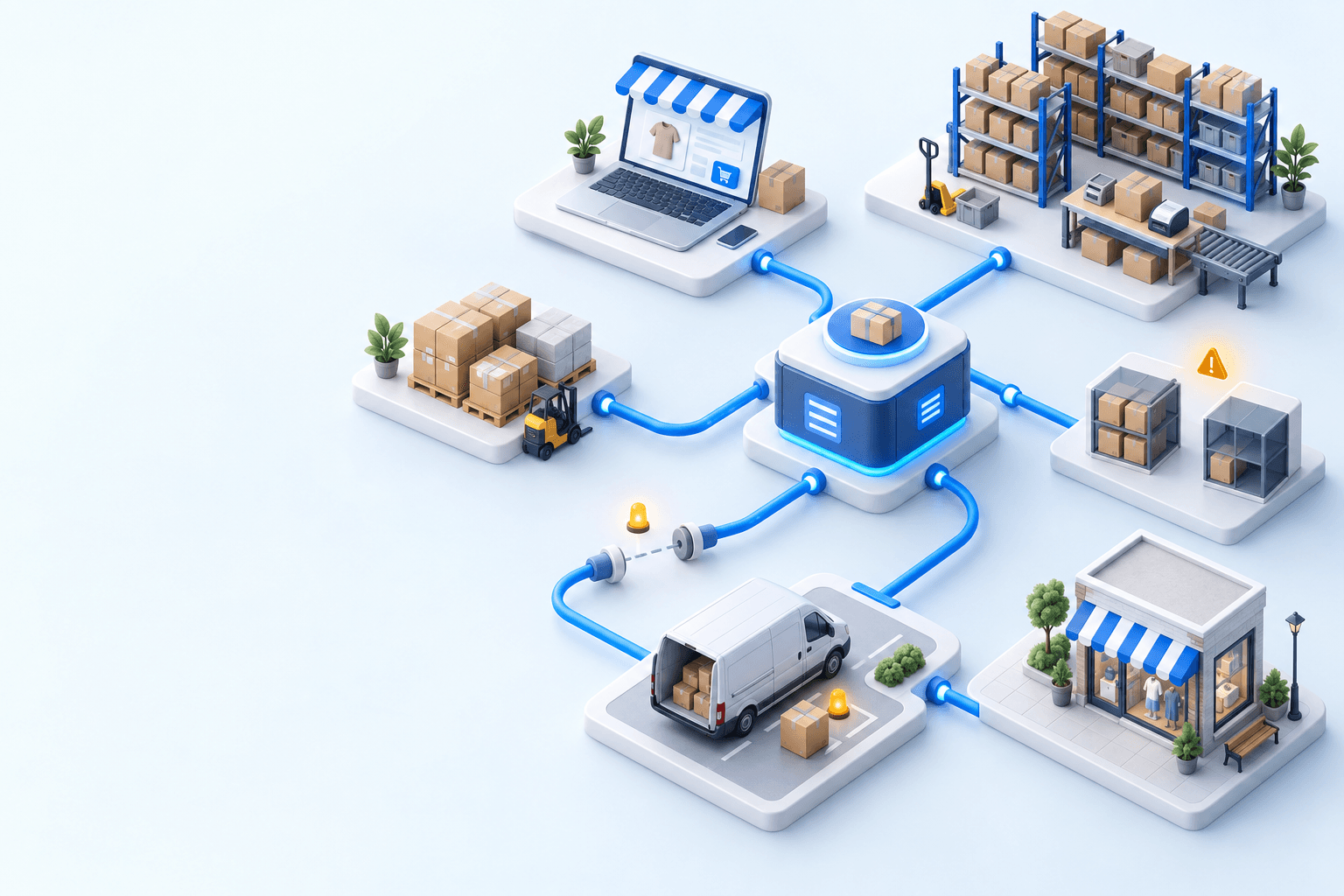
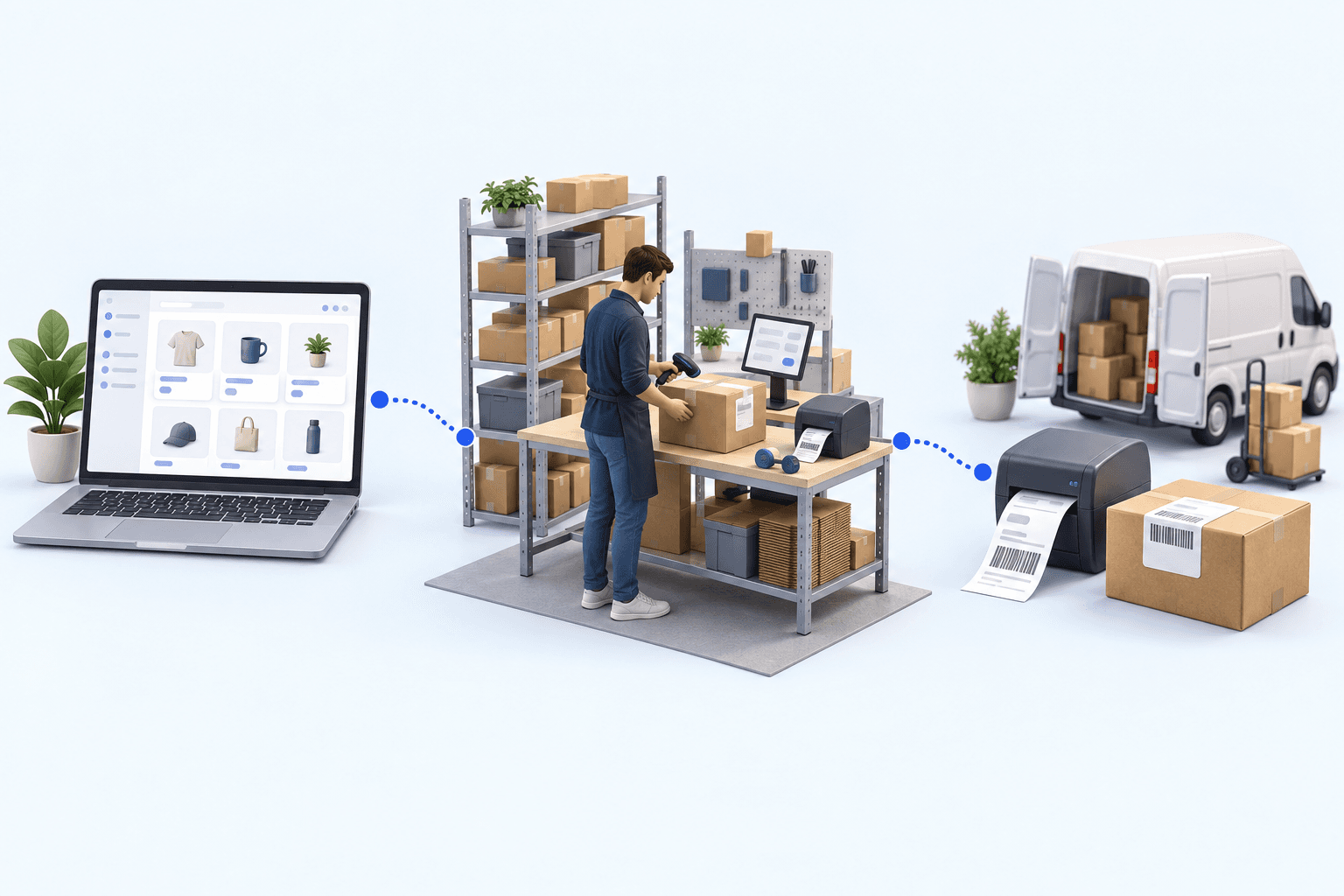
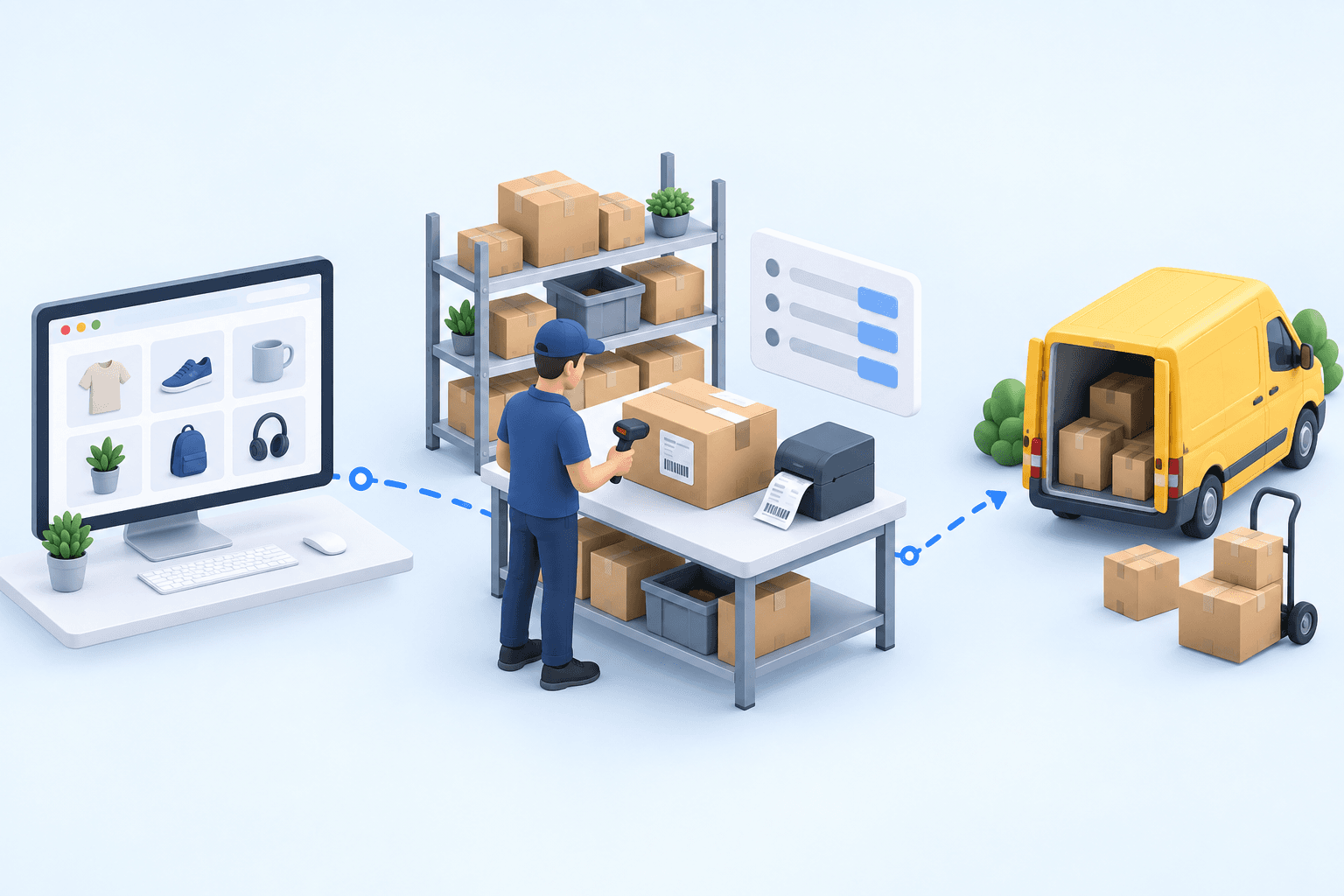
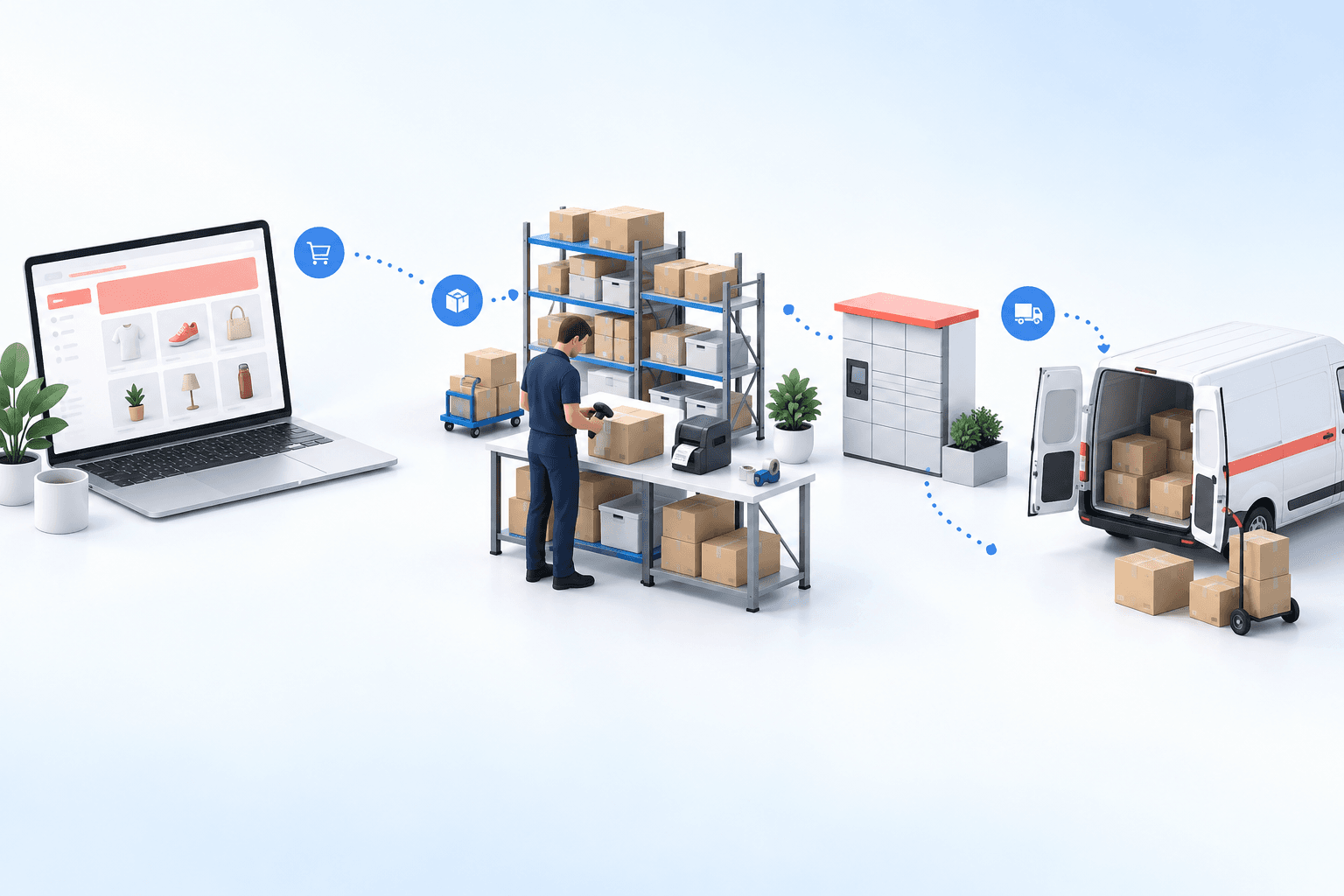
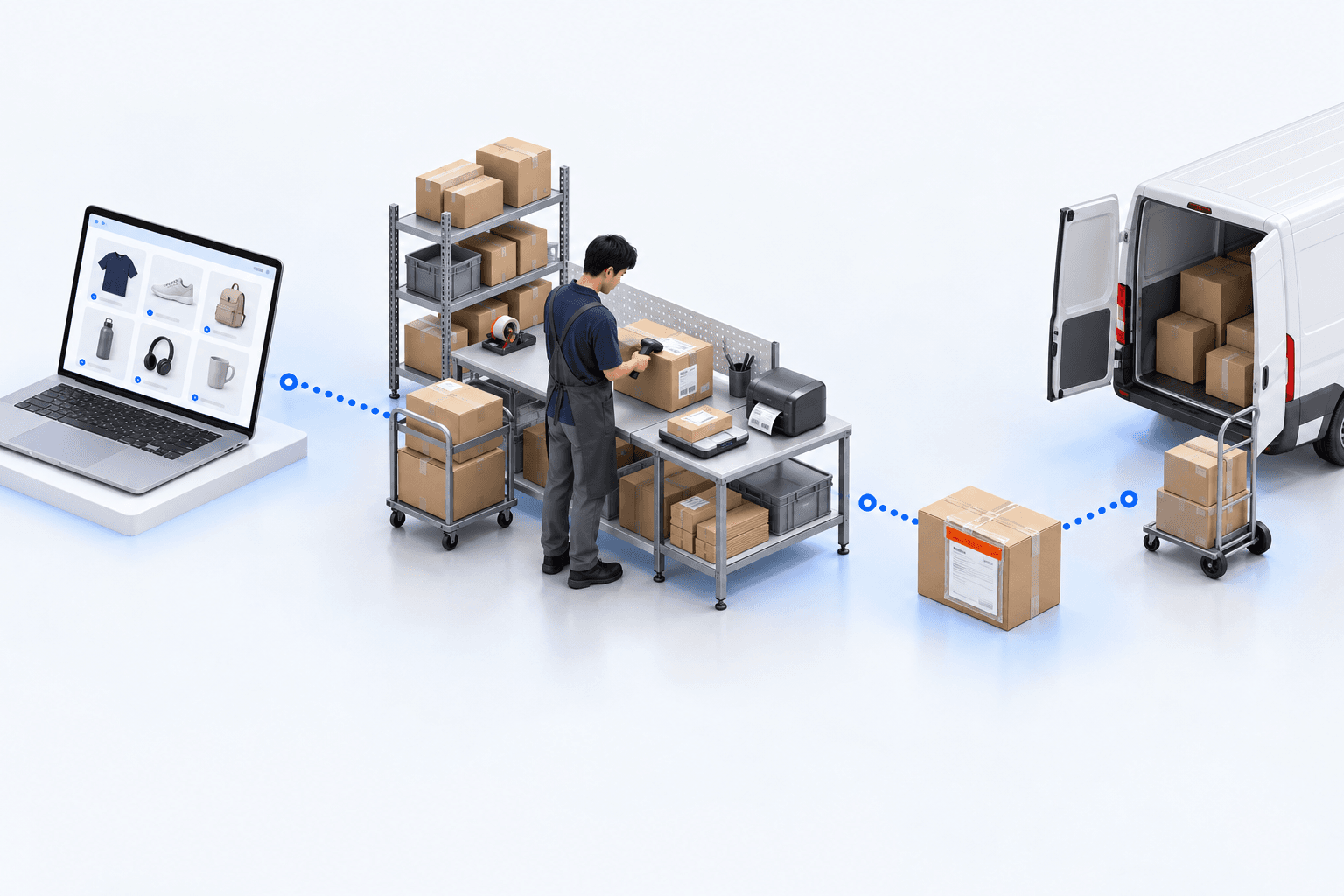
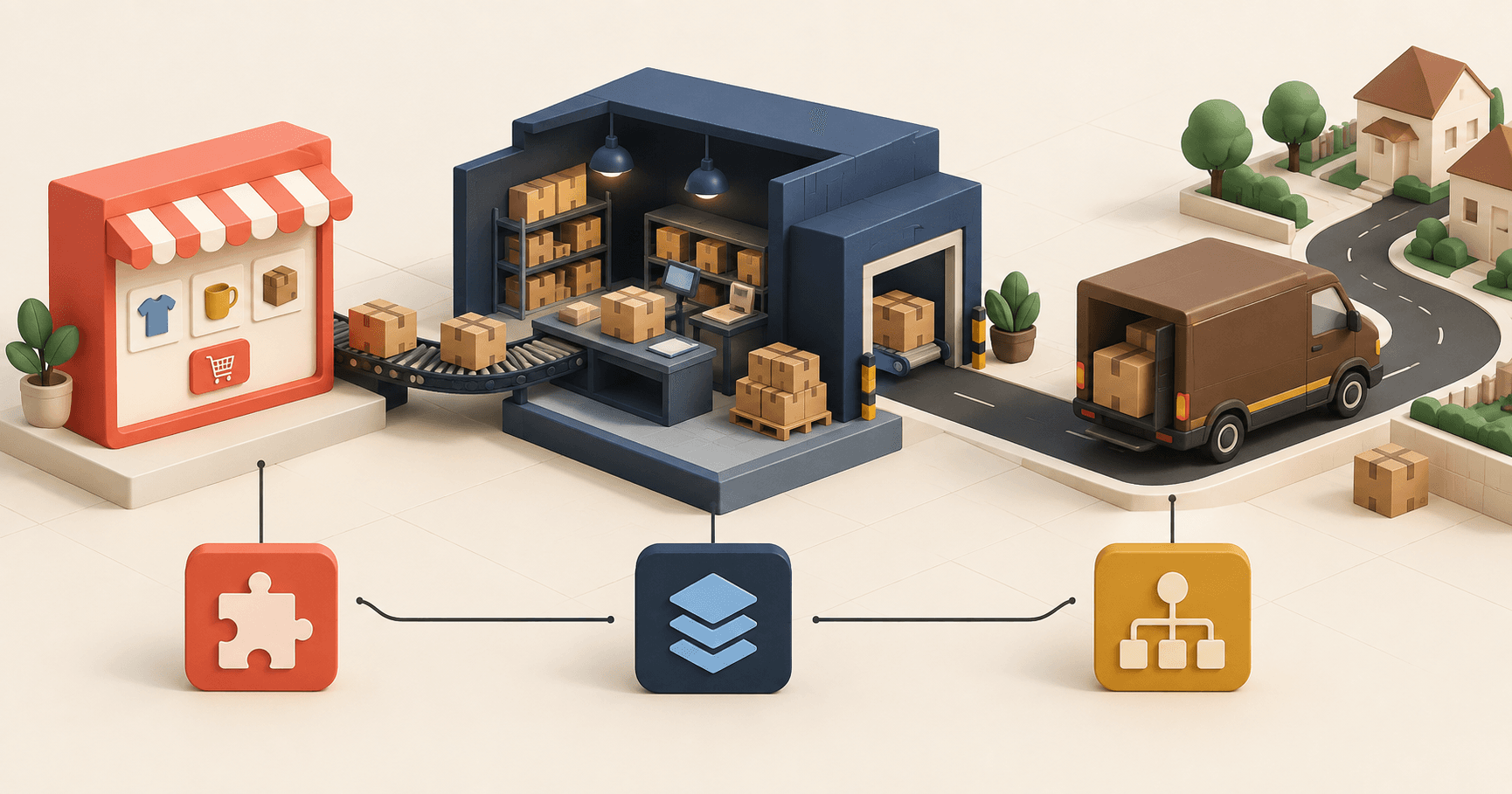
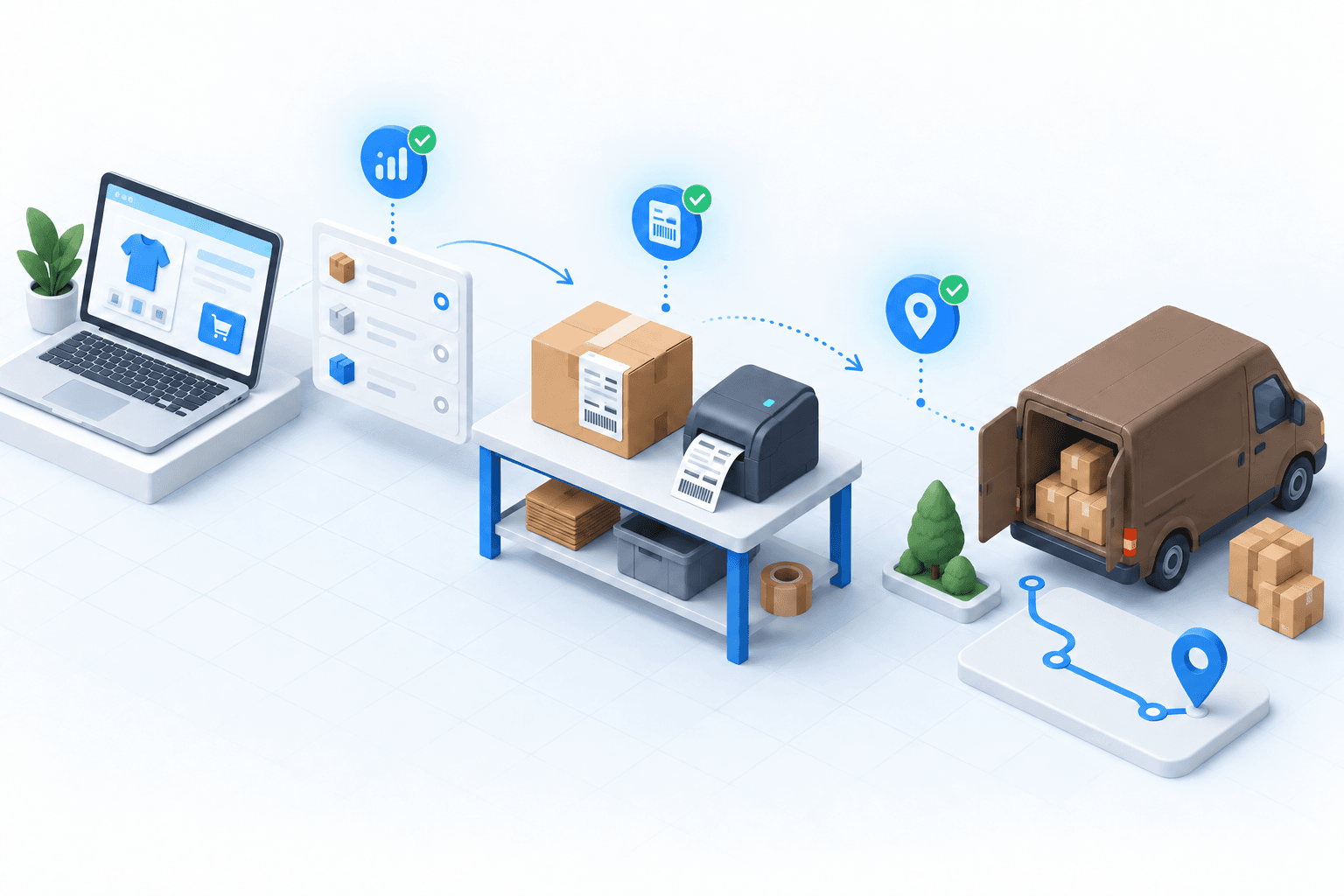
myFulfillment becomes relevant when orders from stores and marketplaces need one queue, warehouses need allocation rules, and carrier methods must be applied consistently before packing. The OMS imports and routes orders. The WMS controls preparation and packing. The TMS applies the carrier rule and creates the shipment update returned to WooCommerce.
The same decision method applies to another published pair in the Shopify and DPD setup guide.
For pair setup, use the WooCommerce integration and Mondial Relay integration pages.
Frequently asked questions
Use a carrier module for one store and warehouse. Choose a shipping platform for several carriers. Add an OMS/WMS when several channels, warehouses, or routing rules need one operating queue.
The checkout module captures the Point Relais or Locker choice. Your test must then prove that its identifier stays attached to the order until label creation.
After full shipment, WooCommerce should show the configured terminal status, Completed by default, plus the carrier, tracking number, tracking URL, and an order note.
Run one paid home-delivery order and one paid pickup order. Check both service mappings, the relay ID, both labels, Completed status, and matching tracking numbers.
Continue exploring
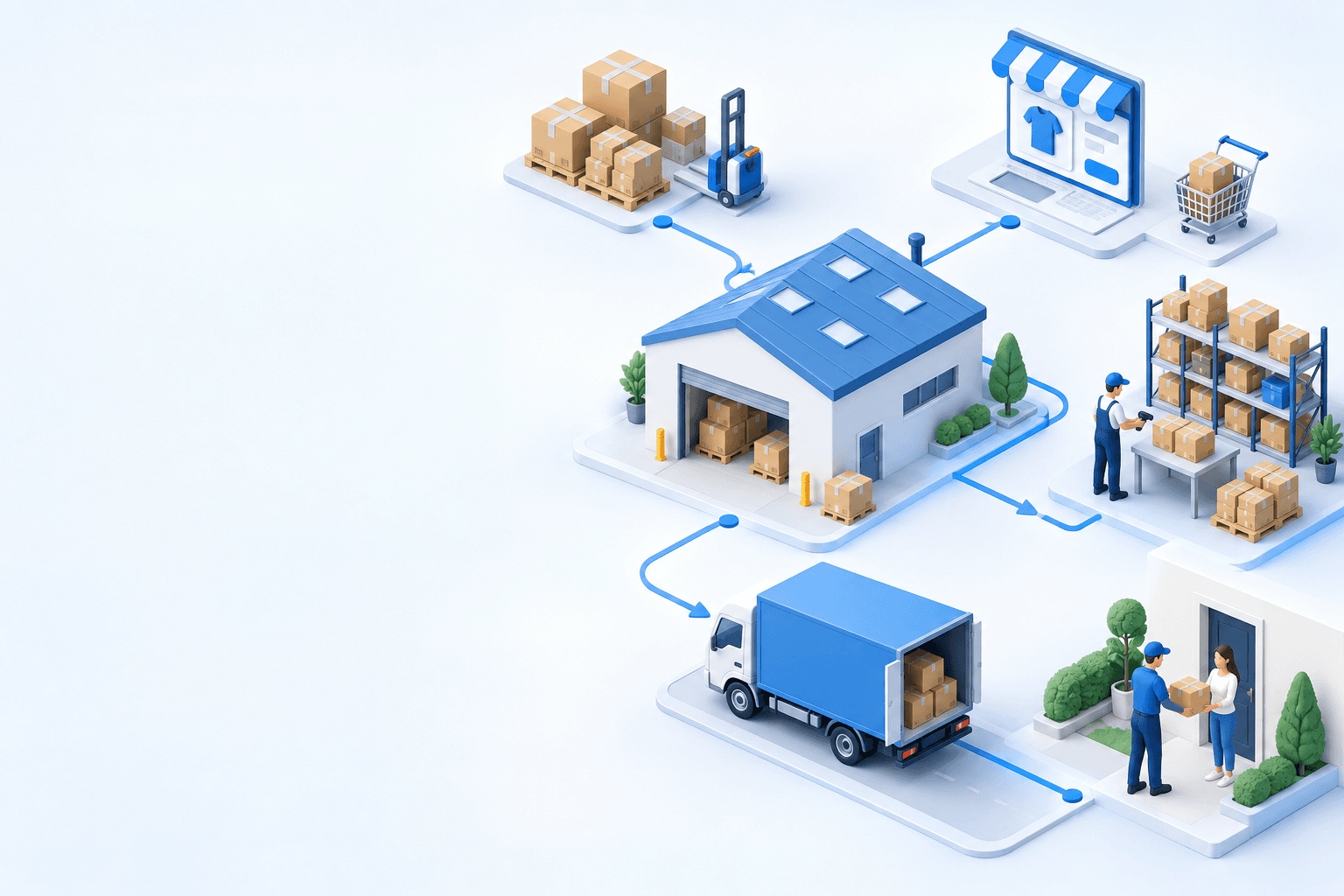

Stock availability, picking accuracy, and shipping times affect marketplace sales. Jonathan Coloma, COO of Repiauto, explains how his team went from 300 to 1,000 orders a day in two years. He describes the limits of paper-based work, ERPs built for different needs, a go-live estimate of fifteen days, and changes to his daily routine.

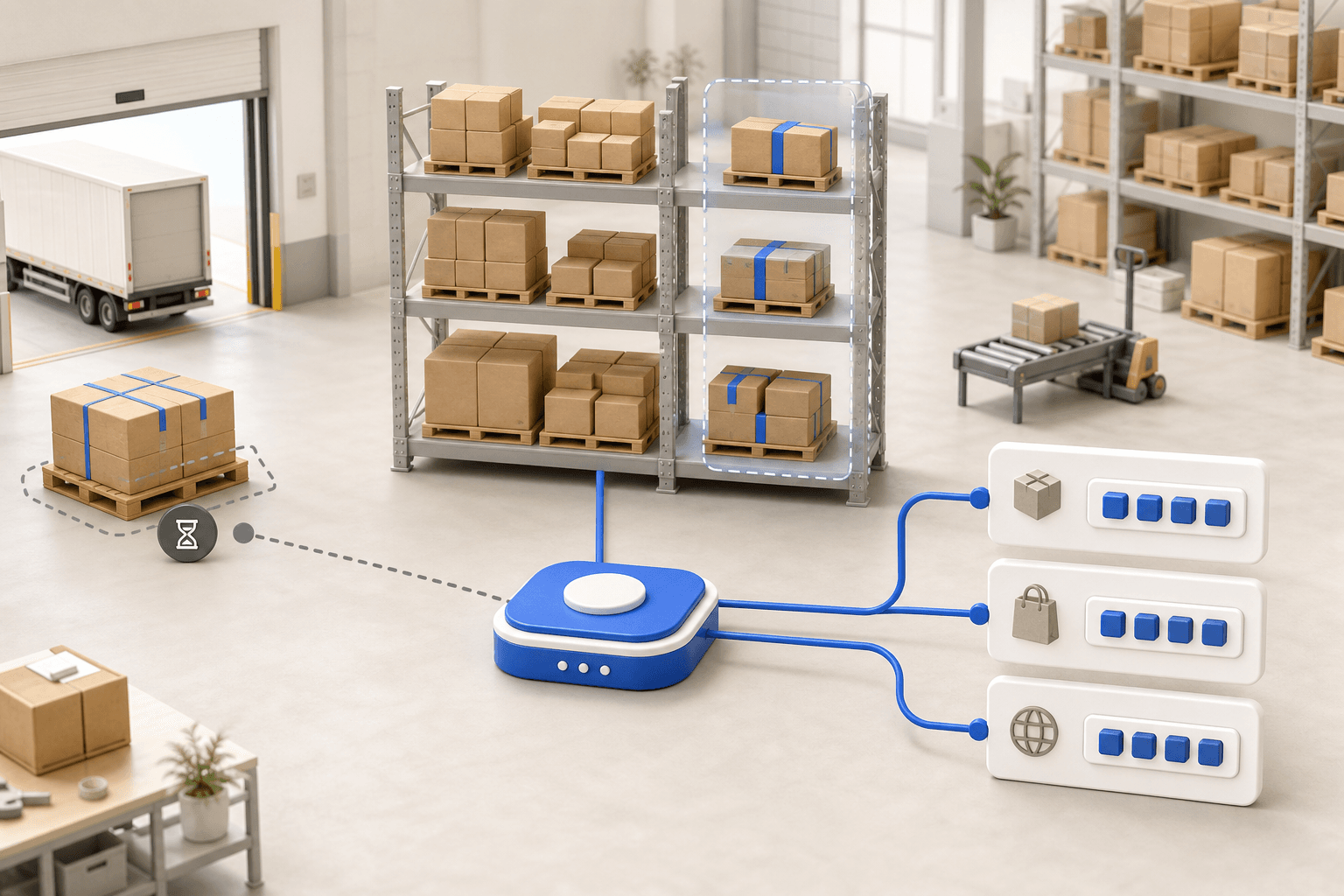
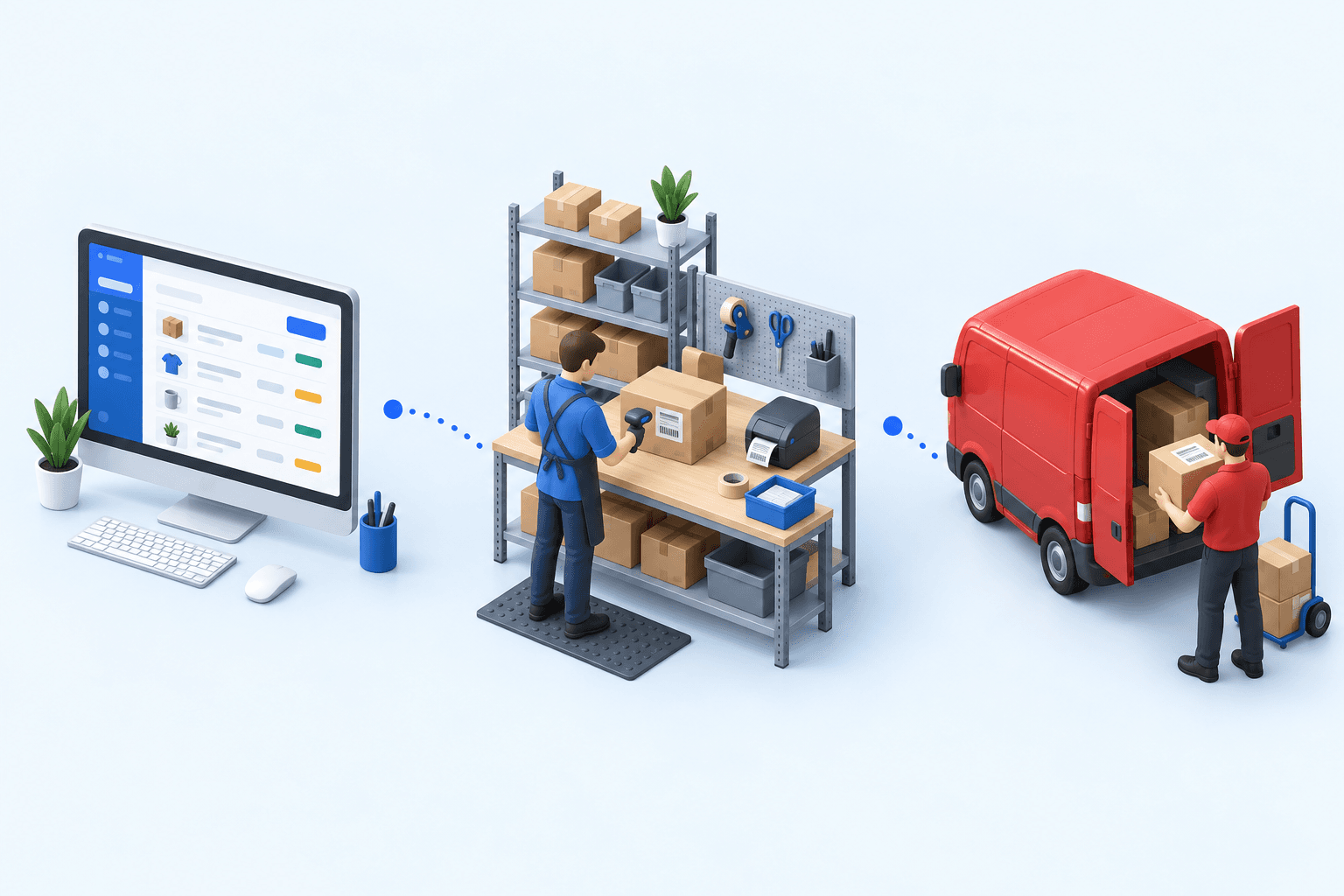
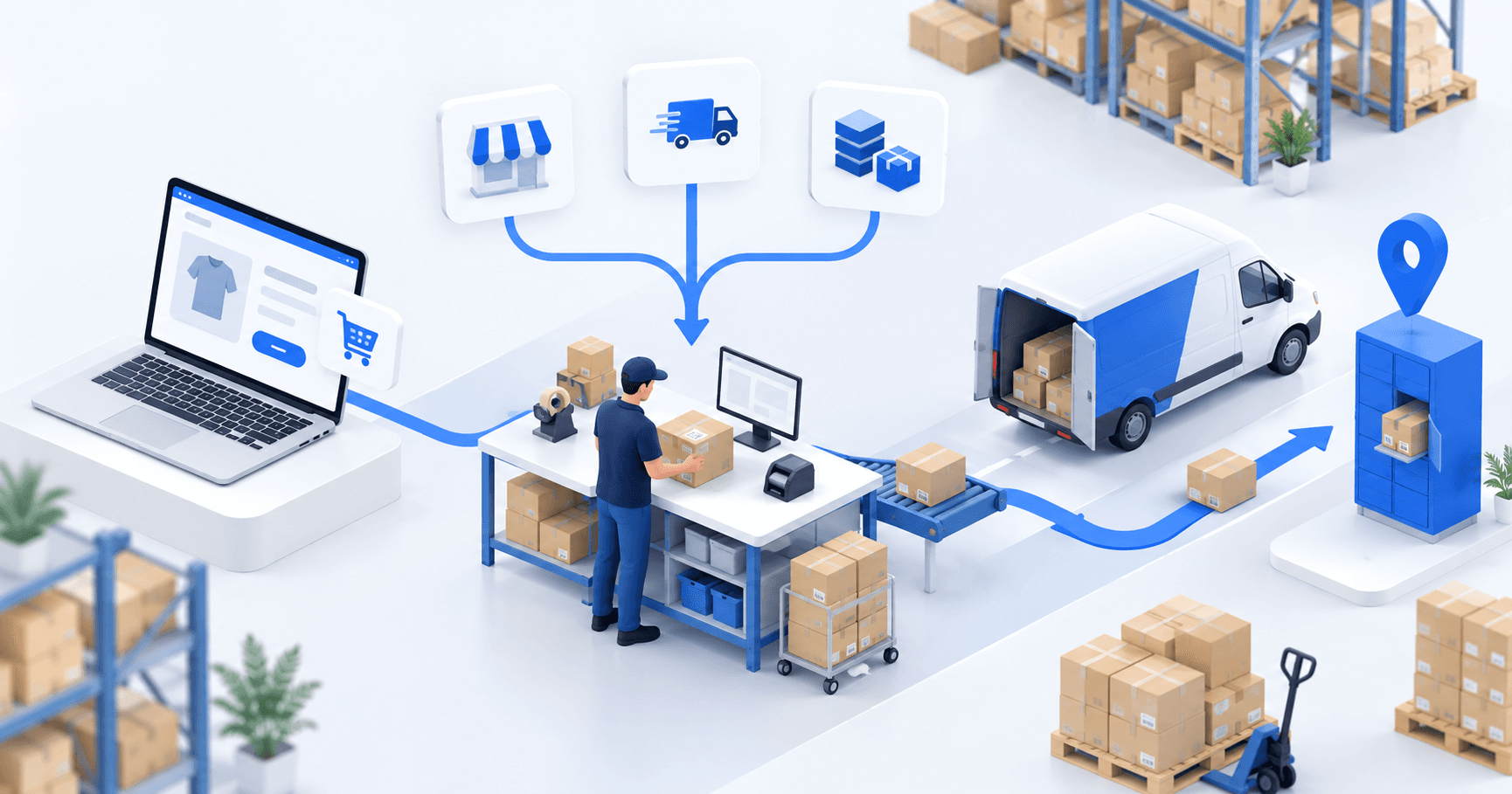
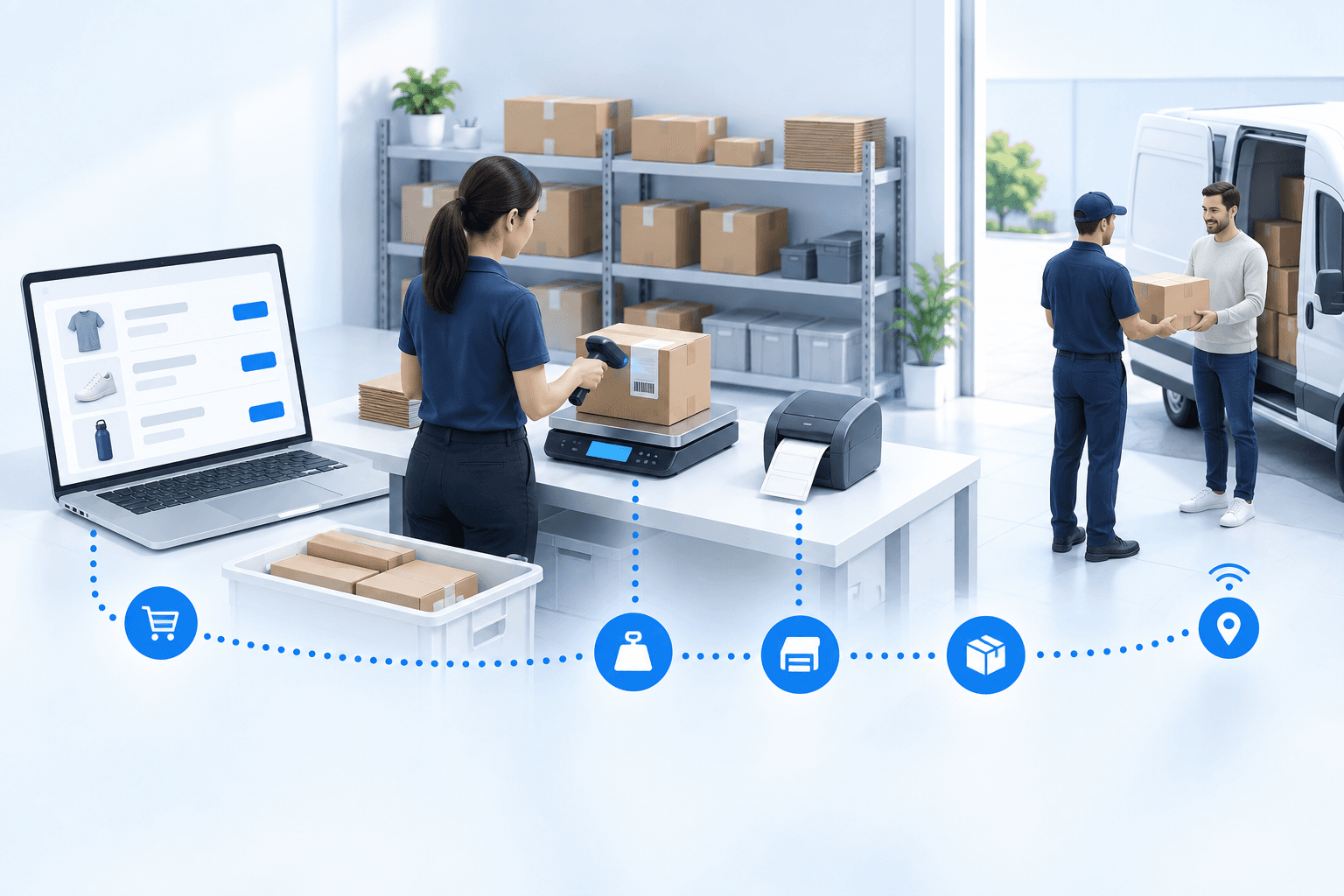
To hold up under peak volume, split the order queue into waves based on real operating constraints, then decide where barcode checks belong. At the packing bench, the operator verifies the parcel. Carrier rules select the service and print the label, so the next order can start without another decision.

Industrializing your purchasing means ordering on rules, not guesswork: at the right time (the reorder point), in the right quantity (your coverage period), from the right supplier, with a purchase order validated in one click. Available on replay.





See it in your own operations
Book a 20-minute call. We'll map your workflow and point out where it breaks. No slides.
Free 20-min call · No commitment