
UPS PrestaShop: which shipping setup should you choose?
A UPS plug-in can fit one PrestaShop store and warehouse. A shipping platform brings several carriers to one label desk. An OMS/WMS earns its place when channels, warehouses or rules multiply. Before choosing, prove order import, the UPS rate, label, 1Z tracking and PrestaShop write-back separately.
 By Diogo Monteiro · E-commerce Integration Expert· Updated September 24, 2026· 4 min read
The essentials
- A UPS plug-in may cover one PrestaShop store and warehouse; a shipping platform adds a shared label desk.
- Use an OMS/WMS when several channels, warehouses or repeated routing rules need one operating queue.
- A returned UPS rate does not prove label creation, a 1Z reference or the write-back to PrestaShop.
- The 20-minute test uses home and Access Point orders and stops at the first missing result.
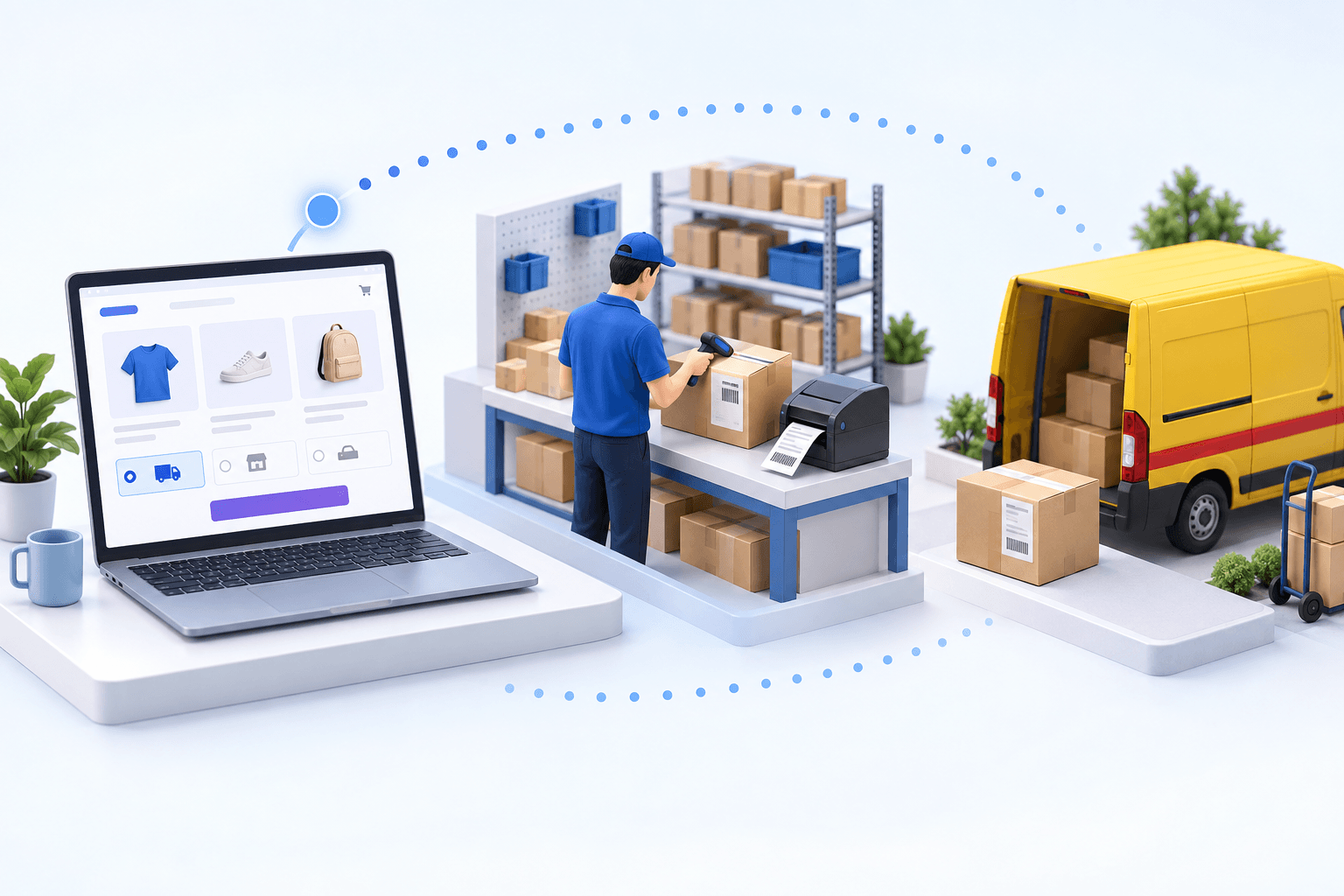
At 4:45 p.m., UPS returns a rate and the label prints. Yet the PrestaShop order still shows the wrong status, without the 1Z tracking reference. Nothing is visibly broken at the packing bench. The gap sits between systems. In a UPS PrestaShop flow, a rate, a label, a tracking number and the write-back to the store are four different results.
UPS PrestaShop: choose the lightest setup that passes
Start with the prerequisites. The UPS account must be active for the services you plan to sell. The app connection needs the account number, client ID and client secret. PrestaShop Webservices also needs to be available, with an API key and mappings for order status, delivery method and payment.
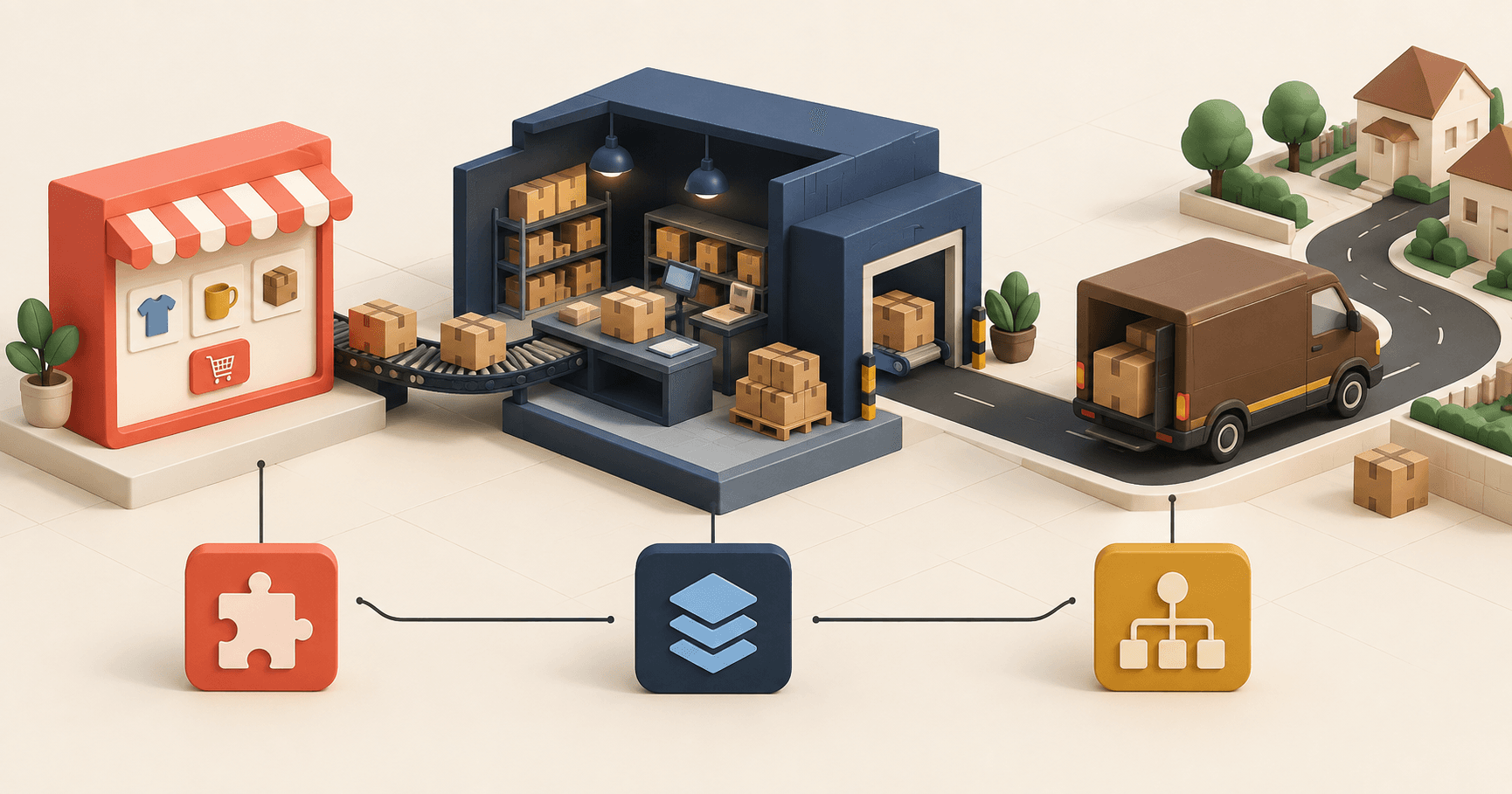
A UPS plug-in can suit one PrestaShop store shipping from one warehouse. A shipping platform is the middle option when the team wants one label desk for several carriers but keeps order and stock decisions elsewhere. An OMS/WMS becomes useful when several channels, warehouses or routing rules must share one operating queue.
| Setup | Enough when | Still prove |
|---|---|---|
| UPS plug-in | One store, one warehouse | Status and 1Z return |
| Shipping platform | Several carriers, simple stock | Order handoff |
| OMS/WMS | Several channels or warehouses | End-to-end mappings |
Do not infer service availability from a logo in checkout. UPS reported nearly 40,000 Access Point locations and Saturday Standard in eight European markets in 2024, but the merchant contract and enabled services still decide what the account can use. That boundary matters internationally: Fevad reported in 2026 that 65% of French e-merchants sold abroad.
Prove the order, rate, label and tracking separately
First, prove the order. The connector imports according to configured PrestaShop statuses, then maps the delivery method and payment before creating the operational order. An order left in an excluded status never reaches shipping; changing UPS credentials will not fix it.
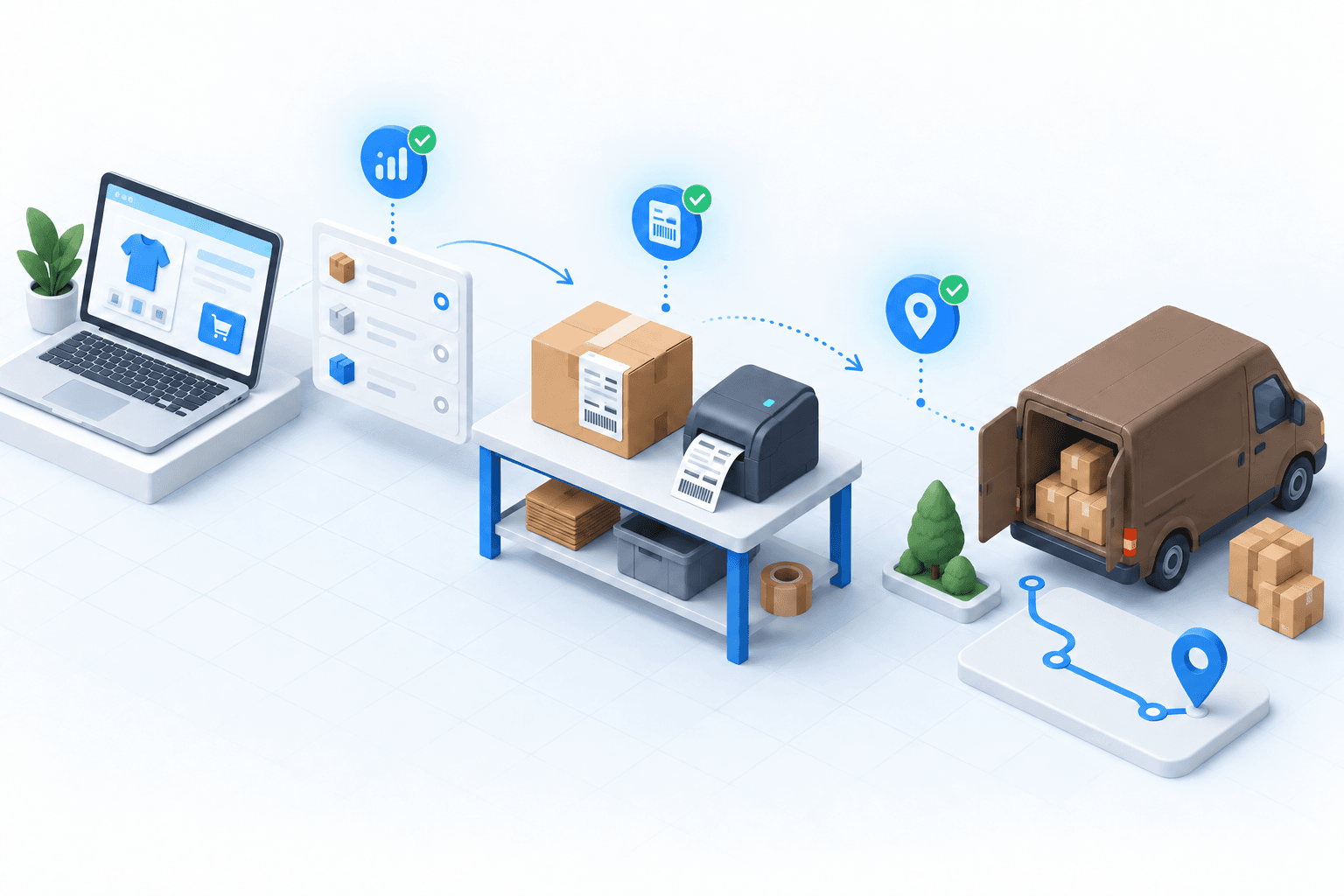
Next, request a rate for the parcel and destination. A returned price proves only that the UPS account can rate an eligible service. Label creation is a second call: it must produce the chosen document and a 1Z tracking reference. Tracking is a third result, built from UPS event history. The final result is the PrestaShop write-back: the tracking reference and configured shipped, partial or pickup status must appear on the order.
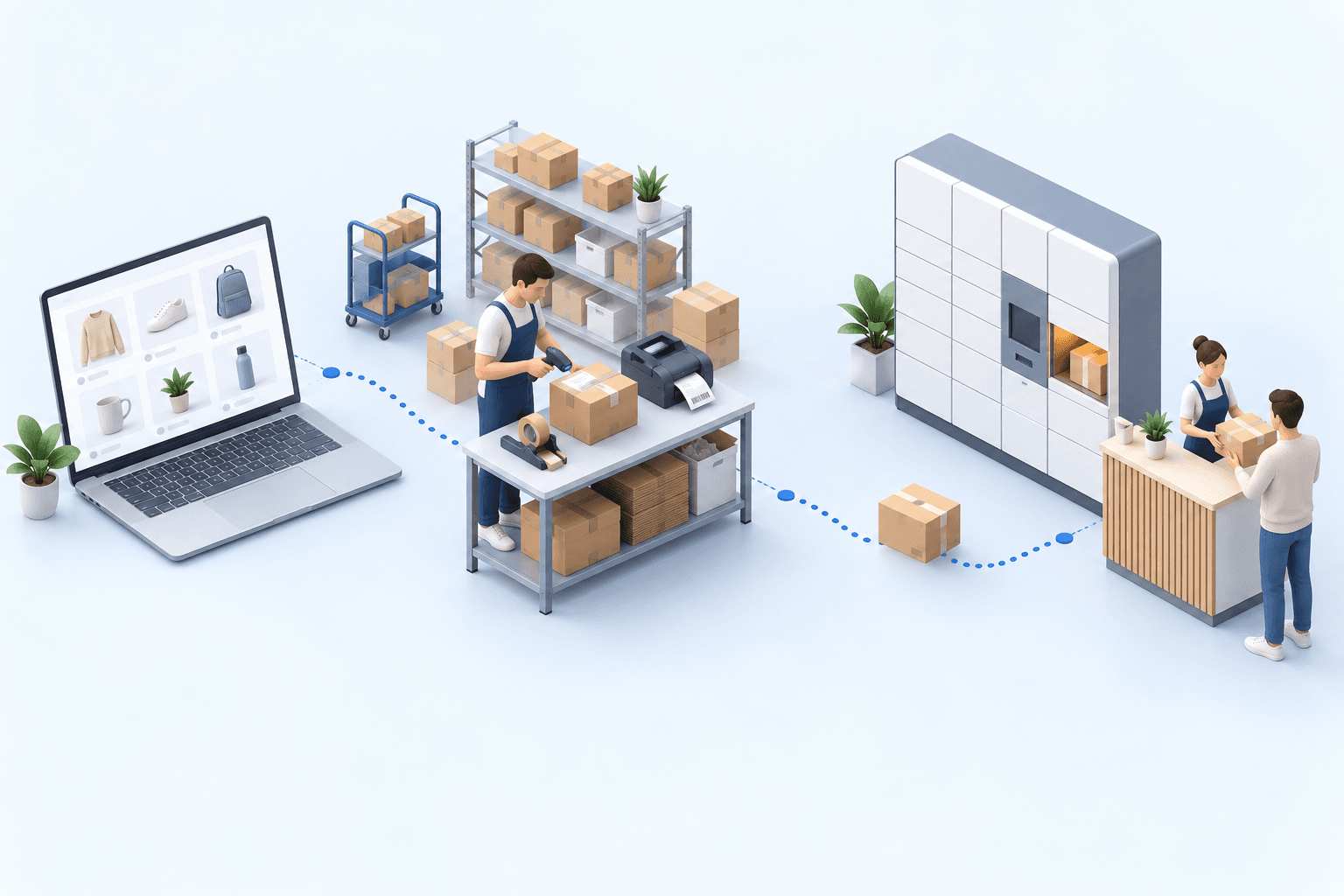
Arcep counted 1.7 billion parcels in France in 2024. At that scale, "the label printed" is too weak an acceptance criterion. Arcep and CREDOC found that 62% of recipients had met at least one delivery problem during a six-month 2025 study window, while almost four in ten preferred pickup points. Test the Access Point identifier as data, not as an address note.
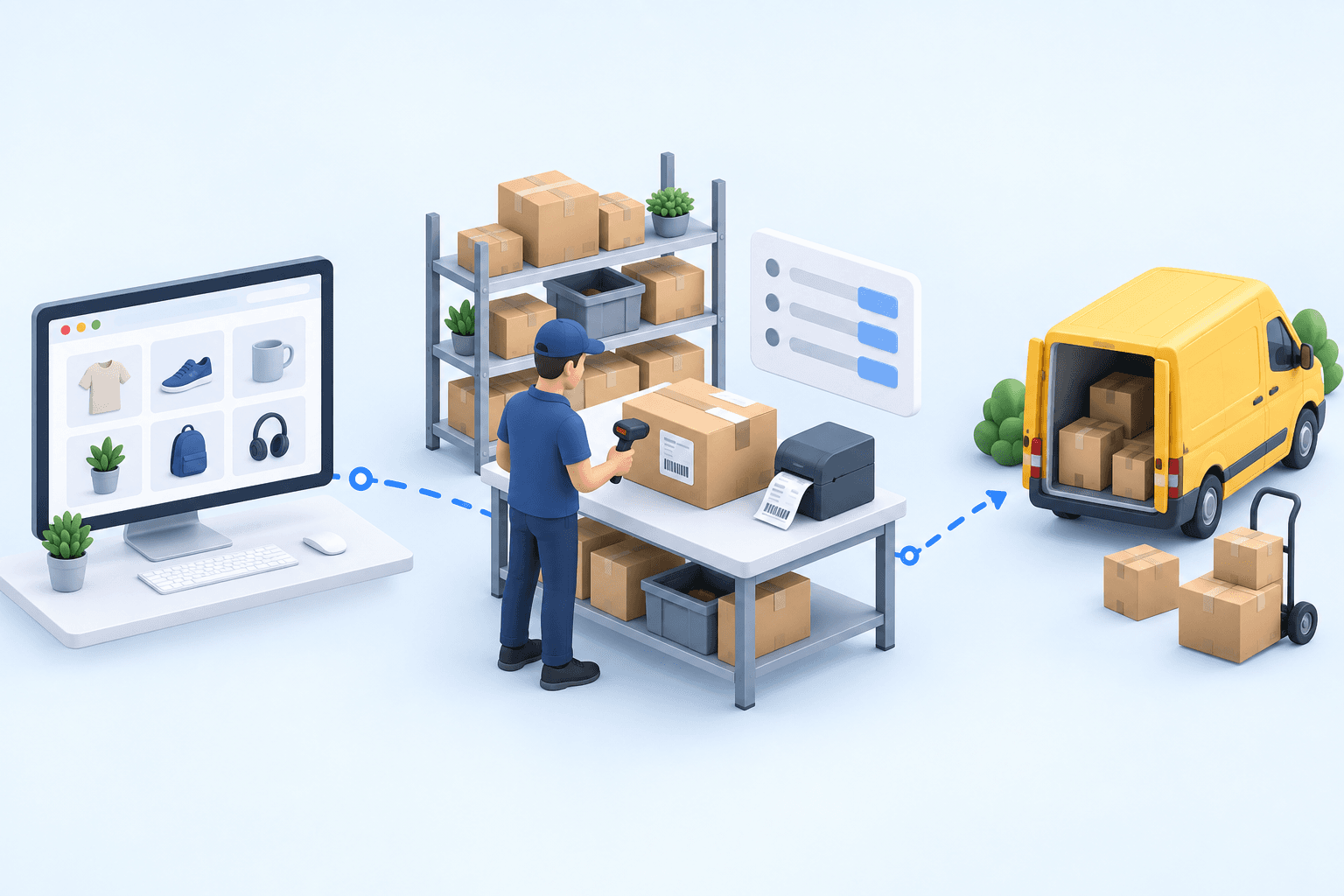
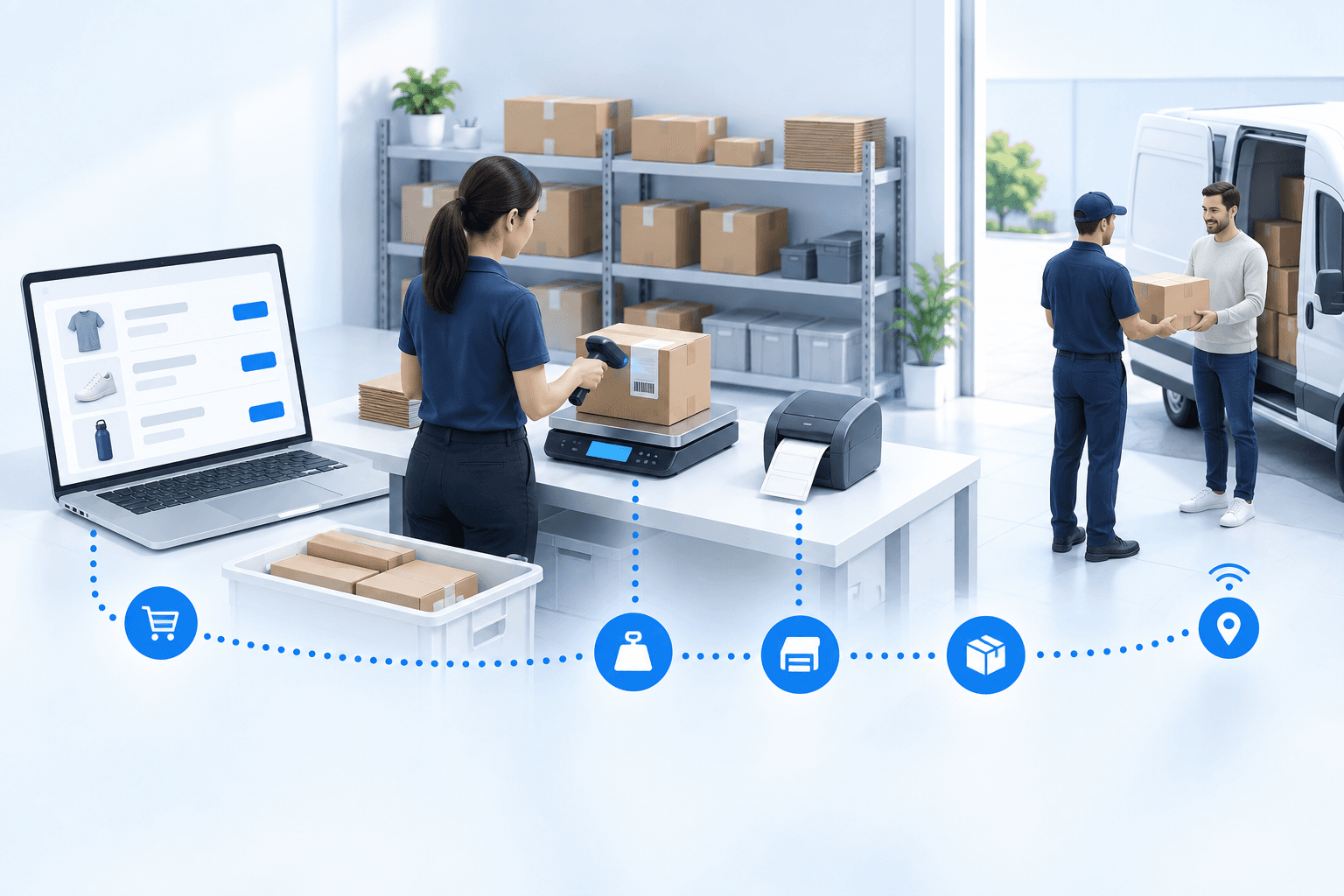
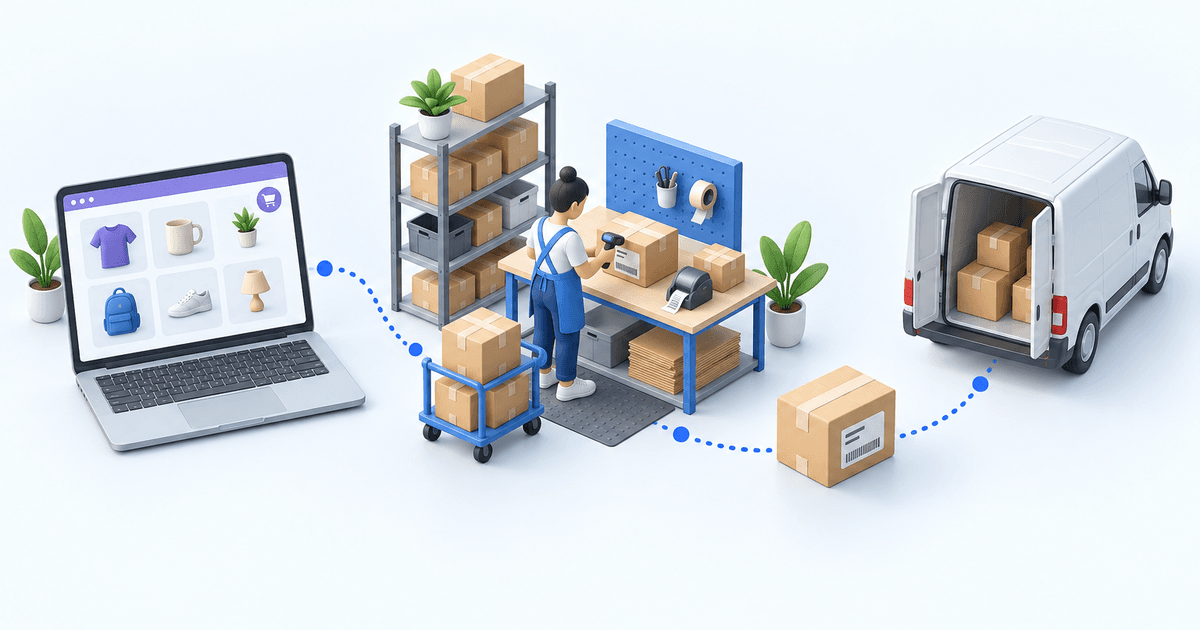
With an OMS/WMS, inspect the handoffs in order: the paid PrestaShop order, picking and packing in myFulfillment, the UPS shipment, then the 1Z tracking reference and status back in PrestaShop.
 PrestaShopPaid order
 UPSLabel and tracking
A home-and-garden retailer centralized five sales channels, including PrestaShop, on one screen. The team recovered more than four hours a day and cut the time for a new hire to work independently from three months to two weeks; same-day shipping became normal. These figures show the multi-channel threshold, not UPS performance.
Run the two-order test in 20 minutes
Create one paid home-delivery order and one paid Access Point order. During the first five minutes, verify that both enter the operating queue with the correct PrestaShop reference, items, payment, delivery method and import status. For the pickup order, confirm that the chosen Access Point identifier survived the import.
Use the next five minutes to request UPS rates. Confirm the expected service is eligible for each parcel and record the returned amount. Then create the shipments. The rate can pass while the label fails, so check that each label opens, matches the service and address, and has its own 1Z reference.
Spend the final ten minutes back in PrestaShop. Each order must carry the same 1Z reference shown for its UPS shipment and the configured shipped status. Then query tracking and confirm that an event is attached to the same reference.
- 1PrestaShop orderOrder number and delivery method presentCheck in PrestaShop
- 2Parcel checkItems and quantities validatedCheck at the packing station
- 3UPS shipmentLabel and tracking number createdCheck in the UPS account
- 4Tracking sync back to PrestaShopOrder marked as fulfilledCheck in PrestaShop
Stop at the first missing result. No imported order means revisiting PrestaShop status criteria. A wrong service means revisiting the delivery-method mapping. A rate without a label points to shipment or account eligibility. A correct label without a PrestaShop 1Z points to a failed write-back.
Move to an OMS/WMS when the rules spread
myFulfillment is relevant when several stores or marketplaces feed one queue, stock is split between warehouses, or the same carrier rule is repeated in several tools. The OMS owns order routing and status coordination; the WMS owns picking, packing and stock execution.
For another worked decision, see Shopify × DPD. For entity-level scope and setup evidence, use the PrestaShop integration and UPS integration pages.
Frequently asked questions
Use a plug-in for one store, one warehouse and few rules. Choose an OMS/WMS when several channels, stock sites or repeated carrier rules need one order queue.
You need PrestaShop Webservices access and API key, plus an active UPS merchant account, account number, client ID and client secret for the app connection.
Rating confirms an eligible service and price for the parcel. Label creation is a separate shipment request, with its own account, address, service and parcel validations.
Compare the shipment’s 1Z reference with the PrestaShop order carrier, then confirm the configured shipped status. A printed label alone does not prove that write-back.
Continue exploring

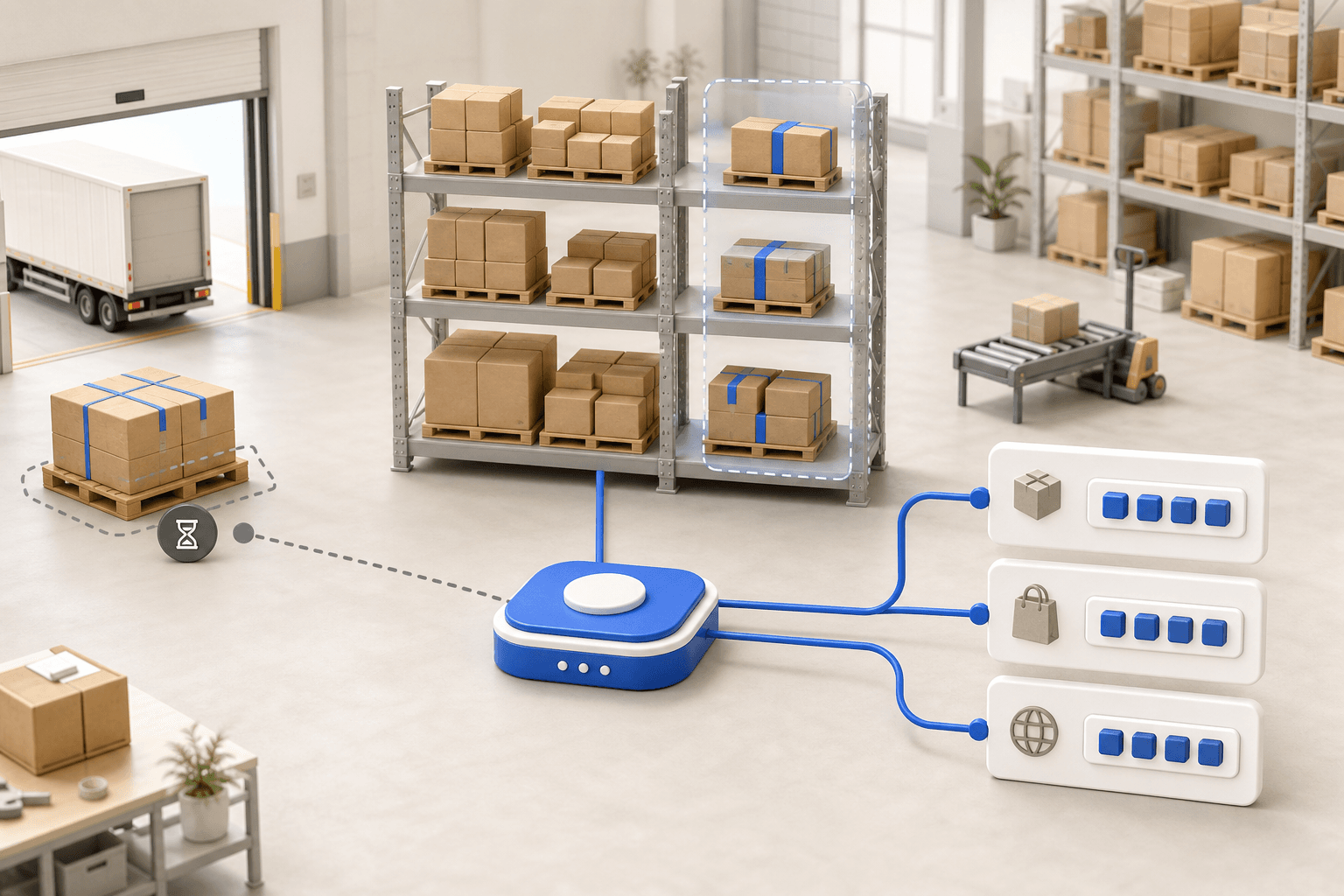




Stock availability, picking accuracy, and shipping times affect marketplace sales. Jonathan Coloma, COO of Repiauto, explains how his team went from 300 to 1,000 orders a day in two years. He describes the limits of paper-based work, ERPs built for different needs, a go-live estimate of fifteen days, and changes to his daily routine.

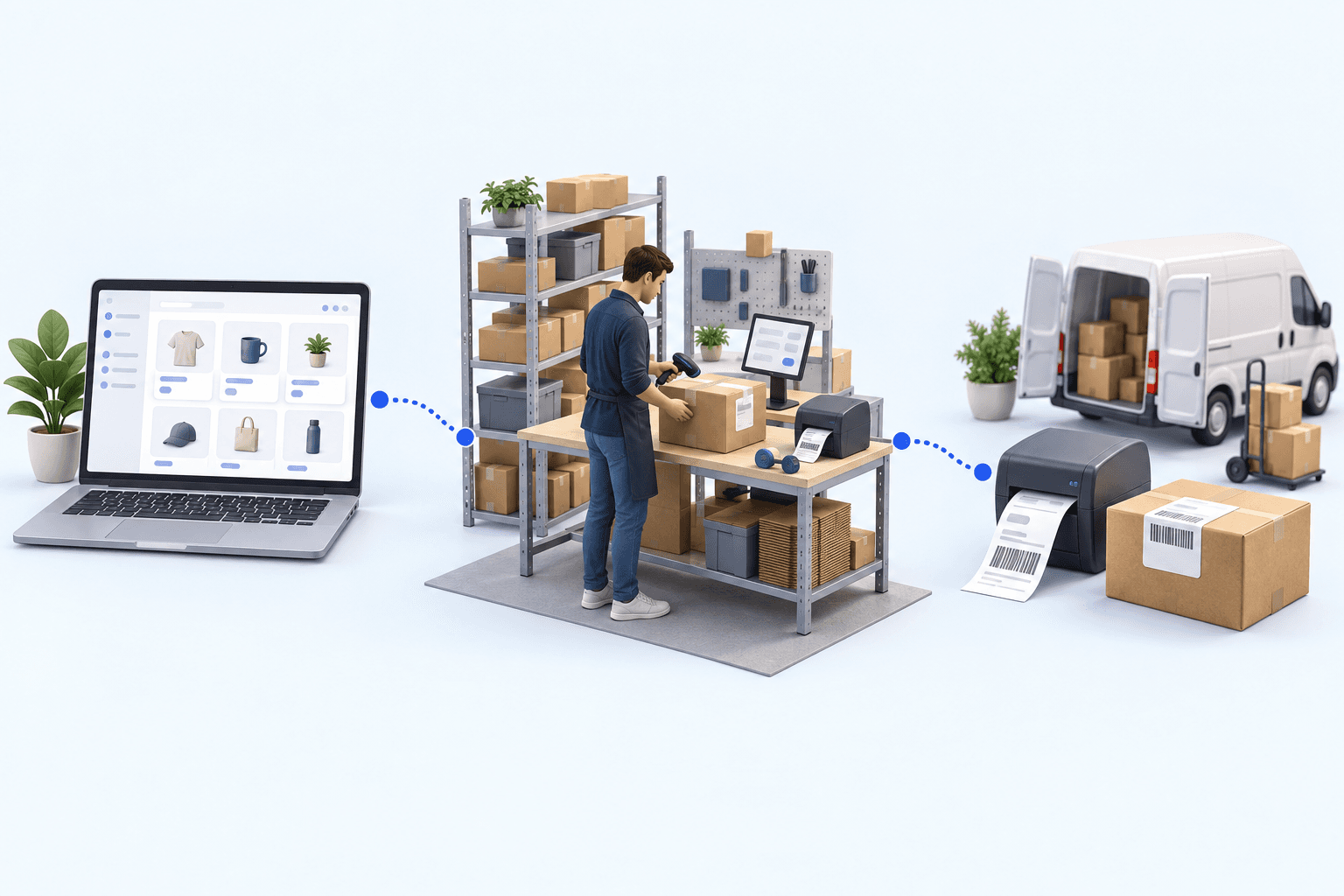
To hold up under peak volume, split the order queue into waves based on real operating constraints, then decide where barcode checks belong. At the packing bench, the operator verifies the parcel. Carrier rules select the service and print the label, so the next order can start without another decision.

Industrializing your purchasing means ordering on rules, not guesswork: at the right time (the reorder point), in the right quantity (your coverage period), from the right supplier, with a purchase order validated in one click. Available on replay.





















See it in your own operations
Book a 20-minute call. We'll map your workflow and point out where it breaks. No slides.
Free 20-min call · No commitment