
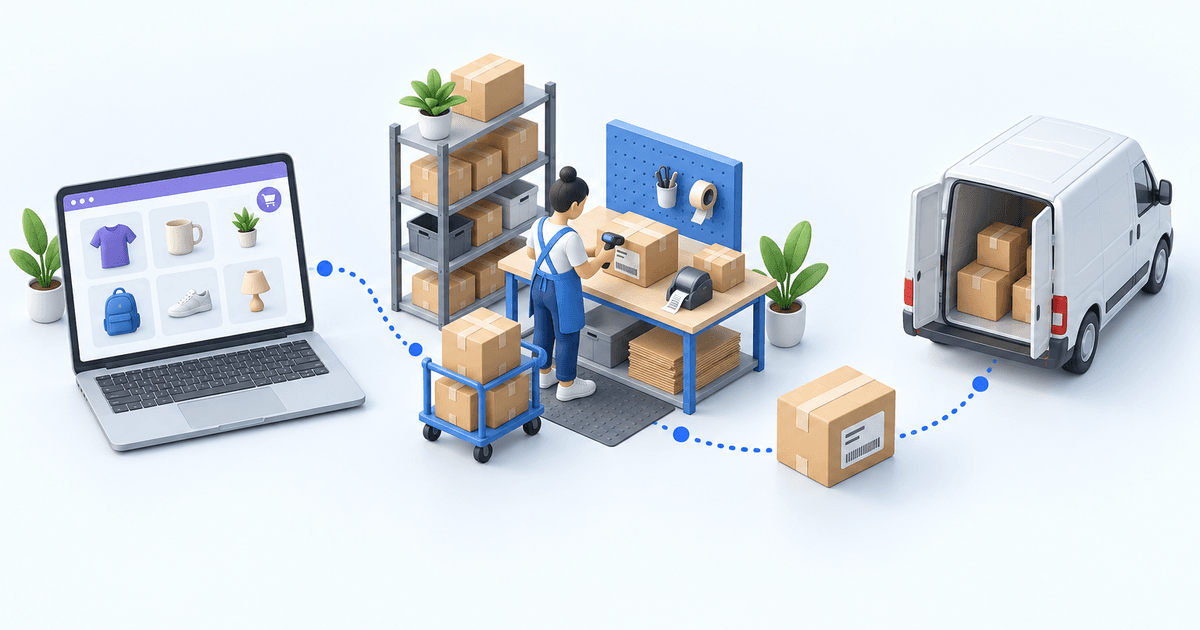
DPD WooCommerce: which shipping setup fits?
Use the DPD France module when one WooCommerce store has a simple warehouse flow. A shipping platform suits multi-carrier label work. Choose an OMS/WMS when channels, warehouses, or routing rules multiply. Before release, test WooCommerce status mapping, one home-delivery method, one Pickup order, both labels, and tracking.
 By Diogo Monteiro · E-commerce Integration Expert· Updated September 24, 2026· 4 min read
The essentials
- Use the lightest option that can prove order import, service selection, label creation, and the WooCommerce update.
- Confirm the contracted DPD country account before mapping an enabled shipping method.
- A Relais order also needs the shopper’s selected Pickup identifier; a town or shop name is not a substitute for that identifier.
- The 20-minute test proves two orders from import through WooCommerce shipment status and tracking.
At 5:30 p.m., the last DPD parcel is ready, but one paid WooCommerce order never reached the packing queue. Another has a valid label and no tracking in the store. Both look like shipping problems. The first is an order-status mapping problem; the second is a shipment-confirmation problem. Choosing the right operating layer starts with knowing which system owns each handoff.
DPD WooCommerce: choose among three shipping setups
The DPD France module fits one store with a straightforward warehouse flow. WooCommerce remains the work surface for orders and shipments. Confirm the contracted DPD country account first: credentials and enabled methods belong to that regional contract, not to the logo alone.
A shipping platform groups label work for several carriers. It is useful when order preparation and inventory already have clear owners and the team mainly needs one shipping console.
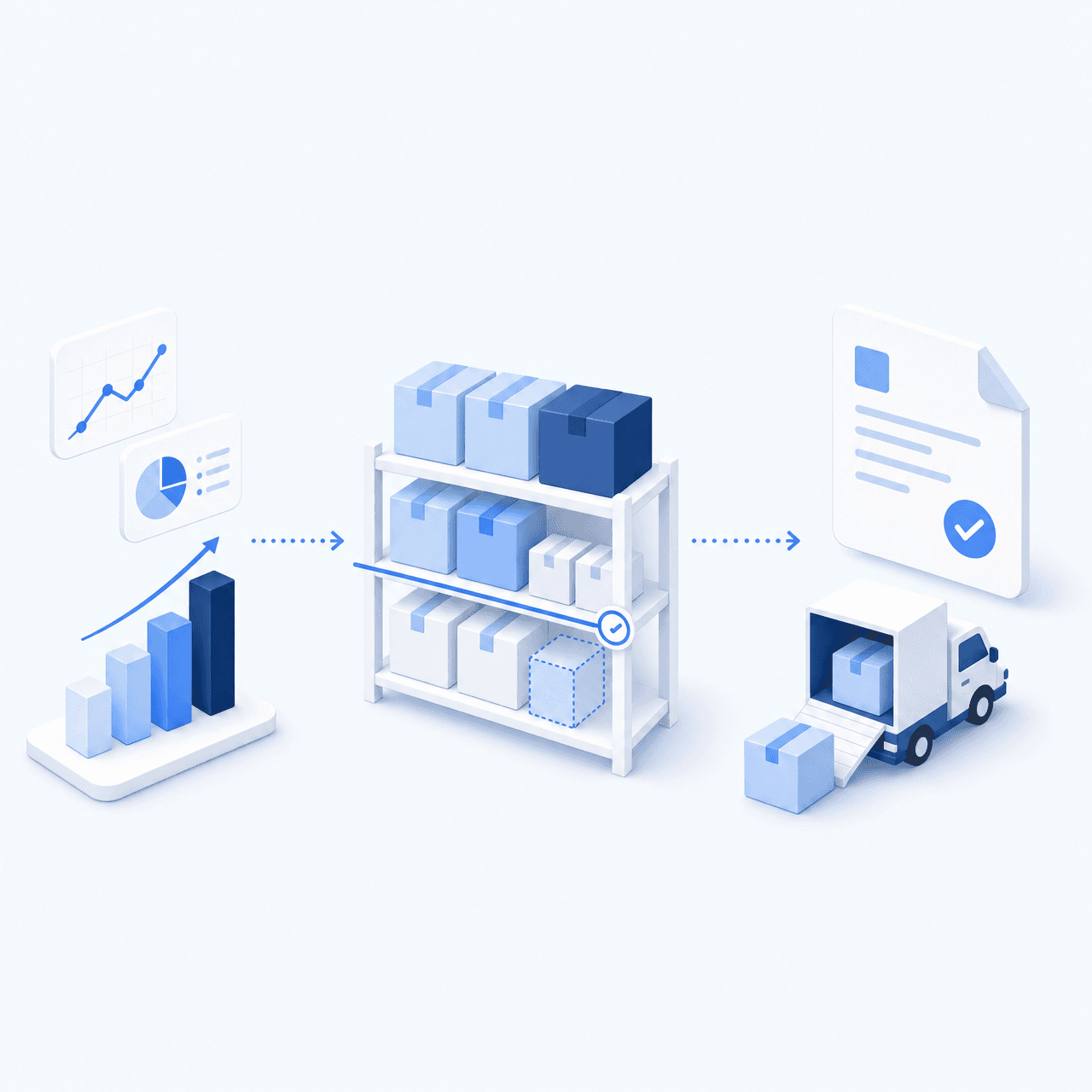
An OMS/WMS becomes the better layer when several channels feed one queue, stock sits in several warehouses, or routing rules select a service by destination, parcel, or operating site.
| Setup | Best fit | Main proof |
|---|---|---|
| DPD France module | One store, simple flow | Status and tracking |
| Shipping platform | Several carriers | Label workflow |
| OMS/WMS | Channels or warehouses multiply | End-to-end ownership |
Record the owner and the screen where each proof appears before launch. The store owner validates the imported status; the warehouse owner validates the parcel and method; the shipping owner validates the DPD account, label, and WooCommerce shipment update. Record the two test order numbers as release evidence. If the team cannot name where one result lives, the setup is not ready.
Use the lightest option that can prove order import, service selection, label creation, and the WooCommerce update.
Three handoffs break most often
First, the WooCommerce status mapping decides whether a new or modified order enters operations. Map only the states your team considers releasable, then define the WooCommerce states used for complete and partial shipments. A paid order that never imports should be investigated here before anyone changes DPD settings.
Second, the WooCommerce shipping name must resolve to a method enabled on the correct DPD France account. The connector supports Classic, Predict, Relais, and Retour en relais. A Relais order also needs the shopper’s selected Pickup identifier; a town or shop name is not a substitute for that identifier.
Third, label output and store confirmation are separate proofs. Label creation can return a tracking number while WooCommerce still lacks the configured shipment status, carrier, tracking number, or tracking URL. The Fevad 2026 figures record 3.2 billion online transactions in France in 2025. Arcep and CREDOC’s 2026 study found that 62% of recipients had encountered at least one delivery problem and 38% preferred pickup points. Arcep’s 2024 parcel observatory counted 1.7 billion parcels, up 3.7% in one year. These volumes make a missing status or relay identifier an operating fault, not a cosmetic field.
 WooCommercePaid order
 DPDLabel and tracking
One Lyon-based 3PL connected WooCommerce and other sales channels before guiding warehouse work with scan checks. In that bounded 2026 case, manual retyping moved from every order to zero, while picking errors moved from frequent to near-zero. These are that operation’s results, not a market benchmark.
Run the 20-minute label and tracking test
Create two paid WooCommerce orders that the team can identify quickly: one for home delivery and one for Pickup. In the first five minutes, confirm that both orders entered the expected operating status. Check the mapped method and retain the exact Pickup identifier on the Relais order.
Use the next five minutes to create both DPD shipments. Confirm that the account and service match the delivery promise, the address is readable, the Pickup label carries the right relay, and each shipment has a tracking number.
Spend the last ten minutes back in WooCommerce. Verify the intended complete or partial shipment status, carrier name, tracking number, and usable tracking URL.
- 1WooCommerce orderOrder number and delivery method presentCheck in WooCommerce
- 2Parcel checkItems and quantities validatedCheck at the packing station
- 3DPD shipmentLabel and tracking number createdCheck in the DPD account
- 4Tracking sync back to WooCommerceOrder marked as fulfilledCheck in WooCommerce
Stop at the first missing proof. If neither order imports, check the status or import rules. A wrong DPD method points to shipping mapping or account scope. A good label without a WooCommerce update points to shipment confirmation. Fix that handoff, then rerun both orders.
Choose an OMS/WMS when shipping is no longer one-store work
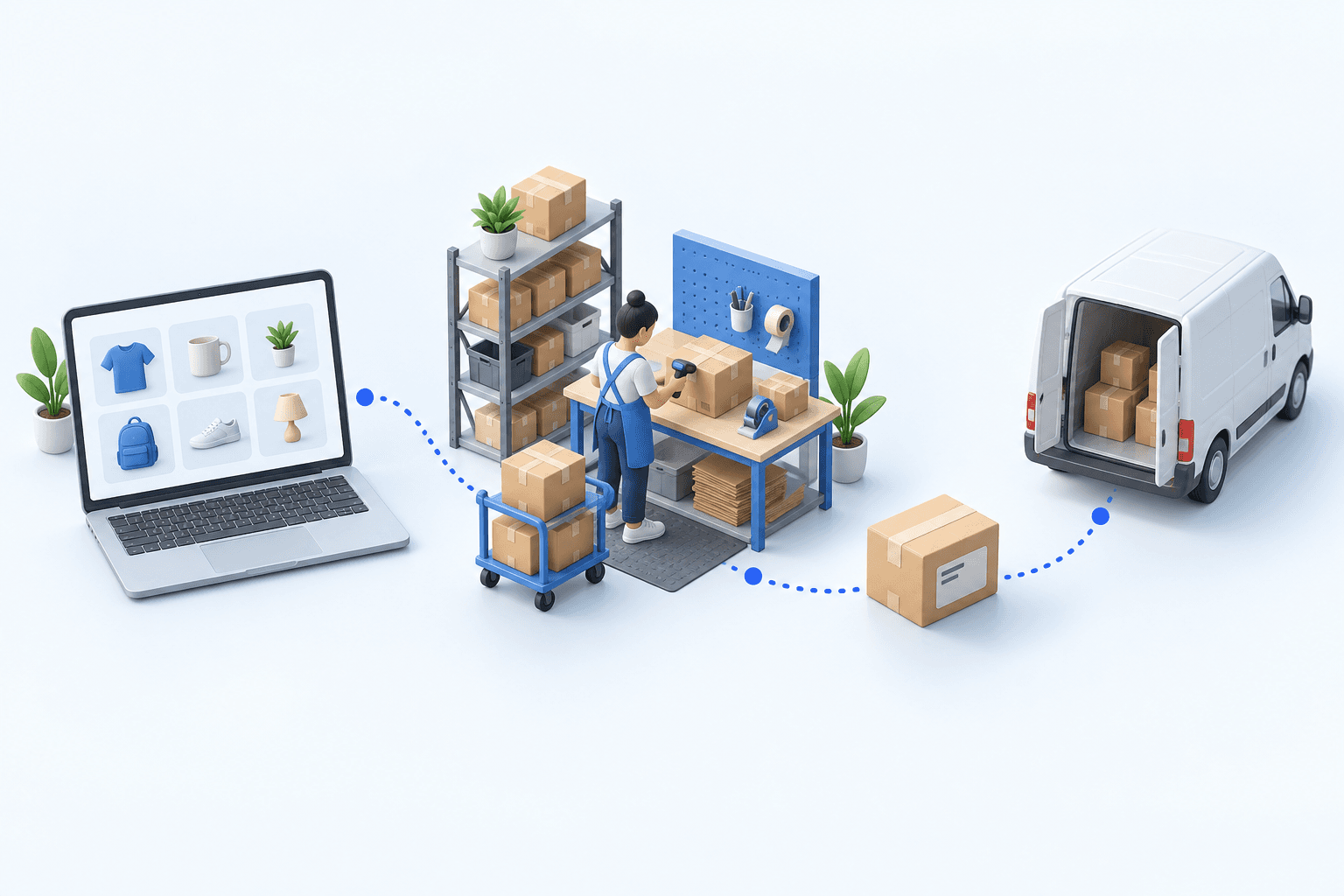
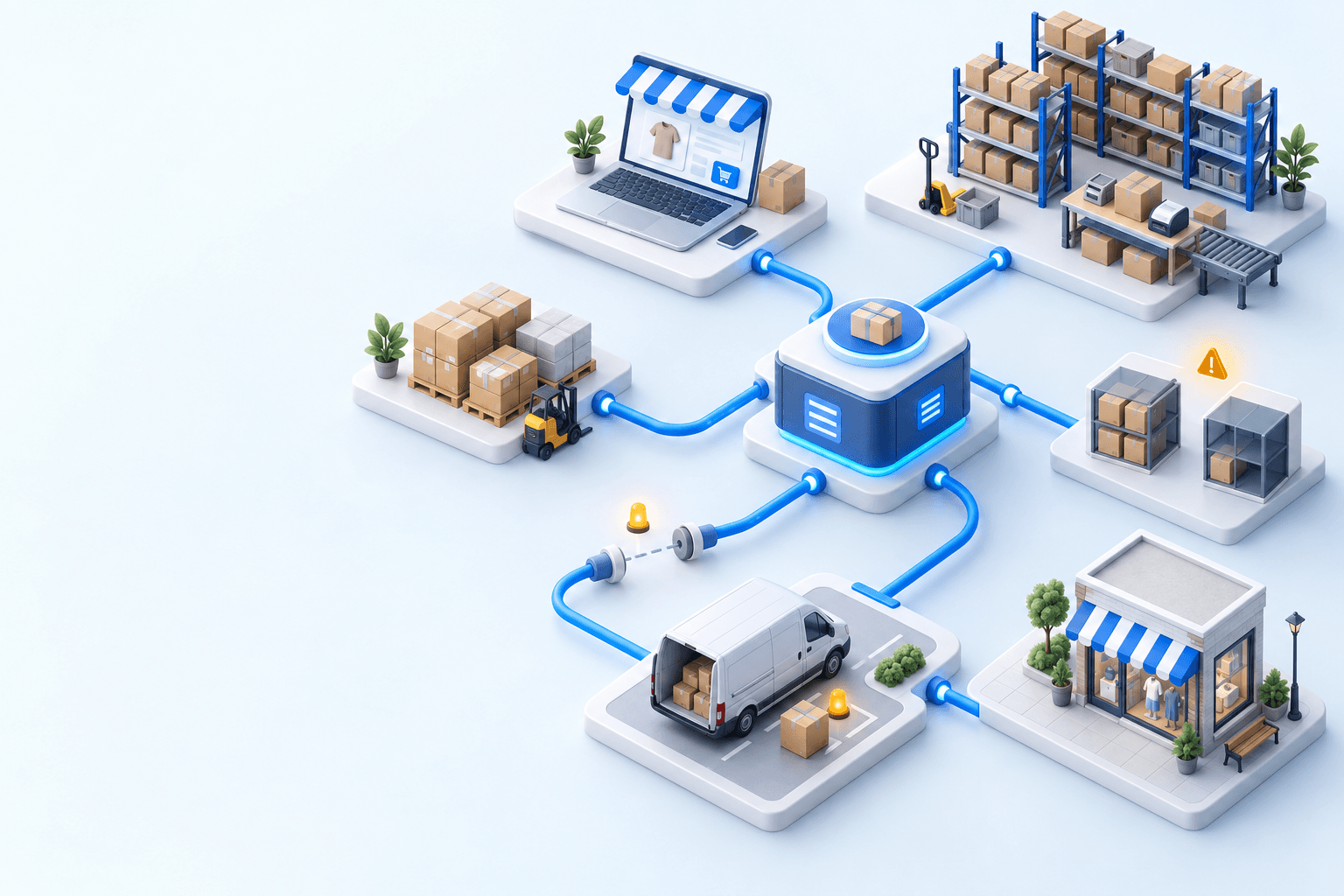
myFulfillment is relevant when one operating workflow must receive orders from several sales channels, allocate them across warehouses, guide picking and packing, and apply shared carrier rules. The WooCommerce connector imports orders and applies the configured mappings; the DPD France connection creates labels and returns tracking numbers; shipment confirmation sends the configured status and tracking fields back to the store.
If the same team also ships another storefront through DPD, the Shopify × DPD decision guide applies the same acceptance logic to that channel without duplicating store-level rules.
For configuration details, see the WooCommerce integration and DPD integration pages.
Frequently asked questions
It can be enough for one store with a simple warehouse flow. Use a shipping platform for shared label work, or an OMS/WMS when channels, warehouses, and routing rules need one operating layer.
Import only statuses your team treats as ready for operations. The exact choice depends on your payment and fraud process, so validate it with a paid test order before release.
The selected Pickup identifier must travel with the order and resolve to the contracted Relais service. Test the identifier in the imported order and on the label.
It can when shipment confirmation writes the configured status, carrier, tracking number, and tracking URL back to WooCommerce. A readable label alone does not prove that update.
Continue exploring
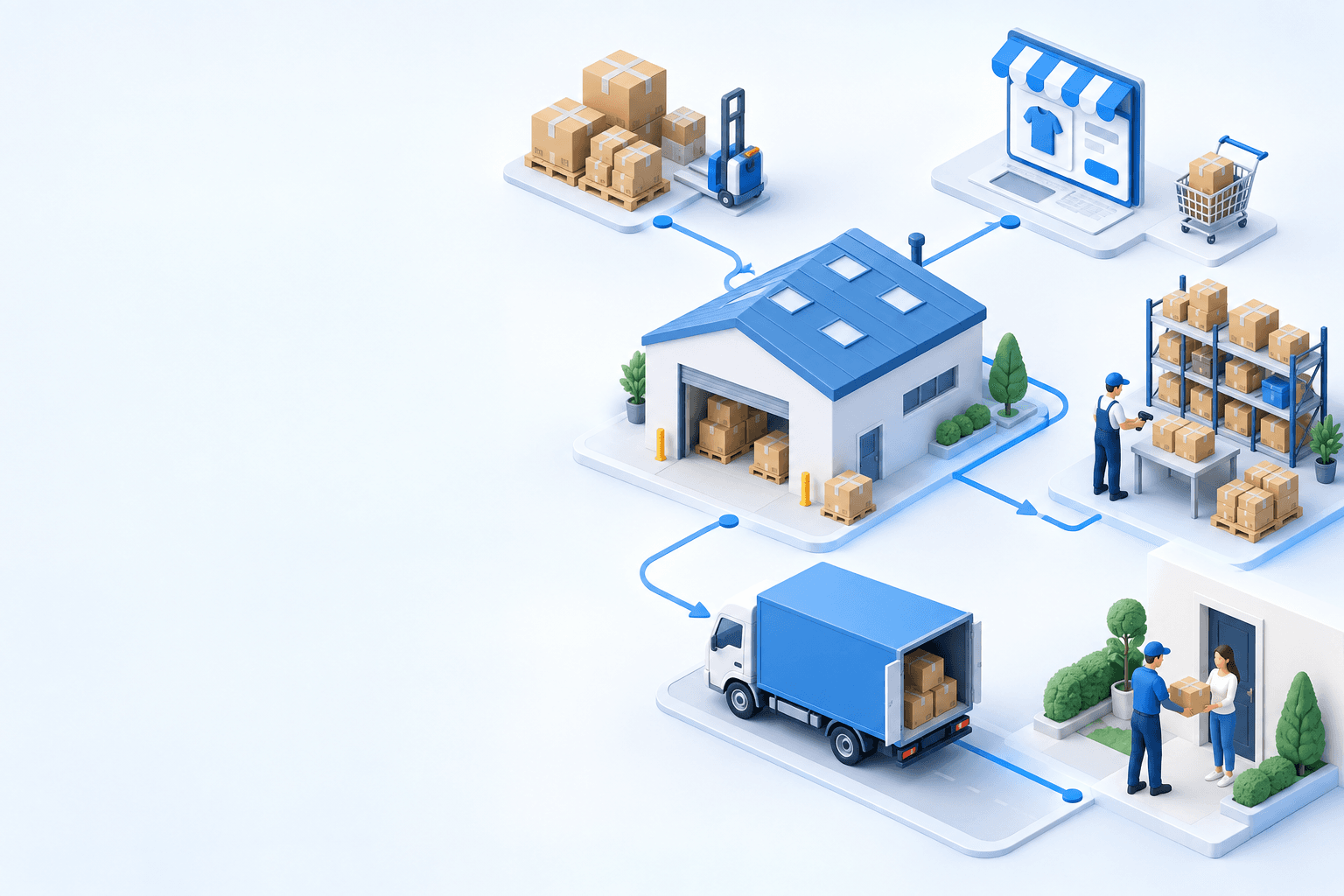
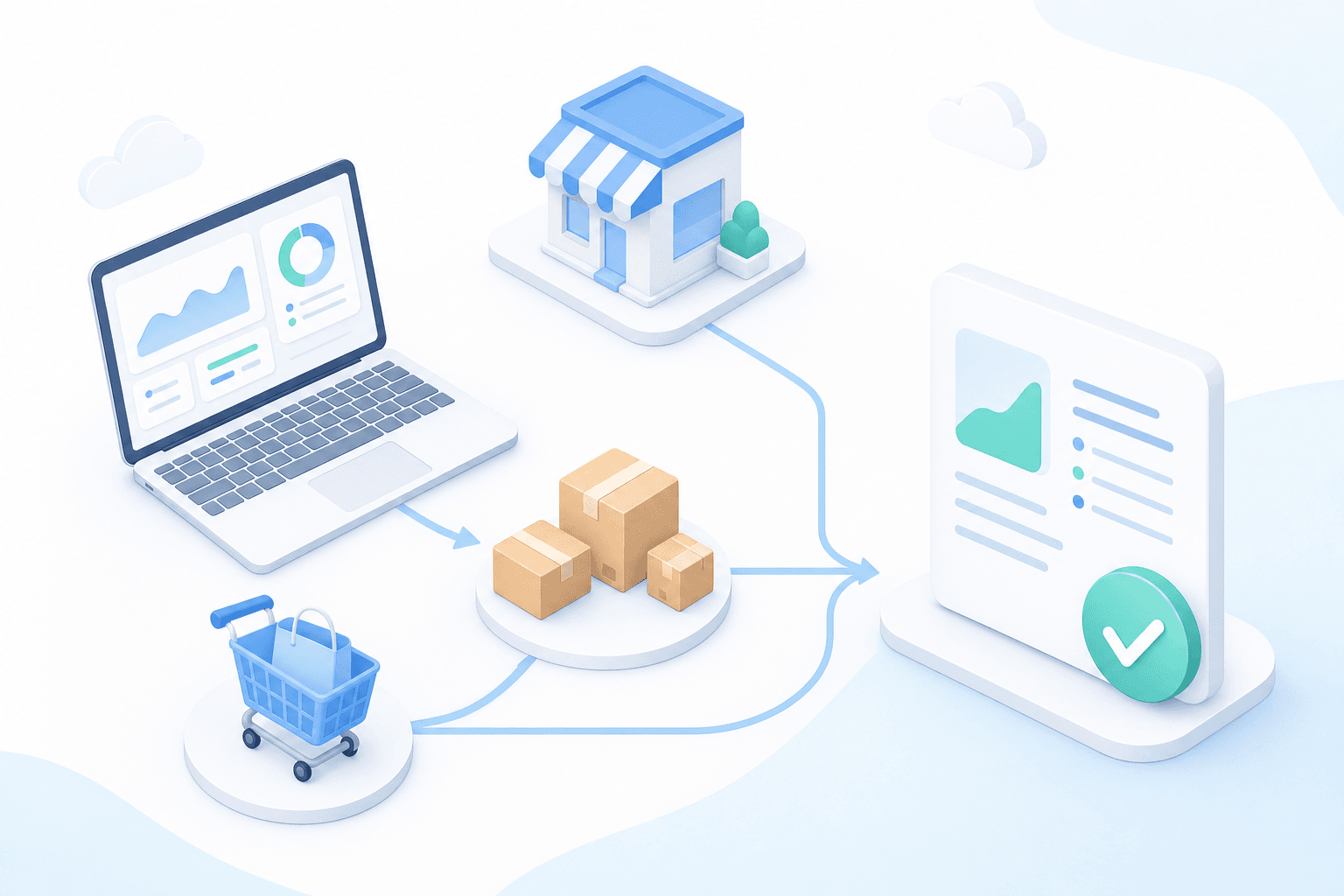
Stock availability, picking accuracy, and shipping times affect marketplace sales. Jonathan Coloma, COO of Repiauto, explains how his team went from 300 to 1,000 orders a day in two years. He describes the limits of paper-based work, ERPs built for different needs, a go-live estimate of fifteen days, and changes to his daily routine.

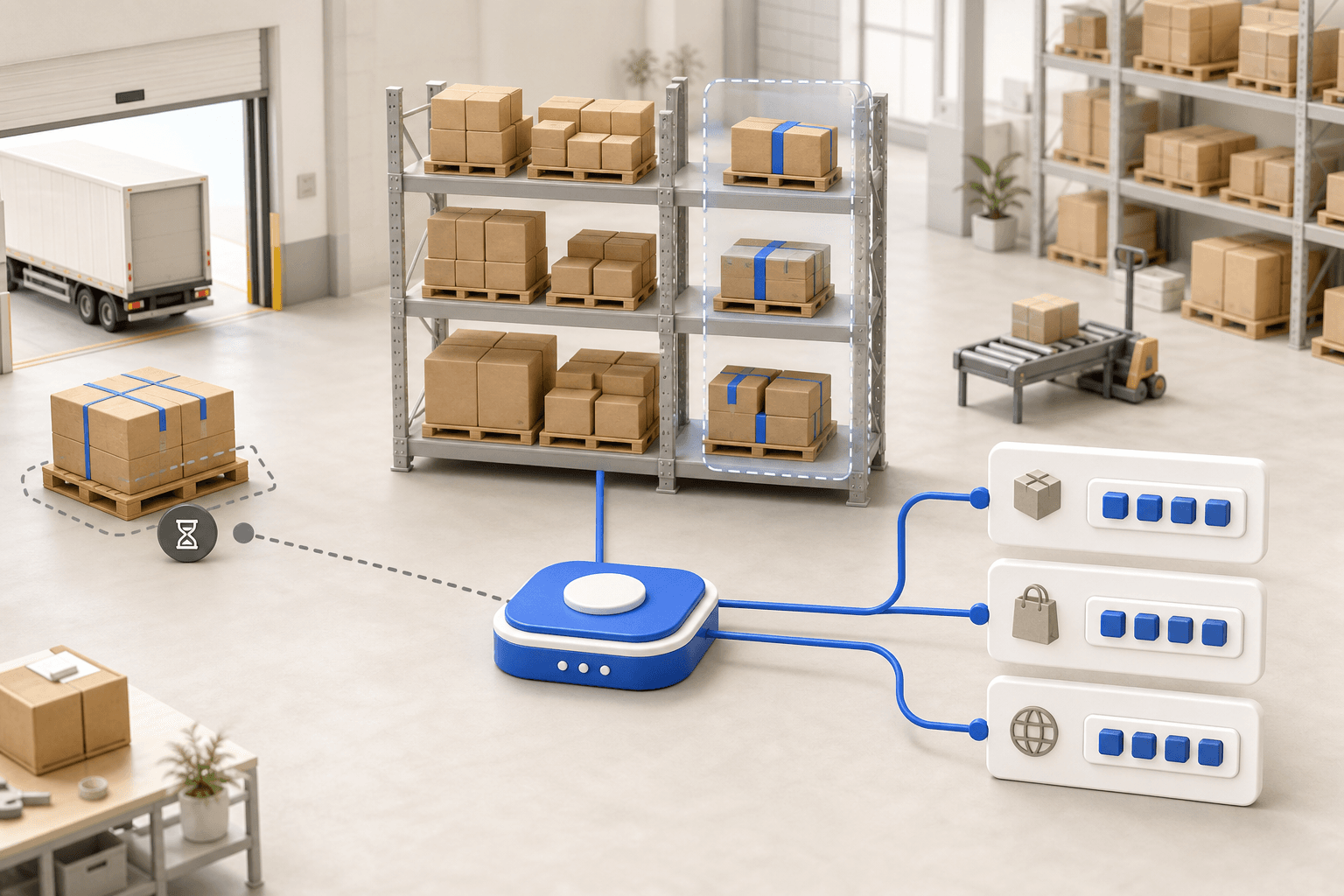
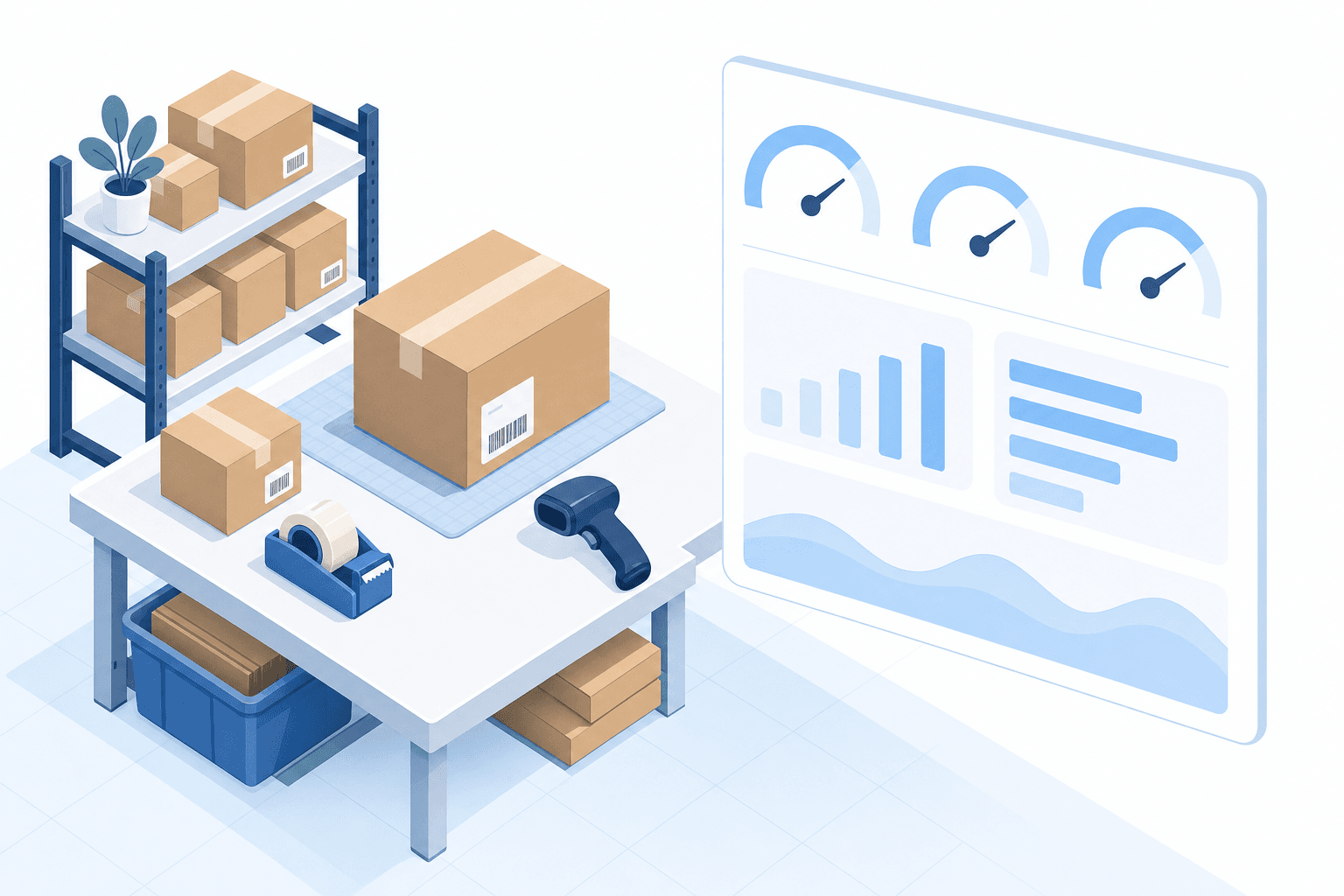
To hold up under peak volume, split the order queue into waves based on real operating constraints, then decide where barcode checks belong. At the packing bench, the operator verifies the parcel. Carrier rules select the service and print the label, so the next order can start without another decision.

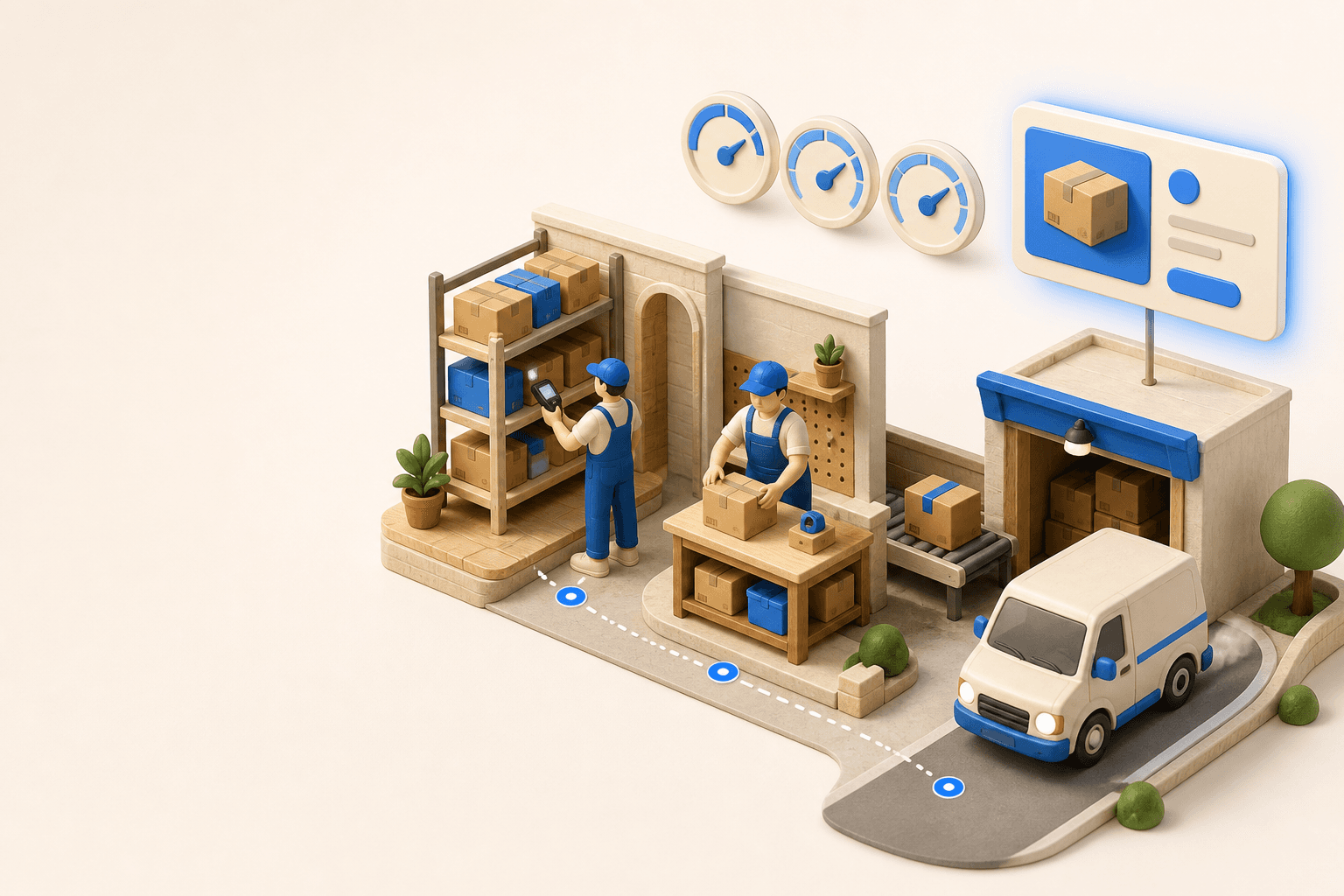
Industrializing your purchasing means ordering on rules, not guesswork: at the right time (the reorder point), in the right quantity (your coverage period), from the right supplier, with a purchase order validated in one click. Available on replay.

See it in your own operations
Book a 20-minute call. We'll map your workflow and point out where it breaks. No slides.
Free 20-min call · No commitment