
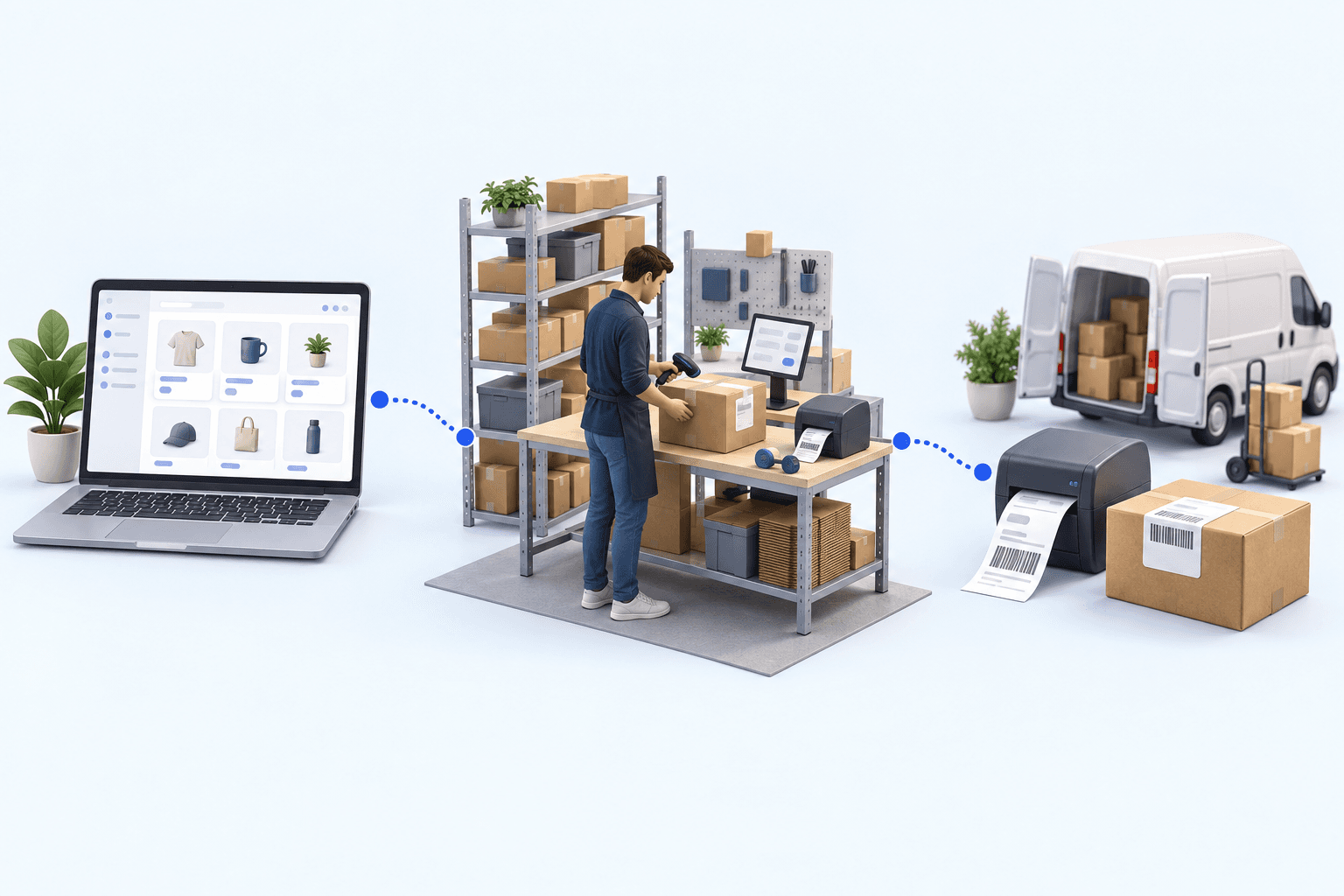
Sendcloud Magento: where should each connector stop?
Use the Sendcloud Magento extension for one store with a simple shipping flow. Add an OMS/WMS when several channels, warehouses, or routing rules need one owner. Magento handles order intake and shipment write-back; Sendcloud handles the parcel request, label, and carrier tracking.
 By Diogo Monteiro · E-commerce Integration Expert· Updated September 24, 2026· 4 min read
The essentials
- A simple Magento store can use the Sendcloud extension; an OMS/WMS is useful only when the operation needs shared order, stock, picking, or routing control.
- The Magento connector owns order intake and shipment write-back. The Sendcloud connector owns the parcel request, label, and carrier-status retrieval.
- Map the Magento delivery promise to the warehouse method that supplies the Sendcloud request; a printed label does not prove that mapping is correct.
- The 20-minute test passes only when one controlled order returns the expected shipment status and the same tracking number to Magento.
A packer prints a valid Sendcloud label for a Magento order, closes the parcel, and moves on. The next morning, Magento still shows no shipment or tracking number. Nothing failed at the printer; the failure sits between two connectors that do different jobs.
Sendcloud Magento: choose between three operating setups
For one Magento store with a stable catalog of delivery methods, the Sendcloud Magento extension is the shortest route. It imports the order into the shipping platform and lets the team keep working in the two systems it already uses.
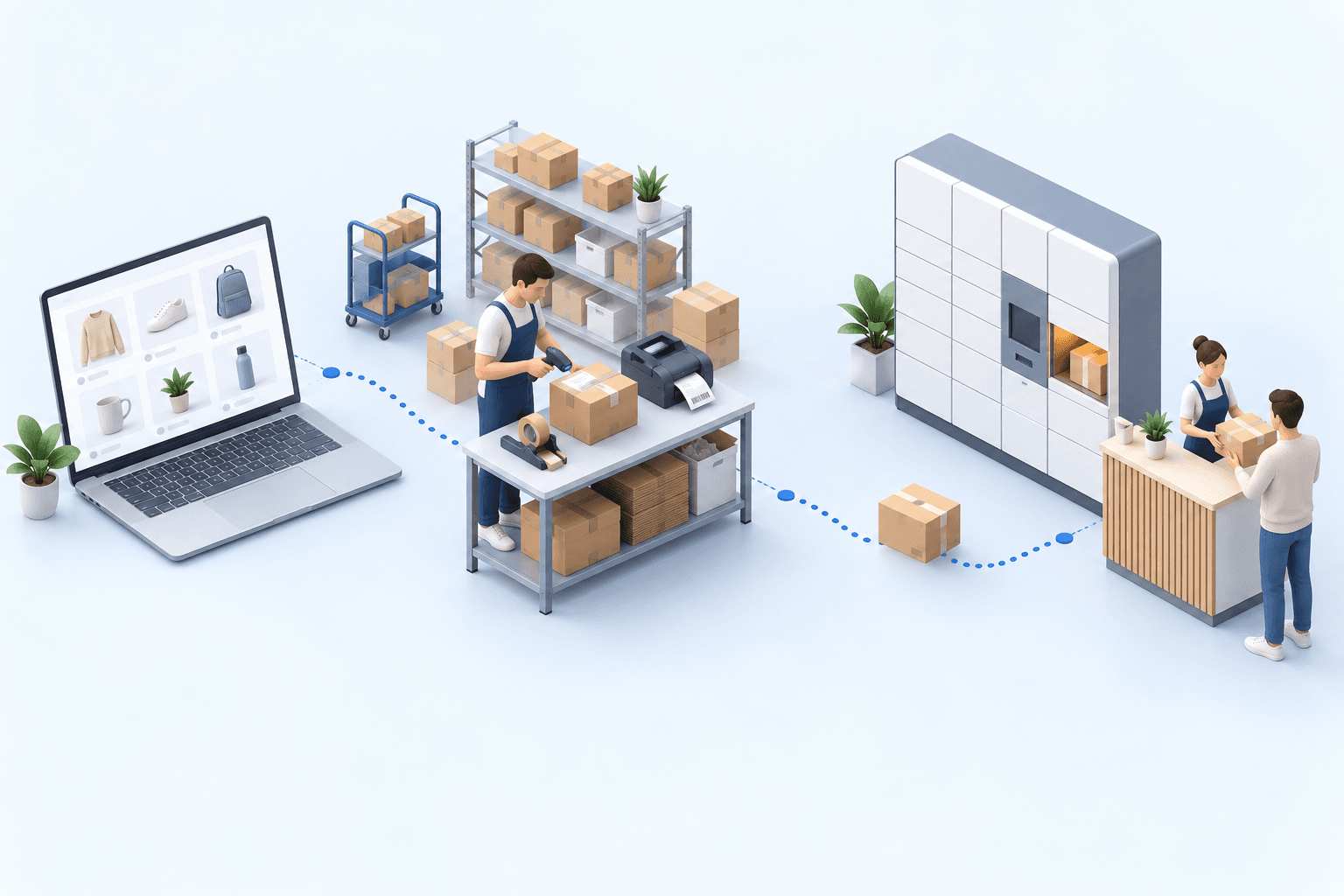
A central Sendcloud shipping desk suits a business that handles labels for several storefronts but already controls stock, picking, and packing elsewhere. The transport layer is shared; warehouse execution is not.
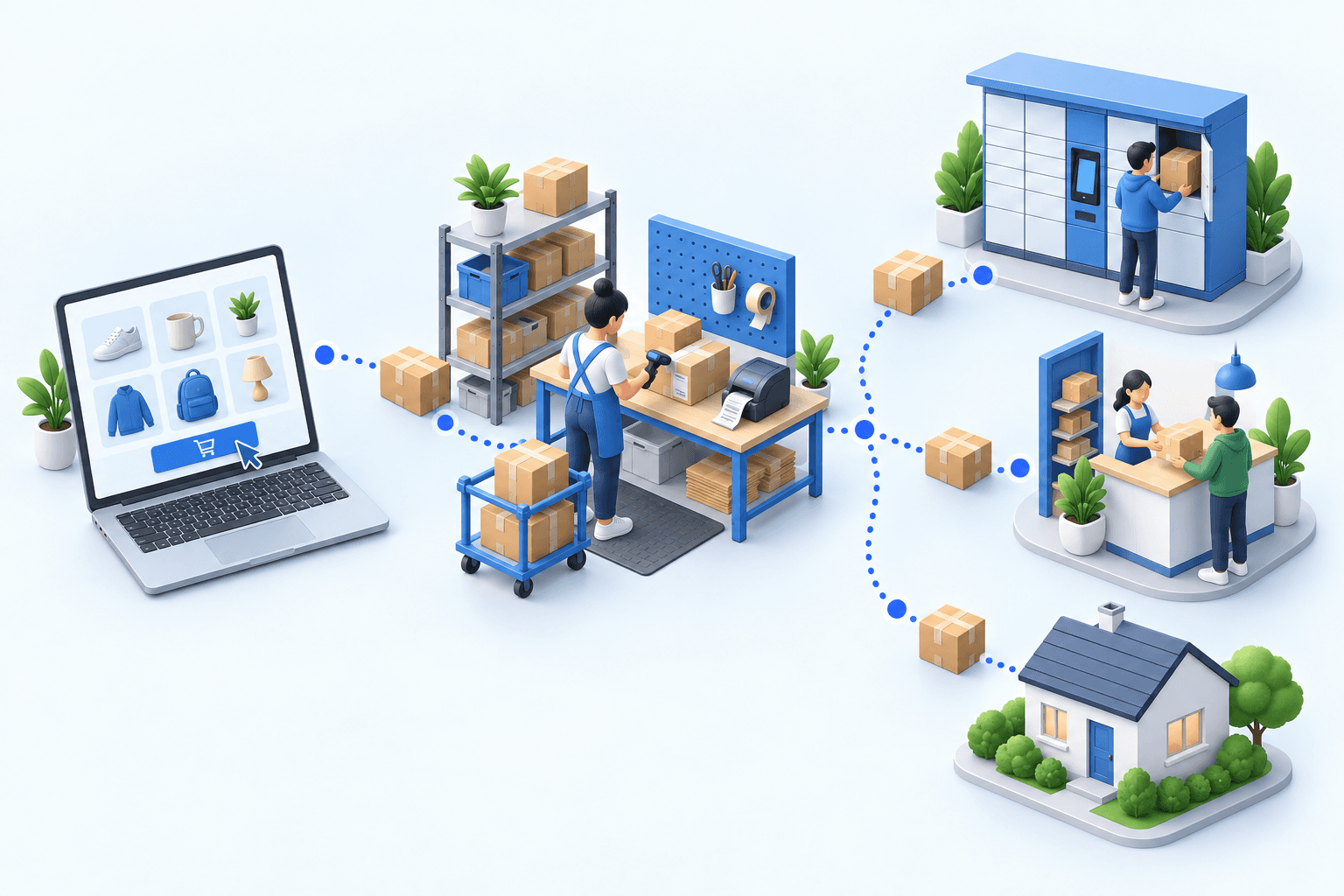
Put an OMS/WMS between Magento and Sendcloud when orders arrive from several channels, stock is split across sites, or routing depends on destination, weight, warehouse, or service promise.
| Setup | Best fit | Ownership gap |
|---|---|---|
| Sendcloud Magento extension | One store, simple flow | Warehouse rules stay elsewhere |
| Central shipping desk | Several storefronts, shared labels | Stock and picking need an owner |
| OMS/WMS layer | Several channels or warehouses | Broader operating change |
Compatibility comes first. Adobe Commerce Marketplace lists version 2.0.41 of the Sendcloud extension, updated 14 July 2026, and identifies Magento Open Source 2.4 as current and 2.2 to 2.3 as obsolete (2026 listing). That validates the extension’s release line, not a different connector architecture.
The handoffs that cause quiet failures
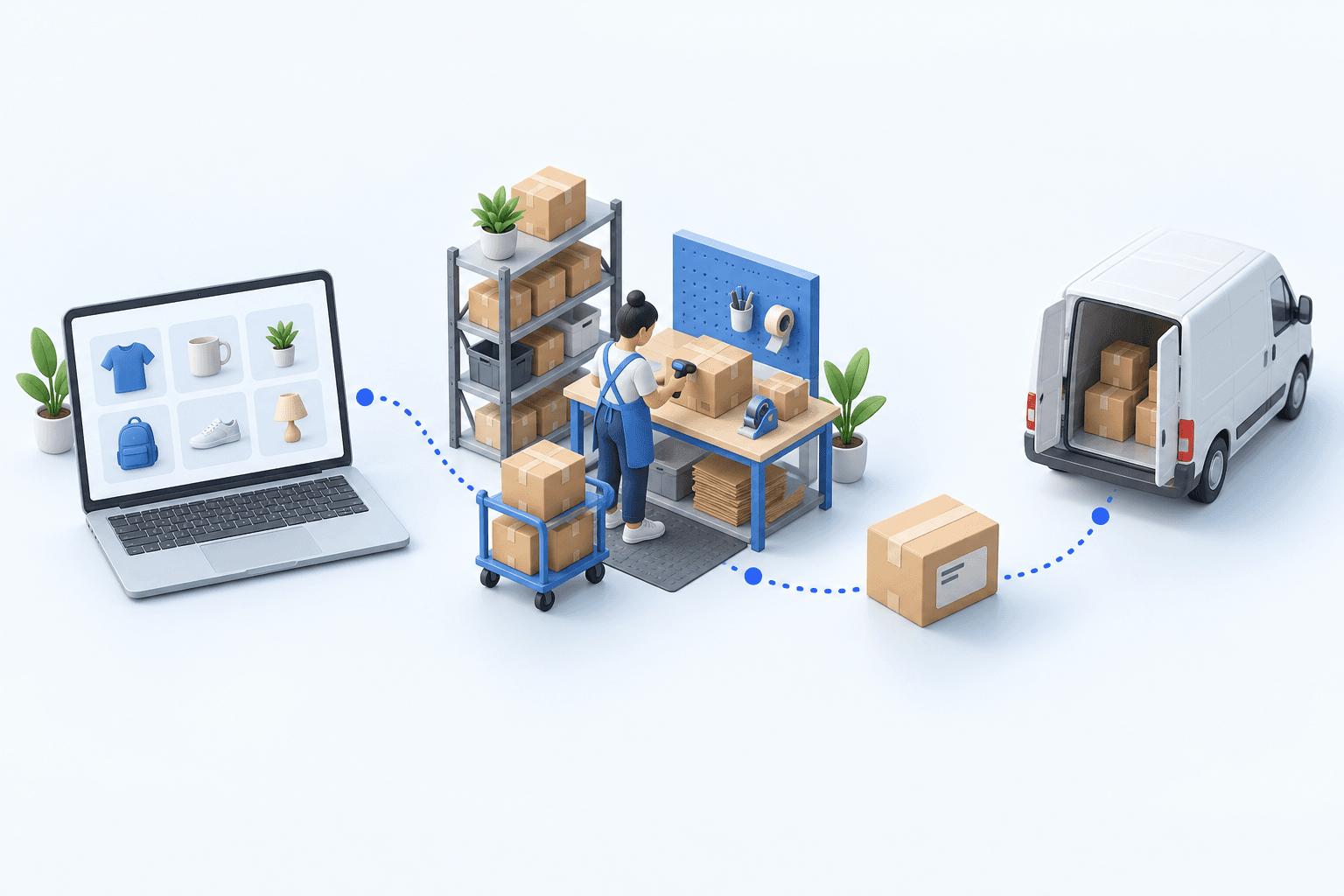
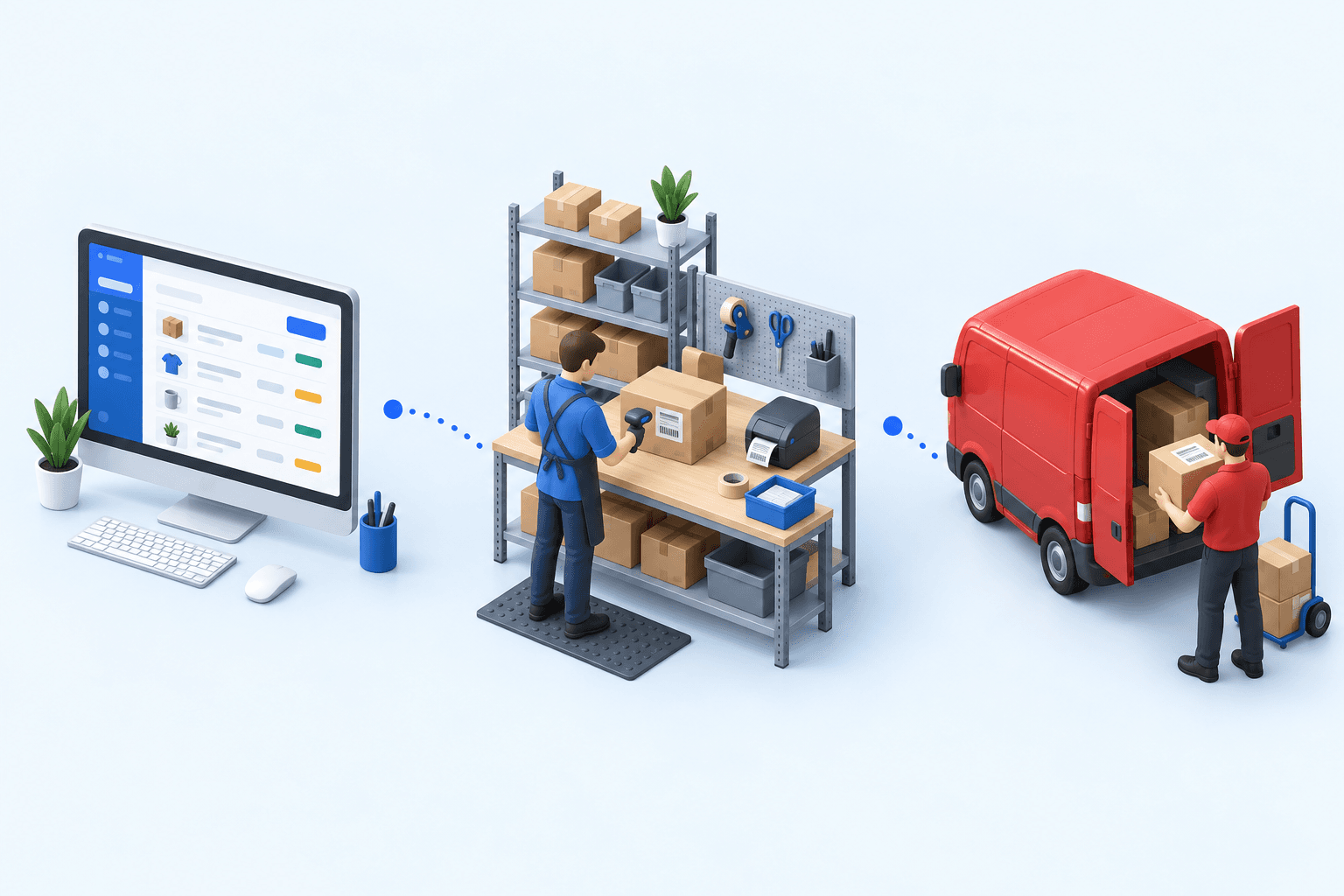
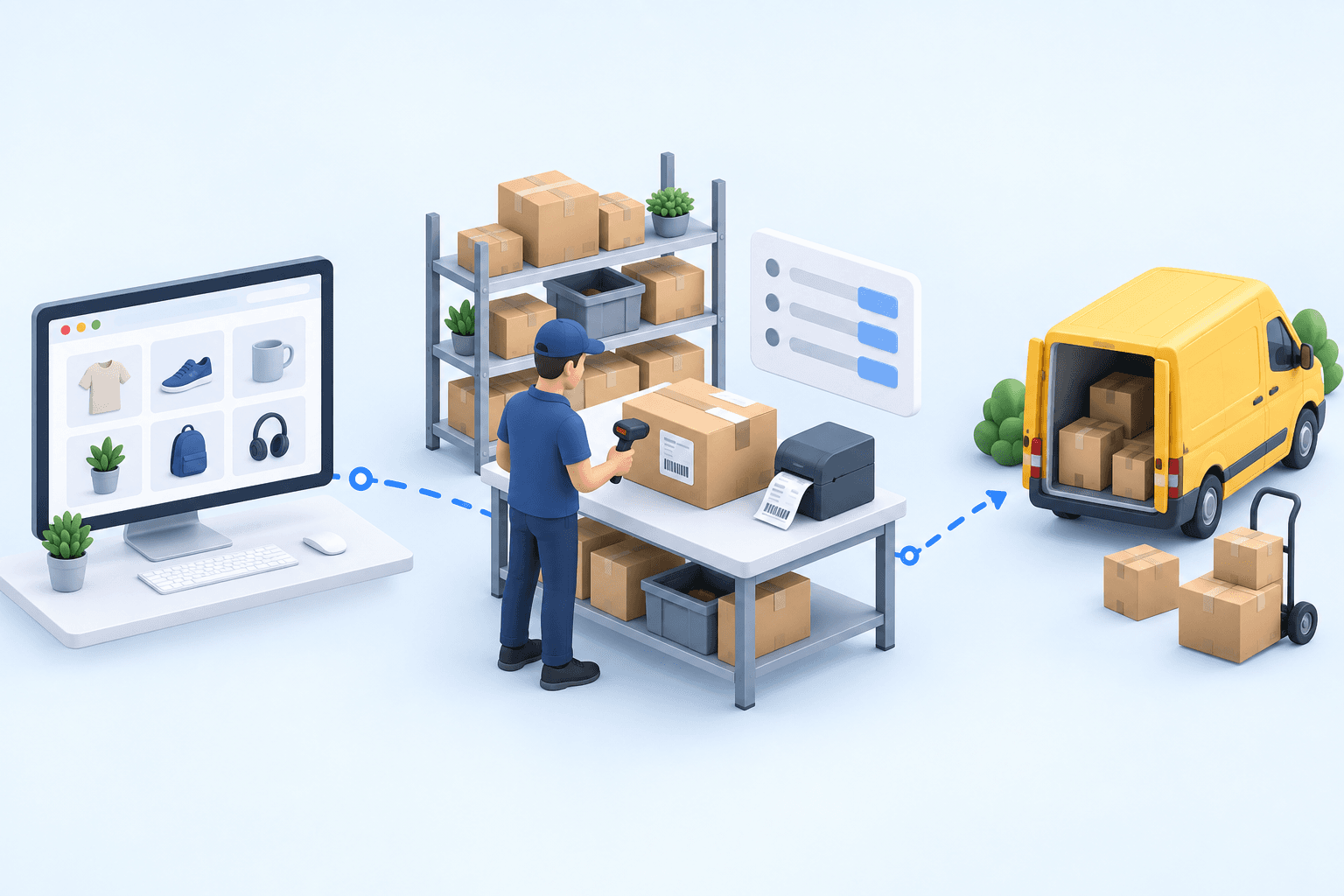
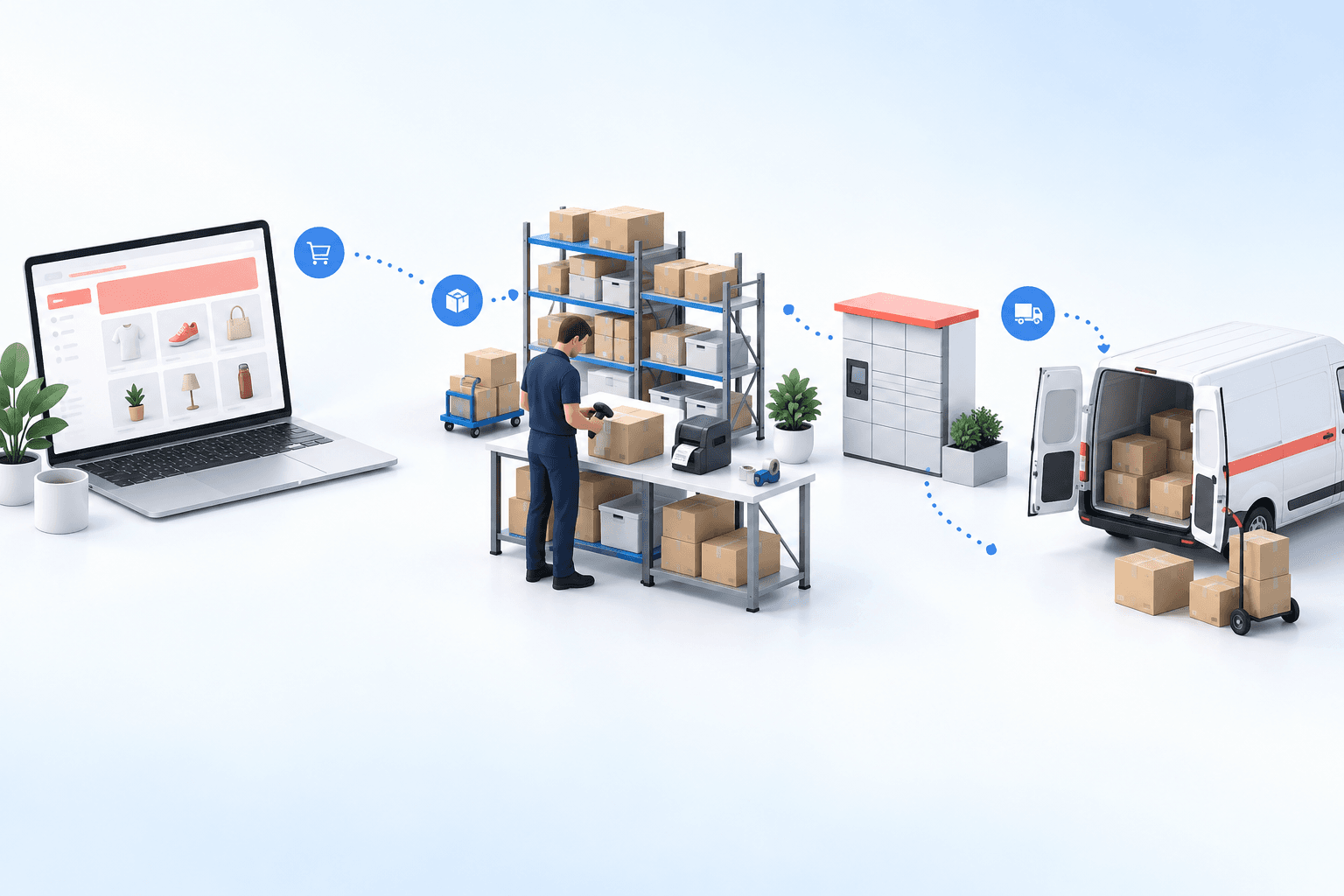
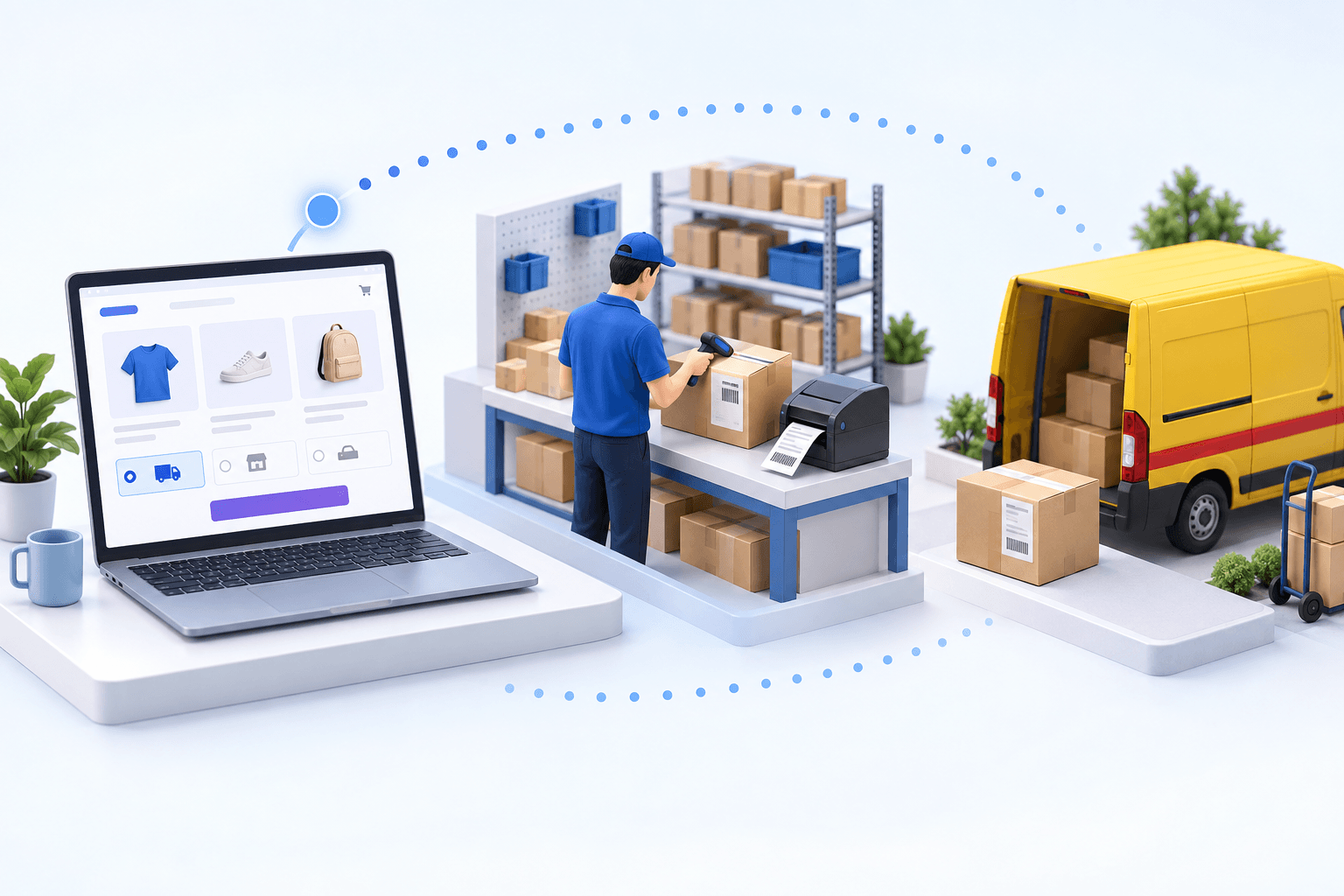
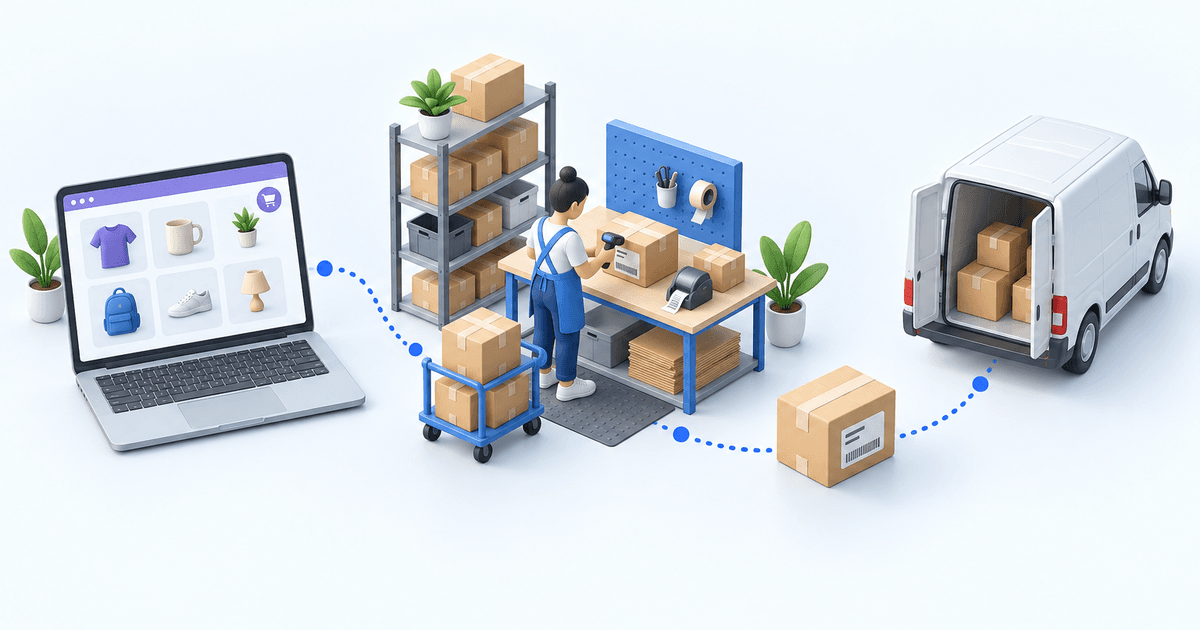
In the OMS/WMS route, the Magento connector imports the eligible store order. The warehouse flow prepares it. The Sendcloud connector then finds the order reference, submits address, weight, shipping method and any service-point value, and retrieves the label and tracking number. After dispatch, the Magento connector creates the Magento shipment and writes back tracking.
The first risk is method mapping. Magento records what the shopper bought; Sendcloud needs the service the warehouse will request. If the mapping between those values is wrong, a technically valid label can still break the delivery promise. Fevad’s 2026 key figures say out-of-home modes represent nearly one delivery in two in France (2026 edition); service-point data is therefore a normal branch to test, not an edge case.
The second risk is ownership of status. A tracking number returned with the label belongs first to the warehouse shipment. The later carrier event is a separate signal. Magento needs its own shipment confirmation and tracking write-back. Arcep and CREDOC reported in 2026 that 62% of recipients had experienced at least one delivery problem in six months, with missing tracking information among the problems cited (2026 study).
 MagentoPaid order
 SendcloudLabel and tracking
Centralization has measurable operational value even though the outcome below is not attributed to this pair. One anonymized French electronics distributor processing more than 3,000 shipments a day cut label errors from 5-8% to under 1% and reduced daily label work from over two hours to under ten minutes.
Run one order through this 20-minute acceptance test
Use a paid Magento order with a distinctive reference, a mapped delivery method, a complete address, known weight, and a service point when that branch matters. In the first five minutes, confirm that the order reaches the operations queue with the same items, quantities, address, and customer promise.
During the next five minutes, prepare the parcel and request the Sendcloud label. Check the requested service before printing. The label and tracking number must attach to the same order reference; a label for the wrong method is a failure, even if it scans.
Use the final ten minutes to dispatch the parcel and return to Magento. The order must carry a shipment, the expected state, and exactly the tracking number received during label creation. Then check that a later Sendcloud carrier status updates the warehouse shipment without being confused with Magento’s shipment confirmation.
- 1Magento orderOrder number and delivery method presentCheck in Magento
- 2Parcel checkItems and quantities validatedCheck at the packing station
- 3Sendcloud shipmentLabel and tracking number createdCheck in the Sendcloud account
- 4Tracking sync back to MagentoOrder marked as fulfilledCheck in Magento
If the order is absent, inspect Magento eligibility and import settings. If the service is wrong, repair the method mapping. If the label is correct but nothing has changed in Magento, inspect shipment confirmation and tracking write-back. Fix the cause of the first missing result, then rerun the same scenario.
Add an OMS/WMS only when the operating boundary demands it
A connector pair is enough while one team can reconcile exceptions, inventory has a clear owner, and shipping rules stay small. Add myFulfillment when several channels need one order queue, several warehouses need allocation and picking control, or the same routing logic is being maintained in several storefronts.
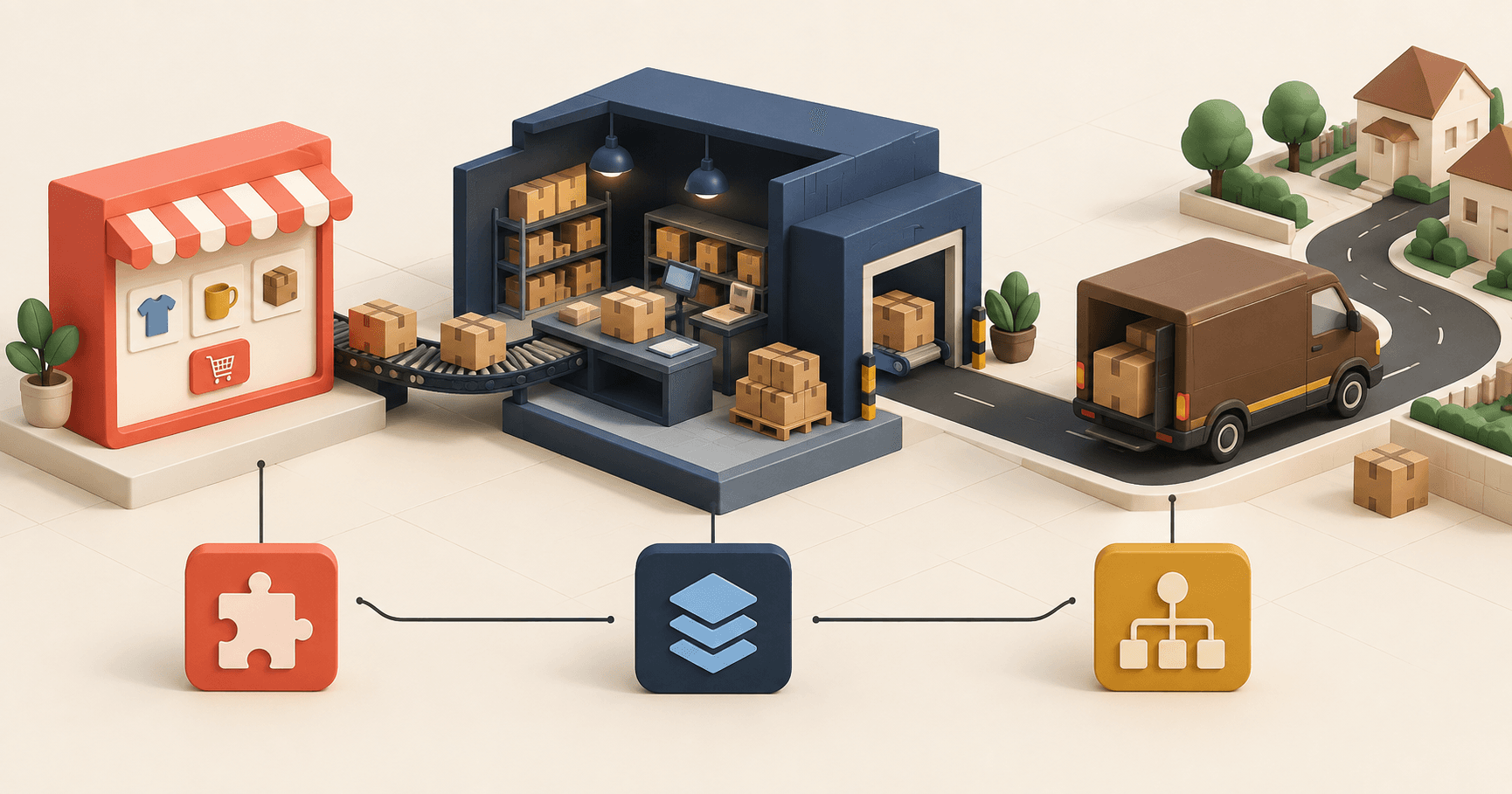
The Magento integration owns commerce-side order intake and the shipment response. The Sendcloud integration owns the carrier-side label and tracking path. That separation is the useful design rule: no connector should silently inherit the other connector’s job.
For another worked boundary, the Shopify × DPD decision article applies the same acceptance logic to a different store-and-carrier pair.
Frequently asked questions
Yes. The Sendcloud Magento extension can suit one store with a simple shipping flow. An OMS/WMS becomes relevant when several channels, warehouses, or routing rules need a single operational owner.
The Sendcloud connector attaches the returned tracking number to the warehouse shipment. The Magento connector then creates the Magento shipment and writes the tracking number back to the store.
Verify one eligible order, the mapped shipping method, the label, the tracking number, the Magento shipment, and the returned tracking value. A label alone is not a pass.
Use it when orders, stock, picking, or carrier rules must be shared across several channels or warehouses. Keep the simpler connector route when that orchestration is unnecessary.
Continue exploring

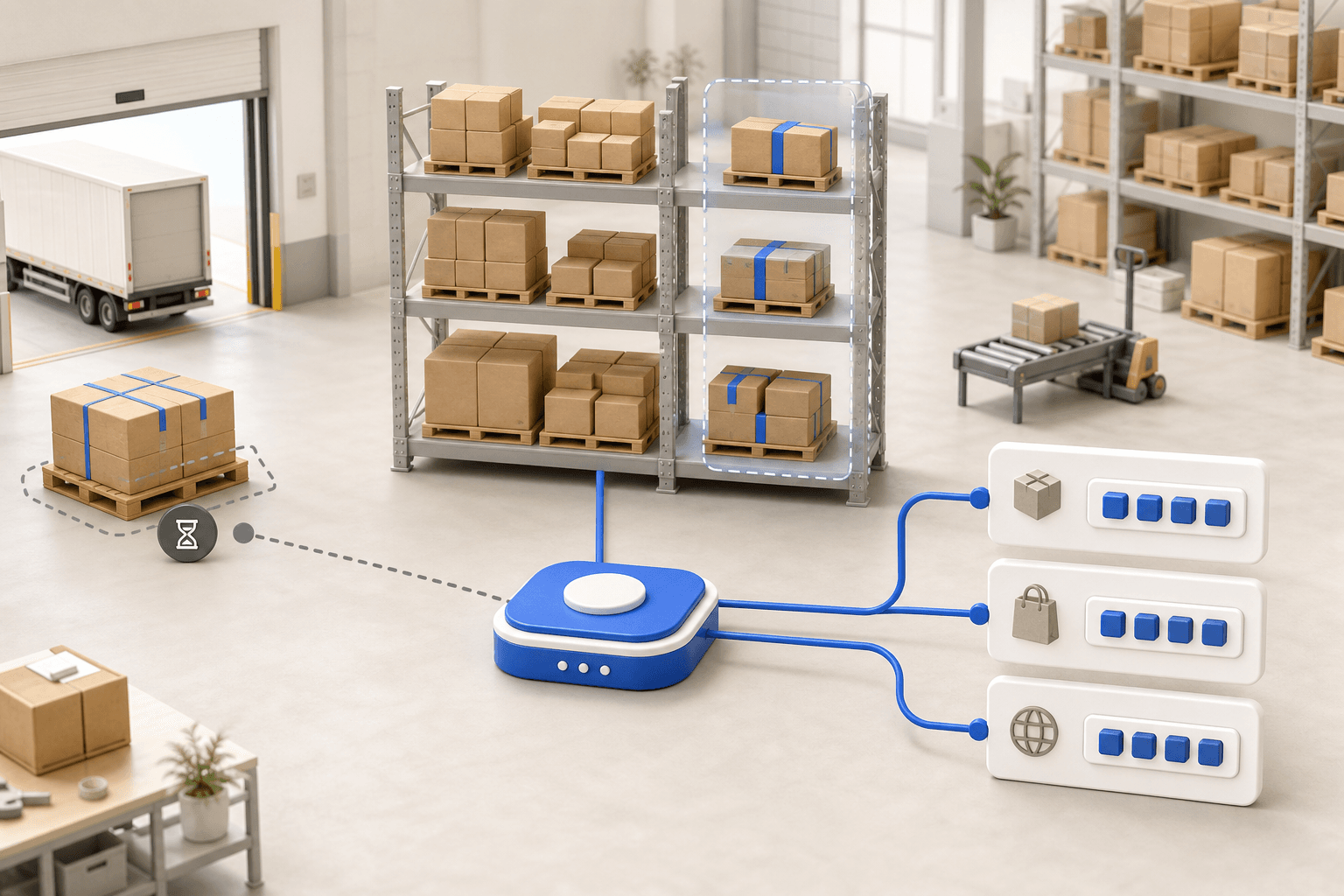


Stock availability, picking accuracy, and shipping times affect marketplace sales. Jonathan Coloma, COO of Repiauto, explains how his team went from 300 to 1,000 orders a day in two years. He describes the limits of paper-based work, ERPs built for different needs, a go-live estimate of fifteen days, and changes to his daily routine.

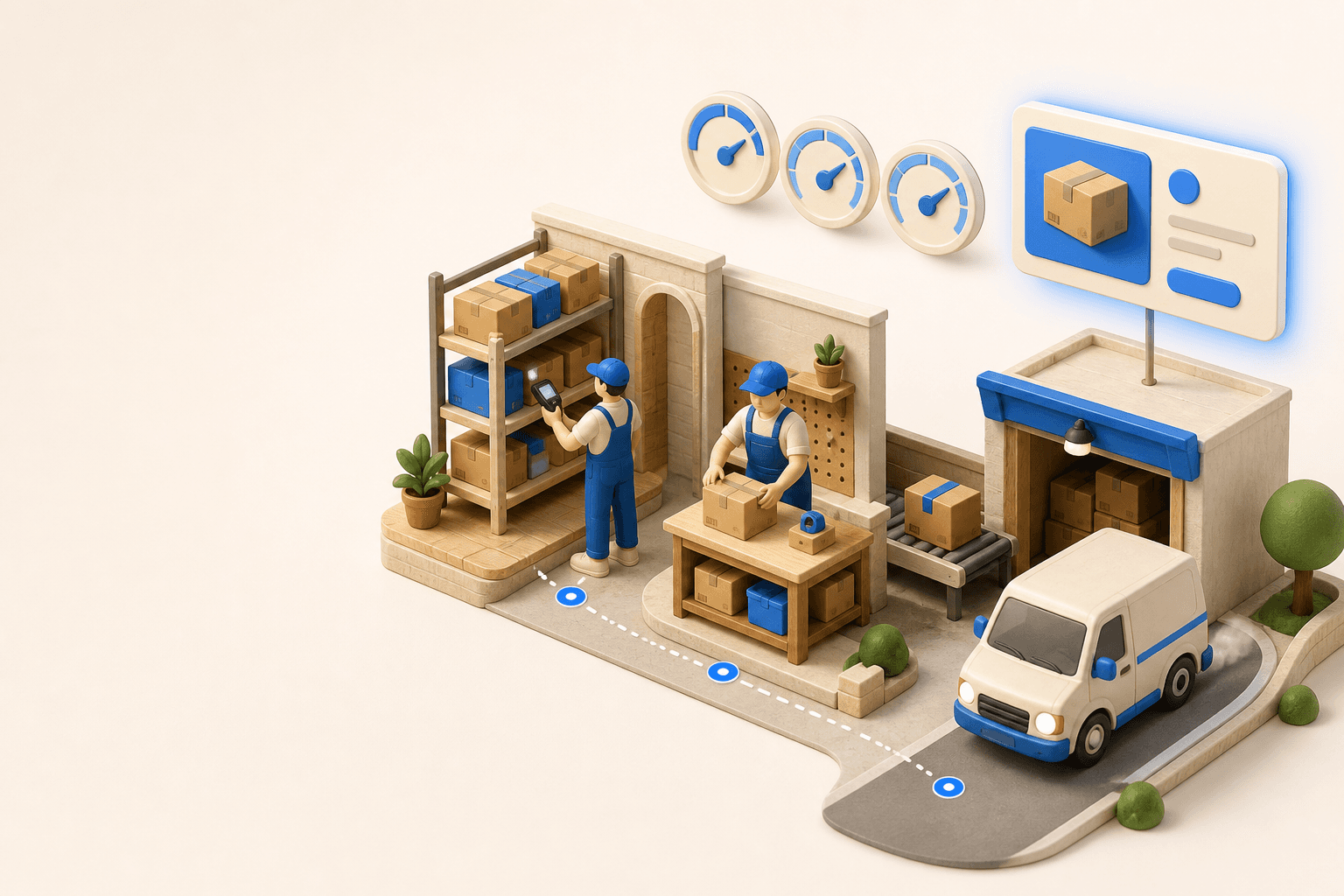
To hold up under peak volume, split the order queue into waves based on real operating constraints, then decide where barcode checks belong. At the packing bench, the operator verifies the parcel. Carrier rules select the service and print the label, so the next order can start without another decision.

Industrializing your purchasing means ordering on rules, not guesswork: at the right time (the reorder point), in the right quantity (your coverage period), from the right supplier, with a purchase order validated in one click. Available on replay.















See it in your own operations
Book a 20-minute call. We'll map your workflow and point out where it breaks. No slides.
Free 20-min call · No commitment