
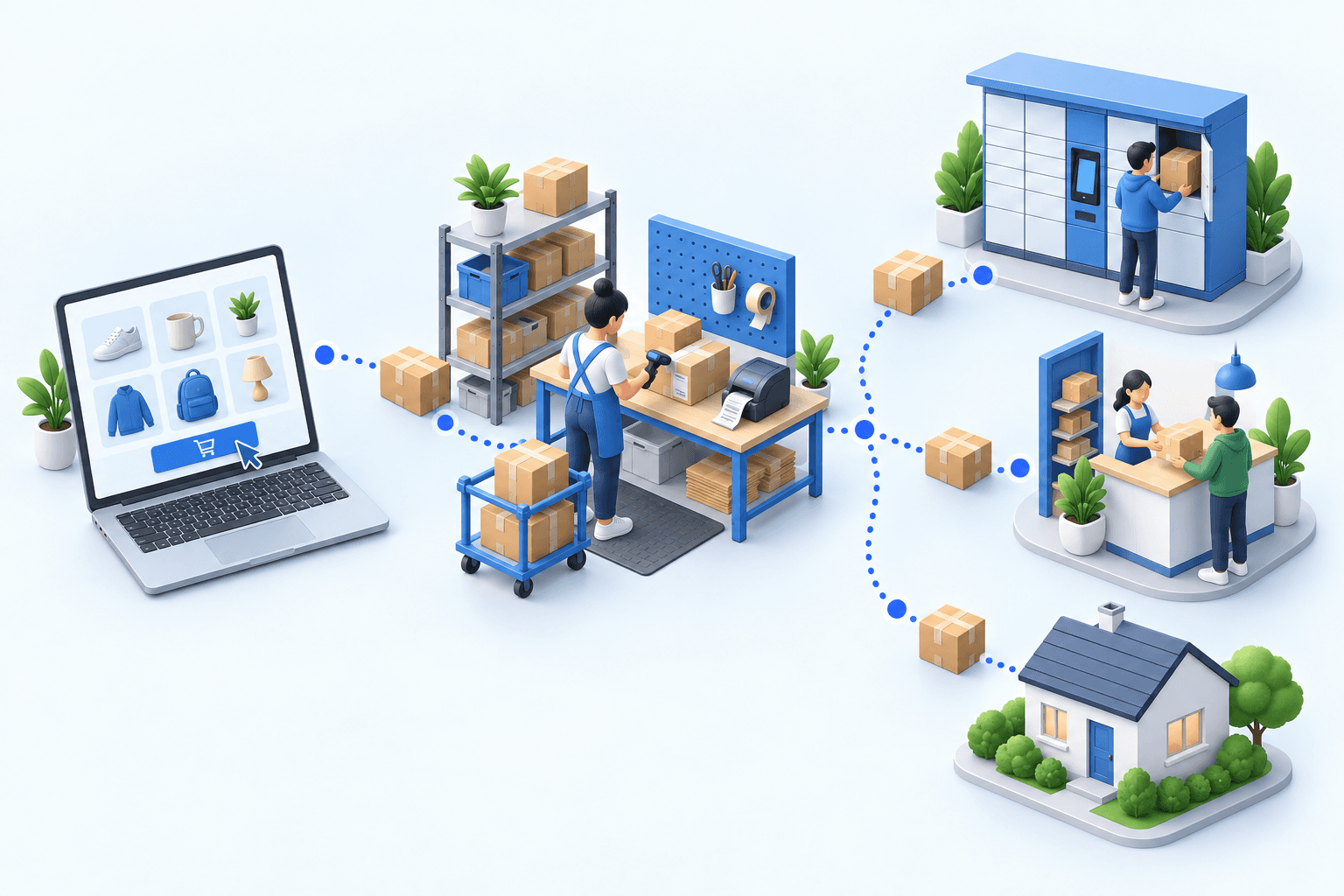
Mondial Relay PrestaShop: which shipping setup fits?
The official Mondial Relay module suits a straightforward PrestaShop store. A shipping platform centralizes multicarrier labels. An OMS/WMS suits multiple channels, warehouses or routing rules. On that route, sending the pickup-point code to myFulfillment requires the optional Boostmyshop module; the core Webservices connection does not. Test the paid method, pickup point, label and returned tracking.
 By Diogo Monteiro · E-commerce Integration Expert· Updated September 24, 2026· 5 min read
The essentials
- The official Mondial Relay module is usually the lightest option for one PrestaShop store with a simple fulfillment flow; add a platform or OMS/WMS only when the operation requires it.
- A Mondial Relay web-service account and a PrestaShop connection solve different parts of the chain; neither proves the full handoff on its own.
- For pickup delivery through myFulfillment, the optional Boostmyshop module for PrestaShop must pass the checkout code to myFulfillment; the connector places it in `LIV_Rel` during shipment creation, and the label must correspond to the same pickup point.
- The 20-minute test uses one home-delivery order and one pickup-point order, then checks their labels and the tracking returned to PrestaShop.
At the packing bench, a Mondial Relay label prints without an error. The operator then notices that it names a different pickup point from the one the shopper selected in PrestaShop. The parcel has passed the label check but failed the delivery promise. In this pair, the critical boundary is not simply whether two systems connect. It is whether the delivery method and pickup-point identifier survive checkout, warehouse work and shipment confirmation.
Mondial Relay PrestaShop: three setups, three different jobs
The official Mondial Relay module is usually the lightest route for one PrestaShop store with a straightforward fulfillment flow. It presents Mondial Relay choices at checkout, imports orders and creates labels after the merchant connects a carrier account. The carrier’s PrestaShop module page confirms that account connection is a separate step.
A shipping platform brings several carriers into one label workspace. It fits when the team mainly needs carrier choice and batch label production, while stock and order preparation remain simple elsewhere.
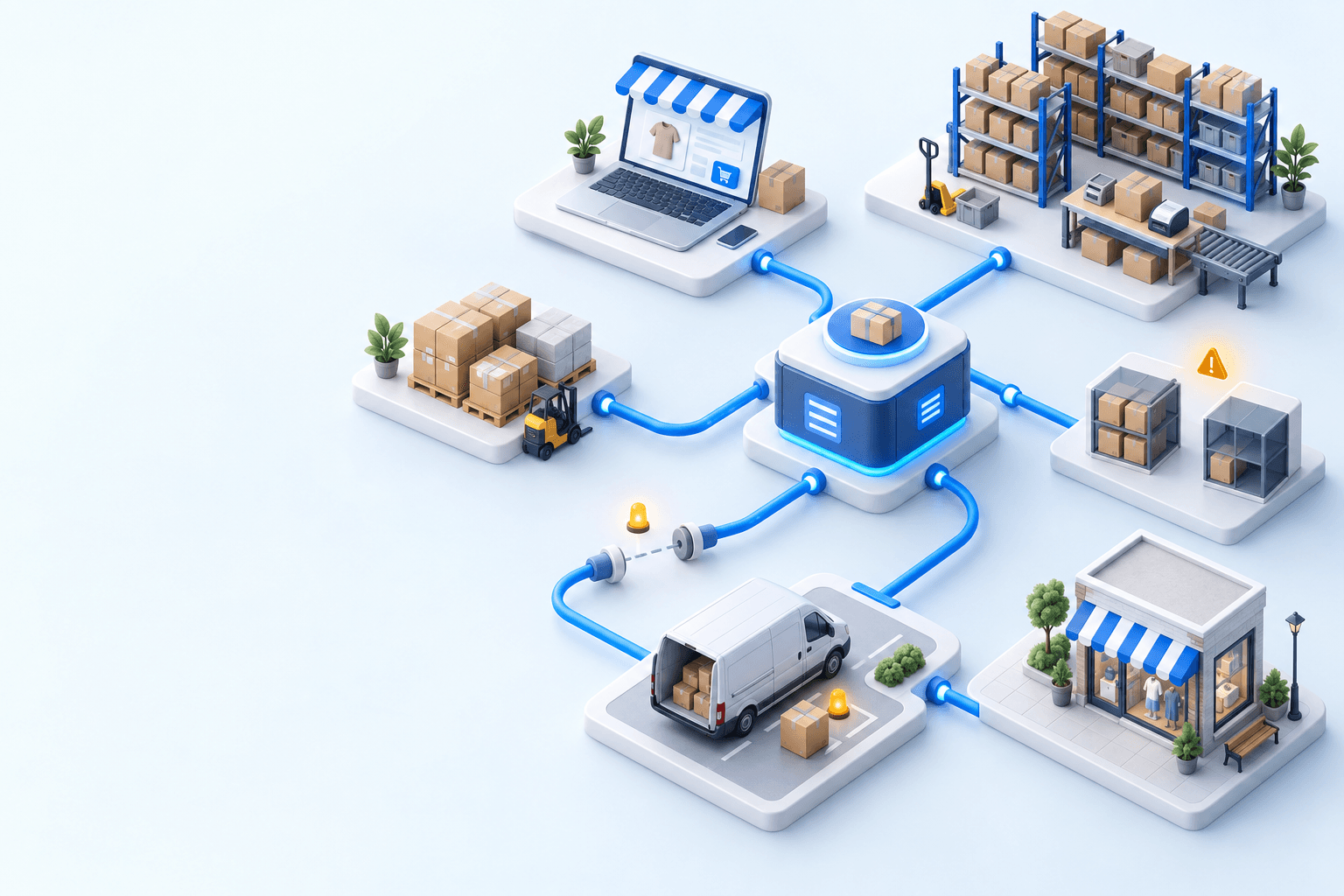
An OMS/WMS takes over the operational handoff: orders enter one queue, warehouse checks happen before shipment, routing rules choose a service, and tracking returns to the sales channel. It is a wider project than label printing.
| Setup | Good fit | Boundary to check |
|---|---|---|
| Official Mondial Relay module | One store, simple fulfillment | Checkout choice reaches the label |
| Shipping platform | Several carriers, few warehouse rules | Stock and preparation stay elsewhere |
| OMS/WMS | Several channels, warehouses or rules | More scope than shipping alone |
Choose the smallest setup that can prove the entire pickup-point handoff. A Mondial Relay web-service account authorizes carrier operations; PrestaShop Webservices transmit the store’s order data. Those credentials do different jobs.
The pickup-point decision is made at checkout and proved in the warehouse
A home-delivery order needs the paid method, address and parcel data. A pickup order needs all of that plus the exact pickup-point identifier. A place name or postcode cannot replace it. For this OMS/WMS route, the optional Boostmyshop module for PrestaShop must pass the selected code to myFulfillment. When myFulfillment creates the Mondial Relay shipment, its connector supplies that pickupLocationId as LIV_Rel; the resulting label must be for the same pickup point.
Pickup delivery is a major flow, not an edge case. Fevad’s 2026 e-commerce figures put out-of-home methods at nearly one delivery in two in France. In the 2026 Arcep and CREDOC study, nearly four recipients in ten prefer pickup points, while 62% reported at least one delivery problem in six months. A 2024 review by Janinhoff et al. explains the operating logic: consolidating parcels at one location reduces failed delivery attempts.
The failure can occur at three boundaries. The PrestaShop method may map to the wrong Mondial Relay service. The pickup-point ID may disappear before label creation. Or the label may be correct while the tracking number and shipped state never return to PrestaShop. Arcep’s observatory published in 2025 counted 1.7 billion parcels in 2024, up 3.7% year on year. At that scale, a silent handoff failure can affect many parcels.
 PrestaShopPaid order
 Mondial RelayLabel and tracking
A home-and-garden retailer moved five sales channels from three-to-five platform tabs into one order screen; shipments went from one-to-two days late to same-day. This evidence marks the multi-channel operations threshold, not a claim about its carrier.
Run a two-order test before opening the method to customers
Use one paid home-delivery order and one paid pickup-point order that the team can find quickly. In the first five minutes, check the PrestaShop reference, address, items, quantities and delivery method in the chosen operations tool. On the pickup order, record the exact pickup-point ID.
During the next five minutes, release both orders to the packing bench. Confirm the service mapping, parcel weight and recipient data before creating either label. The pickup label must resolve to the point selected at checkout, not merely the right town.
Use the final ten minutes to create both shipments and note their tracking numbers. Return to PrestaShop. Each order must show the expected shipped state and the same tracking number created for its Mondial Relay shipment.
- 1PrestaShop orderOrder number and delivery method presentCheck in PrestaShop
- 2Parcel checkItems and quantities validatedCheck at the packing station
- 3Mondial Relay shipmentLabel and tracking number createdCheck in the Mondial Relay account
- 4Tracking sync back to PrestaShopOrder marked as fulfilledCheck in PrestaShop
Read the result from left to right. A wrong service points to method mapping. A missing pickup-point ID points to the store-to-warehouse handoff. A correct label with no PrestaShop tracking points to shipment confirmation. Fix the first failed handoff, then repeat both orders. The Shopify × DPD decision guide uses the same acceptance logic for another CMS and carrier.
Add an OMS/WMS when shipping is no longer the only problem
Stay with the official module if one store, one warehouse and a small method set can pass the two-order test. Choose a shipping platform when the main need is producing labels for several carriers and the order queue and stock already work elsewhere.
myFulfillment becomes relevant when PrestaShop orders must join other stores or marketplaces, stock is split across warehouses, or carrier rules depend on weight, destination or order contents. Its PrestaShop connector imports the order through Webservices; warehouse controls precede Mondial Relay shipment creation; shipping confirmation then writes the tracking number and order state back to PrestaShop.
If operators re-enter the same rule in several stores, hunt for orders across tabs or discover the missing pickup point only at packing, the issue has moved beyond a carrier module. Review the PrestaShop integration and the Mondial Relay integration as two separate handoffs before choosing the wider architecture.
Frequently asked questions
Use the official module for a simple single-store flow. Choose a shipping platform for multi-carrier labels, or an OMS/WMS when channels, warehouses, stock, preparation, or routing rules must share one workflow.
Yes. The Mondial Relay account authorizes carrier operations. Your PrestaShop Webservices connection carries store orders. Configure and test both boundaries; success at one does not prove the other.
The optional Boostmyshop module for PrestaShop must pass the selected pickup-point code to myFulfillment. At shipment creation, verify that `LIV_Rel` contains that code and confirm that the label names the same pickup point.
After the Mondial Relay shipment creates a tracking number, shipping confirmation should write that same number and the configured shipped state to the original PrestaShop order. Test both values.
Continue exploring
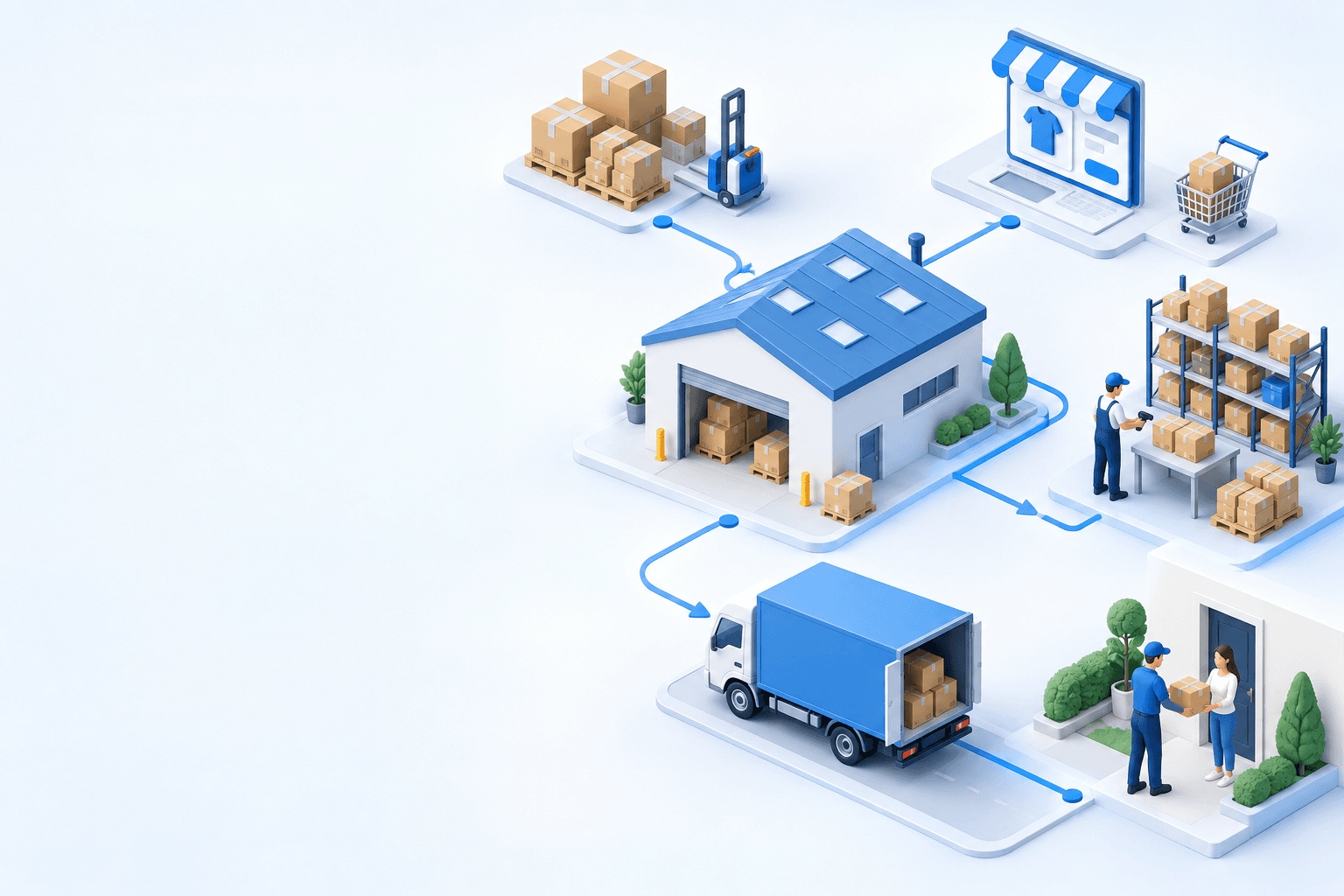


Stock availability, picking accuracy, and shipping times affect marketplace sales. Jonathan Coloma, COO of Repiauto, explains how his team went from 300 to 1,000 orders a day in two years. He describes the limits of paper-based work, ERPs built for different needs, a go-live estimate of fifteen days, and changes to his daily routine.

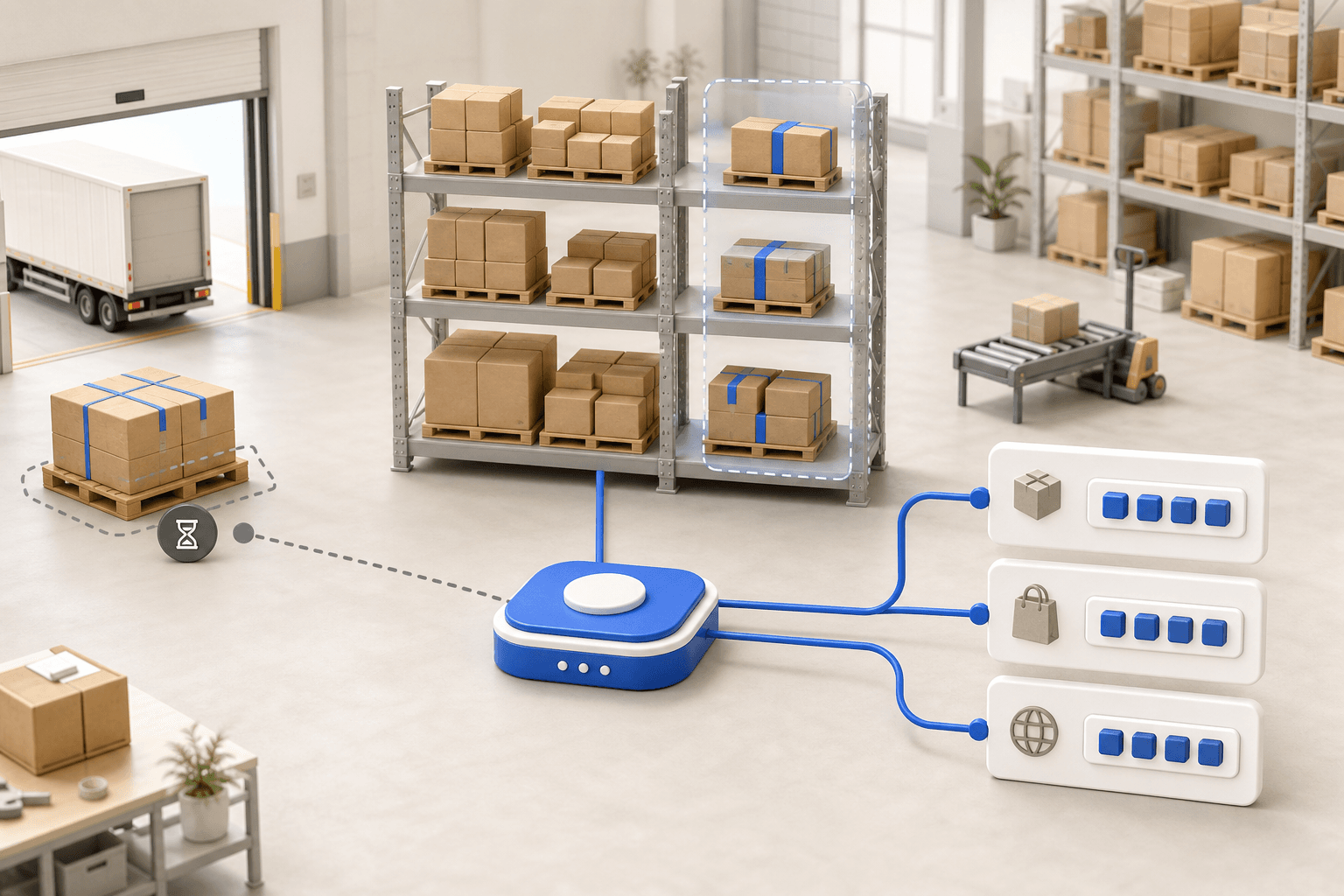
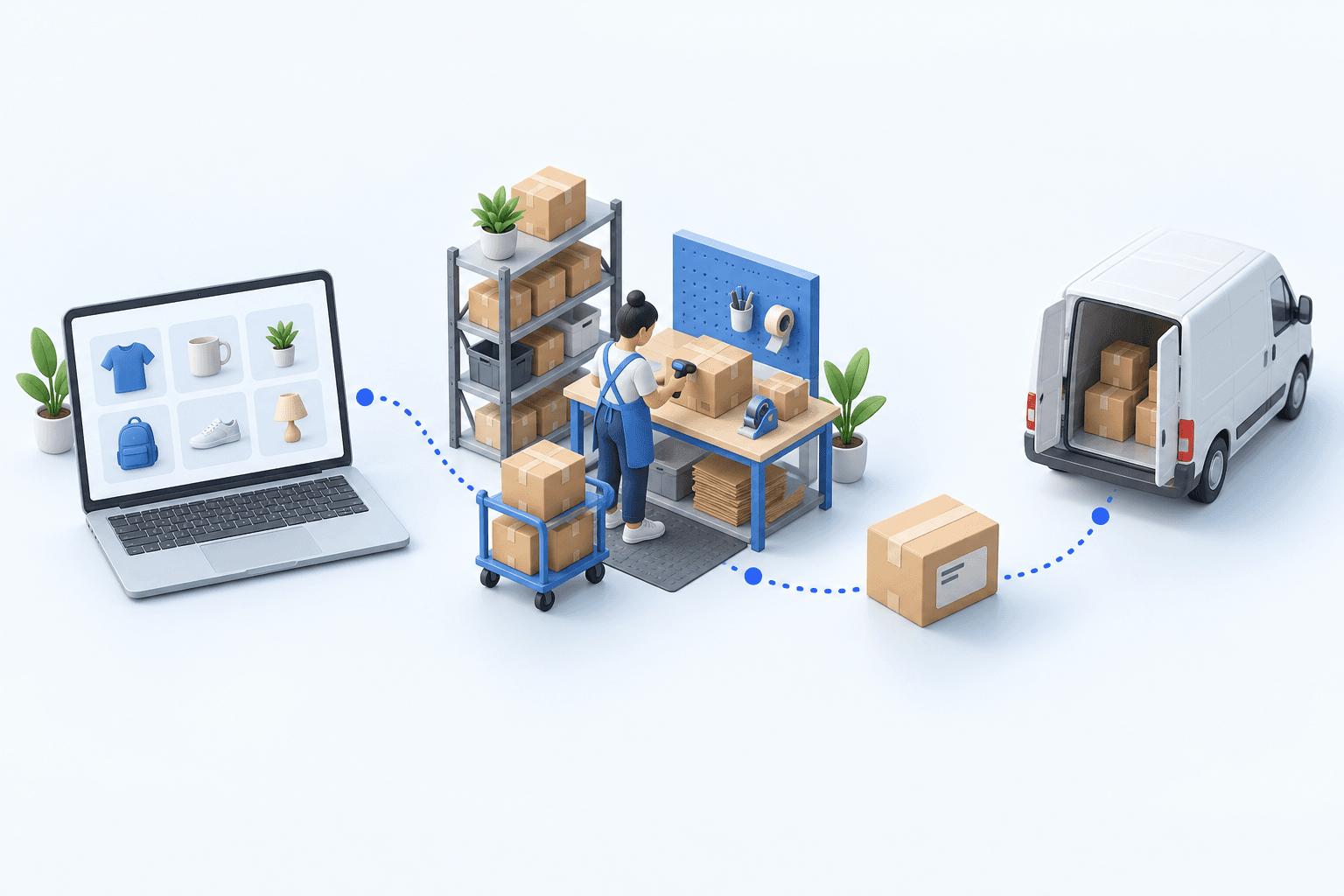
To hold up under peak volume, split the order queue into waves based on real operating constraints, then decide where barcode checks belong. At the packing bench, the operator verifies the parcel. Carrier rules select the service and print the label, so the next order can start without another decision.

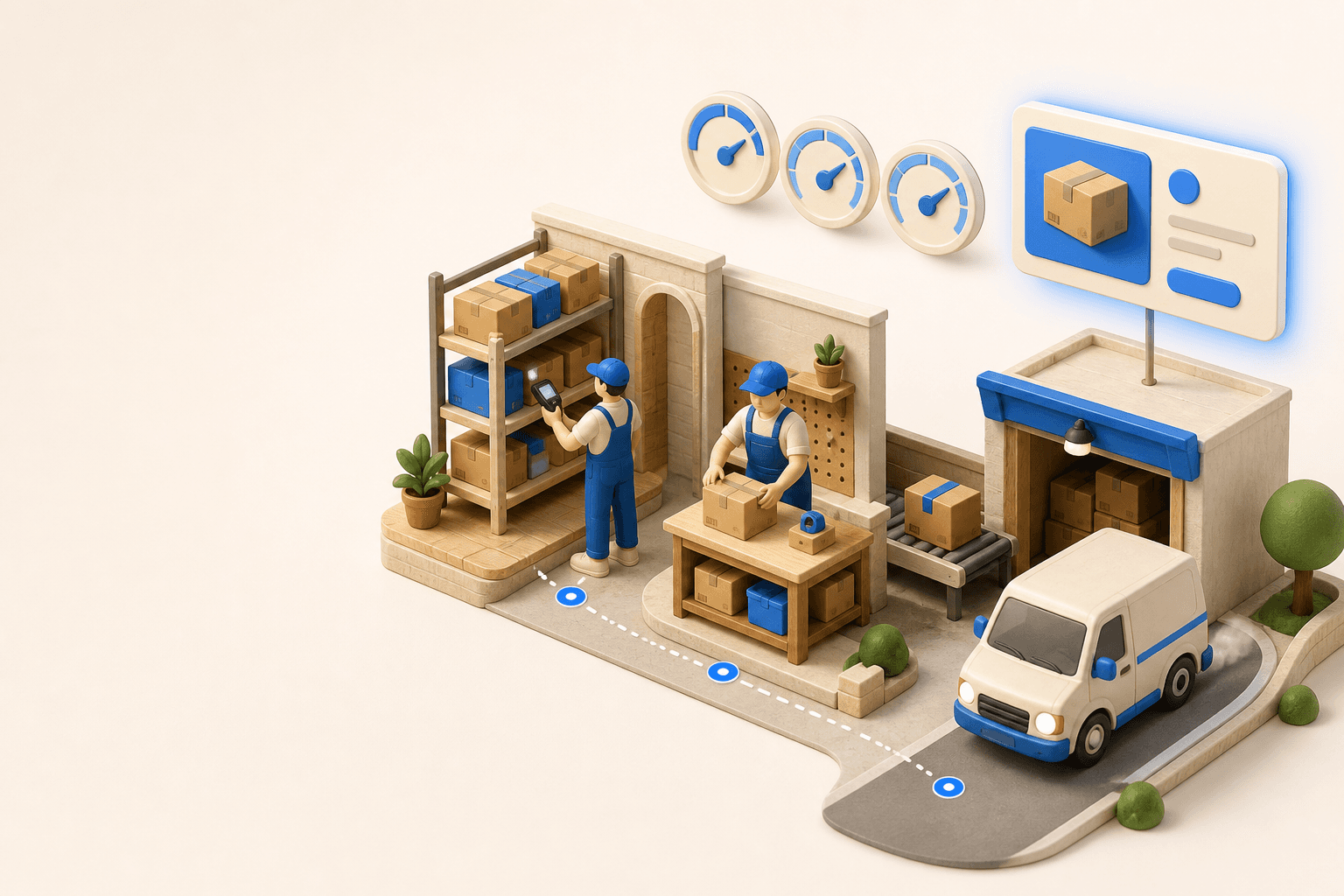
Industrializing your purchasing means ordering on rules, not guesswork: at the right time (the reorder point), in the right quantity (your coverage period), from the right supplier, with a purchase order validated in one click. Available on replay.











See it in your own operations
Book a 20-minute call. We'll map your workflow and point out where it breaks. No slides.
Free 20-min call · No commitment