
DHL WooCommerce: which shipping setup fits your operation?
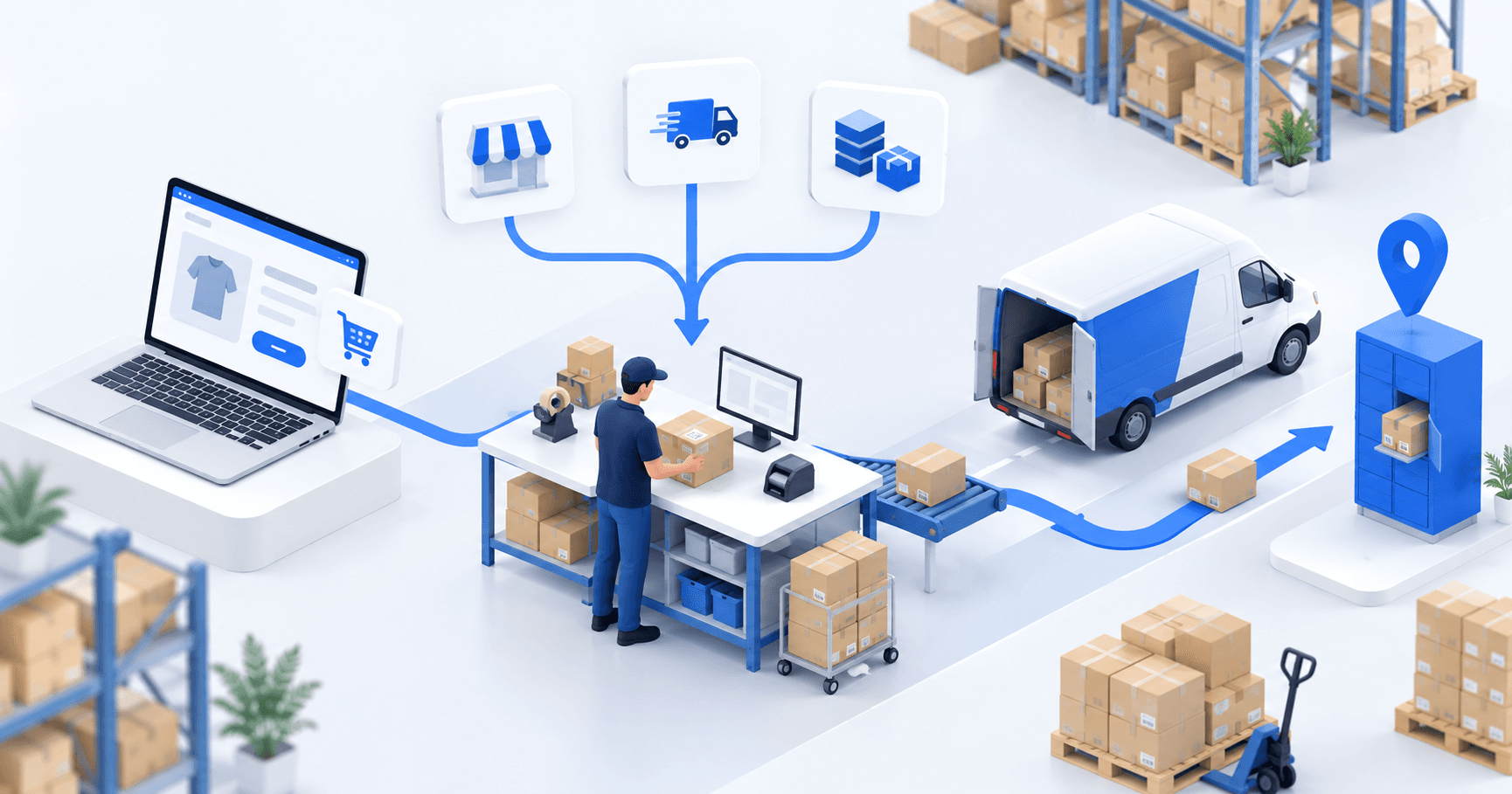
A WooCommerce store module can suit one store and one DHL route. A shipping platform helps when labels span several carriers. An OMS/WMS becomes useful when stores, warehouses, accounts, or routing rules multiply. Keep checkout rates separate from fulfillment labels, then validate the complete flow with one paid order.
 By Diogo Monteiro · E-commerce Integration Expert· Updated September 24, 2026· 4 min read
The essentials
- Checkout carries the delivery promise and price; fulfillment preserves that recorded choice when it creates the DHL label.
- Confirm the DHL division, ship-from country, account number, and credential mode; then verify the mapped service against the checkout promise.
- WooCommerce import and shipping-confirmation statuses are mappings to verify, not defaults to assume.
- The one-order test covers the imported method, DHL label and tracking, and the configured WooCommerce status.
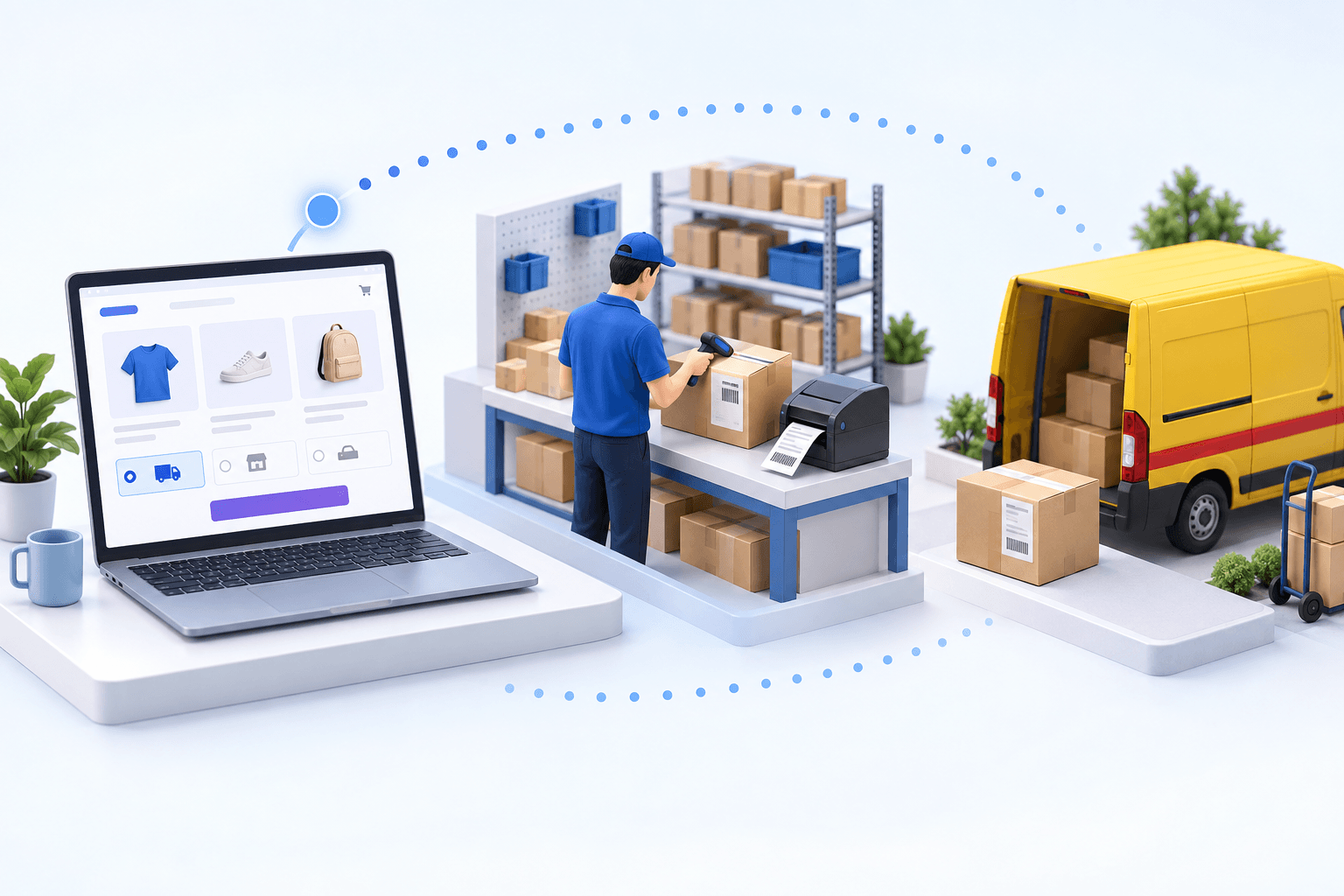
At 4:40 p.m., a DHL label prints and the tracking number exists. The parcel can leave. Yet WooCommerce still shows the order in the warehouse queue, under the wrong status. The label was successful; the operation was not. A reliable DHL WooCommerce flow has to preserve the checkout choice, create the right shipment, and return the agreed status and tracking to the order.
DHL WooCommerce: three setups, with two jobs kept separate
A store module is the lightest route for one WooCommerce store, one shipping origin, and a straightforward DHL label process. WooCommerce's DHL label page, updated in 2026, advertises savings of up to 67% and shipping to more than 220 countries and territories. Those figures describe that store-level offer, not every DHL account or the Boostmyshop flow.
A shipping platform groups labels for several carriers. It fits when the warehouse process and inventory already live elsewhere and the main need is a shared shipping desk.
An OMS/WMS fits when several stores or marketplaces feed the same operation, stock spans warehouses, or carrier rules depend on weight, destination, service, or account.
| Setup | Enough when | Check first |
|---|---|---|
| Store module | One store and origin | Country and DHL service |
| Shipping platform | Several carriers, simple warehouse | Status sync to WooCommerce |
| OMS/WMS | Several channels or warehouses | Method and status mappings |
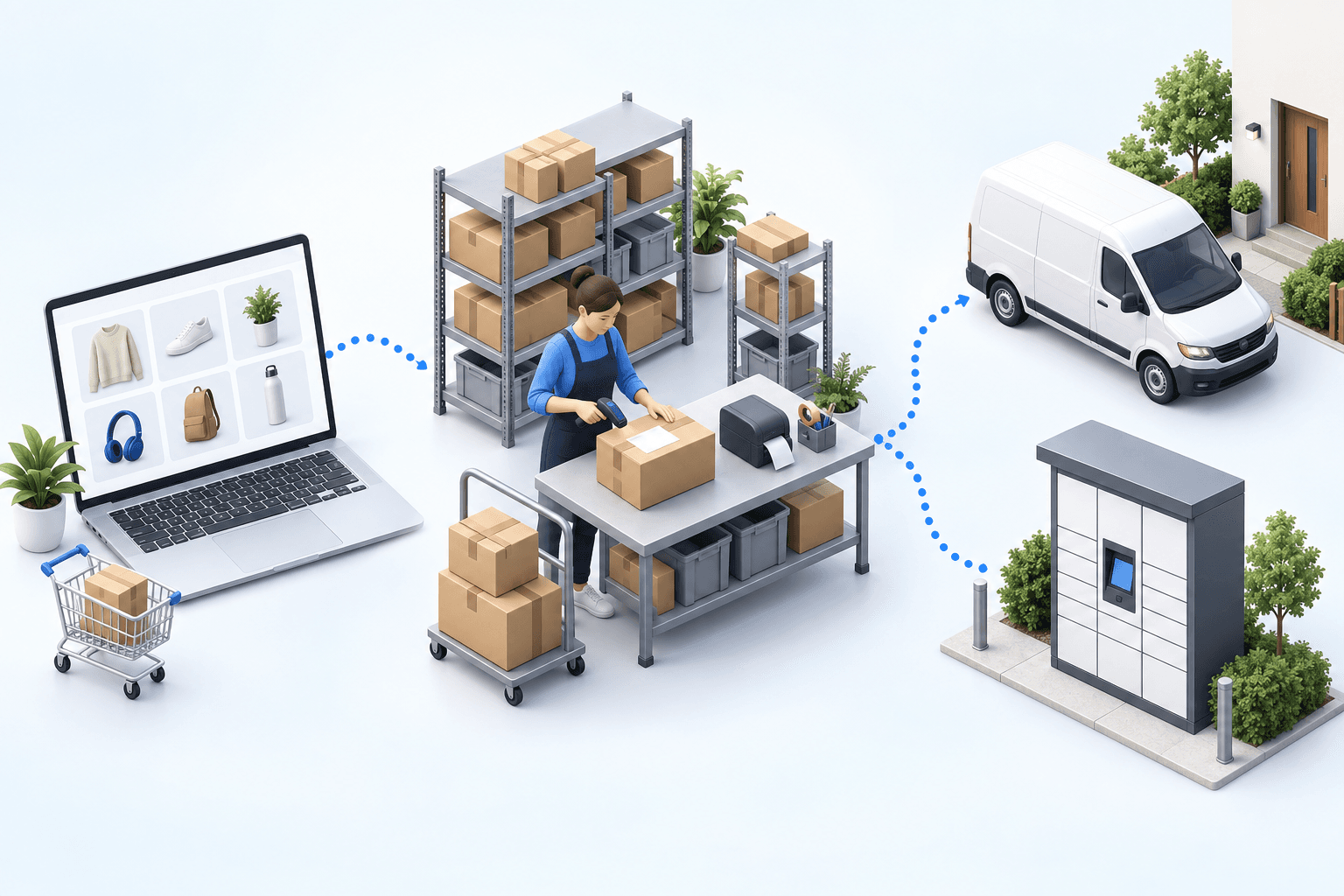
Keep the two jobs distinct. WooCommerce presents a delivery option and price at checkout. Fulfillment later maps that recorded method to a DHL service and creates the label. The Boostmyshop route covered here uses a DHL Express account through MyDHL API; confirm the division, ship-from country, account number, and whether credentials are in test or production mode.
The failures sit in the handoffs, not in the PDF
First, a WooCommerce delivery-method name can map to the wrong DHL service. DHL may still return a label, but the service no longer matches the delivery promise. DHL Group's 2025 survey of 24,000 shoppers in 24 markets found that 81% would abandon a purchase when their preferred delivery option was unavailable. That is checkout evidence; it does not turn a fulfillment connector into a checkout-rate tool.
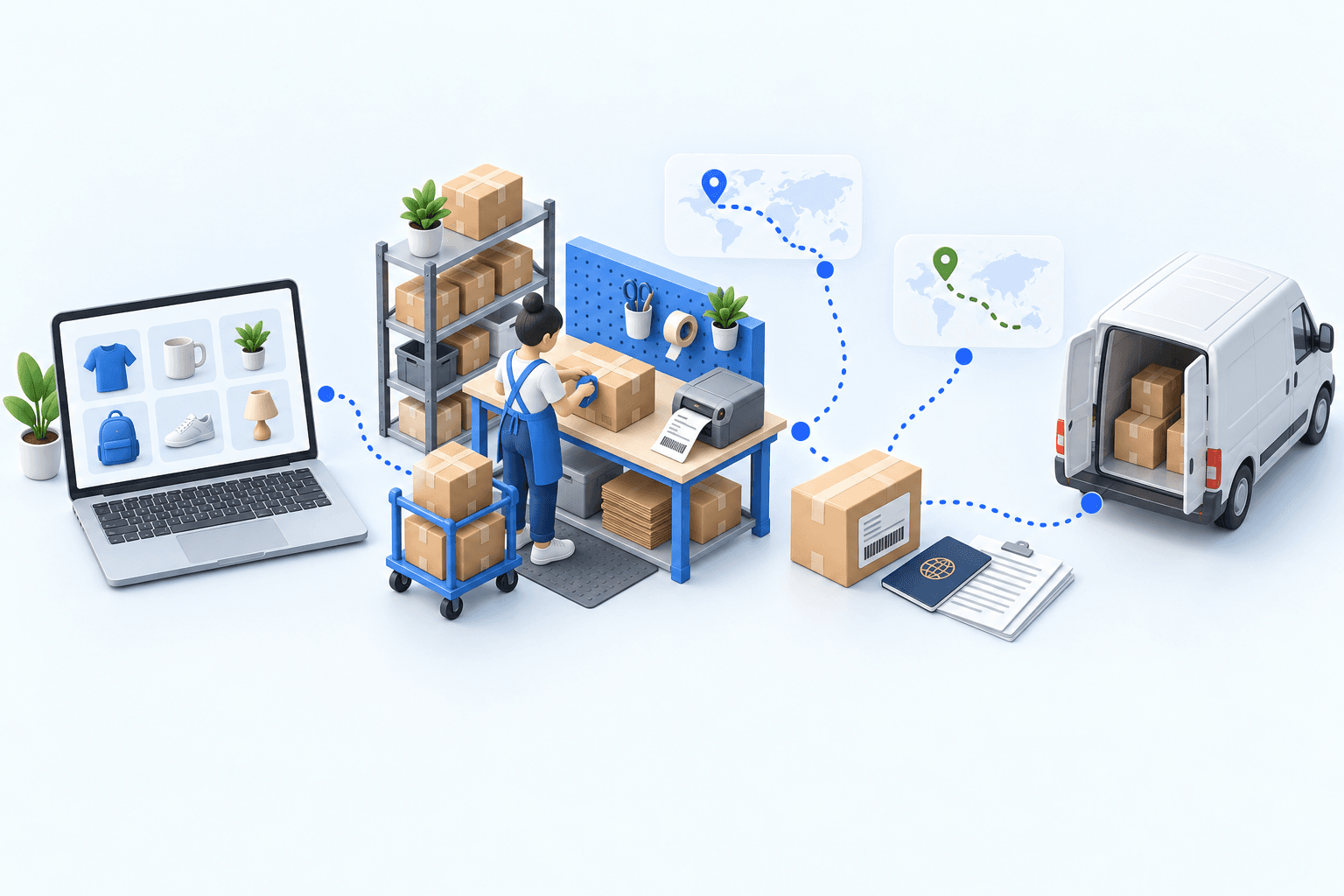
Second, the DHL account can reject the origin, service, parcel, or customs data. For an international shipment, declared value, currency, invoice details, commodity code, country of manufacture, and weight must agree with the shipment. Test the account and region you will actually use.
Third, the shipment can exist while WooCommerce still shows the wrong information. The WooCommerce feed stores the carrier, tracking number, and tracking link, then sends the configured status for a full or partial shipment. Arcep counted 1.7 billion parcels in 2024, up 3.7% year over year in its 2025 observatory. At that scale, a silent status or tracking gap is an operating-control failure.
 WooCommercePaid order
 DHLLabel and tracking
Two separate myFulfillment cases show why the control layer matters. A Lyon 3PL using WooCommerce moved manual re-entry from every order to zero and reduced frequent picking errors to near zero. A multi-carrier distributor using DHL reduced label errors from between 5% and 8% of shipments to under 1%. They are separate operations, not a combined-pair benchmark.
Run one paid order through the 20-minute test
Use one paid order with a delivery method your team can identify quickly. In the first five minutes, confirm that WooCommerce shows the expected status, address, items, and chosen delivery method. Then verify that the imported order carries the same method after mapping.
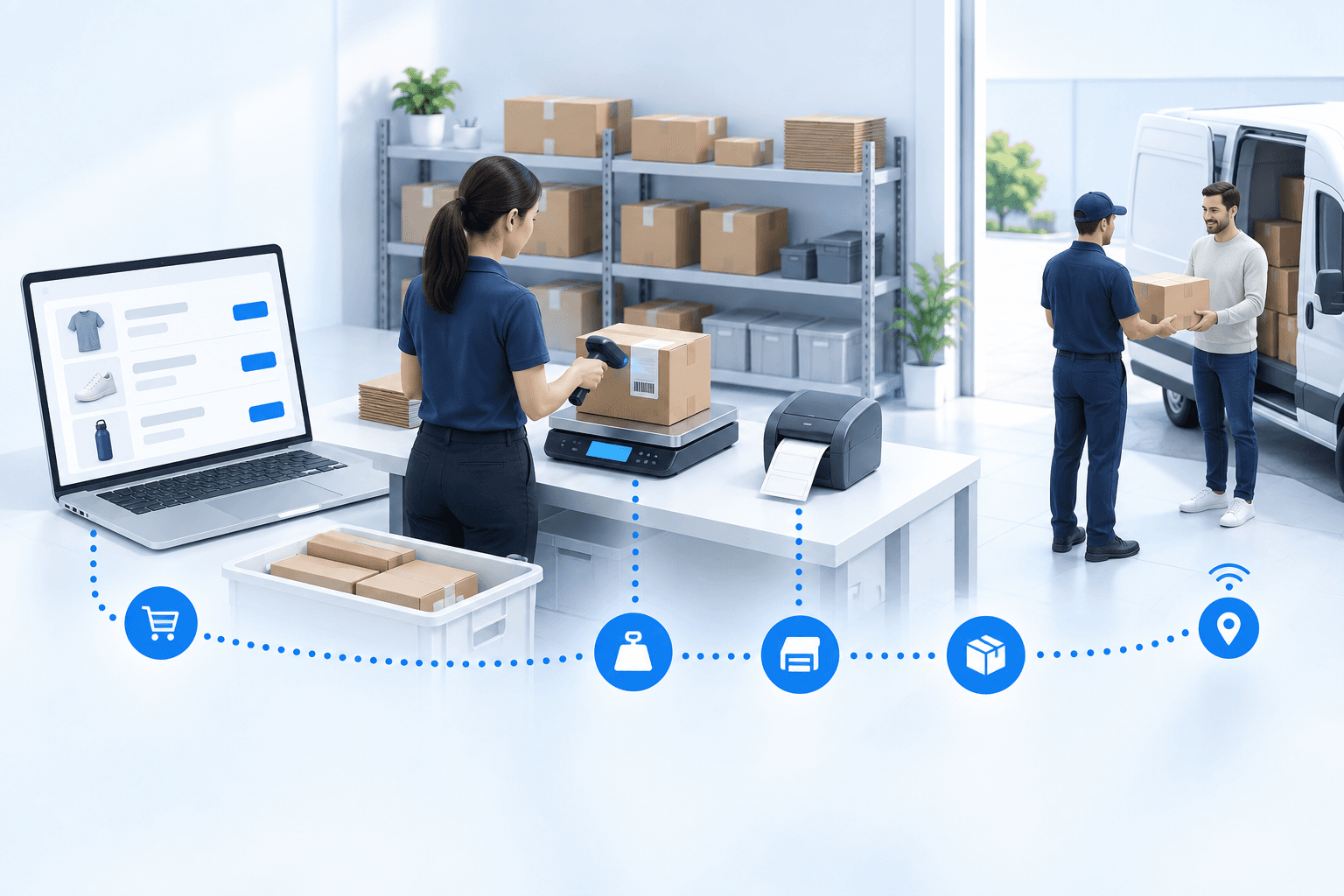
Spend the next five minutes at packing. Use the DHL Express account and settings that reflect production, but keep the shipment within your safe test procedure. Check the origin, destination, parcel weight and dimensions, selected DHL product, and customs data when the route crosses a border.
Use the final ten minutes to create the shipment. The label must be readable, and the saved tracking number must match DHL. Return to WooCommerce: the order must contain the same tracking number, carrier, and link, plus the status configured for a full or partial shipment.
- 1WooCommerce orderOrder number and delivery method presentCheck in WooCommerce
- 2Parcel checkItems and quantities validatedCheck at the packing station
- 3DHL shipmentLabel and tracking number createdCheck in the DHL account
- 4Tracking sync back to WooCommerceOrder marked as fulfilledCheck in WooCommerce
Stop at the first missing proof. A wrongly imported method points to the WooCommerce mapping. A rejected shipment points to the DHL account, service, address, parcel, or customs data. A valid label with no matching WooCommerce update points to shipping confirmation or status mapping. Fix that boundary, then rerun the same order path.
Move to an OMS/WMS when the rules must be shared
For one store, one origin, and few exceptions, a store module may remain the sensible choice. A shipping platform is the middle ground when labels are the shared task.
myFulfillment becomes relevant when several channels feed one order queue, several warehouses hold stock, or carrier rules and status mappings must stay consistent. The OMS handles order flow and confirmation; the WMS controls picking and packing; the transport layer creates the shipment under your DHL account.
For the scope of each setup, see the WooCommerce and DHL integration pages. The Shopify × DPD decision article applies the same acceptance logic to a different pair.
Frequently asked questions
Not in this flow. WooCommerce presents the checkout option and price. The fulfillment system receives the chosen method, maps it to a DHL service, and creates the shipment label.
The Boostmyshop path described here uses a DHL Express account with MyDHL API credentials. Confirm the ship-from country, account number, service availability, and test or production mode.
Your mapping decides it. Full and partial shipments have separate configured status values, so test the exact status expected for each before releasing the flow.
Choose an OMS/WMS when several channels, warehouses, DHL accounts, or routing rules must share one order queue and one controlled shipping-confirmation process.
Continue exploring
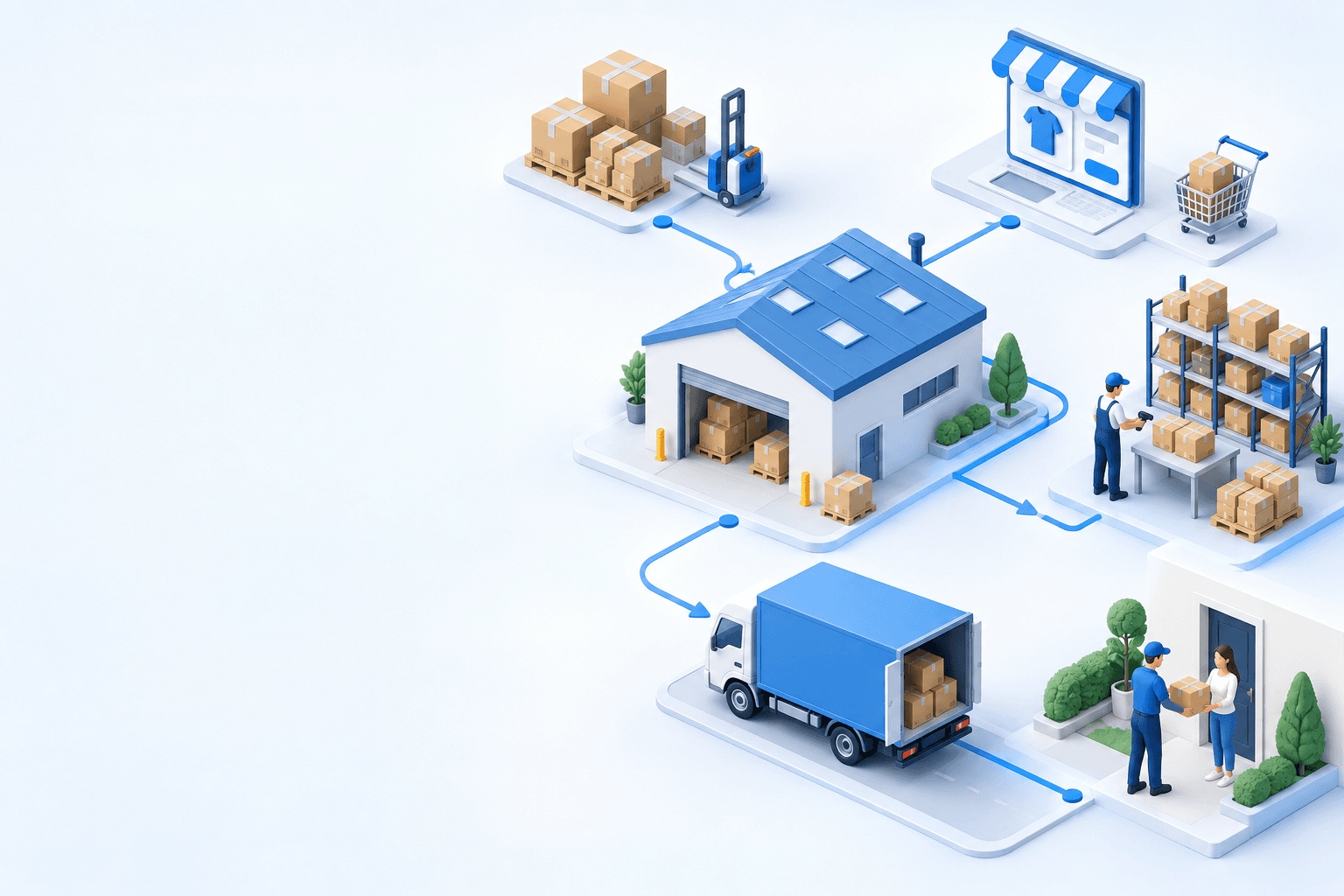
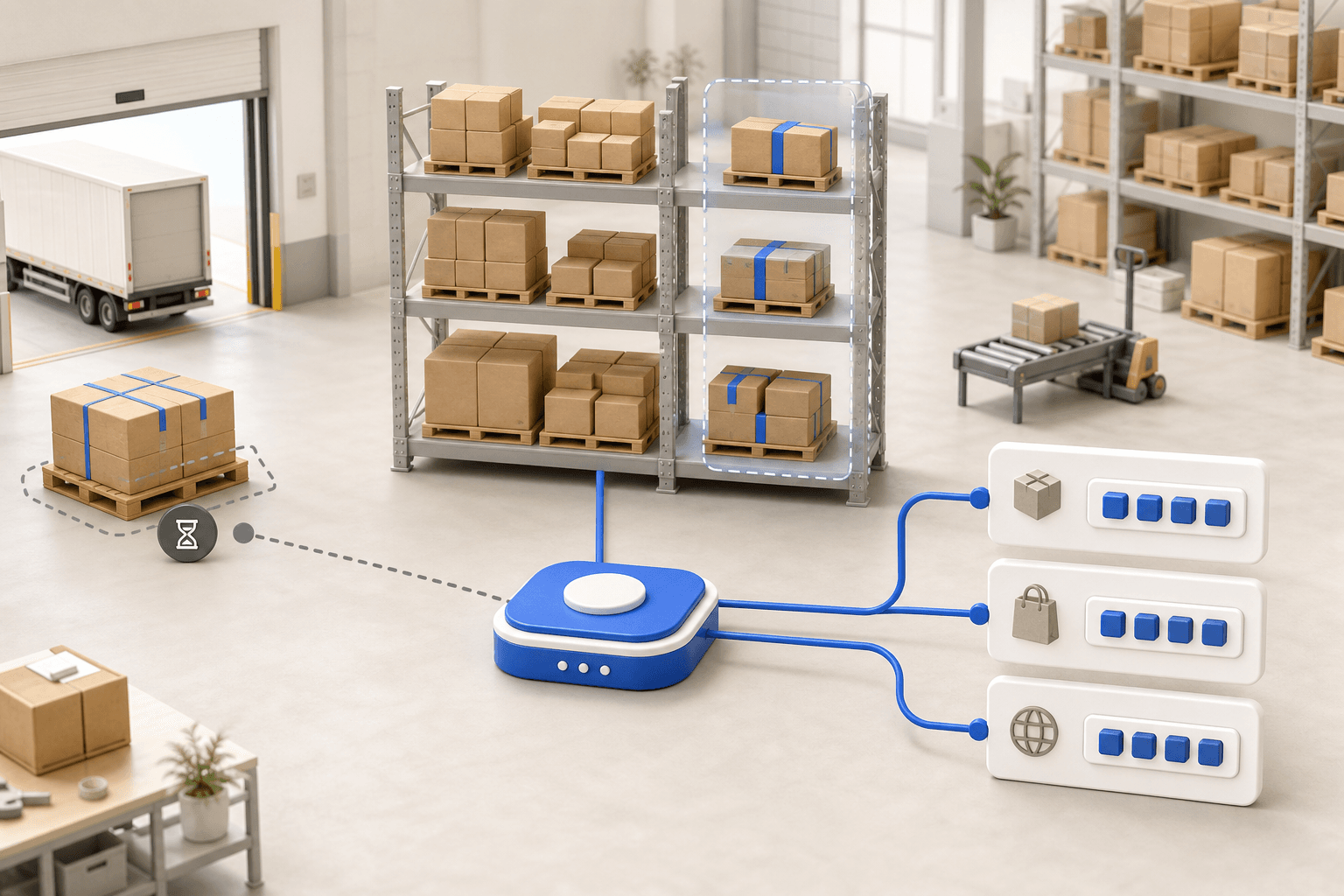
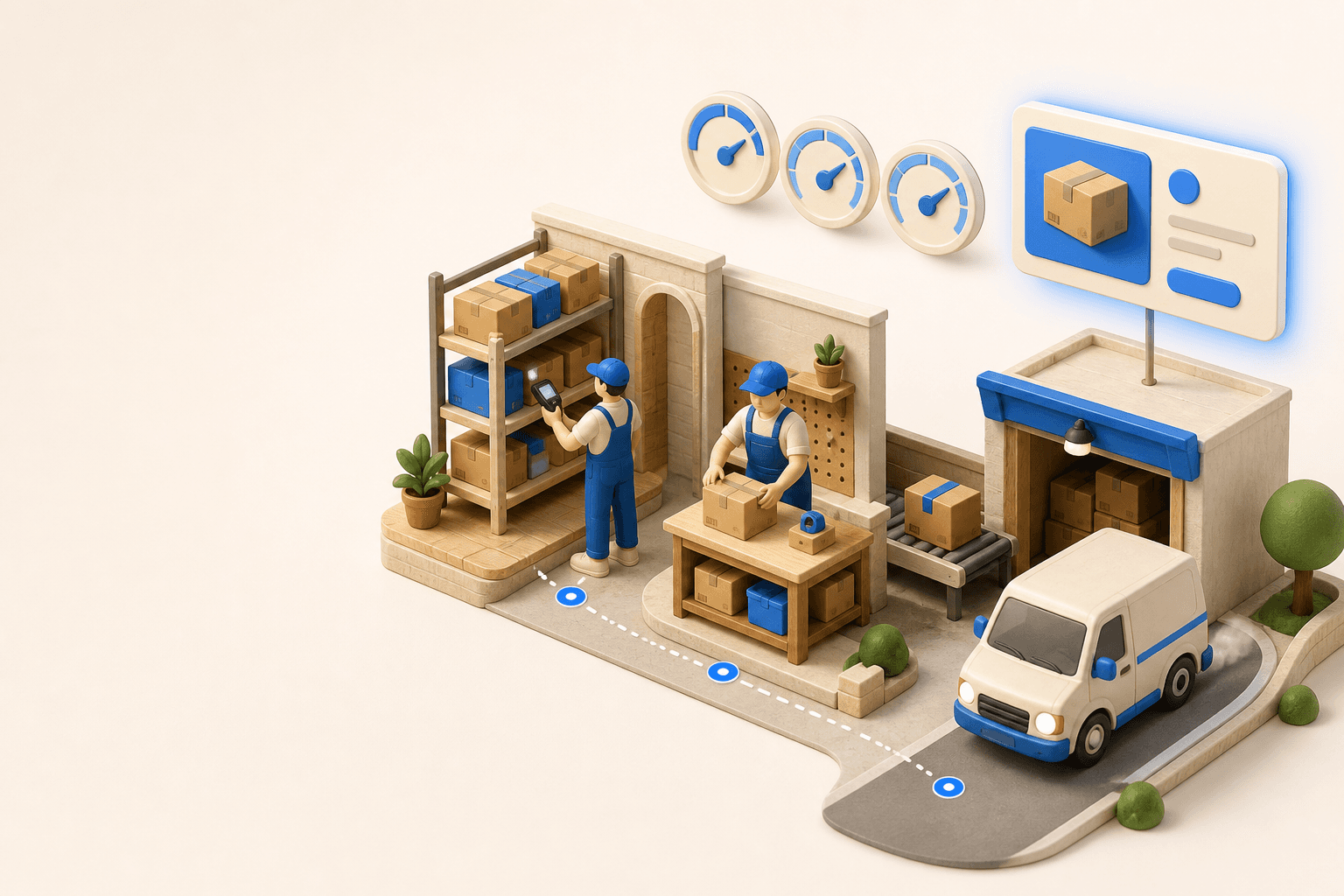
Stock availability, picking accuracy, and shipping times affect marketplace sales. Jonathan Coloma, COO of Repiauto, explains how his team went from 300 to 1,000 orders a day in two years. He describes the limits of paper-based work, ERPs built for different needs, a go-live estimate of fifteen days, and changes to his daily routine.

To hold up under peak volume, split the order queue into waves based on real operating constraints, then decide where barcode checks belong. At the packing bench, the operator verifies the parcel. Carrier rules select the service and print the label, so the next order can start without another decision.

Industrializing your purchasing means ordering on rules, not guesswork: at the right time (the reorder point), in the right quantity (your coverage period), from the right supplier, with a purchase order validated in one click. Available on replay.

See it in your own operations
Book a 20-minute call. We'll map your workflow and point out where it breaks. No slides.
Free 20-min call · No commitment