
Shopify UPS integration: which shipping setup fits?
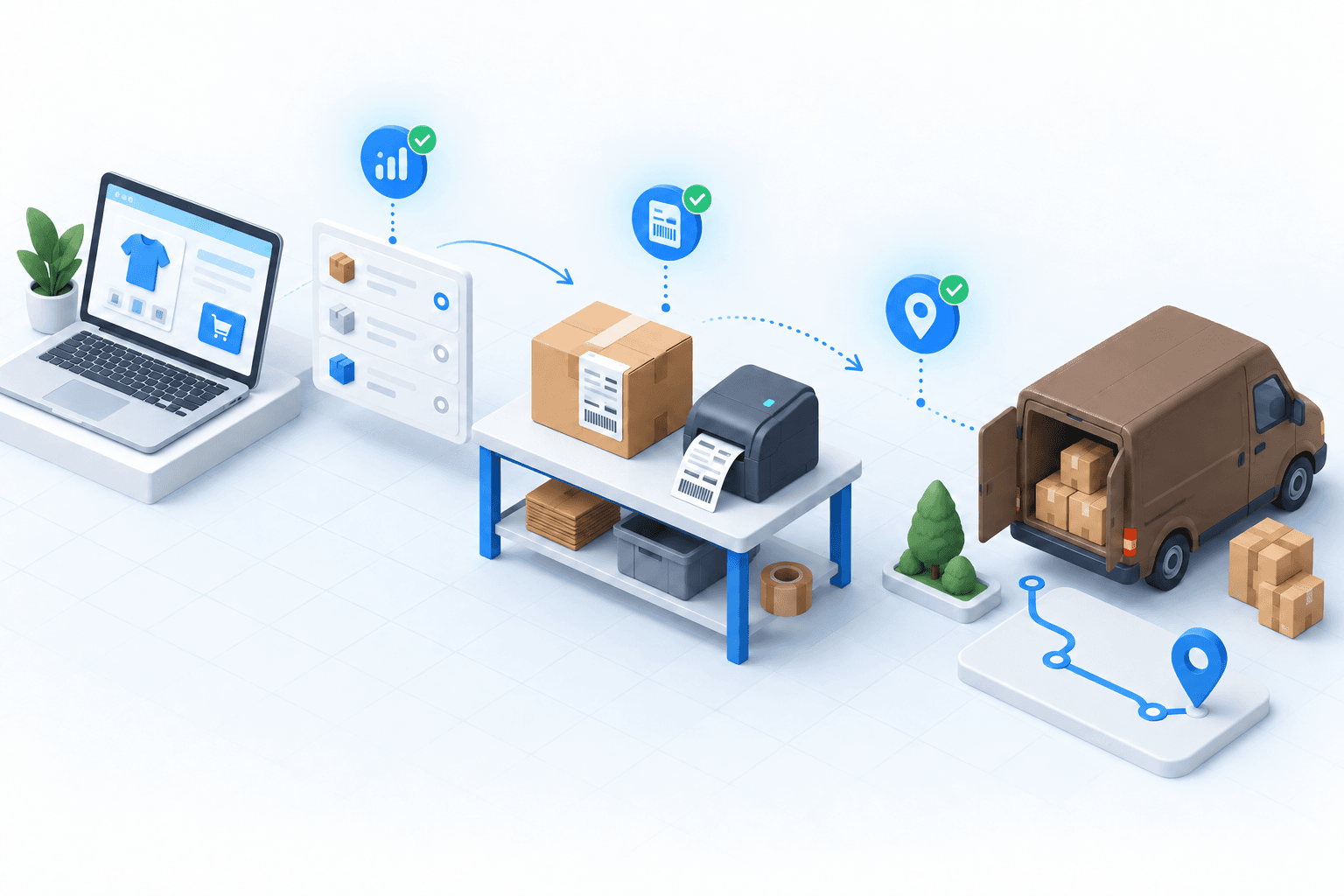
A Shopify UPS integration is ready only when the chosen setup can use the right UPS account, return the expected service and rate, print a valid label, and write the same tracking number back to Shopify. Choose an app, shipping platform, or OMS/WMS according to how many channels and warehouses need those checks.
 By Diogo Monteiro · E-commerce Integration Expert· Updated September 25, 2026· 4 min read
The essentials
- Confirm the UPS account and credentials before judging any rate or label result.
- Treat rate, label, and Shopify tracking as three separate acceptance checks.
- Test one standard order and one express order through the full flow.
- Move to an OMS/WMS when stores, warehouses, or routing criteria multiply.
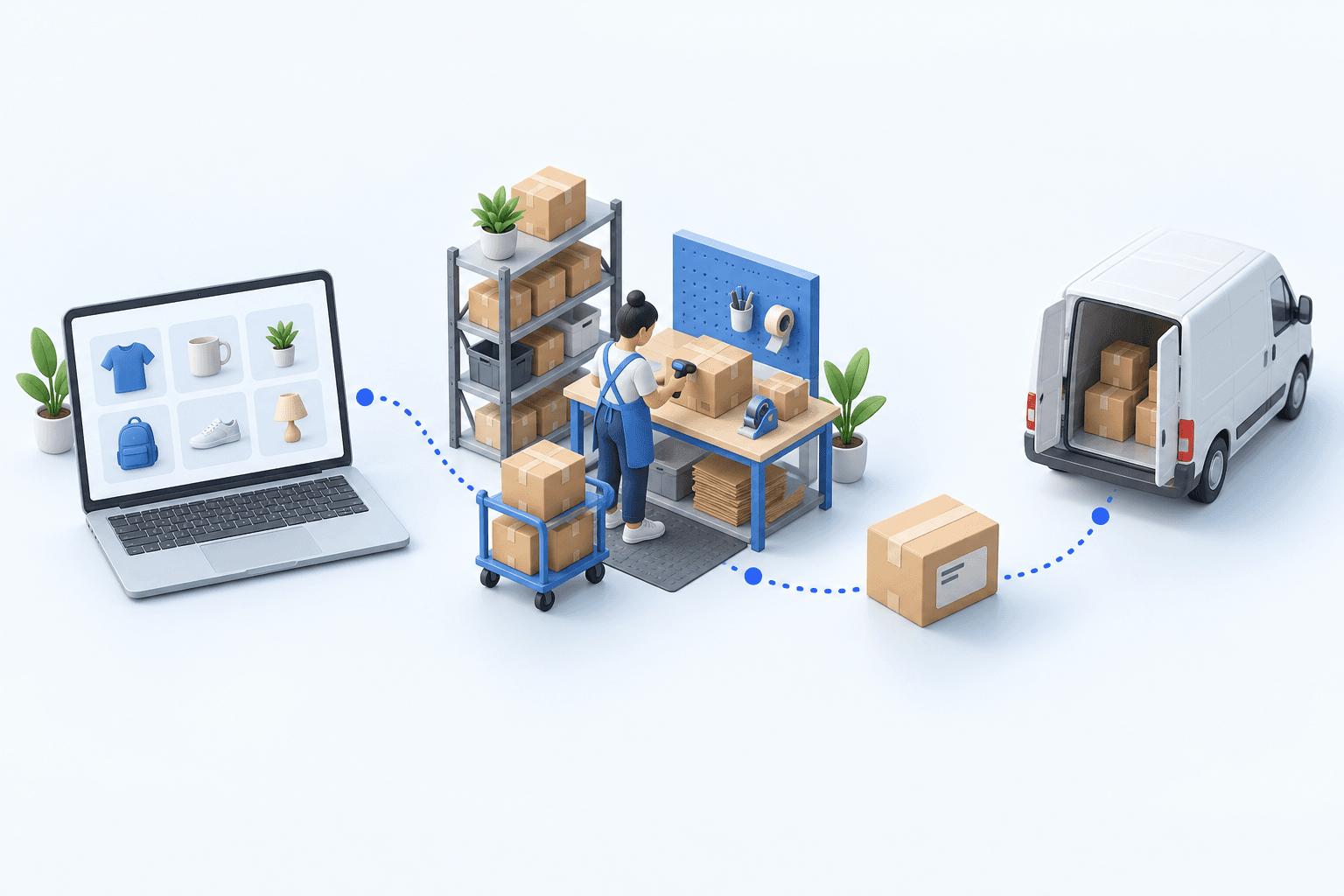
A standard order and an express order are paid in Shopify before the 3 p.m. carrier cutoff. Both reach the packing station, yet one receives the wrong UPS service and the other never gets its tracking number in Shopify. The account is connected, but the operation is not ready. The team now has two faults that look like one shipping problem.
Shopify UPS integration: which of the three setups fits?
A UPS app can suit one Shopify store shipping from one location. Before choosing it, confirm who owns the UPS account, whether the app can use the contract rates you expect, and where operators will print labels. The Shopify UPS calculated-shipping documentation, accessed in 2026, lists plan eligibility, a UPS account and an account number among its prerequisites. The UPS Shopify app page, also accessed in 2026, says an existing account and negotiated rates can be connected.
A shipping platform is the middle option when the team needs several carriers but still manages stock and preparation elsewhere. An OMS/WMS earns its place when several stores, marketplaces or warehouses must use the same routing criteria and exception process.
| Setup | When it is enough | Check before launch |
|---|---|---|
| UPS app | One store, one shipping location | Account, rate, label, tracking |
| Shipping platform | Several carriers, simple preparation | Which system owns stock and exceptions |
| OMS/WMS | Several channels or warehouses | Shared routing and operations queue |
Choose the lightest setup that can pass all three shipping proofs. A rate returned by UPS does not prove that a label will print, and a label does not prove that Shopify will receive tracking.
Find the first failed handoff, not the last visible symptom
Start with the account. In the Boostmyshop carrier service, the UPS connection uses the merchant account number and credentials; the rate request can include parcel dimensions, weight, origin, destination and negotiated-rate settings. If the standard and express services are wrong here, do not continue to label testing.
Next, create each shipment. The label response must match the selected service and return a UPS tracking number. The final handoff is separate: the Shopify fulfillment must carry that same number and mark the order as fulfilled.
 ShopifyPaid order
 UPSLabel and tracking
These checks matter at market scale. Fevad’s 2026 key figures counted 3.2 billion French e-commerce transactions in 2025. In an Arcep and CREDOC study from 2026, 62% of recipients had experienced at least one delivery problem in six months, with missing tracking among the reported issues. Arcep’s observatory published in 2025 recorded 1.7 billion parcels distributed in France and exported in 2024, up 3.7%.
One multi-carrier electronics distributor moved away from three separate carrier portals. Its label-error rate, initially between 5% and 8% of shipments, fell to under 1% in the first month, while the daily label task fell from over two hours to under ten minutes. This is one operation’s result, not a market average.
Run a 20-minute rate, label, and tracking test
Place one paid standard-delivery order and one paid express order with easy-to-find references. During the first five minutes, confirm that both orders have arrived with the right address, items, weight and requested service. Also verify that the intended UPS account is active.
Use the next five minutes to request or inspect the available UPS services and rates. Record the expected service and amount for each parcel. A standard order returning only an express service, or a negotiated amount missing from the expected account, is a rate-stage failure.
Spend the final ten minutes creating both labels. Check the service, address, weight and tracking number on each shipment. Then return to Shopify: each order must be fulfilled and show the same tracking number.
- 1Shopify orderOrder number and delivery method presentCheck in Shopify
- 2Parcel checkItems and quantities validatedCheck at the packing station
- 3UPS shipmentLabel and tracking number createdCheck in the UPS account
- 4Tracking sync back to ShopifyOrder marked as fulfilledCheck in Shopify
Repair the first failed check. Wrong services or amounts point to account, parcel or routing settings. If the rate check passes but label creation fails, investigate shipment creation. A valid UPS label with no Shopify tracking points to the write-back. Rerun both orders after the change.
Choose an OMS/WMS when shipping rules become operating rules
One store, one warehouse and a small service list may need no more than the UPS app. A shipping platform remains a sensible middle ground when the main task is producing labels across several carriers.
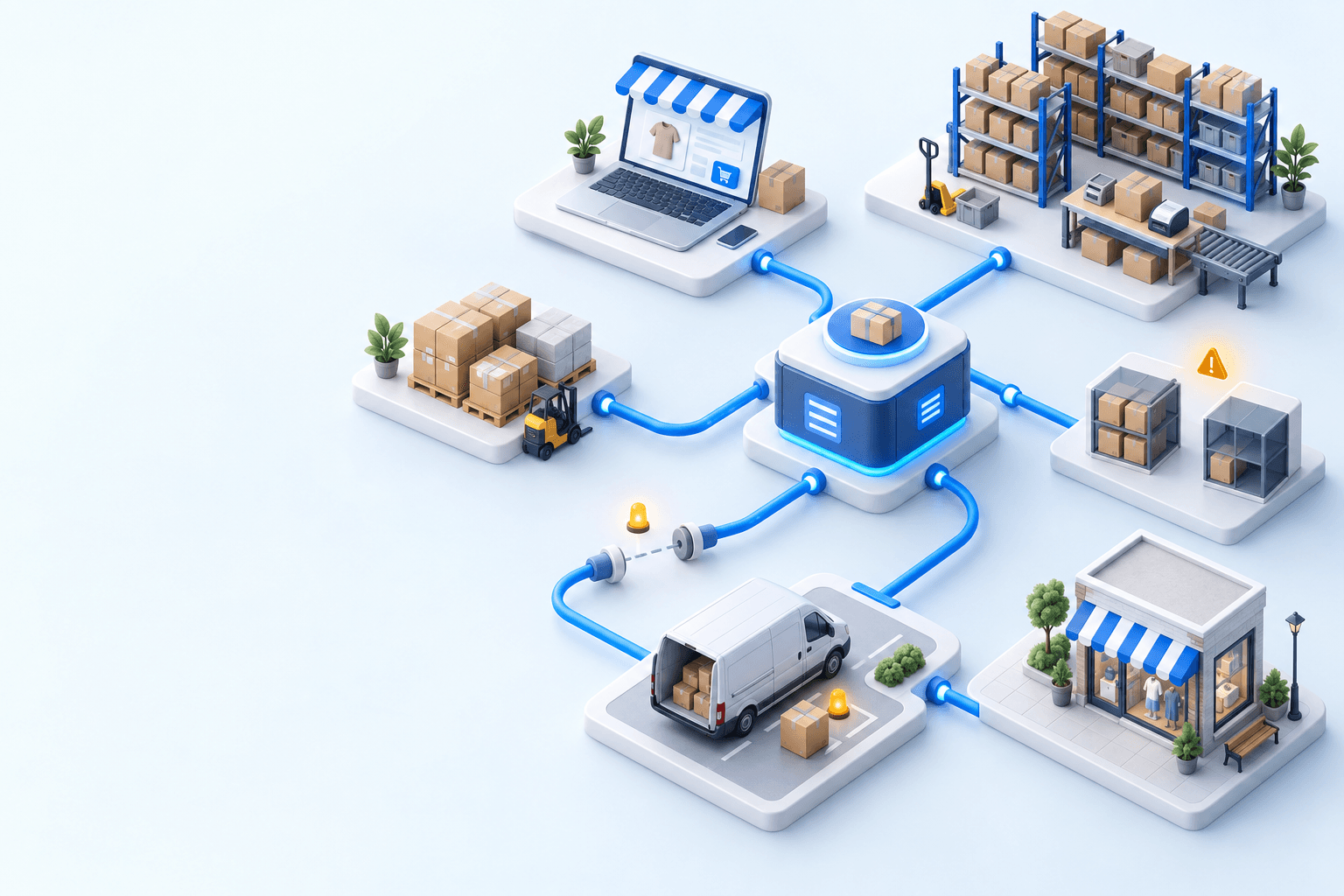
myFulfillment becomes relevant when several Shopify stores or marketplaces feed one queue, stock sits in several warehouses, or the same weight, destination and service criteria must govern every operator. Its OMS centralizes orders and exceptions; its WMS handles preparation and packing; its carrier layer handles UPS rating and label creation before sending tracking back to Shopify.
Use the Shopify integration and UPS integration pages for the mechanics. If you are comparing another carrier path, the published Shopify × DPD decision article applies the same acceptance logic.
Frequently asked questions
The account requirement depends on the setup. Shopify’s calculated-rate path documents a UPS account and account number. A myFulfillment UPS connection uses the merchant account and credentials, so verify ownership before testing rates or labels.
Rating and shipment creation are separate calls. A rate can succeed with valid parcel and account data, while the label fails on the selected service, address, weight, package settings, or credentials.
Create the UPS shipment, note its tracking number, then open the Shopify order. The order should be fulfilled and display the same number. A valid label alone does not prove the write-back worked.
Use an OMS/WMS when several channels or warehouses share routing criteria, preparation work, stock, and exception ownership. One store shipping from one location may be better served by the lighter app setup.
Continue exploring
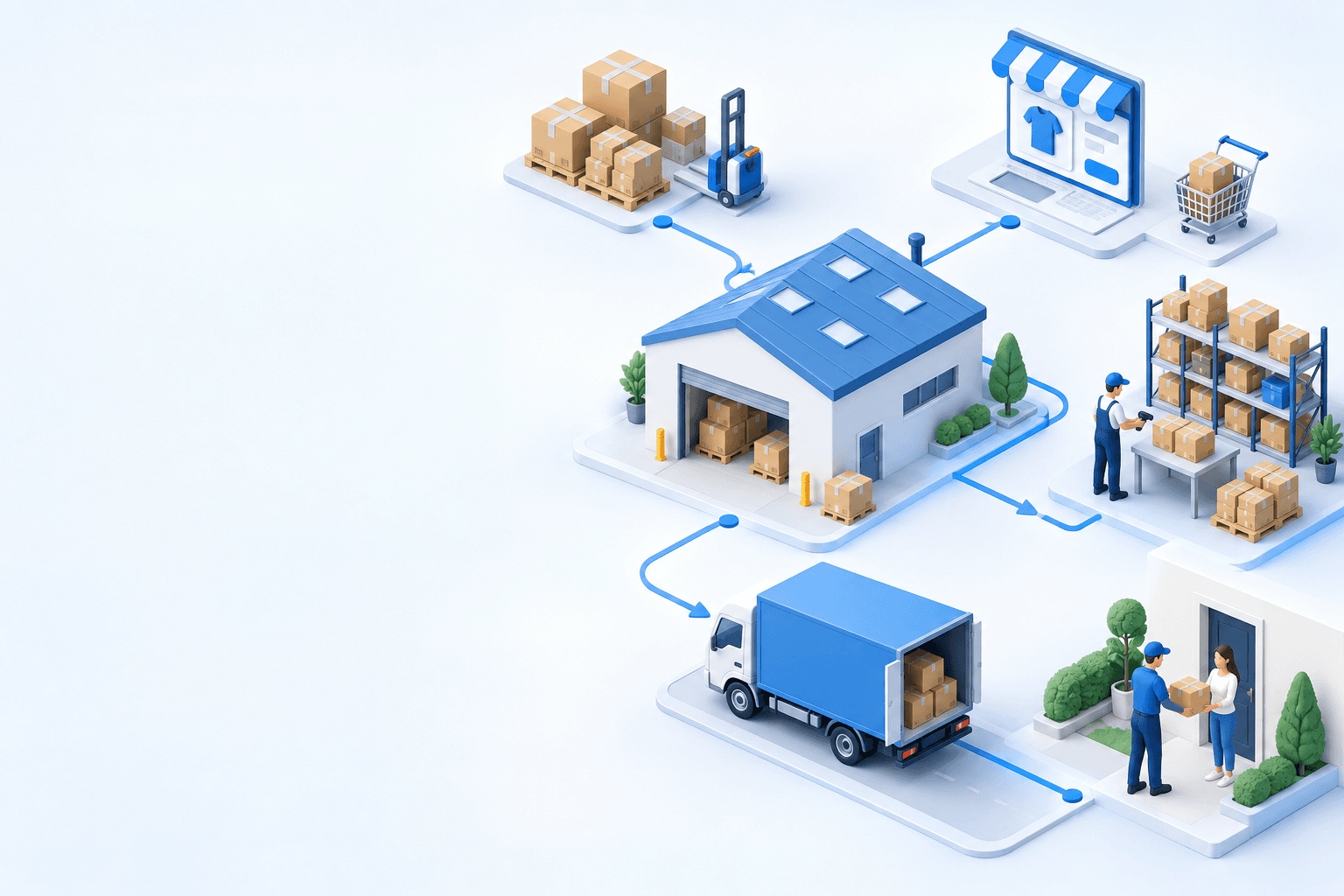


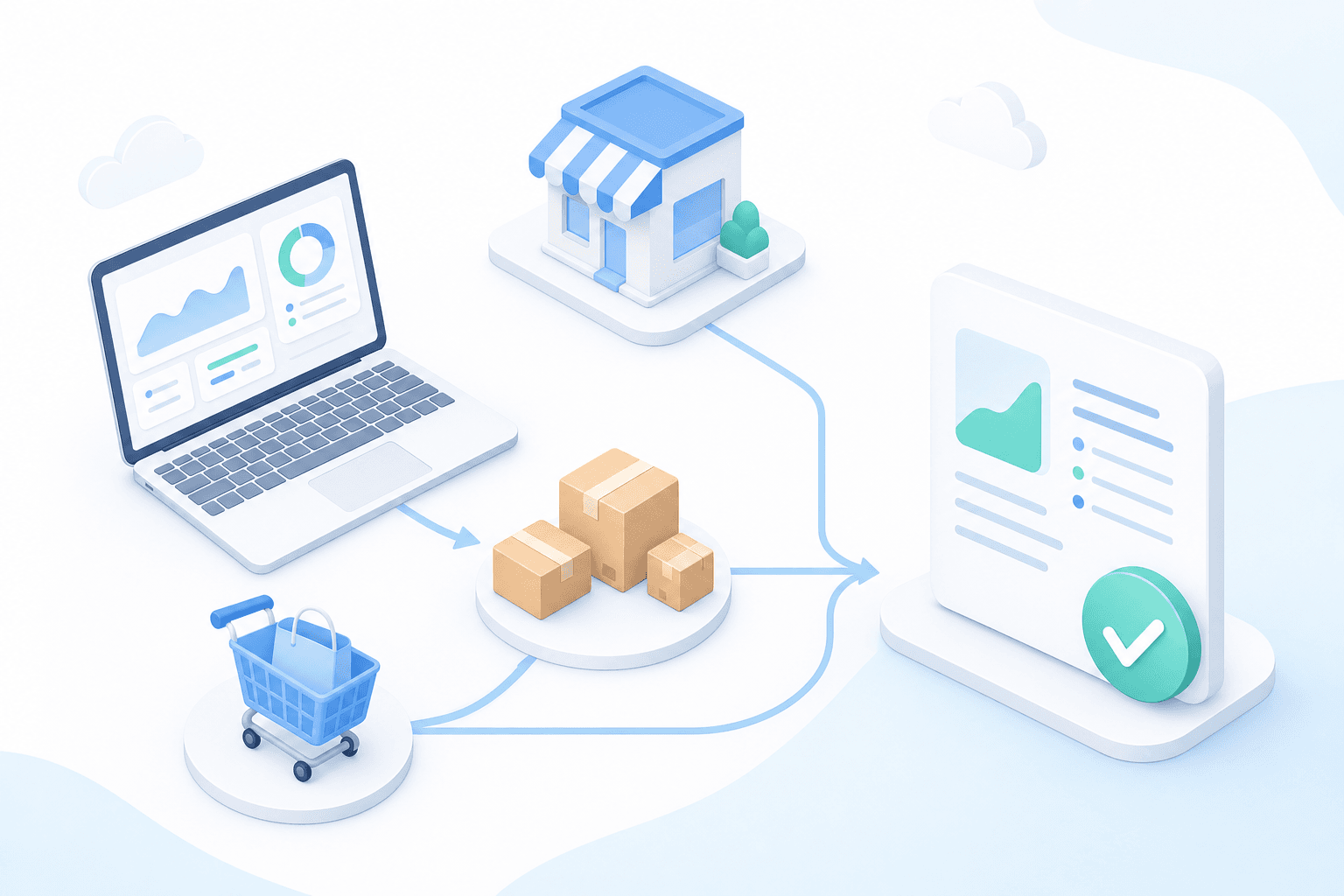
Stock availability, picking accuracy, and shipping times affect marketplace sales. Jonathan Coloma, COO of Repiauto, explains how his team went from 300 to 1,000 orders a day in two years. He describes the limits of paper-based work, ERPs built for different needs, a go-live estimate of fifteen days, and changes to his daily routine.

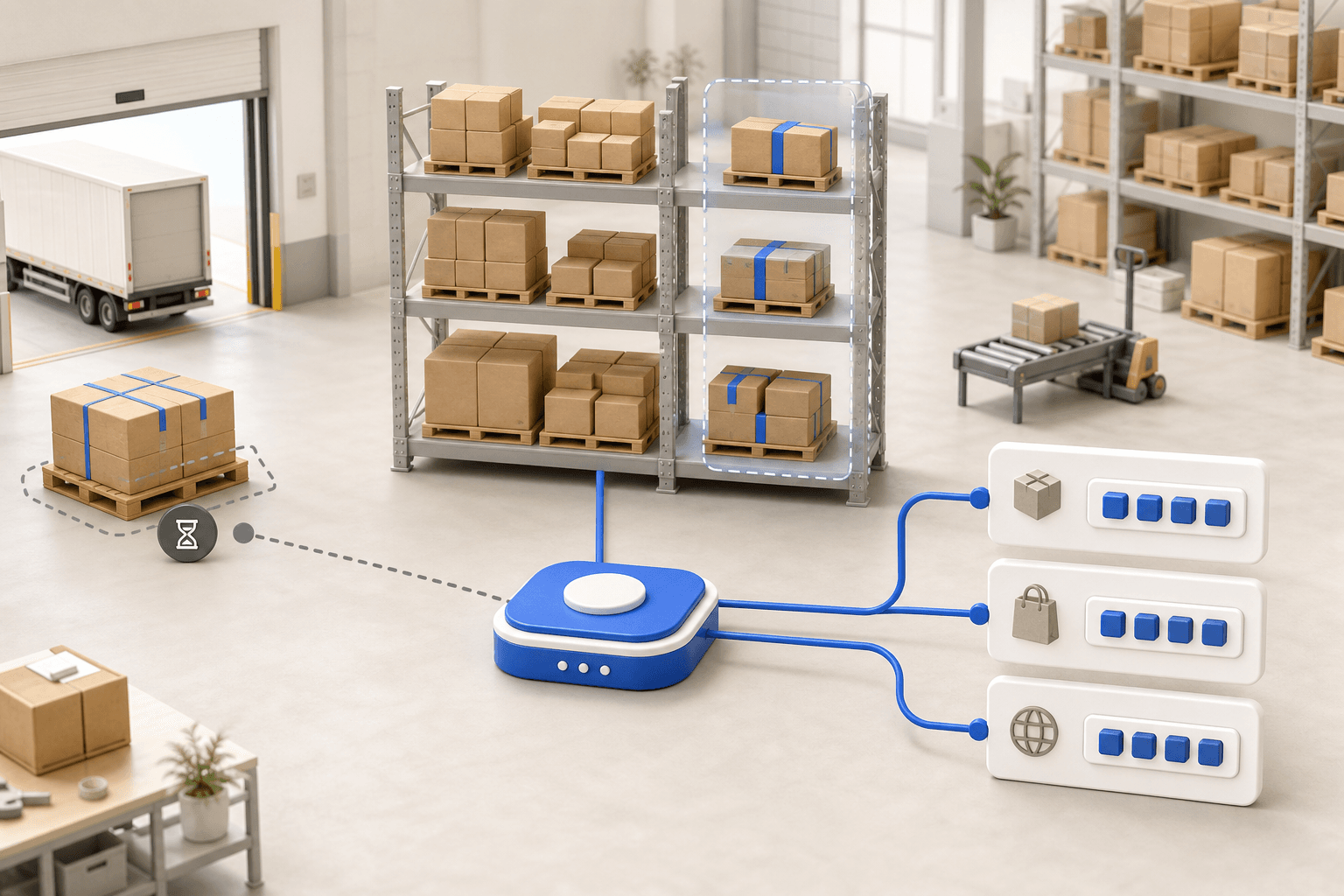
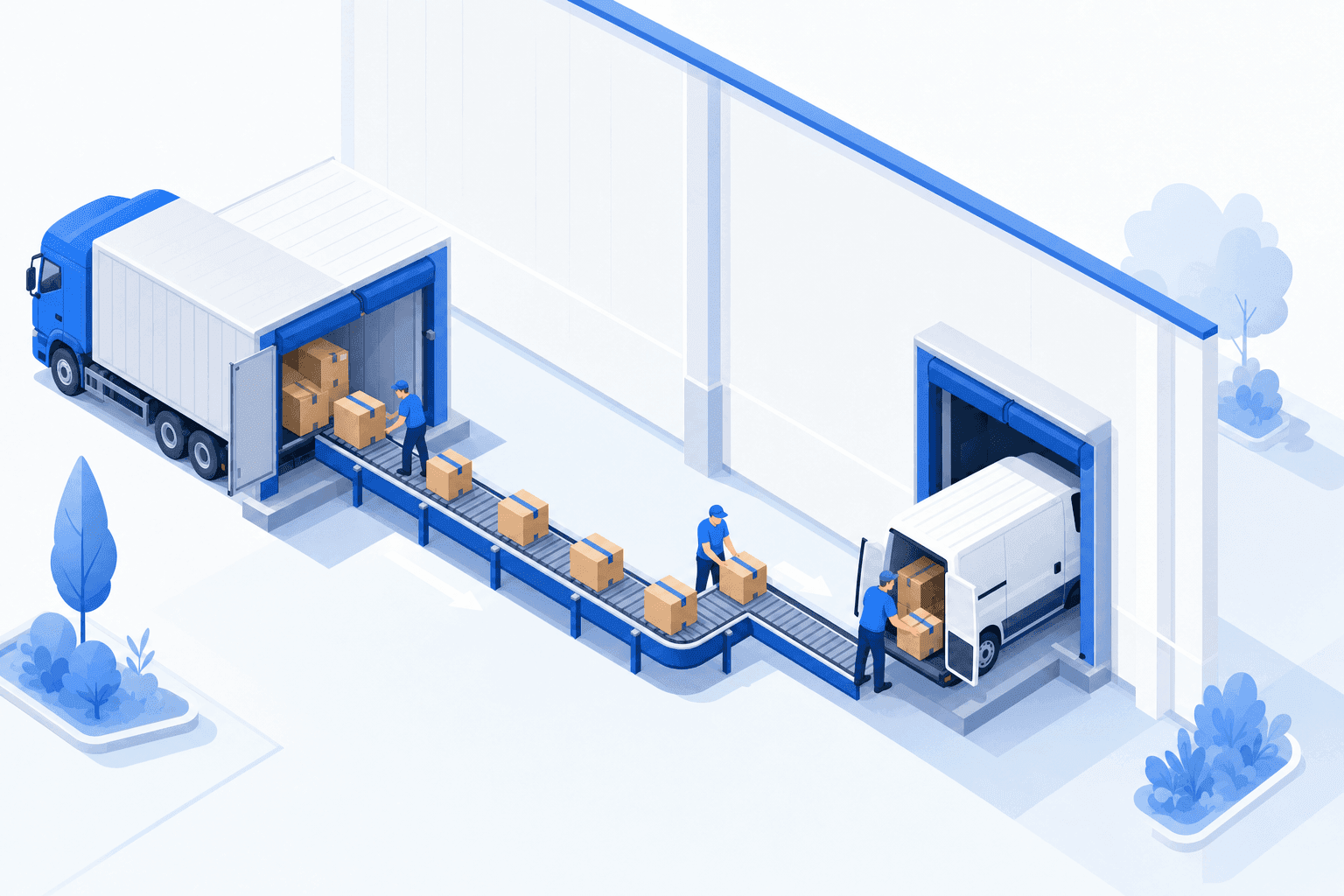
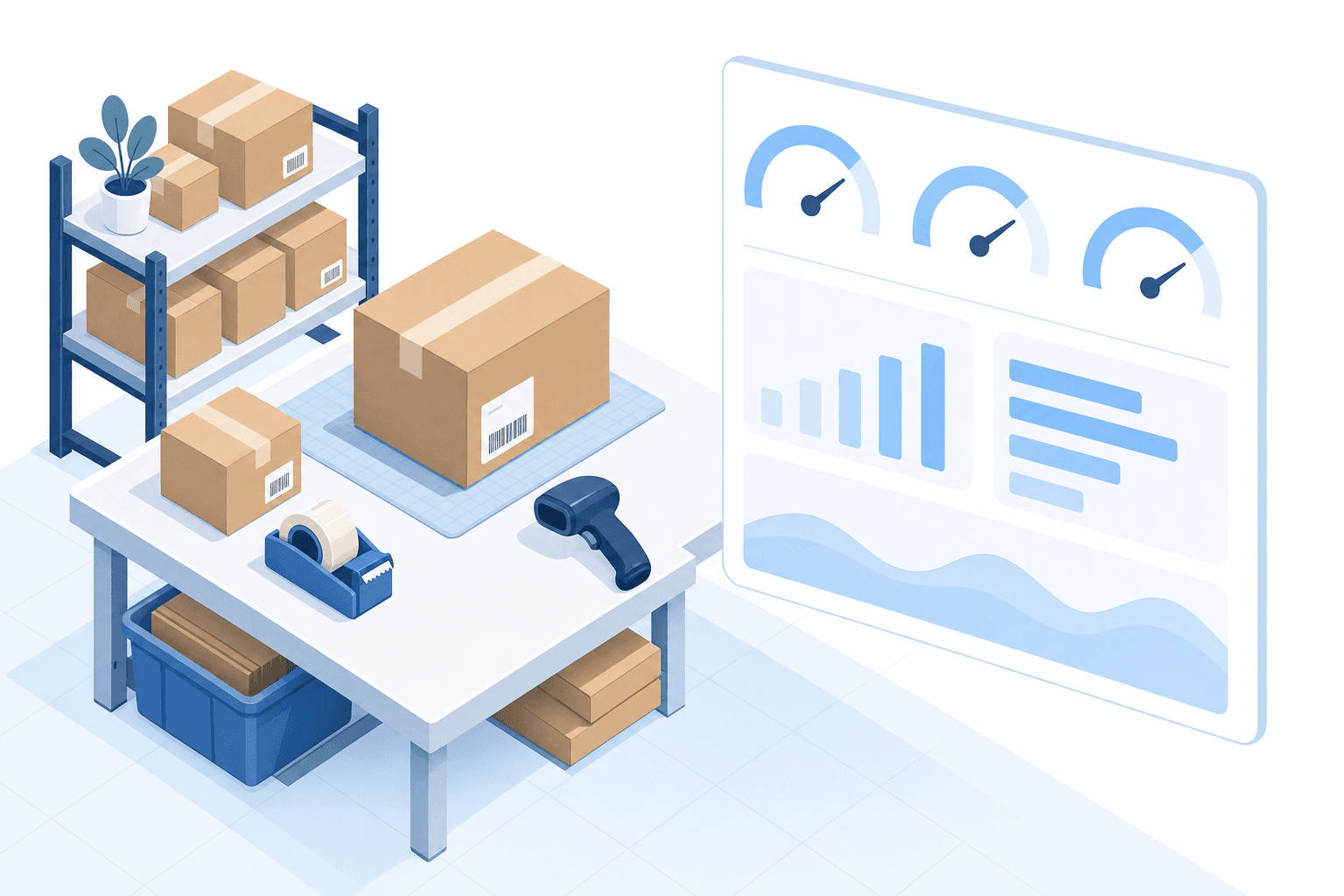
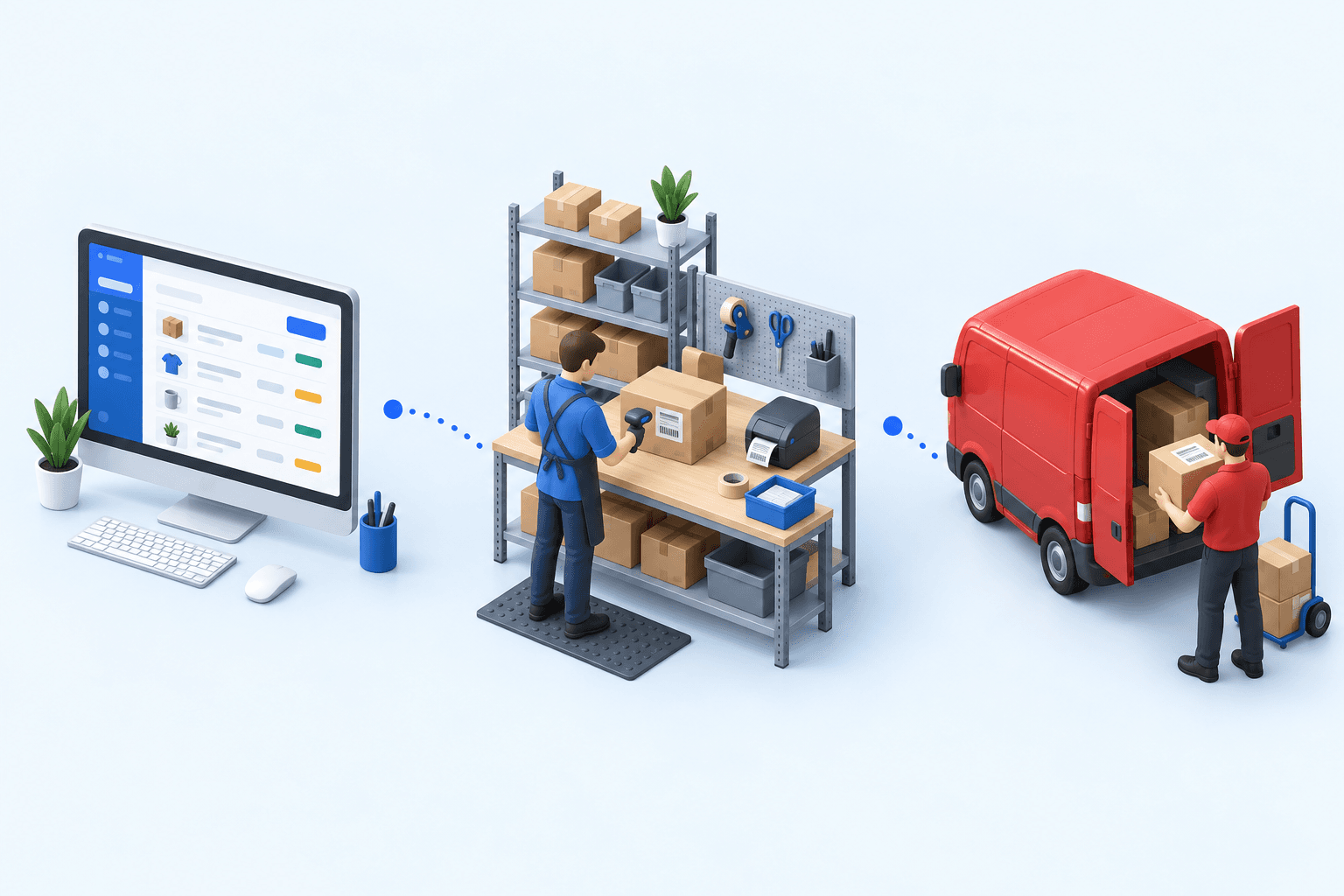
To hold up under peak volume, split the order queue into waves based on real operating constraints, then decide where barcode checks belong. At the packing bench, the operator verifies the parcel. Carrier rules select the service and print the label, so the next order can start without another decision.

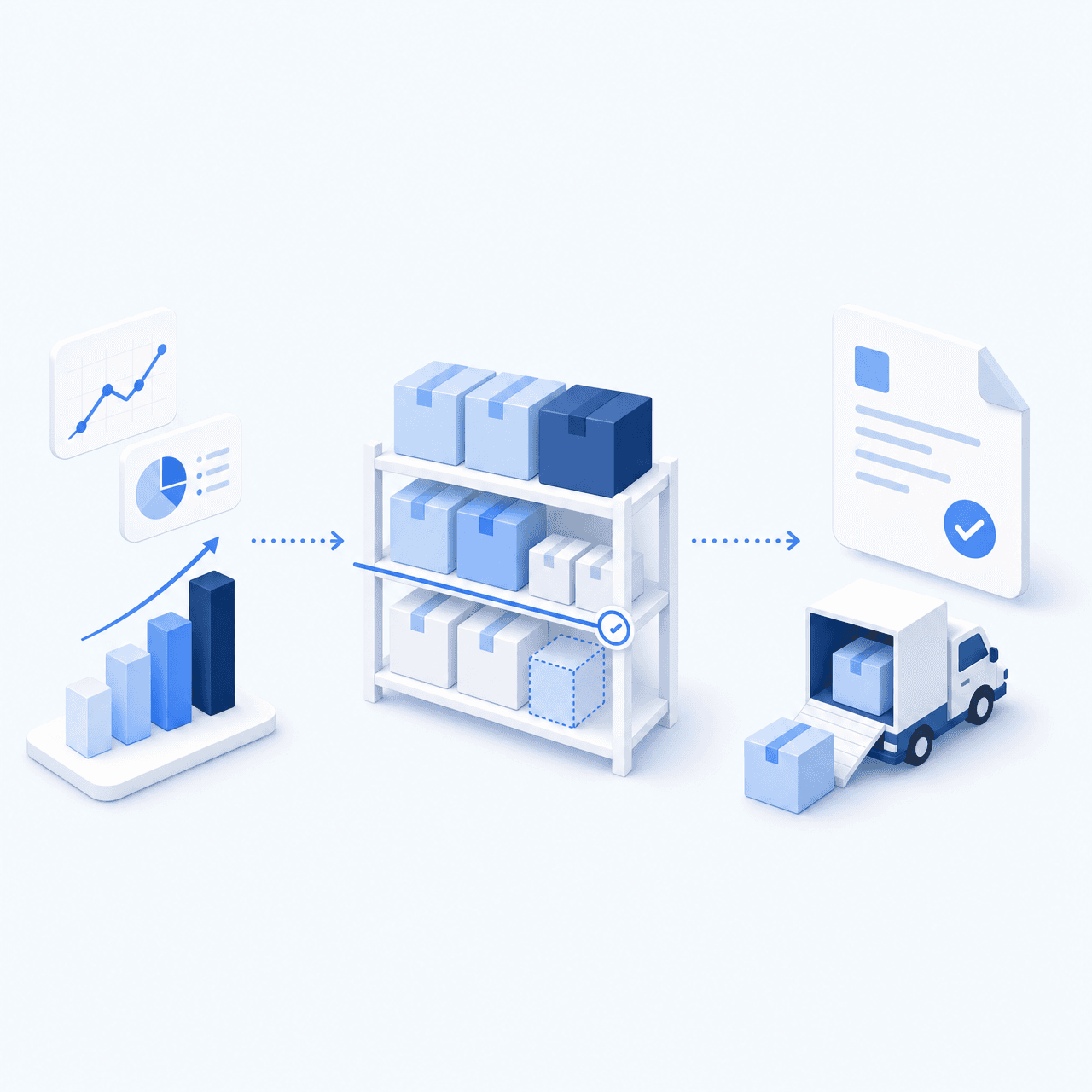
Industrializing your purchasing means ordering on rules, not guesswork: at the right time (the reorder point), in the right quantity (your coverage period), from the right supplier, with a purchase order validated in one click. Available on replay.








See it in your own operations
Book a 20-minute call. We'll map your workflow and point out where it breaks. No slides.
Free 20-min call · No commitment