
Shopify FedEx: which shipping setup fits your operation?
A carrier app often fits one Shopify store and one warehouse. A shipping platform adds a shared label workflow across carriers. An OMS/WMS becomes useful when channels, warehouses, accounts, or routing rules multiply. In every setup, validate the checkout promise, the FedEx account rate and label, and the tracking written back to Shopify as separate results.
 By Diogo Monteiro · E-commerce Integration Expert· Updated September 25, 2026· 4 min read
The essentials
- A single-store carrier app may be enough when one team owns the rate, label, and tracking checks.
- A FedEx account quote in an operations tool does not prove which rate or delivery promise Shopify showed at checkout.
- A FedEx label and tracking number do not complete the flow until Shopify shows the fulfilled state and matching number.
- The 20-minute release test follows two paid orders through method mapping, rate, label, and Shopify fulfillment.
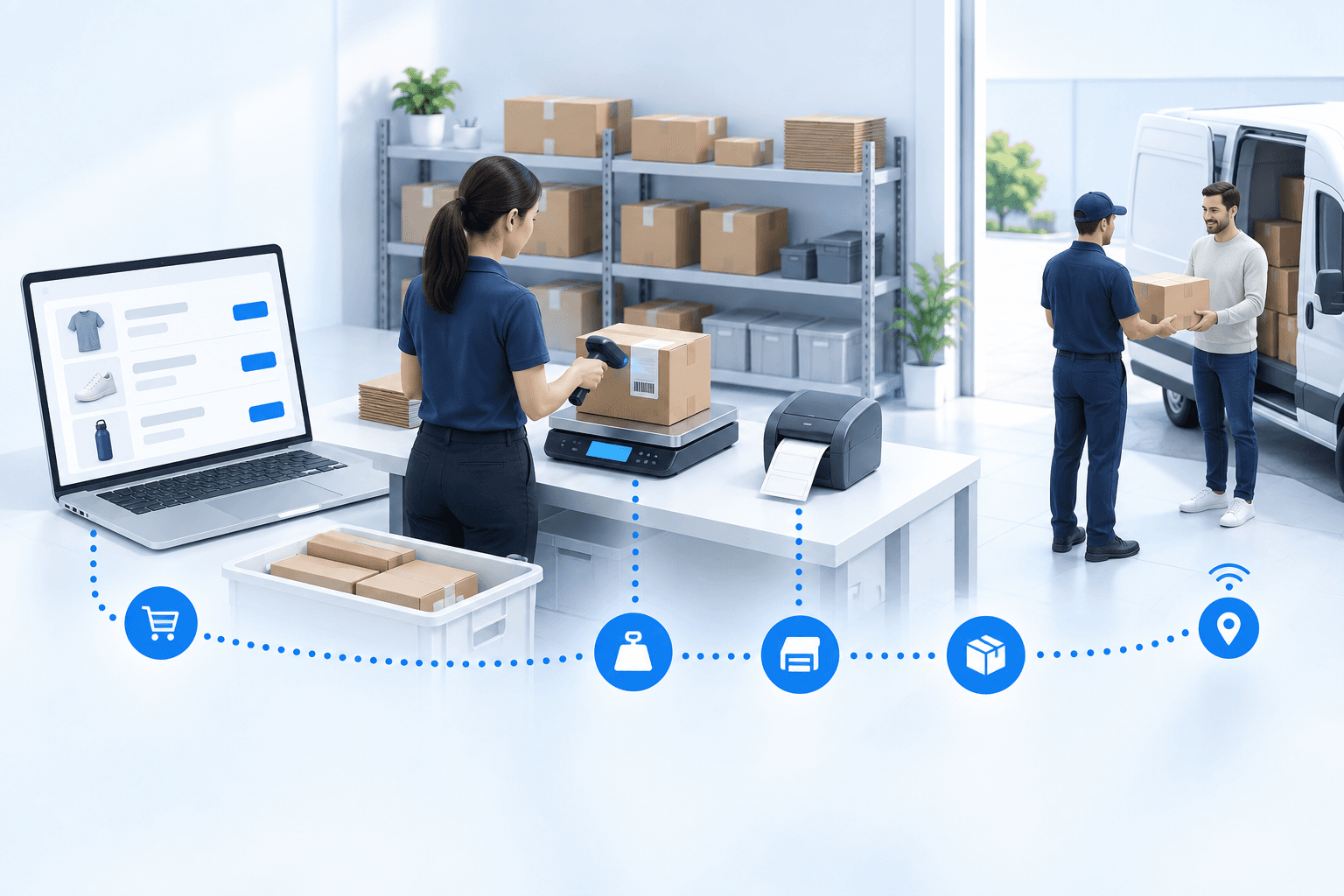
At 4:45 p.m., a warehouse operator prints a FedEx label for a paid Shopify order. The parcel is ready, but the service on the label is not the one the shopper chose, and Shopify still has no tracking number. Nothing failed at the printer. Two earlier decisions and one later handoff failed around it.
Shopify FedEx: three setups, each with a different boundary
A carrier app can be enough for one Shopify store and one warehouse, provided the team can verify the checkout rate, create the right FedEx label, and return tracking without re-keying it.
A shipping platform brings several carriers into one label workflow. It suits a straightforward fulfillment process where inventory, picking, and order routing already have clear owners.
An OMS/WMS is the broader choice when several stores or marketplaces feed the same stock, several warehouses can fulfill an order, or carrier rules depend on weight, destination, account, or promised service.
| Setup | Enough when | Check separately |
|---|---|---|
| Carrier app | One store and warehouse | Checkout rate and tracking |
| Shipping platform | Several carriers, simple fulfillment | Inventory and routing ownership |
| OMS/WMS | Several channels or warehouses | Rule and exception ownership |
Do not treat "FedEx connected" as one feature. A rate displayed at Shopify checkout, a FedEx account quote returned during fulfillment, a label, and the tracking update are separate events. That distinction matters commercially: Baymard Institute's 2026 checkout research says 40% of respondents cited extra costs such as shipping, while 20% cited slow delivery.
The rate, label, and tracking can fail independently
First, check the service mapping. The operations-layer rate request sends the FedEx account, origin, and destination, but uses FedEx's fixed YOUR_PACKAGING type and a fixed 1 kg weight. It requests ACCOUNT and LIST quotes, then maps the returned services. That result does not prove what the shopper saw at checkout or validate the order's actual parcel or selected delivery method.
Second, if you sell FedEx Hold at Location, keep the selected location with the order until shipment creation. A city name or generic pickup label is not a location identifier. If you do not sell that option, mark this branch not applicable instead of pretending it was tested.
Third, verify the return path. FedEx can create a label and tracking number while Shopify remains unfulfilled. Pitney Bowes' 2026 Parcel Shipping Index counted 23.1 billion US parcels in 2025, up 3.3% year over year. At that scale, the last handoff is not an admin detail. In an Arcep/CREDOC study of French parcel recipients published in 2026, 62% reported at least one delivery problem in six months, with missing tracking information among the problems named.
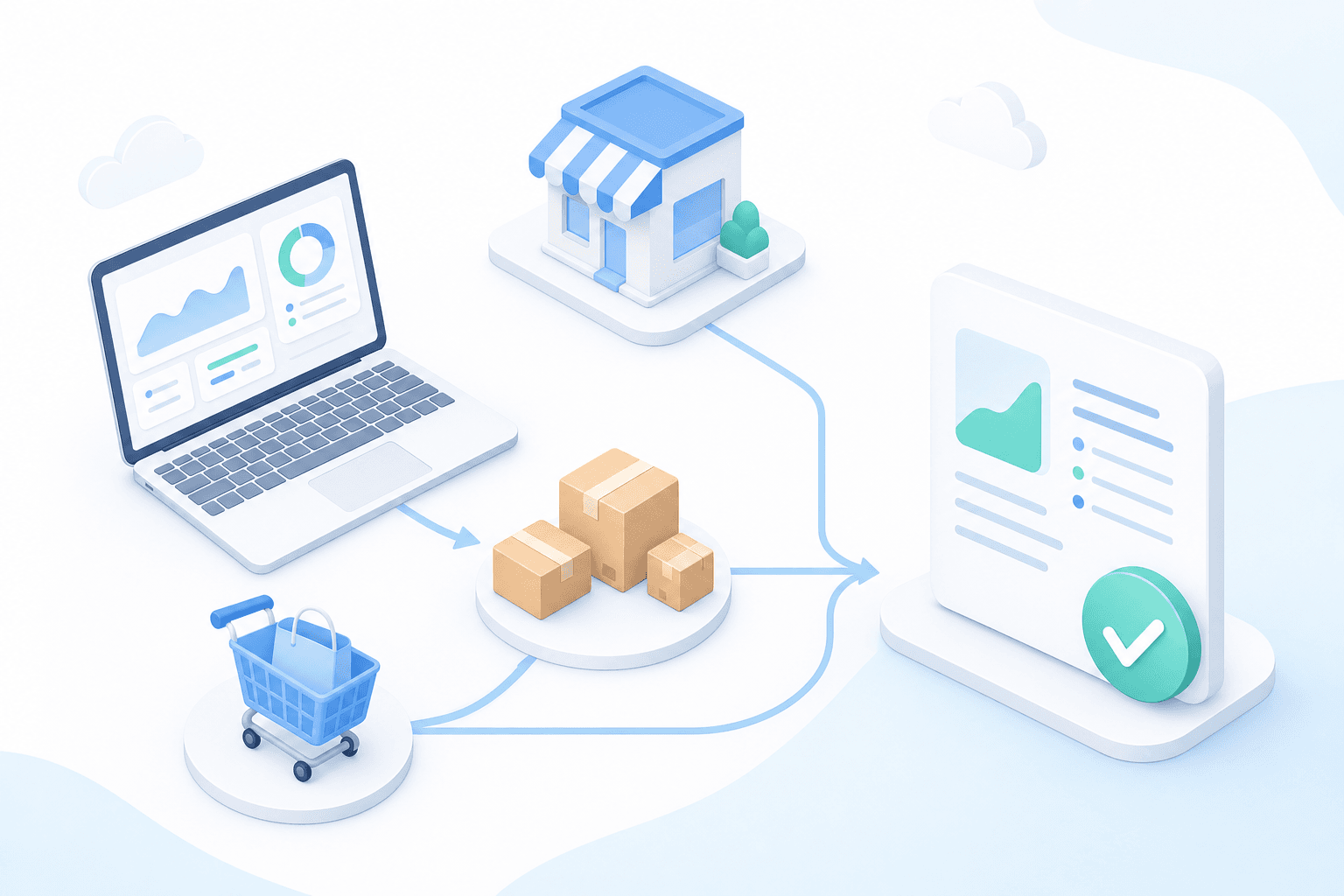
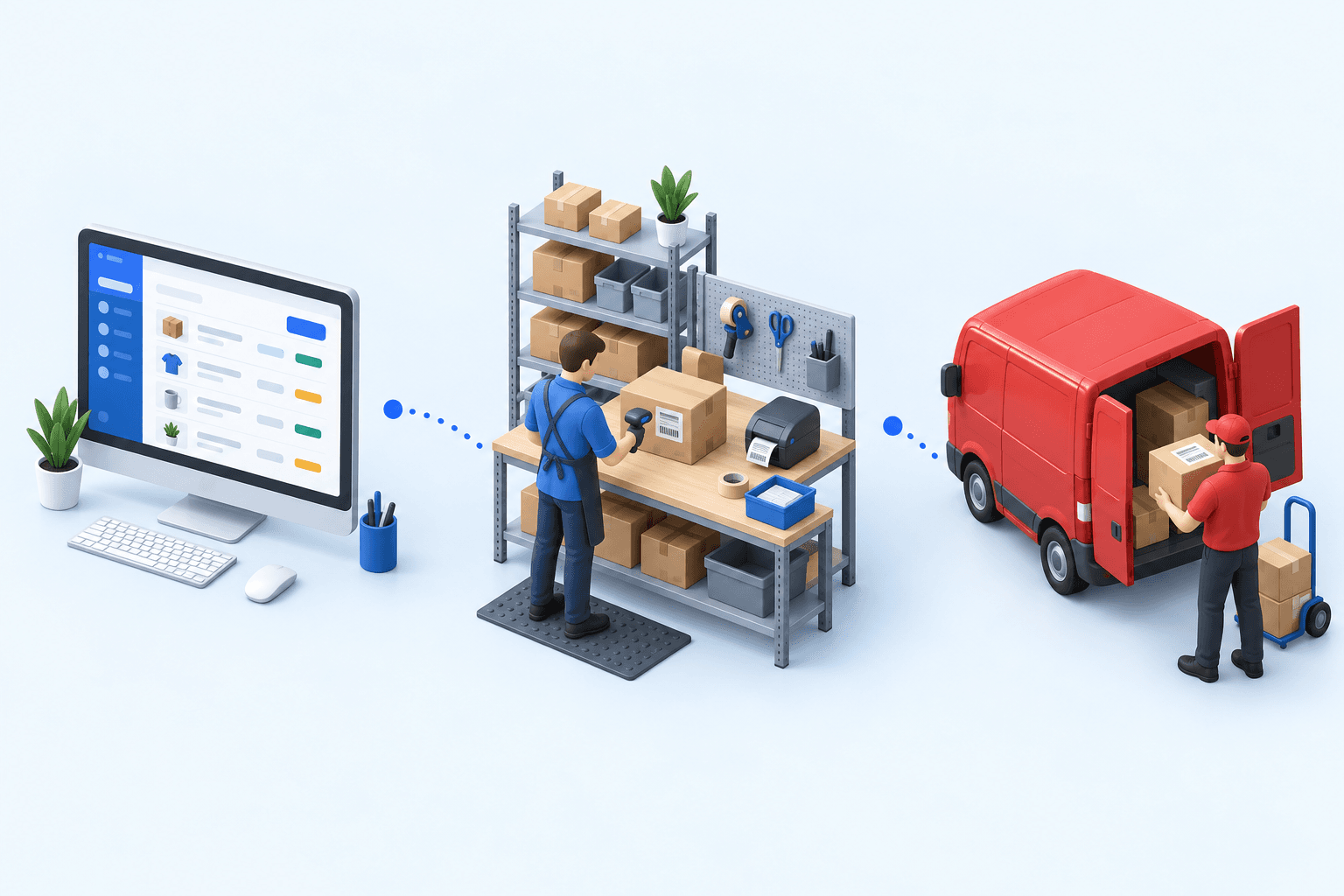
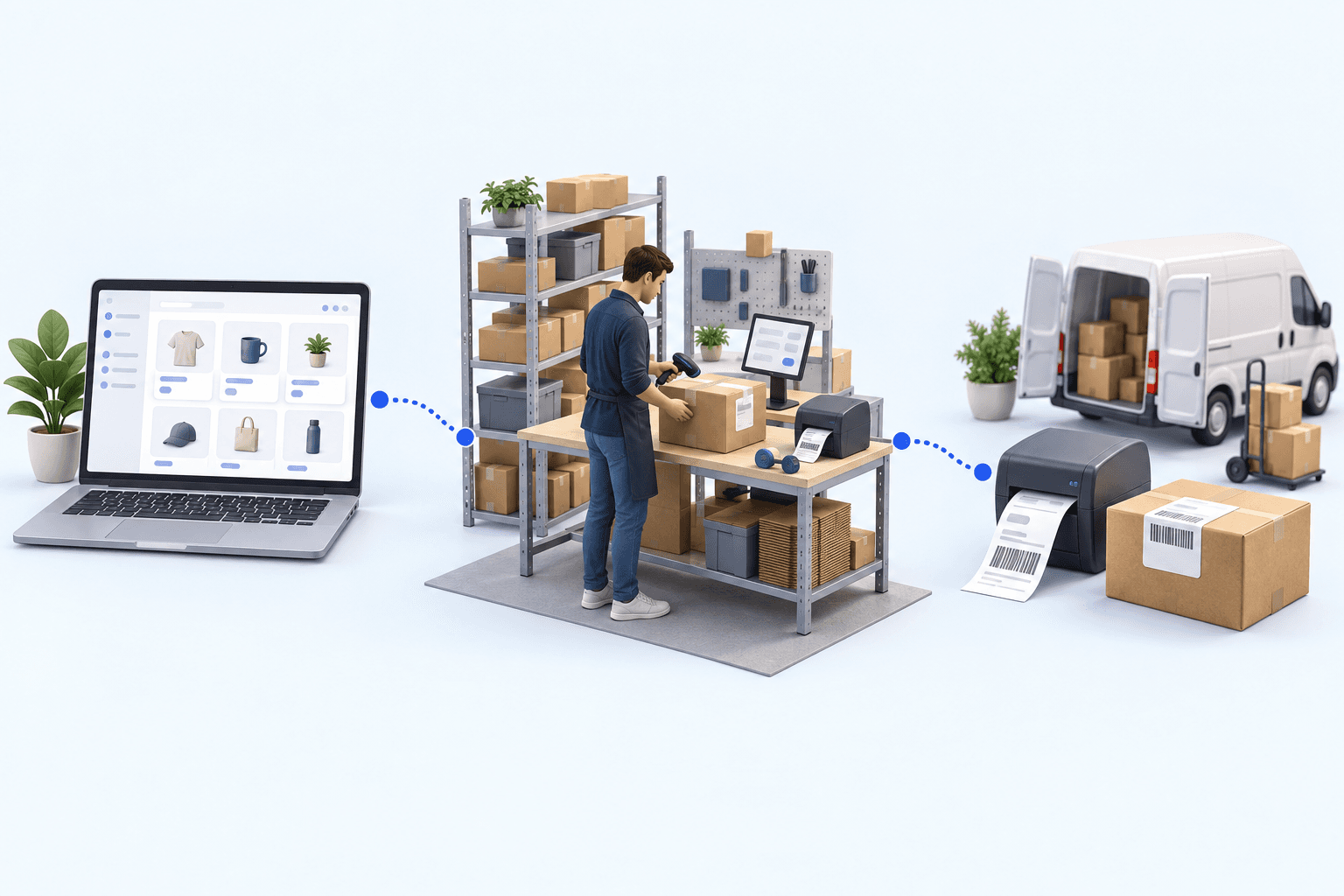
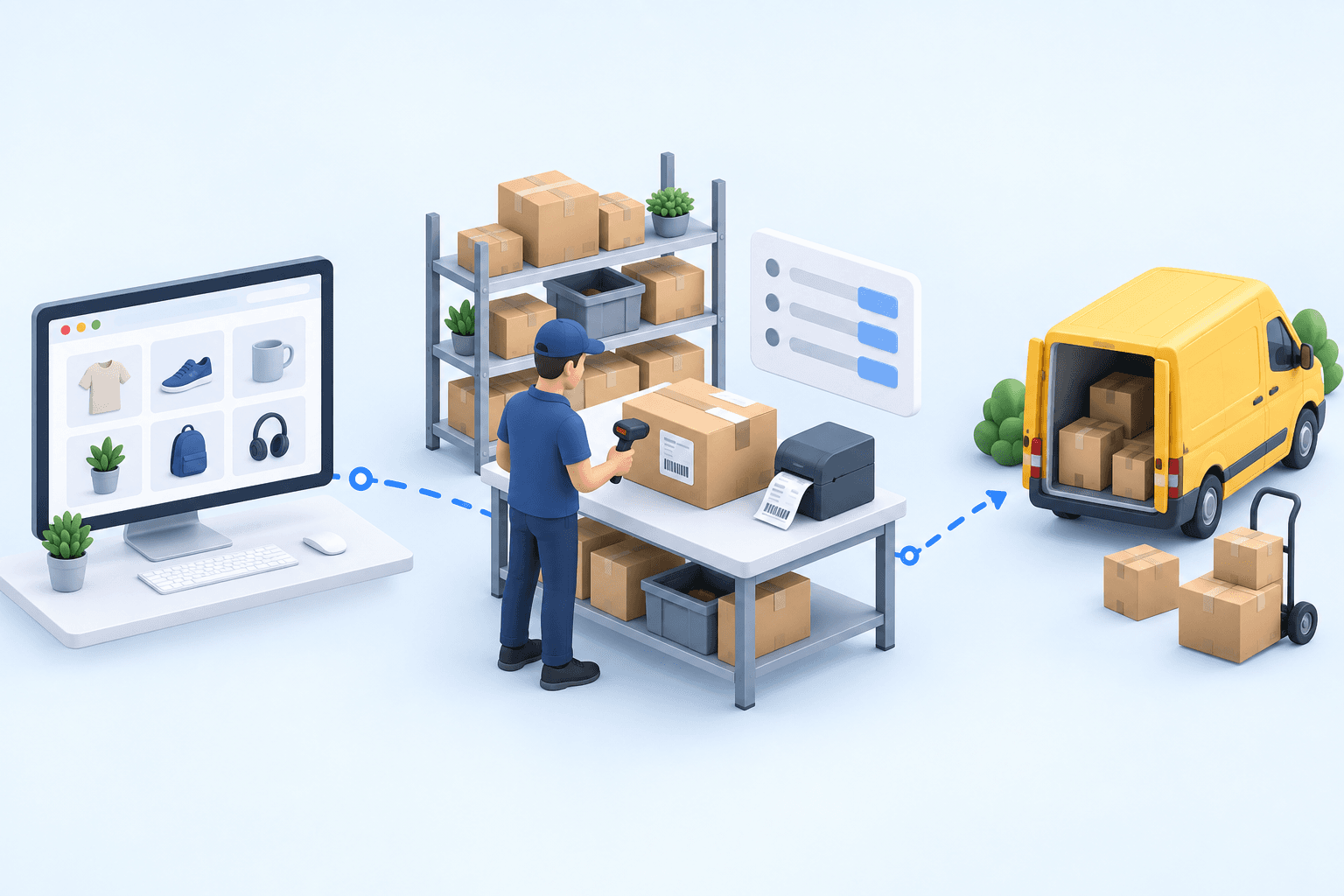
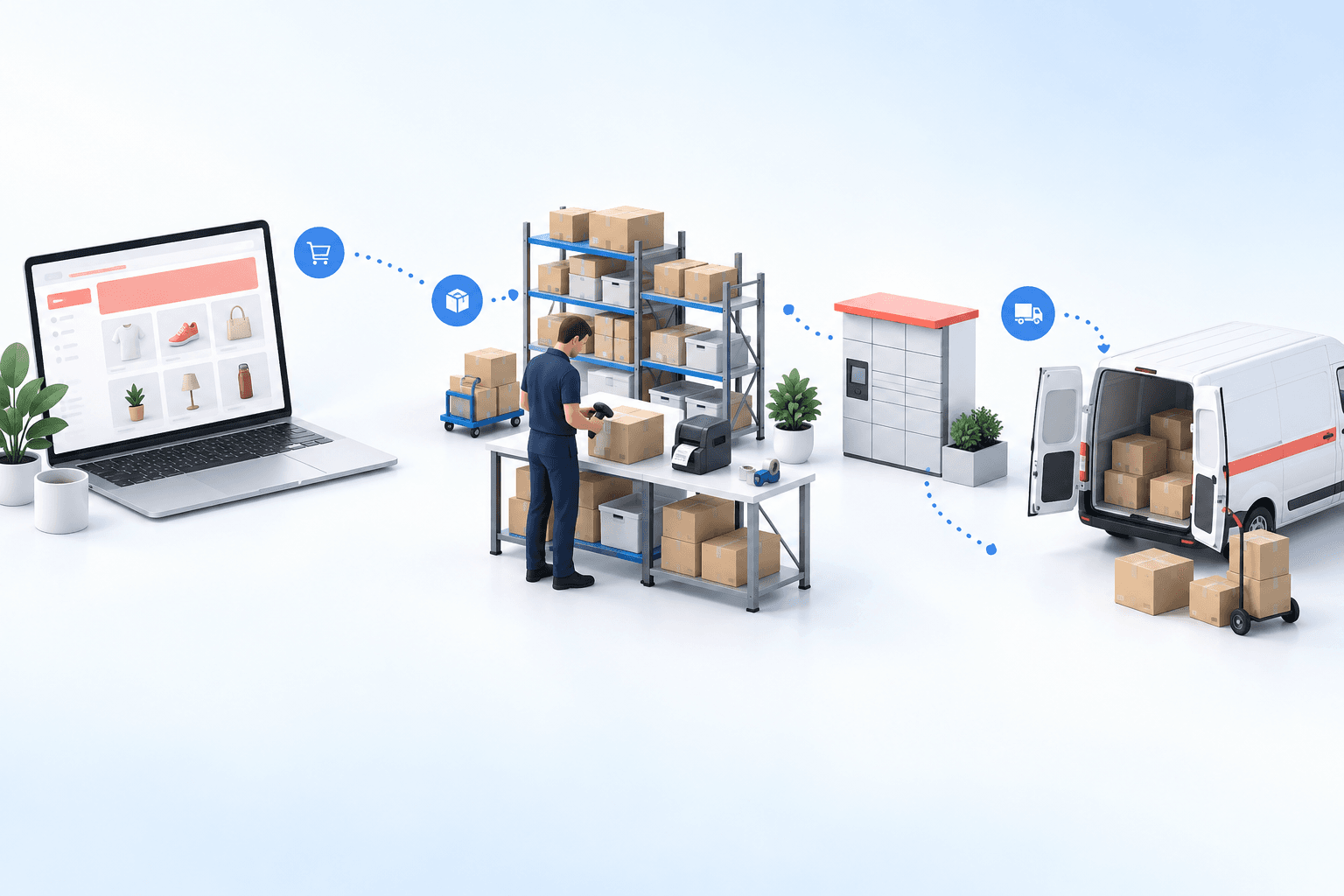
With an OMS/WMS, inspect four handoffs: the paid Shopify order, packing, the FedEx shipment, then the fulfilled state and tracking number back in Shopify.
 ShopifyPaid order
 FedExLabel and tracking
An anonymized electronics distributor worked across three carrier portals, with FedEx among its carriers. Its label-error rate fell from 5-8% of shipments to under 1% in the first month after centralization. Those are this operator's 2026 case results, not a market average.
Run the two-order test in 20 minutes
Use two paid orders your team can find quickly: one home-delivery order and one FedEx Hold at Location order if that method is offered. If it is not, use a second home-delivery order on a different FedEx service and record the pickup branch as not applicable.
During the first five minutes, inspect each imported order. Check the order number, items, quantities, address, Shopify delivery method, and location identifier where relevant. Do not create a shipment until both orders match what the shopper bought.
Spend minutes five through ten on the FedEx shipment. Request the ACCOUNT and LIST quotes in the operations layer. Confirm the account, origin, and destination sent, and record that this rate check uses FedEx's YOUR_PACKAGING type and a fixed 1 kg weight. Then compare the returned service mapping with each order before creating both labels. The service printed on each label must match the mapped delivery method.
Use the final ten minutes to compare systems. Capture the tracking number created with each FedEx shipment, return to Shopify, and confirm the order is fulfilled with the identical number and carrier.
- 1Shopify orderOrder number and delivery method presentCheck in Shopify
- 2Parcel checkItems and quantities validatedCheck at the packing station
- 3FedEx shipmentLabel and tracking number createdCheck in the FedEx account
- 4Tracking sync back to ShopifyOrder marked as fulfilledCheck in Shopify
The first missing result names the repair. An unexpected rate result points to the request inputs or its fixed packaging and weight assumptions. A wrong label service points to service mapping or shipment inputs. A missing location points to the order handoff. A correct label without Shopify fulfillment or matching tracking points to shipment confirmation. Fix that boundary, then rerun both orders.
Move to an OMS/WMS when shipping rules stop belonging to one store
A carrier app remains the sensible choice for a simple operation. A shipping platform fits when the shared task is mainly producing labels across carriers.
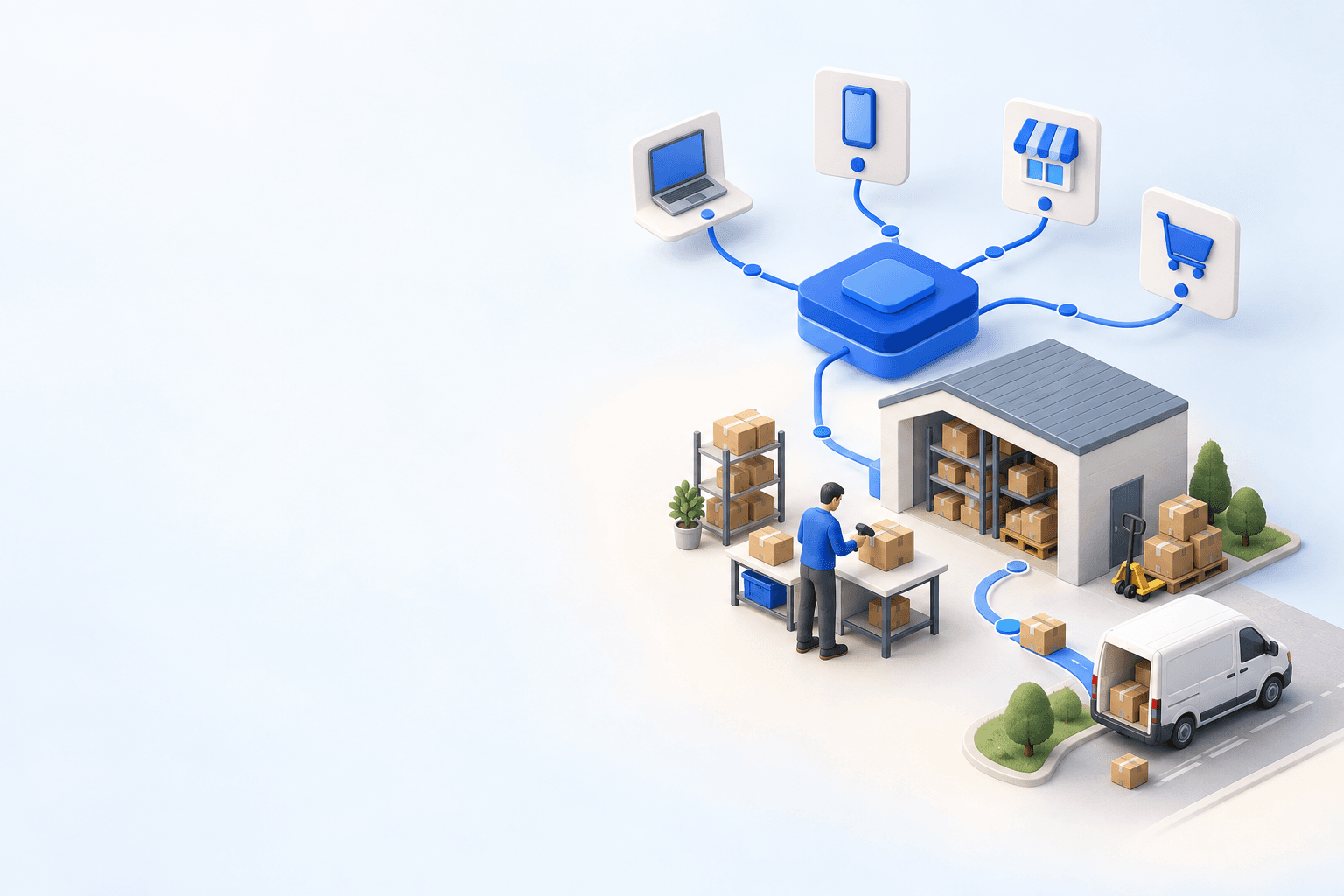
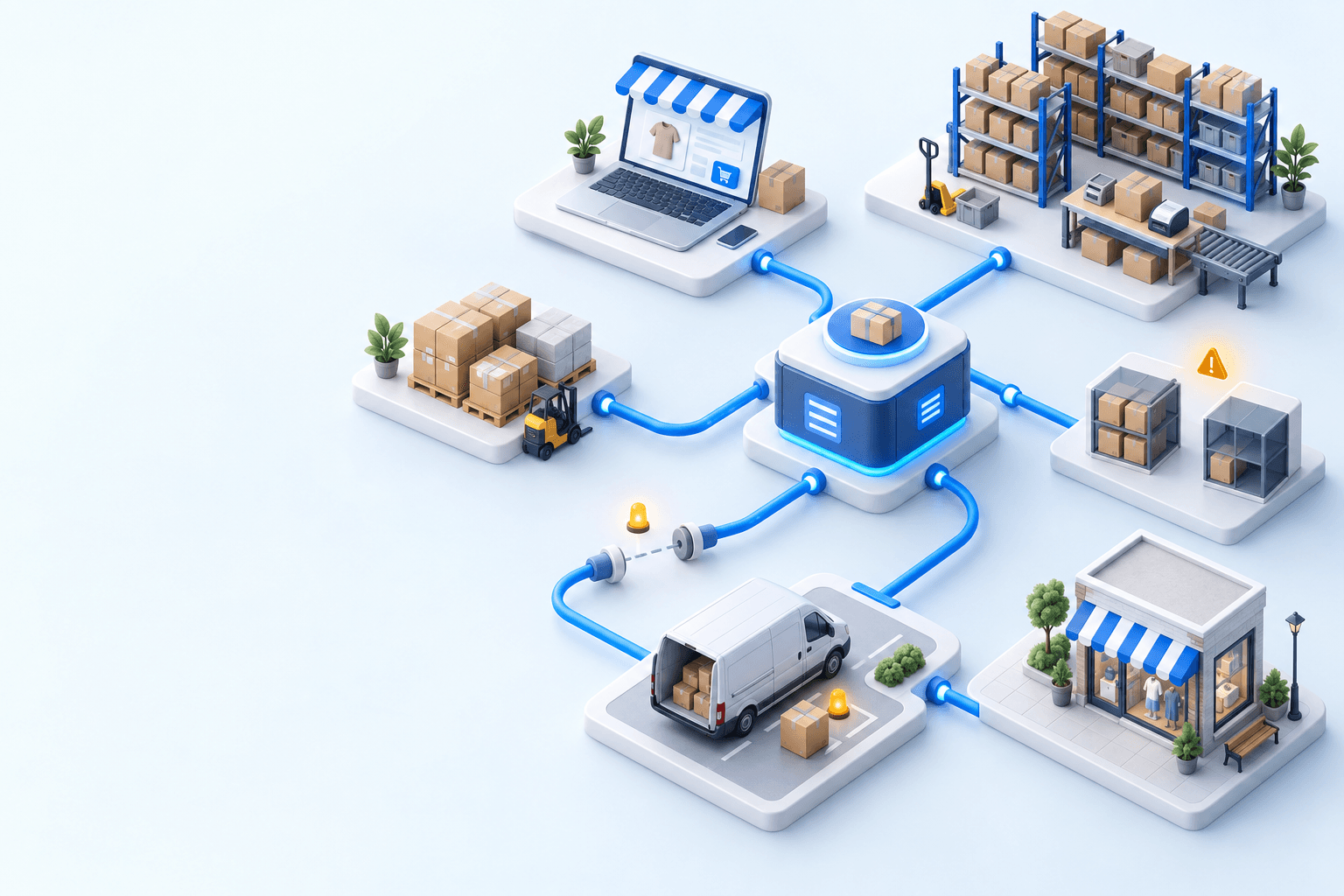
myFulfillment becomes relevant when several channels share stock, warehouses need order routing, or teams must apply the same carrier-account and service rules. Its OMS holds the order queue; its WMS guides preparation and packing; its shipping layer requests the FedEx rate and label, then sends tracking through the channel connector.
If you are comparing the same architecture with another carrier, the Shopify and DPD decision guide uses the same acceptance logic. For pair setup details, use the Shopify integration and FedEx integration pages.
Frequently asked questions
For one store and warehouse, start with a carrier app that can pass the rate, label, and Shopify tracking tests. Add broader operations software only when channels, warehouses, accounts, or rules multiply.
Not automatically. The operations-layer call requests ACCOUNT and LIST quotes for the account, origin, and destination, using YOUR_PACKAGING and a fixed 1 kg weight. It maps returned services afterward, so validate the Shopify checkout rate and delivery promise separately.
Only if shipment confirmation also reaches Shopify. After label creation, verify that Shopify shows the fulfilled state, FedEx as the carrier, and the identical tracking number.
If you offer it, place a paid order and confirm the selected location survives import and shipment creation. If you do not offer it, mark that branch not applicable.
Use an OMS/WMS when several channels share inventory, several warehouses can fulfill orders, or carrier accounts and service rules must be applied consistently outside one Shopify store.
Continue exploring
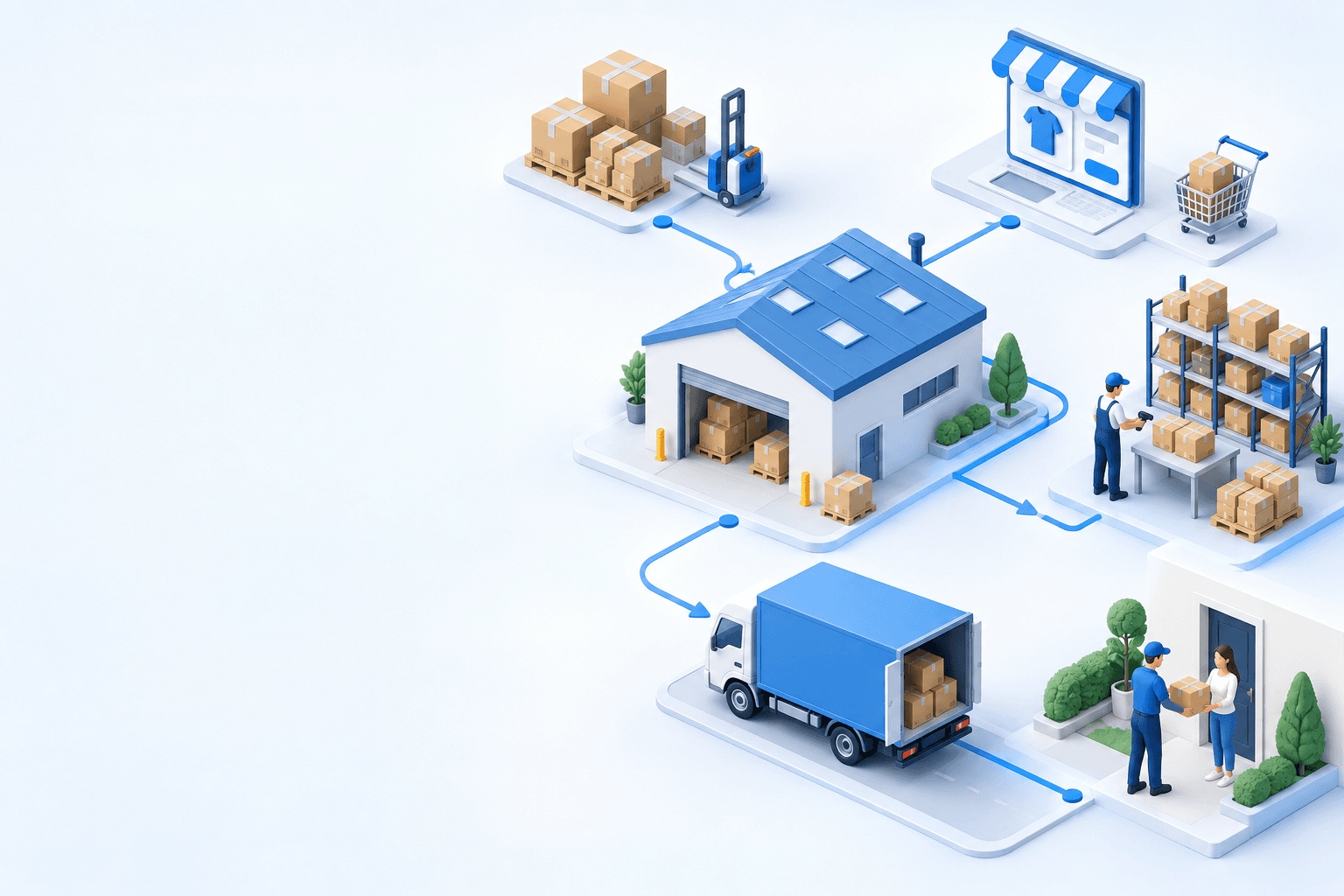
Stock availability, picking accuracy, and shipping times affect marketplace sales. Jonathan Coloma, COO of Repiauto, explains how his team went from 300 to 1,000 orders a day in two years. He describes the limits of paper-based work, ERPs built for different needs, a go-live estimate of fifteen days, and changes to his daily routine.

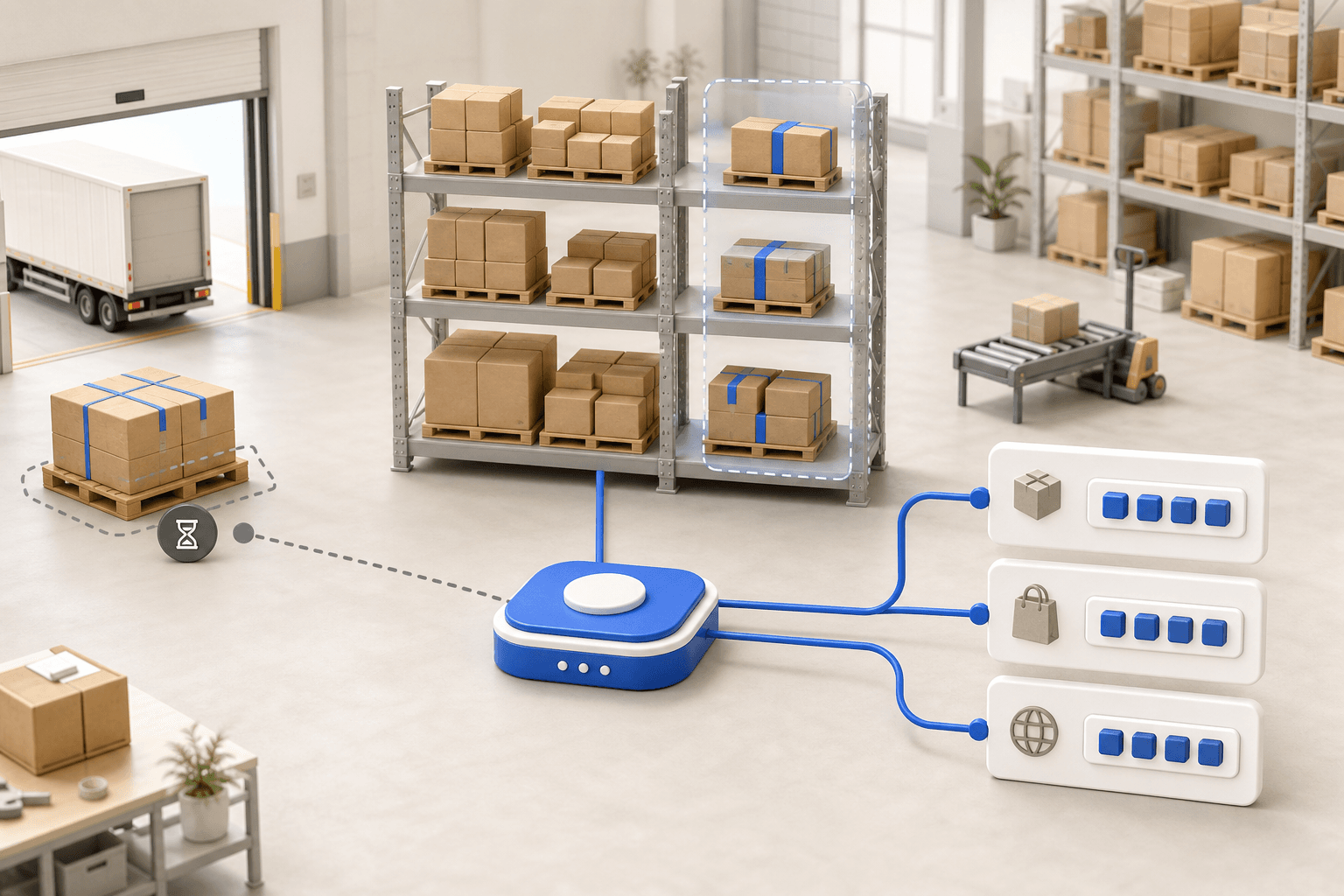
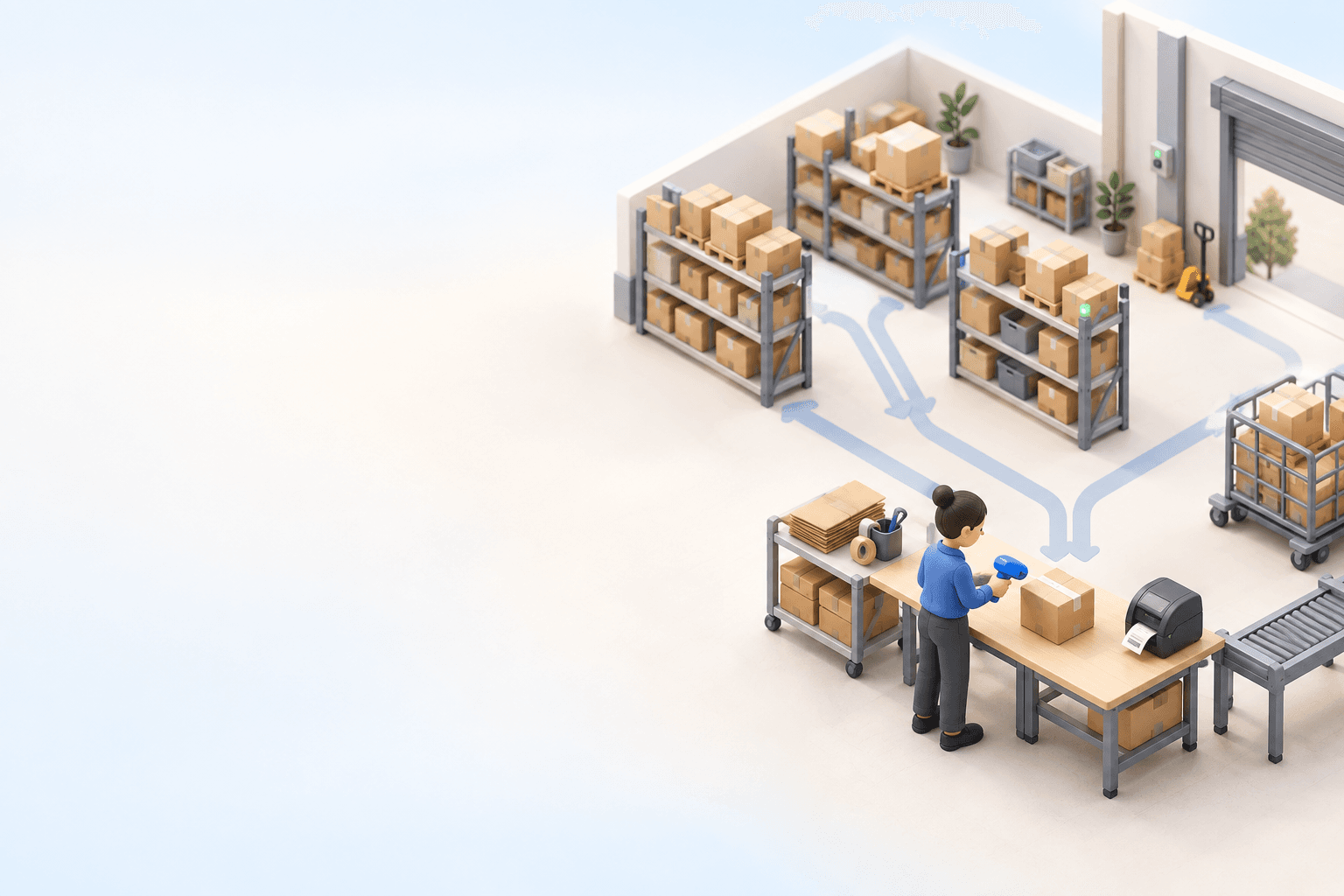
To hold up under peak volume, split the order queue into waves based on real operating constraints, then decide where barcode checks belong. At the packing bench, the operator verifies the parcel. Carrier rules select the service and print the label, so the next order can start without another decision.

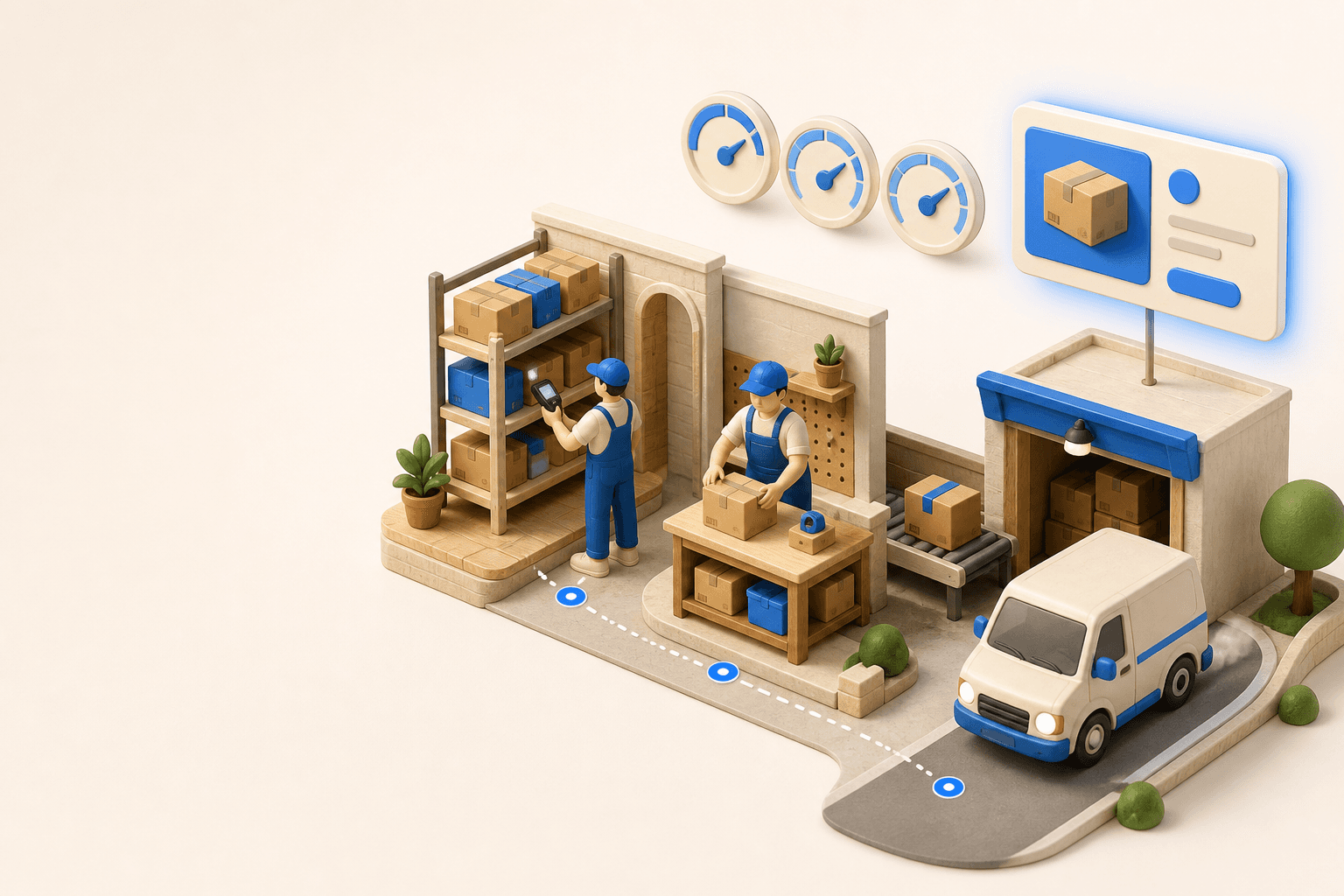
Industrializing your purchasing means ordering on rules, not guesswork: at the right time (the reorder point), in the right quantity (your coverage period), from the right supplier, with a purchase order validated in one click. Available on replay.





See it in your own operations
Book a 20-minute call. We'll map your workflow and point out where it breaks. No slides.
Free 20-min call · No commitment