
Chronopost WooCommerce: which shipping setup should you choose?
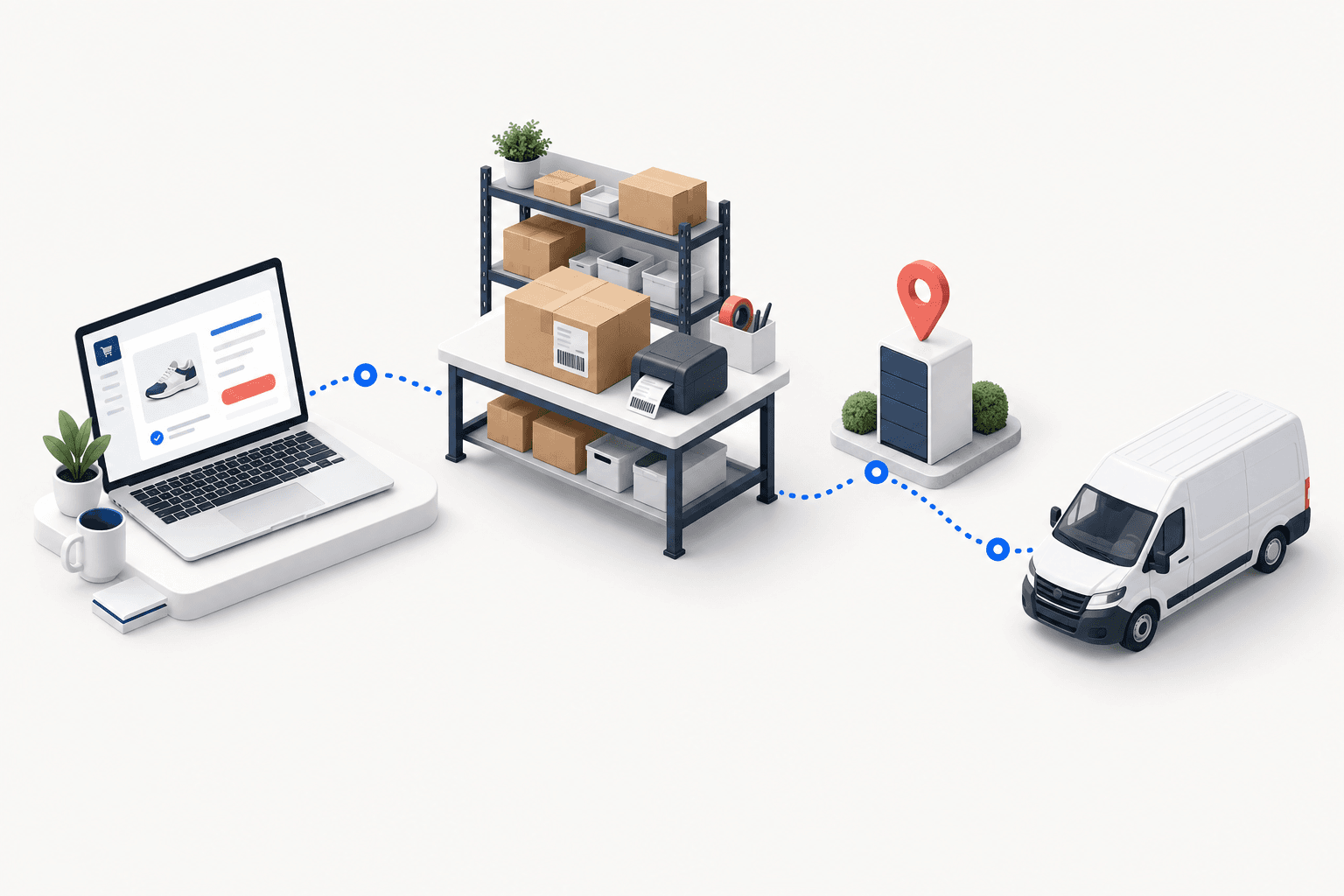
For one WooCommerce store and one dispatch site, the Chronopost module may be enough. A shipping platform brings several carriers into one label workspace. An OMS/WMS fits when channels, warehouses, or allocation rules multiply. Whichever route you choose, prove one home-delivery order and one Pickup order through to the WooCommerce status and matching tracking number.
 By Diogo Monteiro · E-commerce Integration Expert· Updated September 25, 2026· 5 min read
The essentials
- The Chronopost module may be enough for one WooCommerce store and one dispatch site; a shipping platform centralizes labels across carriers.
- An OMS/WMS becomes useful when several channels, warehouses, or allocation rules feed one operating flow.
- Checkout charge, delivery method, Pickup identifier, Chronopost service, label, status, and tracking are separate proofs.
- The 20-minute release test follows one paid home order and one paid Pickup order individually through WooCommerce.
At 4:45 p.m., a paid Pickup order reaches the packing bench. A Chronopost label prints, yet the parcel is assigned to home delivery and WooCommerce still has no tracking number. The label proves only that one system produced a file. It does not prove that the checkout charge, delivery method, Pickup point, carrier service, final order status, and tracking number stayed aligned.
Chronopost WooCommerce: which of the three shipping setups fits?
Chronopost provides a WooCommerce module for merchants who want to configure prices and services, locate relay points, import orders, and produce labels. For one WooCommerce store, one dispatch site, and a short list of delivery methods, that store-level route may be enough.
A shipping platform is the middle option. It brings label production for several carriers into one workspace, while WooCommerce or another system continues to own stock and fulfillment. It works when the team needs carrier choice but has few allocation rules.
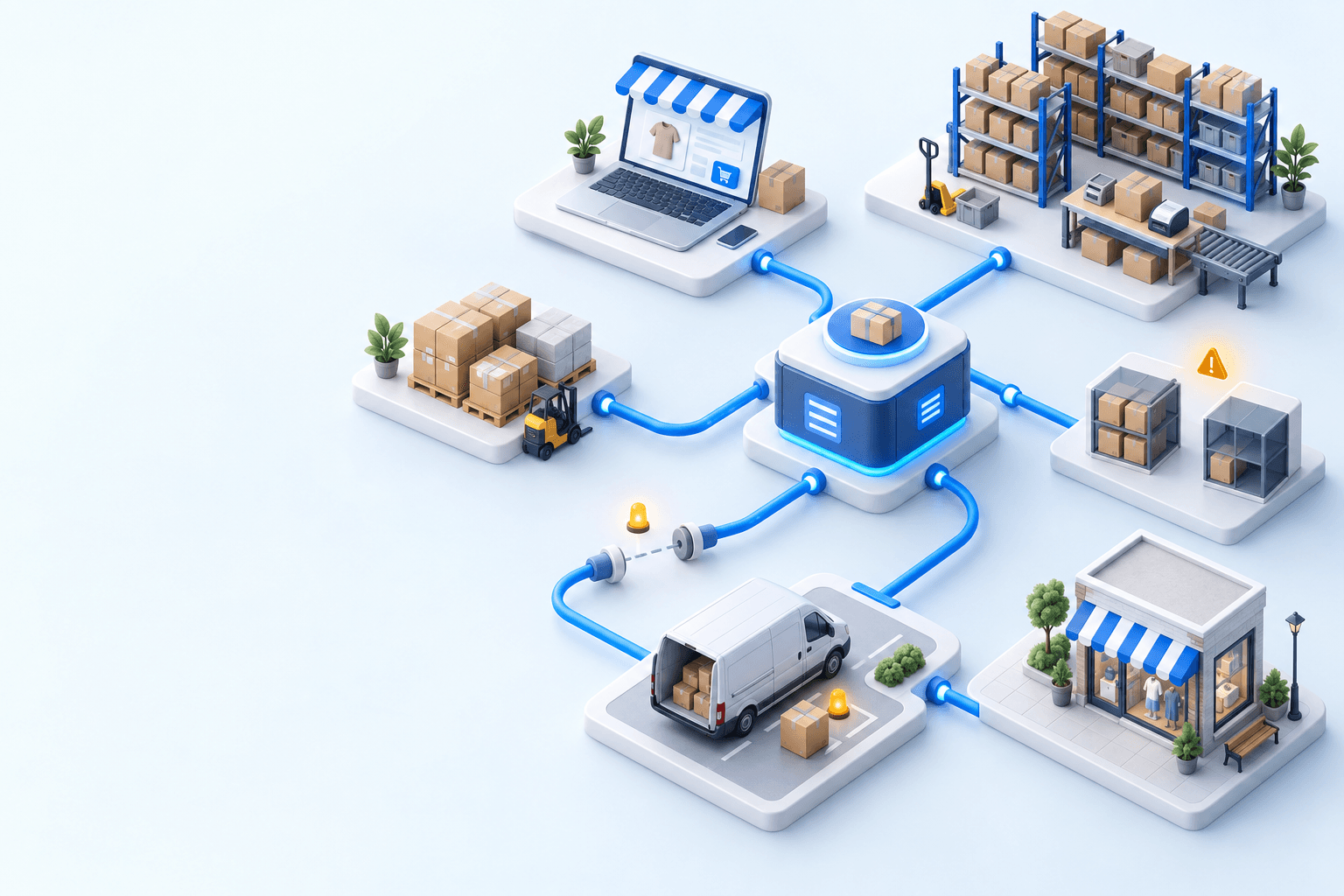
An OMS/WMS is the operating layer for orders arriving from several stores or marketplaces, stock held in several locations, and service selection that depends on destination, weight, availability, or cut-off time.
| Setup | When it is enough | Proof to demand |
|---|---|---|
| Chronopost module | One store and one dispatch site | Both home and Pickup orders return tracking to WooCommerce |
| Shipping platform | Several carriers, simple stock flow | The selected delivery method and label service remain aligned |
| OMS/WMS | Several channels, warehouses, or allocation rules | One trace from order import to status and tracking write-back |
Choose the lightest setup that can pass both order paths. Do not use a longer feature list as a substitute for that proof.
The three failures appear between checkout and write-back
The first gap is between price, method, and service. WooCommerce records what the customer paid and the selected delivery method. Shipment creation needs a specific Chronopost service. Those values can be related without being identical: a configured checkout charge is not proof of a live carrier quote, and a label is not proof that the correct service was selected.
The second gap concerns Pickup. The selected point identifier must still be present when the Chrono Relais shipment is created; a postal code or town name cannot identify the shopper’s choice. This matters at scale. Fevad reported €196.4 billion and more than 3.2 billion French e-commerce transactions in 2025, with out-of-home delivery close to one delivery in two (2026 key figures). Arcep and CREDOC found that nearly four in ten recipients prefer pickup points (2026 parcel study).
The third gap is the return to WooCommerce. Shipment creation can succeed while the order lacks the expected final status, tracking number, or tracking URL. WooCommerce defines Completed as fulfilled and requiring no further action (order-status documentation); your acceptance check should use the status configured for the relevant full or Pickup shipment.
Arcep counted 1.7 billion parcels in France in 2024, up 3.7% in one year (observatory published in 2025). In the 2026 Arcep/CREDOC study, 62% of recipients had experienced at least one delivery problem in six months, including missing tracking information. At this volume, the write-back is part of dispatch quality, not an administrative detail.
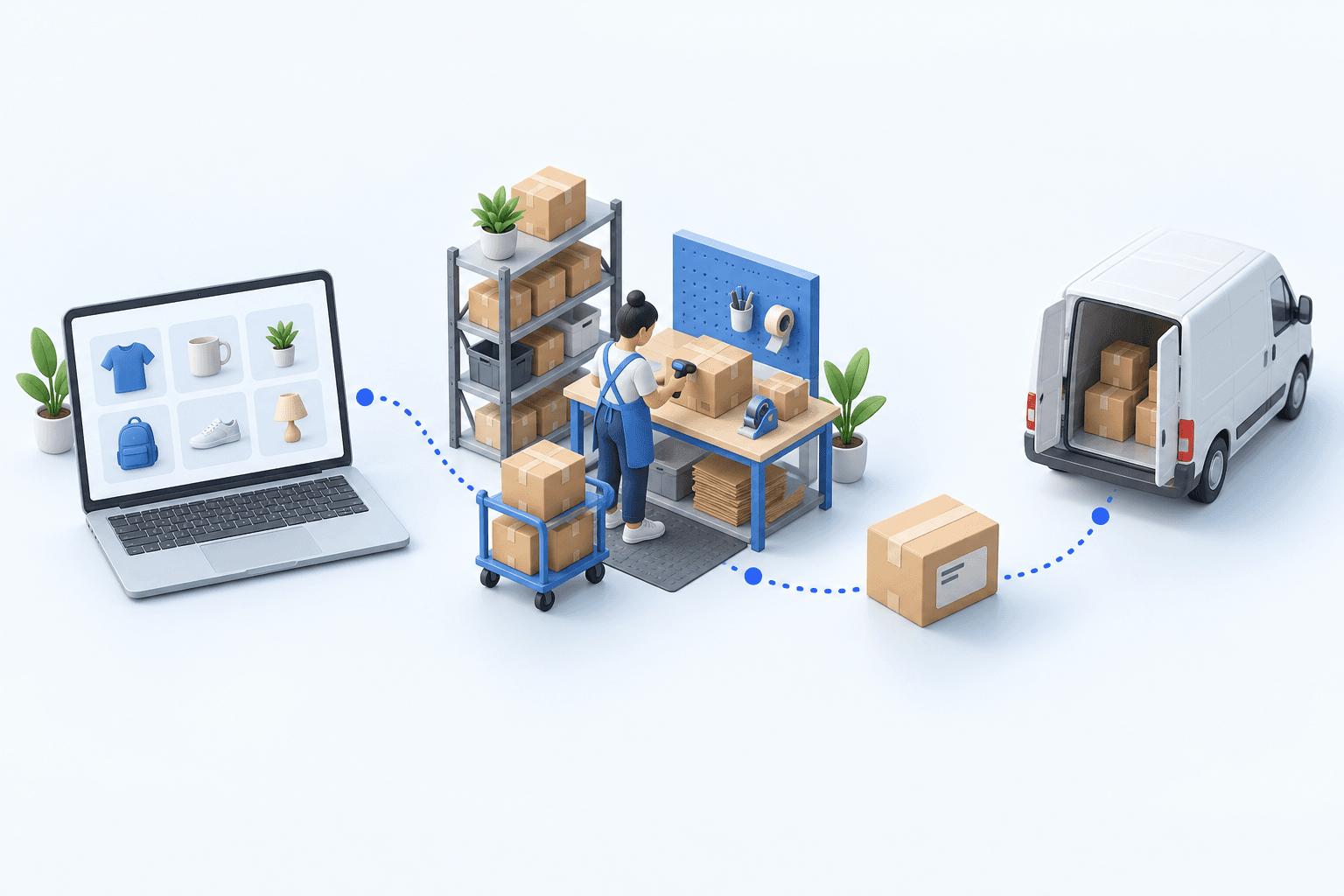
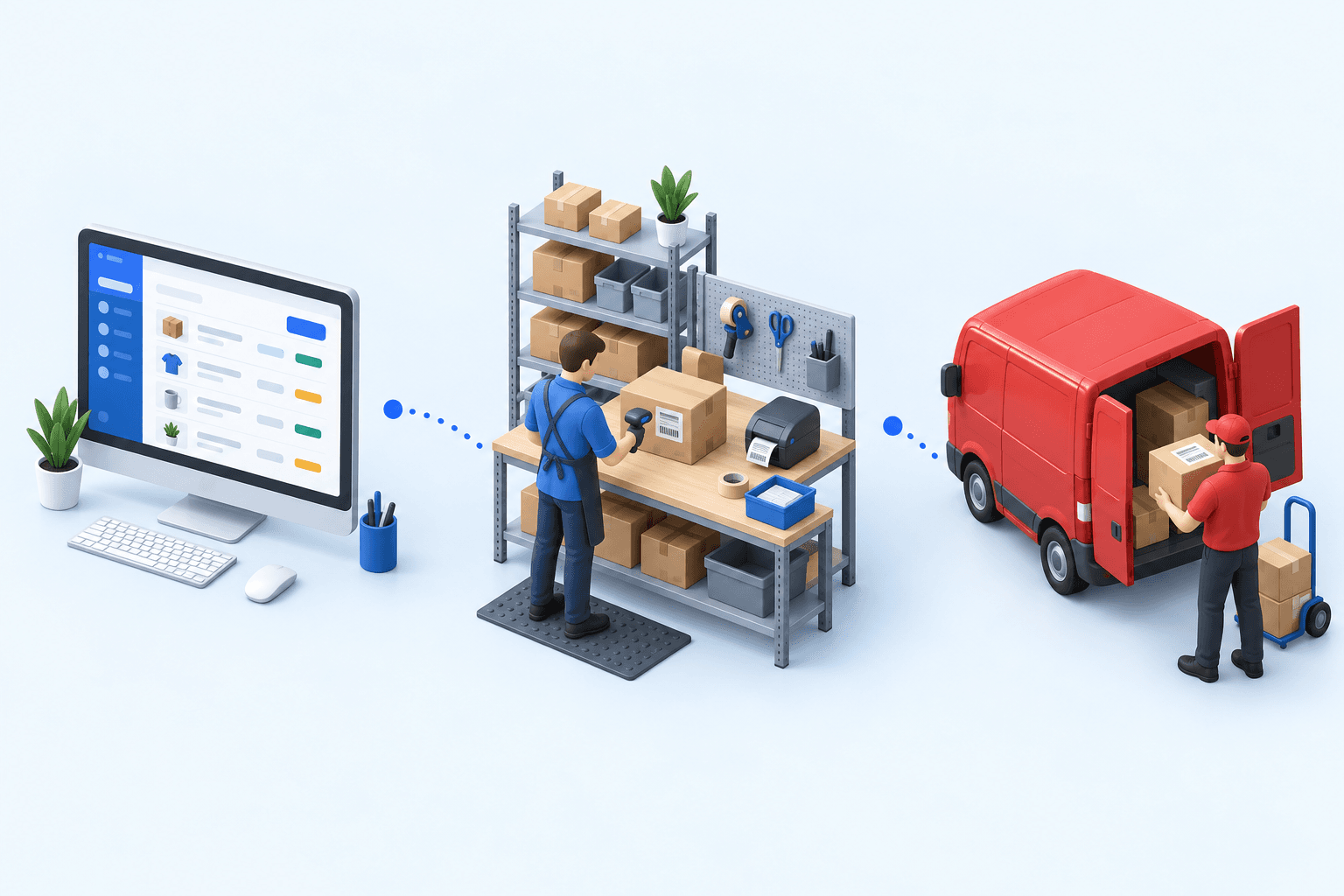
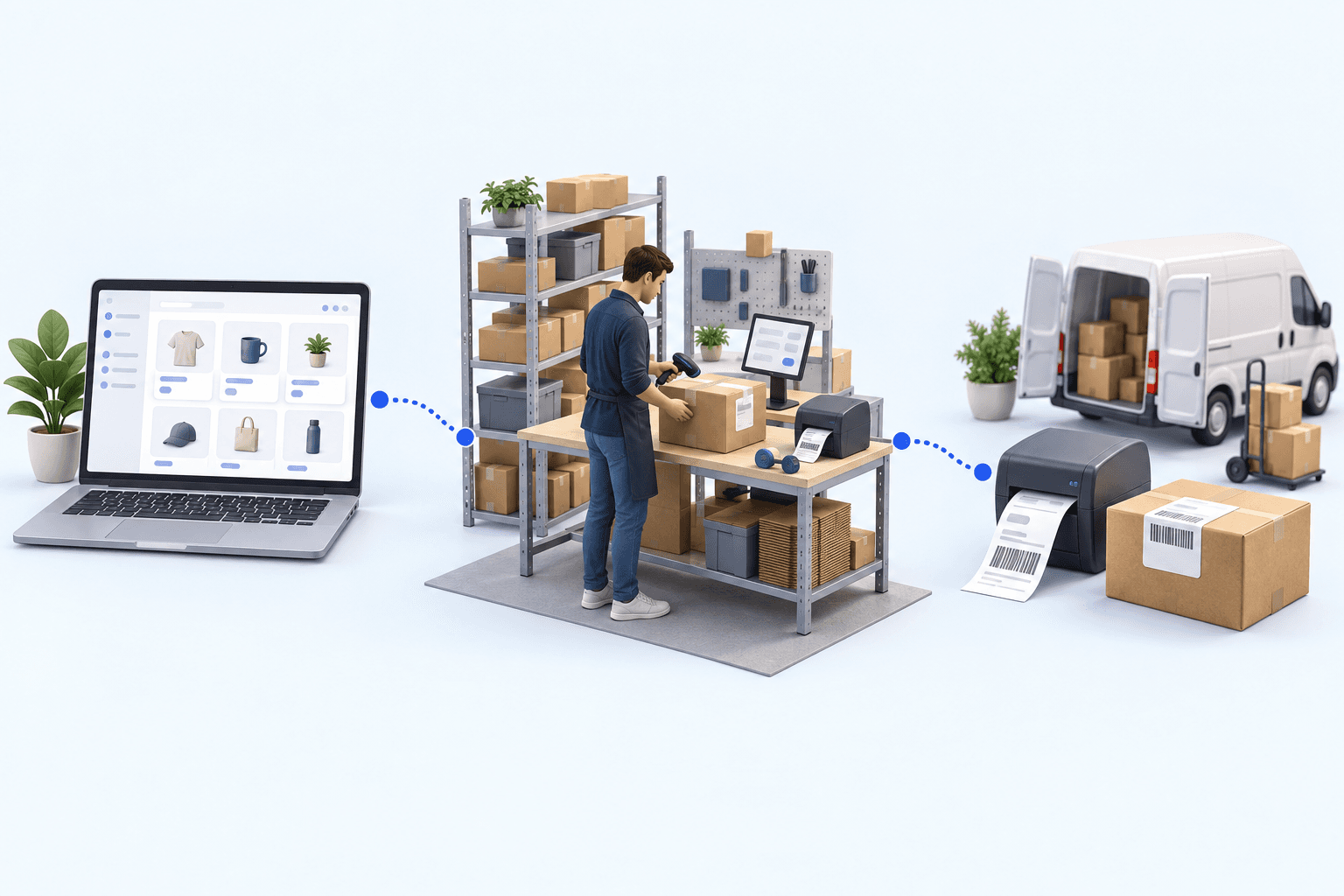
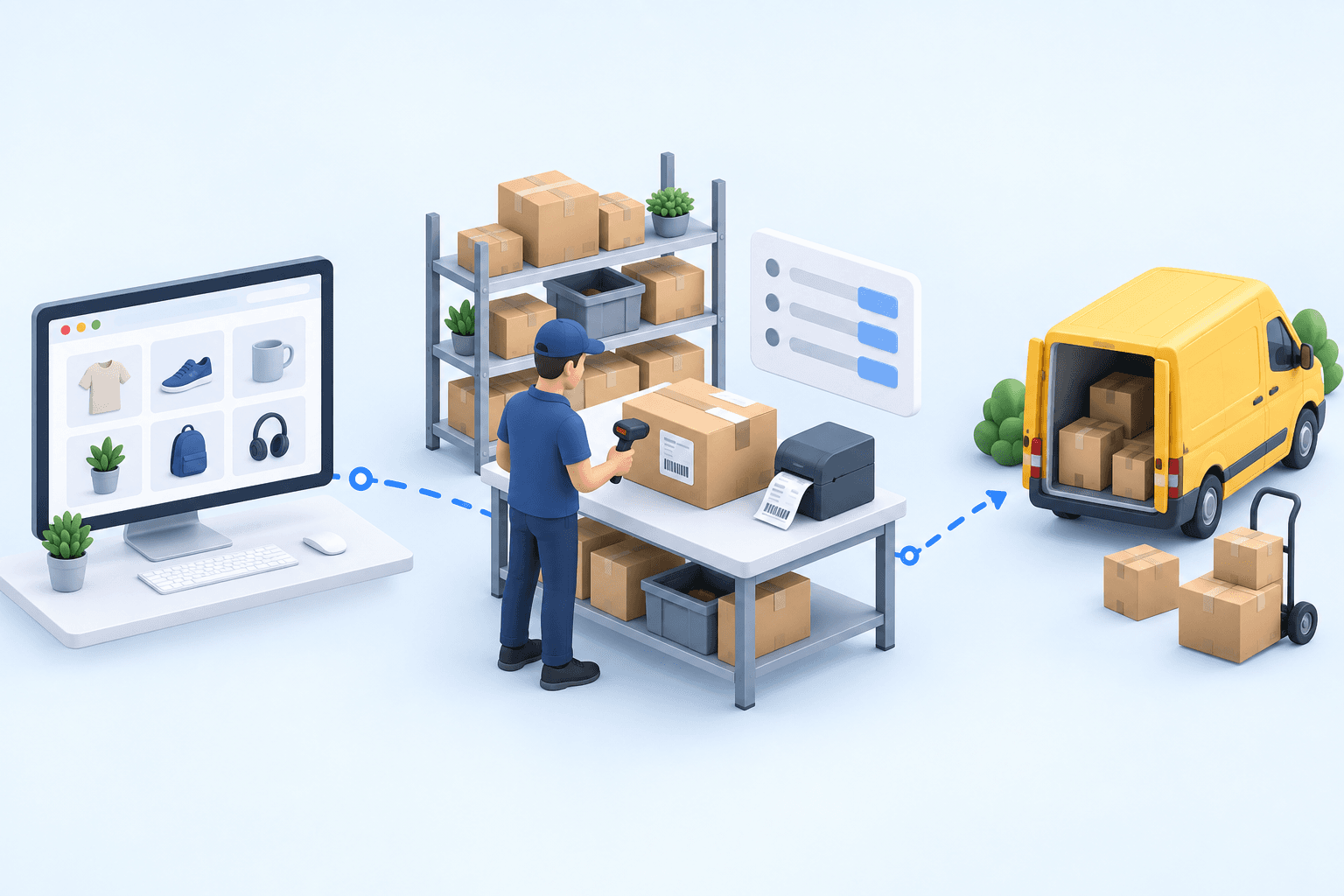
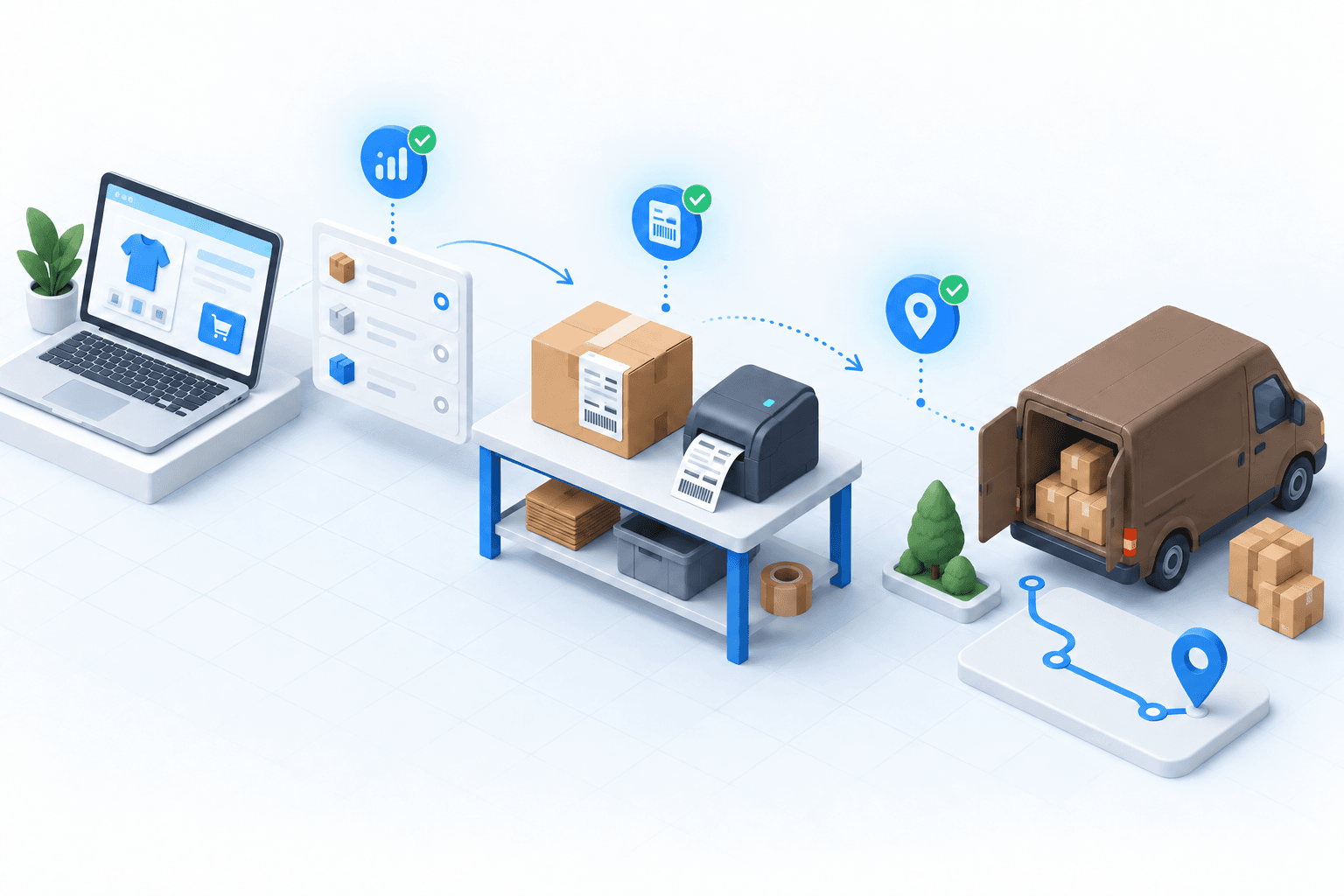
With central operations, inspect four handoffs: the paid WooCommerce order, the warehouse check, the Chronopost label and tracking number, then the matching status and tracking written back to WooCommerce.
 WooCommercePaid order
 ChronopostLabel and tracking
A multi-carrier electronics distributor shipping more than 3,000 parcels a day, with Chronopost among its carriers, cut daily label work from more than two hours to under ten minutes. Its label error rate, previously between 5% and 8%, fell below 1%. This 2026 result belongs to that customer’s multi-carrier operation; it is not a WooCommerce average.
Run the two-order test in 20 minutes
Place one paid home-delivery order and one paid Pickup order. Use ordinary products and addresses that your team can recognize. During the first five minutes, confirm the items, address, checkout charge, delivery method, and, for Pickup only, the selected point identifier after order import.
Spend the next five minutes creating each shipment. The home order must use the intended home service. The Pickup order must use the intended relay service and carry the selected point into label creation. Open each label; do not approve a batch because the first document looks right.
Use the final ten minutes to complete both shipments and return to WooCommerce. For each order, check the configured final status, carrier name, tracking number, and tracking link. The number in WooCommerce must match the number created for that shipment.
- 1WooCommerce orderOrder number and delivery method presentCheck in WooCommerce
- 2Parcel checkItems and quantities validatedCheck at the packing station
- 3Chronopost shipmentLabel and tracking number createdCheck in the Chronopost account
- 4Tracking sync back to WooCommerceOrder marked as fulfilledCheck in WooCommerce
Stop at the first missing proof. A wrong service points to method mapping. A missing Pickup identifier points to the order-to-shipment handoff. A correct label with no matching WooCommerce update points to shipment confirmation. Repair that boundary, then repeat both orders; a home-order pass cannot validate Pickup.
Move to an OMS/WMS when store-level control fragments
For one store and one dispatch site, the Chronopost module can remain the sensible choice. A shipping platform fits several carriers when stock allocation and preparation stay simple.
myFulfillment becomes relevant when several WooCommerce stores or marketplaces feed the same team, stock is split across warehouses, or the same allocation and carrier choices must be applied everywhere. The OMS centralizes orders and routing; the WMS controls picking, packing, inventory, and shipment confirmation.
The decision is operational: if staff re-enter the same mappings in several stores, reconcile tracking manually, or cannot identify which system owns a failed handoff, the shared layer has a job to do. The Shopify × DPD decision article applies the same test to another channel-carrier pair.
For entity and setup details, use the WooCommerce integration and Chronopost integration pages.
Frequently asked questions
Use the module for one store, one dispatch site, and few exceptions. Choose an OMS/WMS when several channels, warehouses, or allocation rules need one order and shipment workflow.
Not necessarily. A configured checkout charge, the WooCommerce delivery method, and the Chronopost service used for shipment creation are separate values. Test their mapping on a paid order.
It must retain the shopper’s selected relay identifier until the Chrono Relais shipment and label are created. A postcode or town name is not enough to prove the chosen point.
When the intended label exists and WooCommerce shows the configured final status, carrier, matching tracking number, and tracking link for that individual order.
Continue exploring
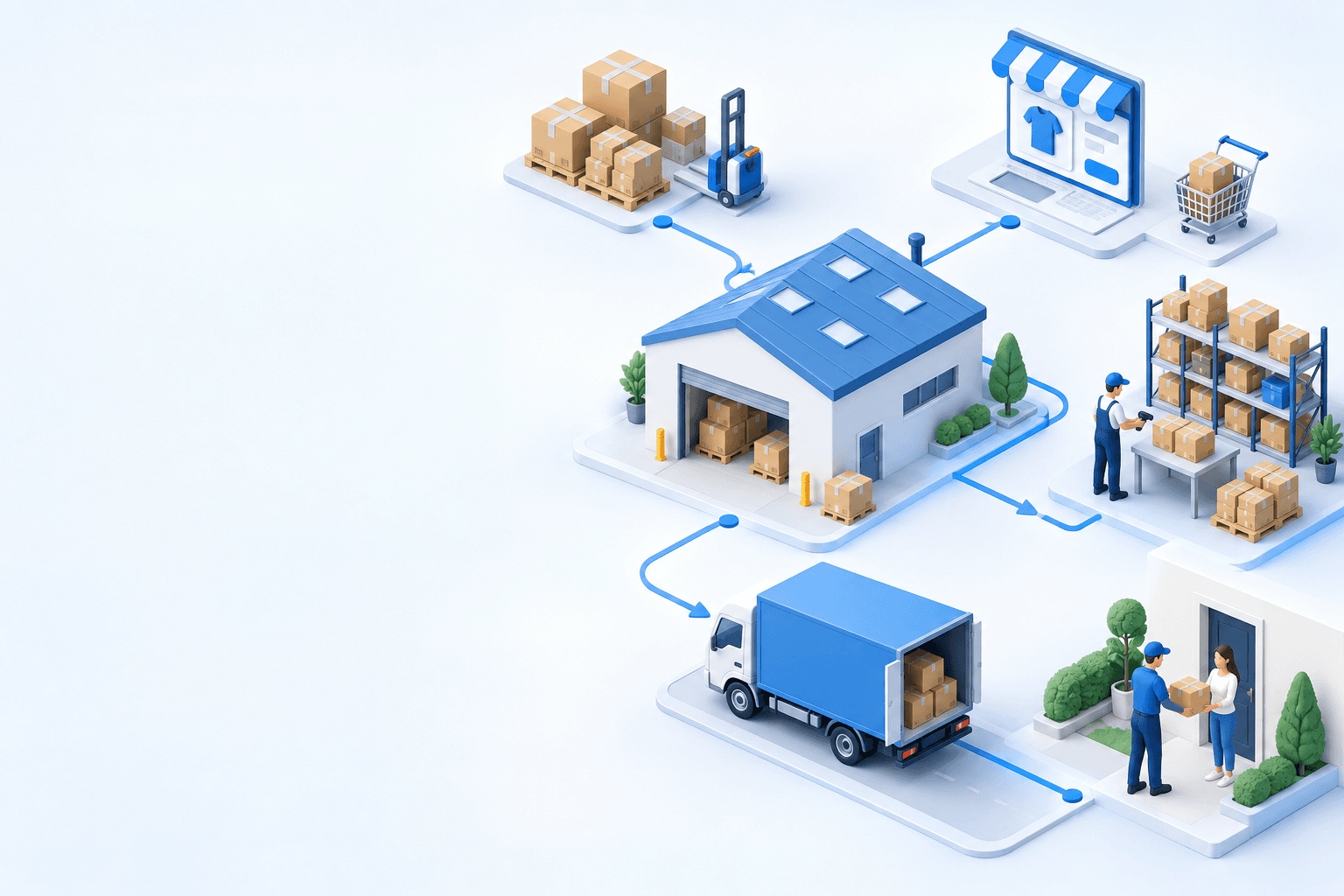

Stock availability, picking accuracy, and shipping times affect marketplace sales. Jonathan Coloma, COO of Repiauto, explains how his team went from 300 to 1,000 orders a day in two years. He describes the limits of paper-based work, ERPs built for different needs, a go-live estimate of fifteen days, and changes to his daily routine.

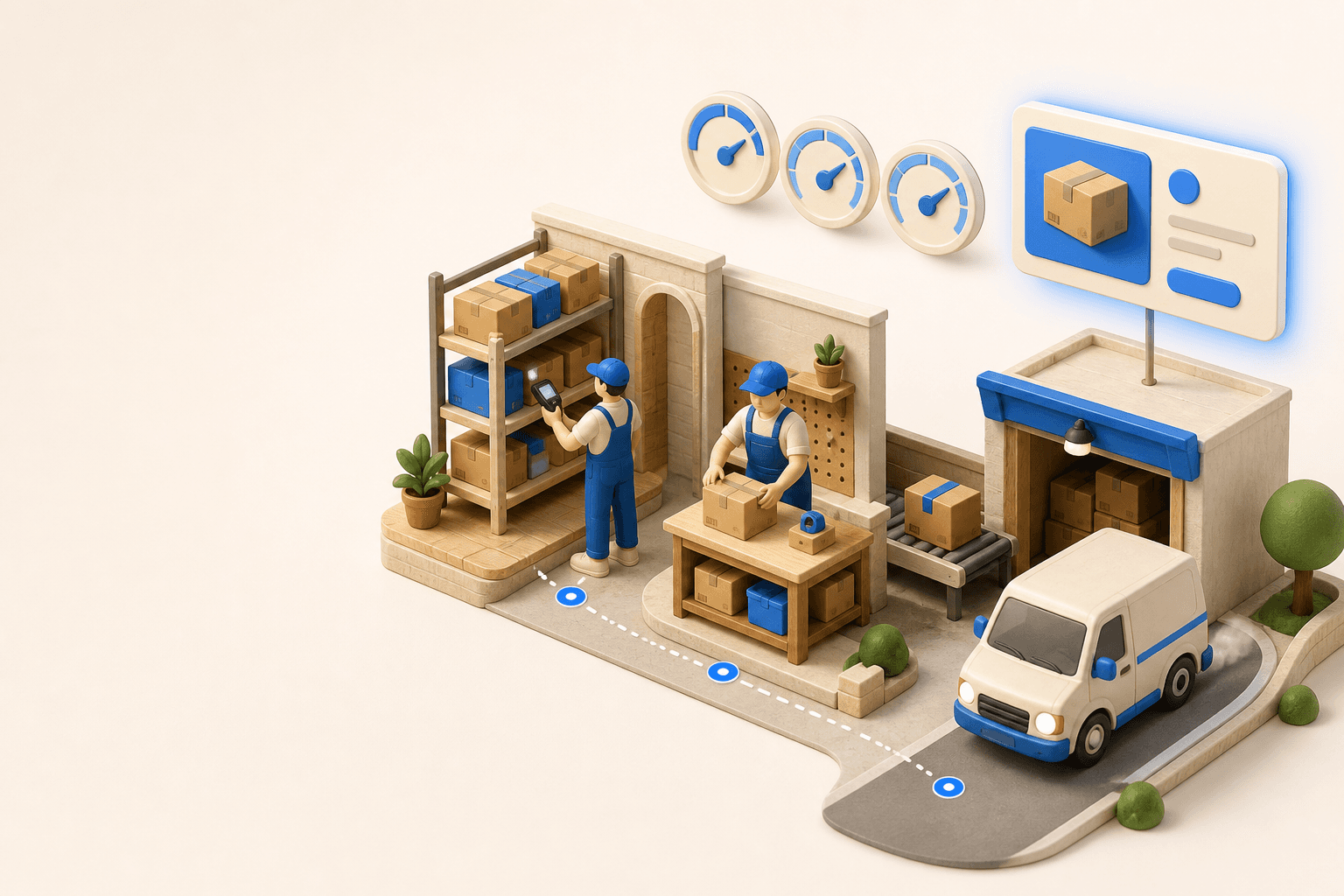
To hold up under peak volume, split the order queue into waves based on real operating constraints, then decide where barcode checks belong. At the packing bench, the operator verifies the parcel. Carrier rules select the service and print the label, so the next order can start without another decision.

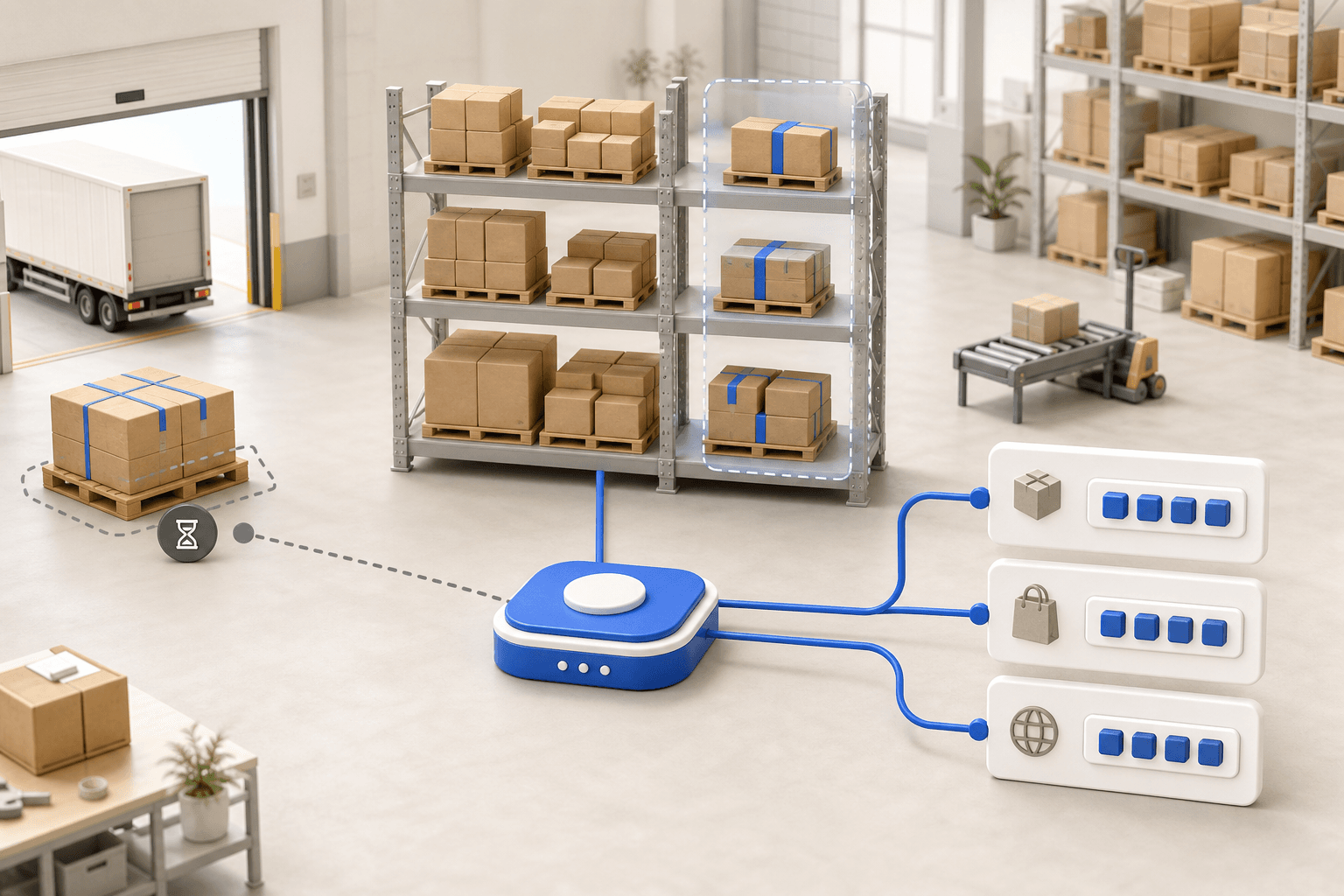
Industrializing your purchasing means ordering on rules, not guesswork: at the right time (the reorder point), in the right quantity (your coverage period), from the right supplier, with a purchase order validated in one click. Available on replay.








See it in your own operations
Book a 20-minute call. We'll map your workflow and point out where it breaks. No slides.
Free 20-min call · No commitment