
Chronopost Shopify: which shipping setup fits your operation?
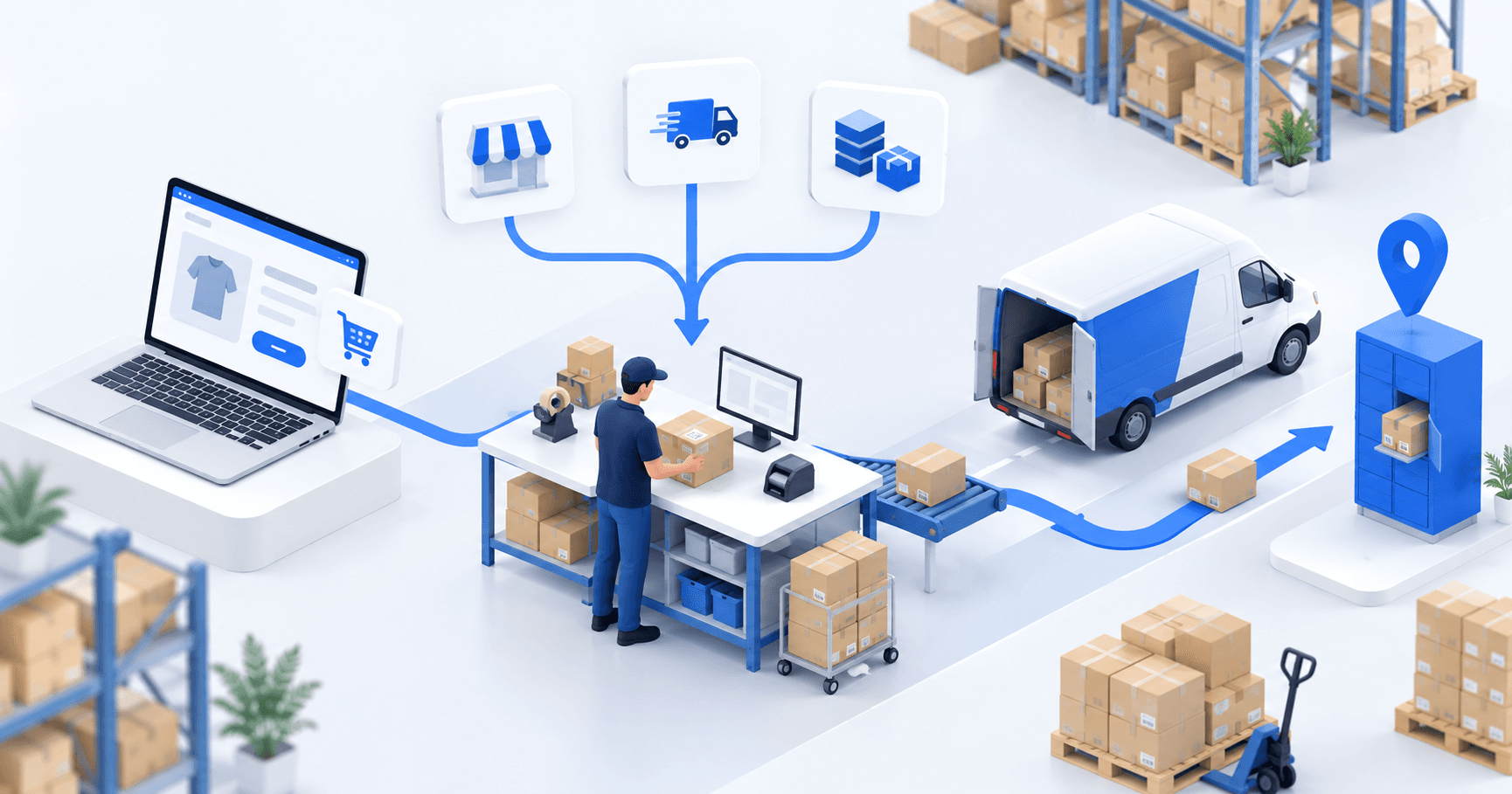
A Chronopost app can fit one Shopify store and one shipping point. A shipping platform centralizes labels across carriers. Choose an OMS/WMS when channels, warehouses, or transport rules multiply. Confirm who owns the Chronopost account and checkout rate, then test one home order and one Pickup order through label creation and tracking in Shopify.
 By Diogo Monteiro · E-commerce Integration Expert· Updated September 25, 2026· 4 min read
The essentials
- A Chronopost app fits one simple store. A shipping platform groups carrier labels. An OMS/WMS shares transport rules across channels or warehouses.
- Document the Chronopost account, contracted service, and checkout-rate source before treating a printed label as acceptance.
- A Pickup order passes only when the selected point ID survives import, method mapping, shipment creation, and the Chrono Relais label.
- Test one home order and one Pickup order for matching services, readable labels, tracking numbers, and Shopify fulfillment updates.
At 5:20 p.m., a Chrono Relais label prints at the packing station. The parcel is ready, but the label points to a different pickup location than the shopper selected, and Shopify still has no tracking number. The PDF succeeded; the shipping handoff did not. Before launch, an operator needs to know which account supplied the service, where the checkout rate came from, and what returned to Shopify.
Chronopost Shopify: three setups for three operating models
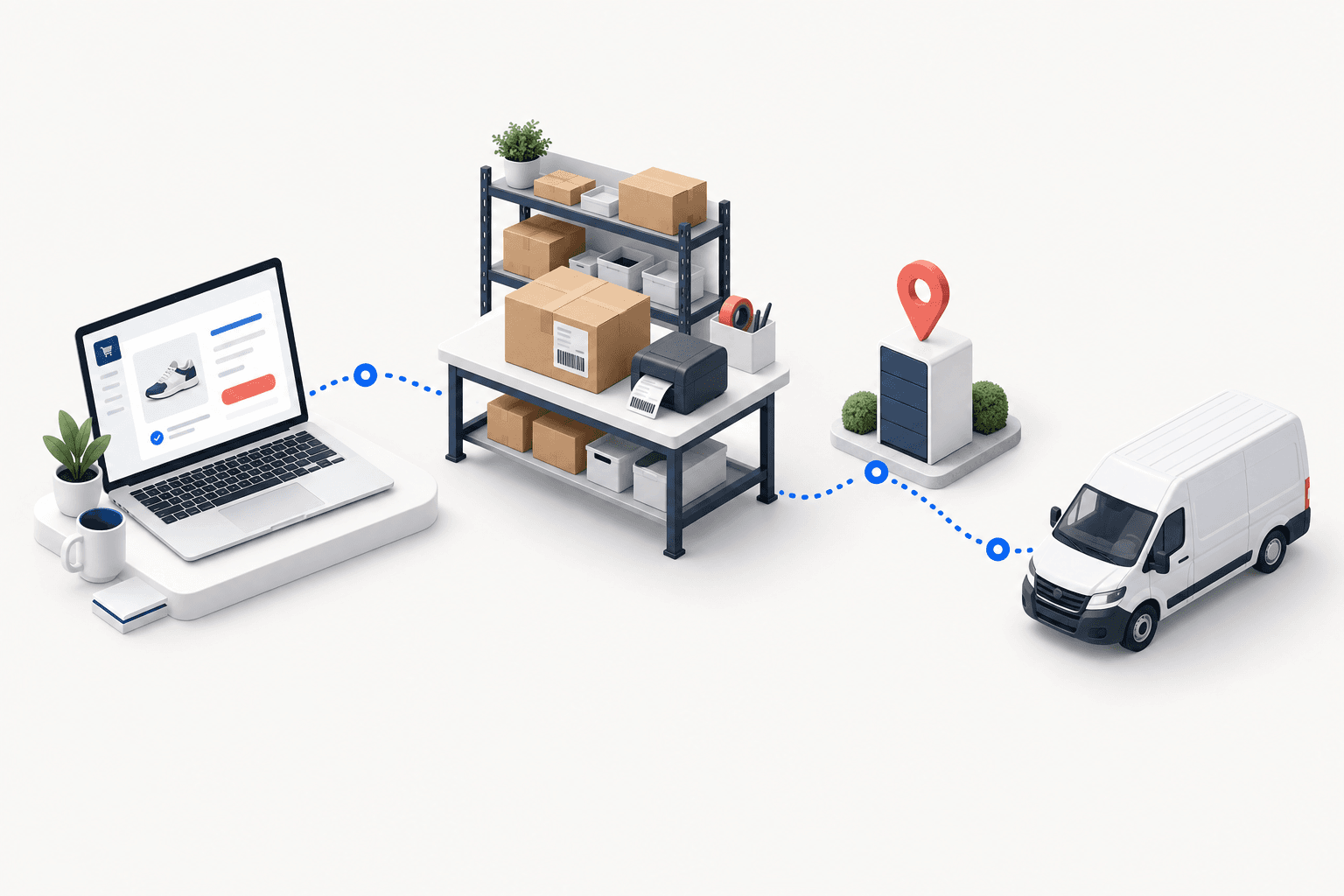
A Chronopost app is the lightest route for one Shopify store shipping from one location. It can be enough when one team controls checkout offers, labels, pickup choices, and order updates.
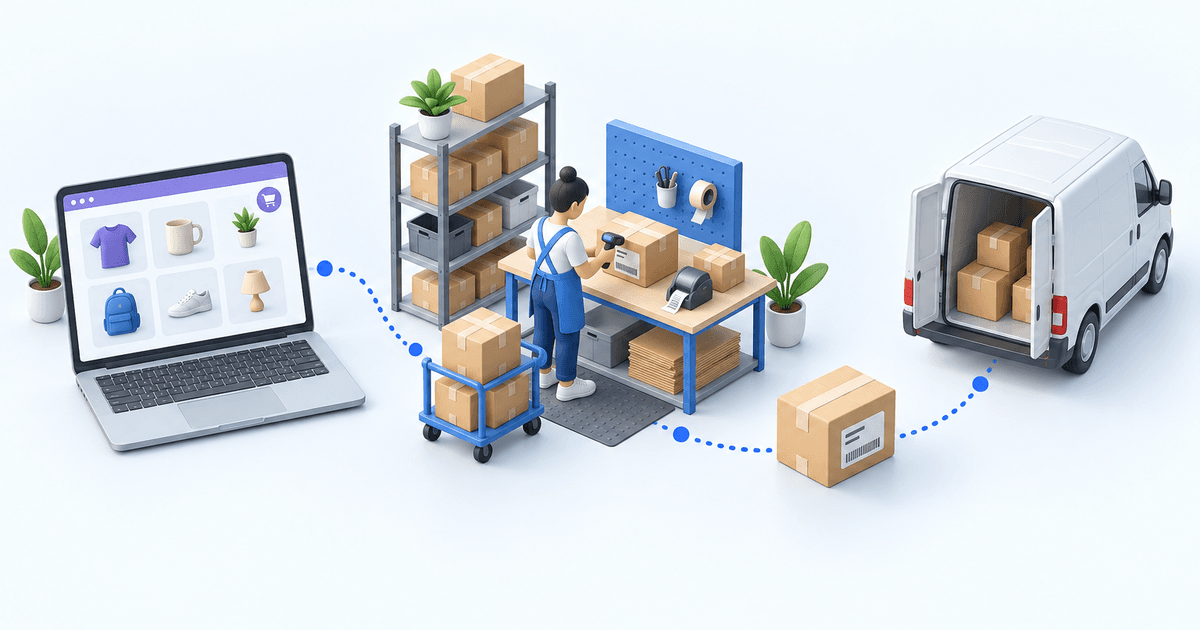
A shipping platform groups label work across carriers. It suits an operation where stock and preparation are managed elsewhere and the warehouse mainly needs one shipping workspace.
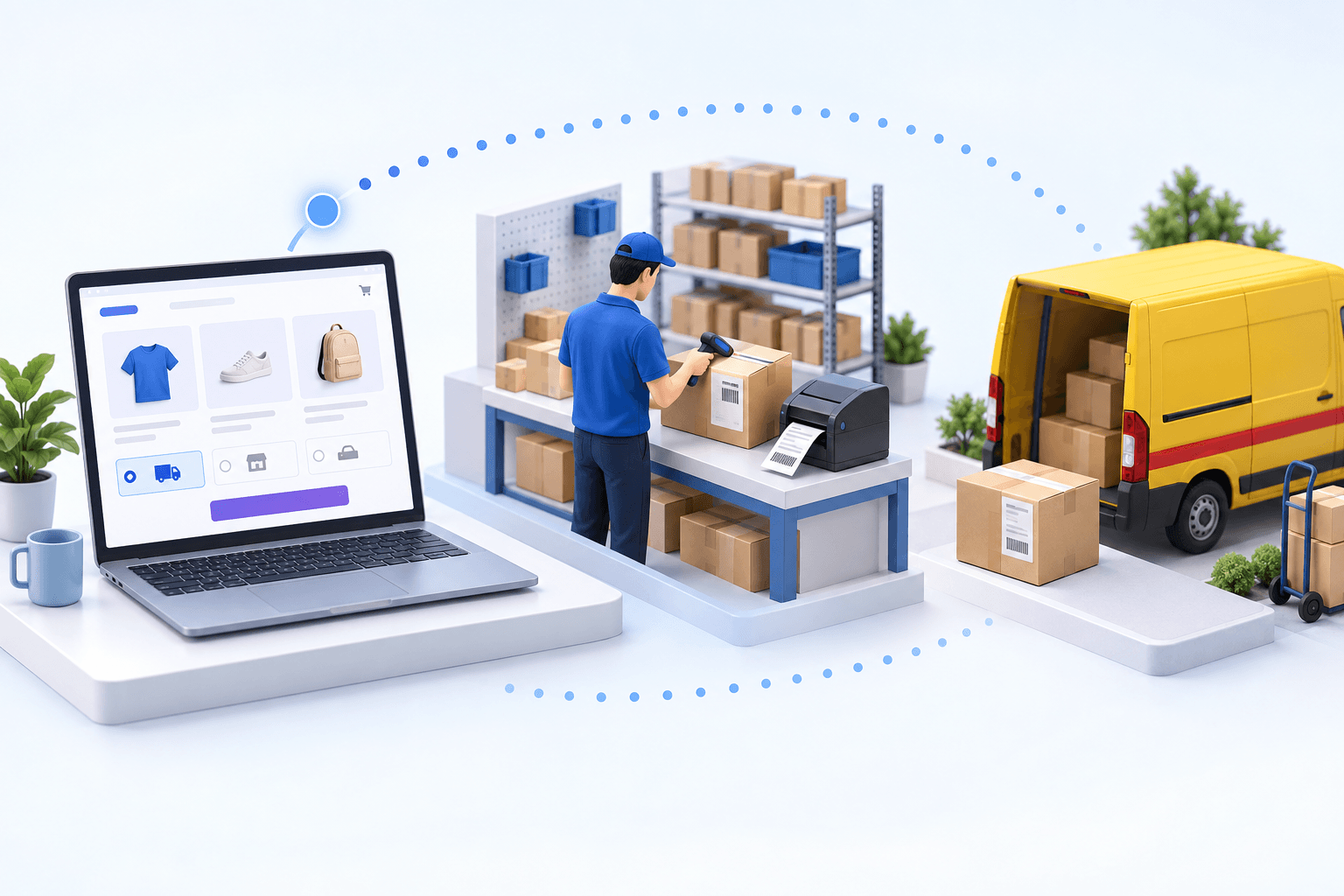
An OMS/WMS becomes relevant when several stores or marketplaces feed one queue, stock sits in more than one warehouse, or delivery rules must be shared and monitored.
| Setup | Good fit | Account and rate owner | Acceptance point |
|---|---|---|---|
| Chronopost app | One store, one shipping point | App path documented | Offer, label, tracking |
| Shipping platform | Several carriers, simple fulfillment | Platform path documented | Order, label, write-back |
| OMS/WMS | Several channels or warehouses | Merchant contract and documented checkout-rate source | Shared rules and traceability |
Account ownership changes the test. Shopify’s Chronopost documentation (accessed in 2026) says Shopify Shipping uses Shopify’s Chronopost account and does not provide carrier-calculated Chronopost rates at checkout. Chronopost’s Shopify page (accessed in 2026) documents a separate store-app route. With myFulfillment, the operating path uses the merchant’s Chronopost Pro or contract account. Record the account, contracted service, and checkout-rate source before comparing results.
Failures appear between the shipping method selected at checkout and the Shopify update
First, the Shopify shipping method selected at checkout can map to the wrong Chronopost service. Chrono 13, Chrono 18, and Chrono Relais are different promises. Confirm the service against the final parcel weight, destination, and the merchant’s contract before dispatch.
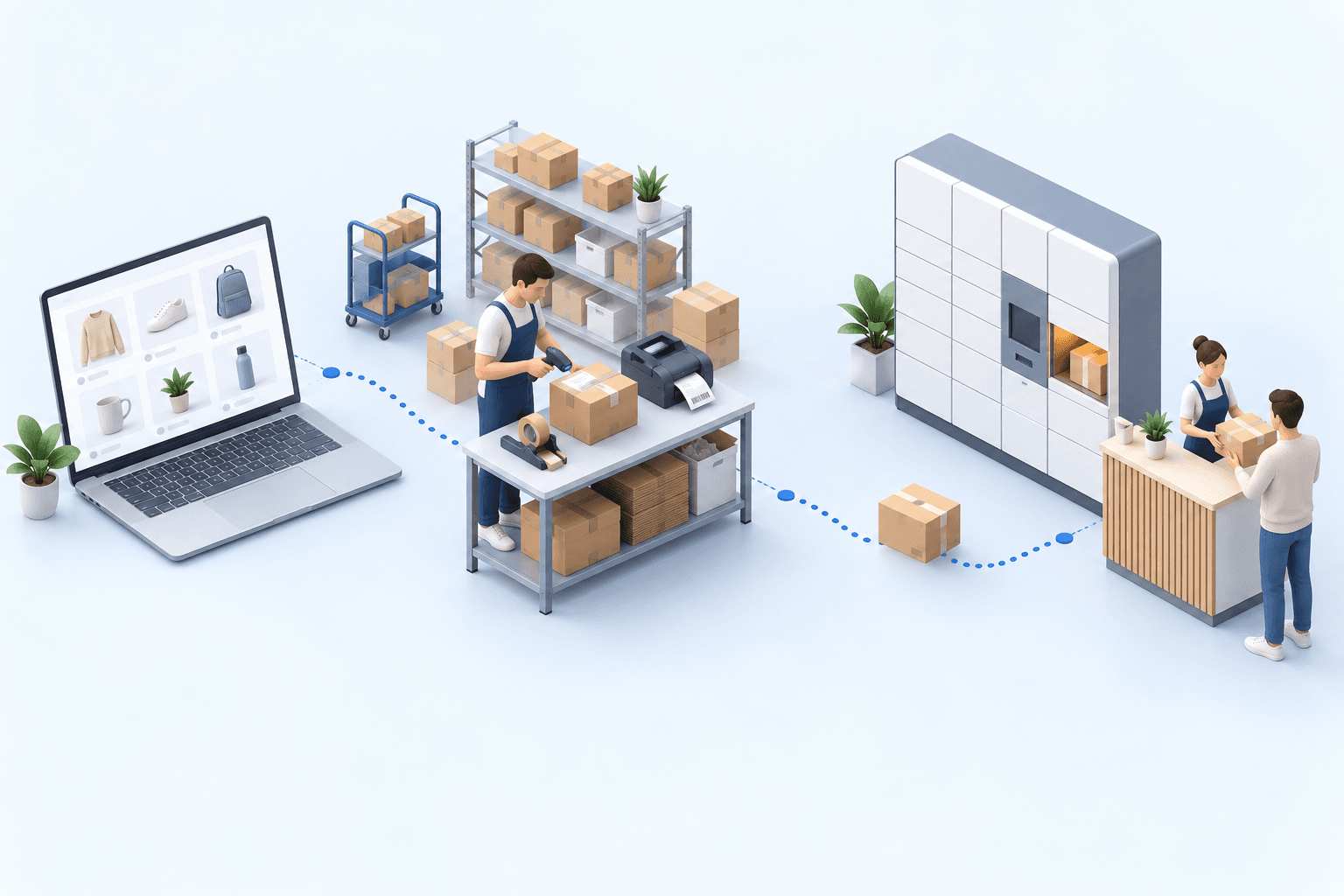
Second, the pickup-point ID can disappear. The storefront or app records the shopper’s choice; that identifier must remain associated with the order through import, method mapping, and shipment creation. The label must show the selected point, not merely the right town. Fevad’s 2026 figures put out-of-home delivery at nearly one in two French deliveries. Arcep and CREDOC reported in 2026 that nearly four in ten recipients preferred pickup points.
Third, tracking can stop before Shopify. The label request returns a Chronopost number, but Shopify must receive the same number and fulfillment update. Arcep and CREDOC also found that 62% of recipients had experienced a delivery problem in six months, including missing tracking information. Arcep’s observatory published in 2025 counted 1.7 billion parcels in 2024, up 3.7%. Every missing result needs an observable alert that identifies the responsible handoff.
 ShopifyPaid order
 ChronopostLabel and tracking
One electronics distributor used Chronopost among its carriers. Centralizing three carrier portals reduced its daily label task from more than two hours to under ten minutes. Label errors fell from 5 to 8% of shipments to under 1% in the first month. These results describe that distributor’s multi-carrier operation.
Run two Chronopost Shopify test orders in 20 minutes
Create one paid home-delivery order and one paid Pickup order with easy-to-recognize references. During the first five minutes, confirm the same order numbers, items, addresses, shipping methods selected at checkout, and pickup-point ID after import. Note the checkout prices, their source, and the Chronopost account used for shipment creation.
Use the next five minutes at the packing station. Enter the final weights and dimensions, create both shipments, then compare each label with the selected shipping method. The home order must carry the intended service. The Pickup label must carry the selected point ID. Keep both tracking numbers.
Spend the final ten minutes completing both shipments and returning to Shopify. Each order must show the expected fulfillment update and the same tracking number as its Chronopost shipment.
- 1Shopify orderOrder number and delivery method presentCheck in Shopify
- 2Parcel checkItems and quantities validatedCheck at the packing station
- 3Chronopost shipmentLabel and tracking number createdCheck in the Chronopost account
- 4Tracking sync back to ShopifyOrder marked as fulfilledCheck in Shopify
The first missing result identifies where to investigate: import rules when an order is absent, method mapping when the service is wrong, pickup data when the point changes, account or parcel data when a label fails, and shipping confirmation when tracking does not return. Fix that handoff and rerun both tests.
Choose an OMS/WMS when transport rules become shared operations
Keep the store app when one store and shipping point pass the full two-order test. A shipping platform remains a sensible middle layer when the main job is producing labels for several carriers.
myFulfillment becomes useful when several stores or marketplaces need one order queue, orders must be assigned across warehouses, or the same delivery rule is maintained in several places. The OMS controls order allocation, the WMS controls preparation and packing, and the TMS applies the selected carrier service before the shipment update returns to Shopify.
The Shopify integration and Chronopost integration pages define the supported mechanics. The same decision pattern is available for Shopify × DPD.
Frequently asked questions
Yes. A Chronopost app or shipping platform can fit one store and simple fulfillment if it preserves the selected shipping method, pickup-point ID, intended label, tracking number, and Shopify update.
It depends on the chosen path. Shopify Shipping uses Shopify’s Chronopost account. A myFulfillment flow uses the merchant’s Chronopost account; document the separate checkout-rate source.
Place one paid Pickup order. Verify the same point ID after import, in the shipment request, and on the Chrono Relais label before dispatch.
The shipping-confirmation path can return the Chronopost number and fulfillment update. Test both values in Shopify; a printed label alone does not prove the write-back succeeded.
Continue exploring
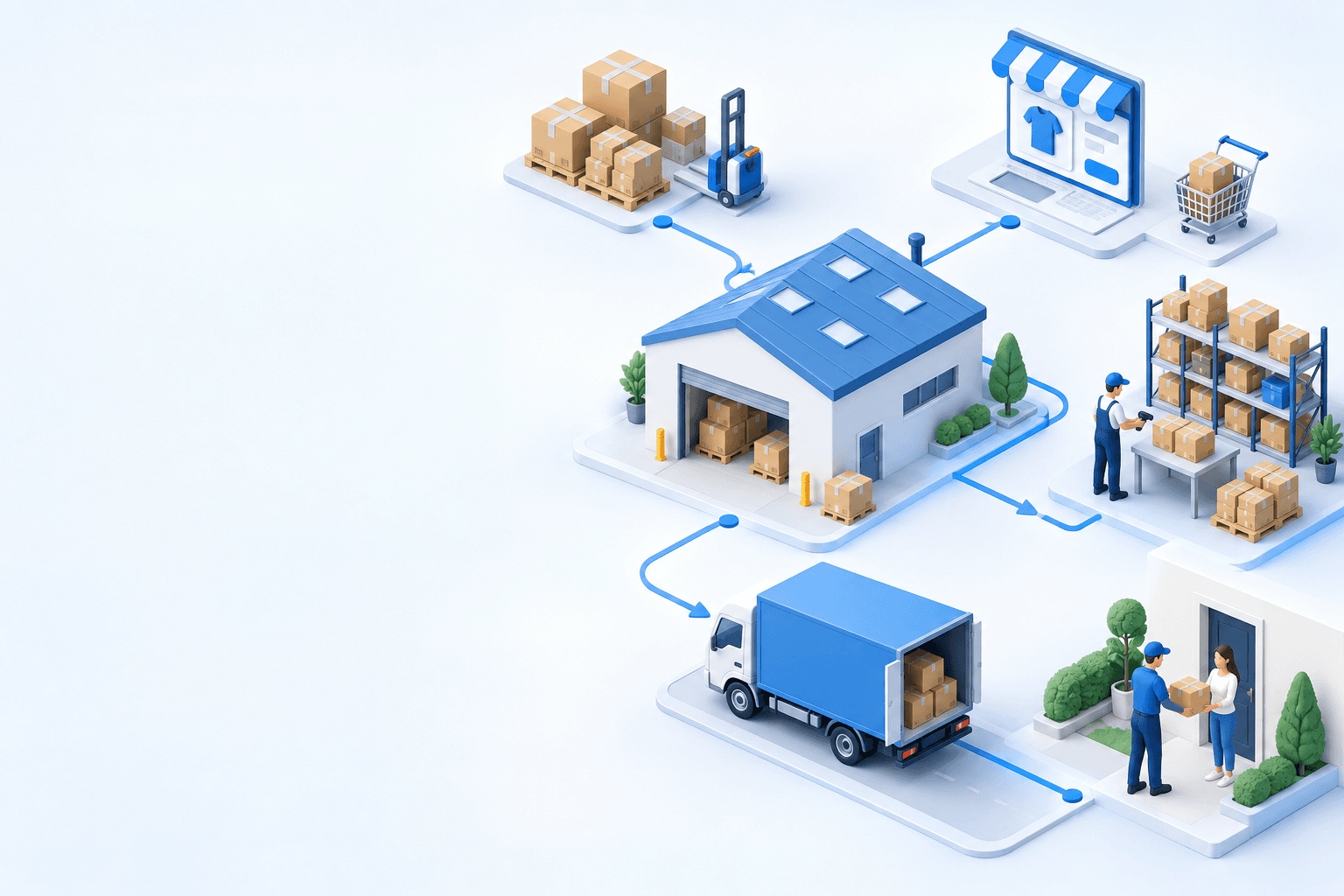

Stock availability, picking accuracy, and shipping times affect marketplace sales. Jonathan Coloma, COO of Repiauto, explains how his team went from 300 to 1,000 orders a day in two years. He describes the limits of paper-based work, ERPs built for different needs, a go-live estimate of fifteen days, and changes to his daily routine.

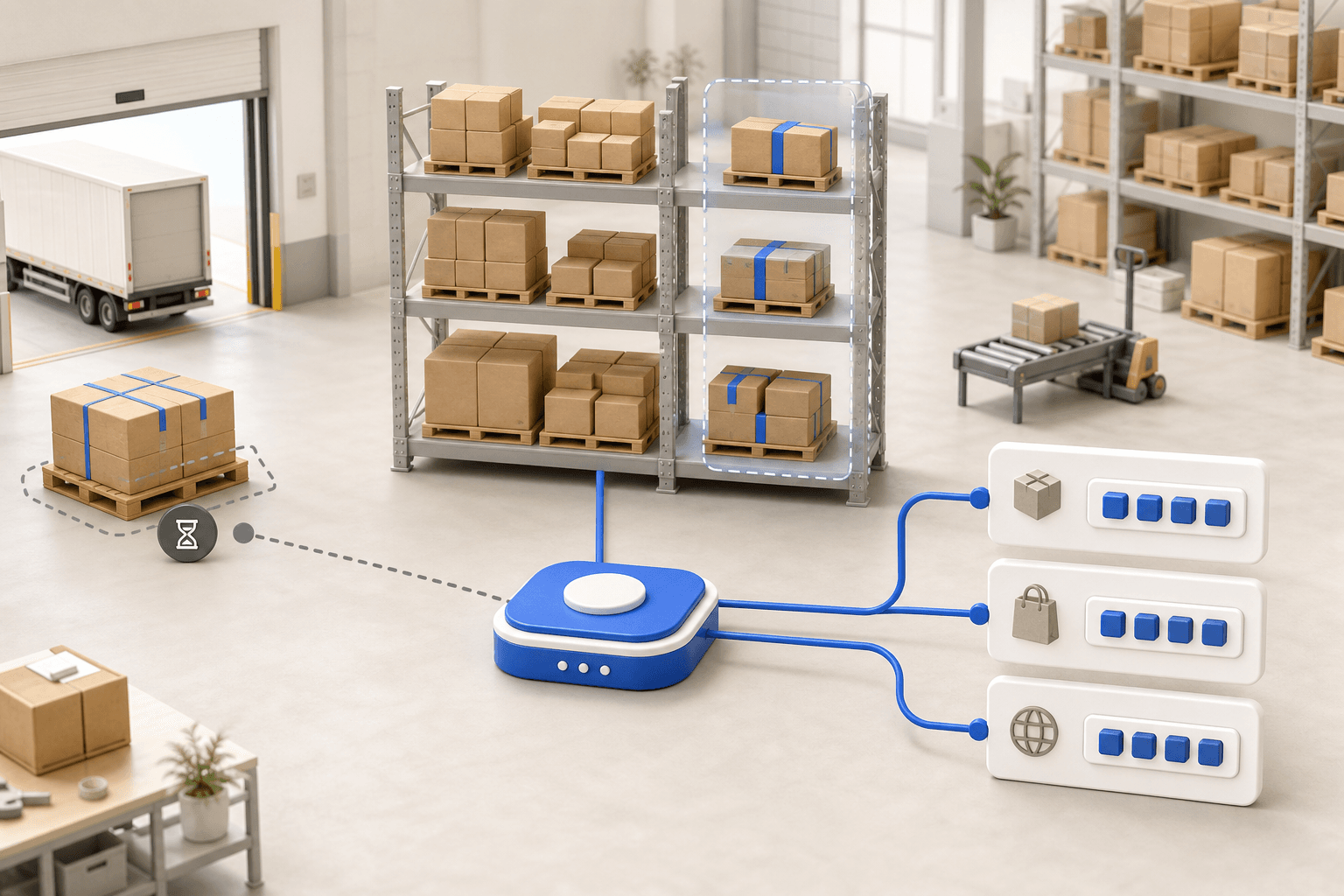
To hold up under peak volume, split the order queue into waves based on real operating constraints, then decide where barcode checks belong. At the packing bench, the operator verifies the parcel. Carrier rules select the service and print the label, so the next order can start without another decision.

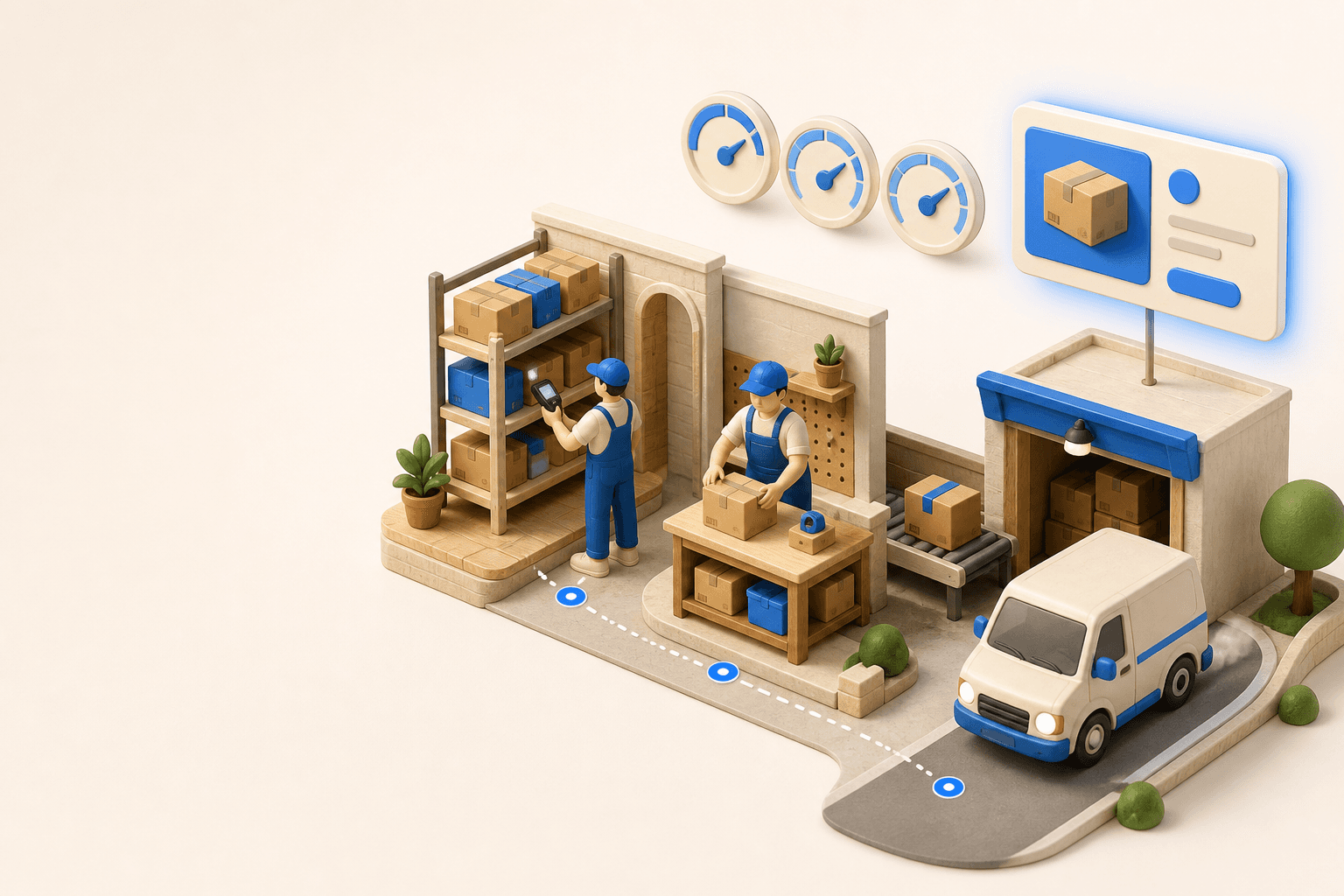
Industrializing your purchasing means ordering on rules, not guesswork: at the right time (the reorder point), in the right quantity (your coverage period), from the right supplier, with a purchase order validated in one click. Available on replay.








See it in your own operations
Book a 20-minute call. We'll map your workflow and point out where it breaks. No slides.
Free 20-min call · No commitment