
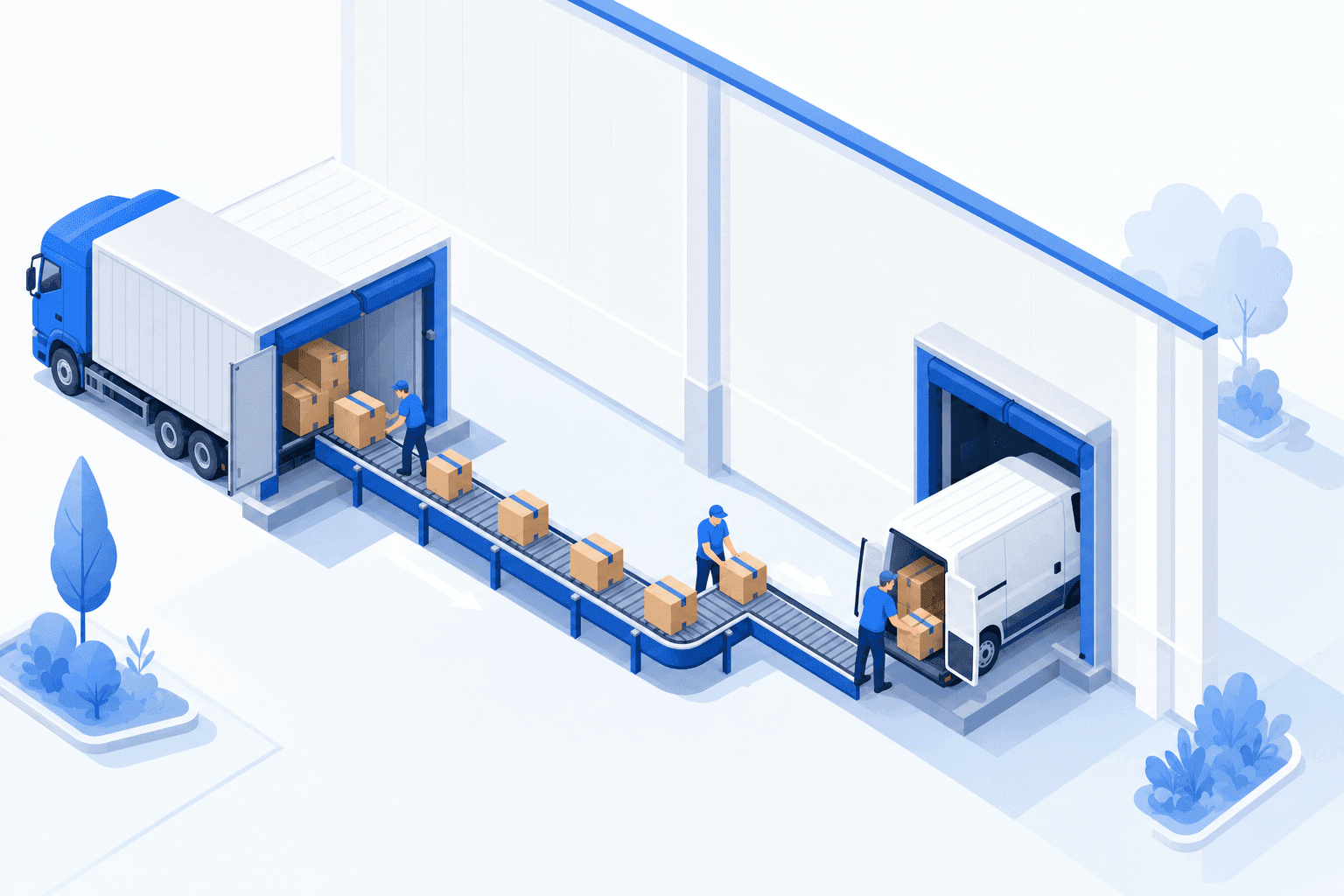
E-commerce cross-docking: sell stock you don't hold
Cross-docking means shipping a product without stocking it: it arrives from your supplier and leaves for your customer after passing through your warehouse. One auto parts distributor sells 200,000 to 500,000 SKUs without holding inventory. Its complete single-item orders ship within minutes.

The essentials
- Bulk receiving without PO matching removes manual product assignment: after a bulk scan, the system proposes allocations to the oldest purchase orders. The buyer confirms.
- At the auto parts distributor, single-item orders ship within minutes. Incomplete orders wait for missing items without holding up the others.
- With cross-docking, you control packaging and combine goods from several suppliers. Choosing it over dropshipping also depends on landed cost and margin.
- Cross-docking is a worse fit when you promise same-day shipping or when your suppliers can't provide reliable inventory data.
A customer places an order: you need to buy the product from a supplier, receive it, and ship it. Maersk, 2024 defines cross-docking as "a process where products from suppliers are directly transferred to a customer, with minimal to no storage time in between": storage costs fall sharply, and so do handling costs. The process differs between large retail distribution networks and e-commerce. A distributor receives pallet deliveries planned far in advance. For every customer order, an online retailer initiates a purchase from a supplier. The same product may come from three different suppliers at three different prices, and their stock levels change several times a day.
Choose based on stock ownership and shipping responsibility
Traditional stocking, cross-docking, and dropshipping differ in who holds the stock and how the product reaches the customer.
| Traditional stocking | Cross‑docking | |
|---|---|---|
| Who carries inventory | You | No one (in transit only) |
| Product passes through your warehouse | Yes, it stays | Yes, but only passes through |
| Who ships to the customer | You | You |
| Delivery message | "Ships today" | "Ships in 72 hours" |
| Control over the parcel (brand, quality) | Full | Full |
| Dropshipping | |
|---|---|
| Who carries inventory | The supplier |
| Product passes through your warehouse | No, never |
| Who ships to the customer | The supplier |
| Delivery message | Varies by supplier |
| Control over the parcel (brand, quality) | Partial |
Cross-docking avoids holding inventory between receipt and shipment.
Cross-docking keeps you in control of the shipment (you pack, label, inspect) while avoiding inventory carrying costs. Dropshipping goes further: the supplier ships directly, and you never touch the product. Plenty of merchants use both, depending on the product and the supplier.
Expand your catalog without expanding the warehouse
Retailers increasingly sell assortments larger than they can physically warehouse. According to FEVAD, 2026, French e-commerce reached €196.4 billion in 2025, up 7% year over year. In a 2025 analysis, Marketplace Pulse reported that third-party sellers accounted for 62% of units sold on Amazon in the fourth quarter of 2024. For the merchant, the question is different: how do you sell supplier inventory without storing it?
By offering your suppliers' inventory for sale, you can expand your catalog beyond what your warehouse can hold. You move from an "own stock only" catalog to an "own stock + supplier stock" one. One of our clients, an auto body parts distributor, sells 200,000 to 500,000 SKUs this way without stocking a single one: nearly all of its orders ship via cross-docking.
Between receiving a customer order and shipping it, you need to choose a supplier, create the purchase order, and receive the goods without errors. The first volume spike exposes the limits of manual processing. Automate supplier selection, purchase-order creation, and receiving.
Connect supplier purchasing to shipping
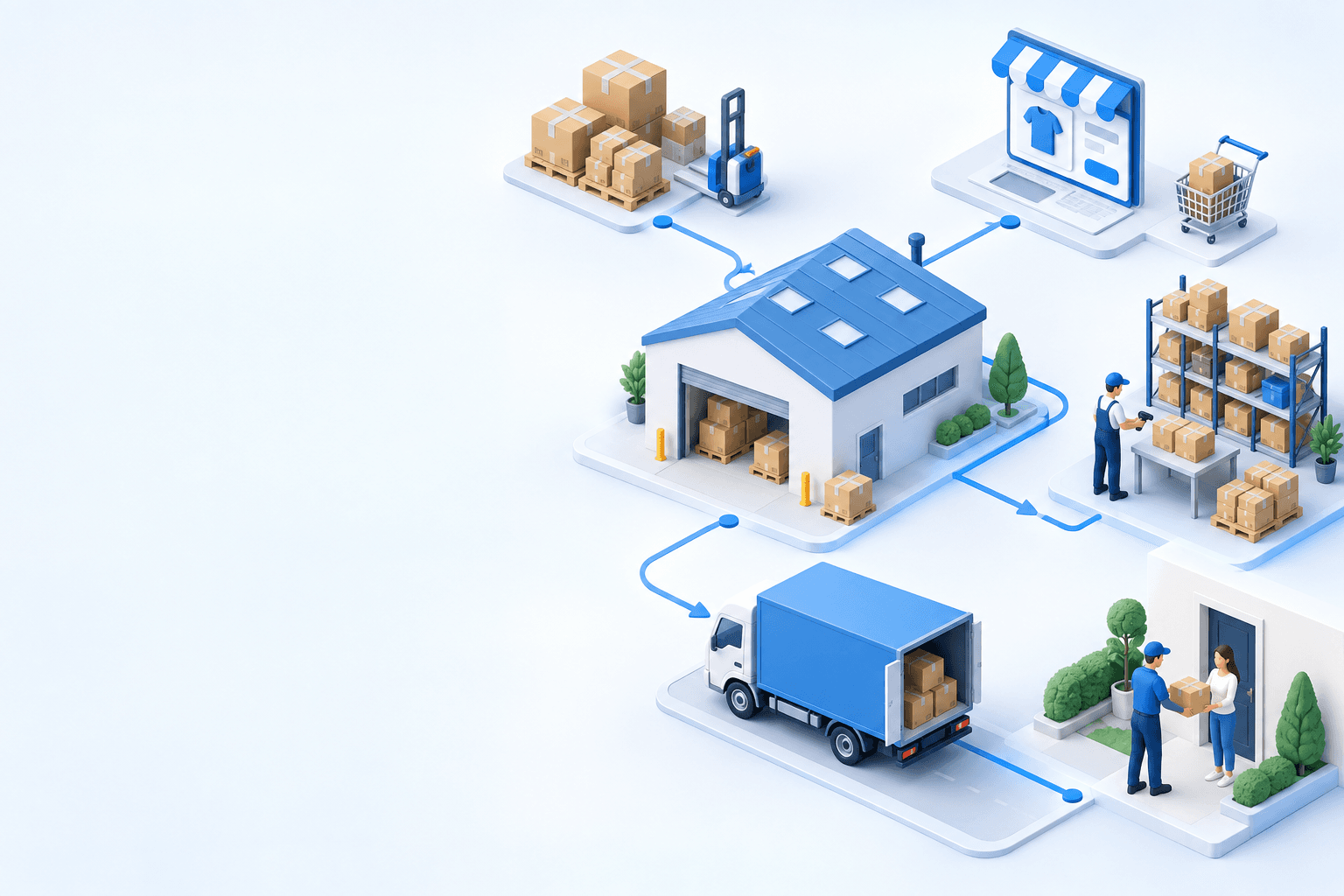
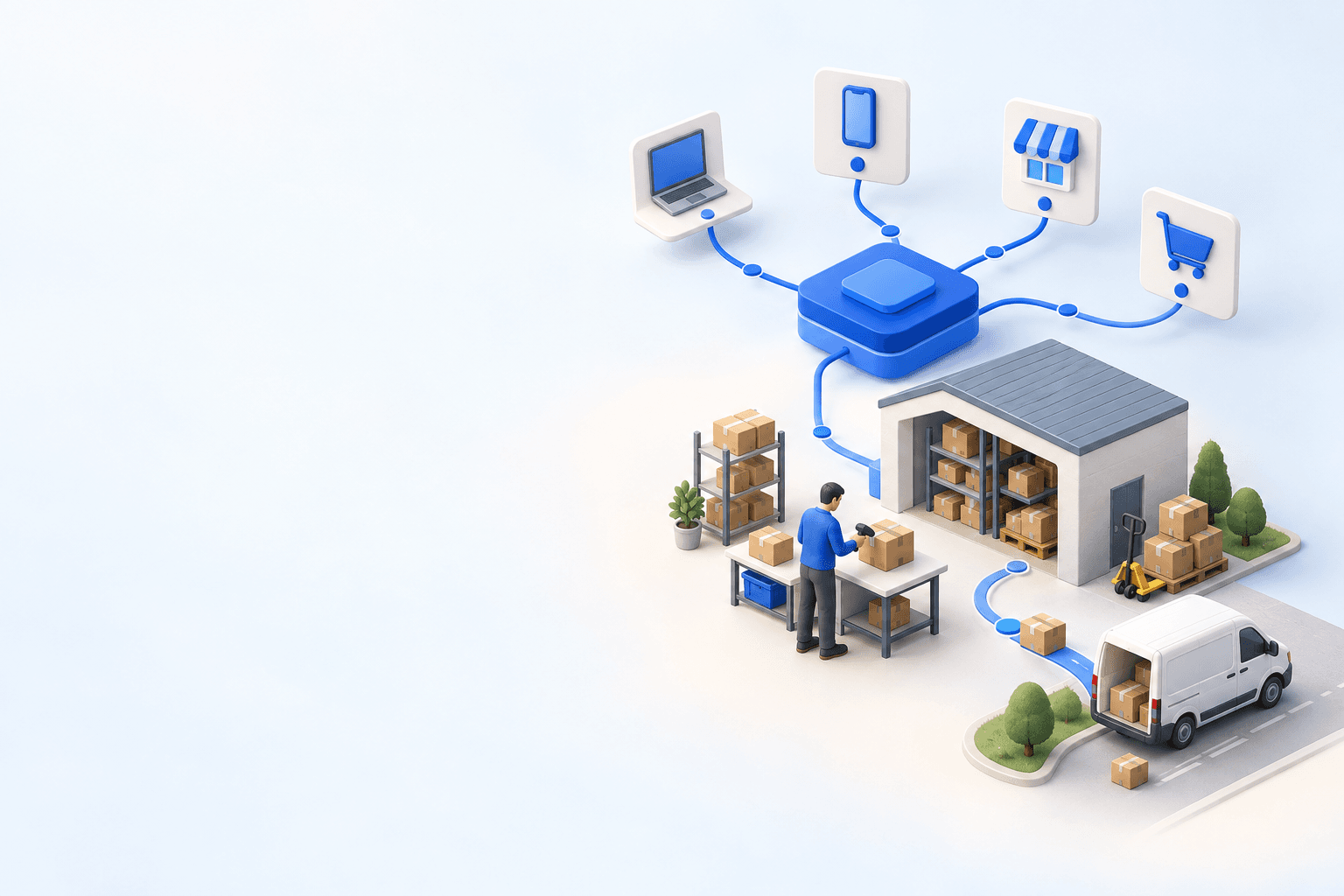
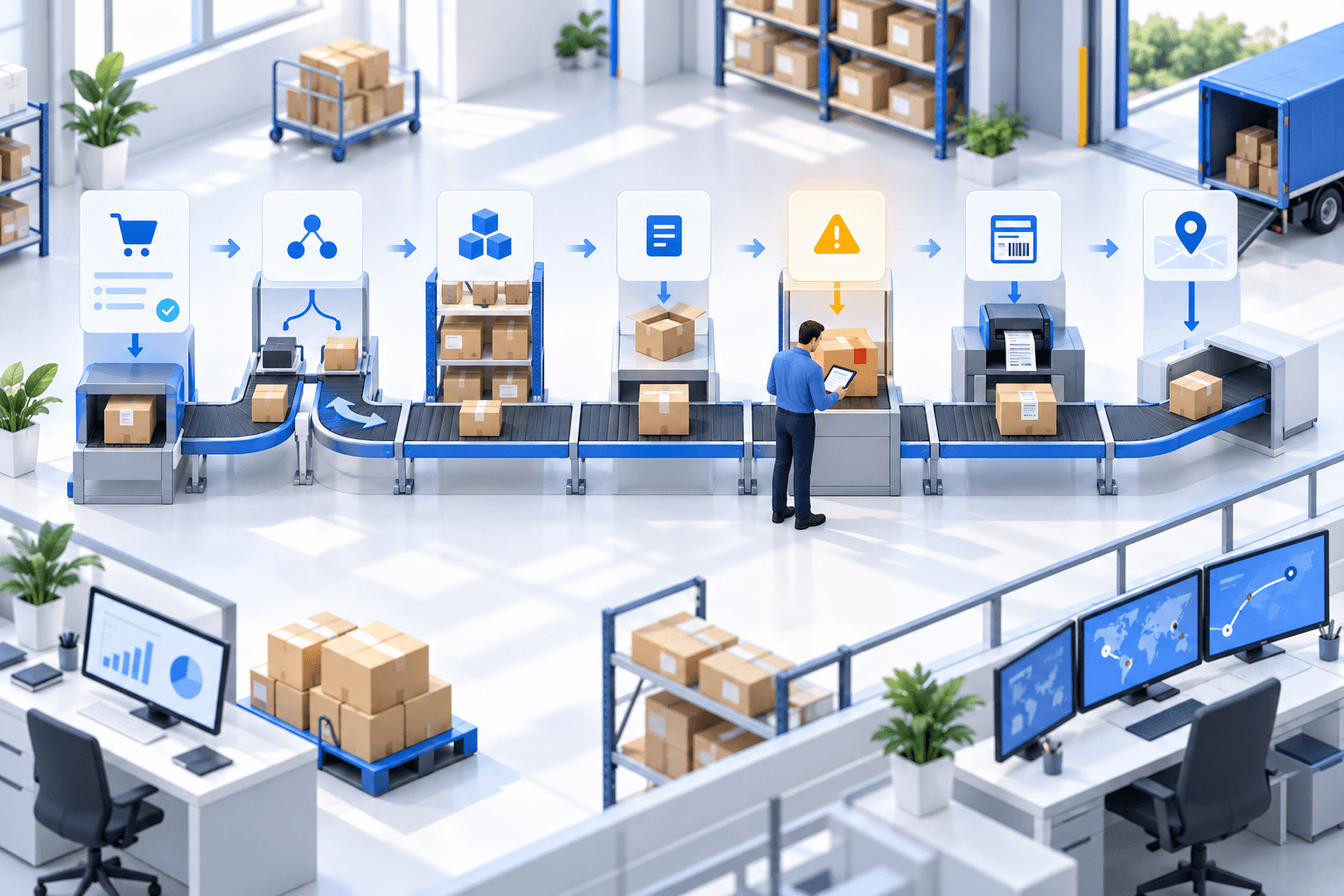
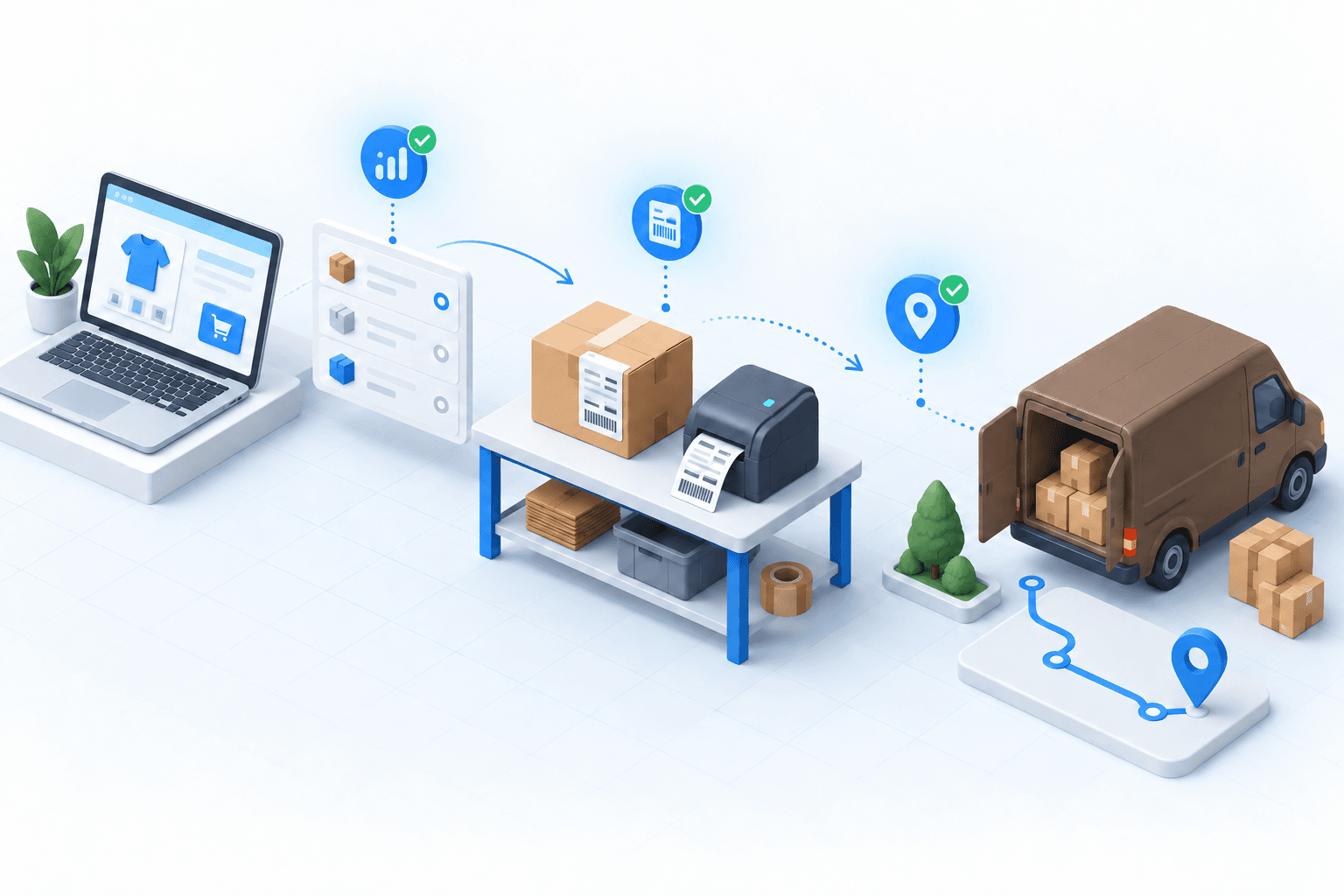
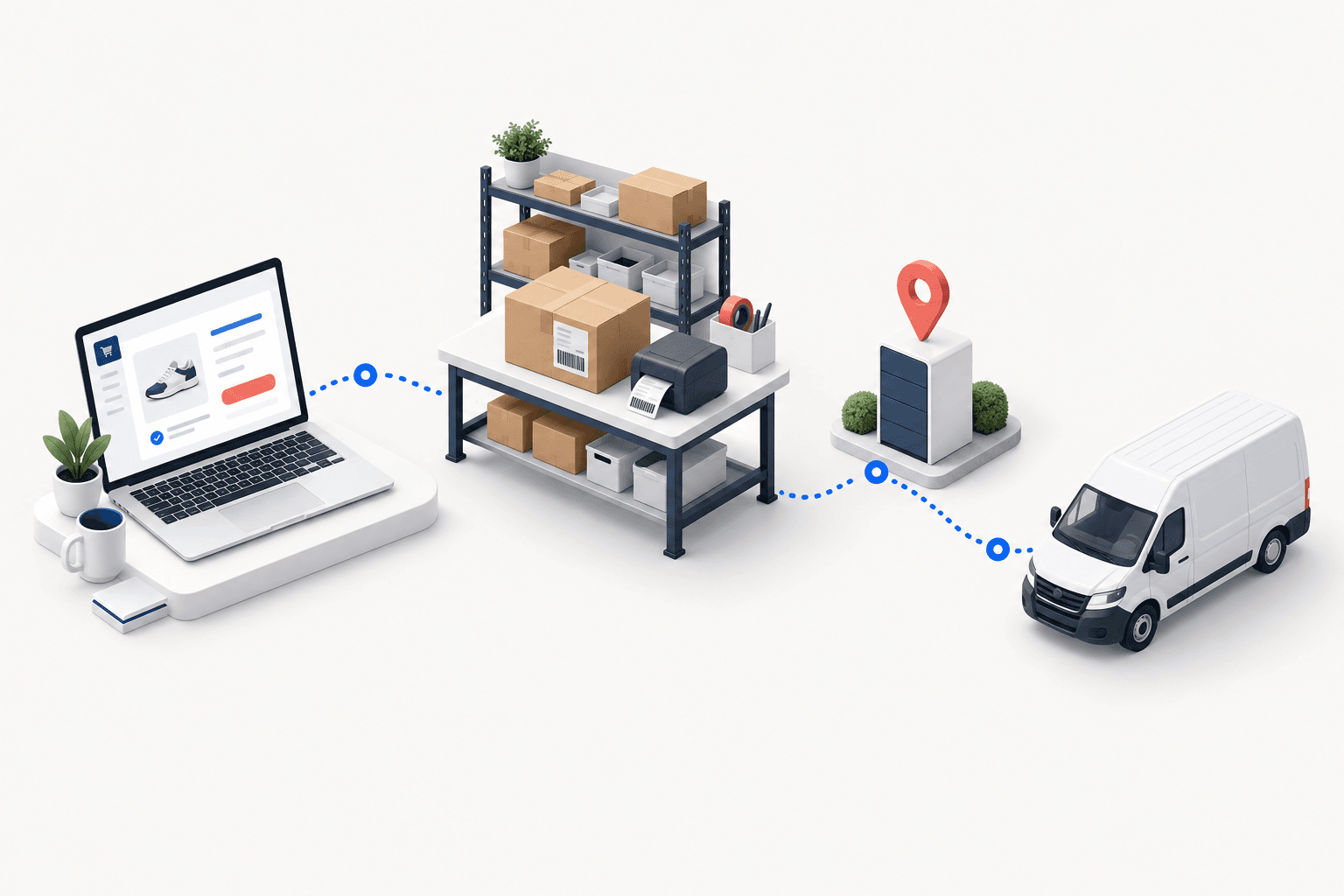
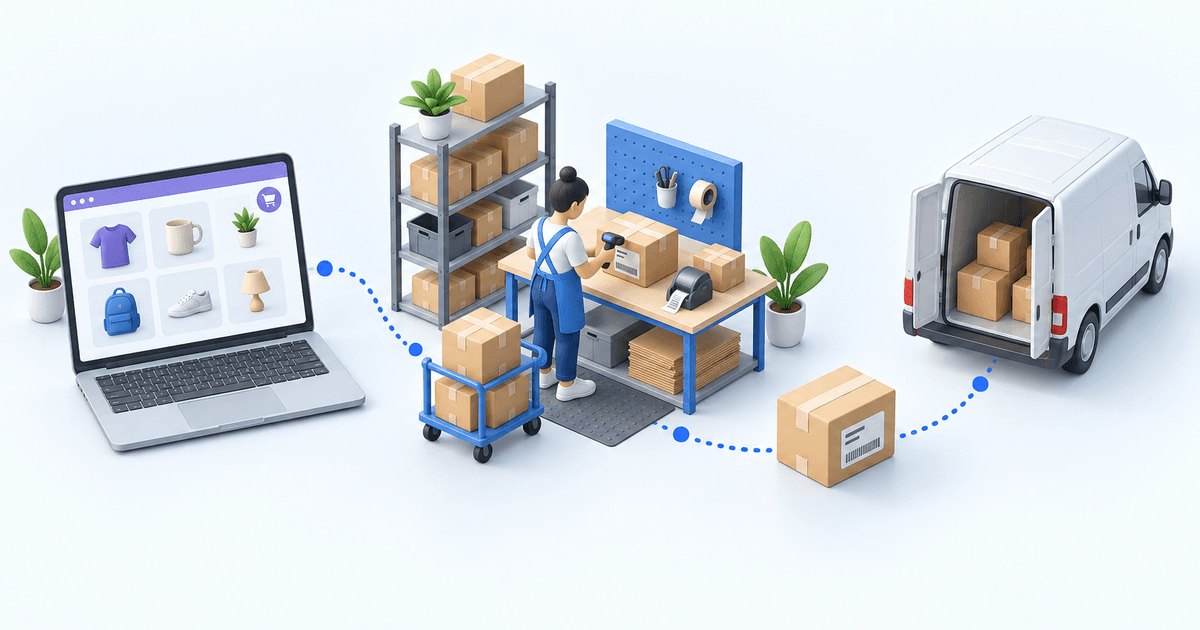
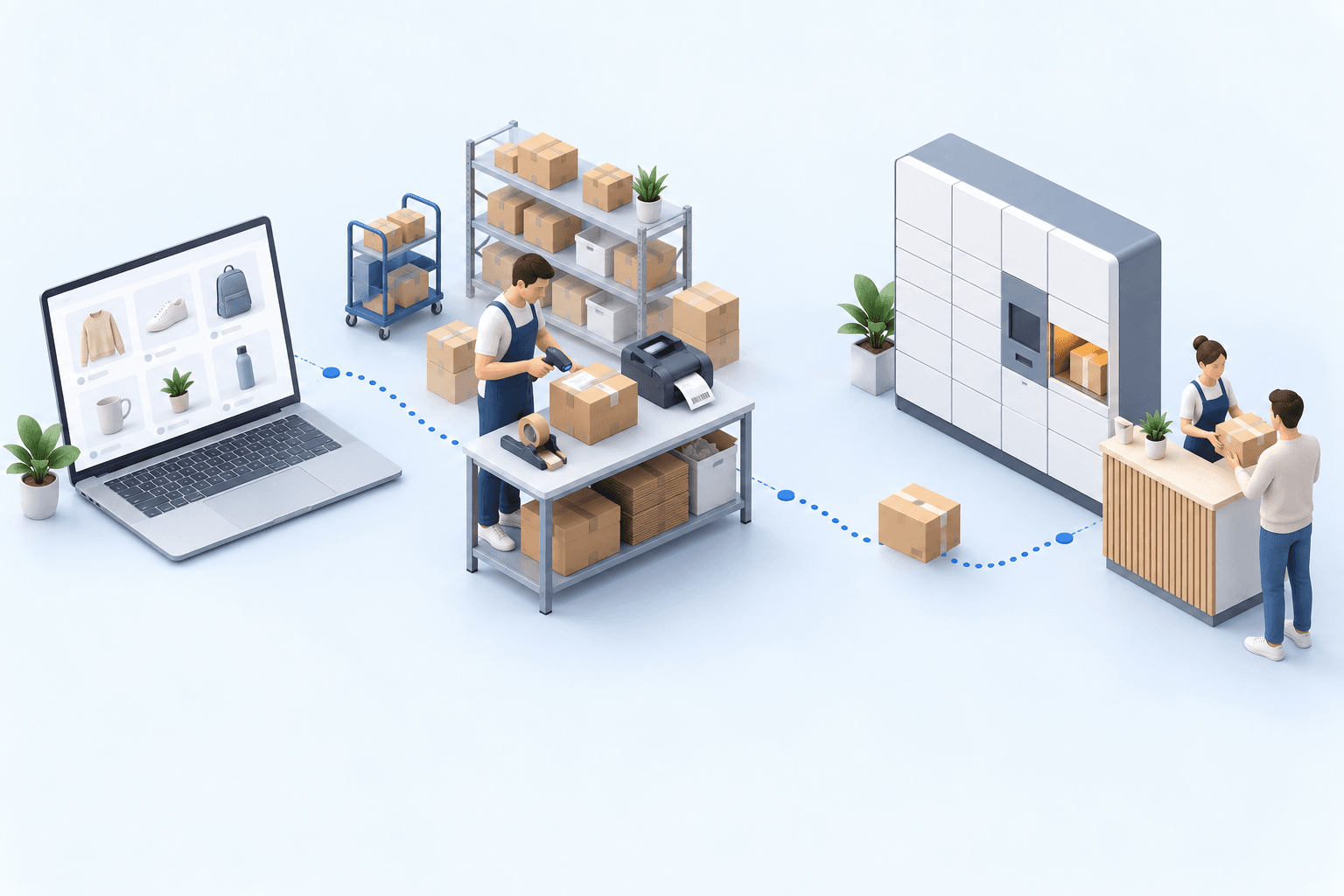
To handle order volume, the six cross-docking steps need to work together without manually assigning products to orders:
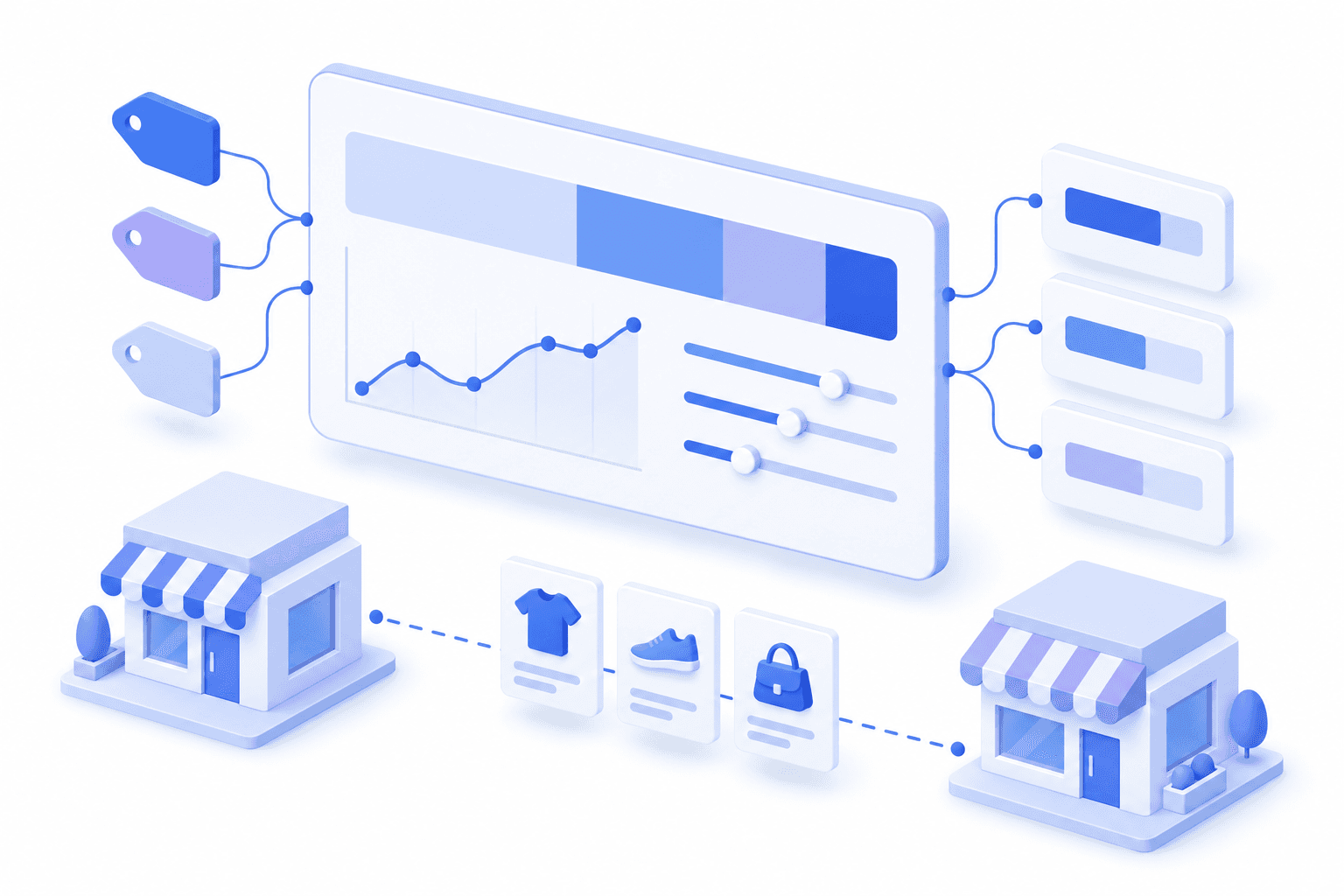
- Supplier stock synchronization. myFulfillment imports each supplier's stock and prices several times a day, via URL, FTP, or a dedicated crawler. The following steps depend on up-to-date data.
- Inventory available for sale. The quantities sent to your sales channels combine your own inventory with your suppliers’ stock. The shipping message distinguishes the two: "ships today" for inventory on hand and "ships in 72 hours" for goods that will pass through your warehouse.
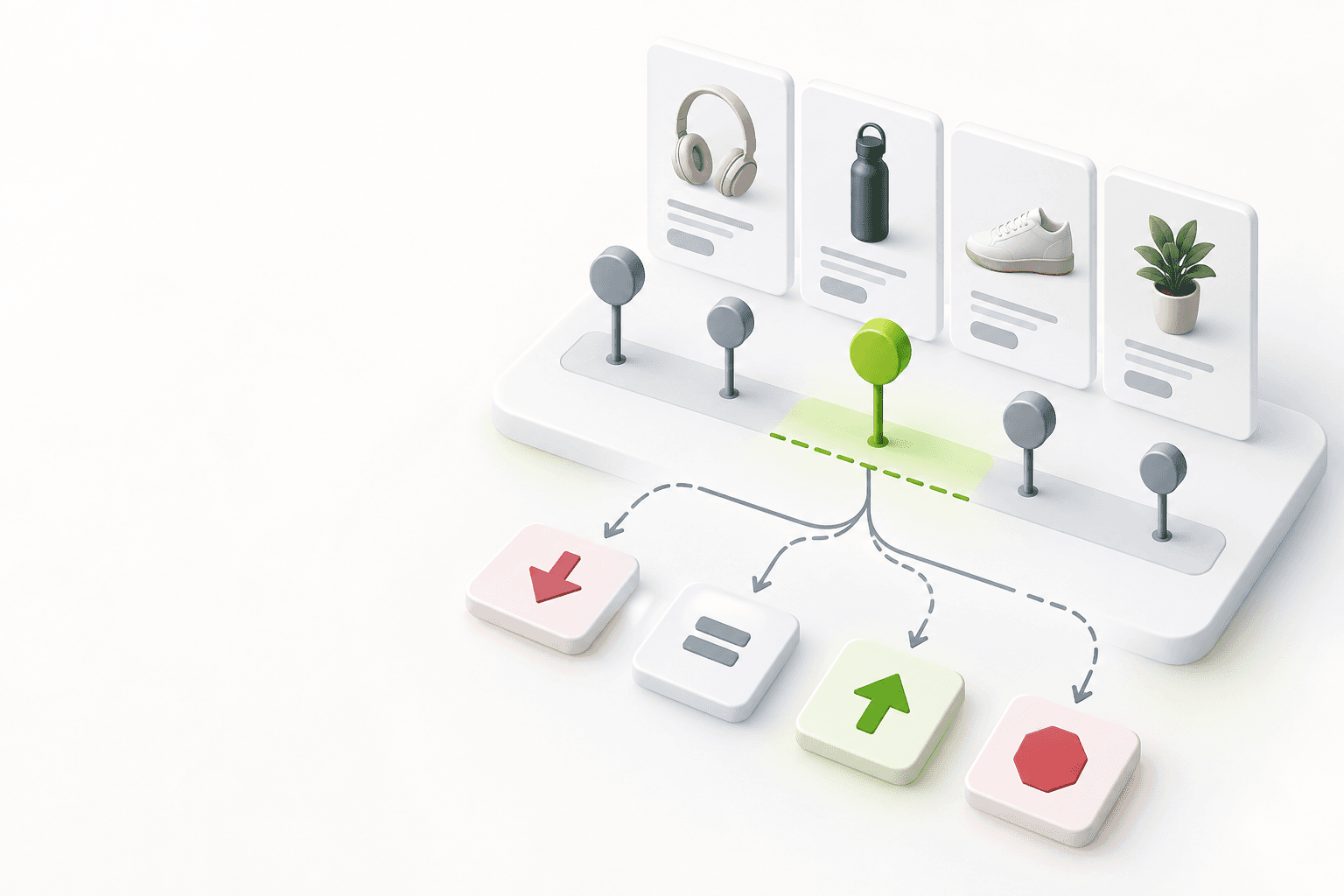
- Supplier selection. The same product (say a black bumper for a specific model) can come from several suppliers. When an order arrives, the system ranks suppliers by stock availability, purchase price, and lead time, and proposes the primary supplier. The system proposes; the buyer has the final say.
- Purchase order creation. Once the buyer confirms the supplier, the purchase order is generated automatically and sent by email, FTP file, or API call. Nobody needs to check a threshold manually to place the order anymore.
- Receiving. Products arrive, often grouped in one delivery. Receiving is where operators most often lose time.
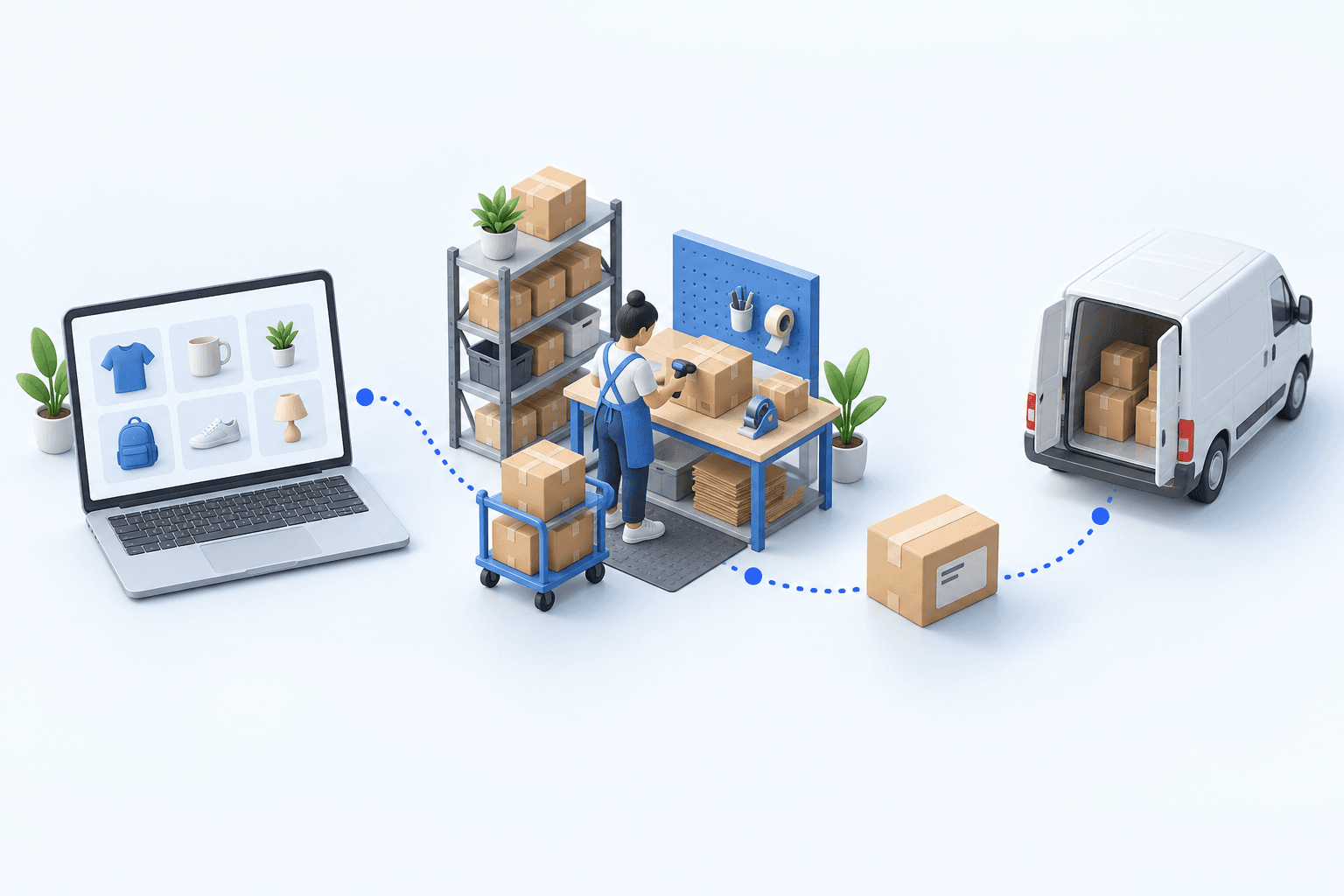
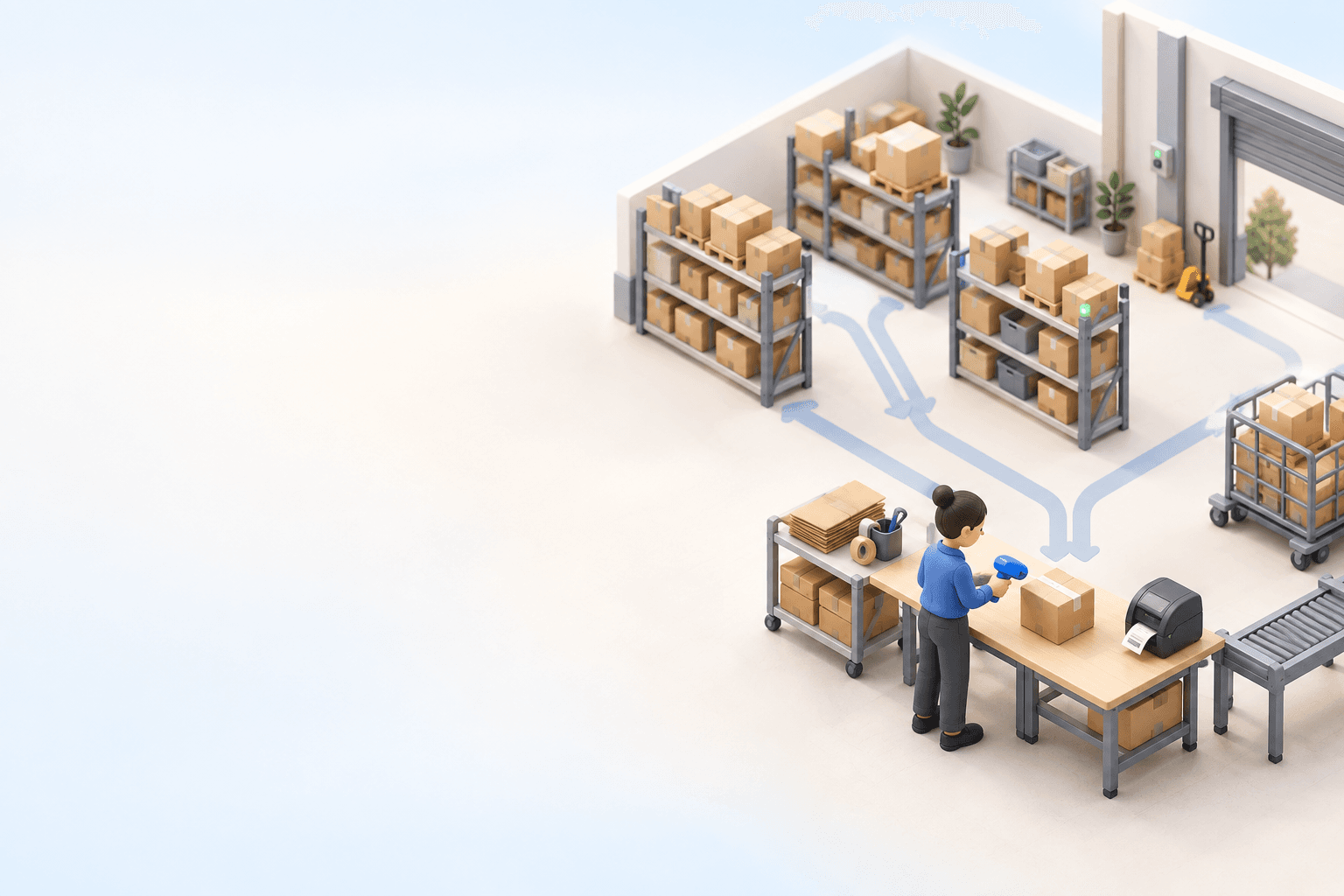
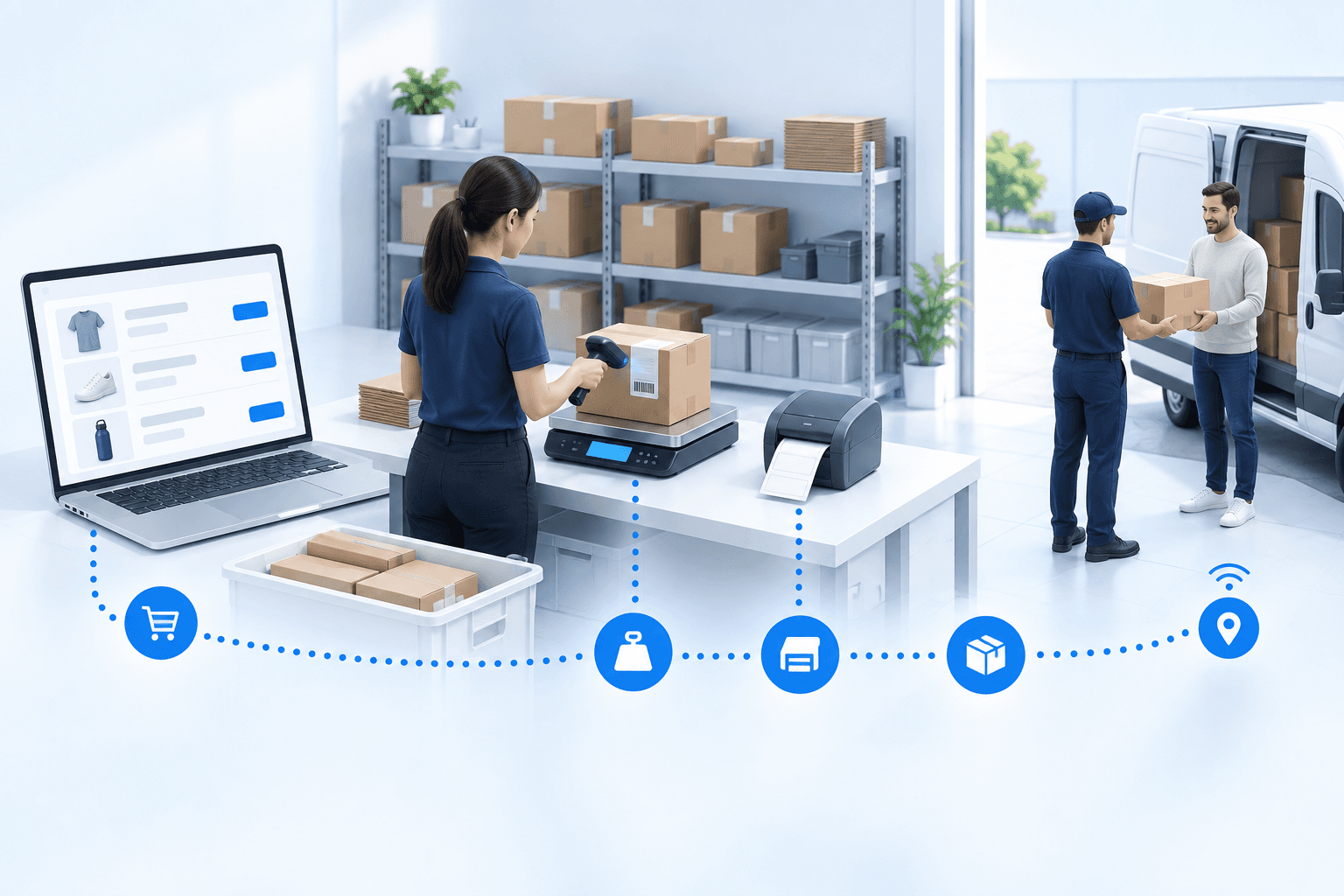
- Transit and shipping. For a single-item order, the received product goes straight to a packing station where the system matches it to the customer order. The operator packs and labels the parcel, then sends it to shipping.
The result at the auto parts distributor: 100% of orders processed via cross-docking, with no manual re-keying, and a transit time measured in minutes for single-item orders, compared with hours previously.
Keep receiving from holding up orders
Suppliers bundle several of your purchase orders into one box or truck. With order-by-order receiving, the operator has to determine which purchase order each product belongs to. As orders build up, that search holds up receiving.
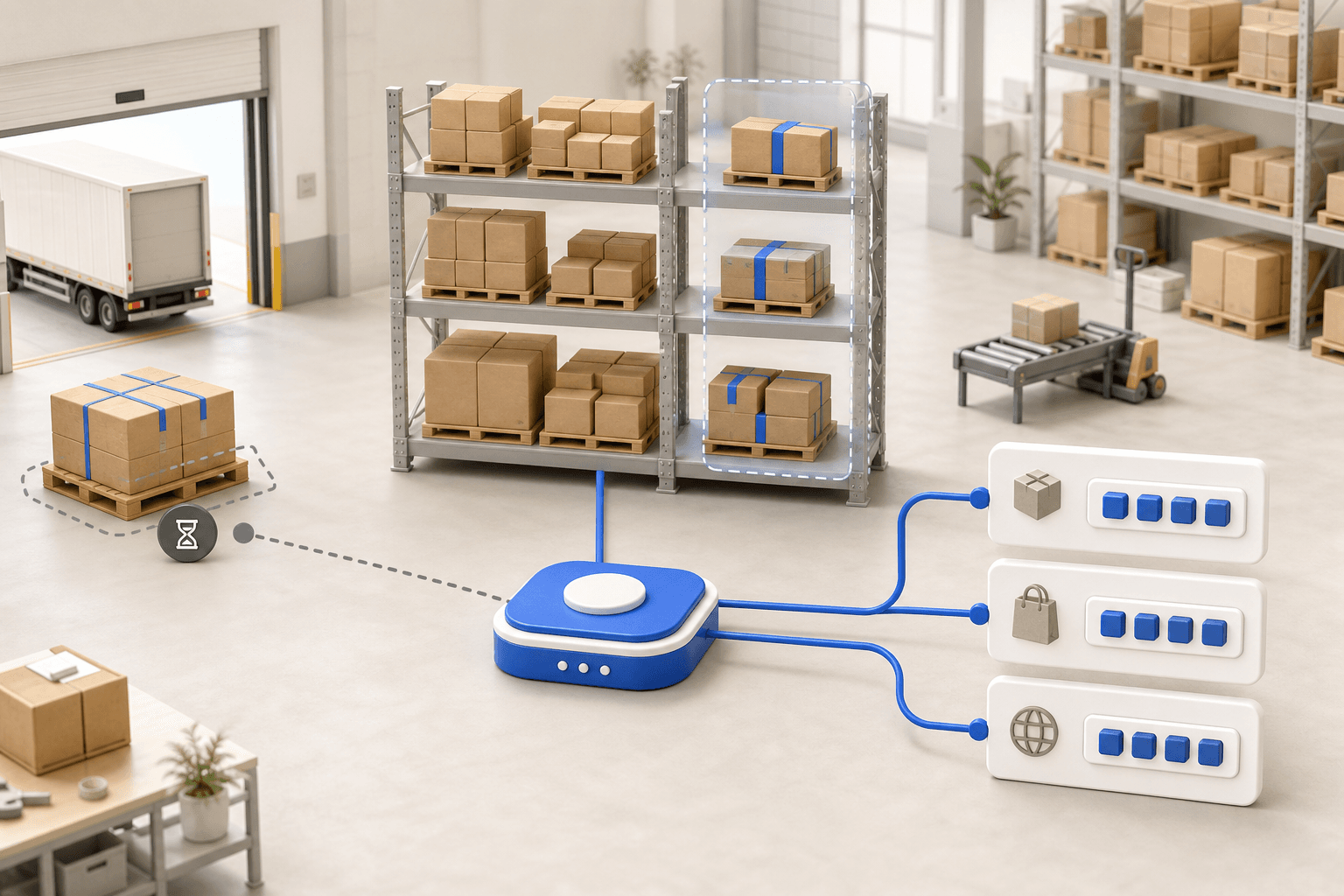
In bulk receiving without PO matching, operators scan goods before assigning them to purchase orders. The operator scans everything that arrives from the supplier without tying it to any purchase order. The system creates a bulk receiving record. Once scanning is done, an allocation matrix shows received products in columns and pending purchase orders in rows, and proposes an automatic assignment to the oldest orders. The buyer confirms or adjusts.
| Bumper | Hood | Fender | |
|---|---|---|---|
| Oldest order | |||
| Next order | |||
| Newest order |
Automatically allocated to the oldest orders. The buyer confirms.
The operator receives the whole delivery in one pass. The buyer then confirms the proposed allocations in the matrix instead of manually finding the purchase order for each product. That assignment work was the most time-consuming step.
Ship complete orders without waiting for incomplete ones
myFulfillment classifies each purchase order according to whether a single product is enough to fulfill the customer order:
- Single-item order: one product from one supplier fulfills the customer order. On receipt, the product goes to packing and ships.
- Multi-item order: the customer order is waiting on several items. The received product is set aside, and the order is only released once everything has arrived.
Without that split, a complete order ready to leave would sit behind another still waiting on an item. At the auto parts distributor, single-item orders ship within minutes; incomplete orders wait for the missing items.
Choose between cross-docking and dropshipping
In cross-docking, the product passes through your warehouse: you receive it, pack it, ship it. In dropshipping, the supplier ships directly to the end customer, and you never see it. Neither is better outright: the call comes down to how much control you want to keep.
In dropshipping, the supplier needs a way to confirm shipping and send the tracking number. The supplier portal provides this. The supplier receives the purchase order with the customer’s address and a packing slip bearing your brand. The supplier confirms shipping and enters the tracking number. That information flows back to the marketplace automatically, without the merchant intervening.
To choose how each product ships, compare control over packaging, costs, and the ability to combine items into one shipment:
- Control over the parcel and the brand. In cross-docking, you check the product's condition, then pack and label it under your brand: full control over what reaches the customer. In dropshipping, the packing and the quality check stay with the supplier; the packing slip carries your brand, but the supplier still performs the physical inspection.
- Cash and margin. Neither model requires you to hold inventory. In cross-docking, you pay landed cost, including inbound freight, and handling costs at receiving. In dropshipping, you have no dock or packing station to run. However, the unit margin is often tighter and the supplier’s shipping fees need to be passed on.
- Multi-supplier consolidation. When an order pulls from several suppliers, cross-docking releases it as a single shipment: each received product is set aside, and the order only ships once everything has arrived. Pure dropshipping cannot do this: each supplier ships its own box, and the customer may receive several separate parcels.
Dropshipping suits low-volume SKUs, a new market you are not ready to serve at scale, or bulky products you would otherwise bring into your warehouse just to repack. The supplier must ship reliably and return tracking information. Cross-docking is preferable when branding, customer experience, or combining goods from several suppliers matters, and for catalogs larger than the warehouse can hold.
The two models can be used together. The supplier automation case reports that roughly 50% of myFulfillment clients use cross-docking and 10 to 15% use dropshipping, often combining both by product and supplier.
Automation cuts receiving from hours to minutes
Check supplier inventory data and your delivery promise
Cross-docking is for you if you sell a catalog larger than your warehouse can hold, if your suppliers provide reliable inventory data, and if you are prepared to show a shipping lead time of around 72 hours on part of the assortment. It suits distributors with very large catalogs of spare parts, electronic components, industrial MRO supplies, plumbing products, and HVAC products. It also suits marketplace sellers expanding their catalogs without expanding the warehouse.
It's a worse fit when you promise same-day shipping, when your suppliers can’t provide reliable inventory data, or when your margins can't cover the cost of buying per order. In those cases, holding inventory of your best-selling products (where reliable replenishment forecasting makes the difference), combined with cross-docking for slow-selling products, is often the right compromise.
Cross-docking lets you sell products without committing capital to warehouse stock. Amazon Seller Central, 2024 sets a cancellation-rate target below 2.5% for seller-fulfilled orders. Publish conservative availability instead of overselling.
Connect purchasing and receiving in one workflow
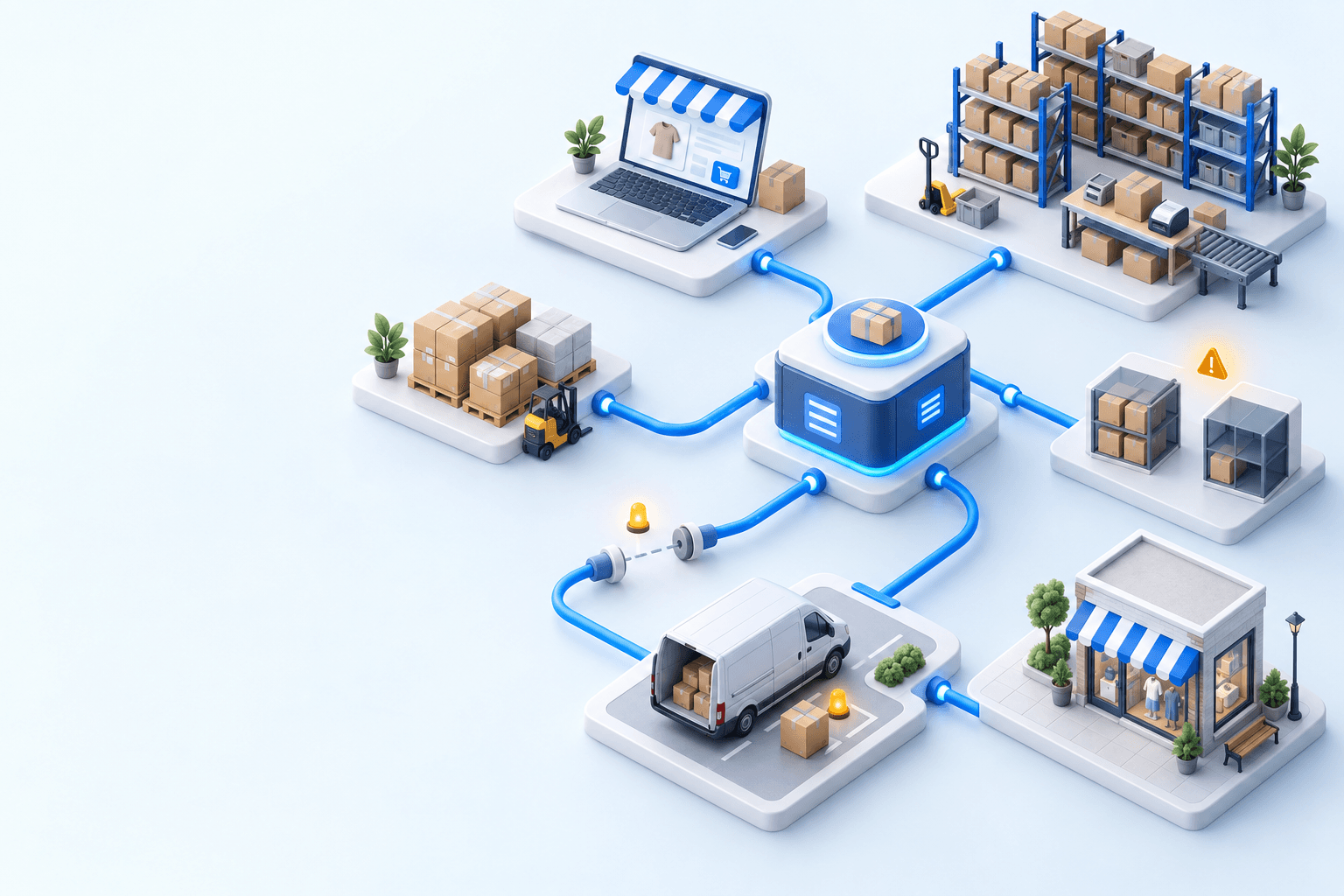
Selling without stocking requires supplier inventory updates several times a day, supplier selection, and automatic purchase order creation. During receiving, bulk scanning and automatic allocation reduce receiving time and release orders sooner.
myFulfillment procurement connects supplier selection, purchase orders, and receiving. The procurement masterclass demonstrates this workflow live. Examples include the auto parts distributor with 200,000 to 500,000 SKUs and supplier-side cross-docking and dropshipping automation.
Sources
- Maersk, Cross-docking (Logistics Explained), 2024.
- Marketplace Pulse, Amazon third-party seller share, 2025.
- Amazon, Amazon seller policies, 2024.
- FEVAD, Bilan du e-commerce en France 2025, 2026.
- Eurostat, E-commerce statistics, 2024 data.
- Academic sources: Van Belle et al., Cross-docking: State of the art, Omega, 2012; Boysen et al., Cross dock scheduling, Omega, 2010.
Frequently asked questions
Cross-docking means shipping a product without stocking it: it arrives from the supplier and leaves for the customer, passing through your warehouse. In e-commerce it is what lets you sell a very large catalog, without tying up any inventory.
In both models, you sell without holding stock. The difference is control: in cross-docking the goods pass through your warehouse, so you combine products from several suppliers into one shipment and keep control of branding, quality and shipping. In pure dropshipping the supplier ships directly. Choose cross-docking when the parcel and the brand matter, or to group products from several suppliers into one shipment; choose dropshipping to test an assortment with no handling, with a supplier that ships reliably. Plenty of operators run both and decide product by product.
Yes, that is the cross-docking model. You can sell from a supplier’s stock by syncing its availability several times a day and updating your channels with the actual quantity. An auto-parts distributor sells 200,000 to 500,000 SKUs this way, at virtually 100% cross-docking.
Sync supplier availability often, publish a conservative available-to-promise quantity rather than the raw supplier number, and reserve stock as soon as the order is imported. Amazon Seller Central sets a pre-fulfillment cancellation-rate target below 2.5%; publish conservative availability instead of overselling.
Compare landed cost, taking freight, fees, lead time, and dispute risk into account. The lowest unit price is not enough. The system ranks suppliers by availability, price, and lead time, then proposes a primary supplier. The buyer confirms: AI never places the cheapest order on its own.
At the auto parts distributor, for a single-item order (one product, one supplier), the item goes straight from receiving to packing: minutes once the delivery arrives. A multi-item order waits for all its items. The advertised shipping lead time stays around 72 hours, allowing time for the supplier to deliver to your warehouse.
No. It suits catalogs larger than your warehouse can hold and suppliers that provide reliable inventory data, with an advertised shipping lead time of around 72 hours. It is a worse fit when your promise rests on same-day shipping. The right compromise: own stock on your best movers, cross-docking on the long tail.
Continue exploring
Stock availability, picking accuracy, and shipping times affect marketplace sales. Jonathan Coloma, COO of Repiauto, explains how his team went from 300 to 1,000 orders a day in two years. He describes the limits of paper-based work, ERPs built for different needs, a go-live estimate of fifteen days, and changes to his daily routine.

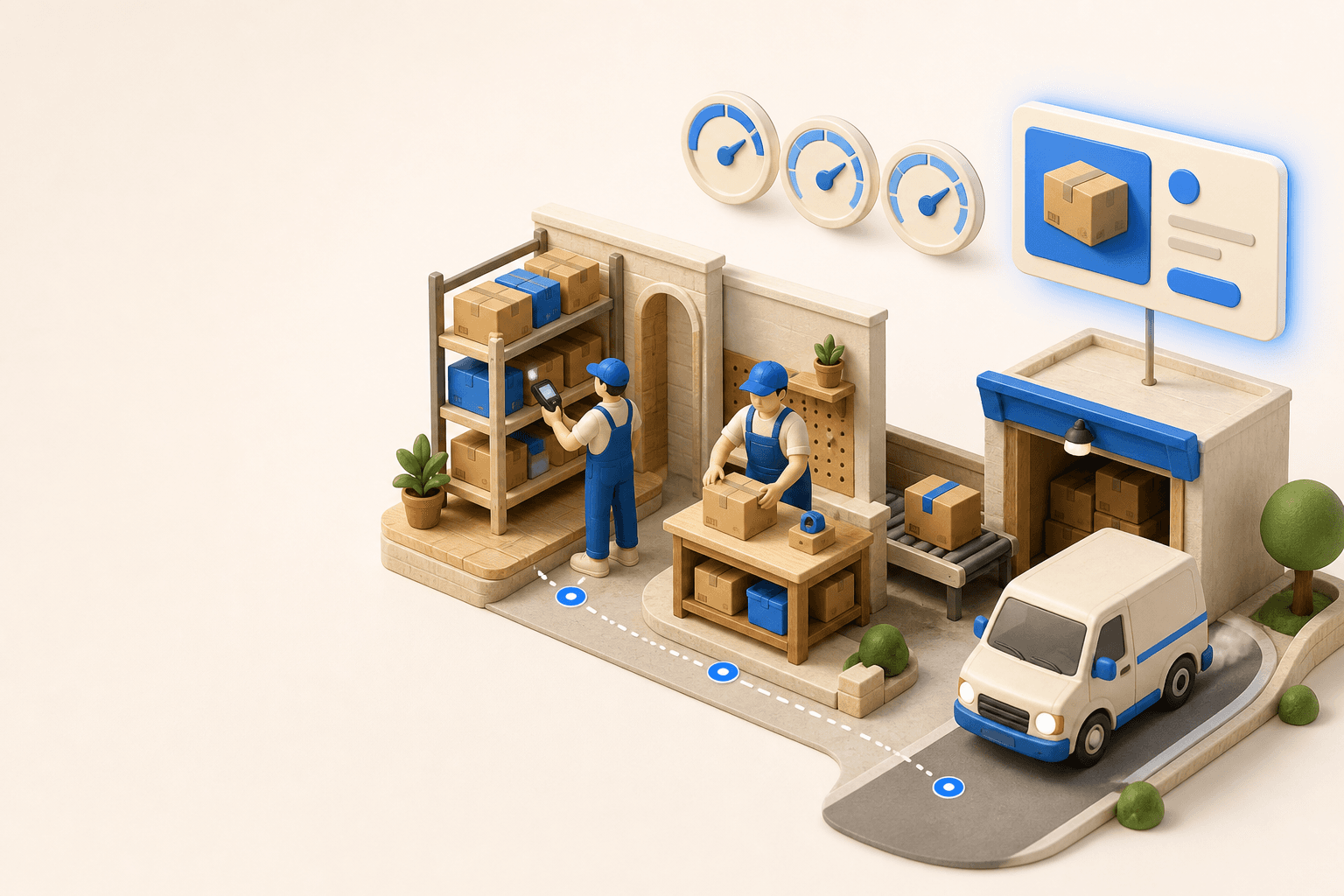
To hold up under peak volume, split the order queue into waves based on real operating constraints, then decide where barcode checks belong. At the packing bench, the operator verifies the parcel. Carrier rules select the service and print the label, so the next order can start without another decision.

Industrializing your purchasing means ordering on rules, not guesswork: at the right time (the reorder point), in the right quantity (your coverage period), from the right supplier, with a purchase order validated in one click. Available on replay.
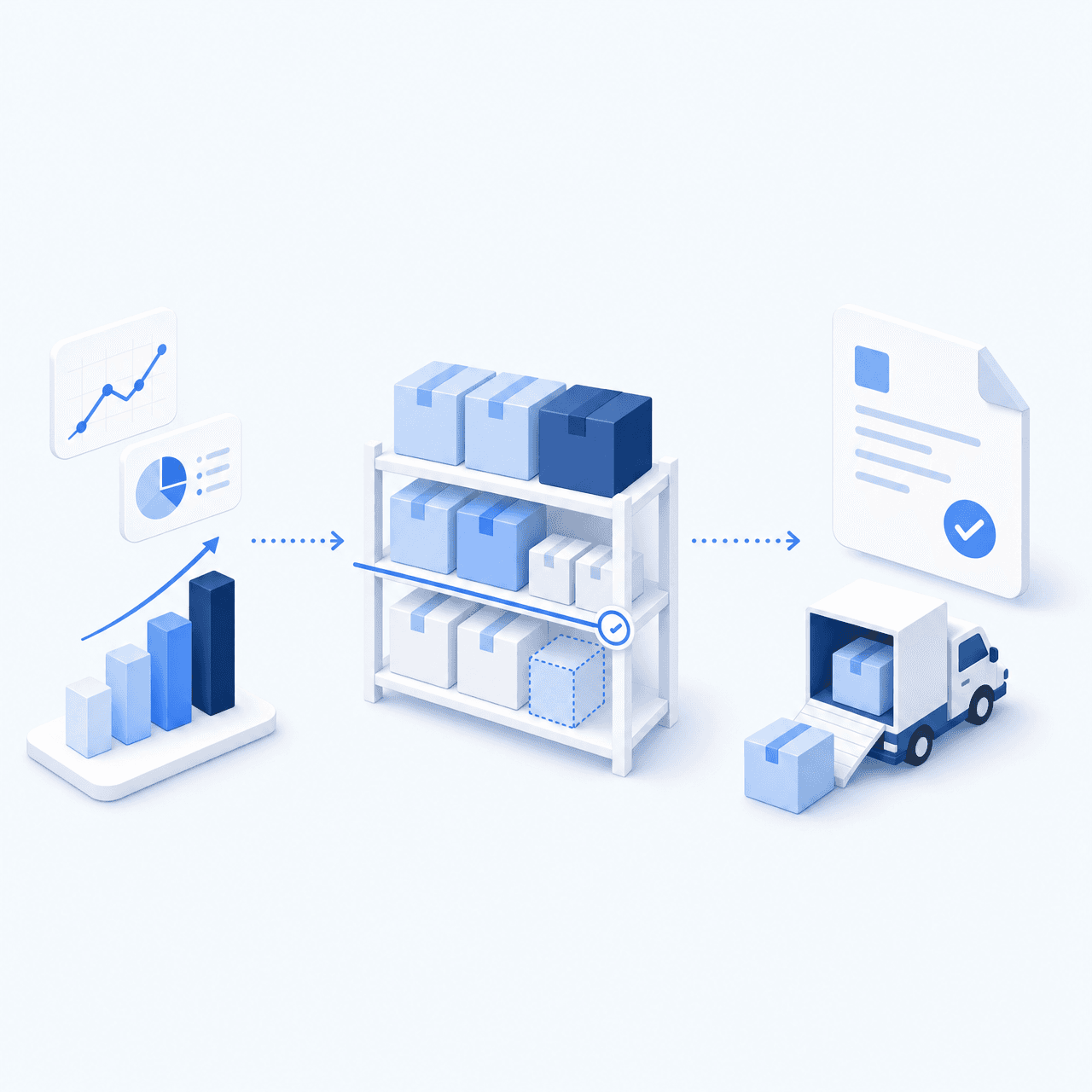




See it in your own operations
Book a 20-minute call. We'll map your workflow and point out where it breaks. No slides.
Free 20-min call · No commitment