
Migrate to Shopify without breaking logistics: 2026 guide
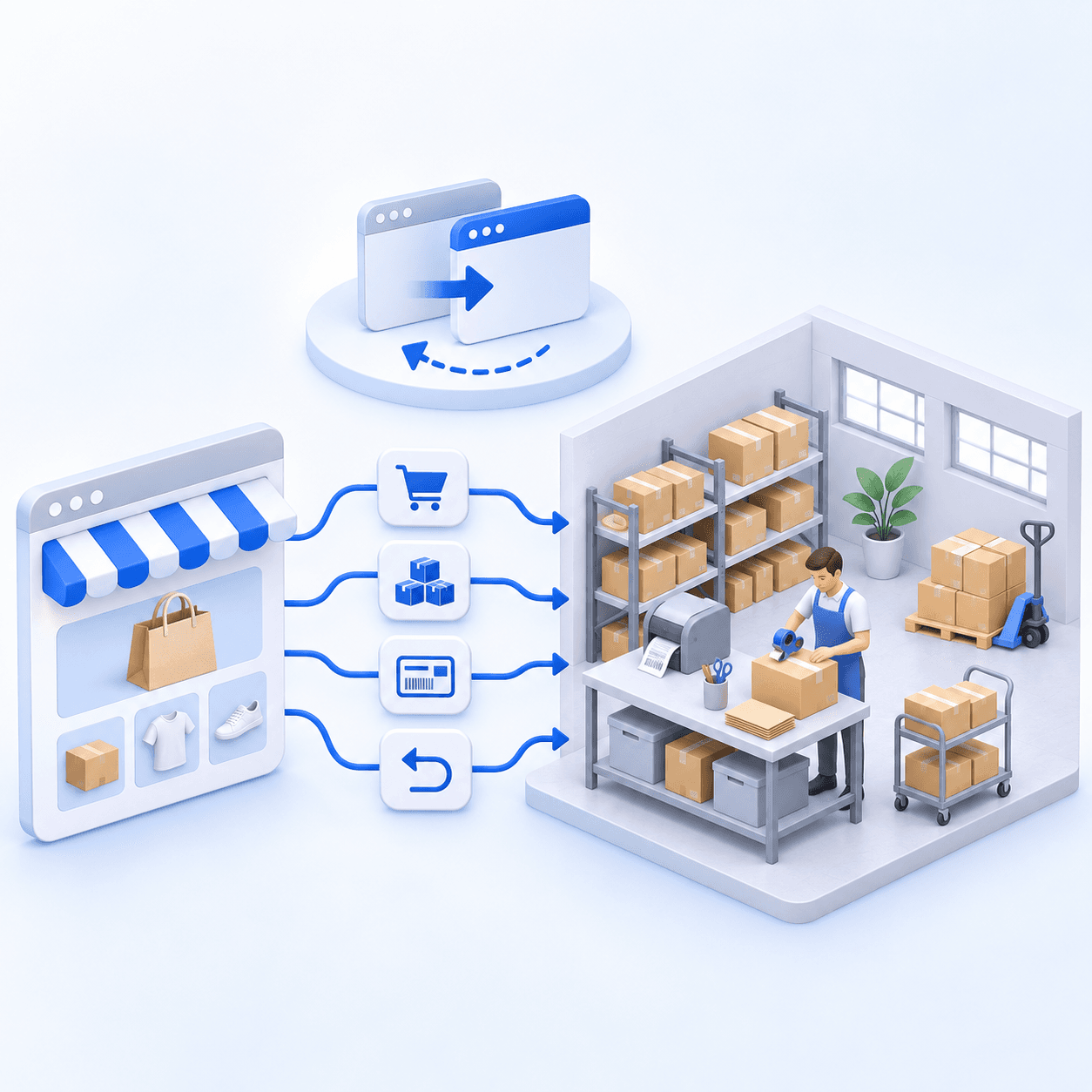
To migrate to Shopify without interrupting logistics, document four flows: product and inventory, orders, shipping, and returns. Designate one system of record for inventory, reconnect the WMS, ERP, and carriers, test one real order and one real label, then monitor the cutover every day.


The essentials
- Shopify natively manages locations, inventory, and shipping rates, but not advanced warehouse execution.
- Connect a WMS, OMS, or TMS when logistics volume or complexity exceeds what Shopify covers on its own.
- Migrating to Shopify with an existing warehouse requires a flow map before any cutover date is set.
Merchants often discover Shopify logistics through an unpleasant surprise: order volume outgrows the spreadsheet, and the platform does not do everything a warehouse expects on its own. Shopify natively manages locations, inventory, orders, and routing rules, but not picking, cross-docking, or multi-warehouse orchestration beyond those rules.
Understanding logistics in Shopify means separating what the platform handles itself (inventory by location, order fulfillment, routing, and shipping rates) from what requires a connected third-party WMS, OMS, or TMS. This guide explains Shopify’s native capabilities and limits, when to connect another system, and how to migrate without interrupting an active shipping operation.
What is Shopify logistics?
In short, Shopify logistics covers the platform’s native inventory, order, and shipping functions and the way a WMS, OMS, or TMS complements them as warehouse volume and complexity increase.
It includes Shopify’s native location management, inventory, order fulfillment, and shipping features, supplemented by third-party systems when needed. For a simple catalog and a single warehouse, that native layer is often enough. Beyond that point, Shopify becomes the foundation to which a WMS, OMS, or TMS connects rather than the system that runs every operation.
Are Shopify’s native logistics enough, or do you need a WMS?
In short, the following table separates situations where Shopify’s native layer is enough from those that require a WMS, OMS, or TMS.
| Situation | Shopify’s native tools are enough | WMS/OMS/TMS needed |
|---|---|---|
| One warehouse, simple catalog | Yes | No |
| Several warehouses or stocking points | Yes, with locations and routing rules | Yes if the rules exceed native routing |
| Lots, expiration dates, serial numbers | No | Yes |
| Optimized picking (paths, zones, waves) | No | Yes |
| Cross-docking, automated replenishment | No | Yes |
| Multiple carrier accounts with complex rate cards | Partly (with zone-based rates) | Yes, for a dedicated TMS |
Which system should you connect to Shopify: WMS, ERP, or inventory software?
In short, Shopify does not replace a WMS (which runs warehouse operations) or an ERP (which manages the wider business). Dedicated inventory software connects on top of Shopify when warehouse volume or complexity requires it.
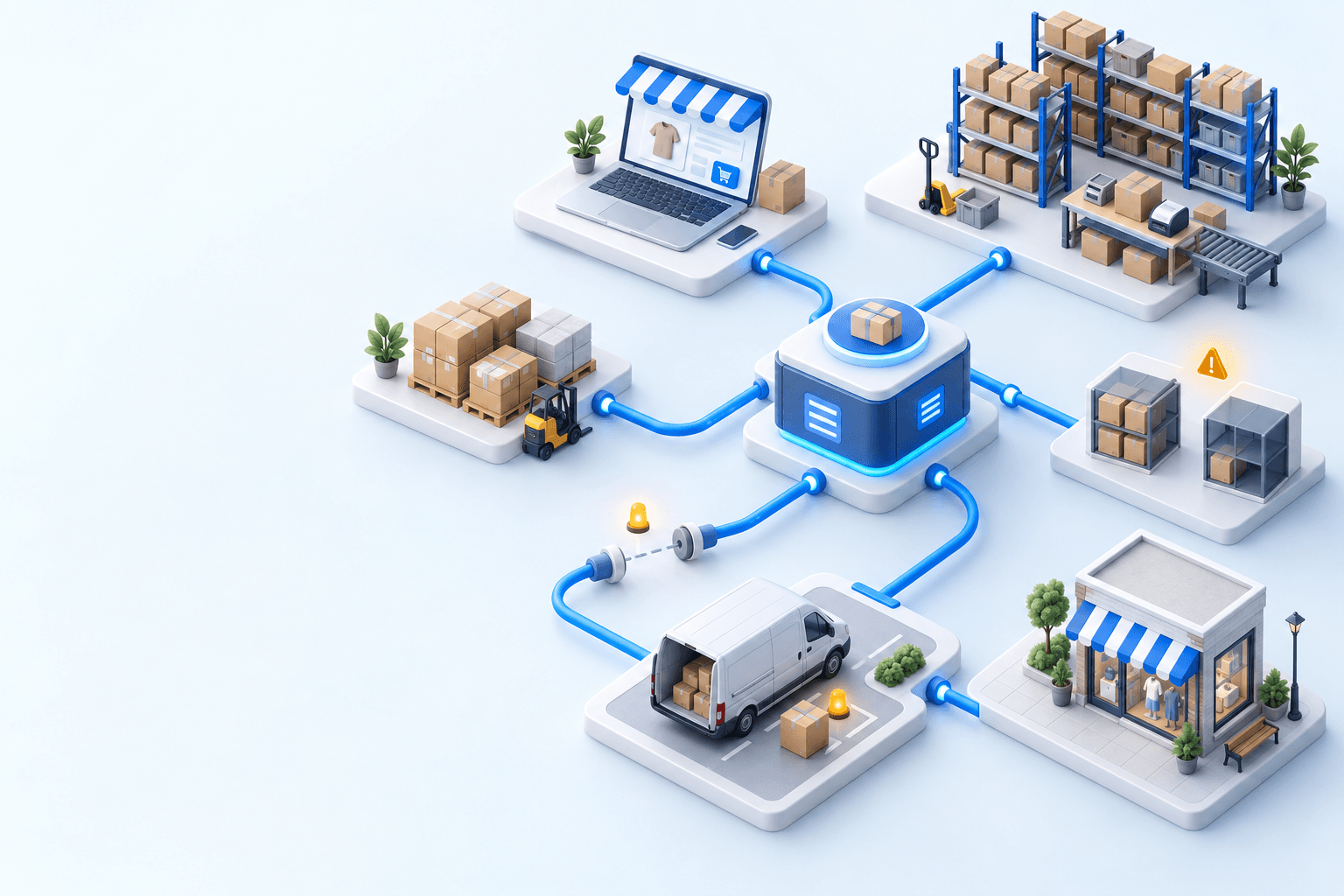
A WMS (or warehouse management system) runs receiving, picking, and physical shipping in an in-house warehouse. An OMS (or order management system) centralizes orders from several channels. An ERP goes further into accounting, procurement, and sometimes production. Shopify is neither of those systems. It is the platform they connect to through the Admin API or a native connector, tested with parallel writes before launch. Boostmyshop is one example of this WMS model: the solution centralizes receiving, picking, and shipping and connects to Shopify so that each order reaches the warehouse automatically.
For more detail on connecting a WMS or ERP to Shopify, the Boostmyshop Shopify integration page explains the available connectors and the scope of a WMS/OMS for ecommerce.
What happens if Shopify sends an order while the WMS is unavailable? A queue or an automatic retry prevents the order from being lost.
Adding a carrier to Shopify: what is native and what is not
In short, Shopify lets merchants buy labels from partner carriers natively. Connecting your own carrier account and negotiated rate cards requires a third-party integration.
Shopify’s shipping-rates documentation covers buying labels from partner carriers, depending on the country and plan. A merchant’s own carrier account with negotiated rates requires a third-party calculated-rates integration. Each carrier applies its own address, weight, and country-code rules. Insufficient testing can produce labels that the depot rejects.
Migrate to Shopify without breaking logistics: step by step
In short, migrating to Shopify without breaking logistics involves seven steps: map the flows, connect the WMS and ERP, synchronize inventory, reconnect carriers, test end to end, switch DNS, and monitor. The generic catalog, theme, SEO, and redirect work is covered in RYSE’s complete Shopify migration guide. This section focuses on logistics.
For any merchant with an existing warehouse, most migration failures start in the warehouse rather than the theme: inventory stops synchronizing, carrier labels stop printing, or the ERP receives orders twice or not at all.
- Map the four flows (product and inventory, order, shipping, and return) and identify their system of record.
- Connect the WMS and ERP to Shopify through the Admin API or a native connector.
- Synchronize inventory in real time from a single source of truth.
- Reconnect the carriers and validate a real label for each one.
- Test checkout and shipping flows from end to end.
- Switch DNS during a quiet period, with a defined recovery channel.
- Monitor logistics and the service level every day for the first two to four weeks.
Is your store ready to migrate without putting logistics at risk?
| Signal | Ready to migrate | Not ready yet |
|---|---|---|
| Current WMS/ERP connection | Documented, known API or export | Ad hoc connection that nobody understands |
| Inventory source of truth | One system is authoritative | Inventory recalculated by hand in several files |
| Carriers | Accounts and rate cards identified | Accounts mixed into an undocumented third-party tool |
| Order volume | Peak known and measured | Never measured, discovered during a sale |
| Cutover window | Quiet period on the calendar | Migration scheduled during a commercial peak |
If more than two rows fall into the "not ready yet" column, mapping the flows below becomes the priority before choosing a cutover date.
Map the flows and stabilize inventory
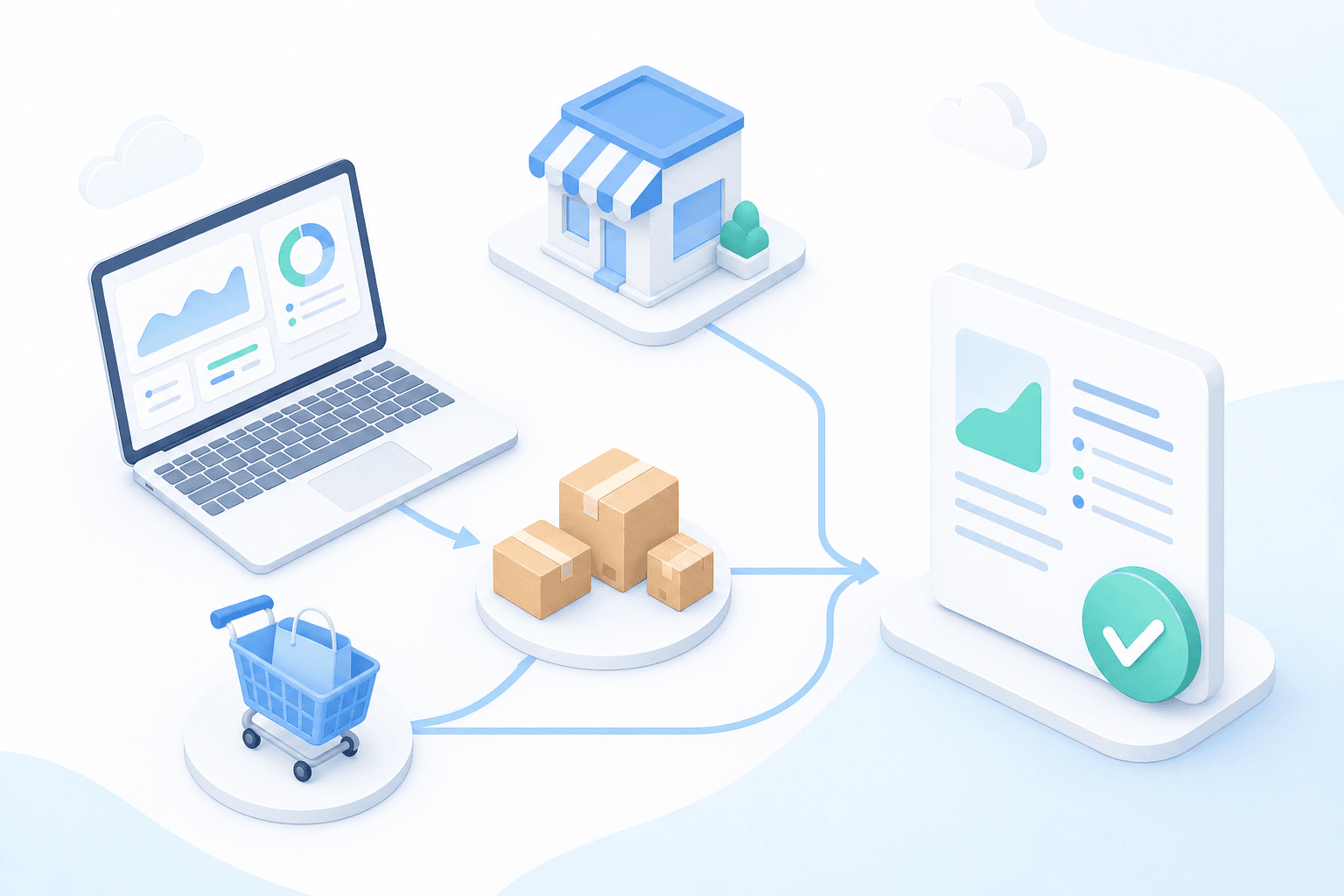
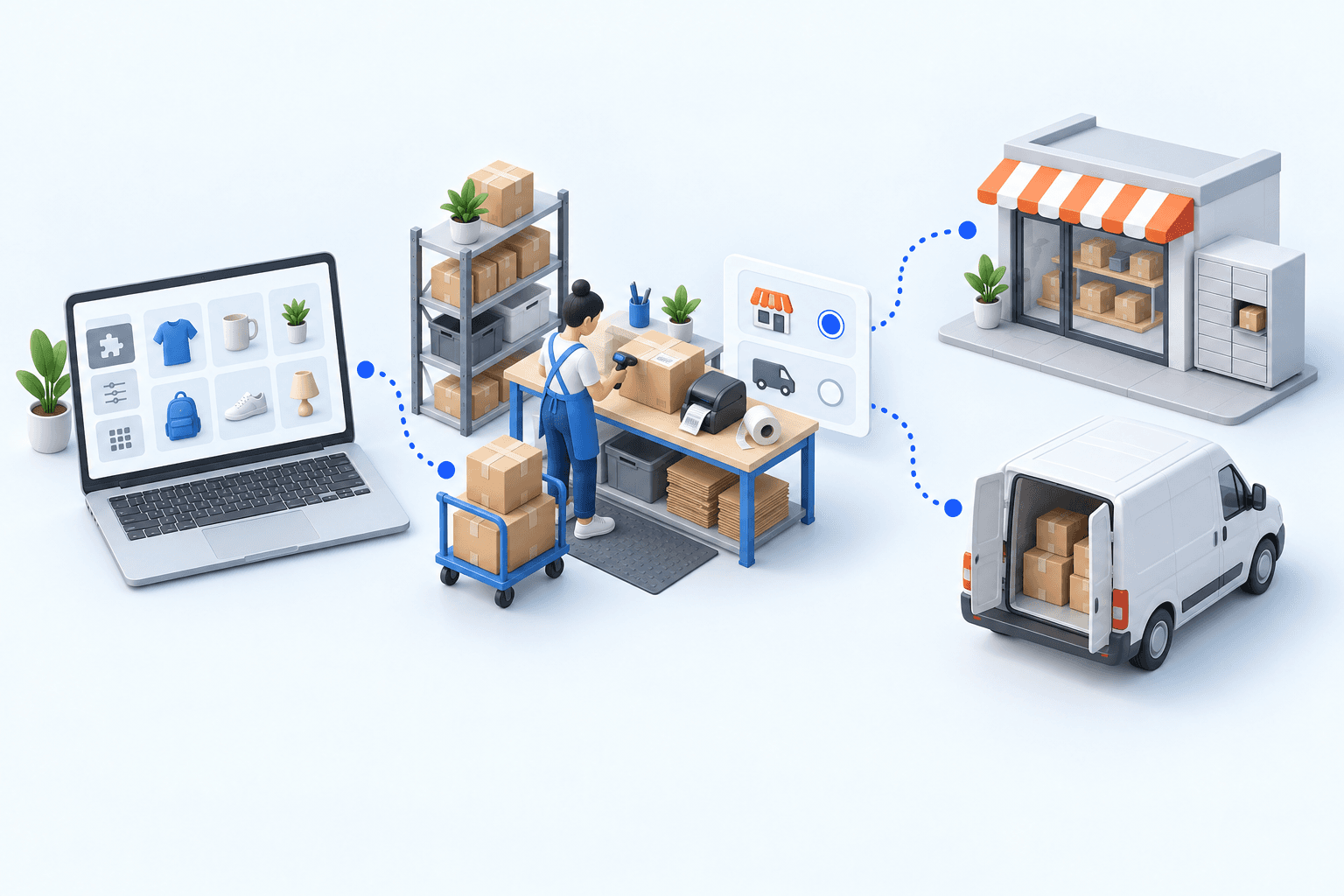
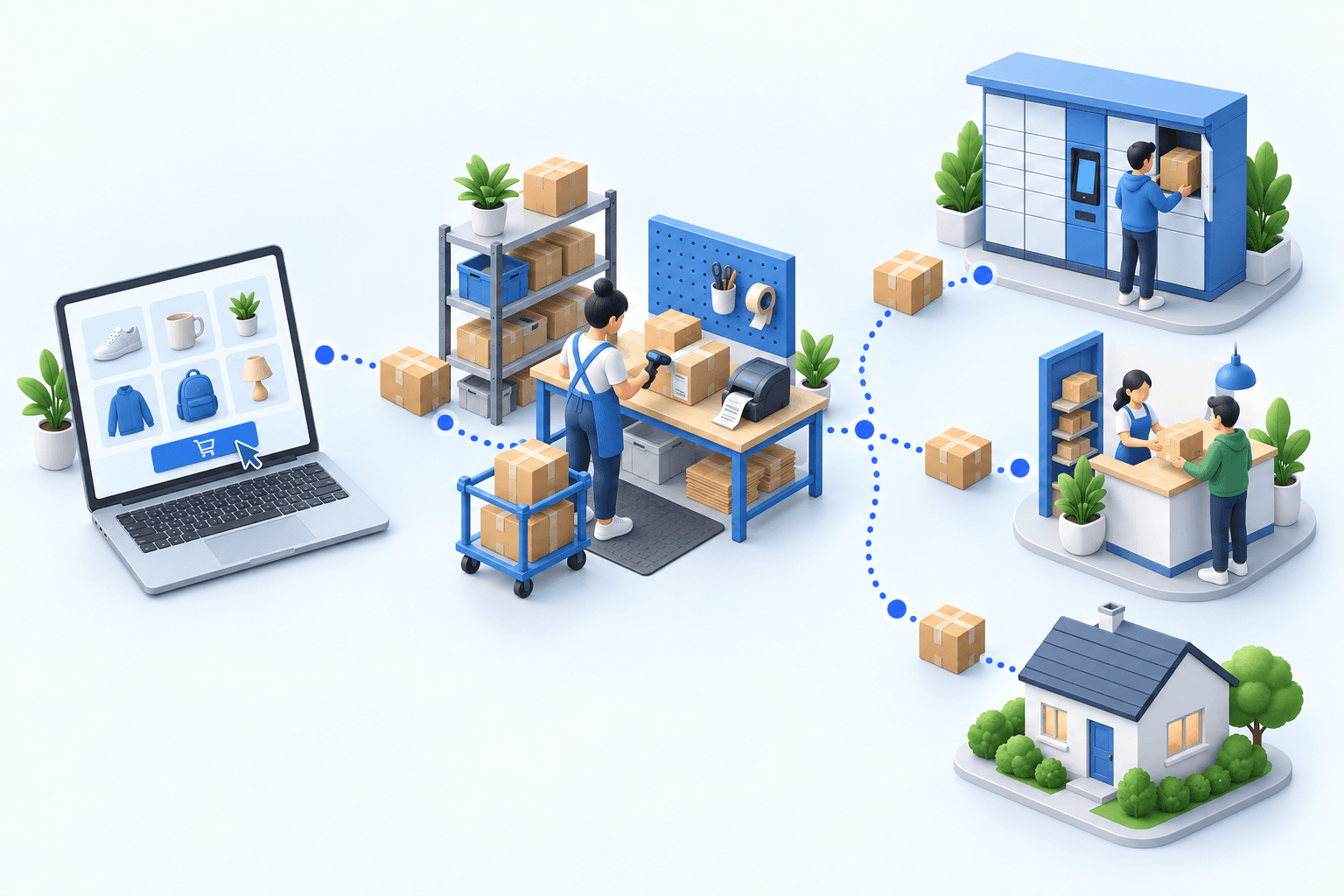
Why map before migrating? A flow that goes unidentified before cutover becomes a broken flow afterward, discovered when a customer calls about an order that has not shipped. Document four flows and the authoritative system for each: product and inventory (WMS or ERP); order (Shopify to WMS or ERP); shipping (WMS to carriers); return (carrier or customer to WMS and then back into inventory).
What is the most common incident in warehouse migrations? It is not a missing flow but a duplicated one: two systems both consider themselves the inventory source of truth for several days and each updates the number independently. The safest rule during cutover is to designate one inventory source of truth and point every other system (the old site, Shopify, and the WMS) to read from it. The usual inventory optimization methods still apply during the transition.
Getting help with the migration. When the map reveals several third-party connections that need reconnecting, a diagnostic with the RYSE team helps scope the project before a quote and avoids losing weeks to a flow discovered too late.
Connect the WMS and ERP, then test the carriers
A WMS or ERP can connect to Shopify through the Admin API (where it reads orders and writes shipping statuses in code that must be maintained) or through the vendor’s native connector (which requires less development but imposes its data model). In both cases, test the connection in a staging environment with real orders. Confirm that they follow the same order-picking workflow as they did in the old system before turning off the old flow.
A common mistake is to send orders to Shopify before confirming that every carrier accepts labels generated by the new system, not only labels generated in the test environment. Generating one real test label for every active carrier before launch is the only way to verify this.
Timing and cutover
Allow at least two months for a complete project. The schedule depends more on the number of third-party systems that need reconnecting (including the WMS, ERP, and carriers) than on the number of products. Switching DNS during a quiet period with a defined recovery channel, then monitoring logistics every day for the first two to four weeks, limits the risk when an adjustment is needed after launch.
Common mistakes in a Shopify migration with a warehouse
In short, the five most common mistakes are migrating the catalog without the inventory rules, forgetting open orders, failing to tell the logistics provider, testing only standard products, and turning off the old system too soon.
- Migrating the catalog without the inventory rules. Replenishment thresholds and safety stock configured in the old system do not transfer automatically. Recreate them in Shopify or in the connected WMS.
- Forgetting open orders at cutover. Orders placed just before launch must either finish in the old system or move cleanly into the new one. Never leave them between the two.
- Failing to tell the logistics provider the cutover date. An outsourced warehouse that learns about the change on the day cannot prepare for a possible spike in test orders.
- Testing only standard products. Variants, kits, and lot-managed products often create specific mapping problems and need separate tests.
- Turning off the old system before validating a full week of live orders in the new one. Keep the old environment available as read-only for several weeks so the team does not lose history when a customer asks a question.
If one or more of these mistakes matches a project in preparation, it is better to discuss it before launching the migration than to fix it in production. The RYSE team can discuss a Shopify migration project before quoting. Connections to third-party systems (including the WMS, ERP, and carriers) are scoped case by case around the tools already in place.
Sources
- Shopify Help Center, Migrate to Shopify: official platform steps for catalog, shipping, and redirect migration.
- Shopify Help Center, inventory management: inventory and location tracking.
- Shopify Help Center, shipping rates and carrier labels: label purchasing, partner carriers, and third-party calculated rates.
- Shopify.dev, Orders & fulfillment: technical documentation on fulfillment orders, routing, and order and shipping flows.
- Shopify.dev, InventoryLevel API reference: location-level inventory tracking reference.
- Google Search Central, Site moves with URL changes: redirect practices for a platform change.
- schema.org, Product: product structured-data specification.
- Boostmyshop, ecommerce logistics ERP guide: further reading on connecting an ERP or WMS in ecommerce.
Frequently asked questions
It includes the platform’s native location, inventory, order-fulfillment, and shipping functions, supplemented when needed by a connected third-party WMS, OMS, or TMS.
No. Shopify tracks inventory by location, manages fulfillment orders, and provides routing rules, but it does not handle picking, cross-docking, or lot management. Those functions belong in a connected WMS such as Boostmyshop.
Configure each warehouse as a separate location and use Shopify’s order-routing rules. If your requirements exceed that framework, connect a WMS or OMS that decides which location should ship each order.
Yes. That is the goal. The old site remains operational while the new one is built in parallel, and the cutover is planned for a short window outside the busiest hours.
Generate a real label for each carrier from the test environment, then confirm that the depot accepts it.
In most cases, no. These rules are usually reconfigured manually in Shopify or in the connected WMS.
Daily monitoring for two to four weeks is recommended, covering order volume, service level, and processing times.
Continue exploring

Stock availability, picking accuracy, and shipping times affect marketplace sales. Jonathan Coloma, COO of Repiauto, explains how his team went from 300 to 1,000 orders a day in two years. He describes the limits of paper-based work, ERPs built for different needs, a go-live estimate of fifteen days, and changes to his daily routine.

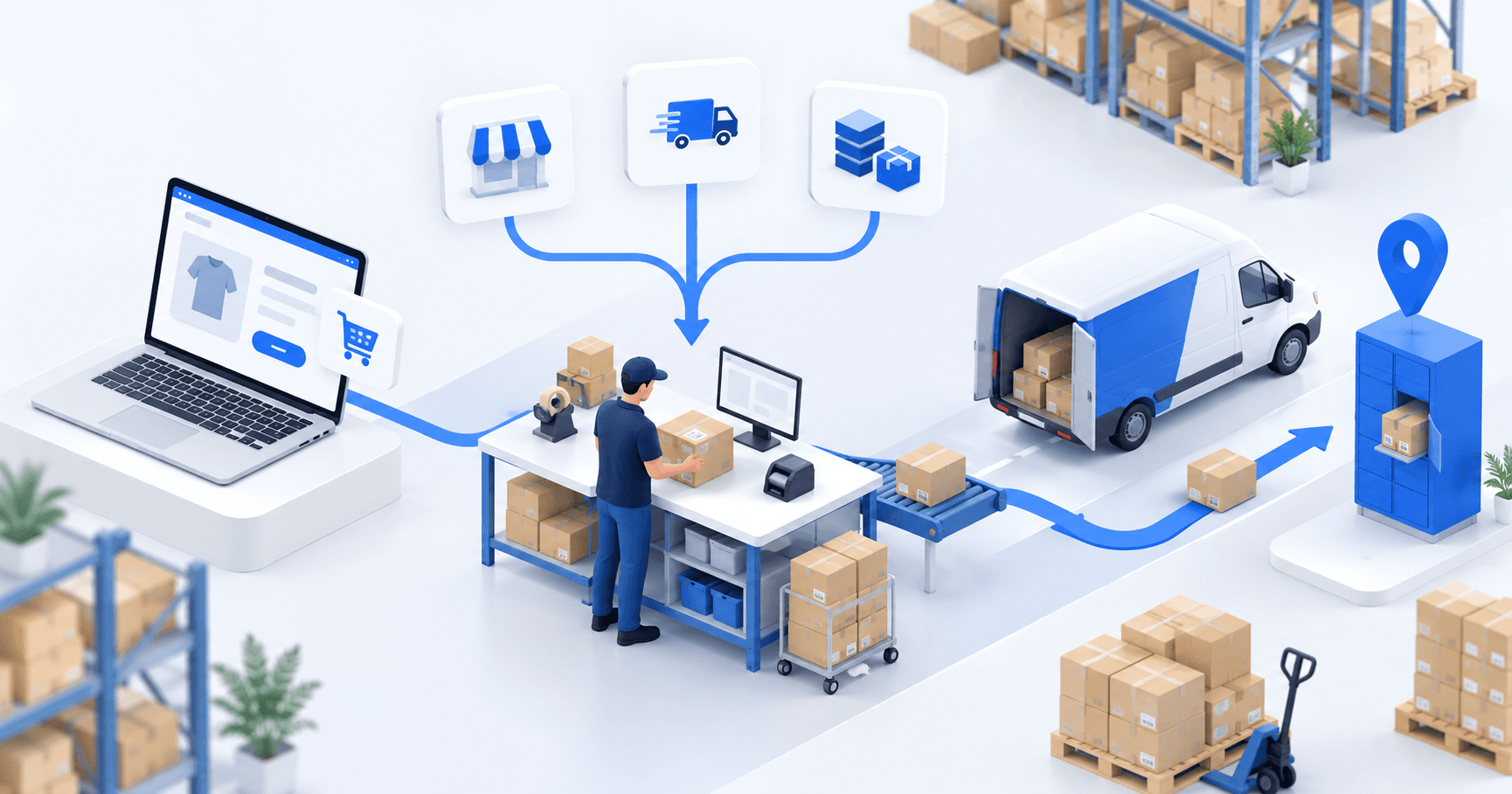
To hold up under peak volume, split the order queue into waves based on real operating constraints, then decide where barcode checks belong. At the packing bench, the operator verifies the parcel. Carrier rules select the service and print the label, so the next order can start without another decision.

Industrializing your purchasing means ordering on rules, not guesswork: at the right time (the reorder point), in the right quantity (your coverage period), from the right supplier, with a purchase order validated in one click. Available on replay.












On December 16, set up a project with instructions and reference documents, then produce a Monday operations brief from an export with no customer data. You will leave with the workspace and a record of the requests that work for you. The live session is in French; the replay and training materials will be available in English.
A well-interpreted search reveals what customers want, even without a sale. This Boostmyshop × Venture.ia replay shows how Findy turns that signal into conversions, then how Boostmyshop reserves stock and opens its data to Héhocom so picking and delivery can keep up with order growth.
On January 20, find out in five minutes who already uses which AI tools, prepare a one-hour awareness session and get two volunteers started. You will leave with the outline for that session, a plan for the volunteers and three rules covering company tools, a fixed-price subscription and customer data.
On March 31, compare your project with its baseline for time and errors, and work out what it costs. Decide what to scale, what to stop and when to reduce review. You will leave with a before-and-after comparison, a 90-day plan, the method on one page and the outline of your next project.
On February 17, score 10 tasks for operational pain, difficulty and whether the result can be checked. For each one, decide whether it needs a setting, your AI assistant or a process change, or whether it can wait. You will choose one verifiable task and record its baseline with 5 timed cases and the previous month’s errors.
On March 3, decide what your AI assistant reads, what it prepares, what it must not change and who approves. You will leave with the connection map for your project: the sources, a dedicated read-only account to start and the person responsible for approval.
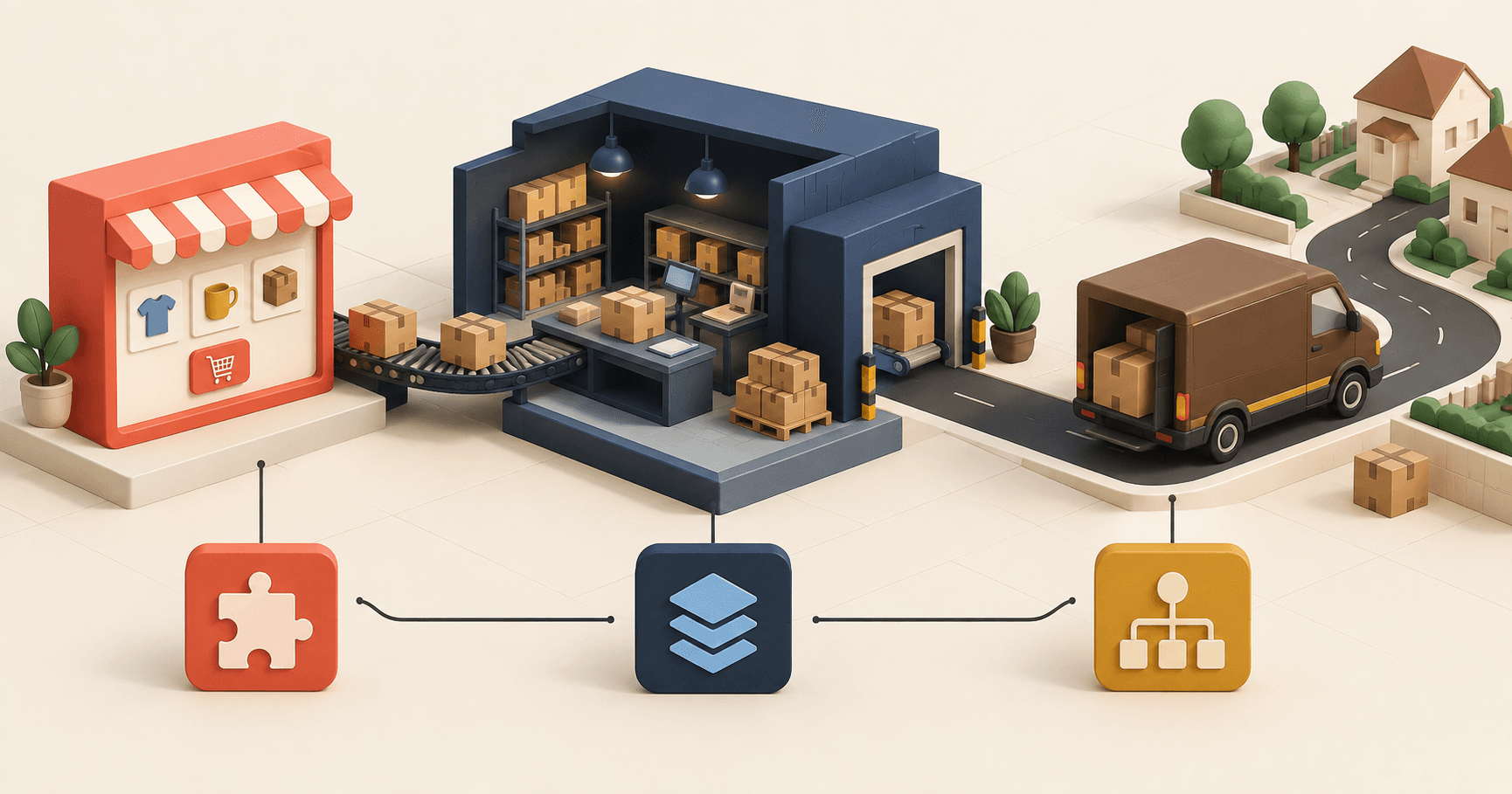
A successful migration does not replace everything at once. It starts by deciding what to keep, replace or connect, then sequences each move around the work people actually do. On December 10, Boostmyshop and Dedi Agency will map those choices from the storefront to day-to-day operations.
AI still feels like a black box when teams do not know what it actually does. On November 25, David Butin will draw on lessons from three years of using AI at Boostmyshop. He will answer a broad question: where do you start if you want to explore AI, get your organization moving and bring your team along? He will explain, without jargon, what an AI assistant can and cannot do and why critical thinking still matters. The practical perspective will come from e-commerce business leaders at the roundtable, including Arnaud Darsonval of La Ferme de Sainte-Marthe. The live session will be in French. The replay and training materials will be available in English, so English speakers can register.
On March 17, complete the inventory of AI use across your team, give each AI assistant its own account and choose between a subscription and usage-based billing. You will leave with a one-page AI policy and a test to check whether an internal tool is still open on the web.
On February 3, start from a risk-free exercise: the Monday operations brief from step two or your volunteers’ task. Write it down exactly as the team performs it, add three concrete checks and test the result on known cases. You will leave with a tested procedure: its instructions, its checks, a column for discrepancies and around ten cases whose answers you already know.
Let’s review your order workflow
In 20 minutes, we’ll identify bottlenecks and ways to save time. No slides.
Free 20-min call · No commitment